Project 2
AIM:
A 100 m WBM road needs to be constructed inside the Skill Lync Education center premises to allow access to the center for students and faculties.
Create the following Project (under same EPS/OBS as project-1) and Resource :
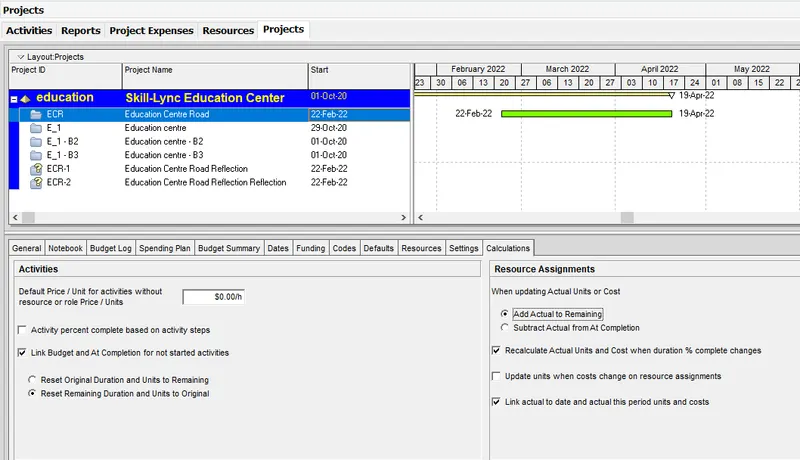
Project Name - Education Centre Road
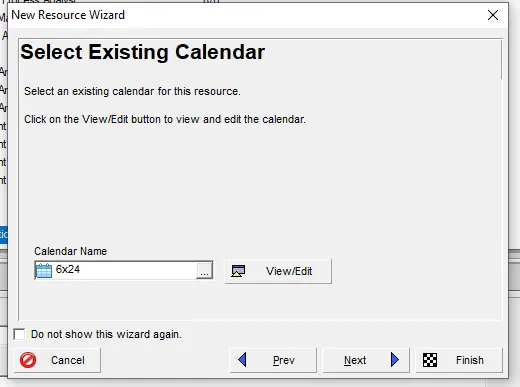
Assume - Calendar as 6 x 24 and start date on 22nd Feb 2021
Procedure :
*Open the previous project in P6
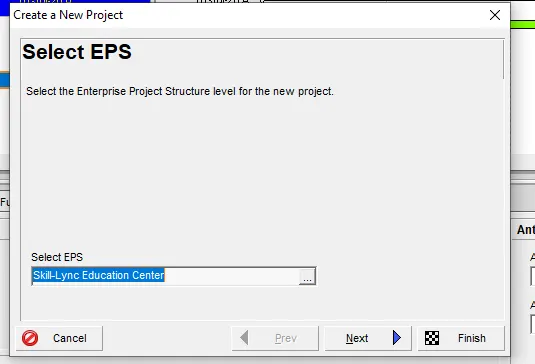
*Go to projects page > new project
*Choose eps as previous " Skill-Lync education "
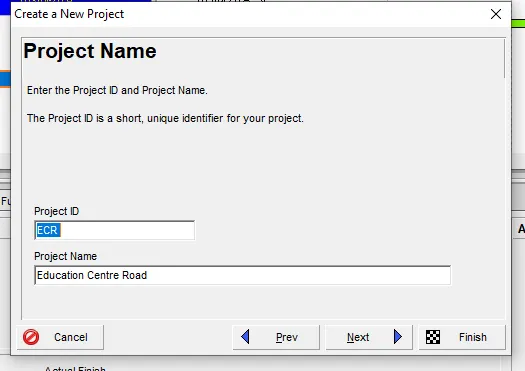
*name the project as Education Centre Road
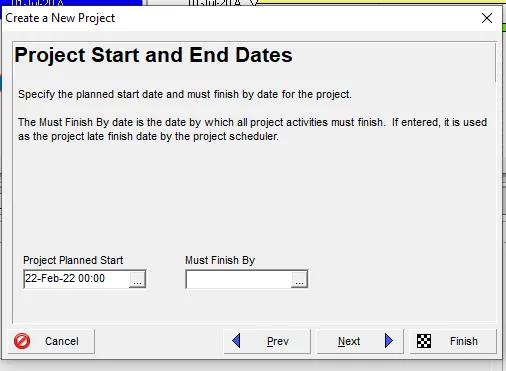
*Mention the start date as 22nd Feb 2021
*Calendar as 6X24, and choose the responsible manager
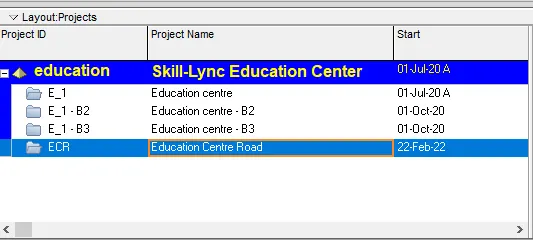
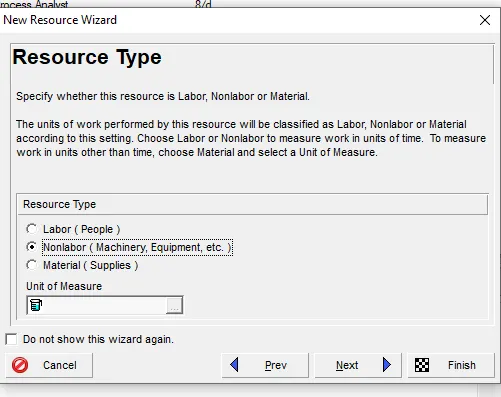
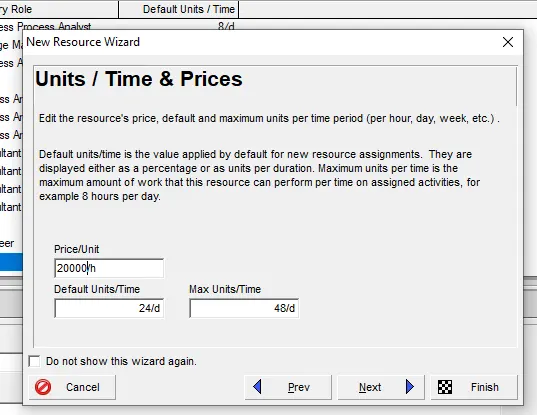
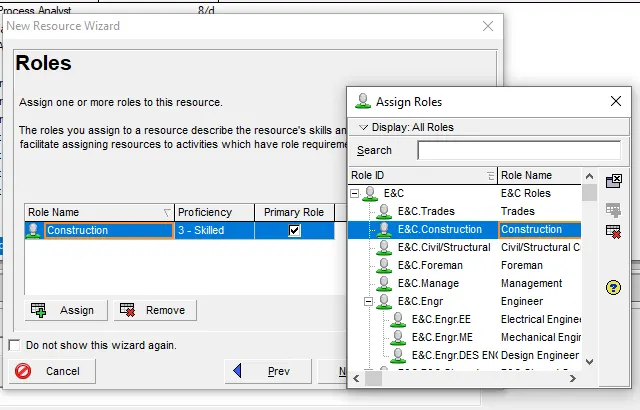
*Go to enterprise tab >resources option
*Click +
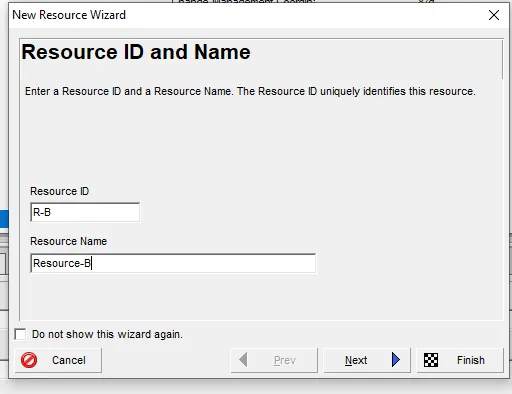
*Name the resources accordingly as given in the question
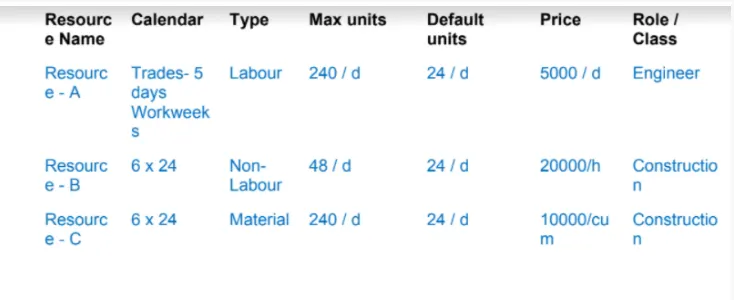
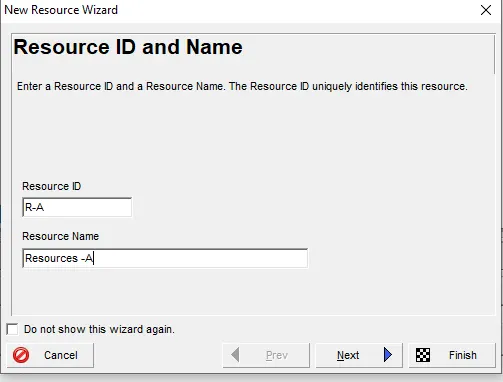
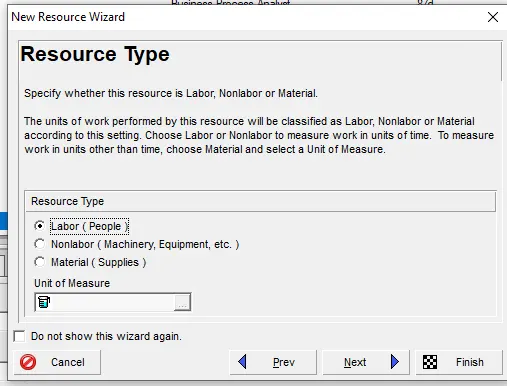
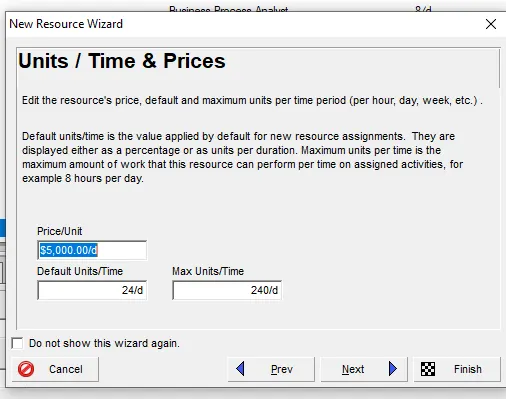
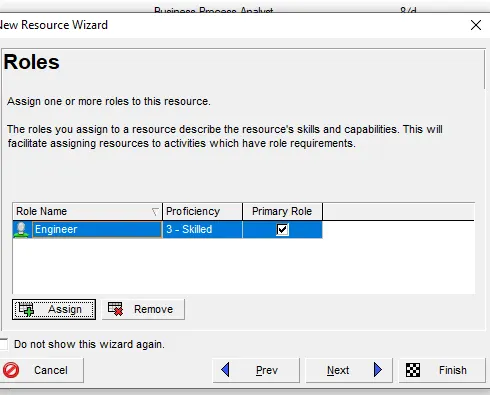
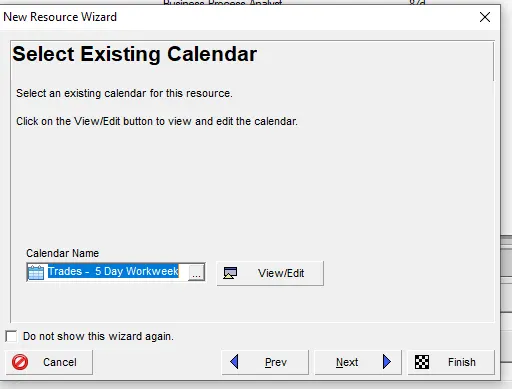
The same is done for the rest 2
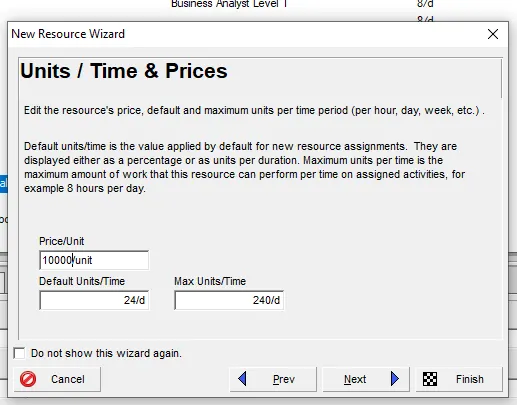
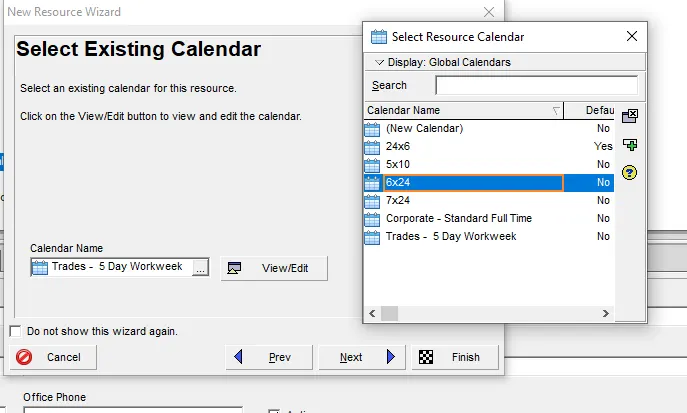

*Adding activities > go-to activities select ECR project
*Click +
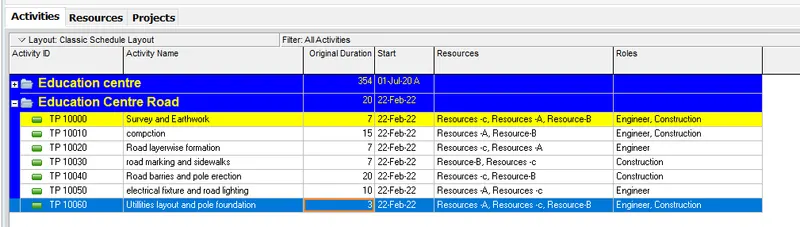
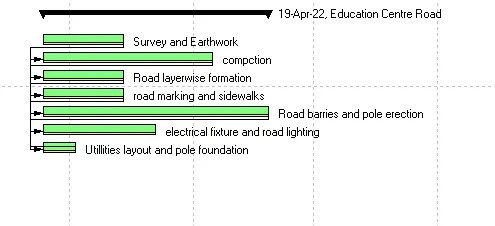
*add the activities according to the question
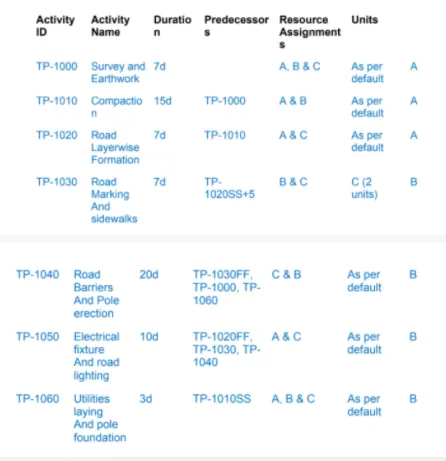
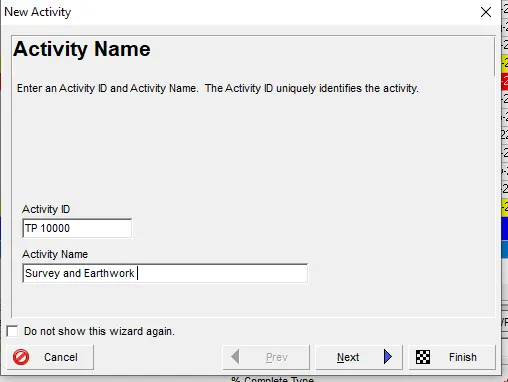
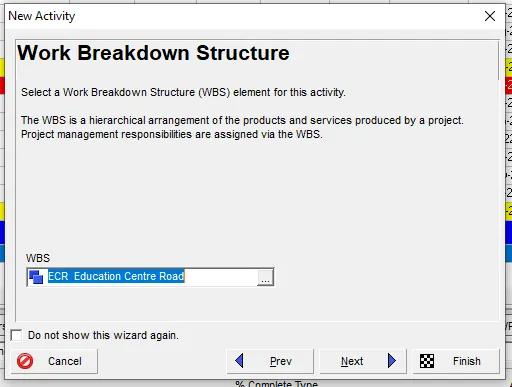
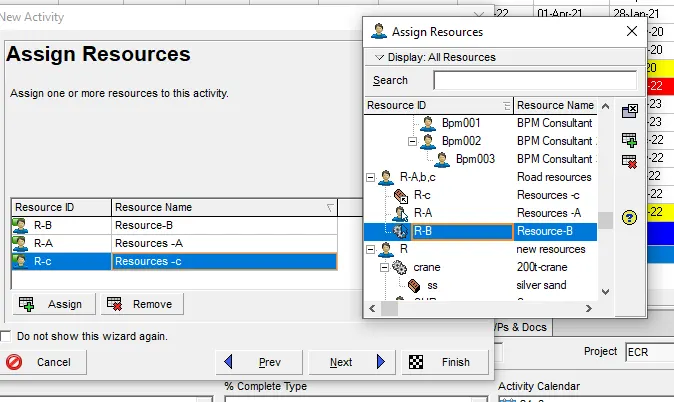
*duration is added

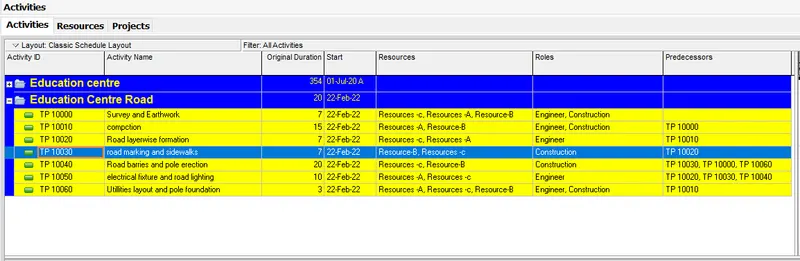
*now the predecessors are added
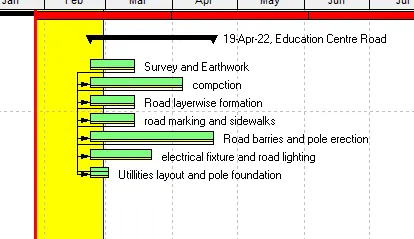
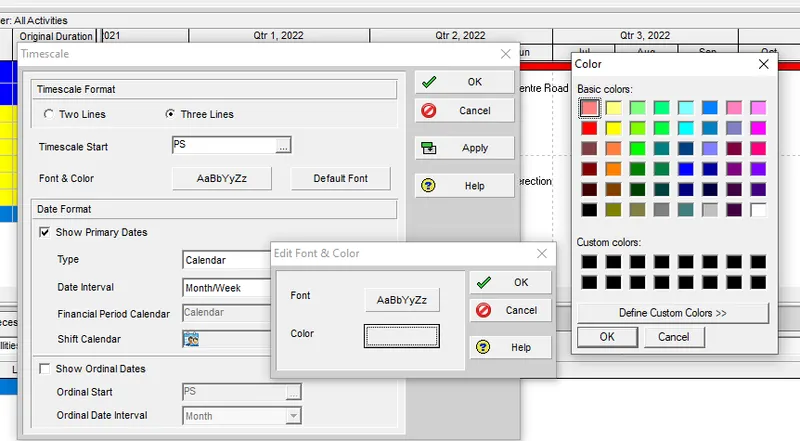
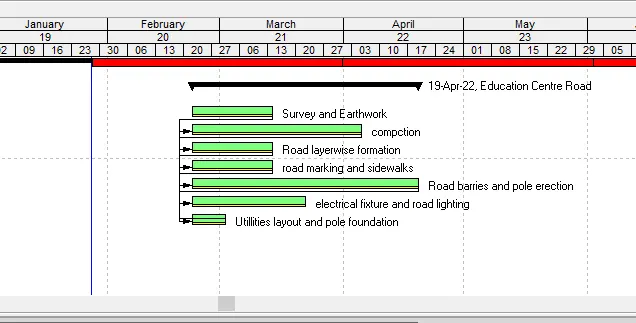
2. Use 3-Tier timescale with Year / Month / Weeks
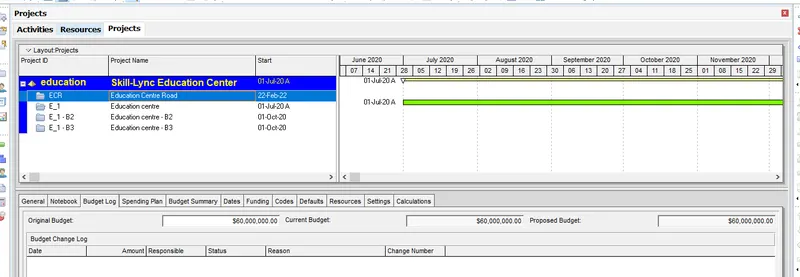
4. Add a budget to your project - INR 6 cr.
*Go to budget log and add in the details
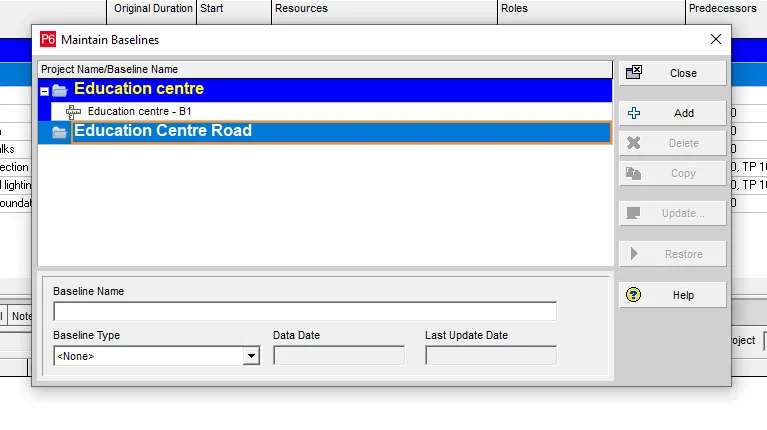
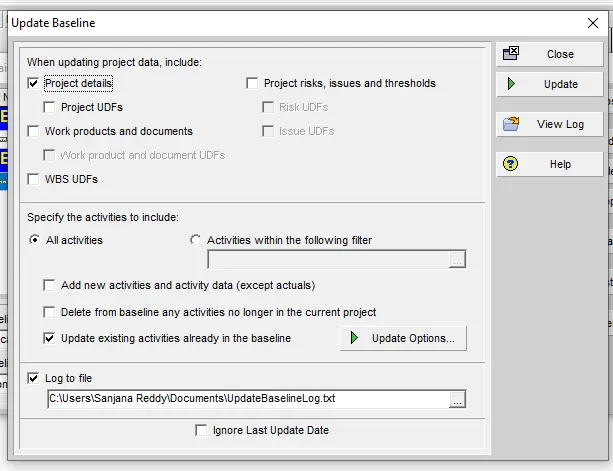
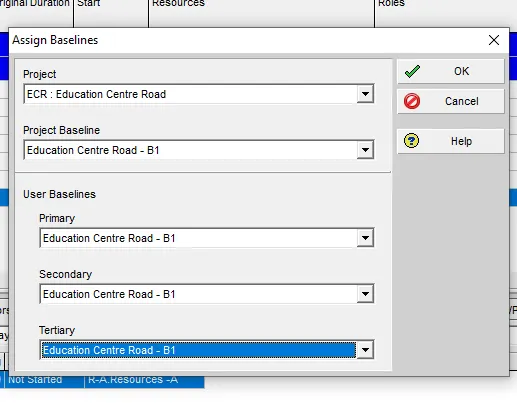
5. Assign a baseline to the project
Go to project>maintain baseline
Again go to project >assign baseline
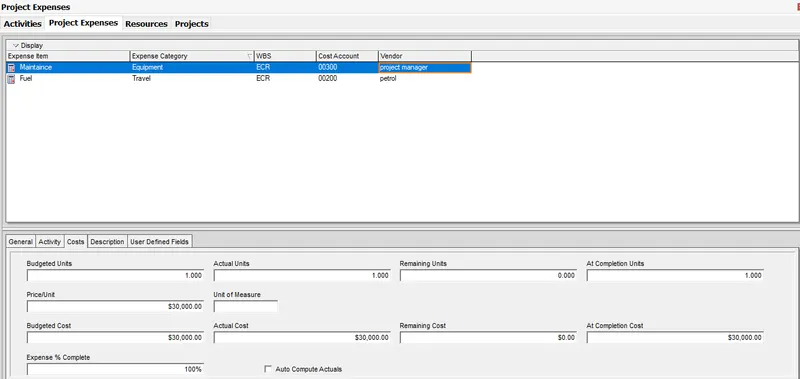
6. Add following expense:
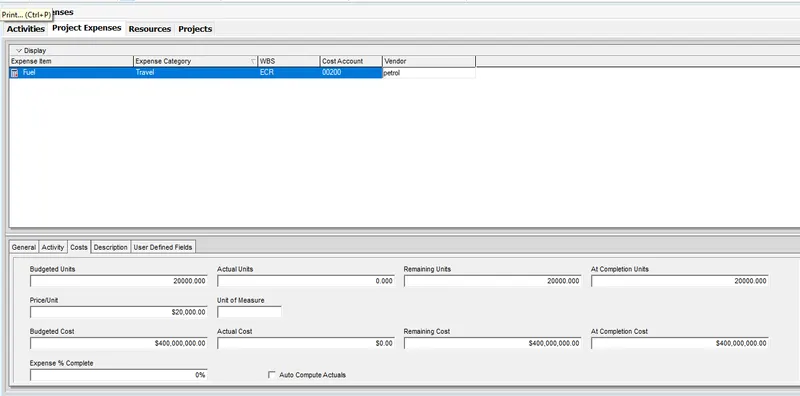
Task - 1 - Rs 20,000/- (Item - Fuel)
Task - 2 - Rs 30,000 /- (Item - Maintenance)
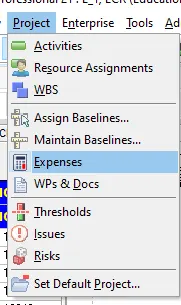
*project >enpense option
*Click +
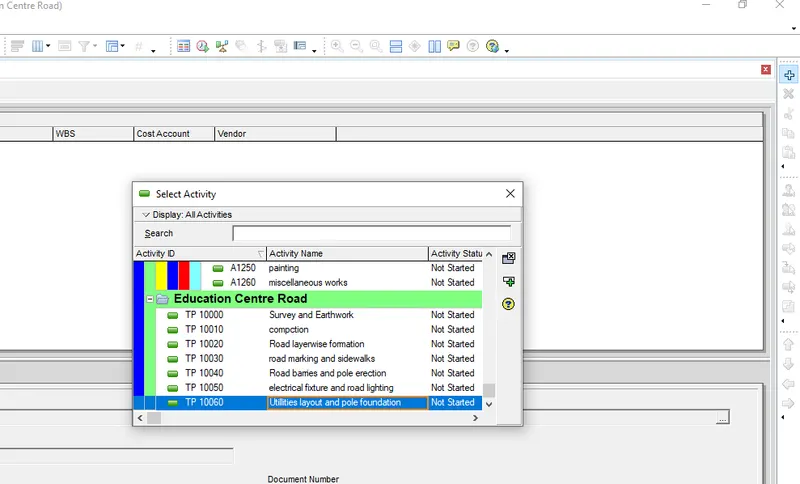
*select the activity and add the details accordingly to the question
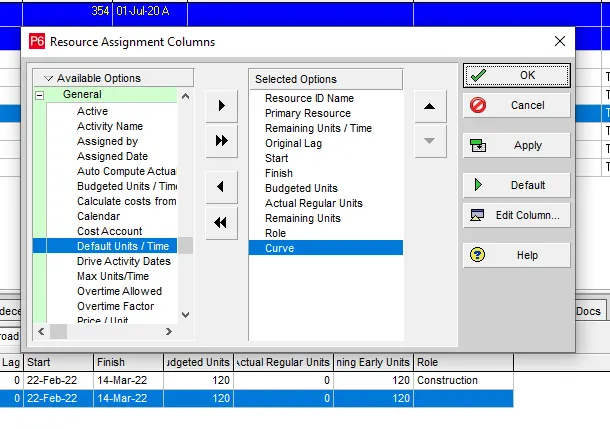
7. Generate material resource costs curve
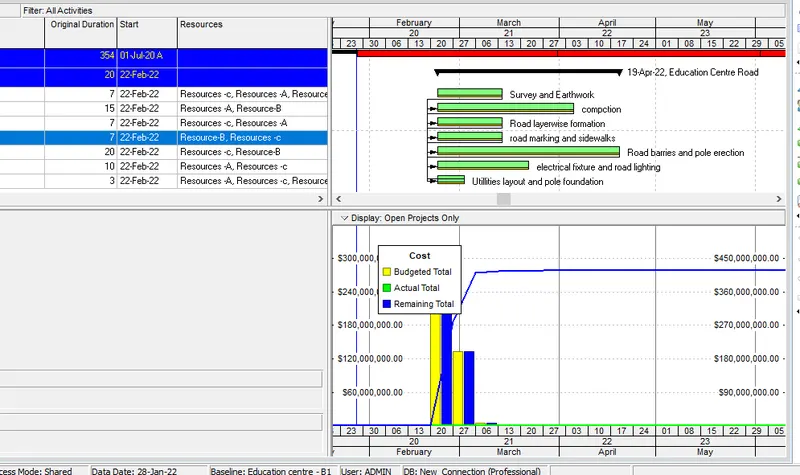
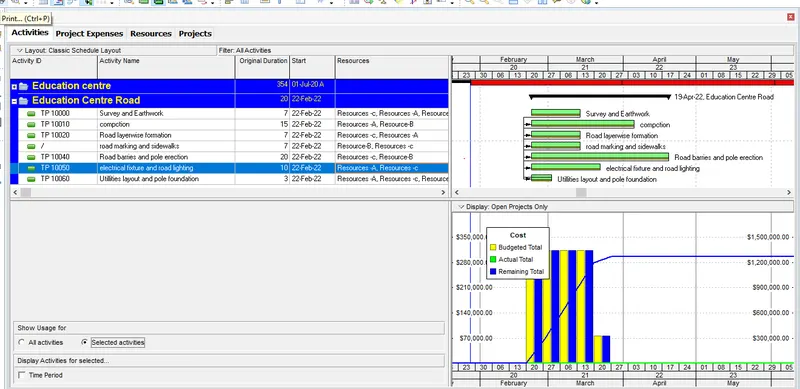
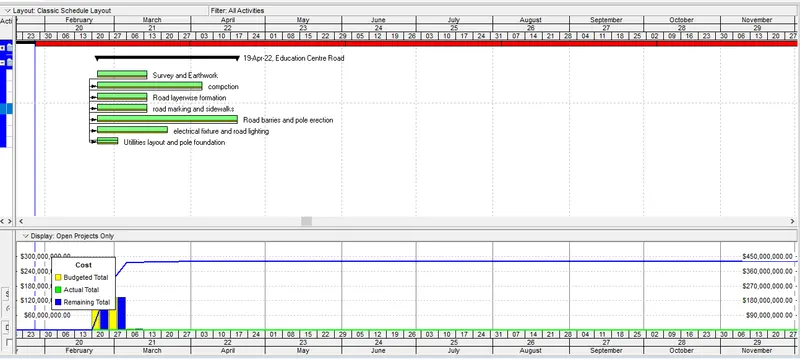
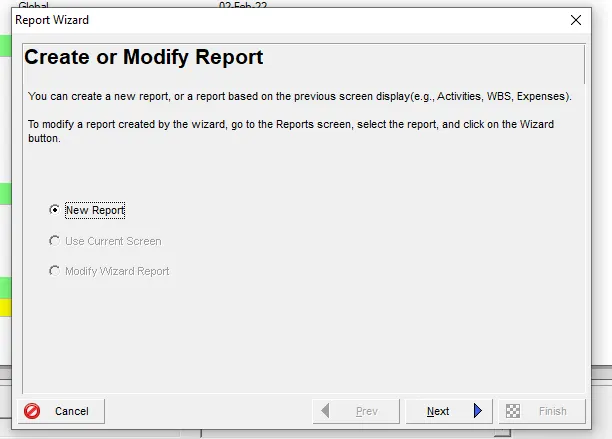
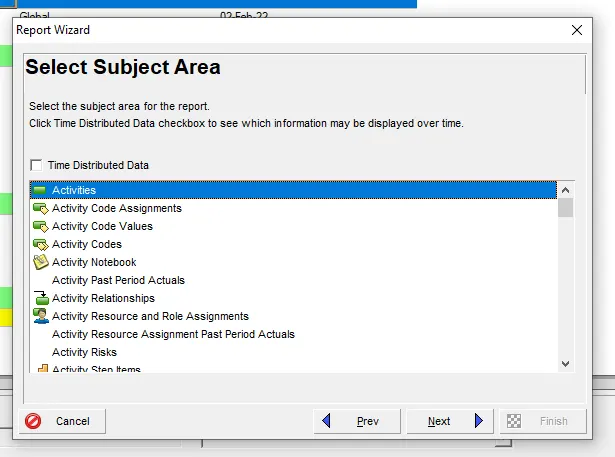
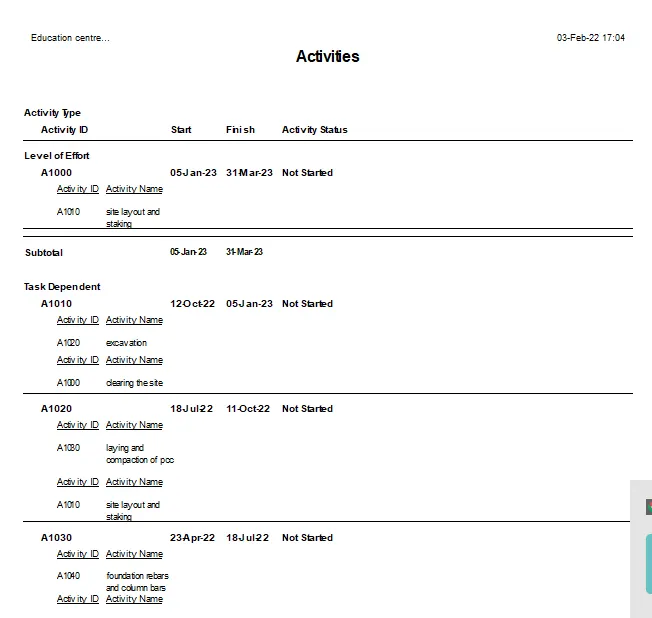
8. Generate an activity-wise cost report
*Report >+
*New report >activities >relative subjects
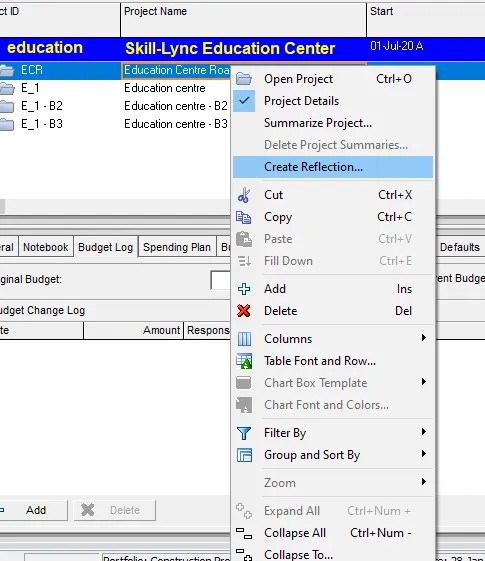
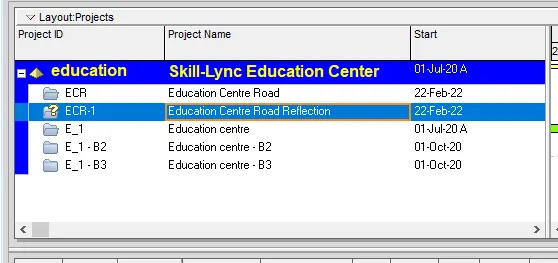
9. Create a reflection
Go to project page > right -click >select reflection
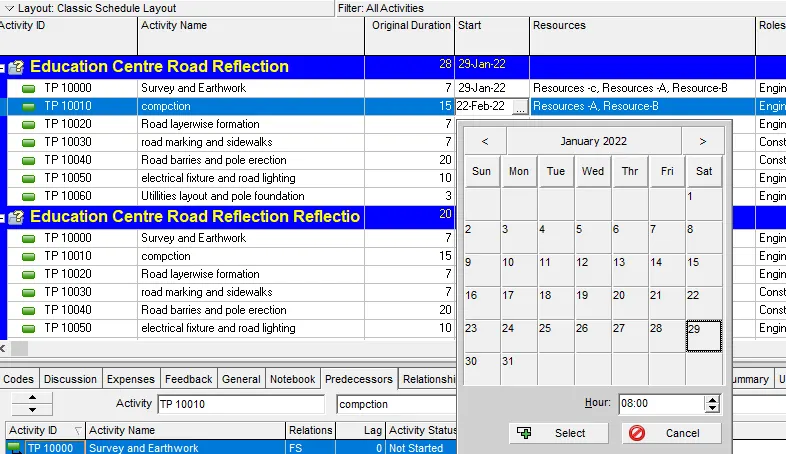
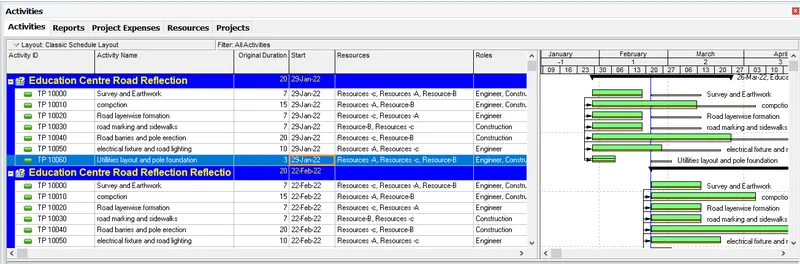
10. In the reflection, auto update the project at 15 days from start
*right click the reflection project
*open project
*Change date to 15 days ahead the current project
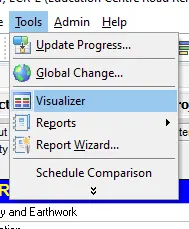
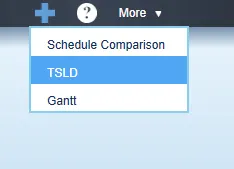
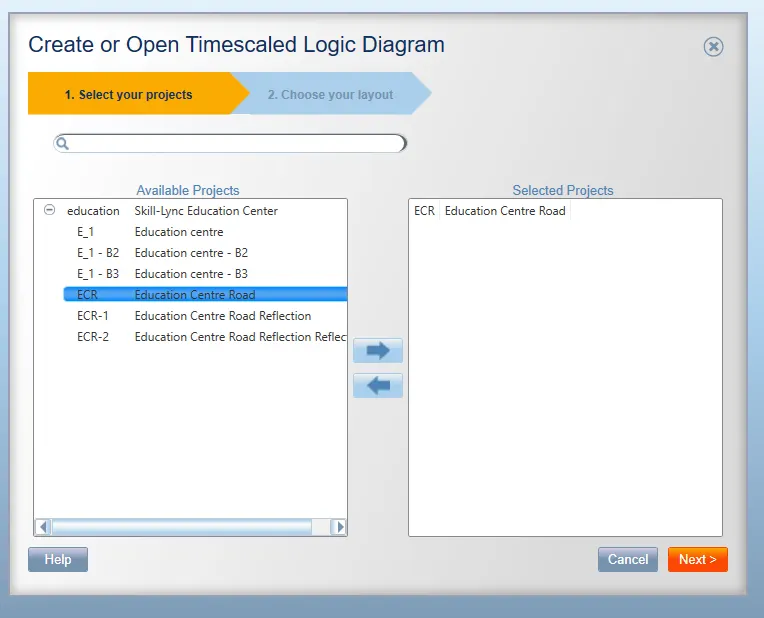
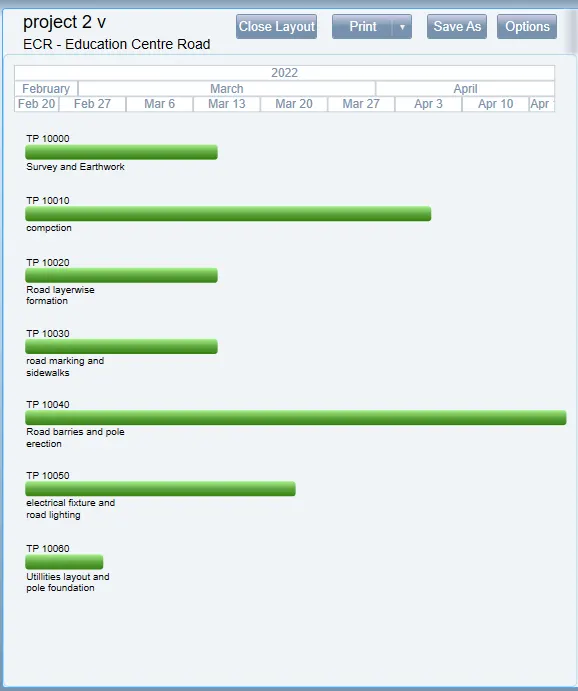
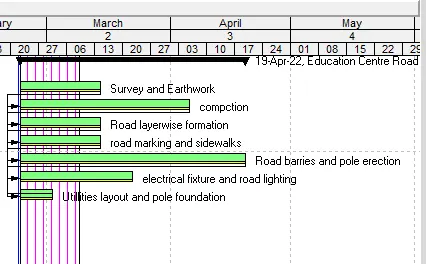
11. Open a TSLD view of the project in Visualizer
*Tools >Visualizer option
*Click + > TSLD > ECR project >okay
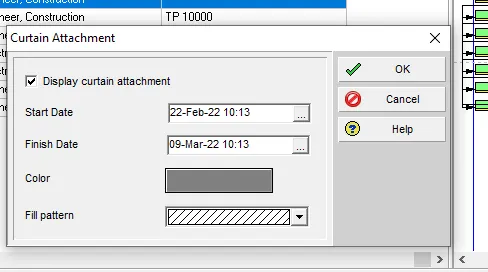
12. Add curtains up-to first 15 days of the project.
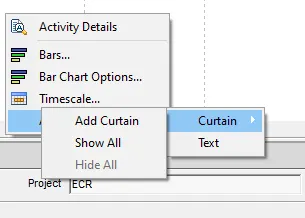
*Right -click on the left side project page >attachments >curtains
3. Find out the actual cost for labour, non-labour and material cost of the updated schedule
*Go to project page > calculation tab
*select actual to Remaining
*Select resources to find the value