Project 2
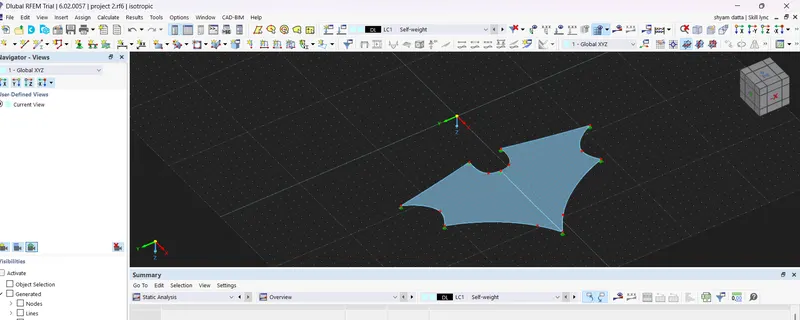
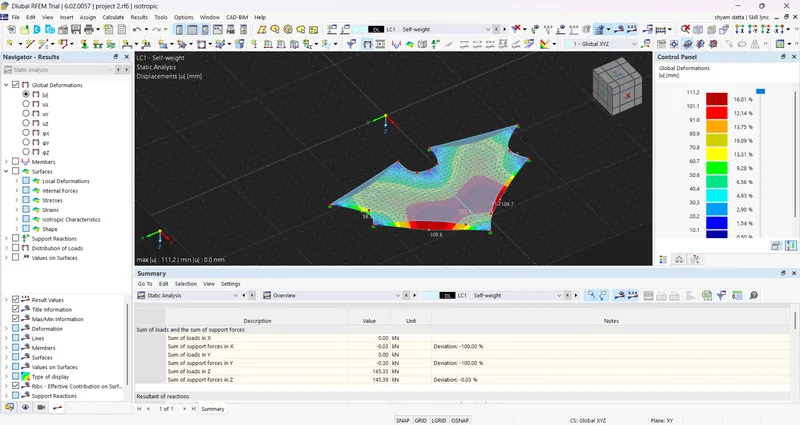
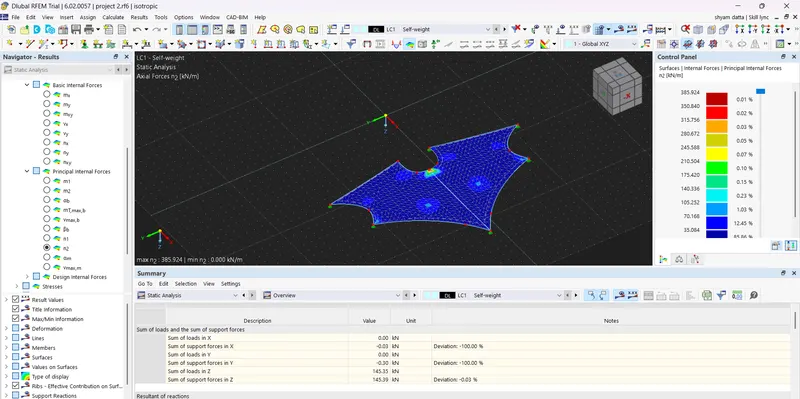
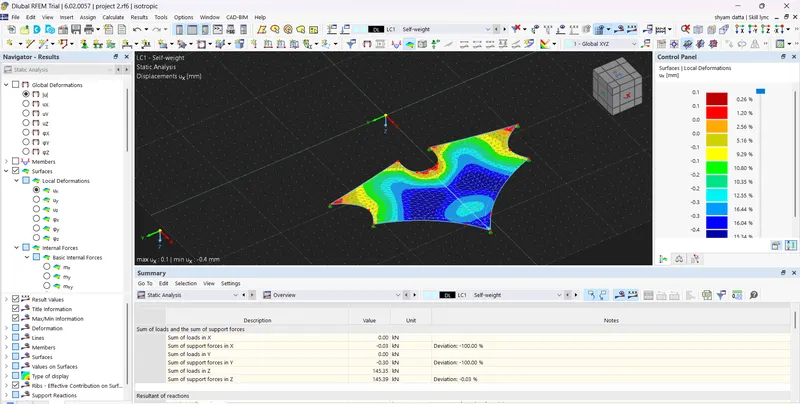
Since cutting pattern generation is not provided in RFEM latest version 6 . The procedure for it is stated below
1. Draw a line using line option and rotate the line in 360 degree using rotate option
2. Apply nodal supports for the nodes
3. Apply section member for each line accordingly
4. Create a surface Quadilateral in RFEM
5. Allocate coordinate axes to the particular surface and draw the cutting lines using cut via section option in software
6. Use Geodesic line to cut the surface . Give cutting lines as needed after analysis of results in order to reduce the amount of strain
7. Give cutting pattern appropriately as required ( compensation , line type , allowances ) with suitable option
8. Run the analysis and obtain results in sustainable way
9. Can even import / export file to auto cad , tekla , excel for caculation & generation of drawings to the manufacturer
10. Then it is installed in site and fabricated accordingly.