Project 2
1)
ANS:-
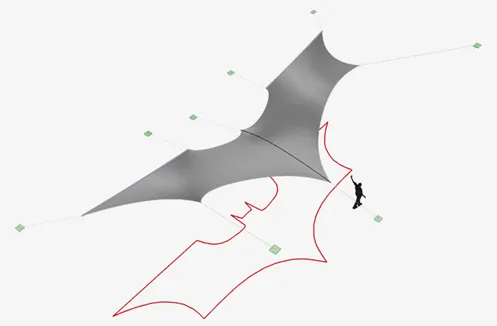
AIM:- To perform Form-Finding Analysis on Membrane Roof with cables using RFEM software.
PROCEDURE:-
- First open the RFEM software and select new file and a new dialogue box is appeared as shown below.
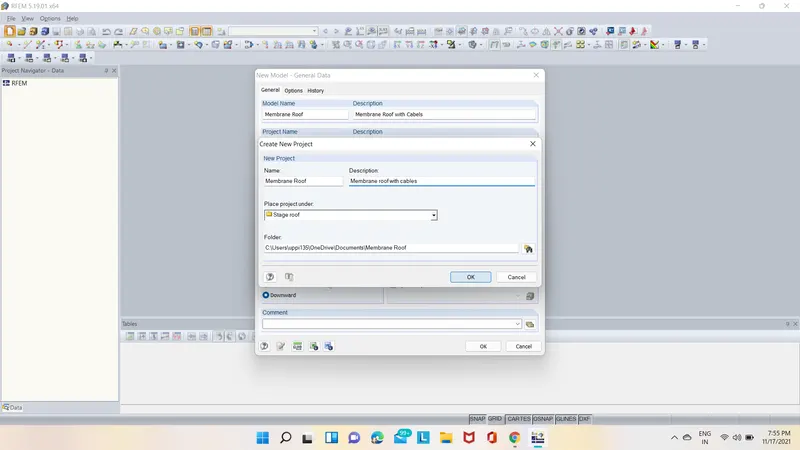
- In that box give the name and discreption about the model as shown below.
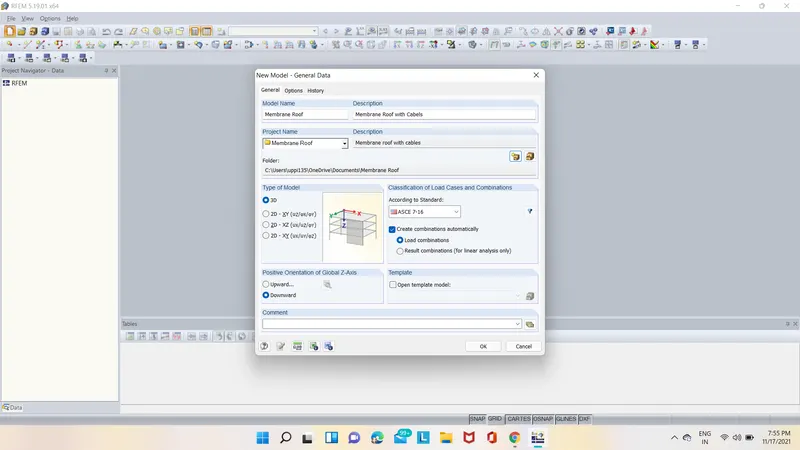
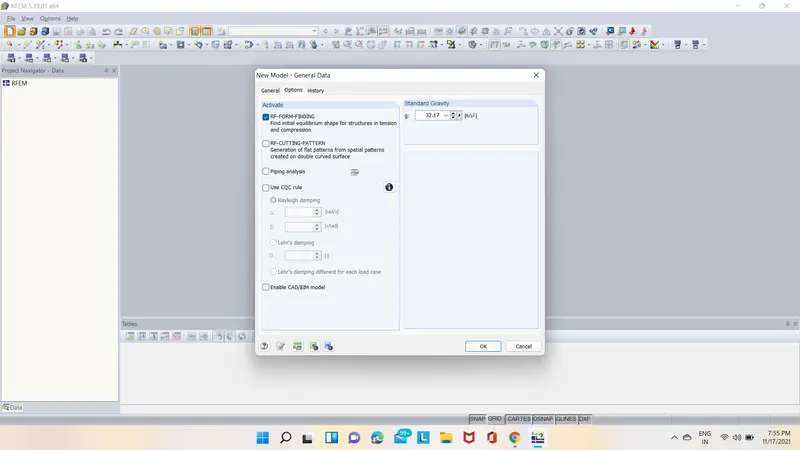
- Also in general data click on option and in that select RE-FORM-FINDING option as shown below.
- After that select node option and create nodes as shown below.
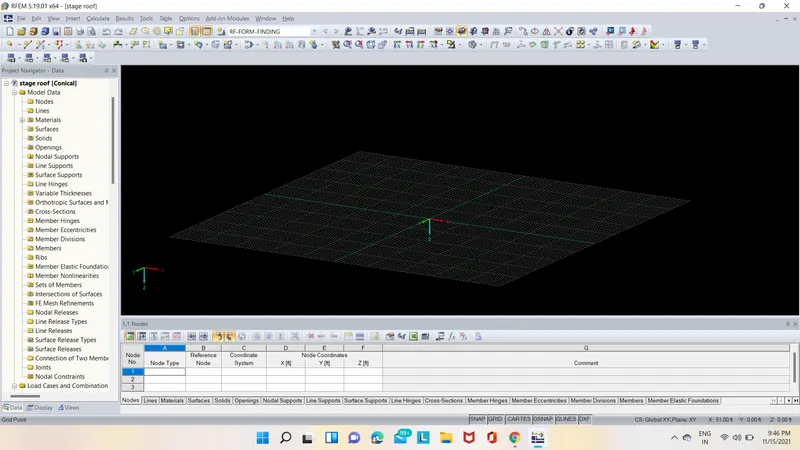
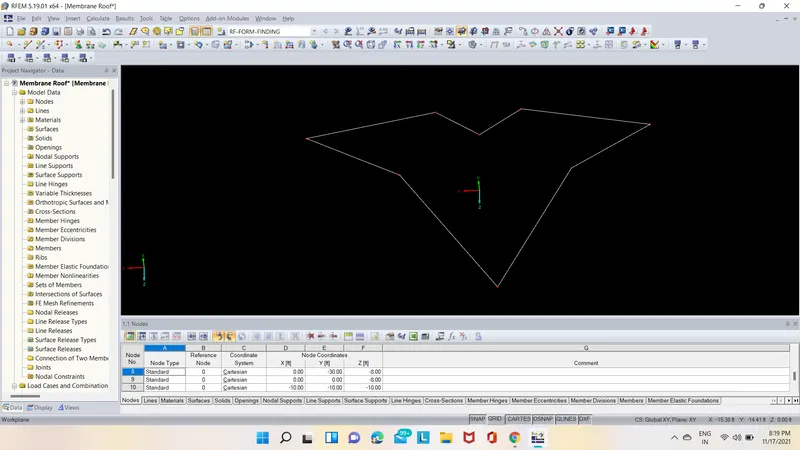
- Next draw the lines using the line command in the ribbon tab as shown below.
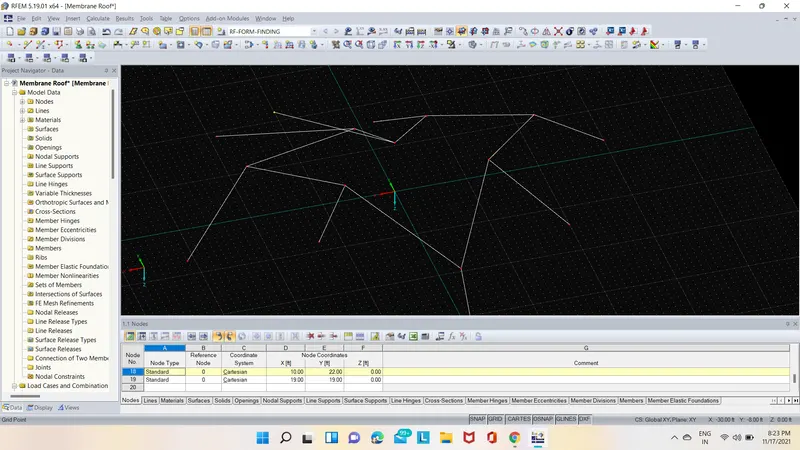
- Next select all the lines and double click on them and assign cable member to them as shown below.
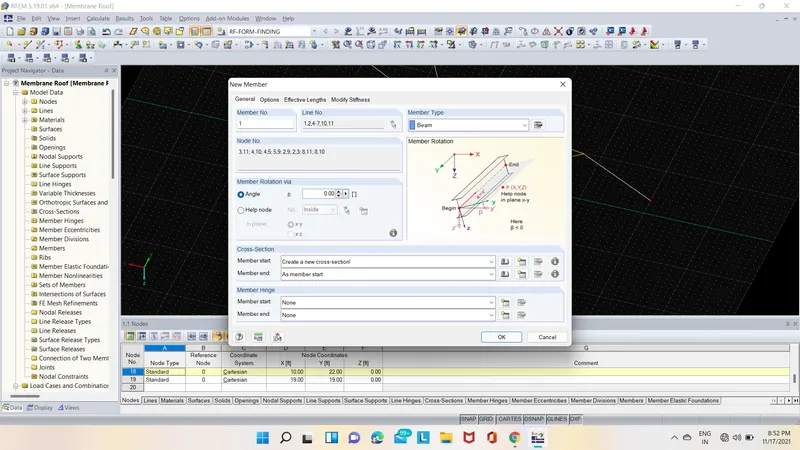
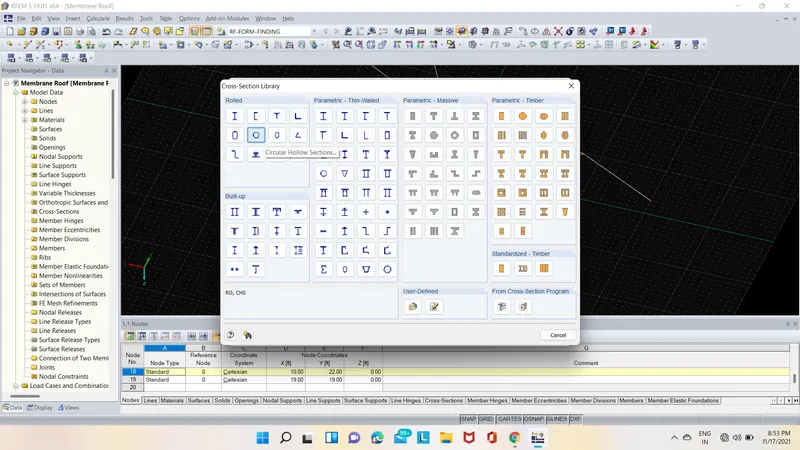
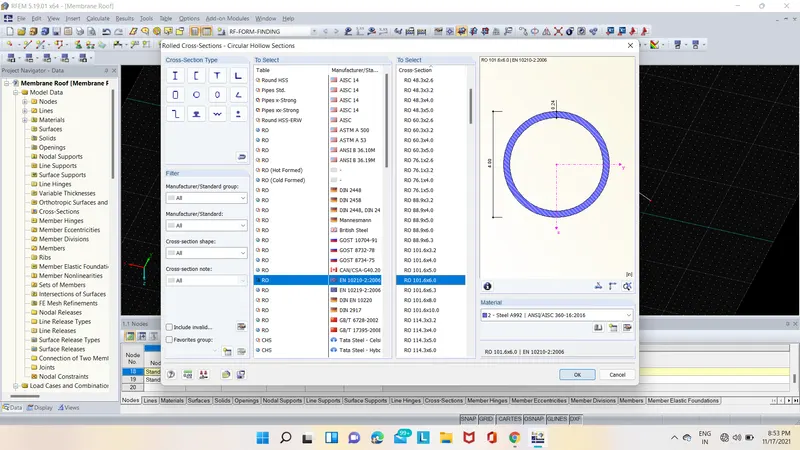
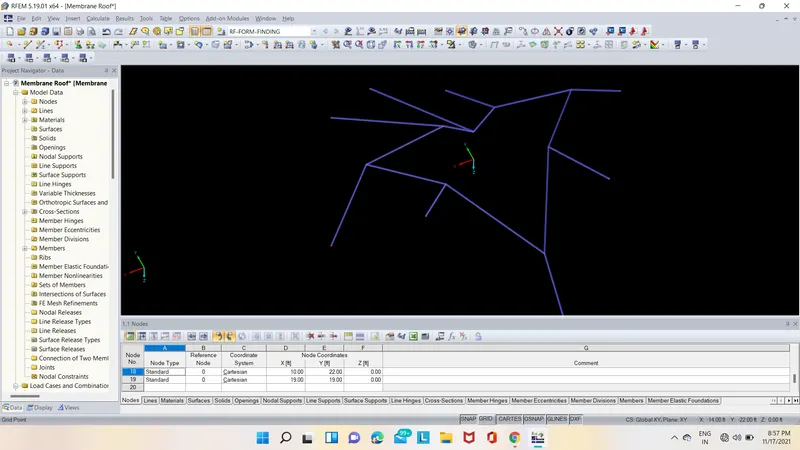
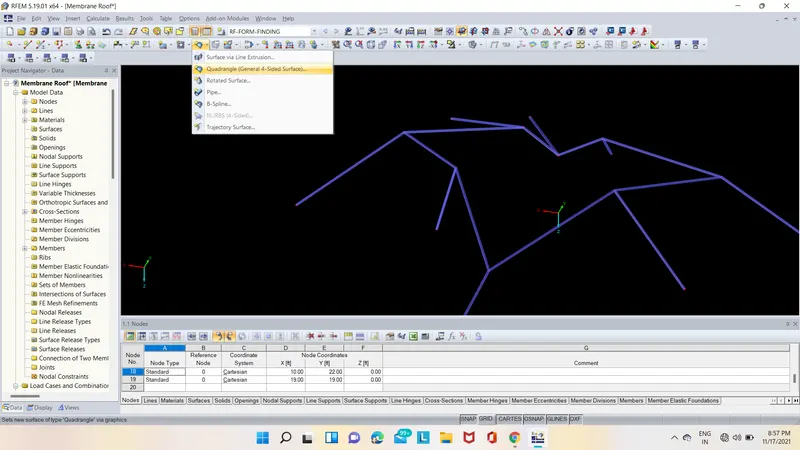
- Then go to surface option in that select quardrangle surface and in that sufrace select surface as membrane and material type as orthotropic 2D as shown below.
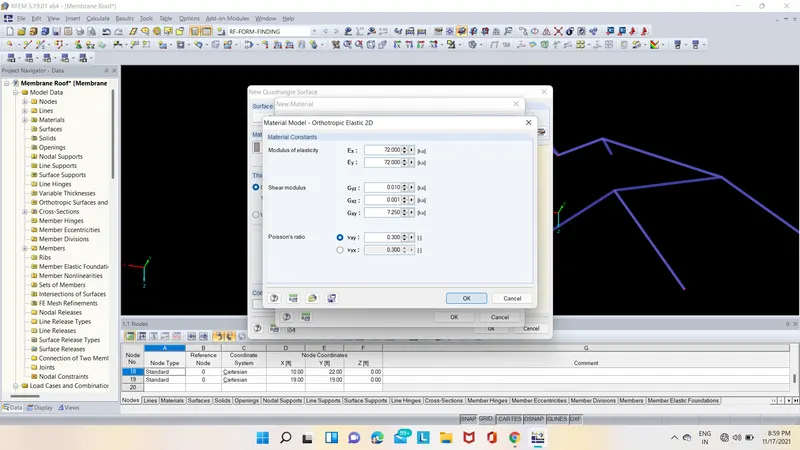
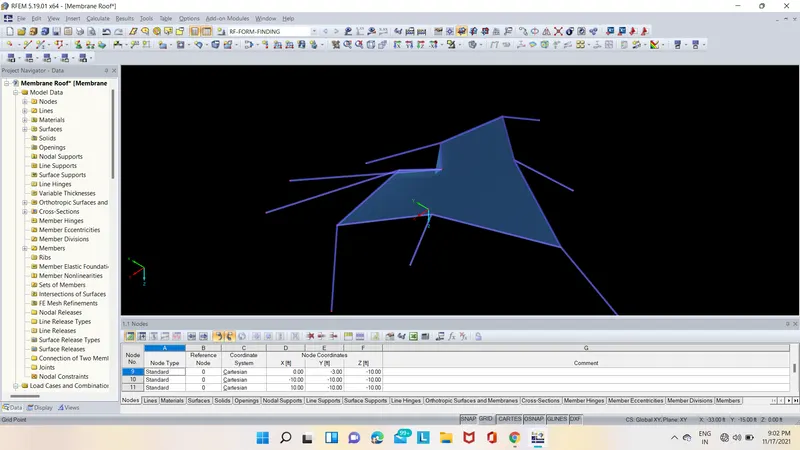
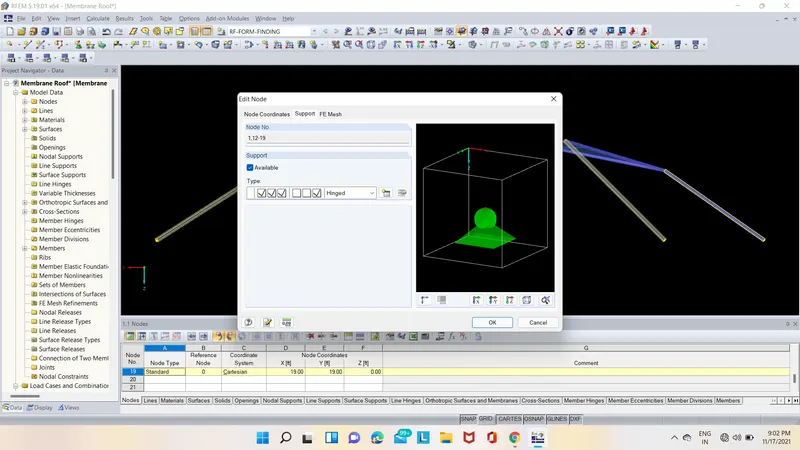
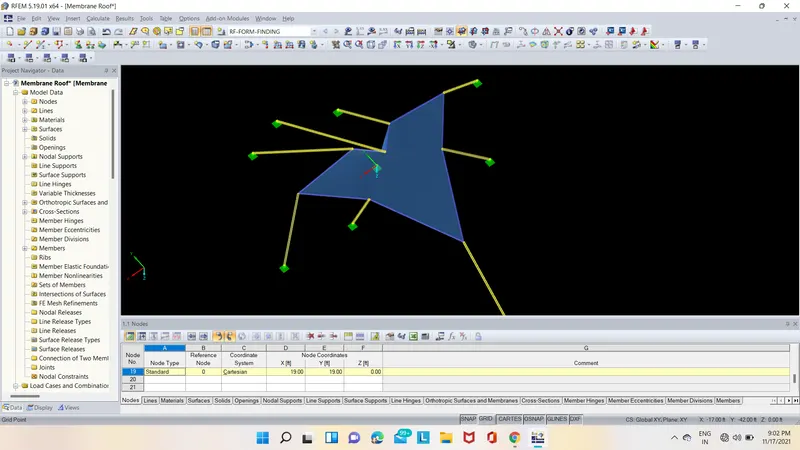
- After that select all the nodes and double click on them then a new dialogue box will appear and in that select support option and give supports to the nodes as shown below.
- After creating surface select calculation option in that select mesh settings in mesh settings click on triangular only and click on ok & Apply as shown below.
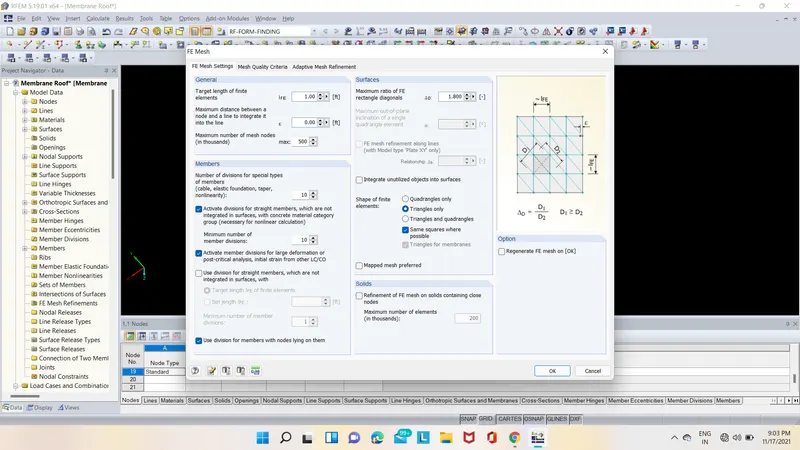
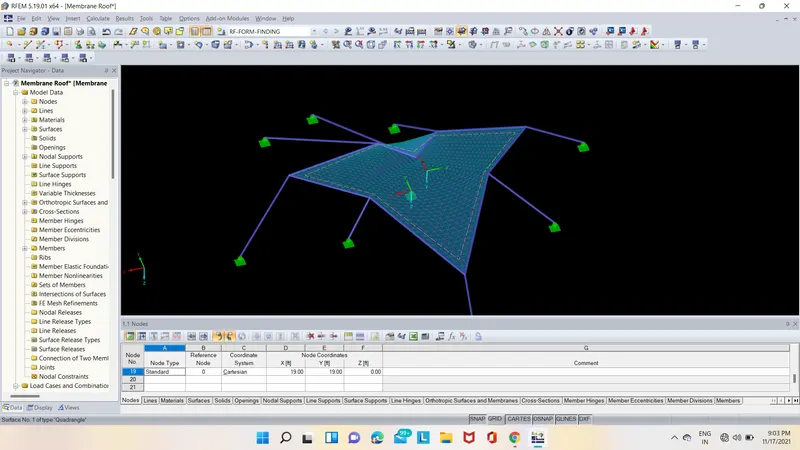
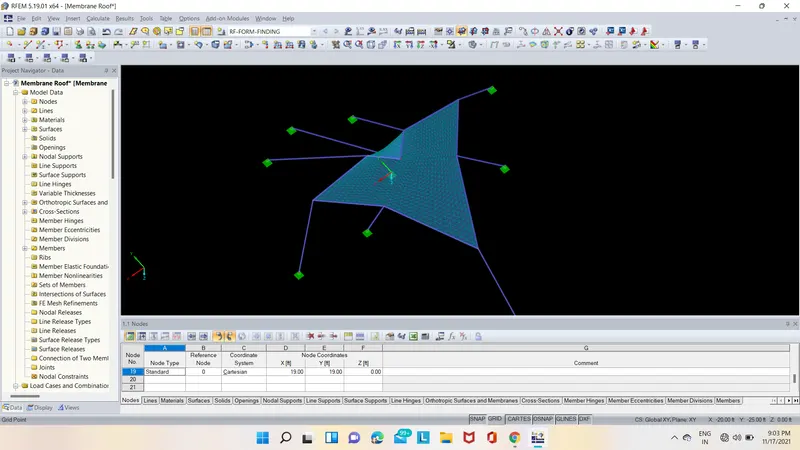
- After that click double click on surface a new dialogue box is appears in that select form-finding option and in that form-finding select warp as 0.10 and weft as 0.10 as shown below.
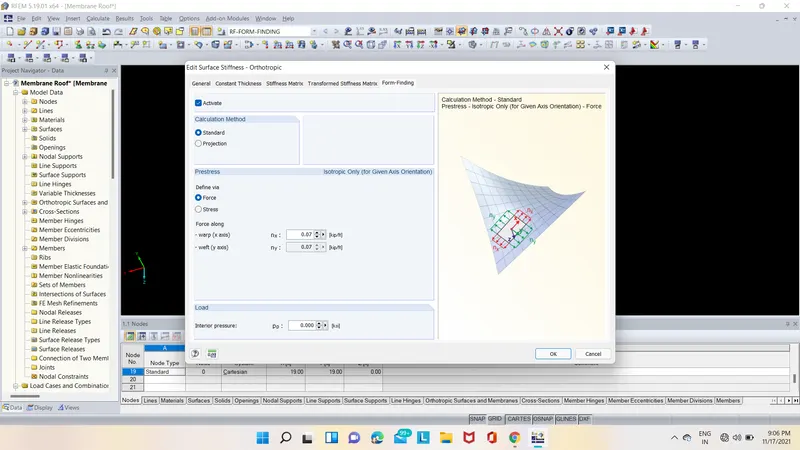
- Then select form-finding option and start analysis for RE-FORM-FINDING as shown below.
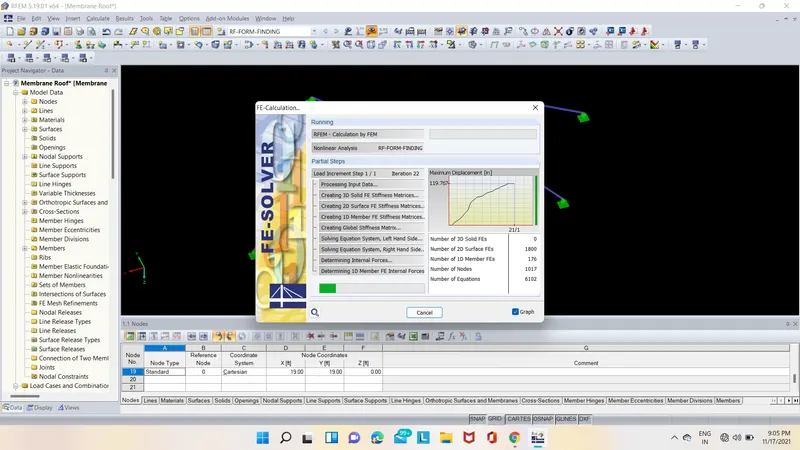
- After the RE-FORM-FINDING analysis the analysis results are shown below.
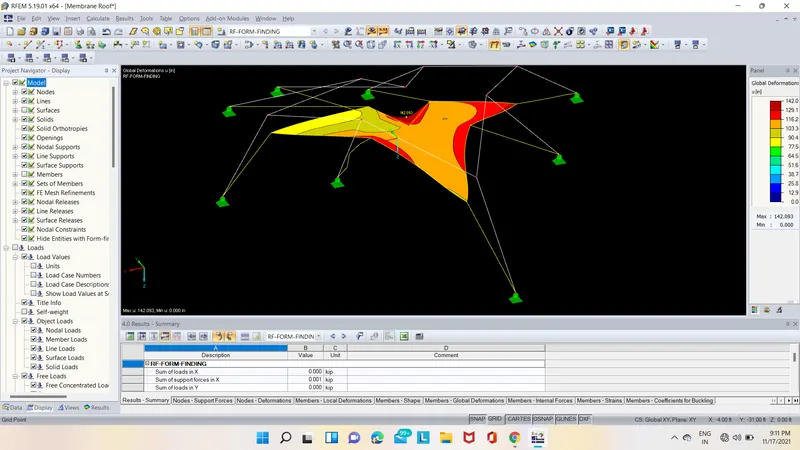
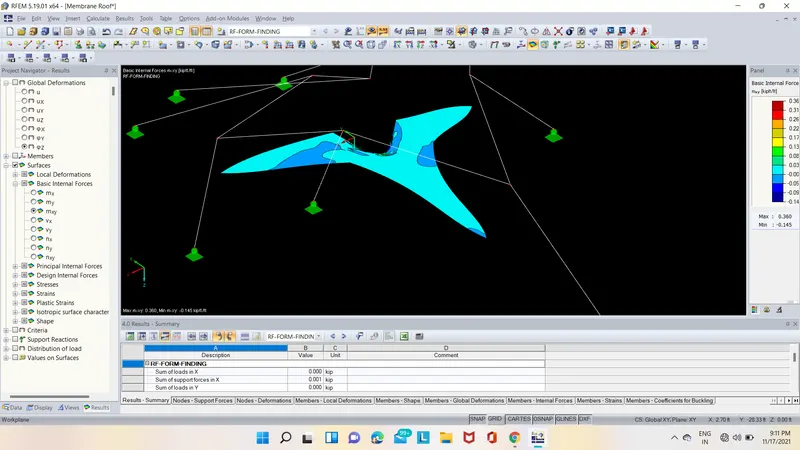
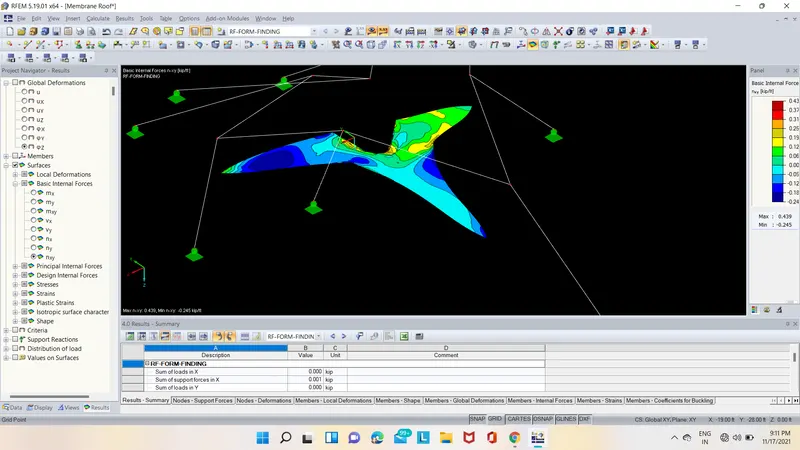
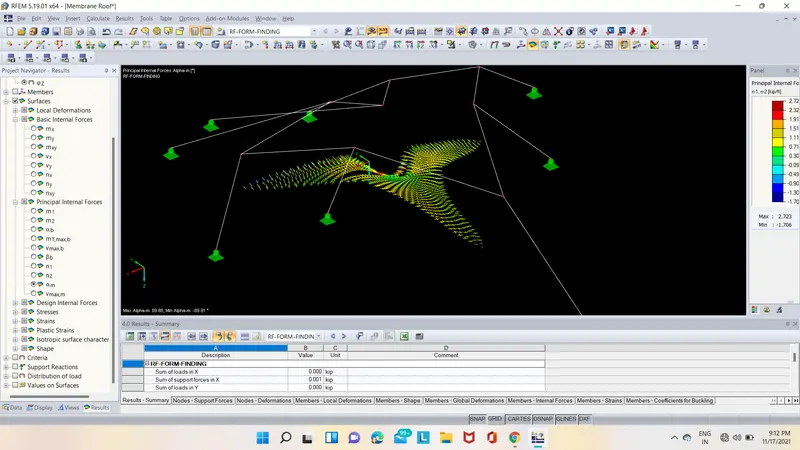
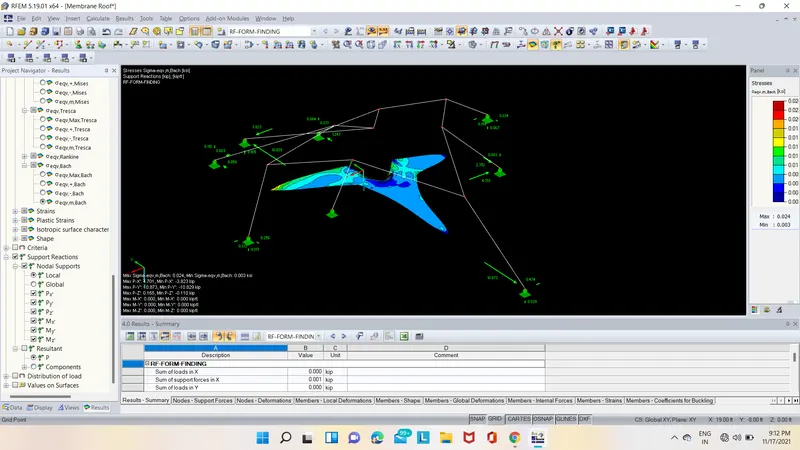
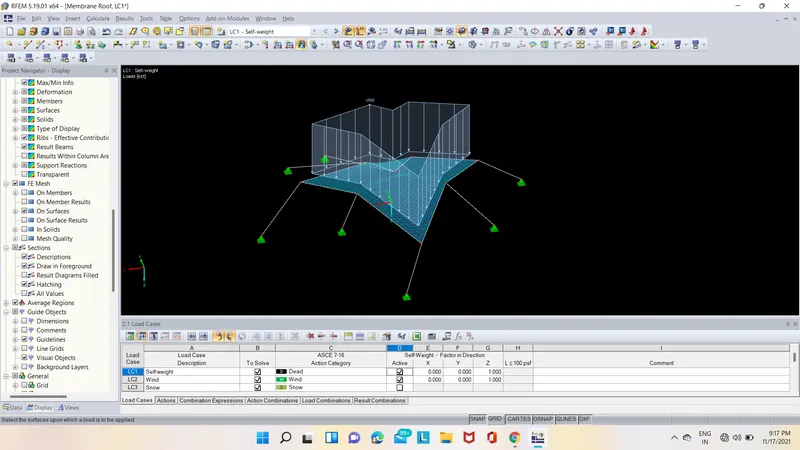
- Next we have to created different load cases as shown below.

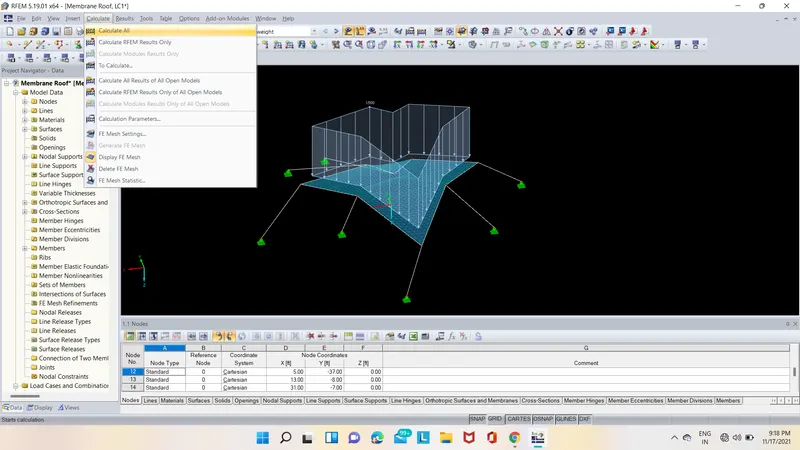
- After that select calculate option and in that select calculate all then the analysis is started as shown below.
- The deformed shapes with internal stresses and forces are shown below.
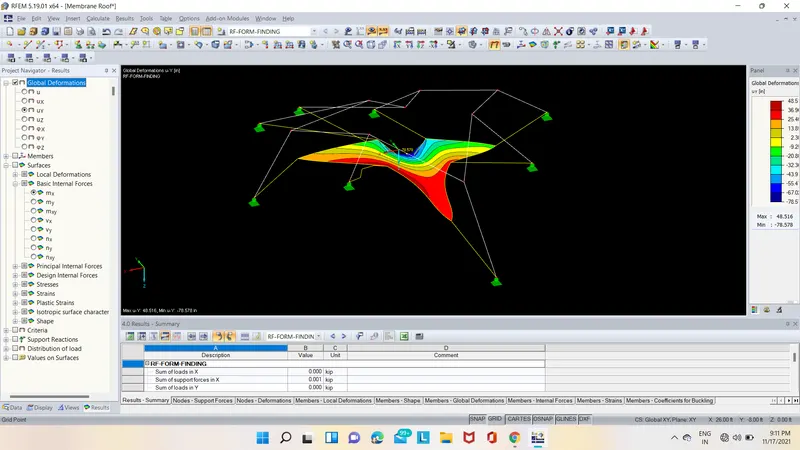
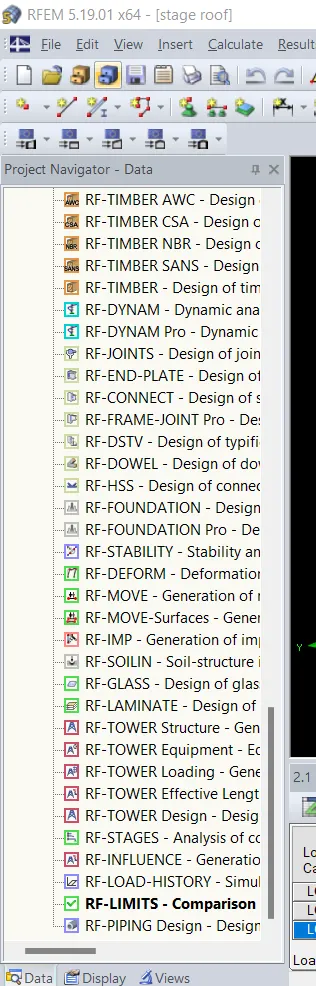
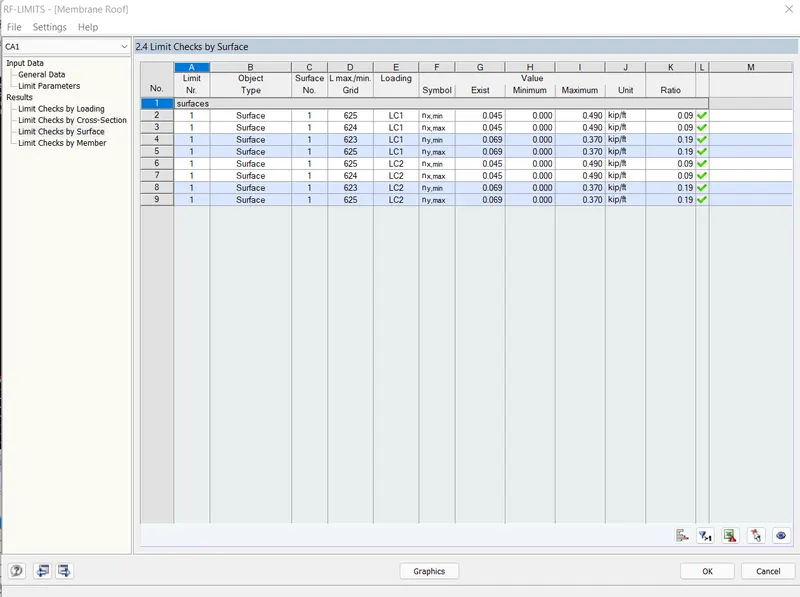
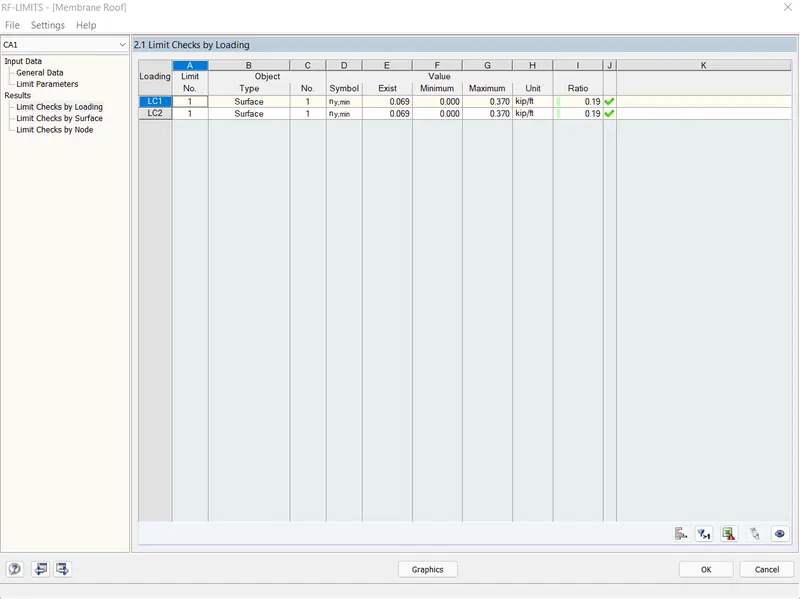
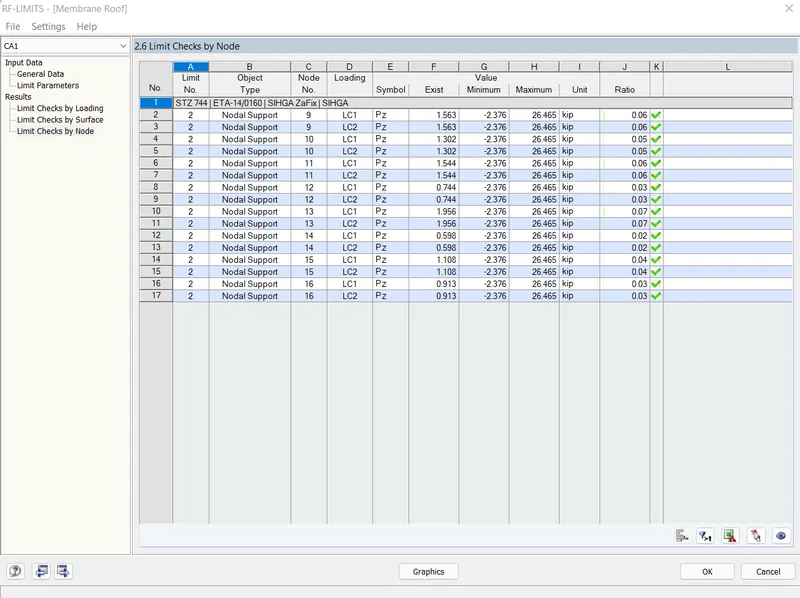
- After the analysis select data option in that select RF-LIMITS-COMPARISON option as shown below.
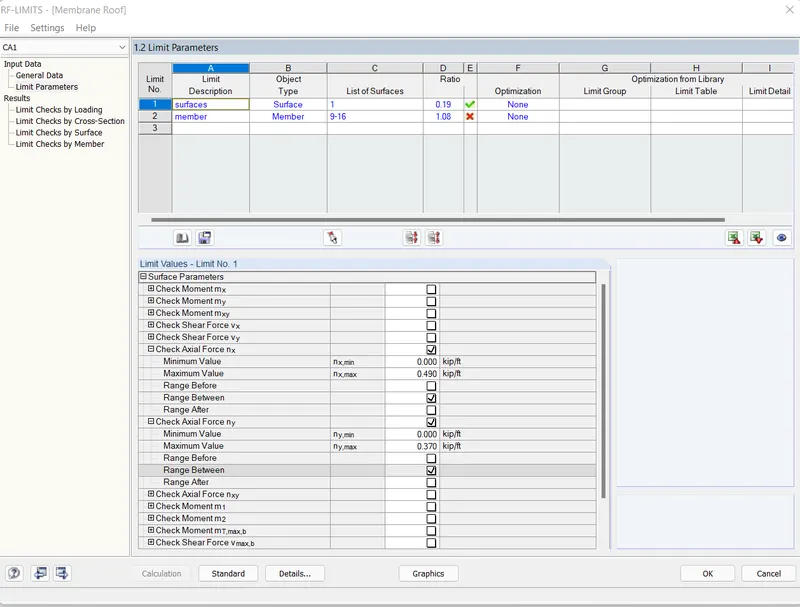
- Then a new dialouge box is appreared in that click on limit parameters and select object type as surface and also activate check axial force nx and ny and give them some value and click ok as shown below.
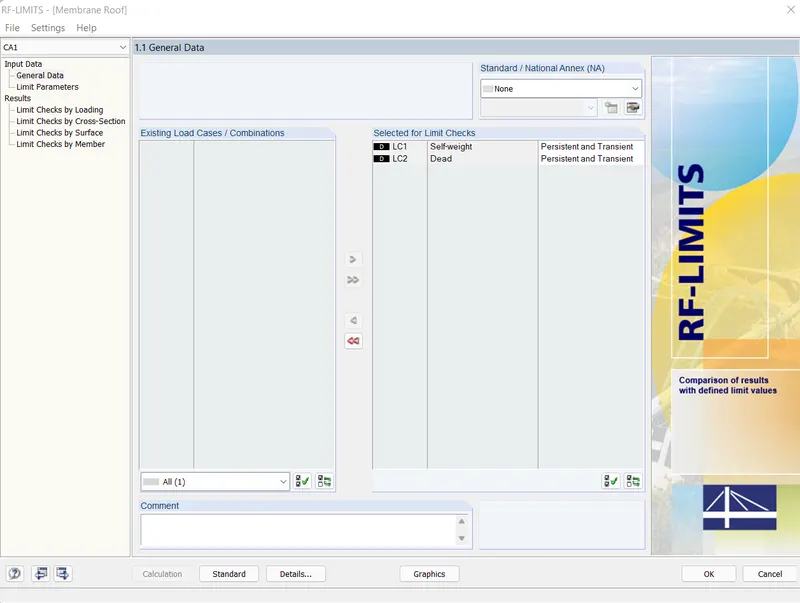
- And also in general dat select all loads and click on caluculation as shown below.
- After the calculation it shown the result of the surfaces if any surface are fail then we have adjust the prestress value to pass the surface as shown below.
RESULT :-
Therfore the form-finding analysis on Membrane roof with cables has been successfully analysed using RFEM software.
RE-CUTTING-ANALYSIS:-
AIM:- To perform Cutting-pattern Analysis on Membrane Roof with cables using RFEM software.
PROCEDURE:-
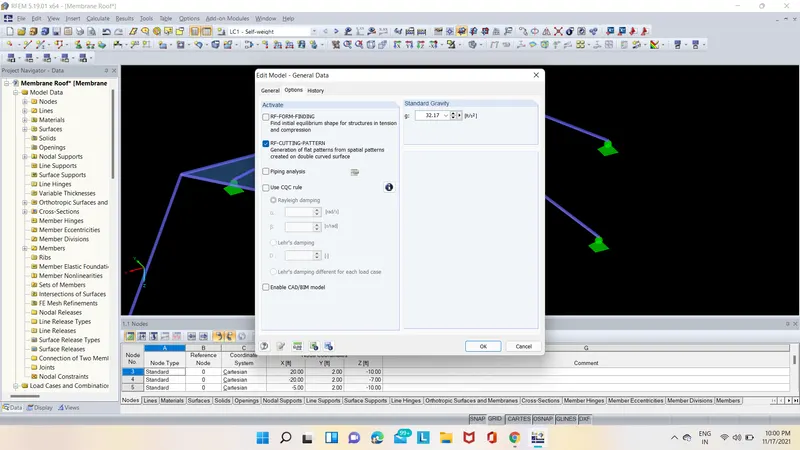
- First open the RFEM software and select new file and a new dialogue box is appeared as shown below.
- In that box give the name and discreption about the model and in add-on option select RE-CUTTING-PATTERN and click ok as shown below.
- After that select node option and create nodes as shown below.
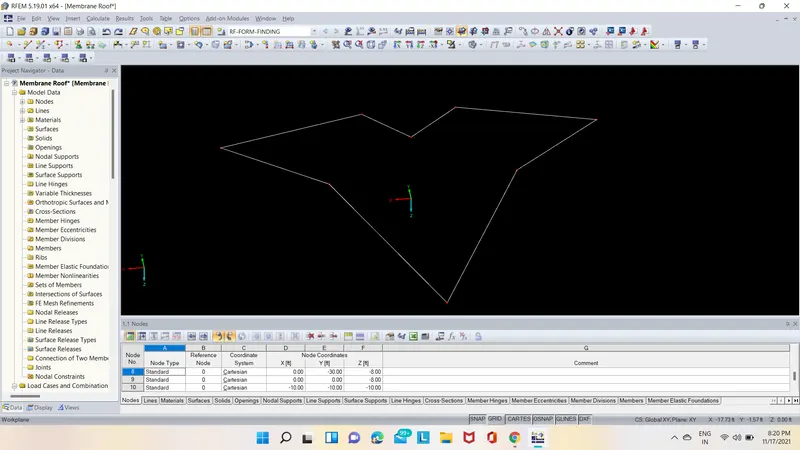
- Next draw the lines using the line command in ribbon as shown below.
- Next select all the lines and double click on them and assign cable member to them as shown below.
- After that select quardrangle surface option and in that select material as membrane and orthotropic material as shown below.
- After that select all the nodes and double click on them then a new dialogue box will appear and in that select support option and give supports to the nodes as shown below.
- After creating surface select calculation option in that select mesh settings in mesh settings click on triangular only and click on ok & Apply as shown below.
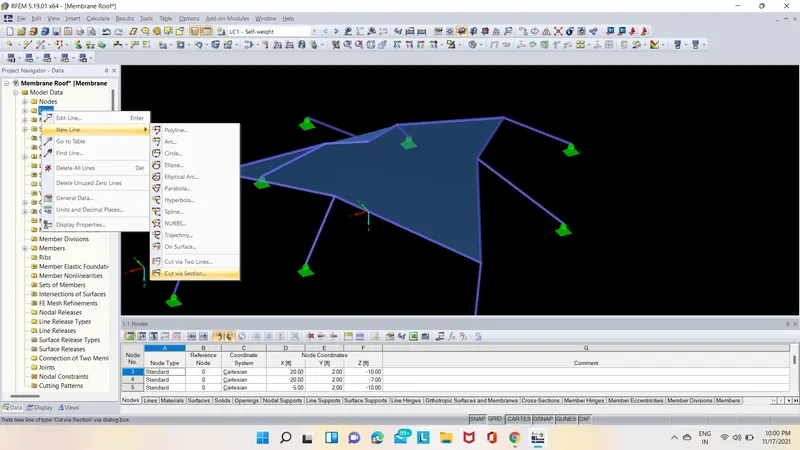
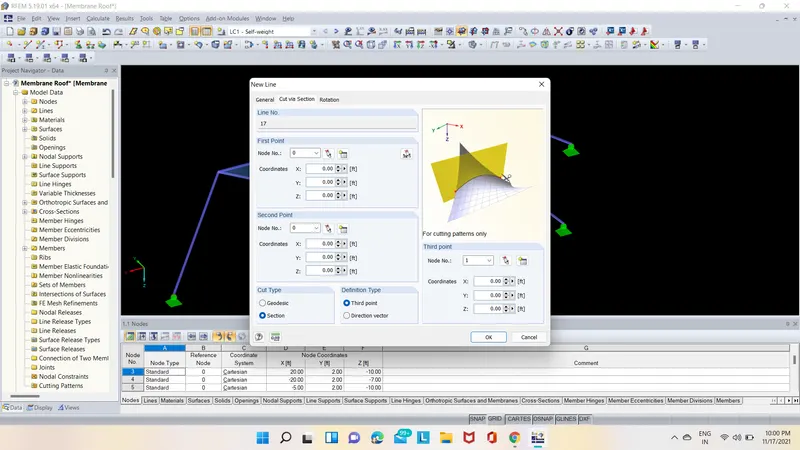
- Next we have to select line option then right click on it in the new line option selectcut via section option as shown below.
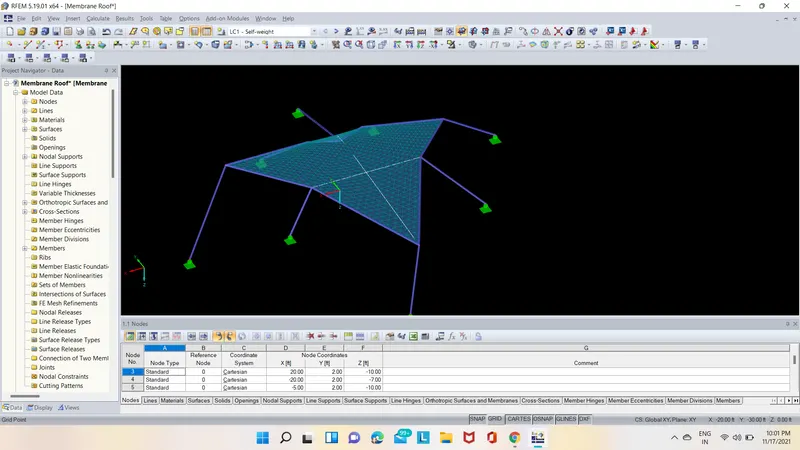
- Next go to tools option and in that select generate cutting pattern from cells then cutting patterns are created on surfaces as shown below.
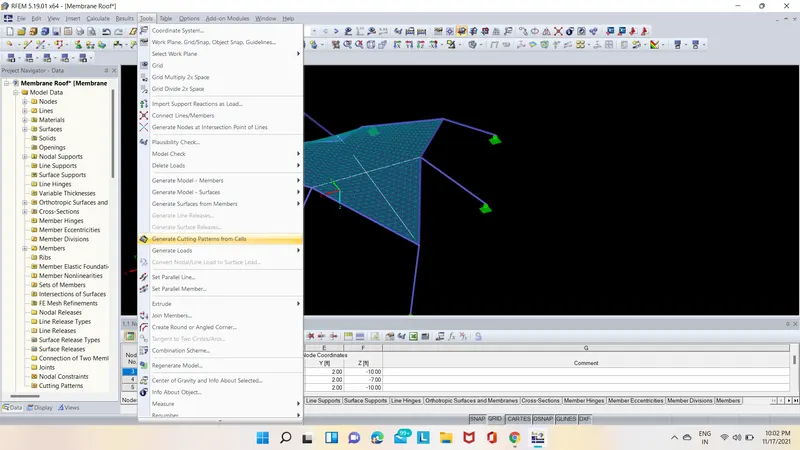
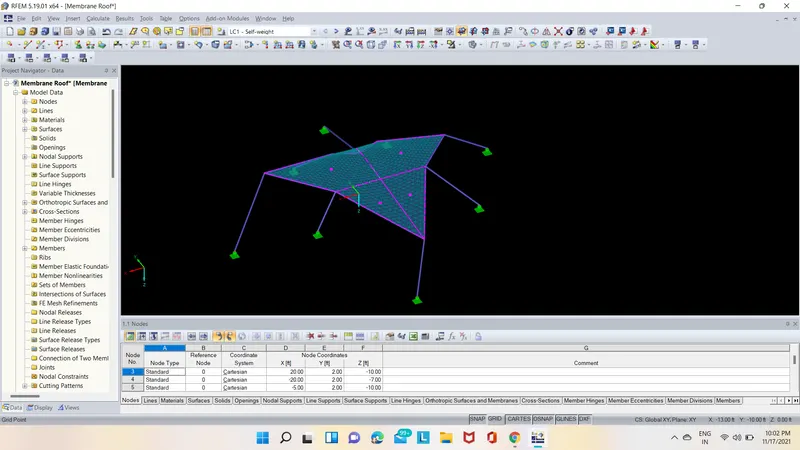
- After completing the analysis double click on cutting pattern surface then a new dialogue box is opened as shown below.
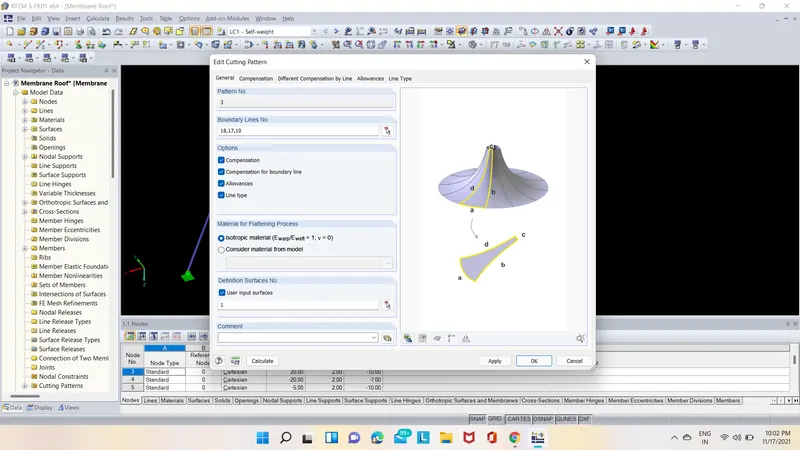
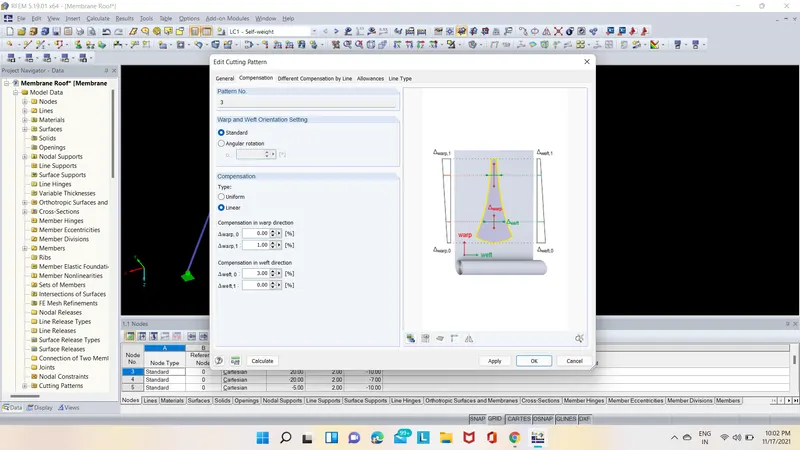
- In that click on compensation and Allowance and in compensation give wrap value as 1 and weft value as 3 and allowace as 0.33ft as shown below.
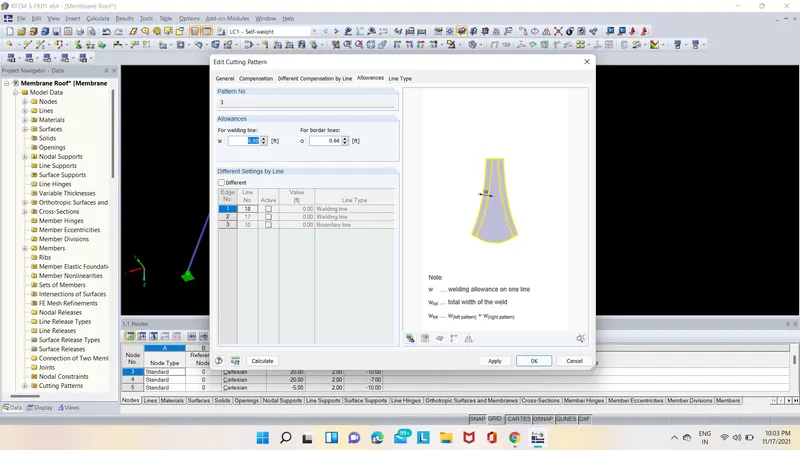
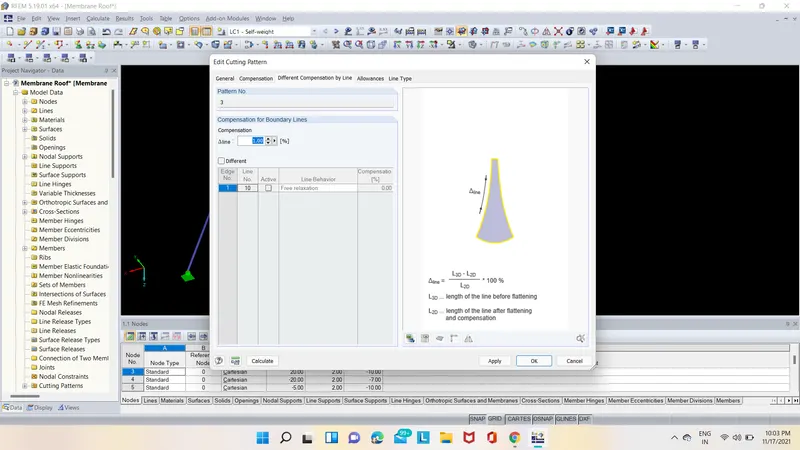
- After that select calculate option and in that select to calculate then the analysis is started as shown below.
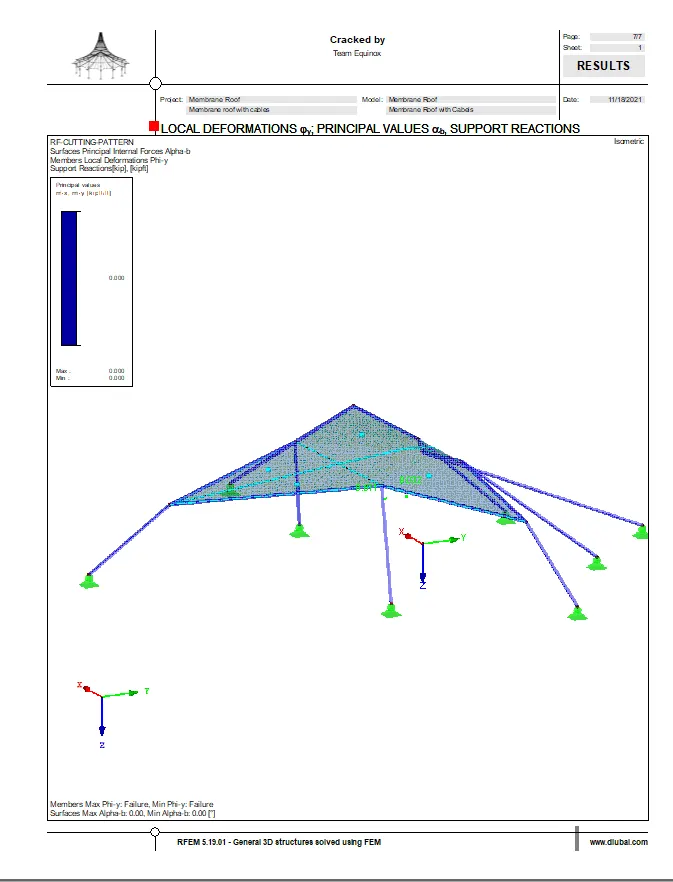
- Then the RE-CUTTING-ANALYSIS results are shown below.
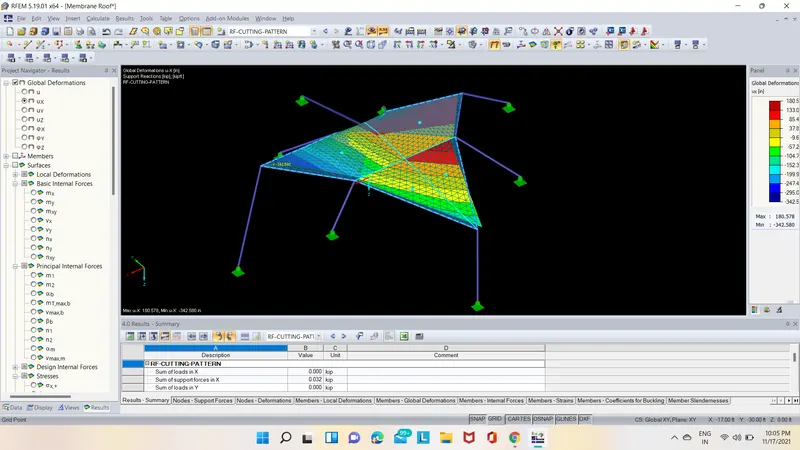
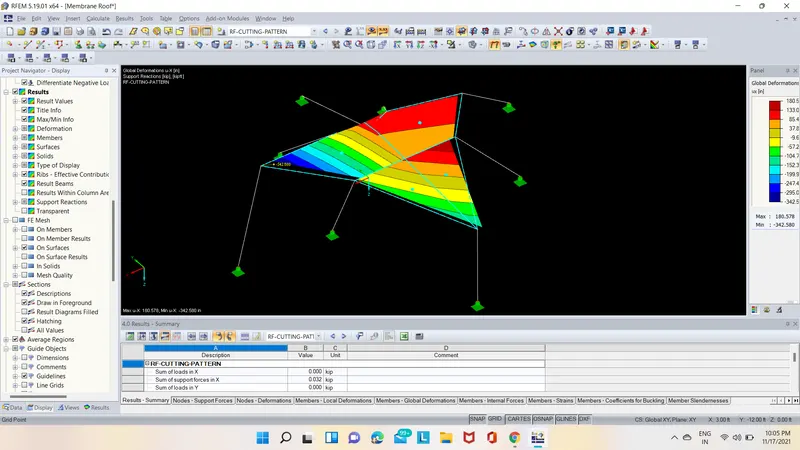
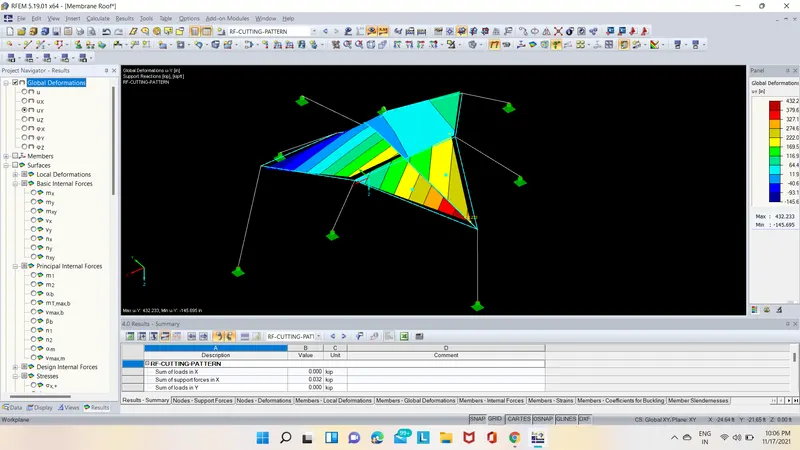
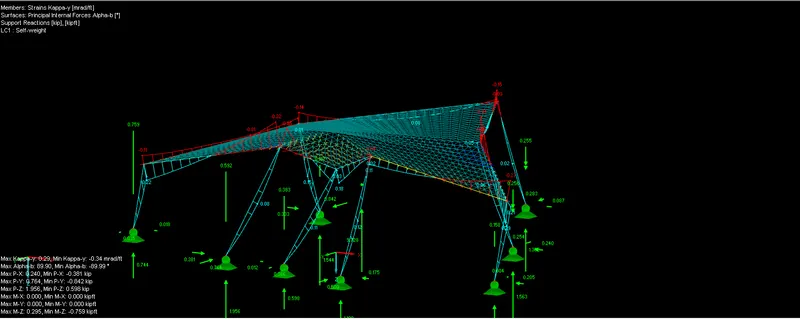
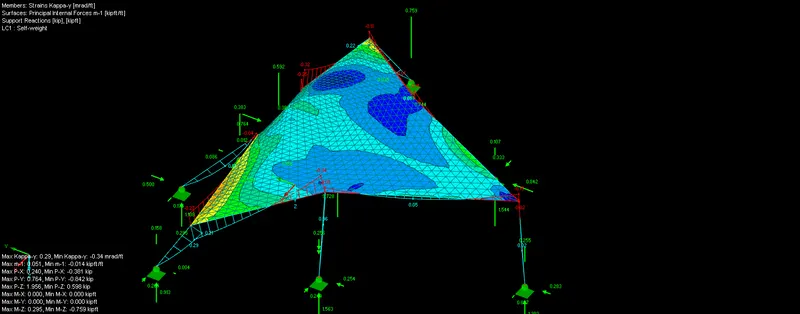
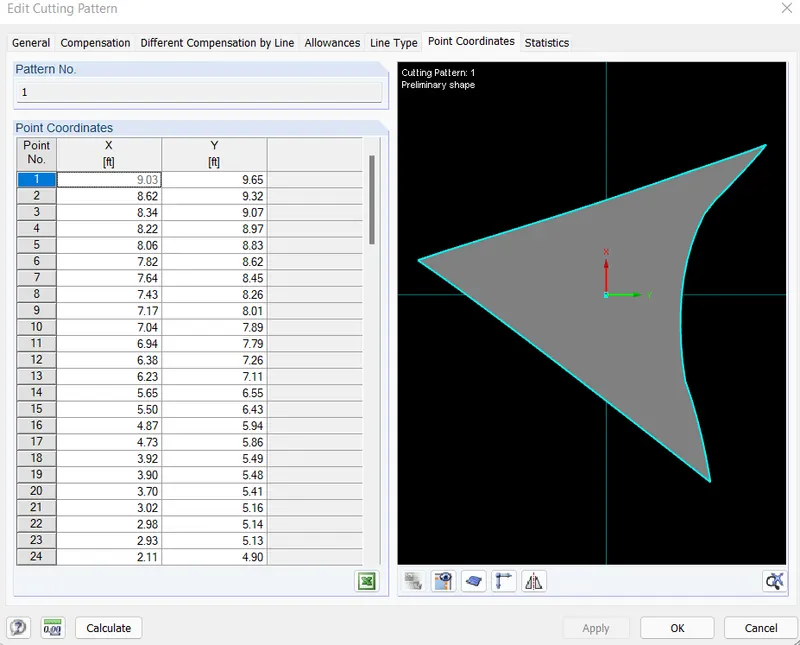
- Then After the analysis 2 more options are visible they are point co-ordinates and stastic as shown below.
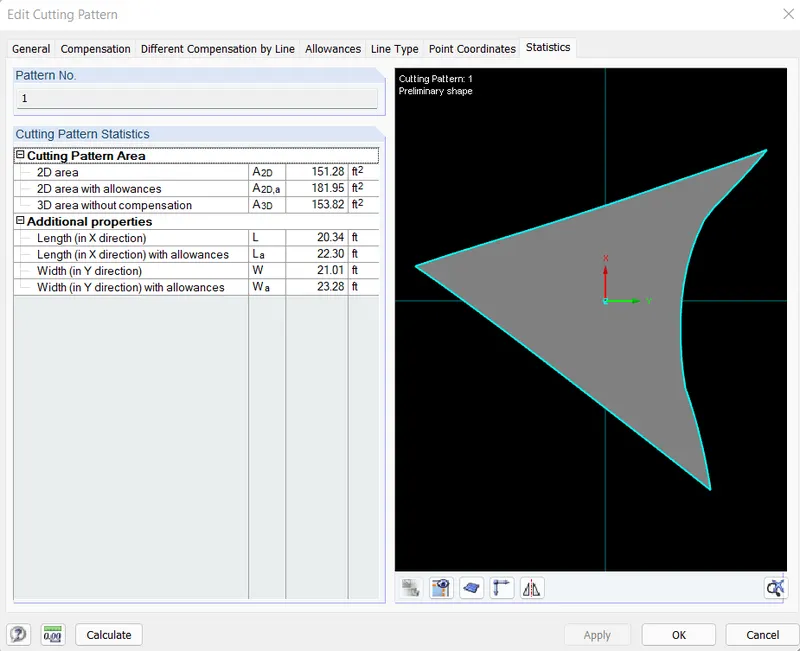
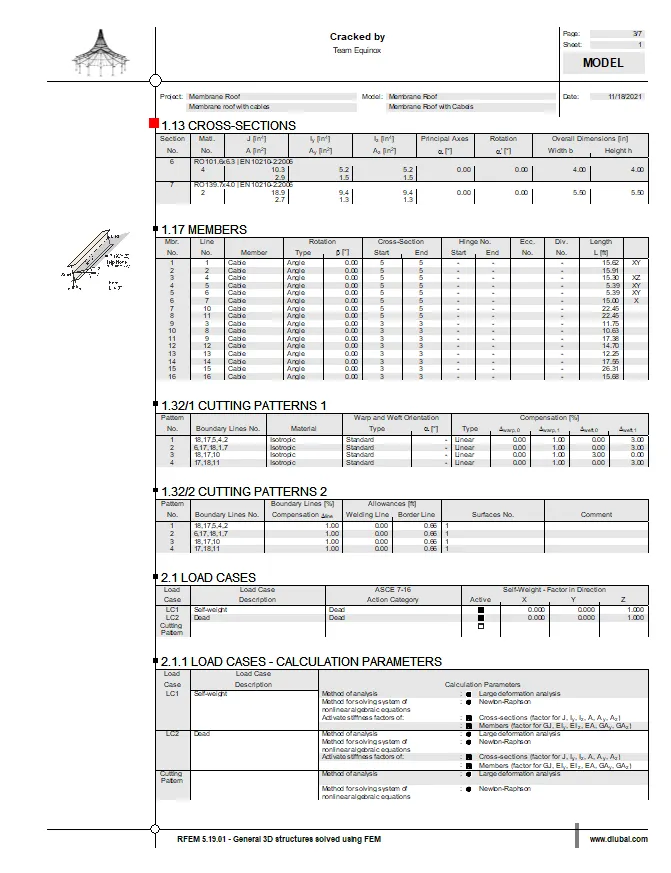
- After that select print out report option then all printout reports are shown below.
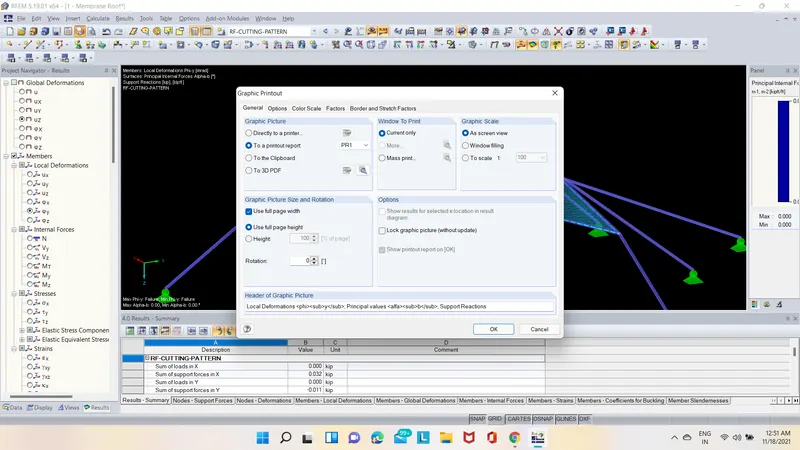
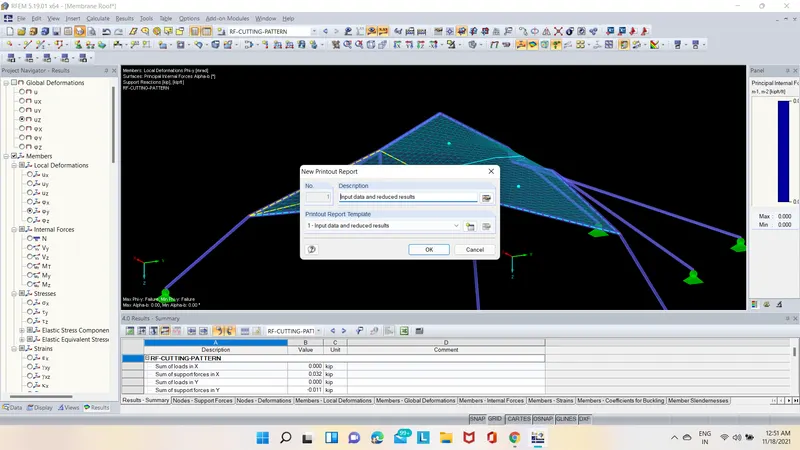
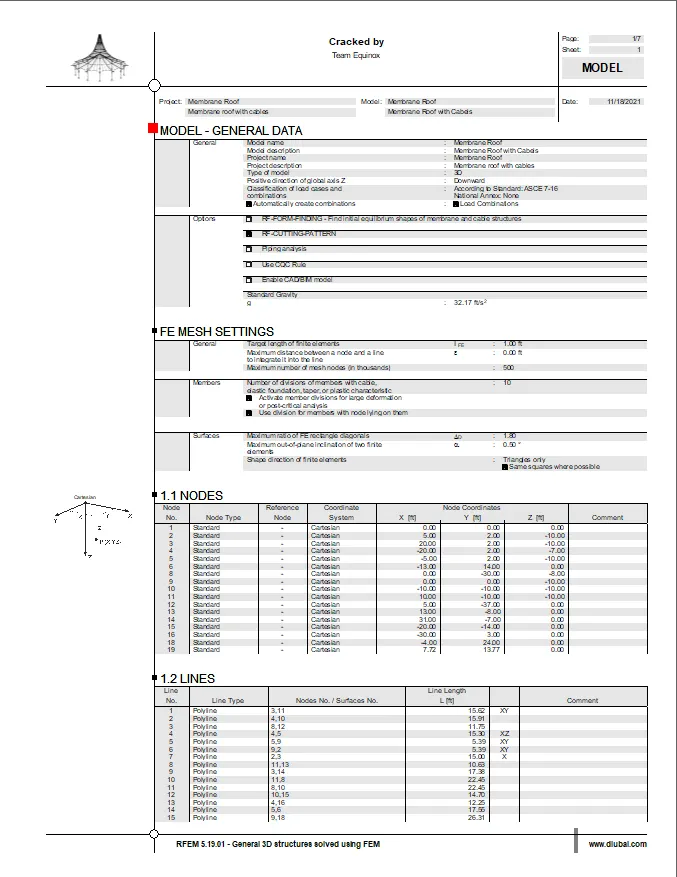
RESULT:-
Therefore the RE-CUTTING-PATTERN analysis has been successfully performed on Membrane Roof with cables using RFEM software.