Project 1 - Wiper control system and Vehicle speed calculation for ABS using Wheel Speed sensor
1.
Aim: To develop the simulink Model for the vehicle speed calculation unit inside the ABS system for the below conditions.And also create SLDD file and link the same to the model. Perform the complete V workflow for the obtained models.
Condition:
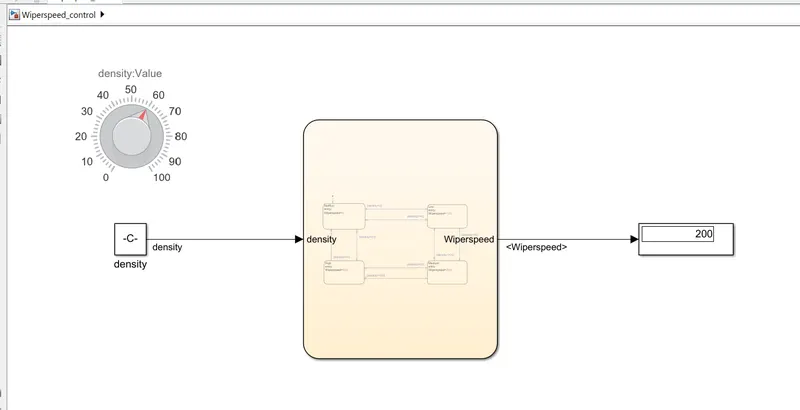
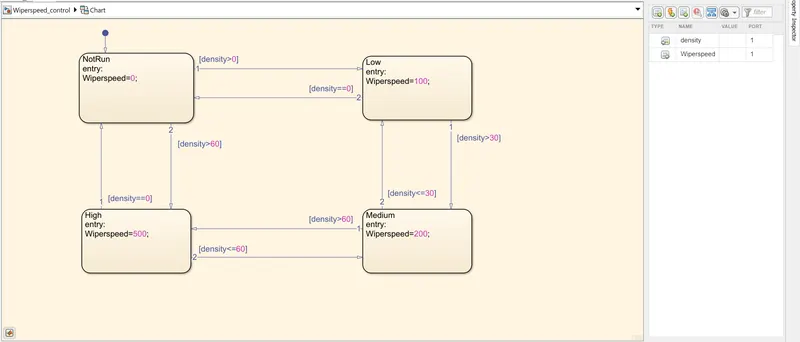
- If the density of the rain is low, then wiper rotates with low speed & the output signal should be 100rpm
- If the density of the rain is medium, then wiper rotates with medium speed & the output signal should be 200rpm
- If the density of the rain is high, then wiper rotates with high speed & the output signal should be 500rpm.
1.Simulink Model:
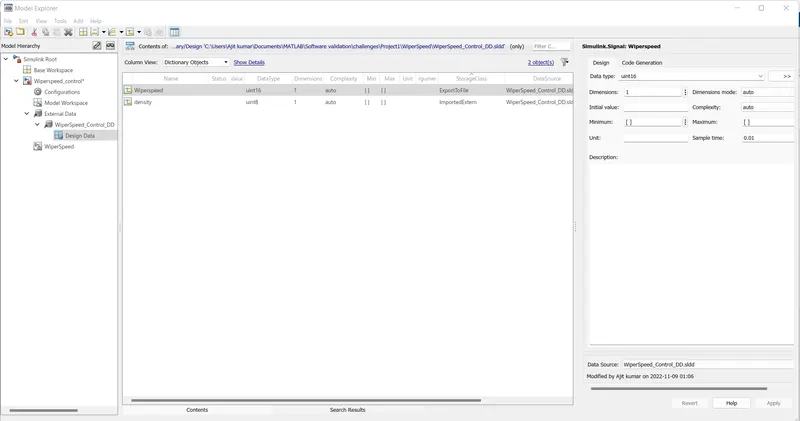
2.SLDD file Creation:
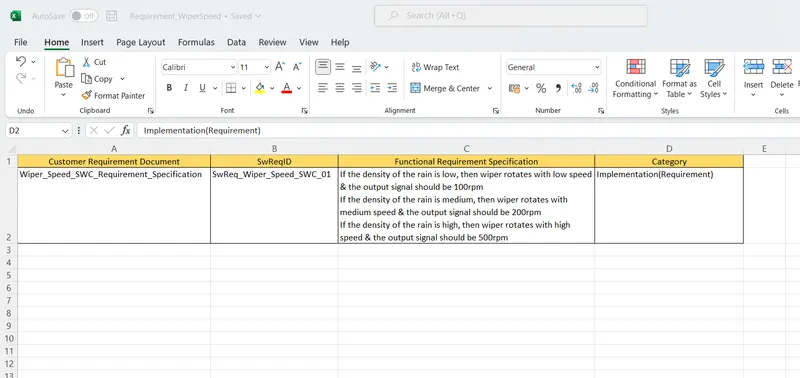
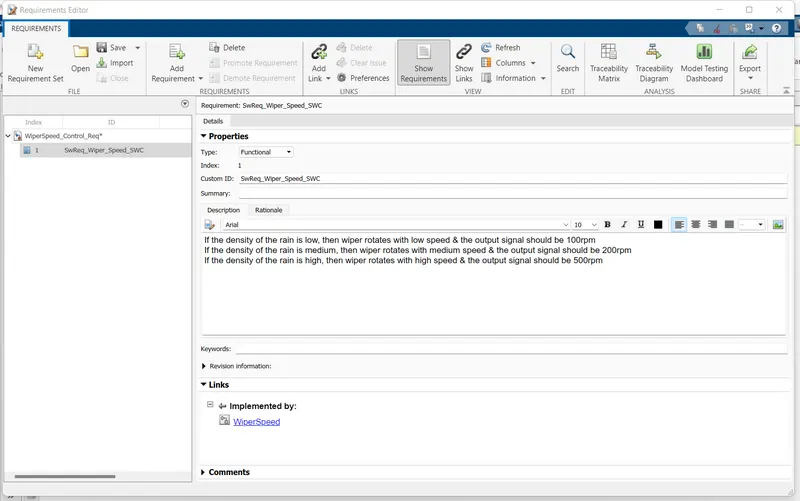
3.Requirement create and linked :
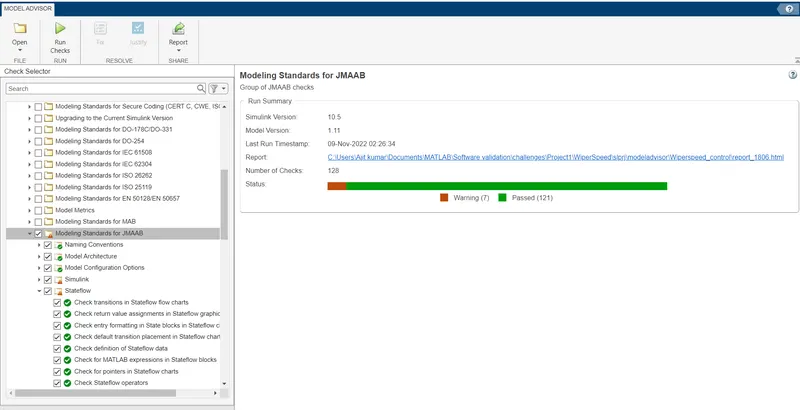
4.Model advisor - JMAAB compliance report
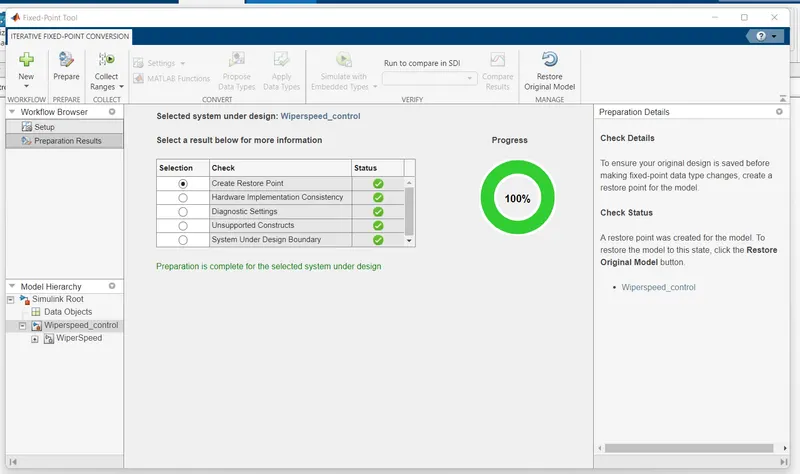
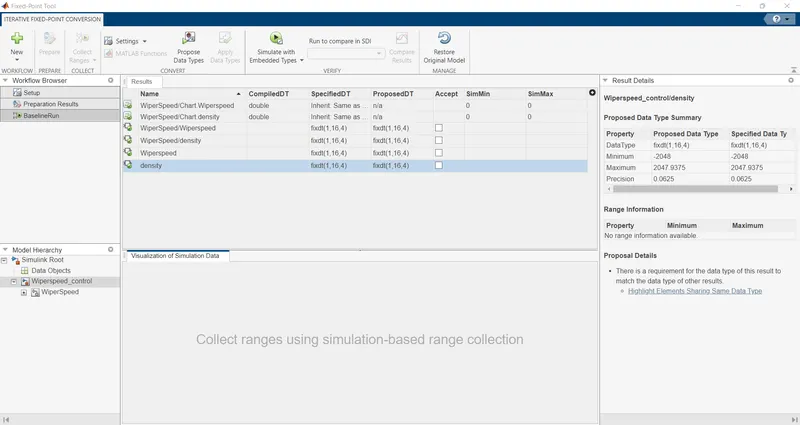
5.Fixed-point Tool
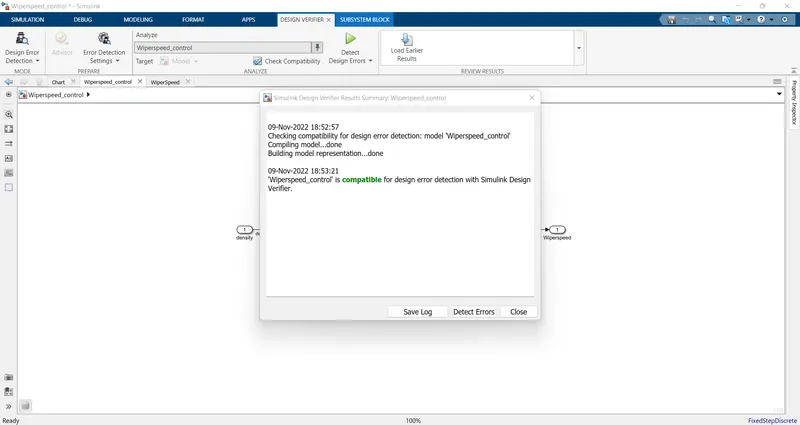
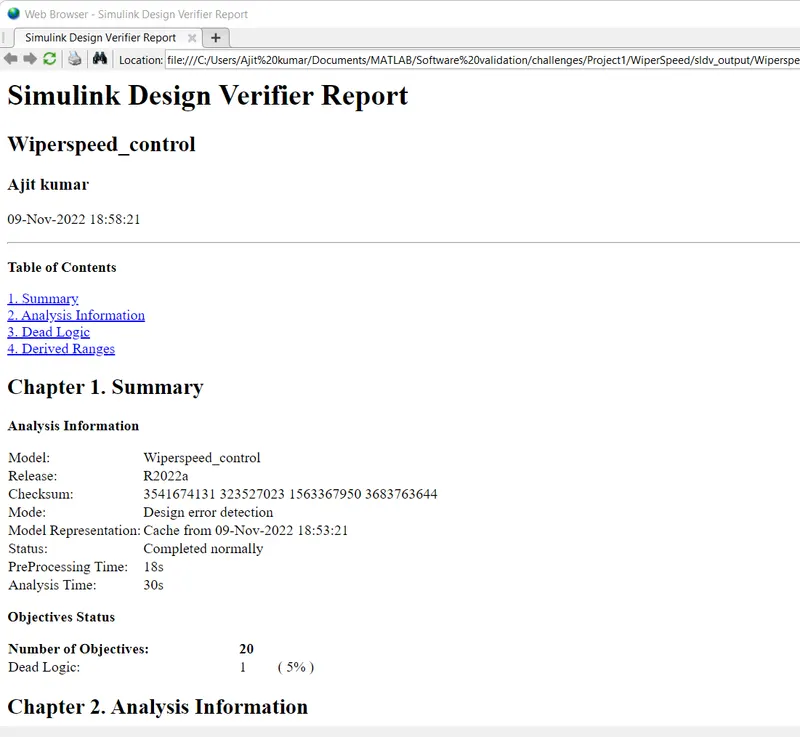
6.SLDV Design error detection report
7.Functional test case, MIL, SIL harness, coverage Reports MIL
- Creating Test Cases:
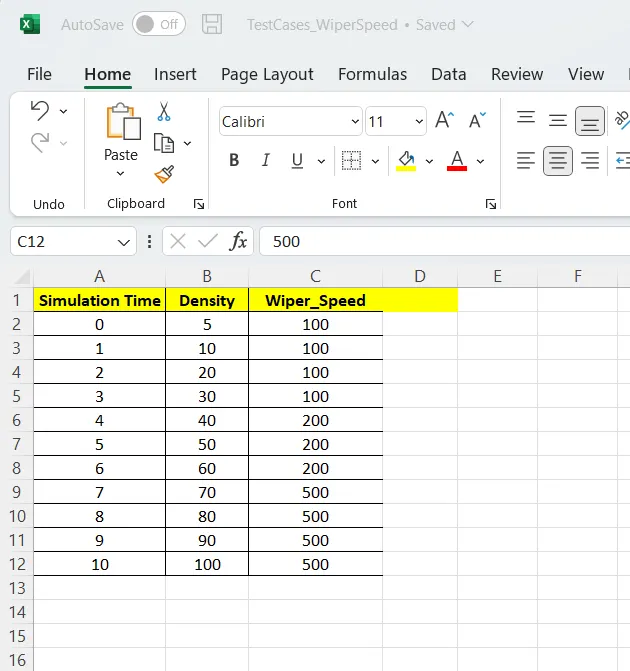
- Importing the Test Cases to the Singal Builder and connected to the model
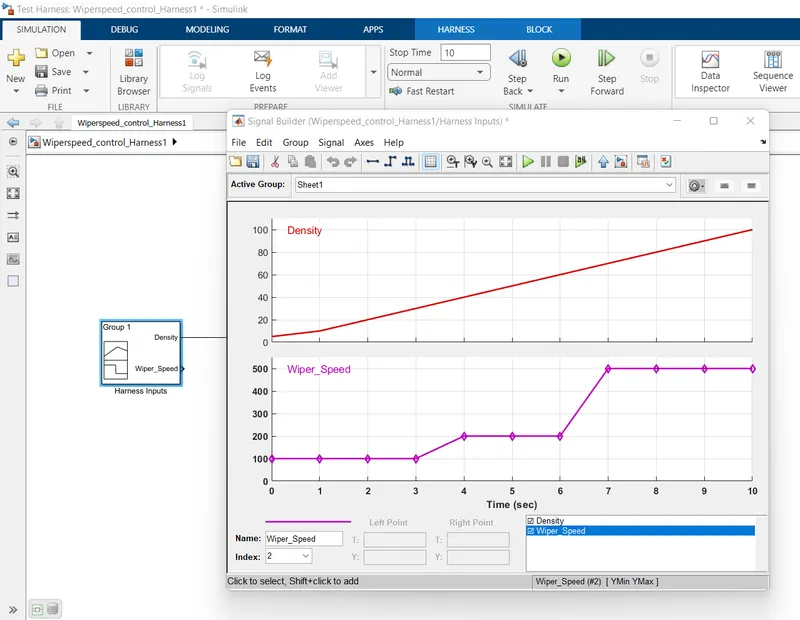
- Model in Loop testing
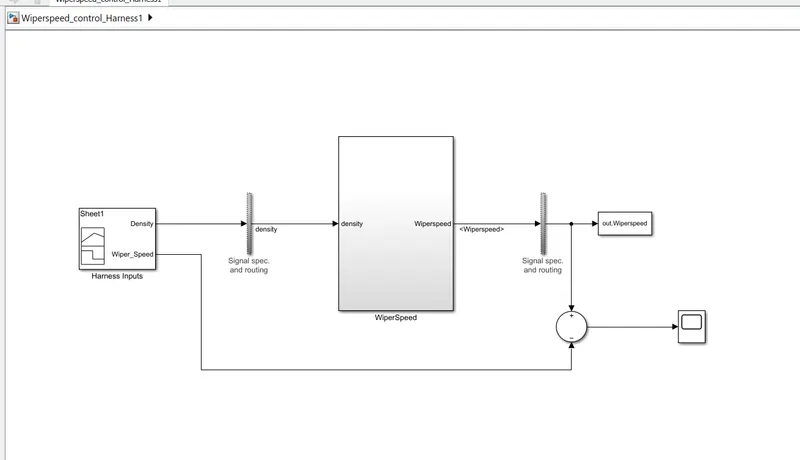
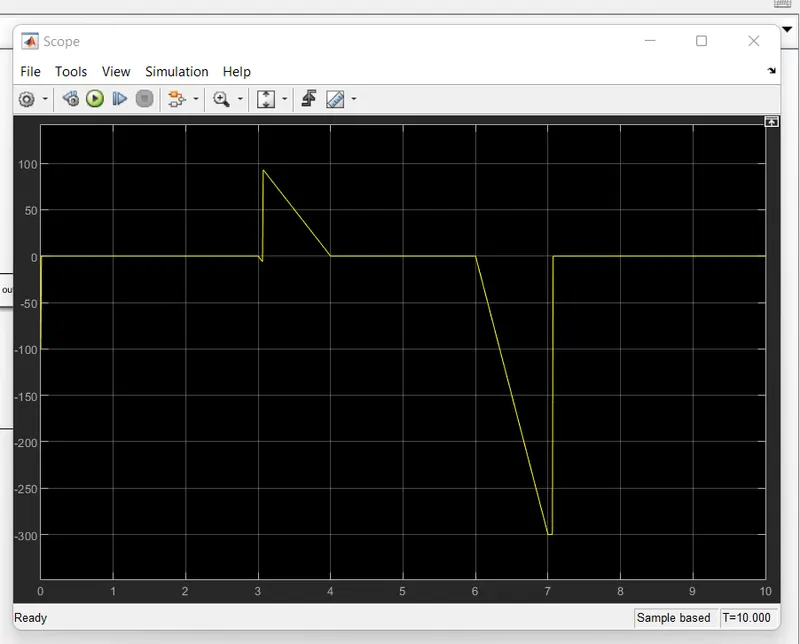
Result:
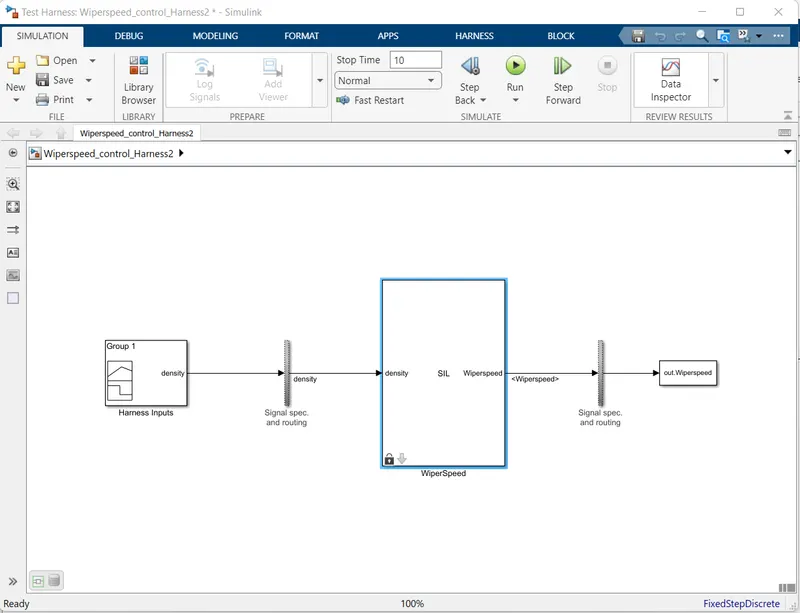
Software In Loop Testing:
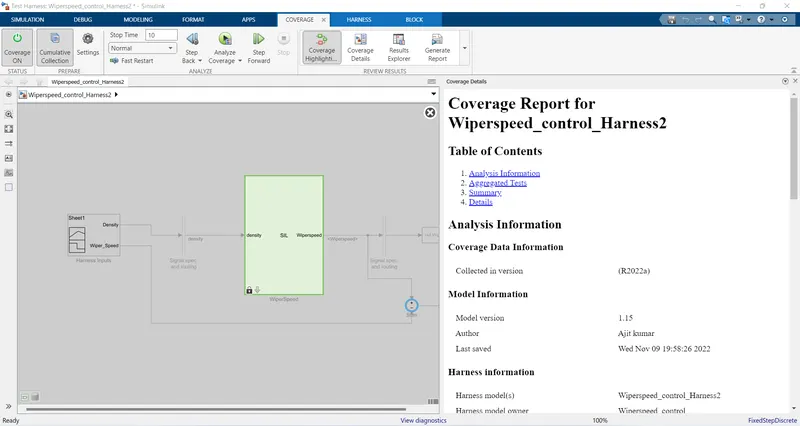
- Coverage Report for the Model:
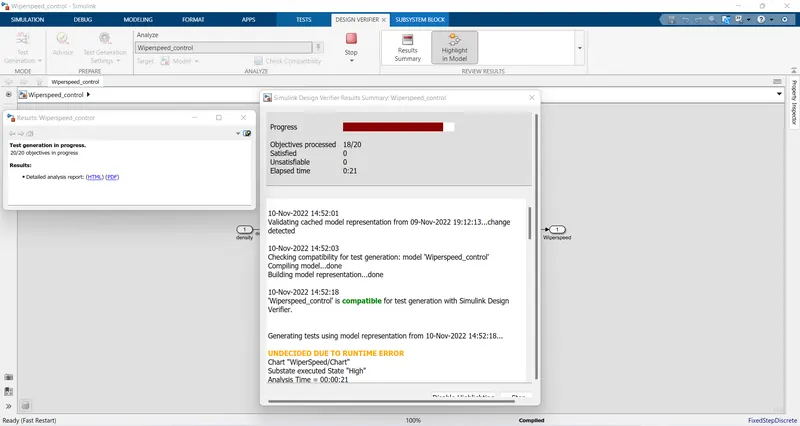
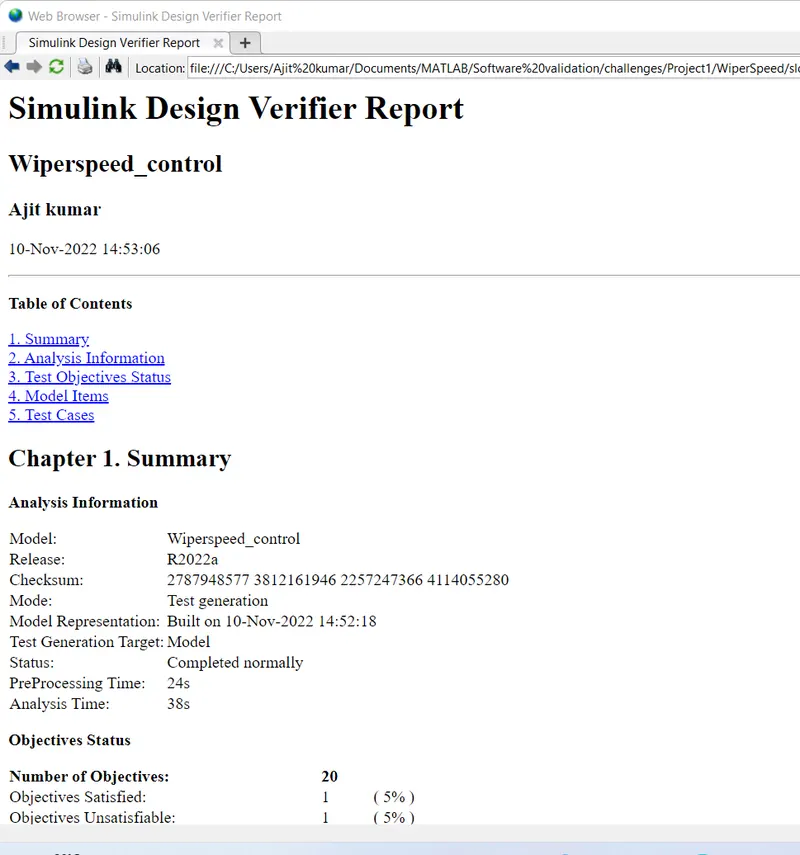
8.SLDV test generation report
9. Poly space analysis report / outputs
- Polyspace Bug Finder
Steps-
- Open Polyspace and create a new project by clicking on Start a new project.
- Give the project name and it should be same as simulink model name. and set the folder location where the matlab workspace to save the file.
- After this click next option and choose the source folder where my .c file is generated.and you may add some additional file if you have otherwise you need not Add. and then click on finised.
- All the .c file and other file automatically generated in the project browser in the polyspace.
- Now we configuring the project by Set the Target & compiler option, in this set target Processor type as x86_64 and Compiler as generic.
- Then goto Coding Standard and Coding Metrics and enable the MISRA C:2004 option.
- Then go to Bug Finder Analysis, Choose default in Find defect option.
- Then goto Report, and enable the generate report and choose the format as you want.
- Then save it and Now goto Run the polyspace Bug Finder and then showing the result Details, like Code covered by analysis and defect find.
Polyspace Code prover:
Steps :
- Open Polyspace and see the results of the project is store see in the project browser.
- Update the configuration settings, goto target & Compiler--> Environment settings and enable(Disable) the stop analysis if a file does not compile option.
- Then goto the Code Prover Verification-->Check Behavior and click on Allow negative operand for left shifts option and also click on Consider non finite floats.
- Then goto precision , check precision level is 2. and then saving this.
- Now goto Run it code prover mode and once it run the project then automatically generate the results called as cp_Result see in the project Browser.
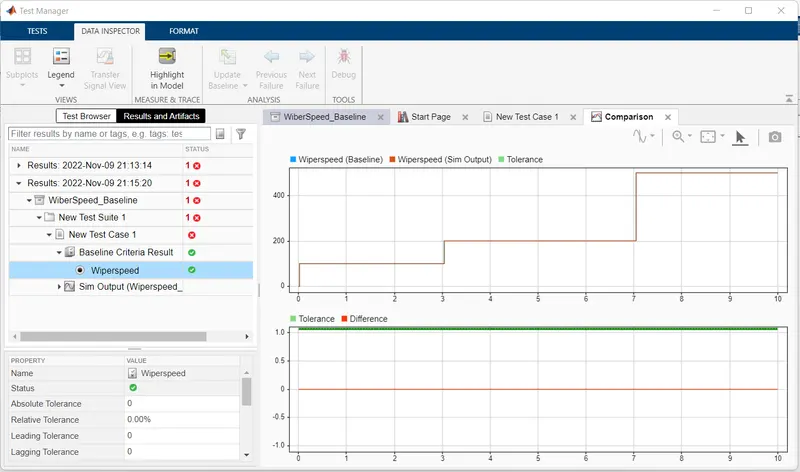
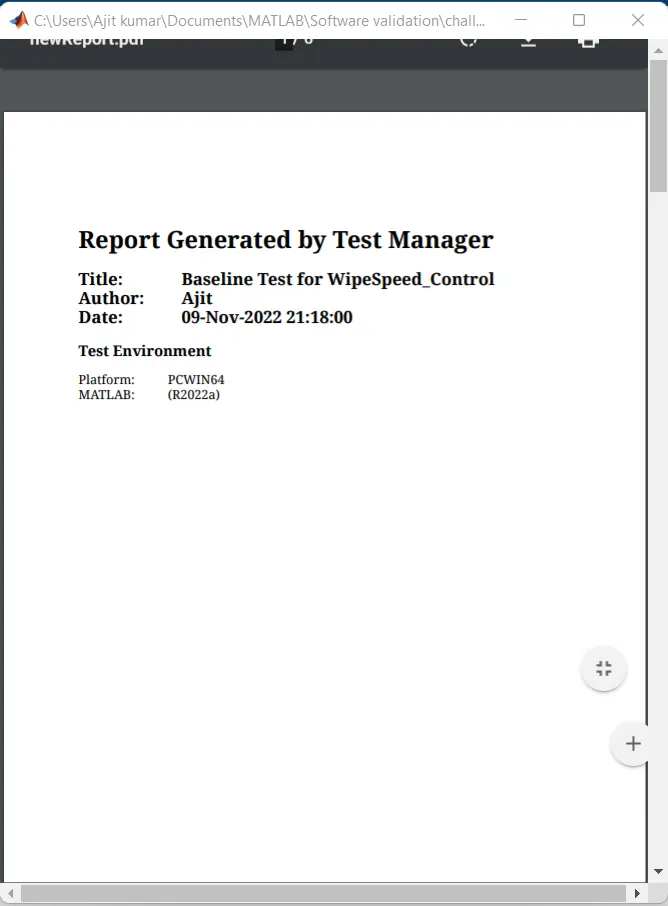
10.Test manager reports – Baseline & Back-to-back testing
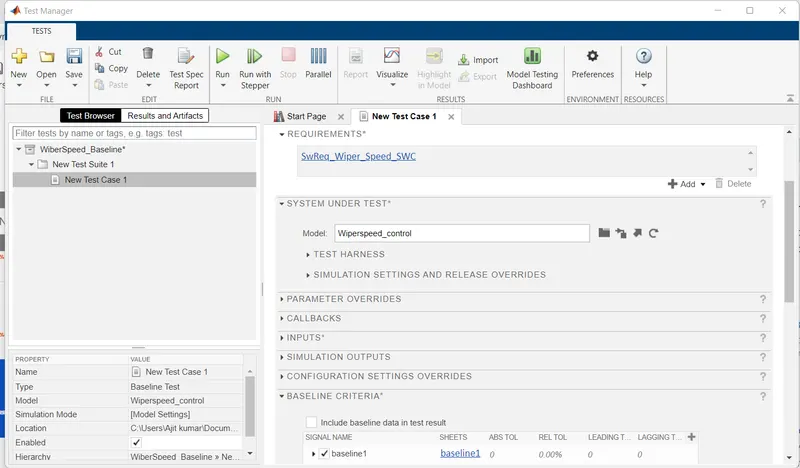
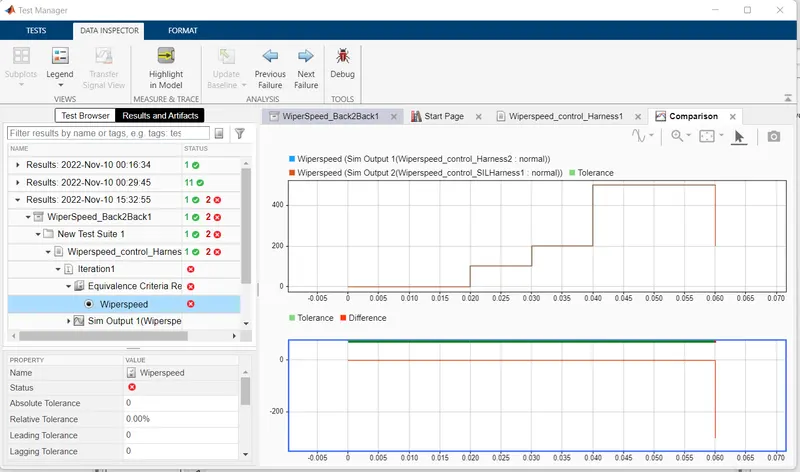
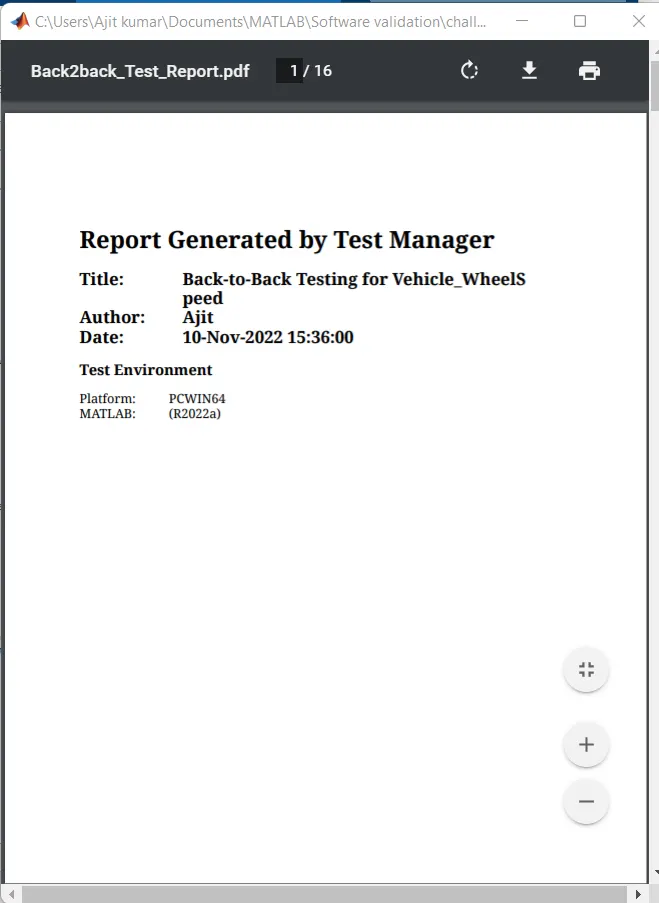
Back-to-Back Test:
Output:
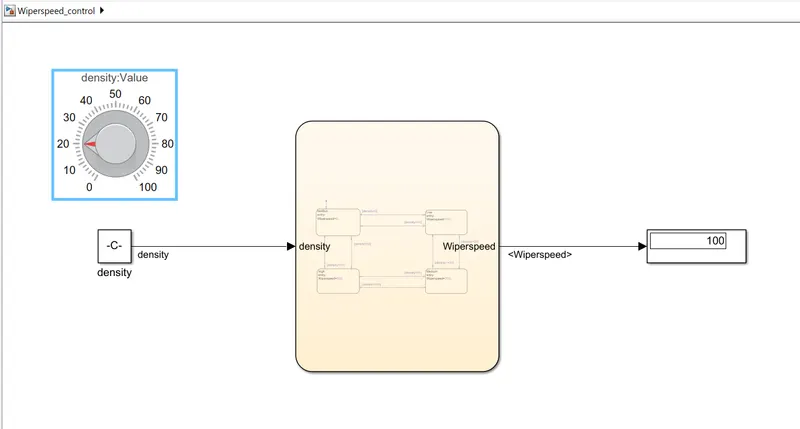
- When the density set to 20 i.e low then the Wiper speed is 100 rpm as shown in figure below.
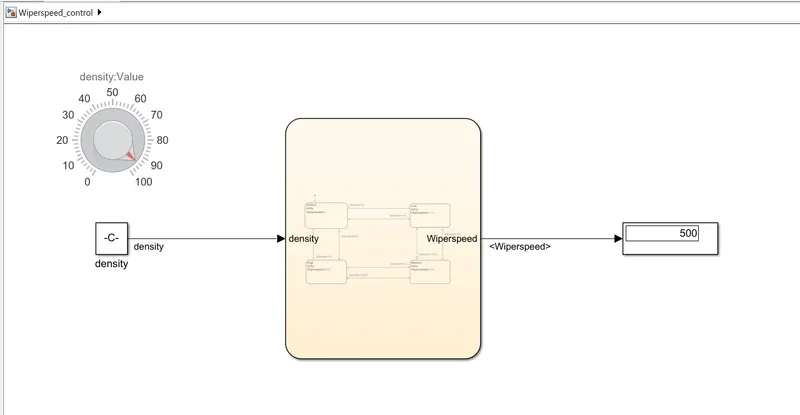
- When the density set to 92 i.e High, then the Wiper speed is 500 rpm as shown in the figure below.
2.
Aim: To Develop the Simulink Model for the vehicle speed calculation unit inside the ABS system for the below conditions. And also create SLDD file and link the same to the model. Perform the complete V workflow for the obtained models.
Condition:
-
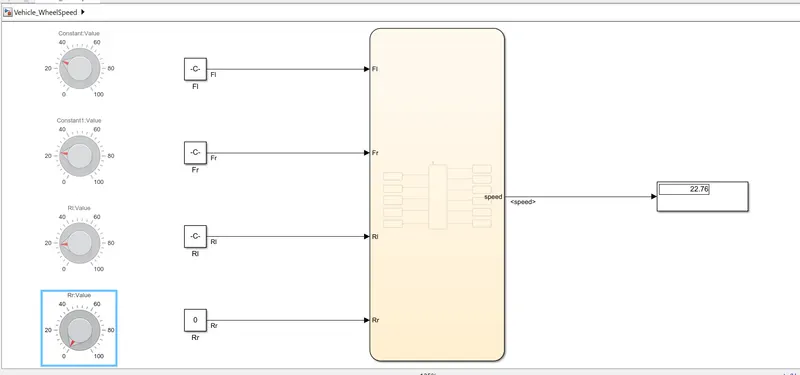
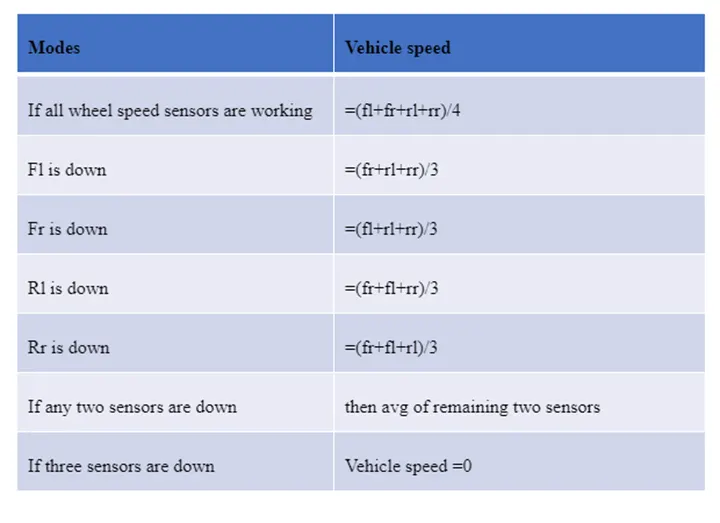
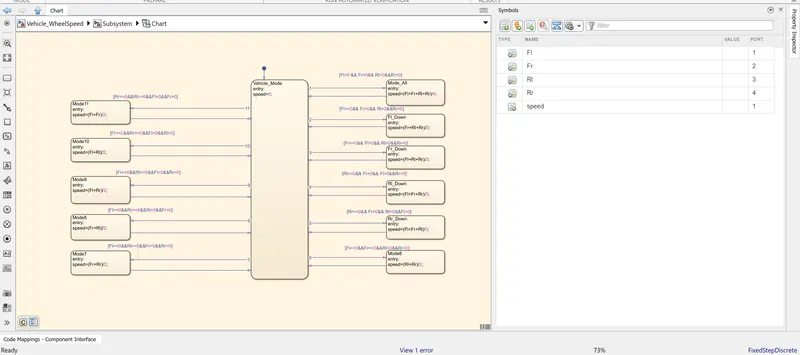
fl, fr, rl and rr are the wheel speeds of front left, front right, rear left and rear right respectively.
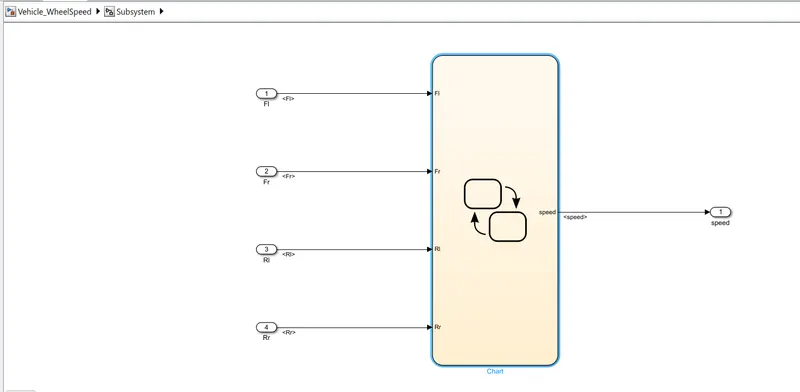
- Simulink Model:
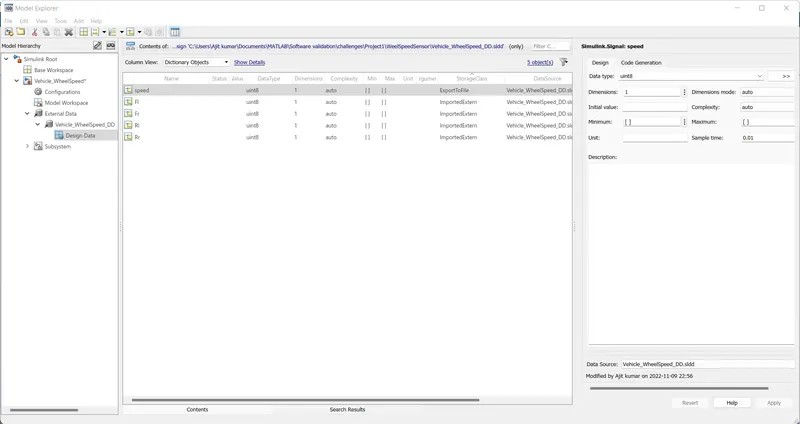
2.SLDD file
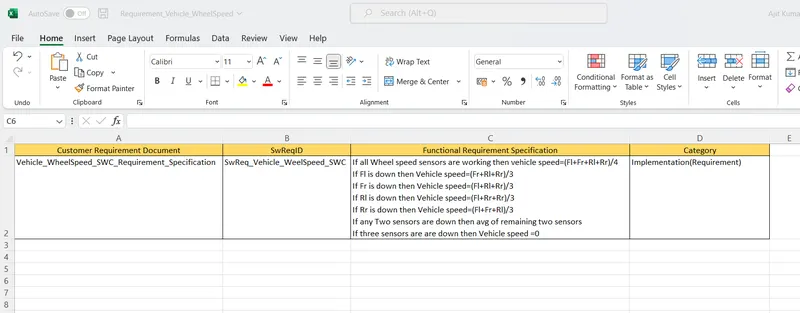
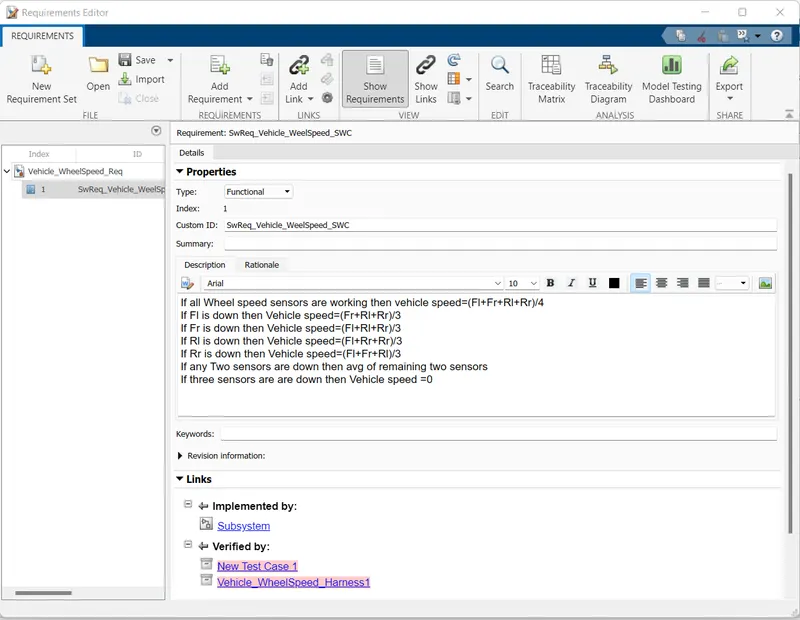
3. Requirement tagging report
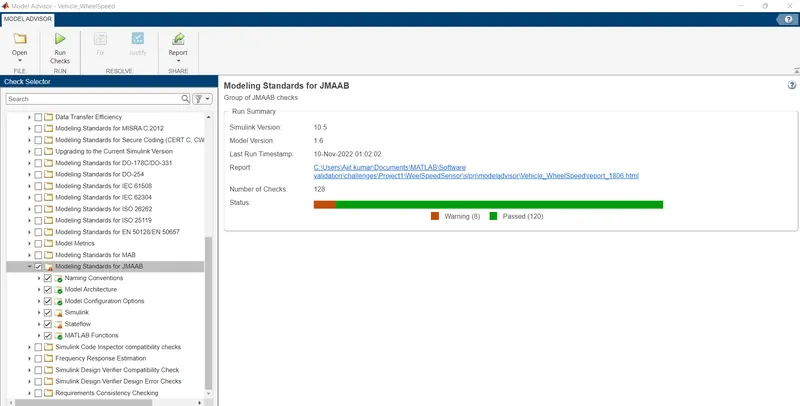
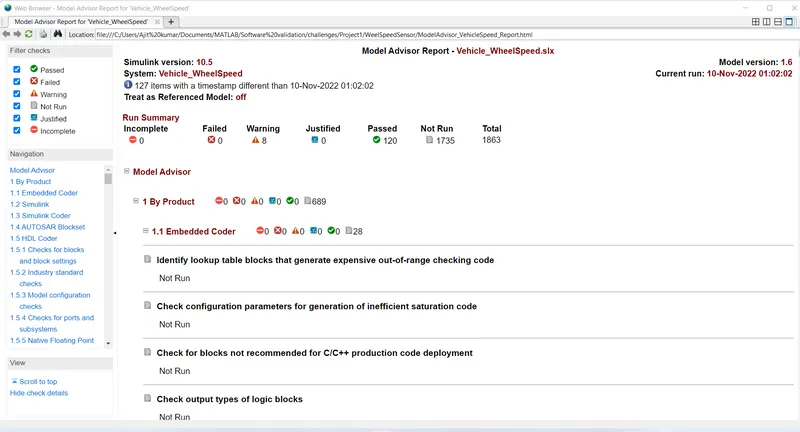
4.Model advisor - JMAAB compliance report
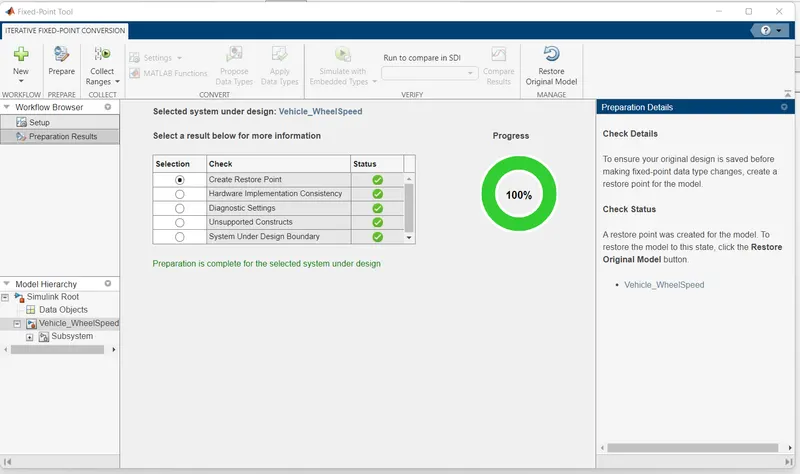
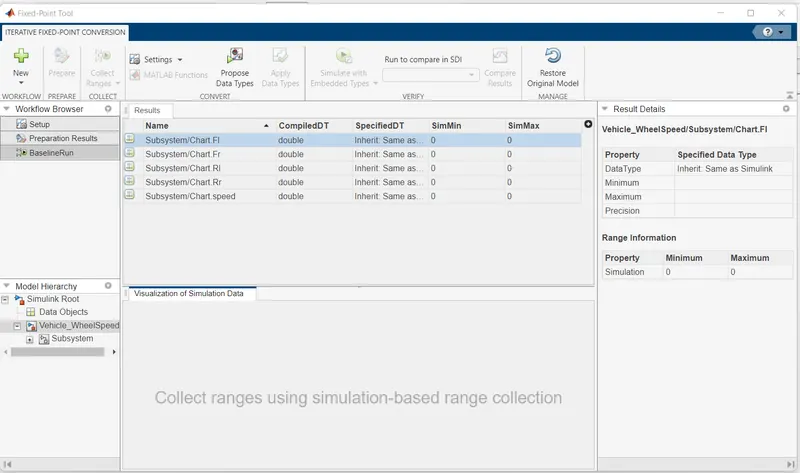
5.Fixed-point Tool
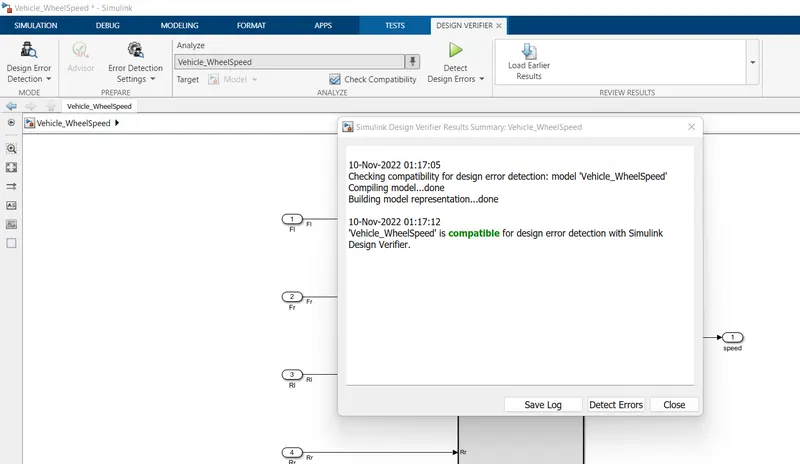
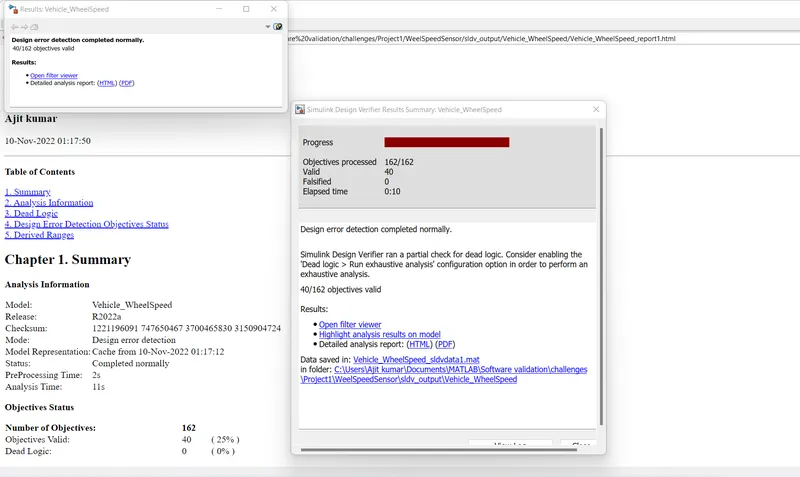
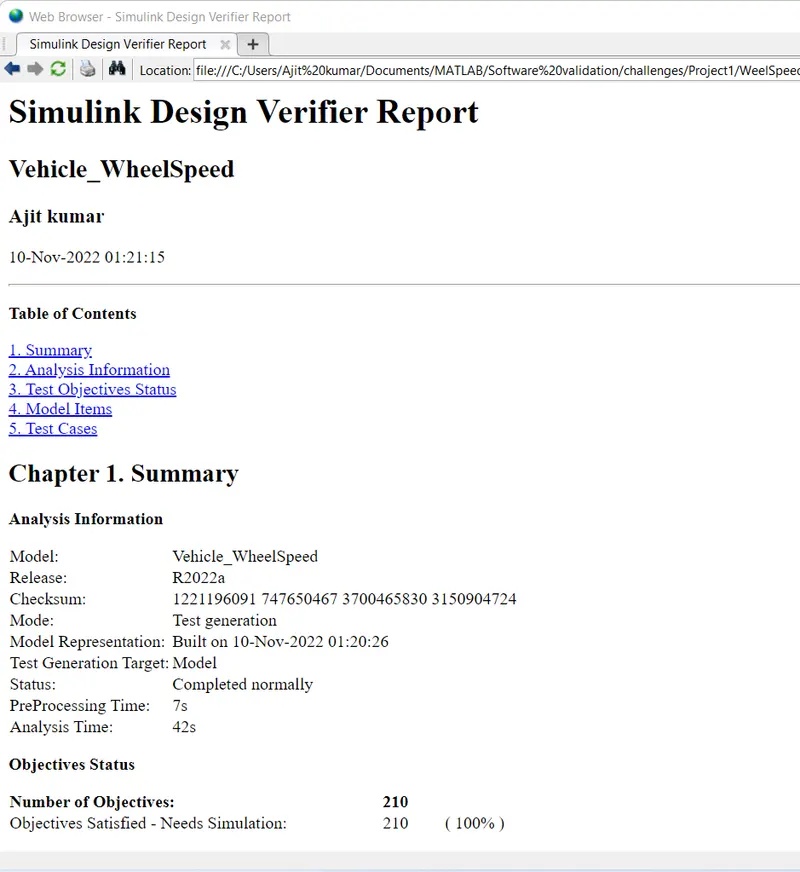
6.SLDV Design error detection report
7.Functional test case, MIL, SIL harness, coverage Reports
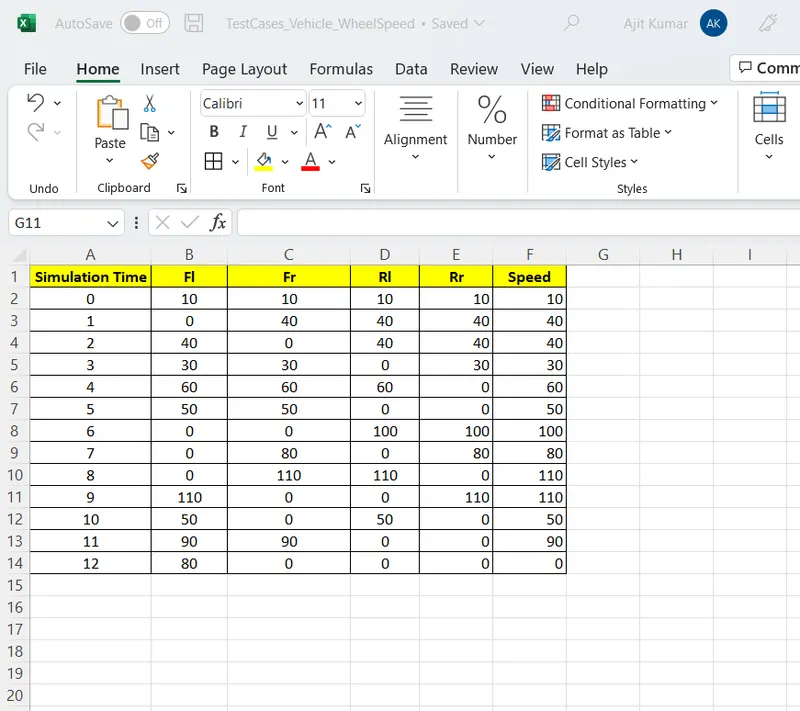
- Creating Functional Test Cases:
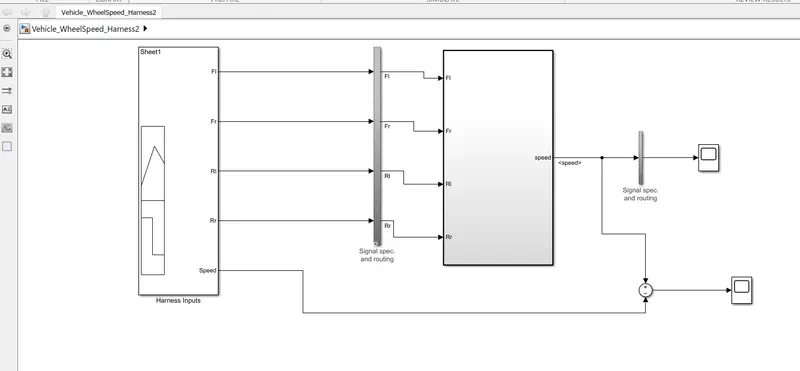
- Model In Loop Testing:
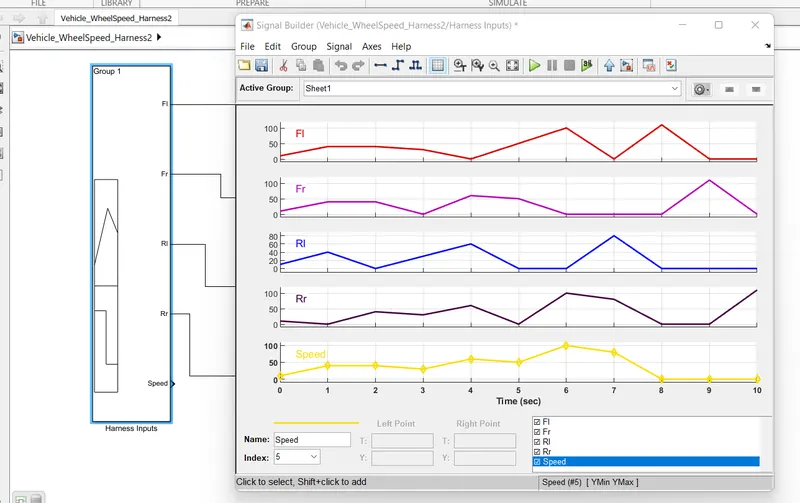
Importing the Test Cases to the Singal Builder and connected to the model
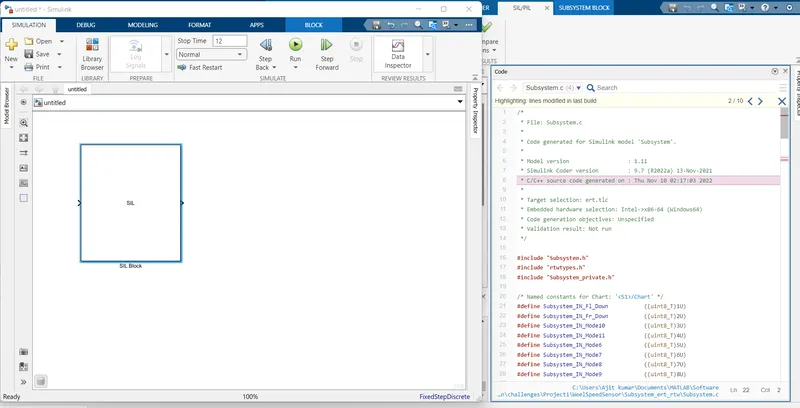
- Software In Loop Testing:
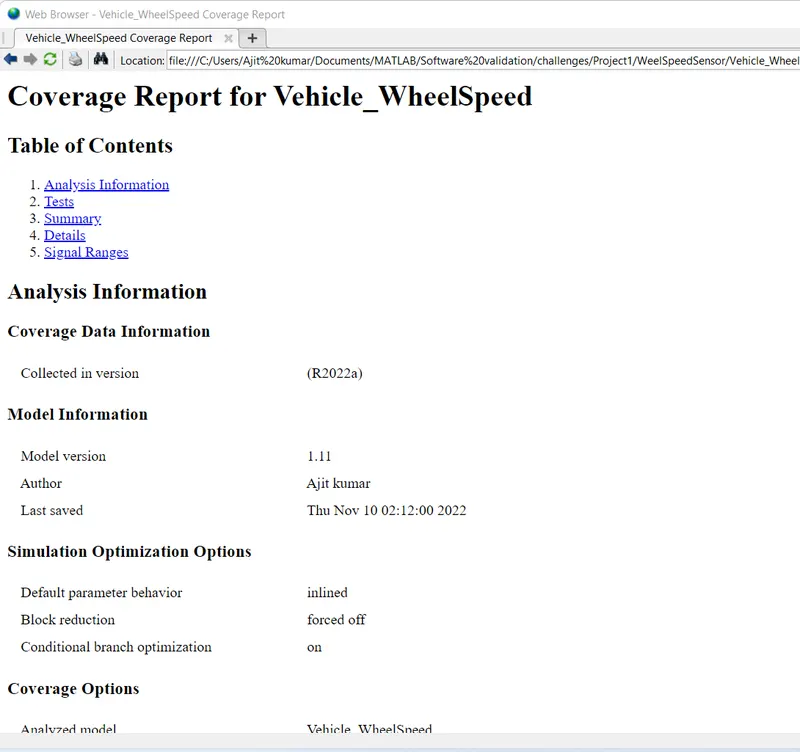
- Coverage Report:
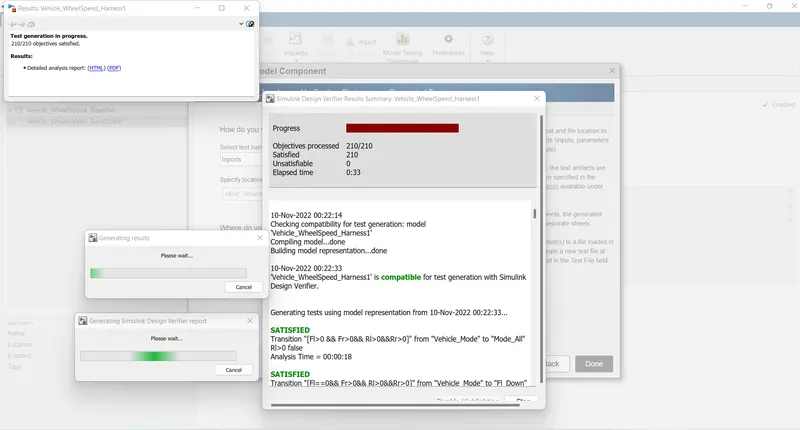
8.SLDV test generation report
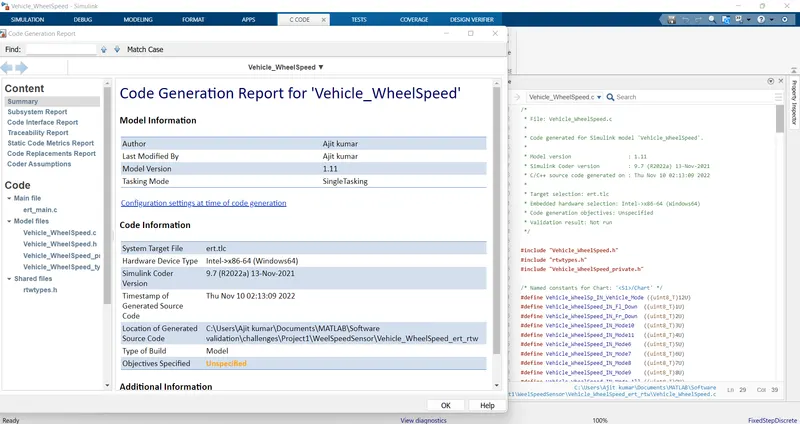
Code Generation Report:
9. Poly space analysis report / outputs
- Polyspace Bug Finder
Steps-
- Open Polyspace and create a new project by clicking on Start a new project.
- Give the project name and it should be same as simulink model name. and set the folder location where the matlab workspace to save the file.
- After this click next option and choose the source folder where my .c file is generated.and you may add some additional file if you have otherwise you need not Add. and then click on finised.
- All the .c file and other file automatically generated in the project browser in the polyspace.
- Now we configuring the project by Set the Target & compiler option, in this set target Processor type as x86_64 and Compiler as generic.
- Then goto Coding Standard and Coding Metrics and enable the MISRA C:2004 option.
- Then go to Bug Finder Analysis, Choose default in Find defect option.
- Then goto Report, and enable the generate report and choose the format as you want.
- Then save it and Now goto Run the polyspace Bug Finder and then showing the result Details, like Code covered by analysis and defect find.
Polyspace Code prover:
Steps :
- Open Polyspace and see the results of the project is store see in the project browser.
- Update the configuration settings, goto target & Compiler--> Environment settings and enable(Disable) the stop analysis if a file does not compile option.
- Then goto the Code Prover Verification-->Check Behavior and click on Allow negative operand for left shifts option and also click on Consider non finite floats.
- Then goto precision , check precision level is 2. and then saving this.
- Now goto Run it code prover mode and once it run the project then automatically generate the results called as cp_Result see in the project Browser.
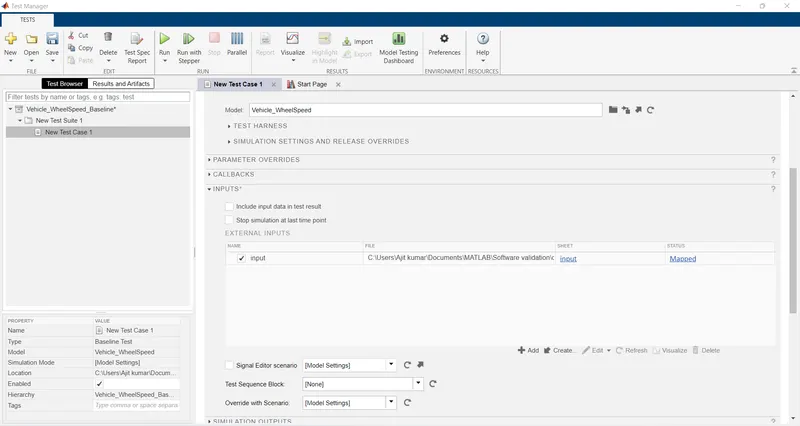
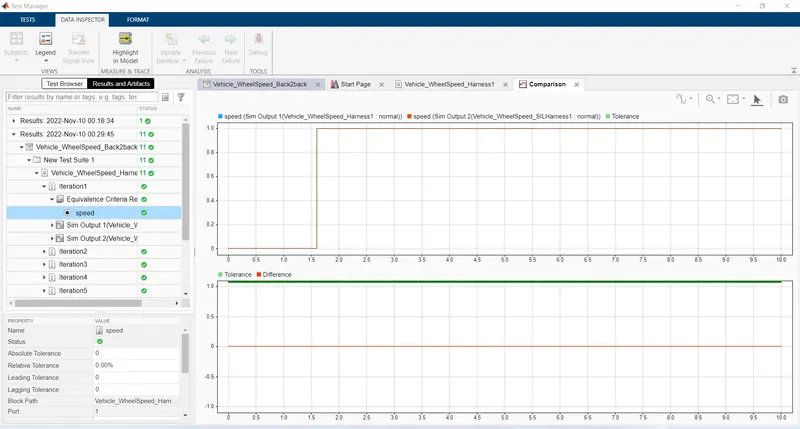
10.Test manager reports – baseline & back-to-back testing
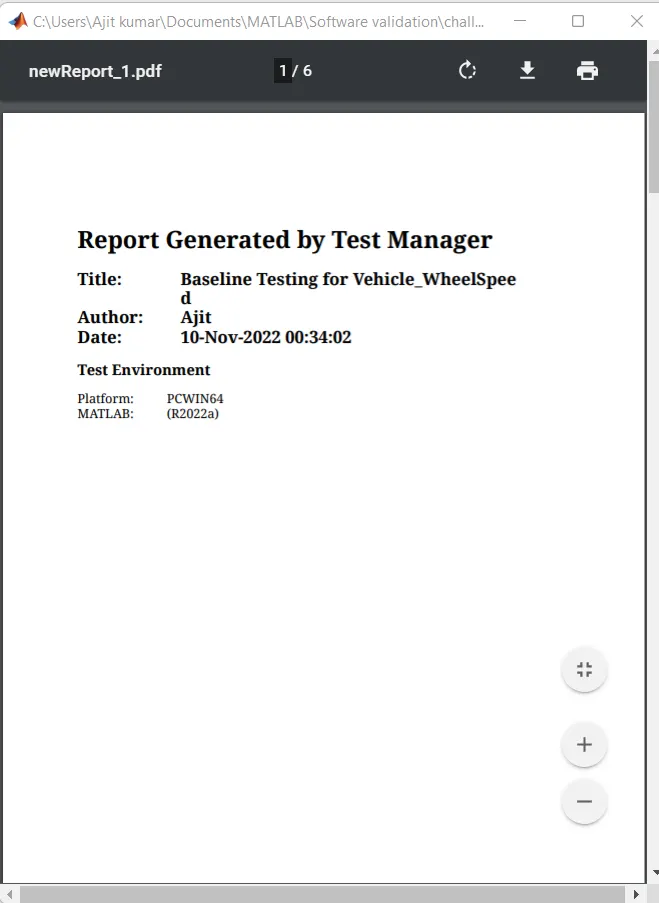
Baseline Test Report:
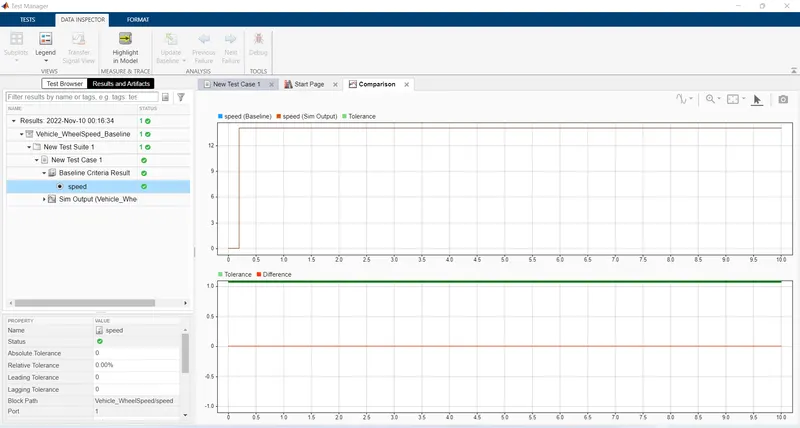
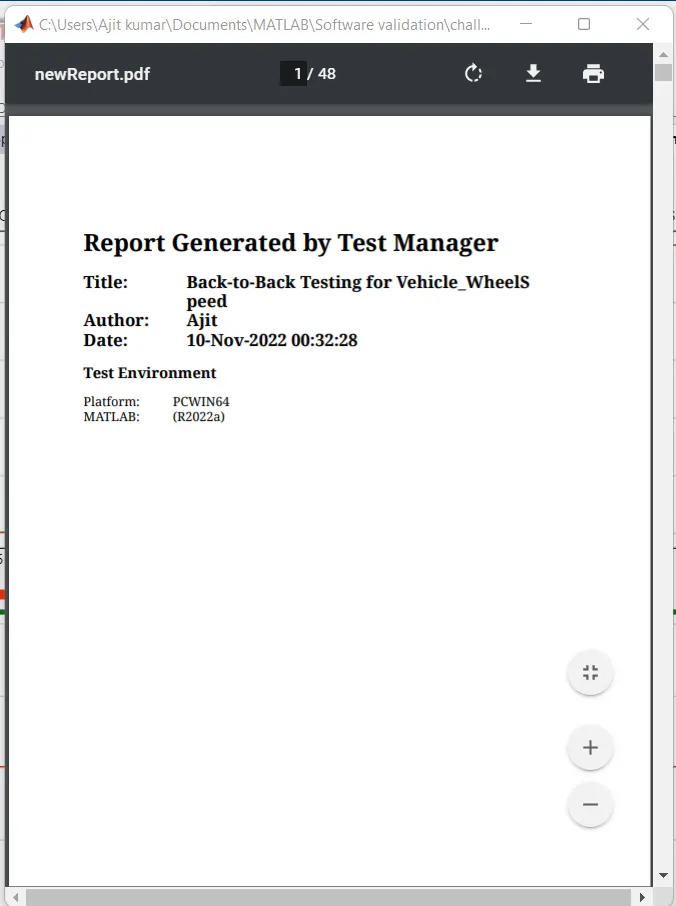
Back-to-Back Test Report:
Output:
- When all the wheel speed sensor are working then the vehicle speed is the average of all the wheel speed as shown in the figure below:
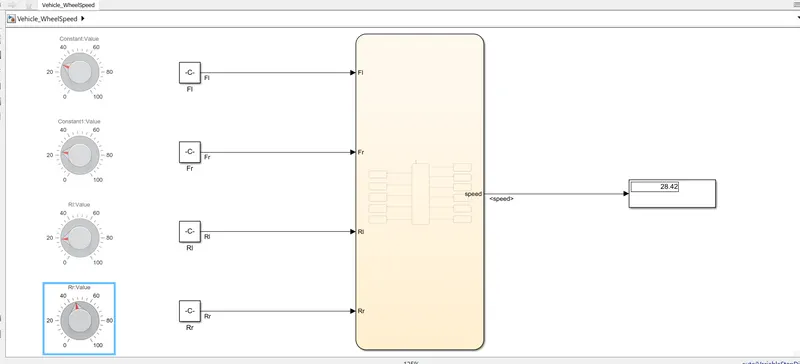
When only three wheel speed sensors are working then the vehicle speed is the average of that three wheel speed as shown in figure below: