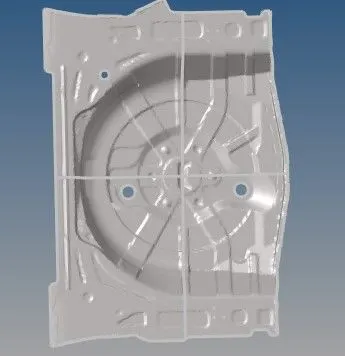
Project 1-Meshing of Rear Wheel Holder challenge
Aim
1.Creat midsurface
2.To Mesh the Given component
Procedure:
Midsurface
Step 1
Import geomentry
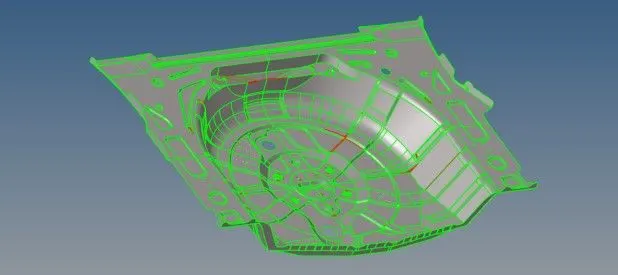
step 2
After importing componet make cut using plane cut in order to do mid surface as shown below two perpendicular cuts are made
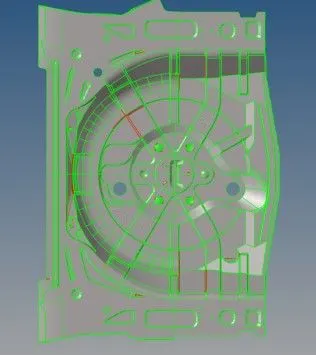
step 3
After making cuts using mask tool separate the one part of whole componet and using organise option in tool move to new componet as below shown
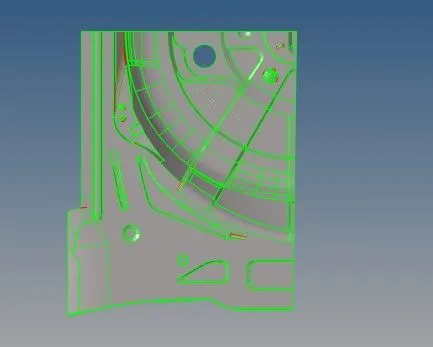
step 5
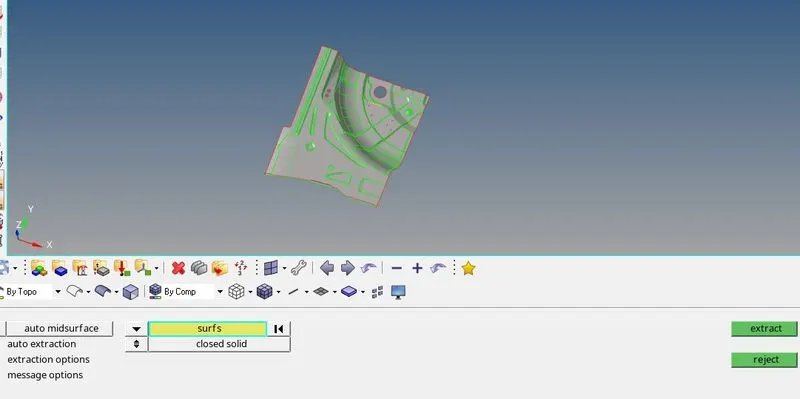
Now using auto mid surface option create mid surface as shown below similarly other remaining parts same procedure are follows
Meshing
step 1
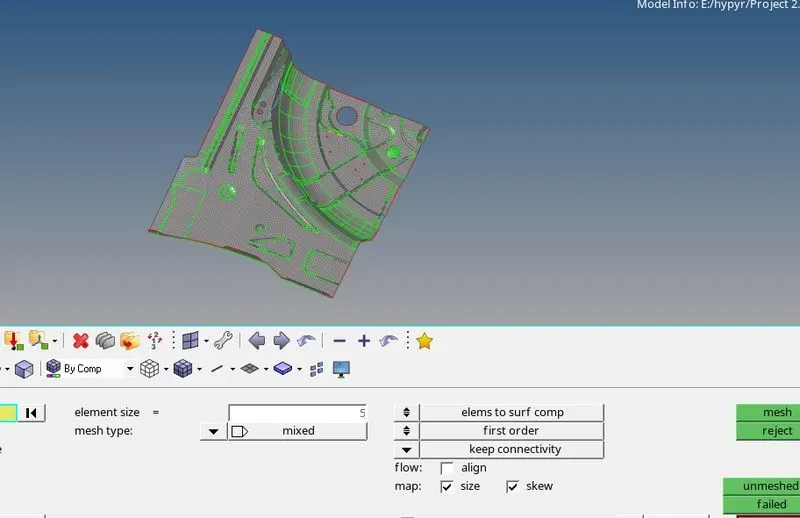
Before meshing componet set criteris value After that mesh part using auto mesh similarly procedure is follow for other parts also
step 2
After messhing there are quality failure in part are remove using elementel cleanup
Step 3
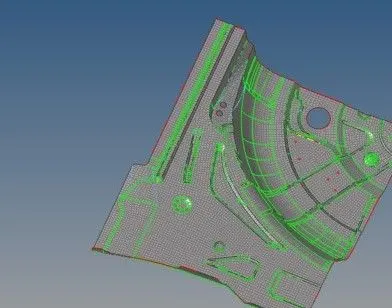
usning smooth option and optimise elements quality failure are removed & Below shows the final meshing componet and tria elements are remove using rebuild option
step 5
final meshing componets and finally assign average thikness value to the componet