Project 1-Meshing of Rear Wheel Holder challenge
AIM: To mesh the Rear wheel holder and follow the given quality criteria, then assign thickness.
PROCEDURE:
STEP 1: IMPORT THE MODEL
file > import > geometry
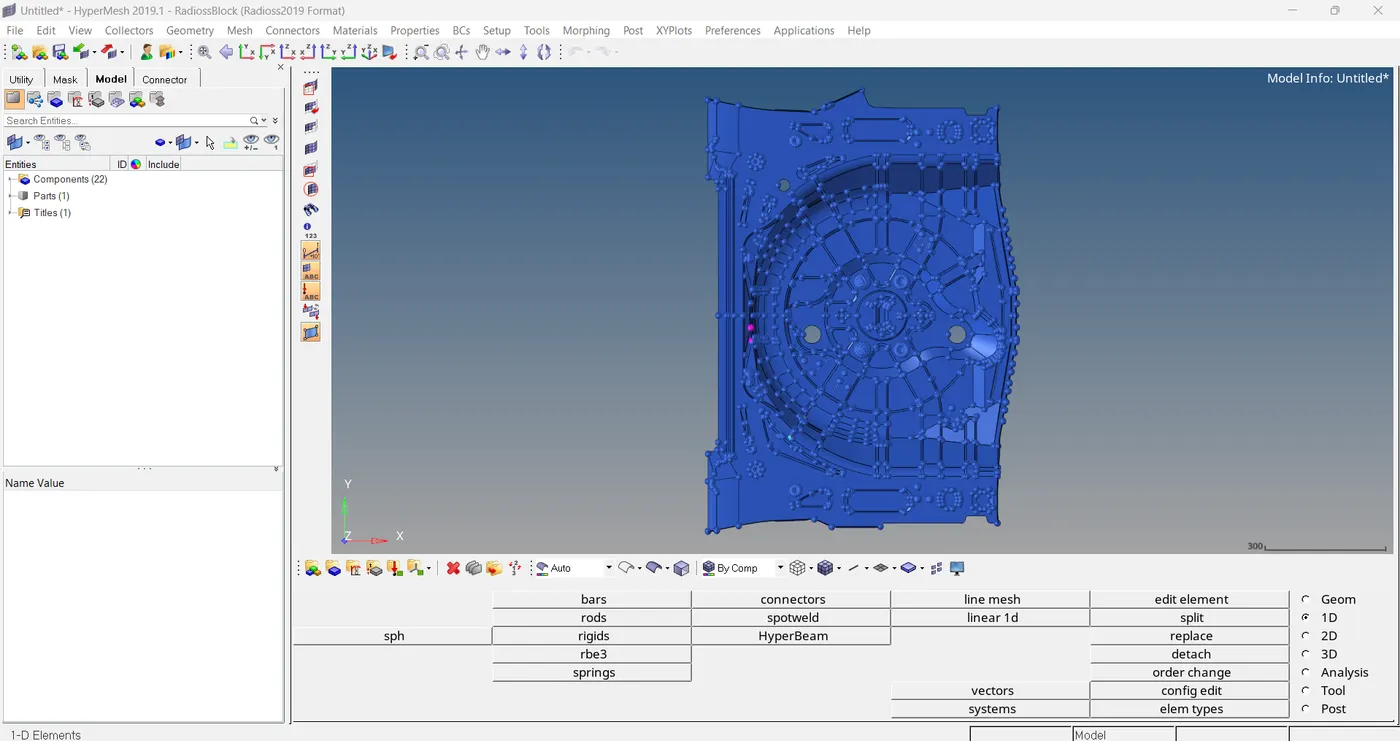
STEP 2: GEOMETRY CLEAN UP
Here I have to delete all the button like structures, then I have seen some surface issues. In wireframe mode we can see red lines.
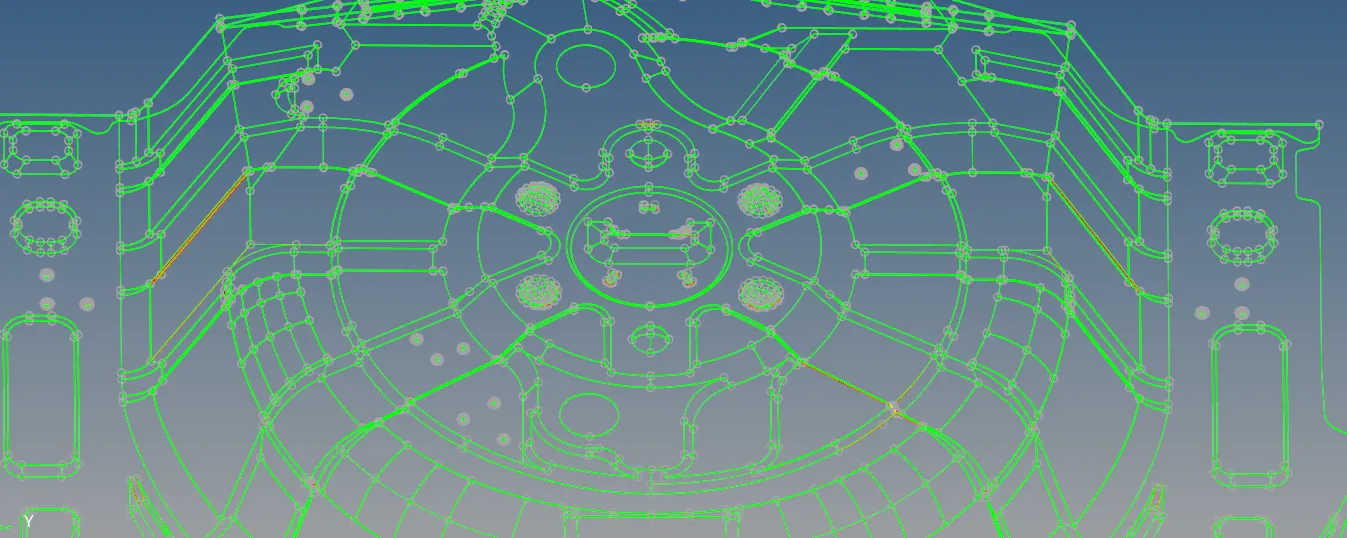
So, I started to fix those errors.
STEP 3: MID SURFACE EXTRACTION
geom > mid surface > auto extraction
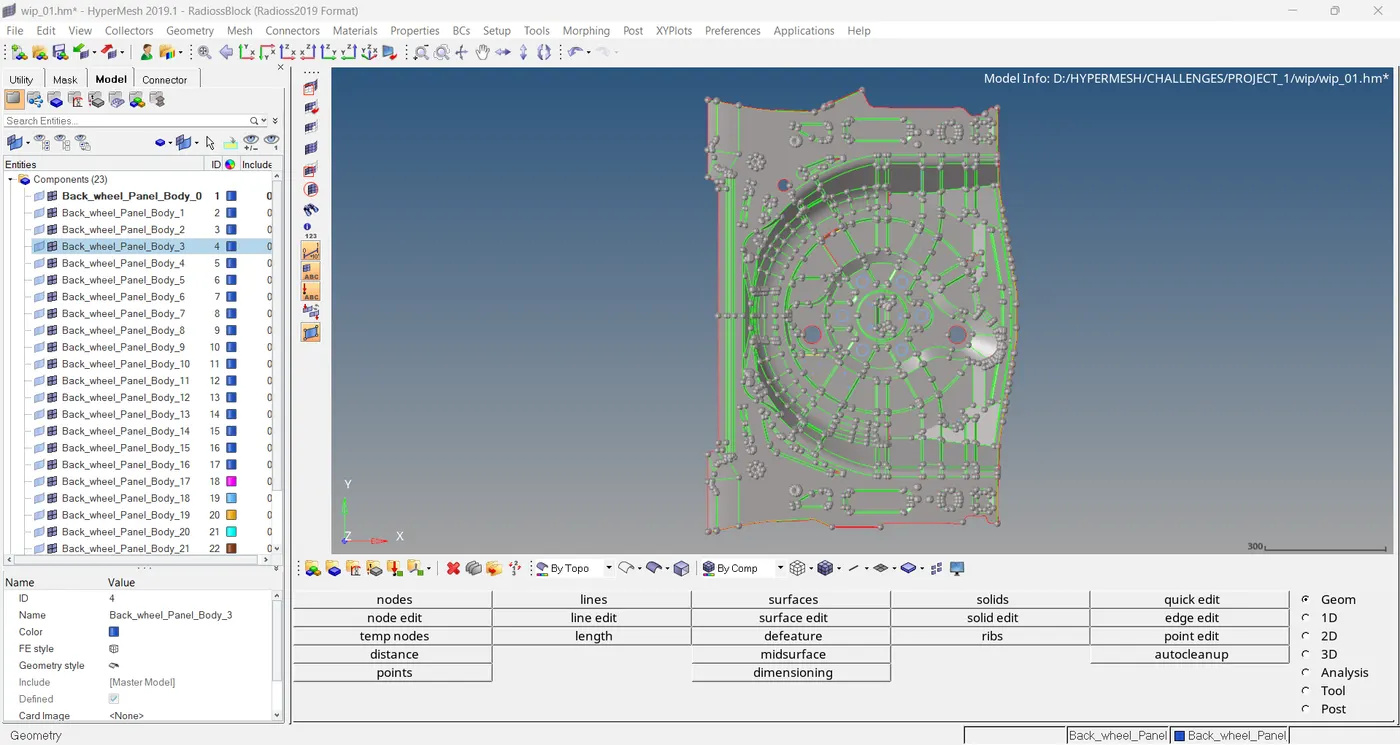
Here I have seen some geometrical errors
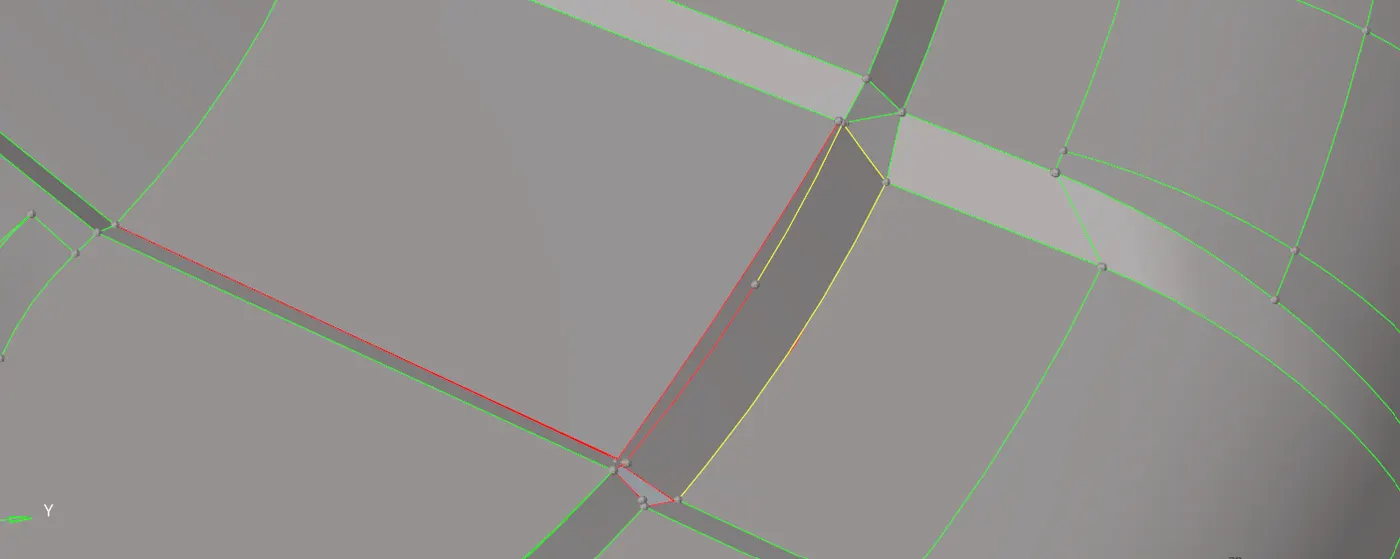
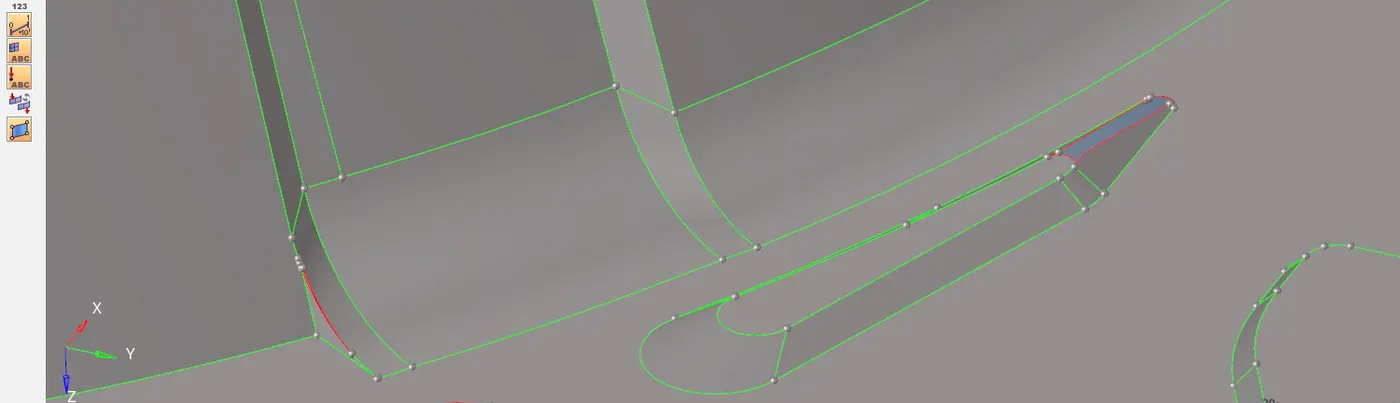
So, I started to fix those errors.
This model is almost symmetrical in nature, but not 100% symmetry. Here some regions having errors on surface , these region I did reflect option to restore those surfaces.
STEP 4: ADD QUALITY CRITERIA
2D > element clean up > edit criteria
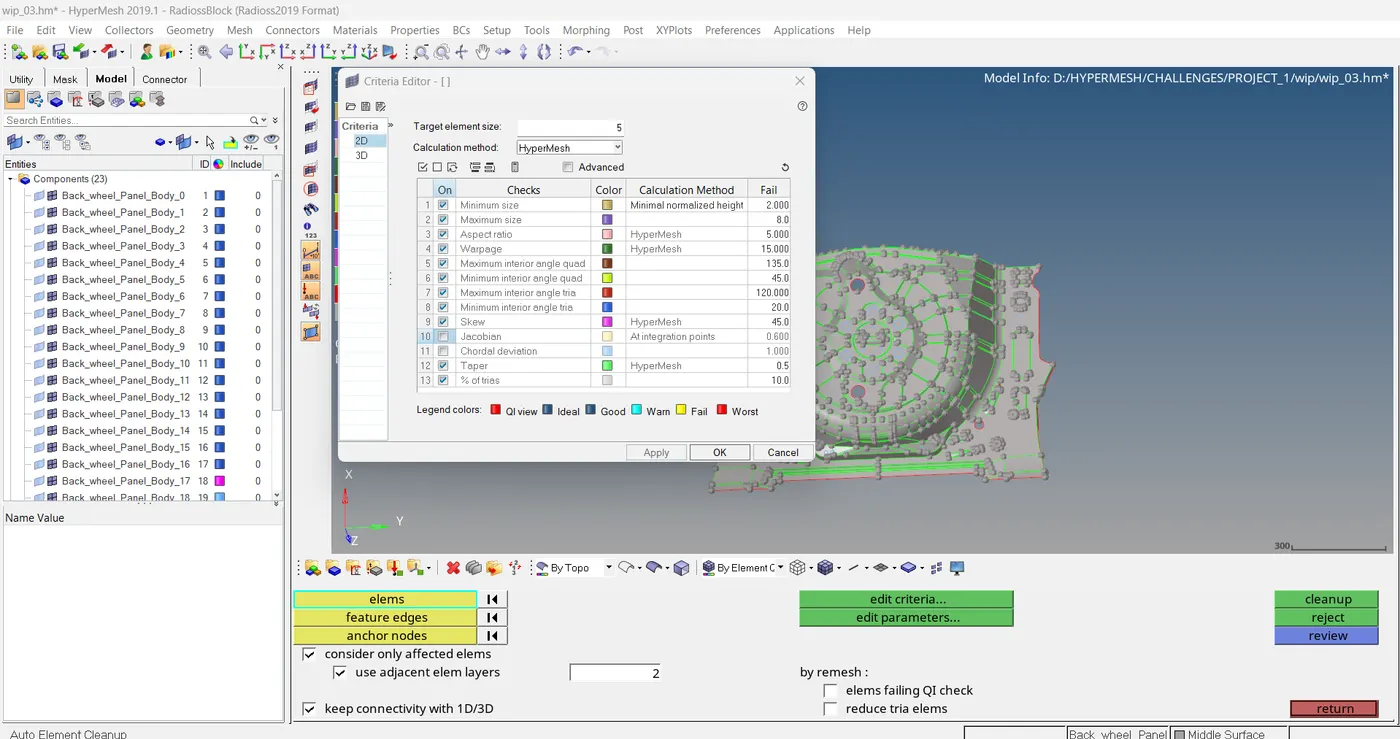
STEP 5: MESHING
2D > auto mesh
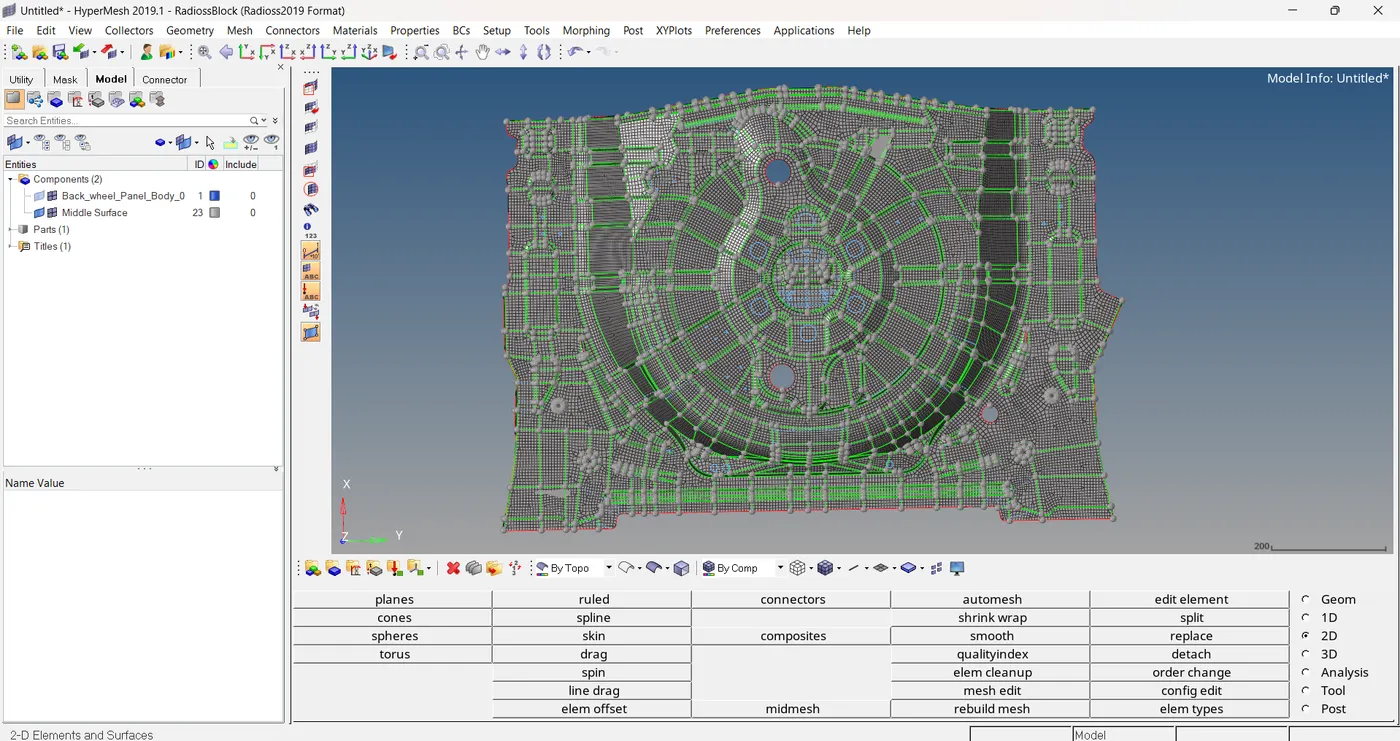
Here meshing is completed.
For getting better mesh and good mesh flow here I used,
1. smooth option
2. swap edge
3. element optimization
4. split/collapse edges
5. combine tria element
Here I have lot of qualities to fix,
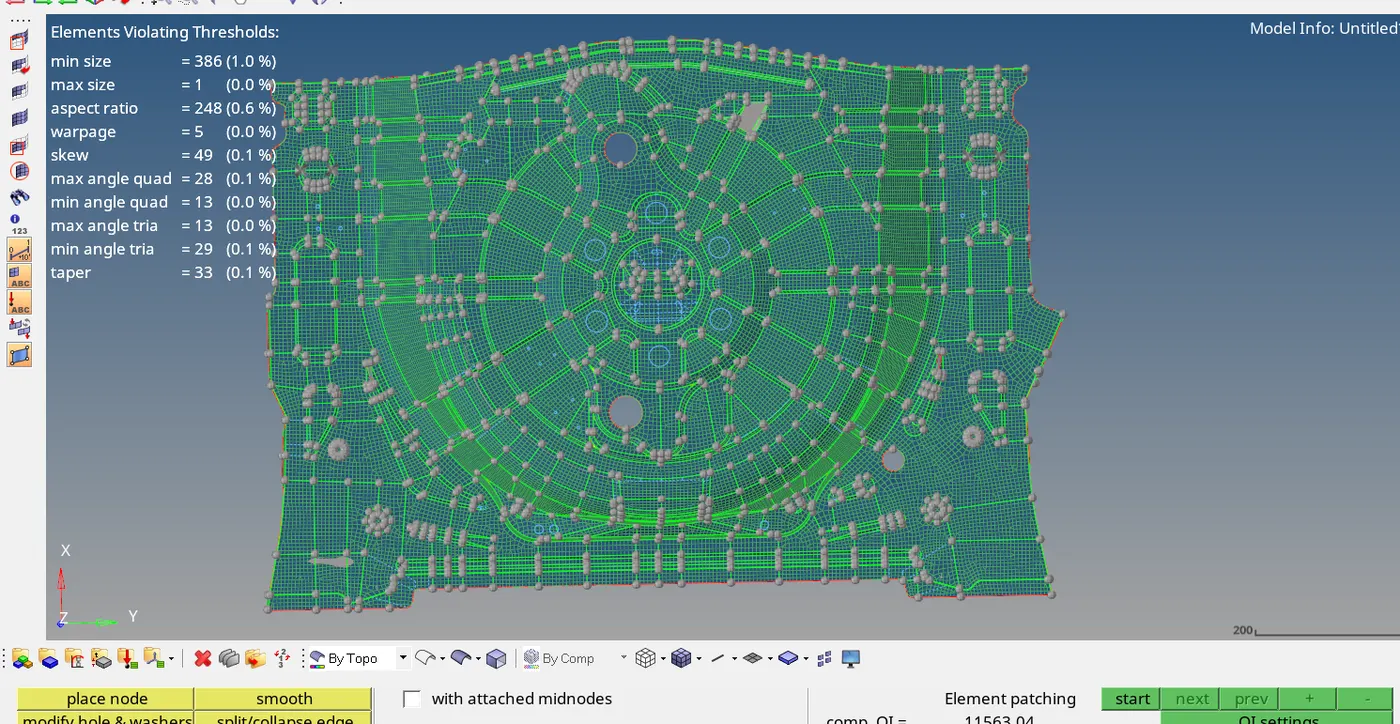
Lot of elements are failed for minimum size.
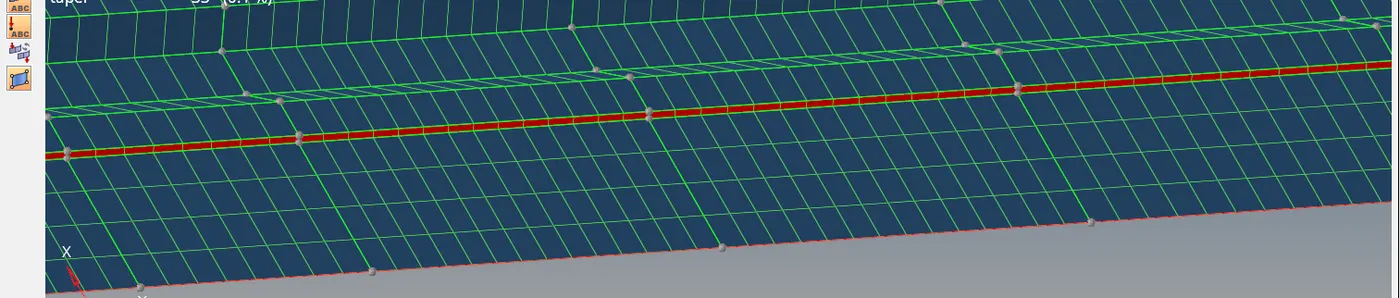
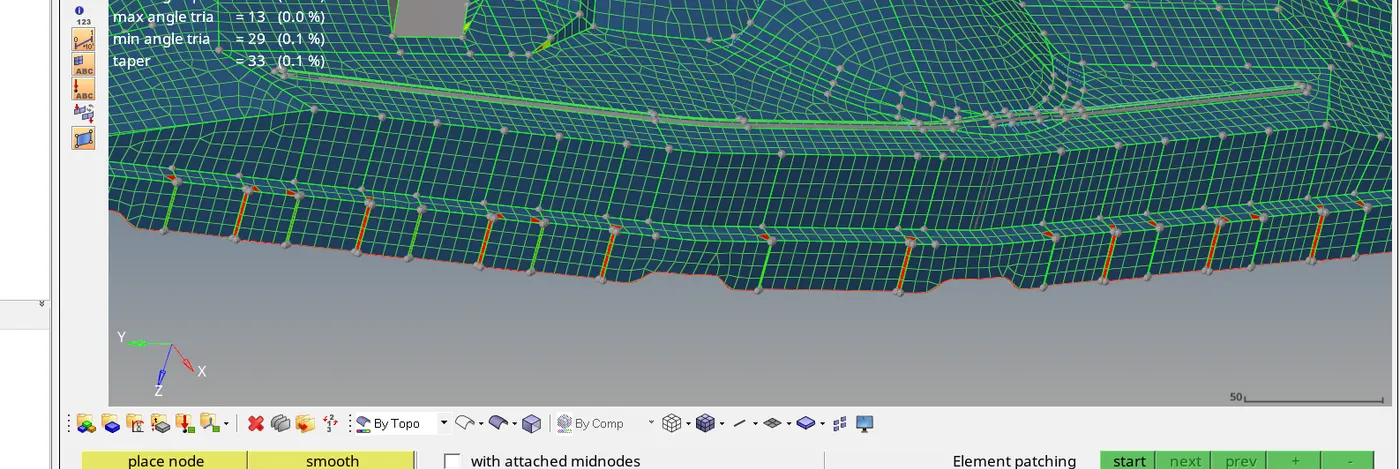
Here I did not clear those minimum size issues, why because, If I move it and clear it means it will effect the geometry. so, leaved it as it is.
STEP 6: FREE EDGE CHECKING
tool > edges
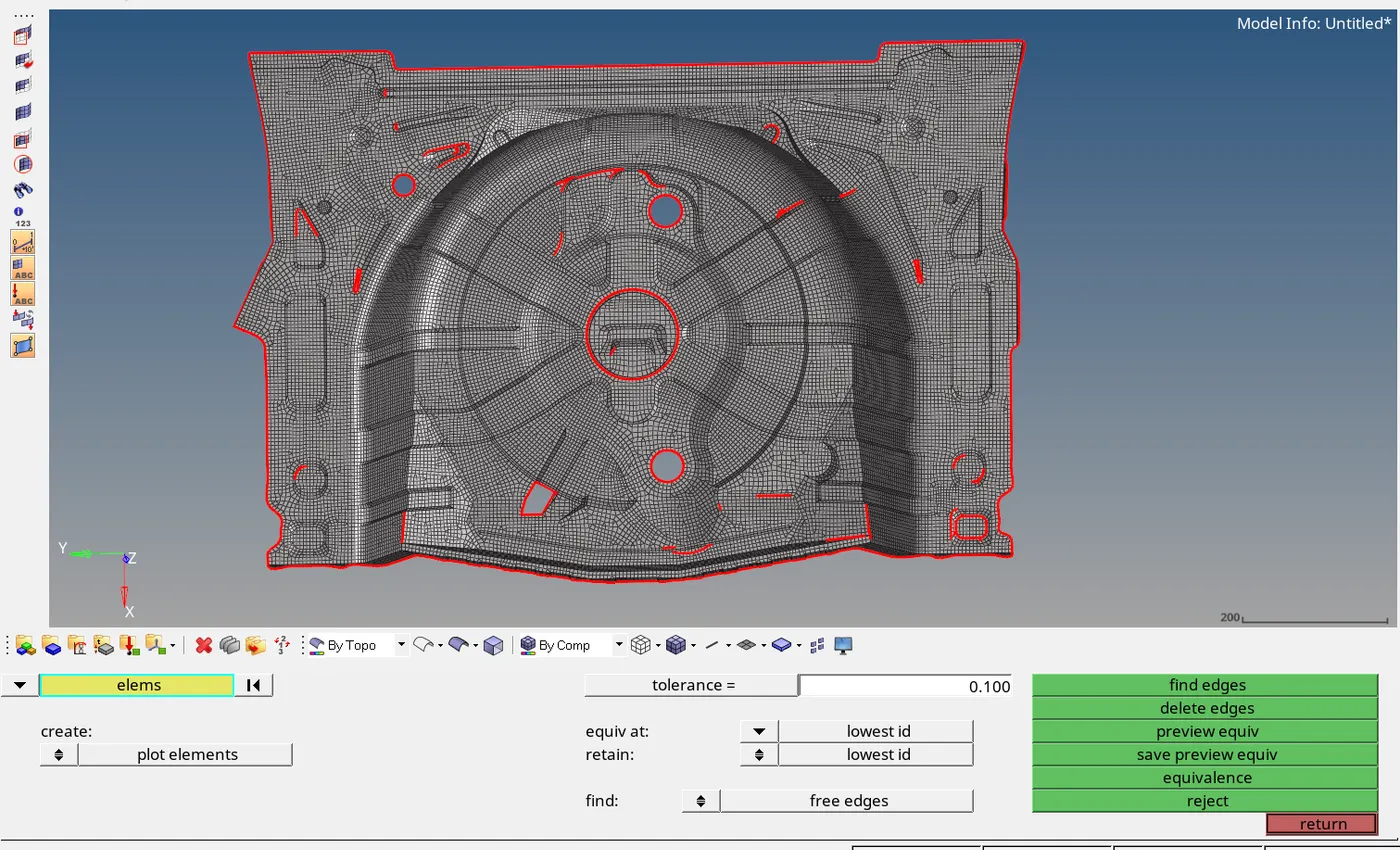
We can see here free edges are present on surfaces, I have to fix it. For this we can use preview equivalence.
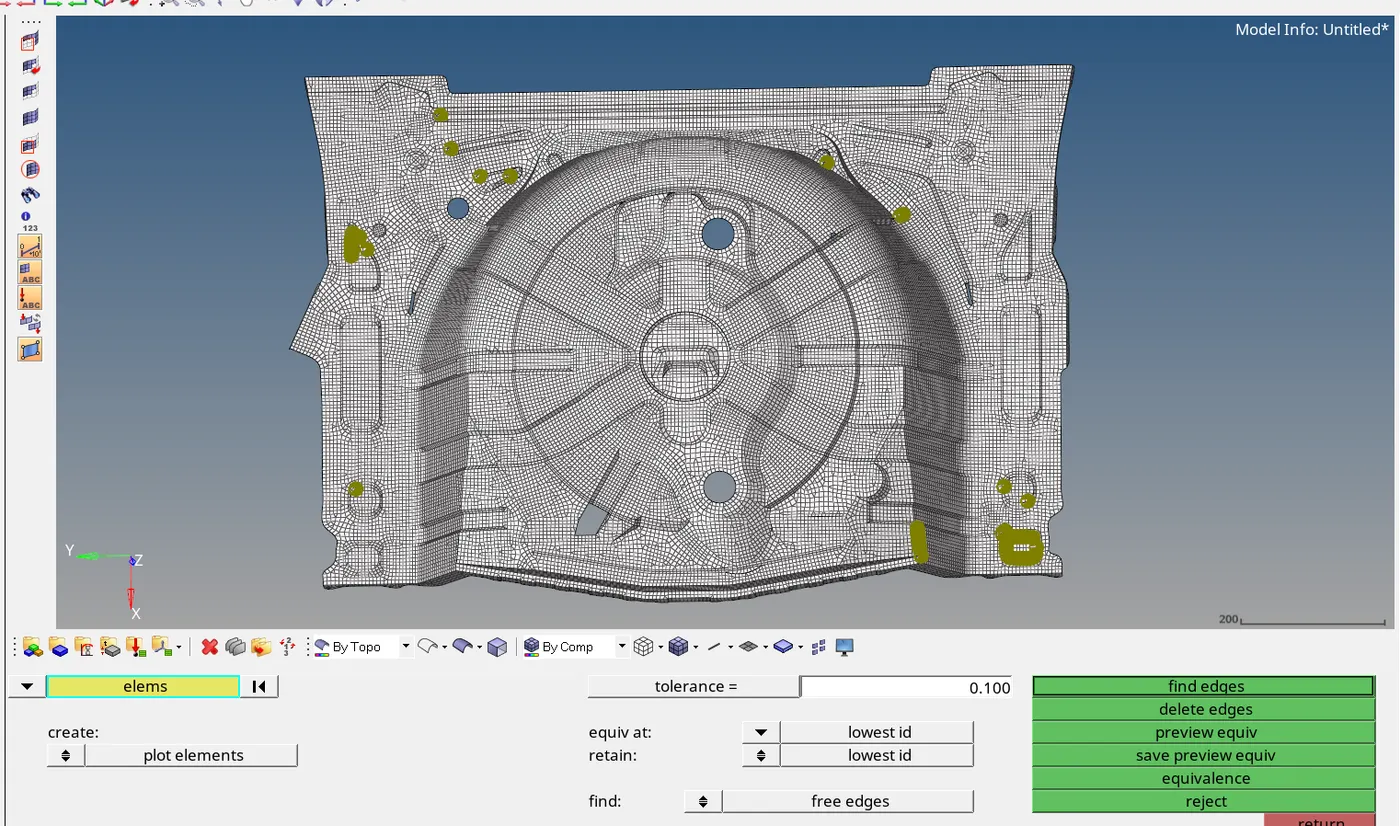
STEP 7: ELEMENT TO SURFACE
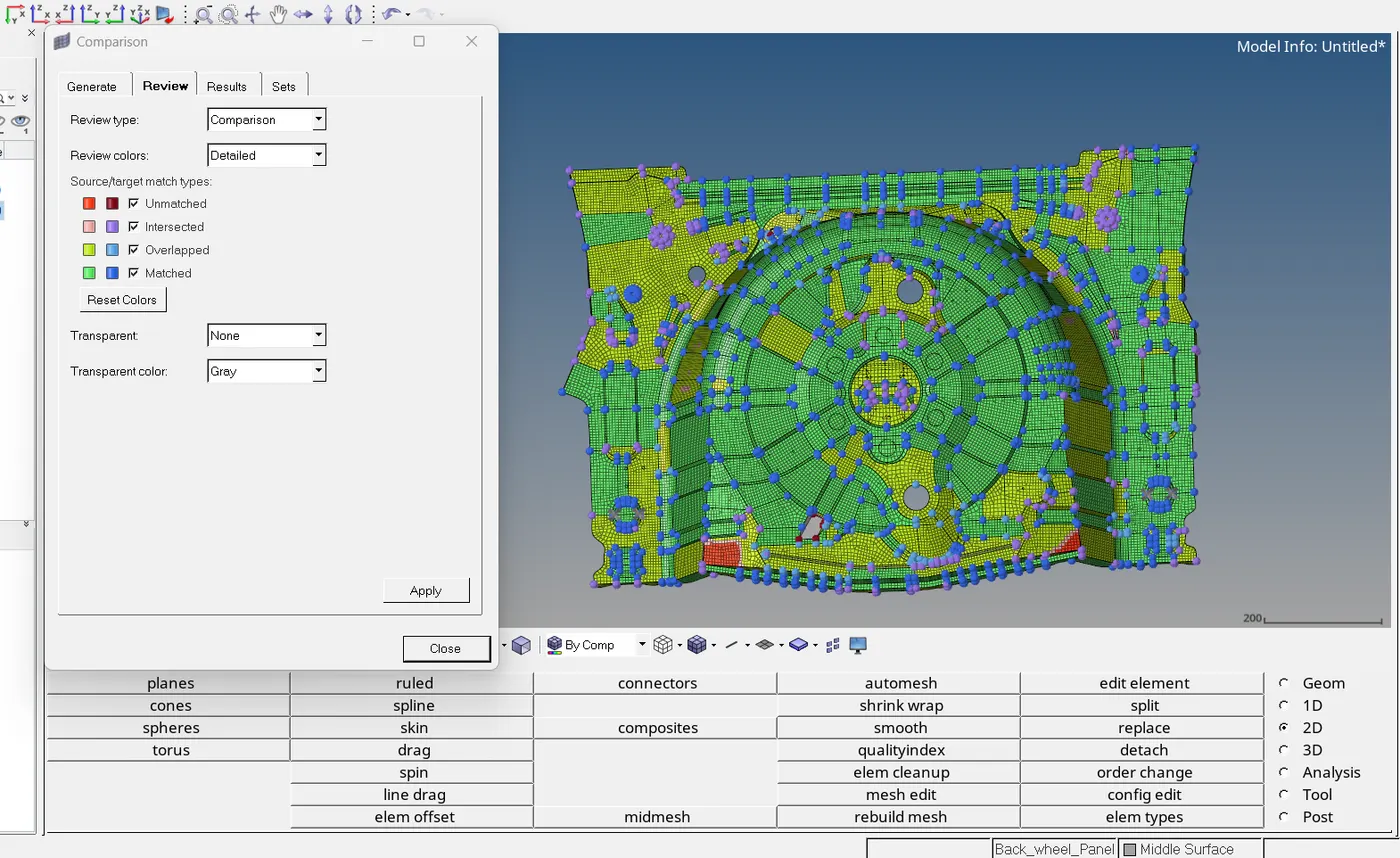
mesh > check > element > comparison
STEP 8: CHECK NORMAL
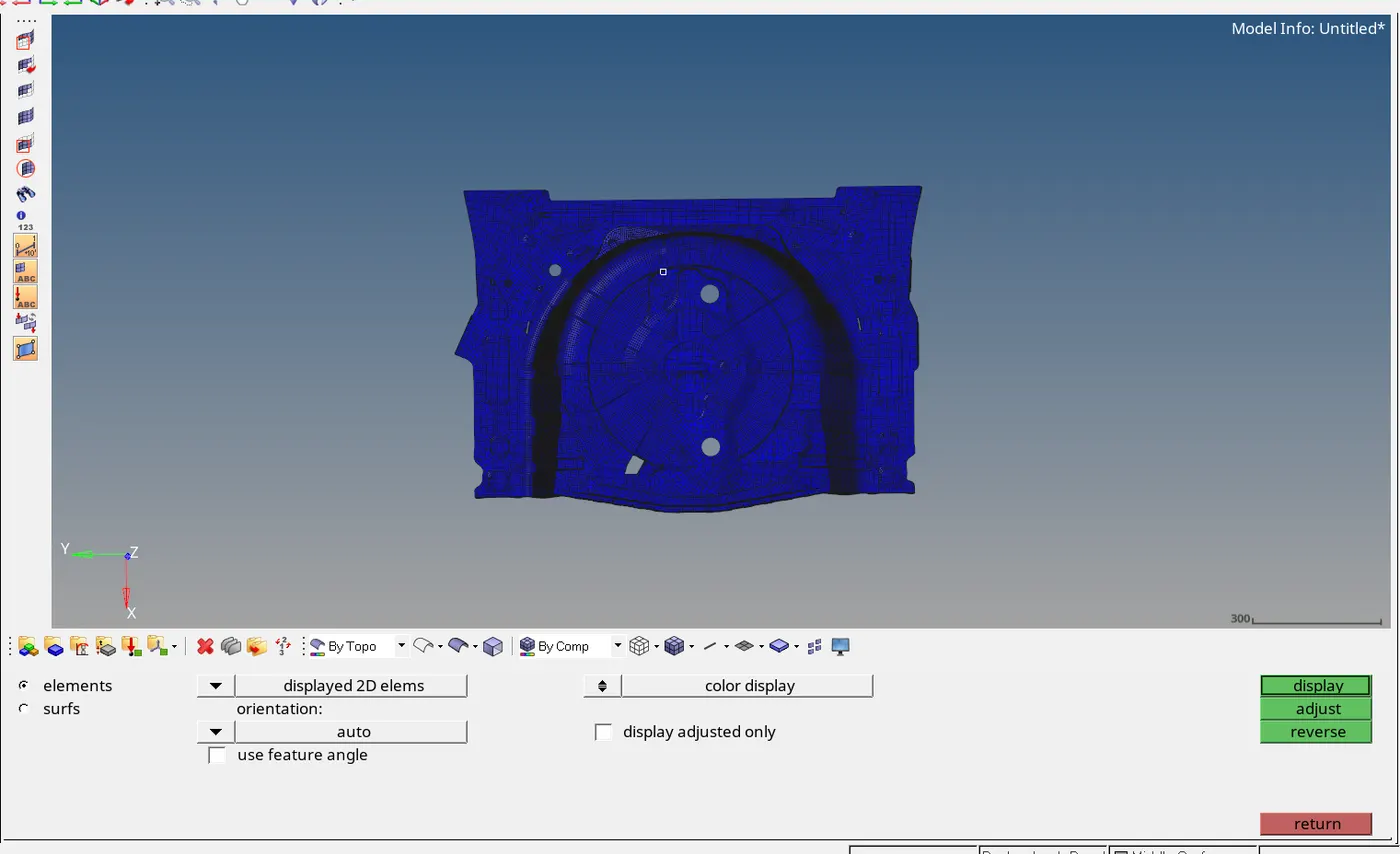
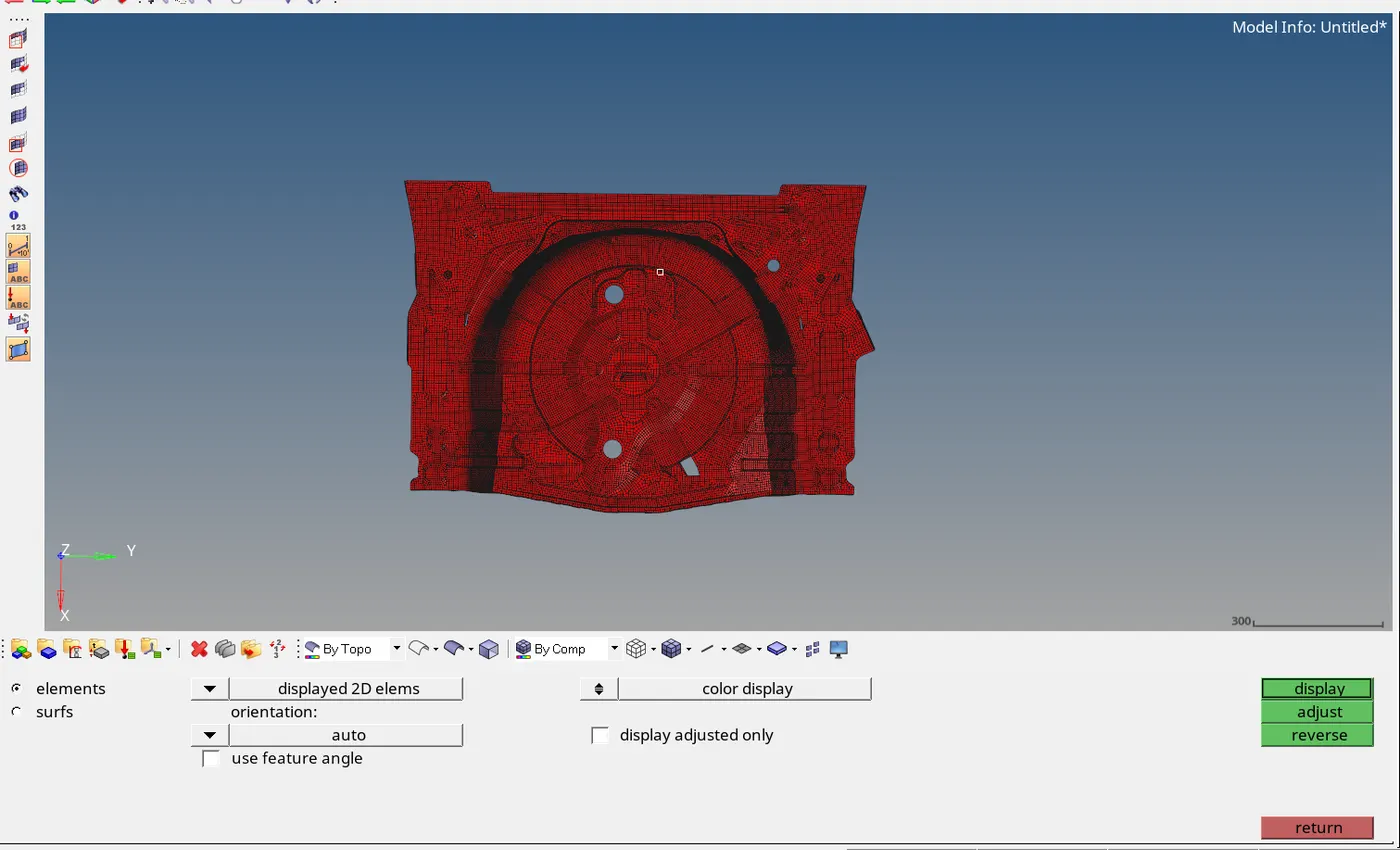
tool > normal
STEP 9: ASSIGN THICKNESS
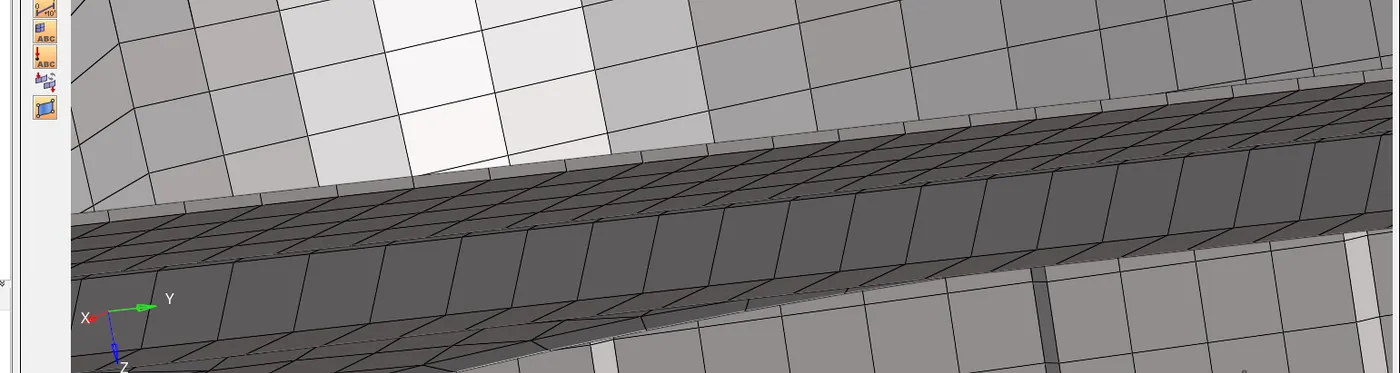
First create a new property, then give thickness as per the parent geometry. Then assign this property to the mesh.
STEP 10: ORGANIZE
tool > organize
STEP 11: DELETE THE MID SURFACE
delete > surface
------------------------------Thank You-------------------------------------------