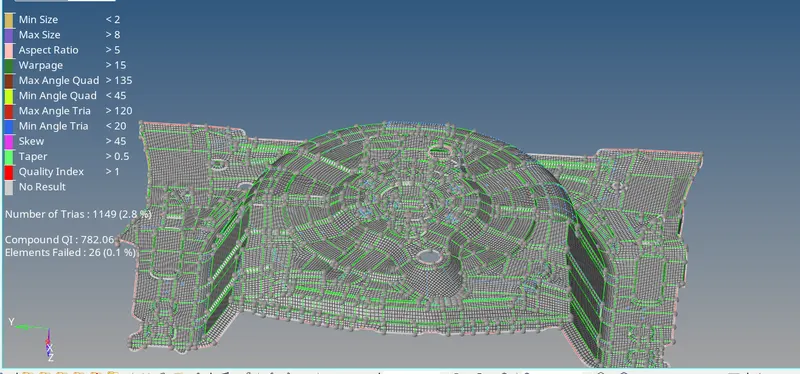
Project 1-Meshing of Rear Wheel Holder challenge
Aim-
Follow the mentioned quality criteria, mesh the component given above and assign thickness
Procedure-
1. After Importing the geometry perform cleanup in the parent geometry itself to have a better midsurface.
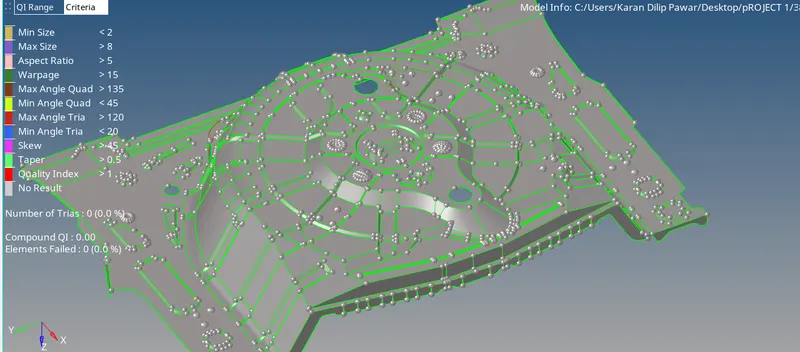
2. For Creating a midsurface go to Geometry-Midsurface-Select (Offset+Planes+Sweeps) perform necessary cleanup wherever the surface is not proper
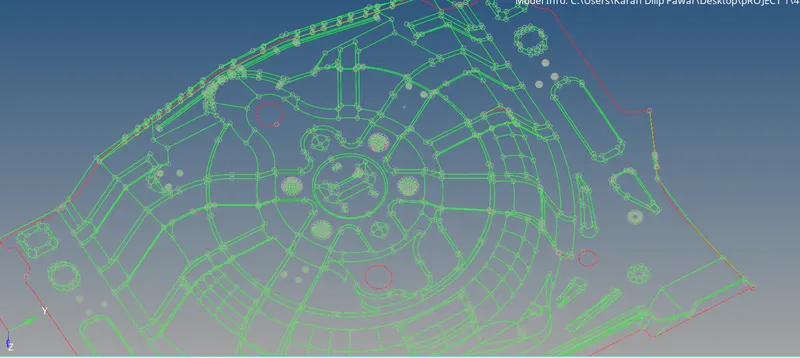
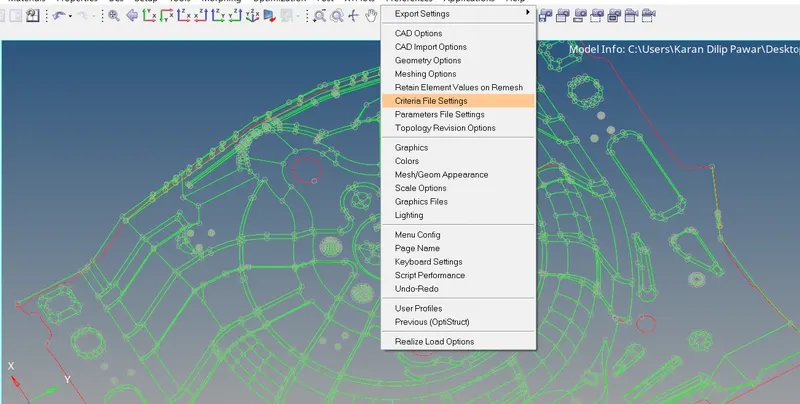
3.Start with meshing by assigning quality criteria as given above in preferences-Criteria File Settings
4. For satisfying quality criteria you can use cleanup tools 2d-Quality Index-Cleanup Tools
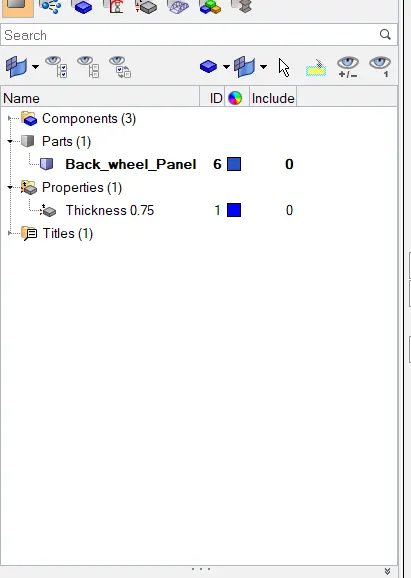
5. Assign the thickness to midsurface by creating a property thickness
6. After Completing with mesh check for normal, free edges and Duplictes if any Tools-Normal,F10 for duplicates, Shift+F3 For Edges.