Project 1 - Meshing of Floor Panel
Aim -
To Create a Mid Surface for the following component and assign the thickness having a good mesh flow which will satisfy the given quality criteria
Procedure -
1. In order to have a good graphical view go to Classic Mesh- Perimeters- Length- 1mm and Perform TOPO
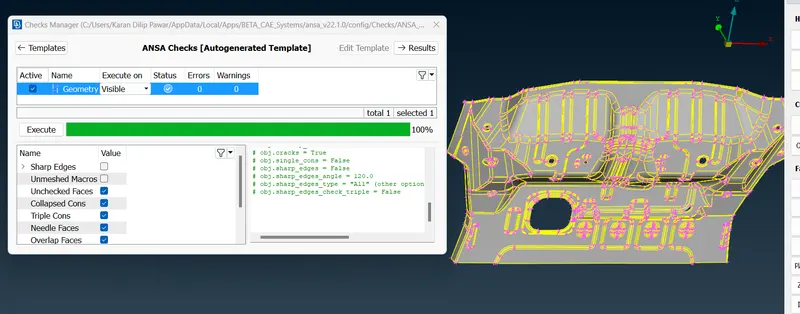
2. After TOPO Go for Check Geometry Tools-Checks- Geometry and fix the geometry and fix the errors if any
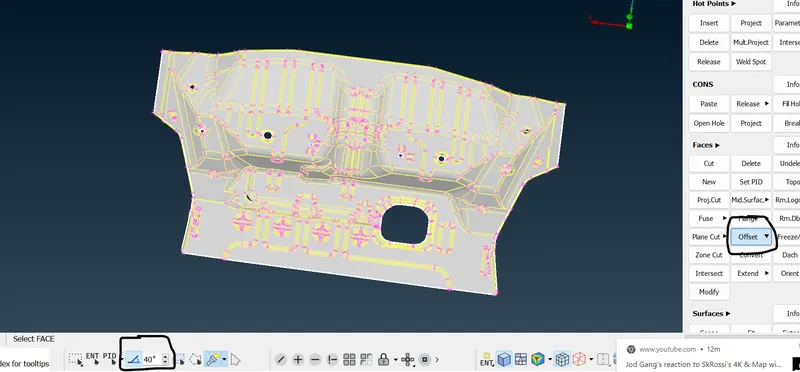
3. Create a Mid Surface by Faces-OFFSET and keeping Feature Area ON so we can get the mid surface at one click assign offset thickness
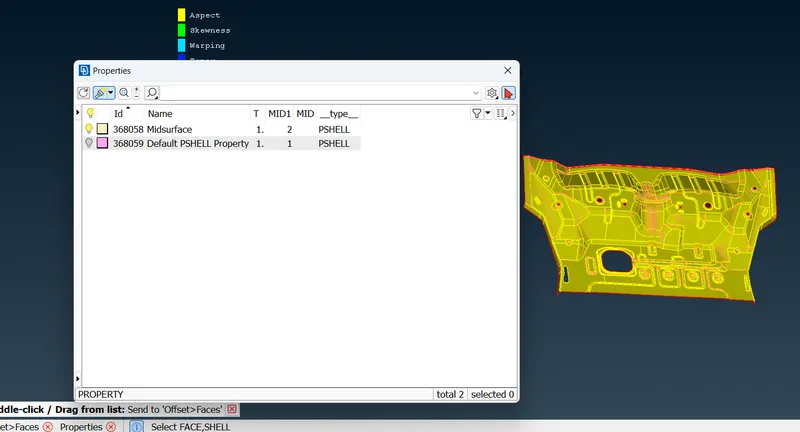
4. After Creating a Mid Surface Create a different PID Faces- Set PID
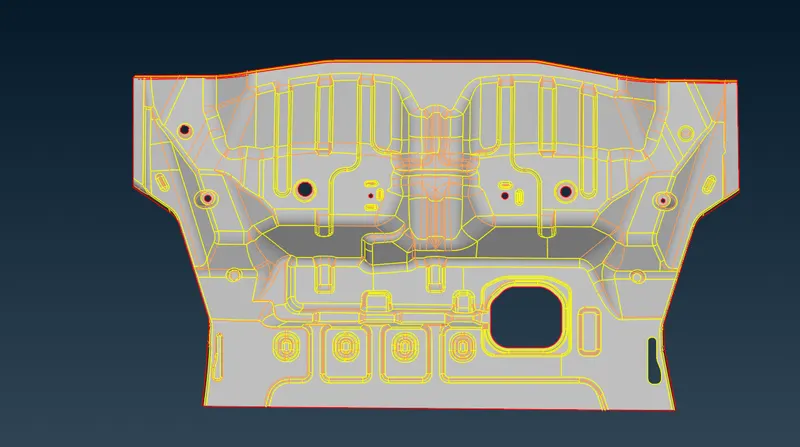
5. Perform Cleanup of geometry of mid surface by toggle lines Classic Mesh-Macros- Cut or Join in order to avoid quality failure so that it can meet the required average length
6. Set the Quality Criteria as given above
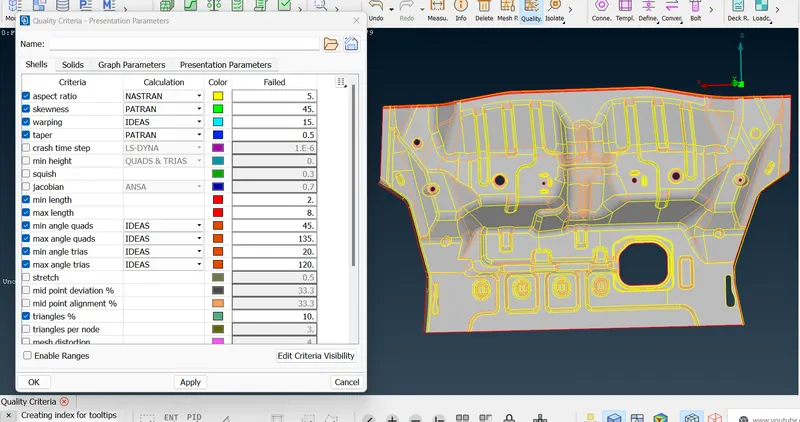
7. Start with Mesh by Classic Mesh-Mesh Generation- Best go for Shell Mesh-Reconstruct or Improve in order to avoid quality failure if any do meshing while hidden ON to have the count for quality failure
8. Use Elements- Split and Shell Mesh- Collapse to eliminate possible tria
9. Complete with the TASK
Learning Outcome
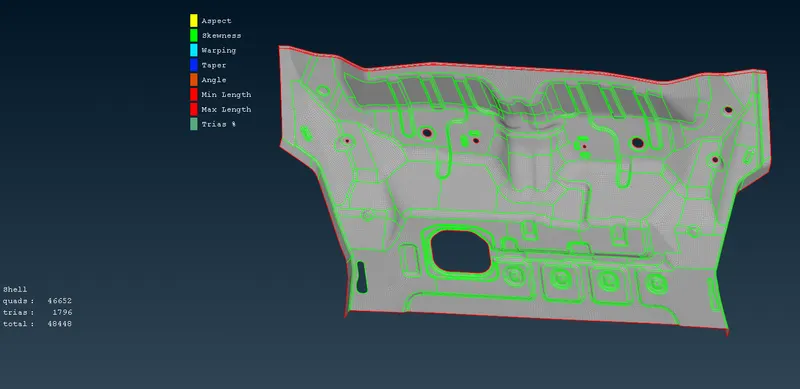
How to Create a midsurface in easiest manner and different options which would help to encounter the errors while meshing in order to have a good mesh flow.