Project 1 - Meshing of Floor Panel
PROJECT 1 FLOOR PANEL CHALLENGE
OBJECTIVE : Generating Midsurface and geometry clean up on the given components project 1 challenge Generating mesh on the given component with low tria concentration and proper mesh flow model should pass all the given quality parameter.
Target Element Length = 5 Units
|
S.N |
Quality Criteria |
Value |
|
1 |
Aspect Ratio |
5 |
|
2 |
Skewness |
45 |
|
3 |
Warping |
15 |
|
4 |
Taper |
0.5 |
|
5 |
Min. Length |
2 Units |
|
6 |
Max. Length |
8 Units |
|
7 |
Min angle Quad |
45 |
|
8 |
Max angle Quad |
135 |
|
9 |
Min angle Tria |
20 |
|
10 |
Max angle Tria |
120 |
|
10 |
Tria % |
10 |
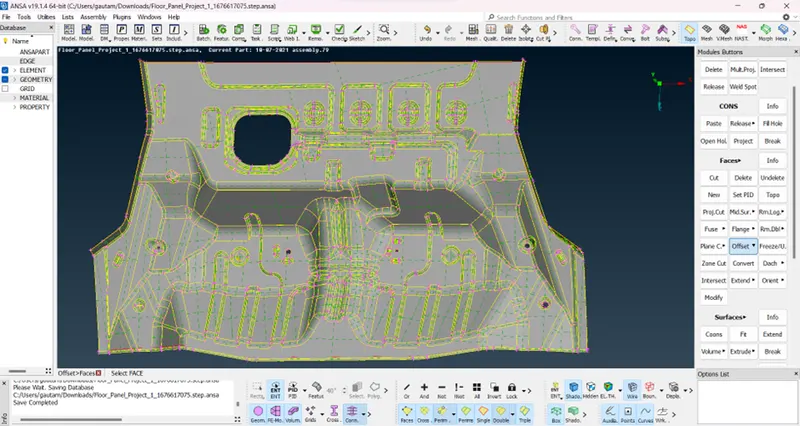
PROCEDURE : : The first step in the process was to import the given cad design model into the pre-processing unit tool in Ansa. The model had several geometrical errors that needed to be corrected. This involved removing unwanted features such as general lines, double and triple cons, and hot points that were present in unwanted places. Topology cleanup was performed using the module buttons under faces option. The topo option was done through right-click and selecting the entire module by slide, and then mouse middle-click was used for performing the action. The surface was then oriented in one particular direction to eliminate hot points that were near each other and unarranged to arranged.
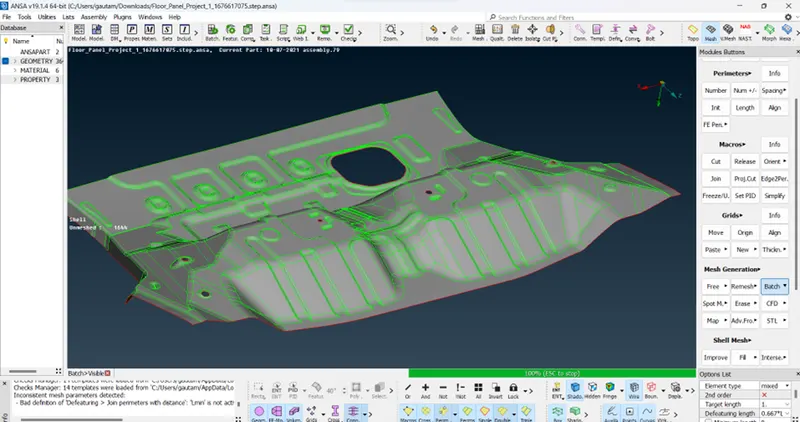
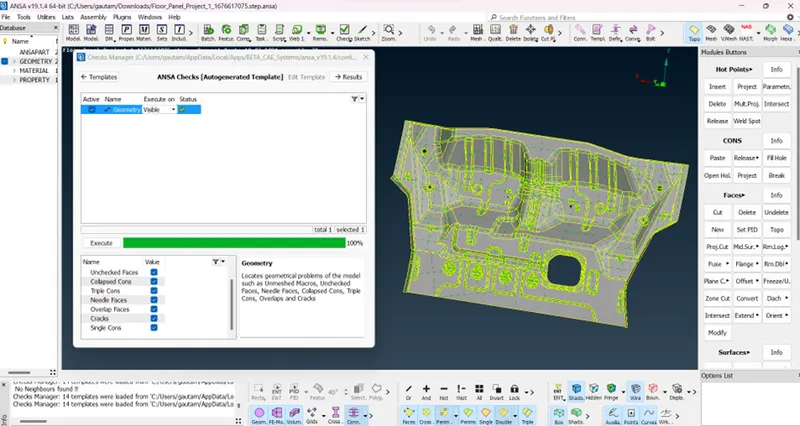
Next, geometrical errors correction was performed, and all errors were fixed one by one. This was followed by the extraction of mid surfaces for each component part, and a PID was assigned to each mid surface. The thickness were same in sheet metal component the thickness were not varrying its same and the mid surface was extracted accordingly with right option .
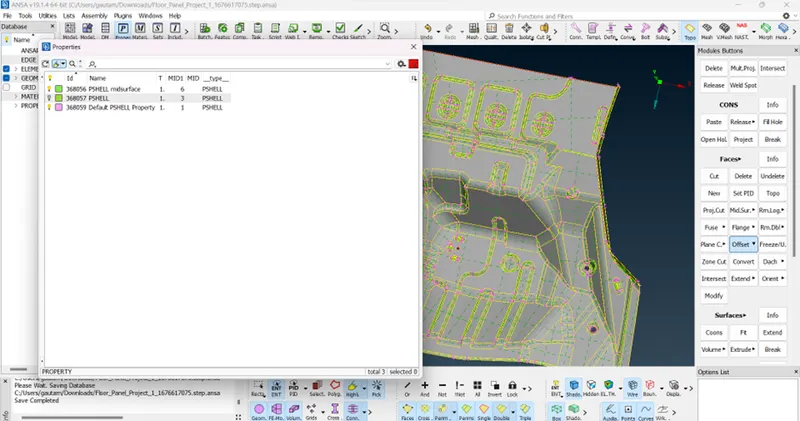
I fix errors that appear such as extra lines through the fix option geometry checks , needle face errors, or triple cons and do manually using the cut and join options in the Topo module Using the measurement option, i measure the component thickness to check if it is equal everywhere or if it varies, which will affect the creation of the mid-surface.
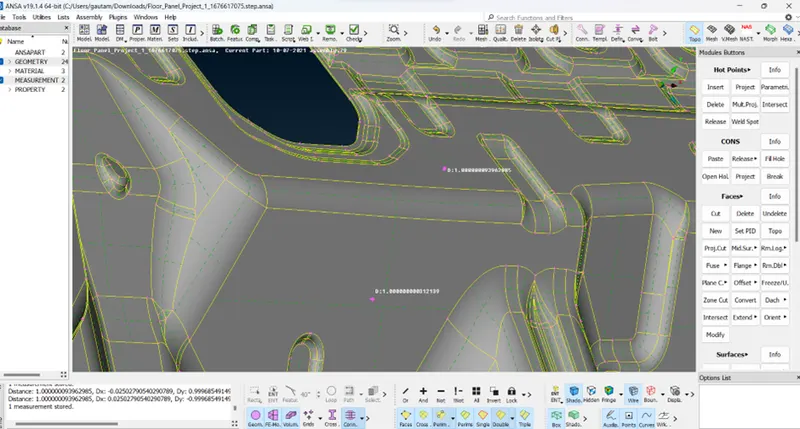
If the thickness is the same everywhere, I create the mid-surface and mesh it easily.
I choose the offset faces option or skin option to create the mid-surface because component's thickness is equal everywhere and it creates automatically and accurately in less time. And this model I use offset faces option for creating mid surface
I check for any double lines or hot points near each other and fix it using the cut and join option present in the topo module avoid sharp edges or corners for better mesh flow and fix them.
Before that provide a target element size, mesh parameter, and quality criteria for the components
after providing all the necessary details and try to achieve a good mesh flow and smoothness.
I check the mesh quality to ensure that it meets the desired criteria and make any necessary adjustments
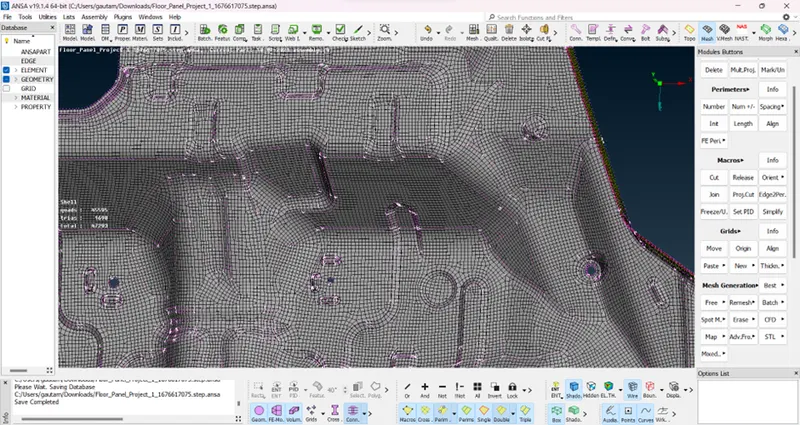
During the meshing process, some errors and off elements occur, such as maximum or minimum element length triangles touching each other. To resolve this issue Adjust the mesh density or refine it in areas where errors or off elements are present and also trias percentage skewness and warpage errors and create all that errors are clear and solve it.
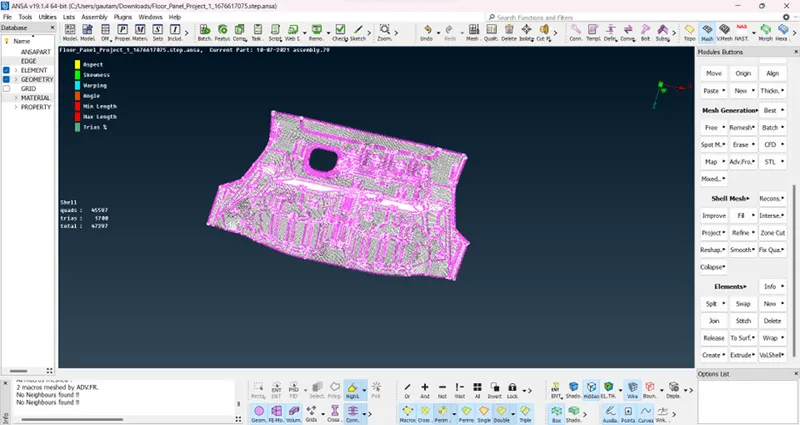
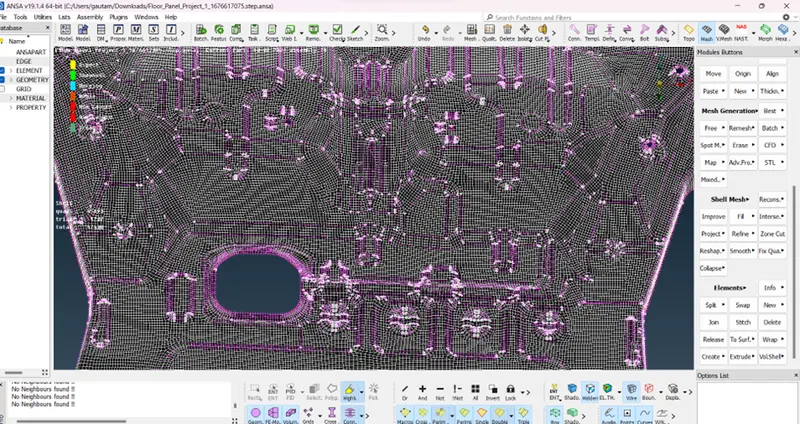
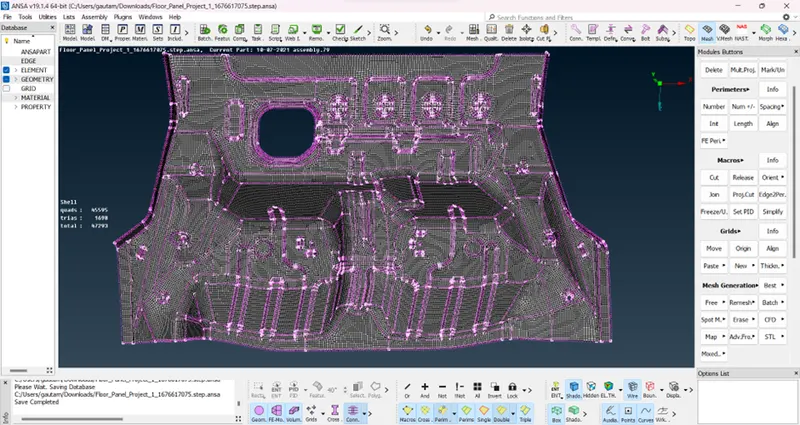
For this challenge for meshing I used batch mesh visible option for creating the mesh because of there is one component is here and also there is thickness in all component are uniform and batch mesh option creating automatic and good mesh and also toggle and unwanted general lines present in it thats why I go with this option .
LEARNING OUTCOMES: Understanding the importance of topology Cleanup and surface smoothing in creating a high-quality mesh model.
- Knowledge of techniques for eliminating rotating quads and opposite triangles, and for eliminating triangles near free edges, holes, or fillets.
- Understanding the importance of applying quality criteria to ensure zero OFF elements.
- Knowledge of how to enable thickness and draw the shell as solid
- Using batch mesh option to mesh the component in get accurate result in minimum time.
RESULT: – Doing geometrical cleanup of all parts Generating midsurface and also geometry cleanup of the given component and mesh of the given component with low tria concentration and proper mesh flow I also do pass all the given quality parameter with better mesh flow with all the enable option
FINAL MODEL IMAGES :