Project 1 : CFD Meshing for Tesla Cyber Truck
AIM
Clean up the given model and perform surface meshing first and then volumetric meshing for the relevant volume.
PROCEDURE
- The first step is to import the geometry and run a geometry check.
- As this geometry has fewer corrections, we will directly move to TOPO cleanup and instead of using the symmetry method.
- Using the geometry check, all the surfaces that need to be fixed (single cons, triple cons, overlapping features) are identified.
- It is important to ensure the inside of the cybertruck will form only one volume.
- Using tools such as ‘Delete’, ‘Intersect’, ‘Cut’, and ‘New’ under the TOPO deck, the geometry is cleaned up.
- After TOPO clean-up, relevant PIDs are created and assigned. Existing PIDs that are of no use are forcefully deleted using the compress tool.
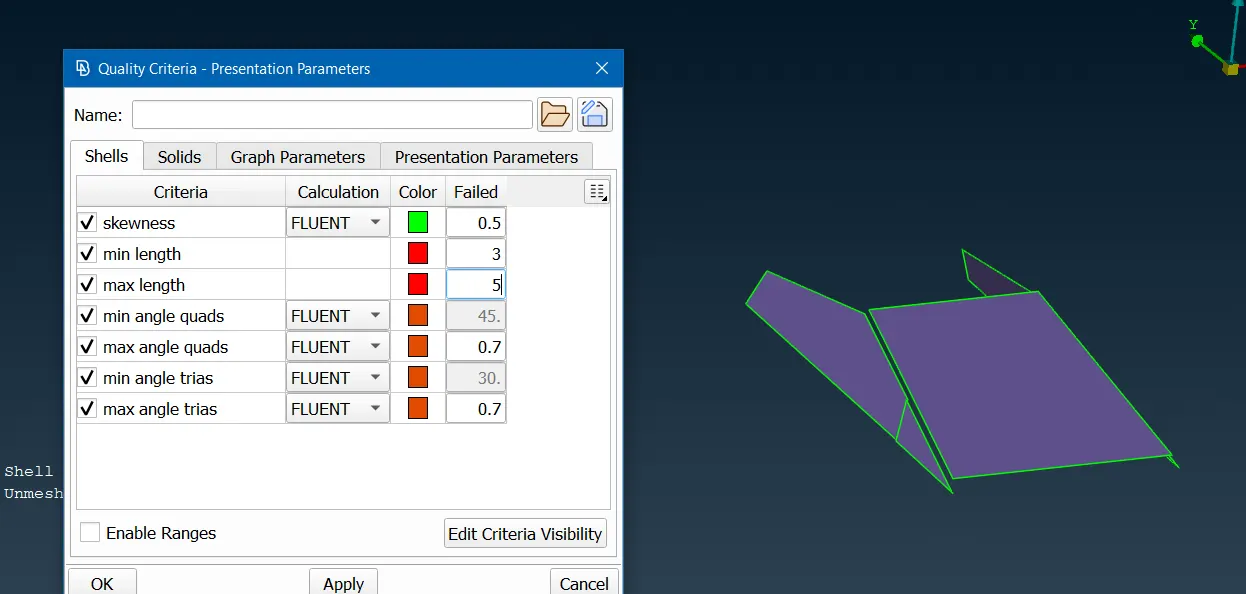
- Mesh lengths are applied as follows:
Windows: 2mm
Body: 3mm
Lights: 4mm
Tyres and Rims: 2mm - For the above-mentioned mesh lengths, relevant maximum and minimum mesh.
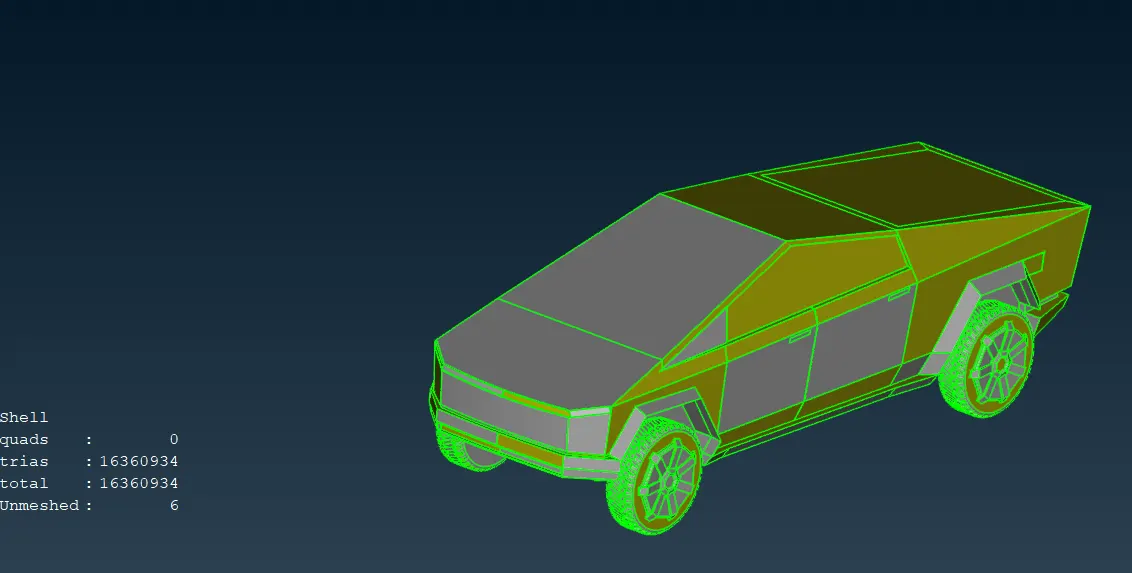
- The truck body is meshed last and only perimeter length is applied to cons that are not connected to other PIDs. This ensures that no meshed surfaces are deleted.
- By switching to hidden mode, off meshes can be viewed. We can use reconstruct which usually reduces off meshes by a great margin.
- Using smooth and split tools, off meshes are corrected.
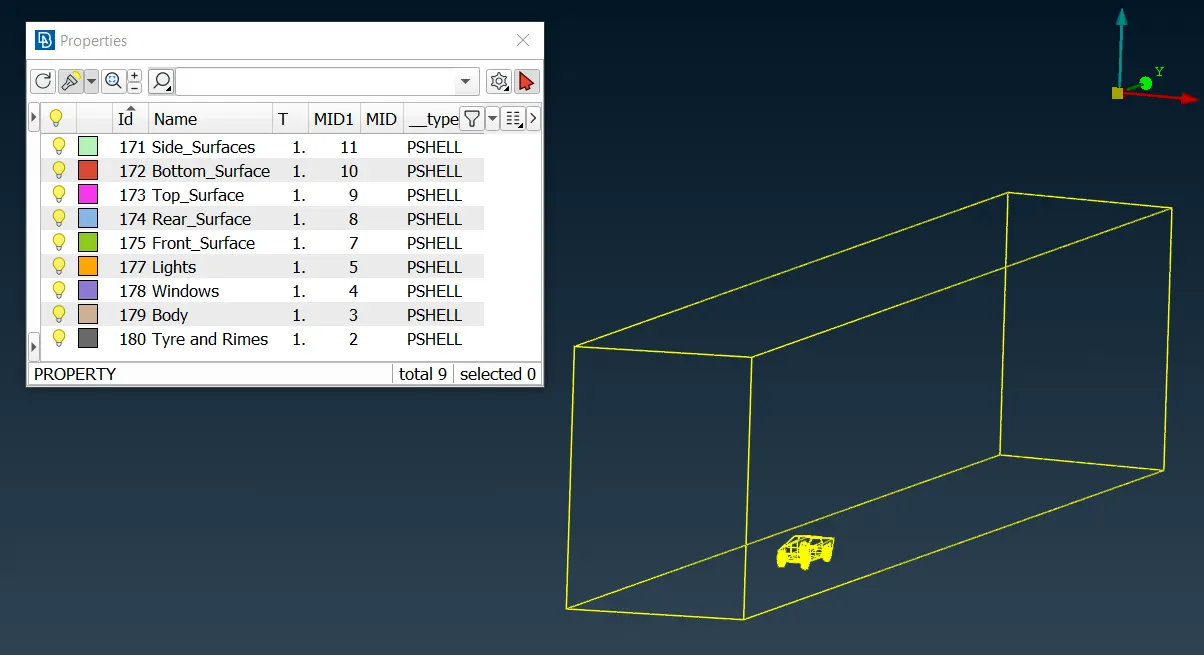
- Now, to create the wind tunnel geometry, points are created to aid in creating curves which then, aid in creating the wind tunnel geometry.
- An approximate of 5900mm is calculated as the maximum length of the truck. Using this as ‘x’, the top face of the wind tunnel is set to ‘3x’ distance. Similarly, the front and back faces are set ay ‘4x’ and ‘6x’ respectively. The sides are at an ‘x’ distance from the cybertruck, and the bottom face is set very near to the cybertruck.
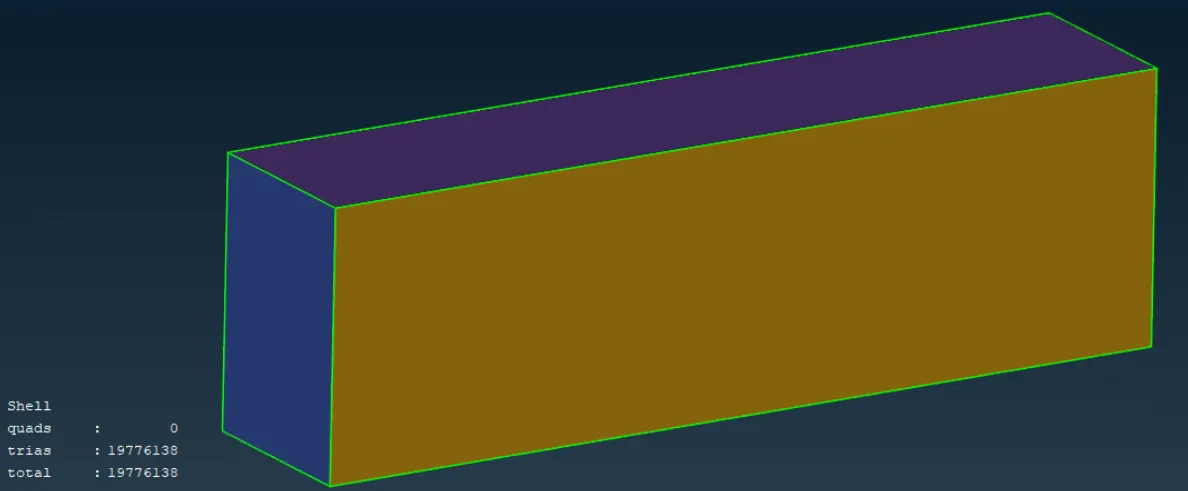
- The newly created wind tunnel is assigned PIDs and meshed with 80mm as target length at the bottom and 300mm at the top with the mesh varying from 80 to 300mm at the sides.
- Once the surface mesh is performed on the wind tunnel, we move on to the volumetric mesh.
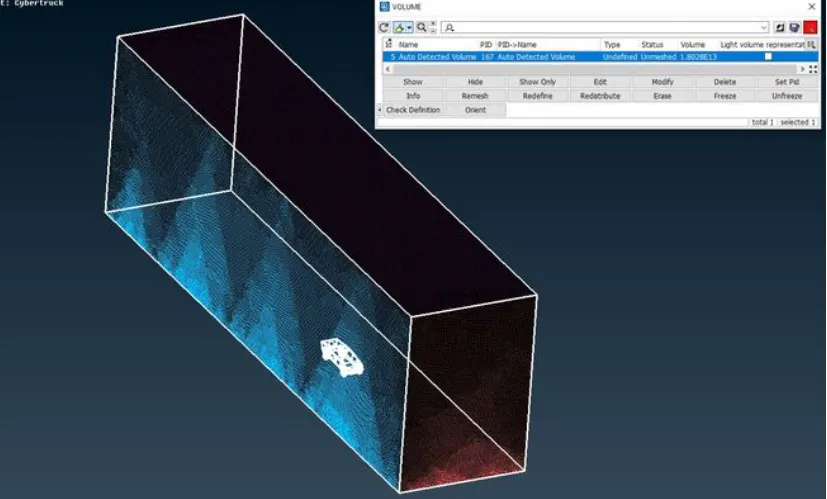
- Using automatic define, the whole database is defined for volumes. Only the volume between the wind tunnel faces and the cybertruck is required. The rest are deleted.
- Using mesh, tetra CFD is used to mesh the volume.
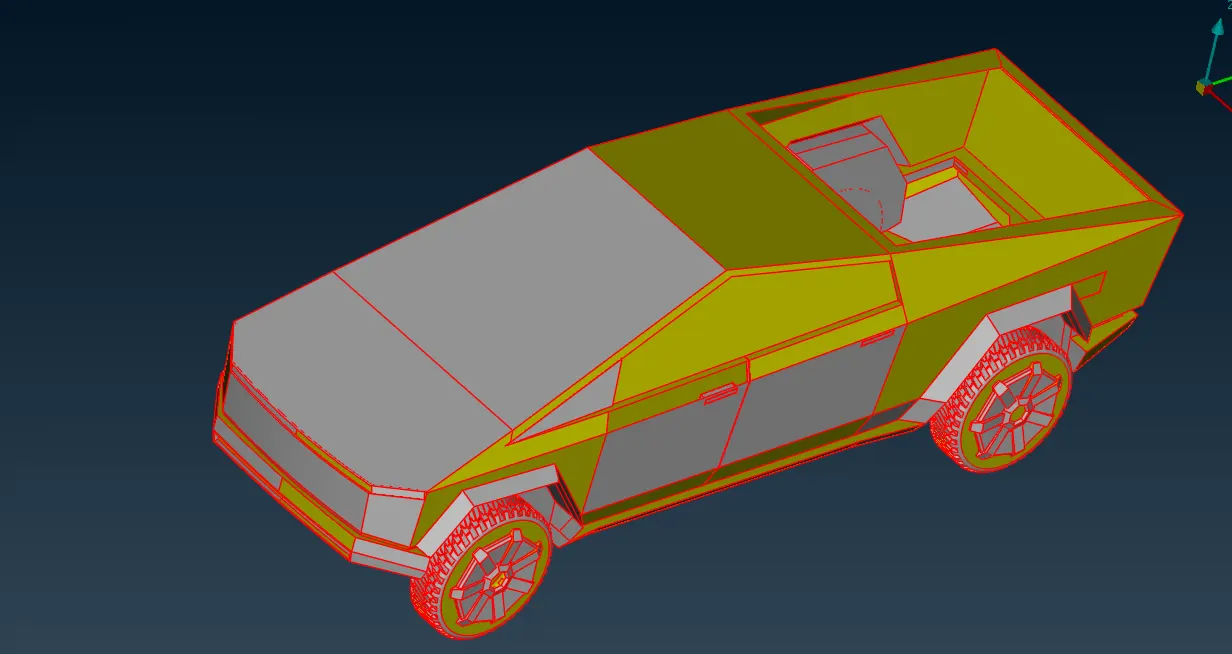
1.Model Opened In ANSA
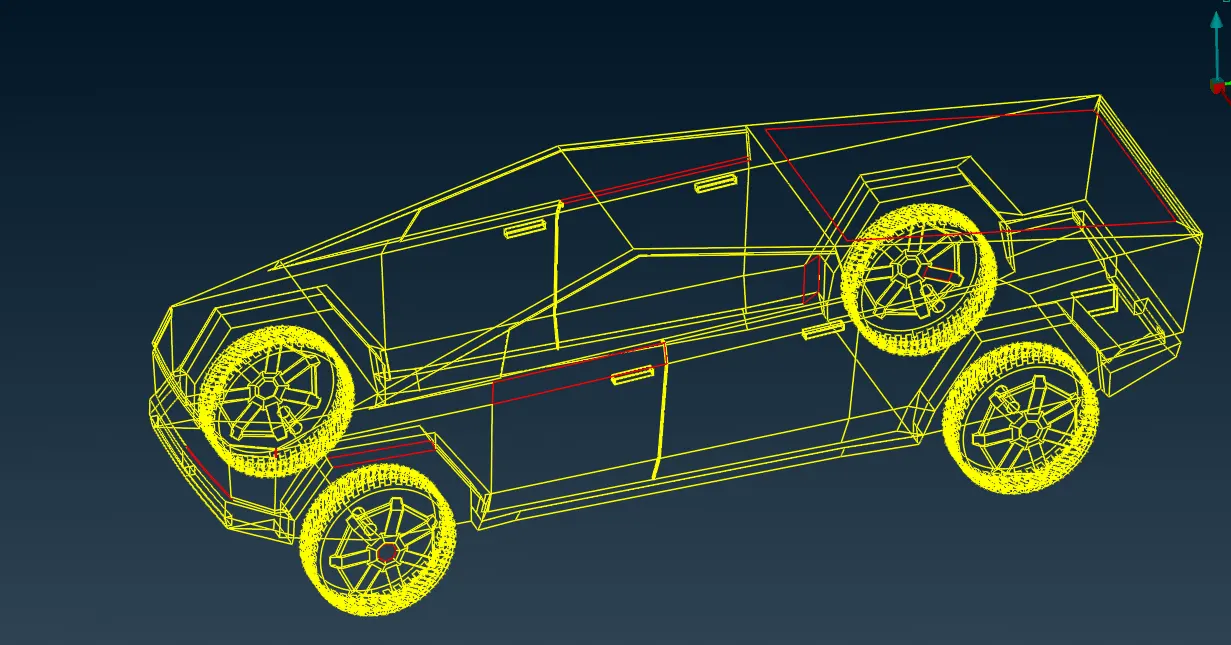
2.Topo Cleanup
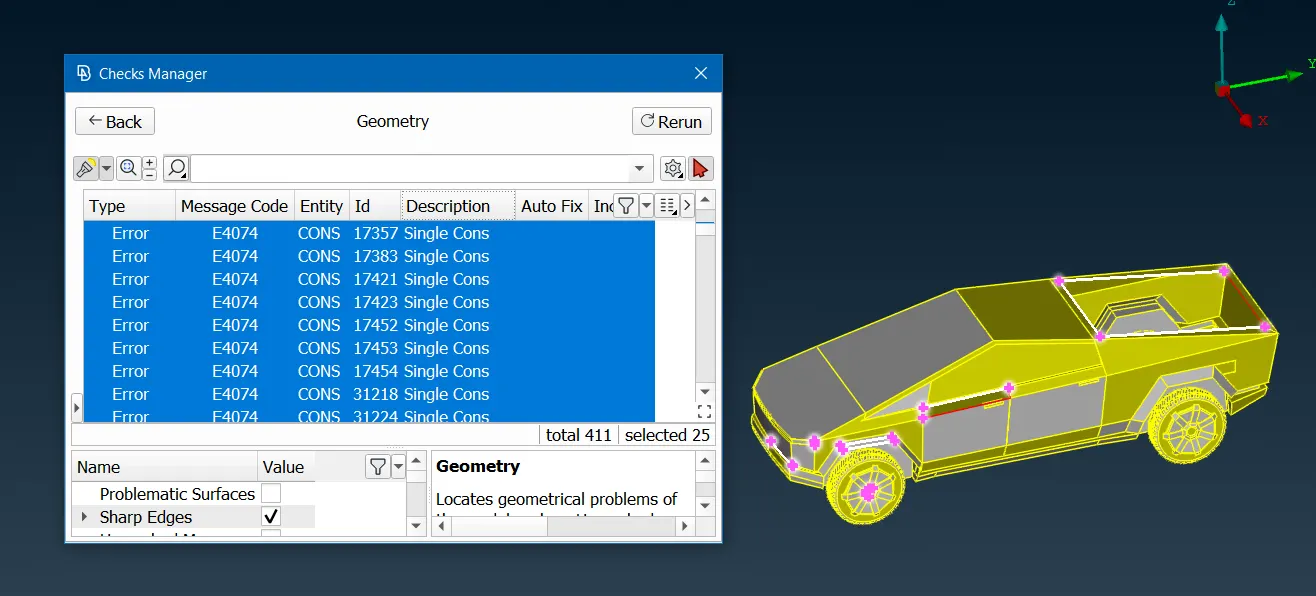
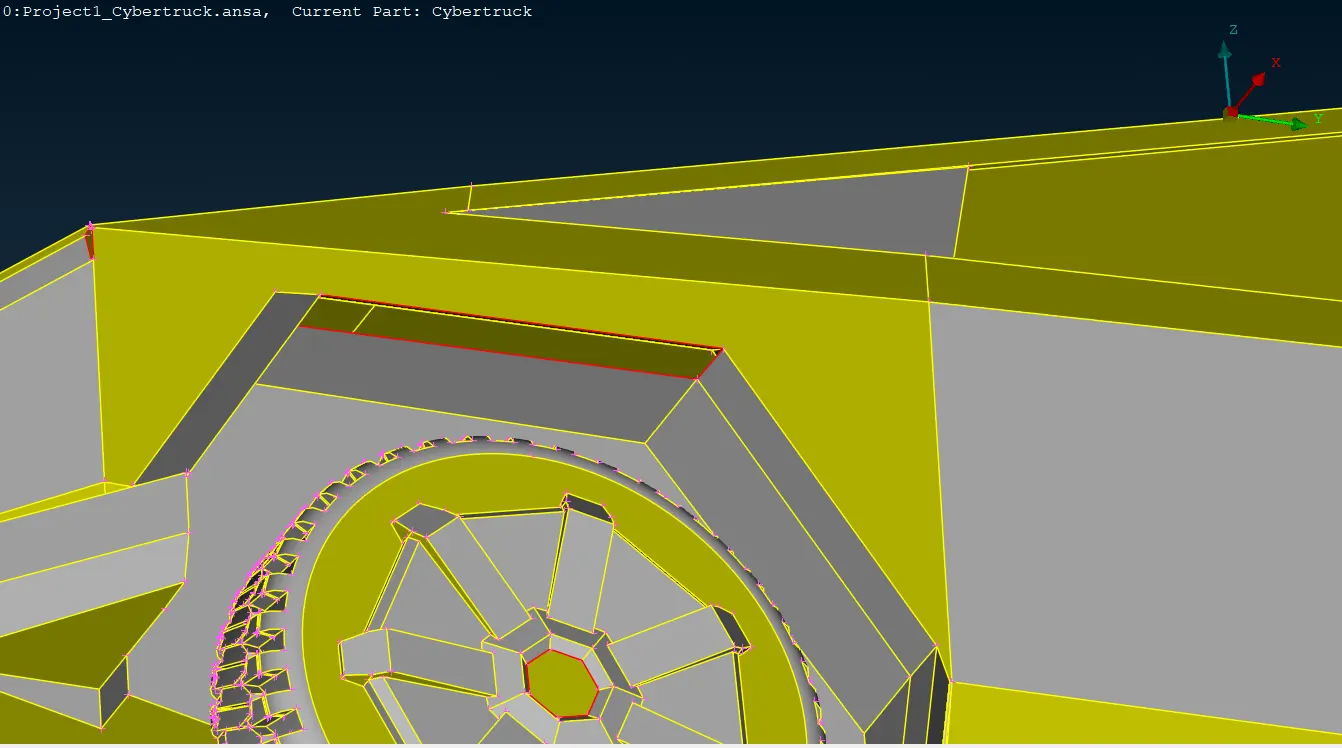
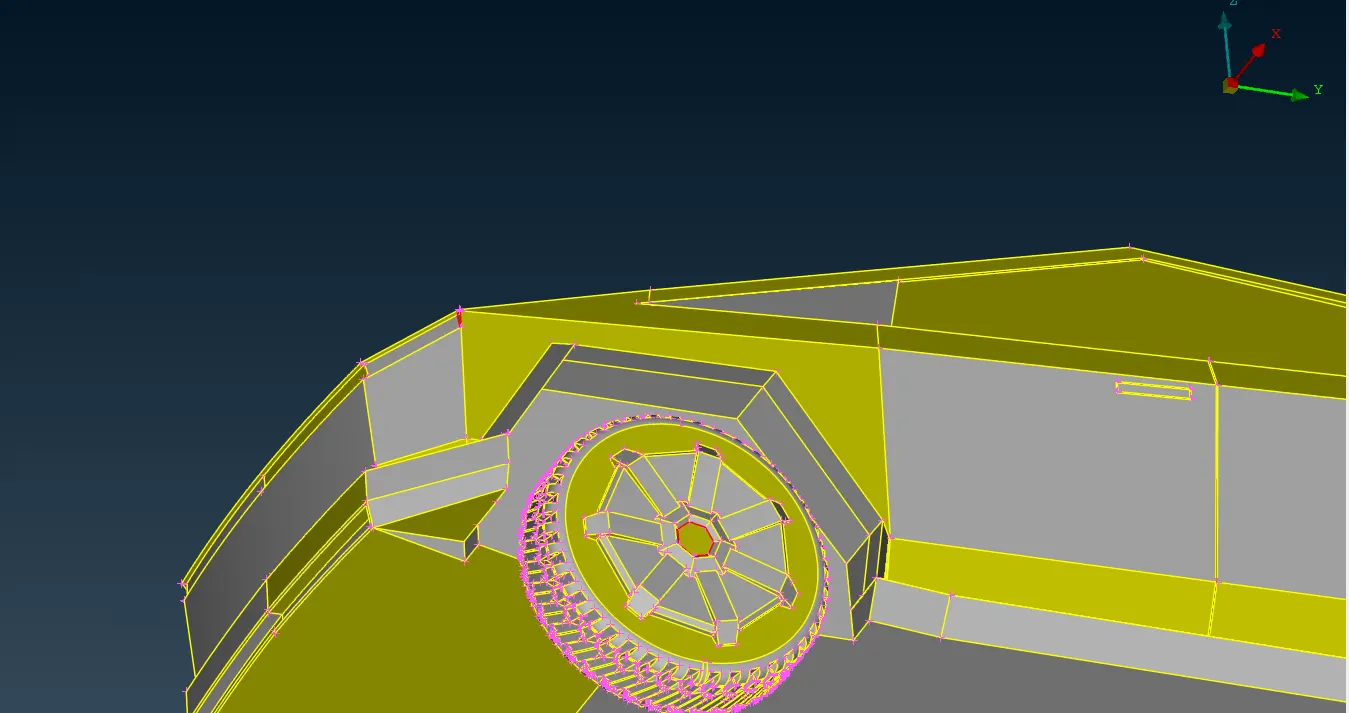
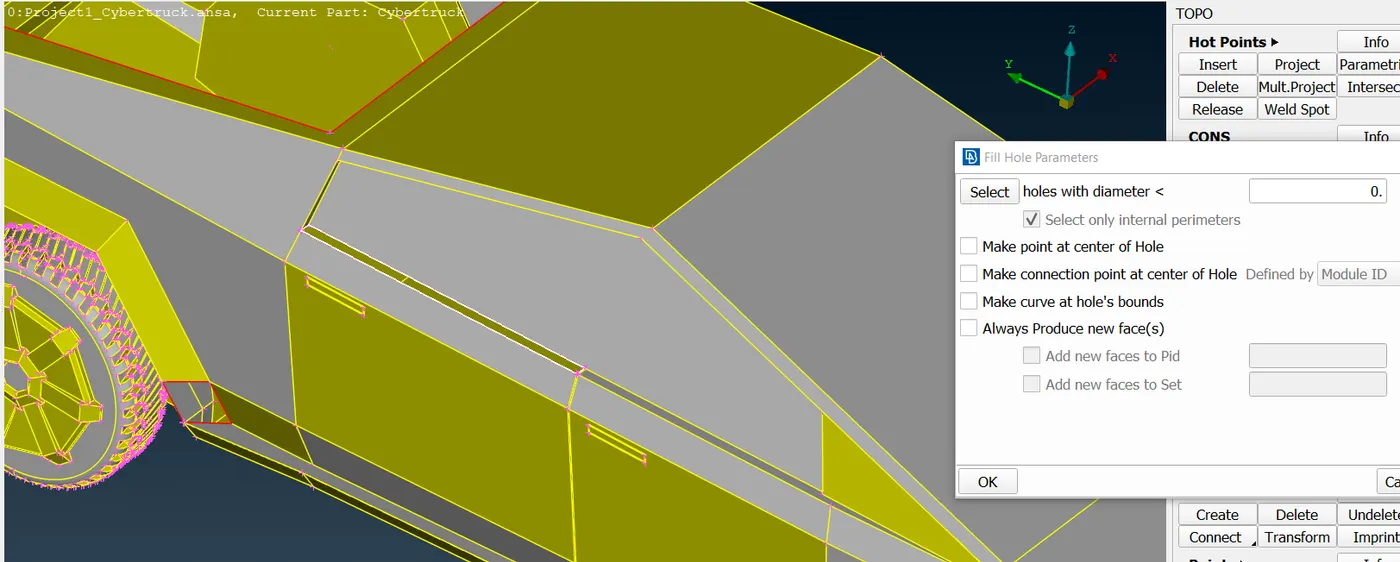
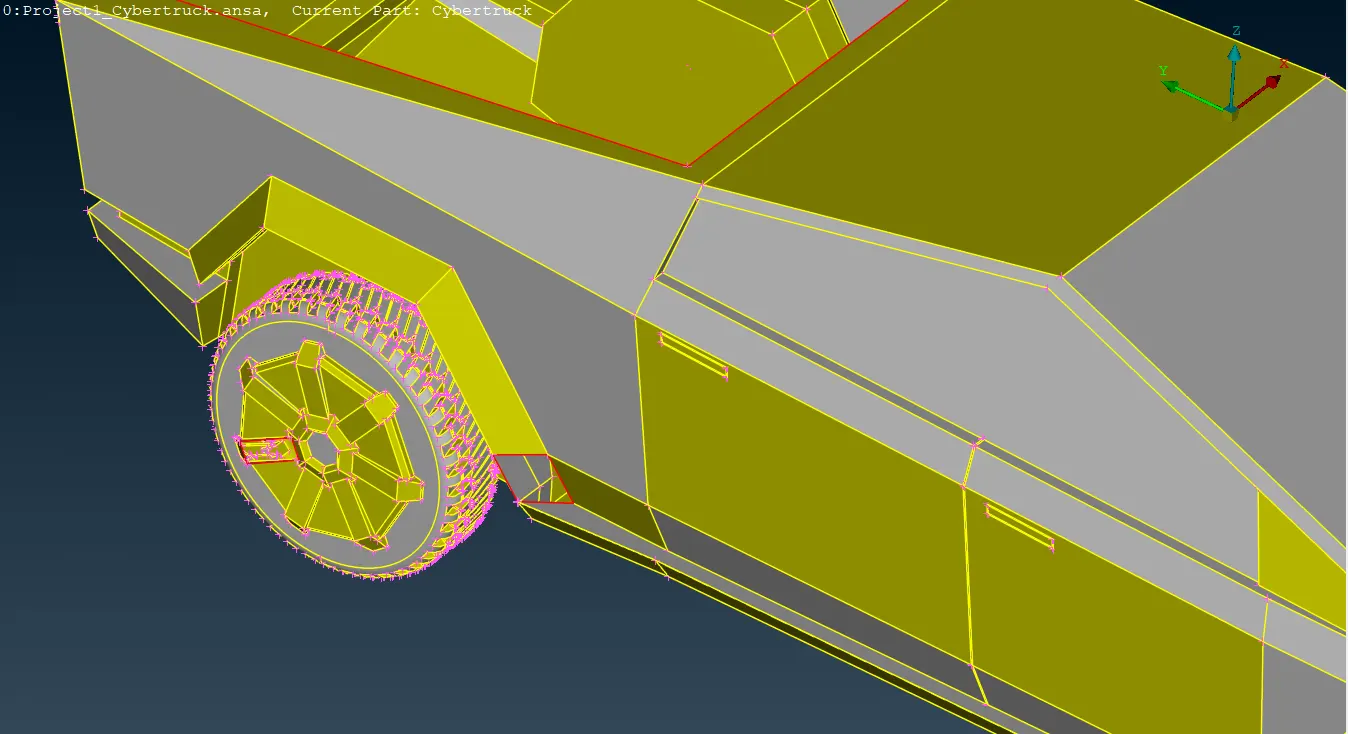
3.Model After TOPO Cleanup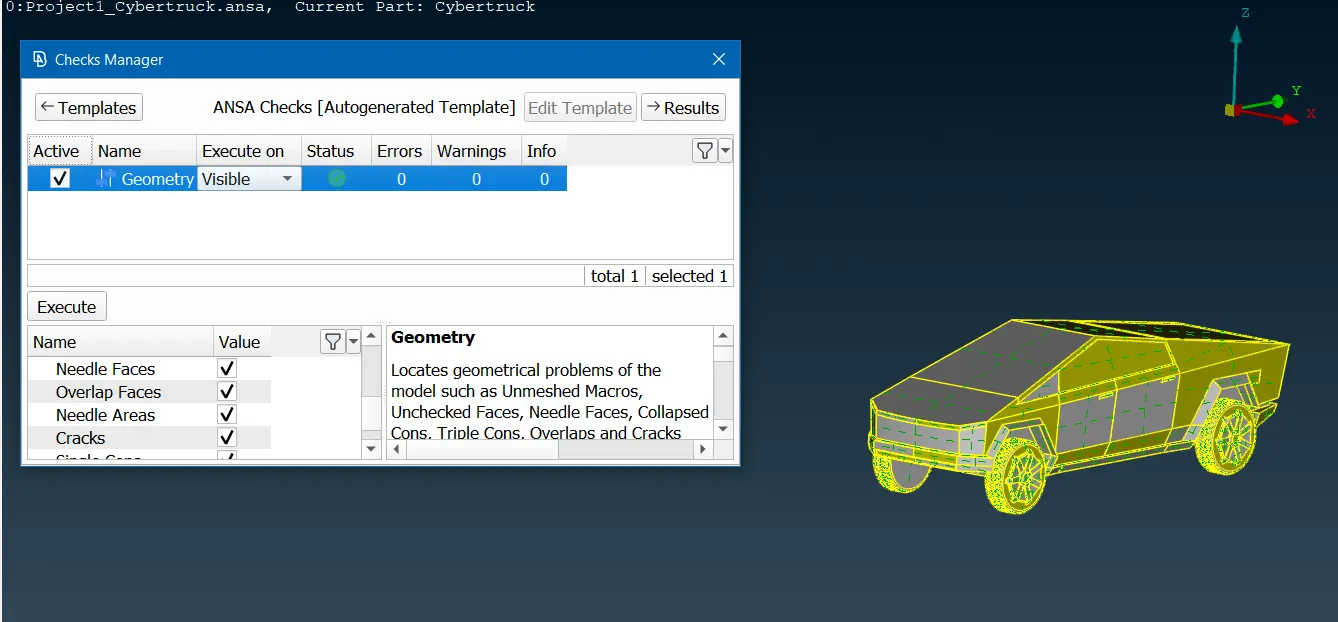
4. PIDs Assigned To Cybertruck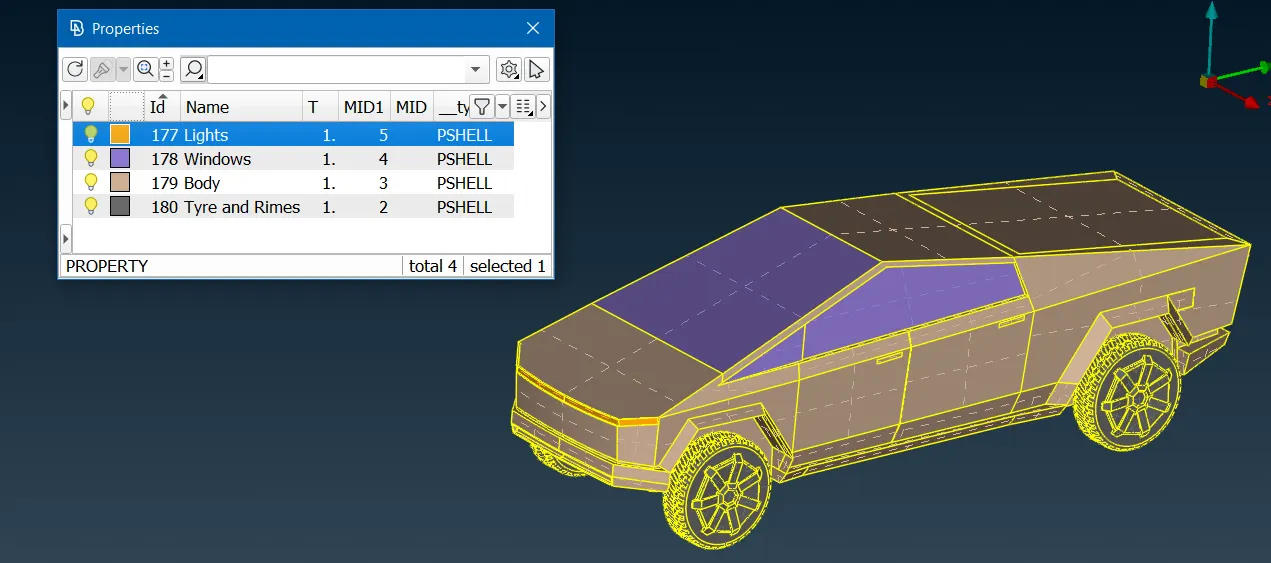
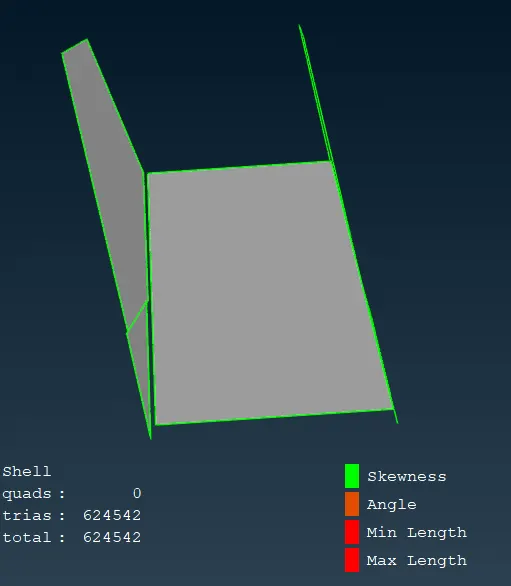
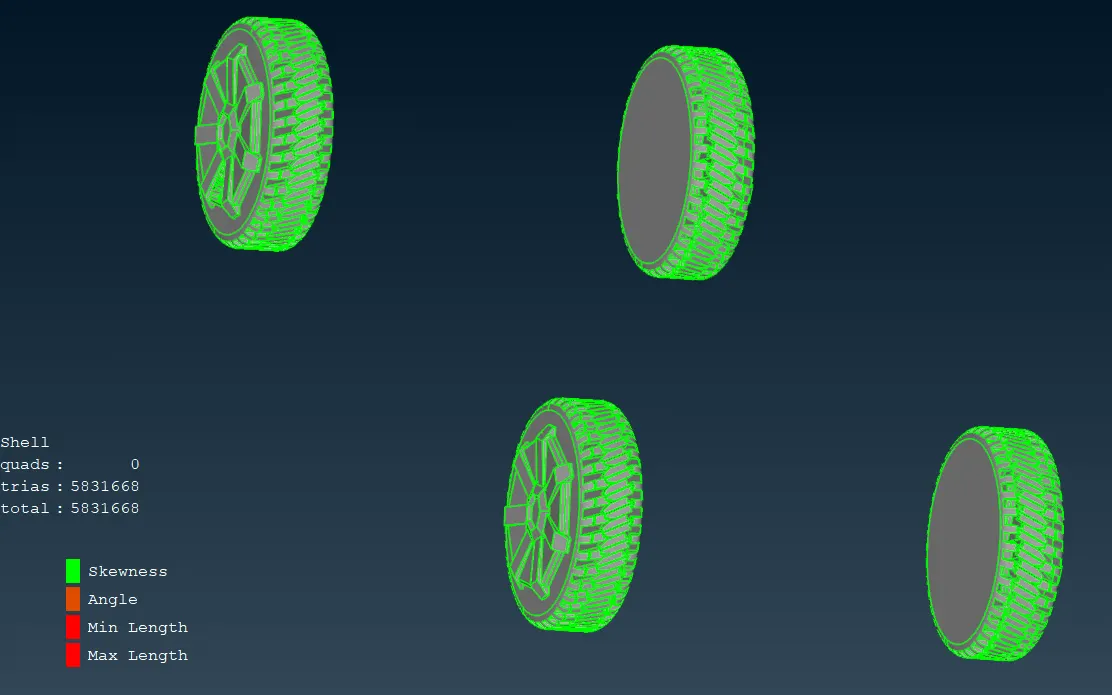
5. Cybertruck After Surface Meshing
6. Wind Tunnel With PIDs
7. Surface Meshed Wind Tunnel
8. Volume defined between the faces of the wind tunnel and the cybertruck
CONCLUSION
First, half of the truck model is deleted. Then, TOPO cleanup is performed on the model. Relevant PIDs are assigned and surface mesh is done on the half-truck geometry. The geometry is completed using the symmetry tool. The wind tunnel is created and the surfaces are meshed and then the volume between the wind tunnel faces and the truck geometry is defined.