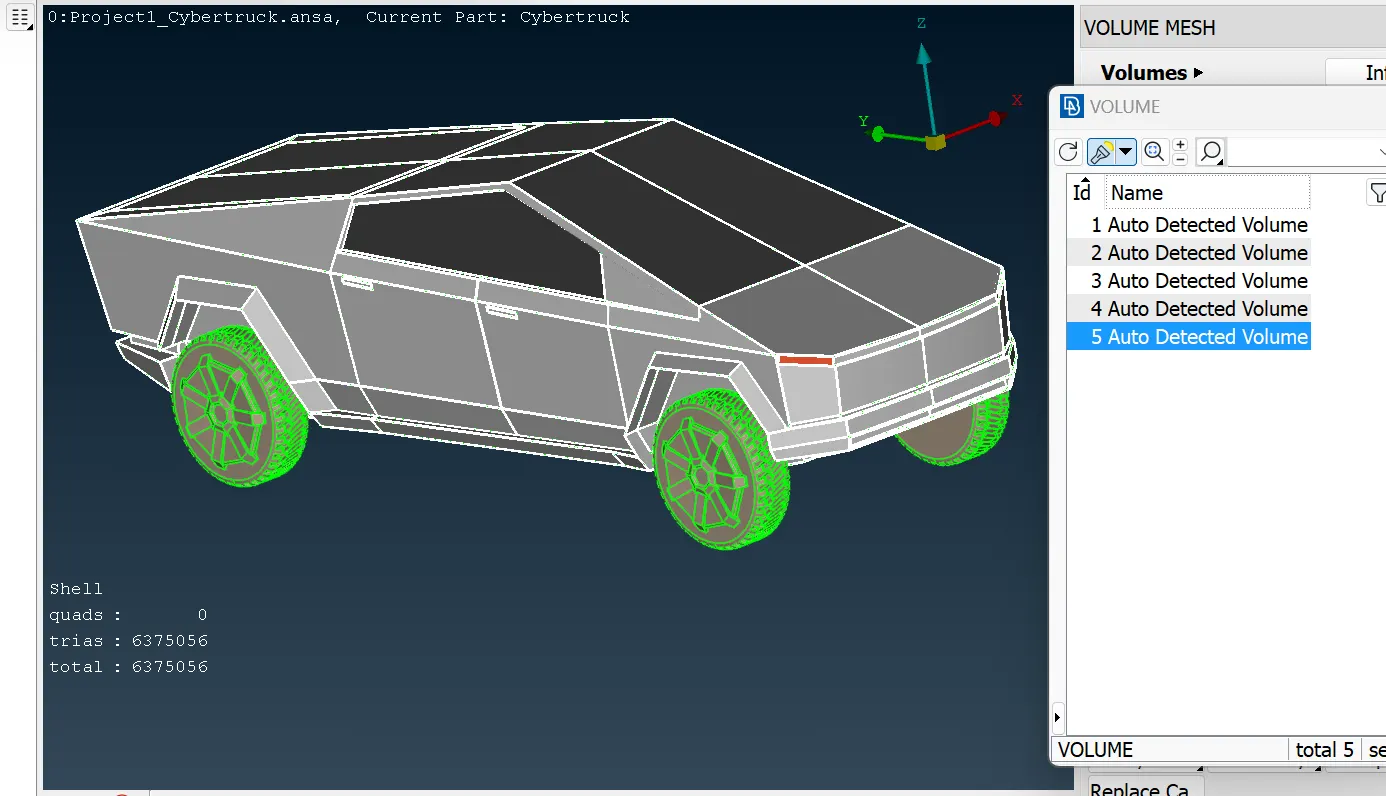
Project 1 : CFD Meshing for Tesla Cyber Truck
In this model first we opened the model, this model name is Tesla Cyber Truck we seen in this geometry so many single cones and triple cones are there, then we started to do topological cleanup one by one. after that i applied topo full model so many single cones and triple cones are cleaned. in this model full body was symetry , so i deleted half part to complete the model easily and after completion we can do symetry half part to another side.after deleting we started the geometry clean up one by one. after that we seen some inside some extra surfaces are there, acctually we need outside features we don't need inside that features, so we deleted which one we don't need. then we seen some open surface is there then we started to fillup that open surfaces one by one.after we fixed everything we checked geometry check then only we got outer part was single cone's are showing.
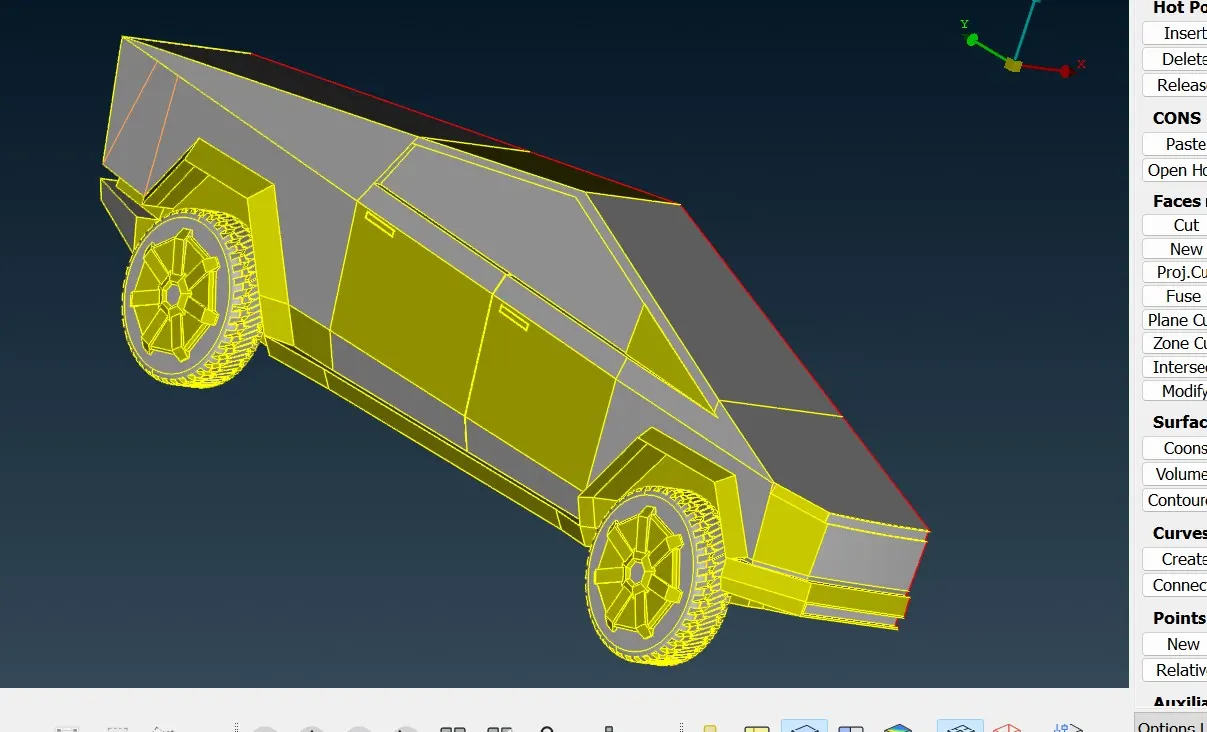
After completion of topological clean up we started for pid assigning, then we assigned one by one pid. after that we started to do mesh one by one. First we started with window we given the mesh parameters like target length is 5 mm and mesh type tria and min. length 3 mm and max. length 7 mm, then we given quality criteria like min length 3 mm and max length 7 mm.after that we go for mesh then we given in length perimeters 5 mm and macros 5 mm . after that we did spot mesh and visible. then we seen mesh was generated perfectly. after that we offed shadow mode and we checked with ENT type then we got some off element after that in shell mesh the option called reconstruct in reconstruct we did visible then we got some less no off element again we checked with topo clean up then we fixed that one again we did meshed then we did reconstruct after that we seen our off elements was zero.
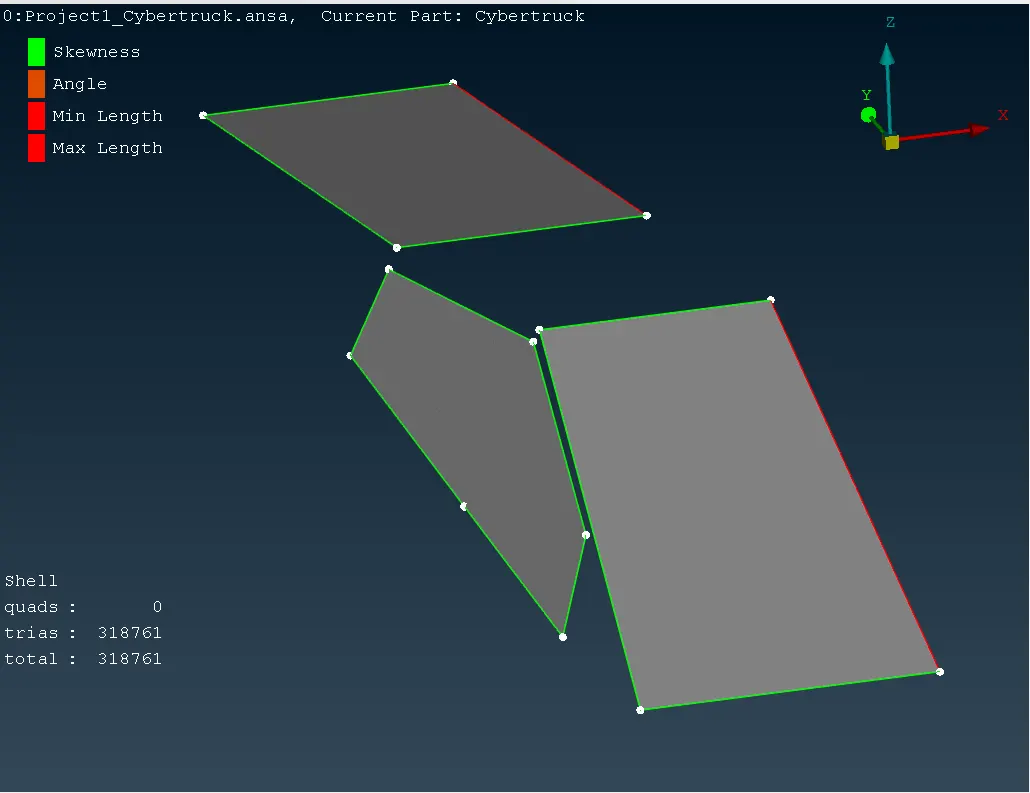
After we go for next part like light in that one we given the mesh parameters target length 5 mm and mesh type tria. then we given quality criteria min length 3 mm and max length 7mm. then in mesh we given length perimeters 5 mm and macros 5 mm then we did spot mesh visible then we got some off element then we did reconstruct after that the off element was came less then we started to fixed it. after that we got our off element was zero.
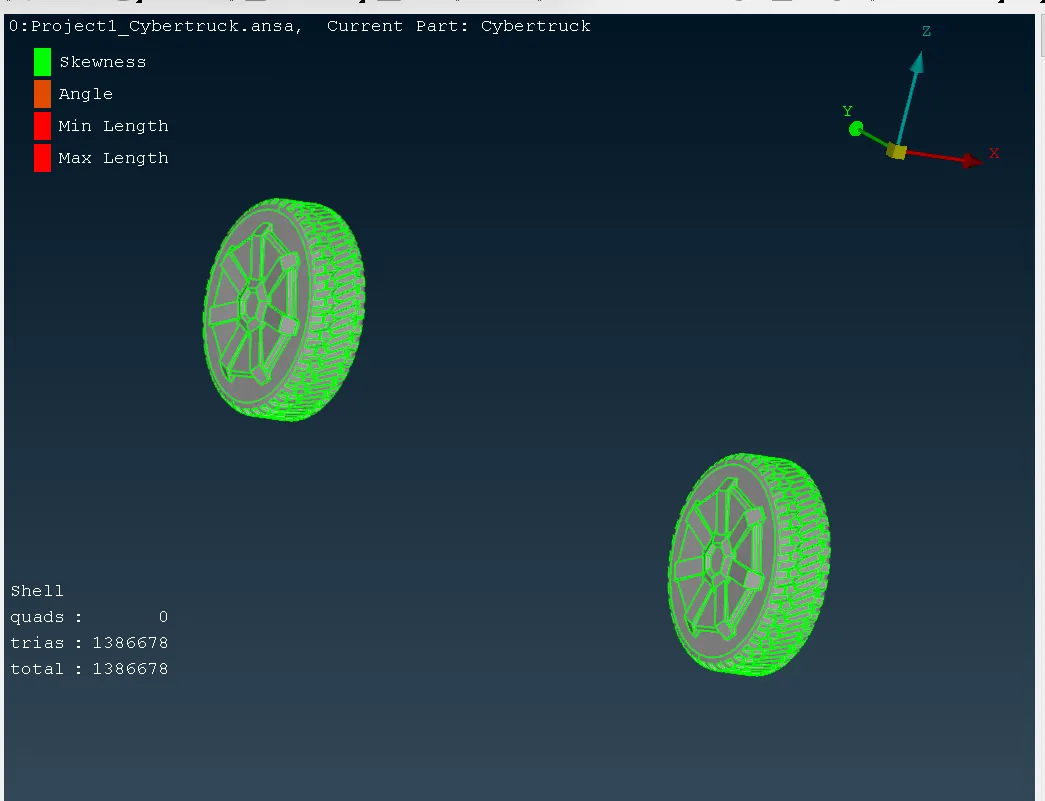
After we started the next part like Rims and Tyres in that one we given the mesh parameters target length 1 mm and mesh type tria. then we given quality criteria min length 0.2 mm and max length 5 mm. then in mesh we given length perimeters 1 mm and macros 1 mm then we did spot mesh visible then we got some off element then we did reconstruct after that the off element was came less then we started to fixed it.then checked topo mode we seen some geometrical problem like some unwanted cut was there then i started to fixed it. then again we did mesh then we did reconstruct after that we got our off element 10 to 12 then we started to fixed those one, to fixed that one we used in Grids option called move . we manually started to move those trias, which one is failing by skewness, min. length and max. length. then we started to do manually fixed then we got off element zero.
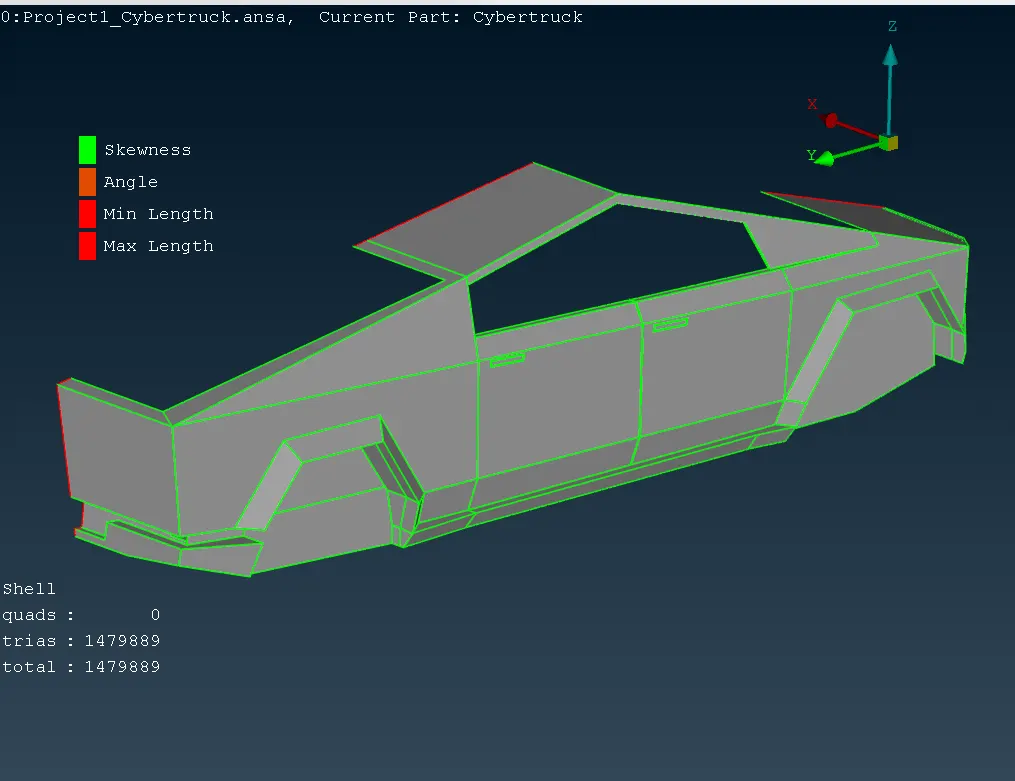
After we started the next part like Body in that one we given the mesh parameters target length 3 mm and mesh type tria. then we given quality criteria min length 0.4 mm and max length 5 mm. then in mesh we given length perimeters 3 mm and macros 3 mm then we did spot mesh visible then we got some off element then we did reconstruct after that the off element was came less then we started to fixed it.then checked topo mode we did geometrical clean up like some unwanted cut was there then i started to fixed it. then again we did mesh then we did reconstruct after that we got our off element 19 then we started to fixed those one, to fixed that one we used in Grids option called move . we manually started to move those trias, which one is failing by skewness and max. length. then we started to do manually fixed then we got off element zero.
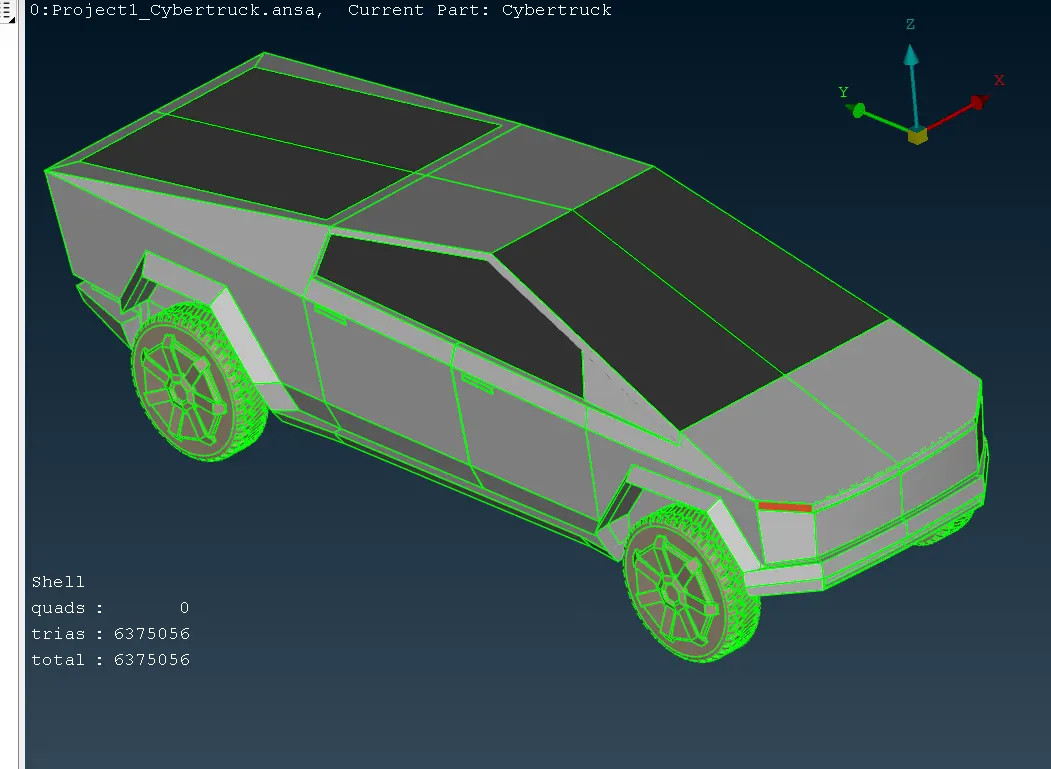
After completing that one we started the half body to symetry another side then we used option called symetry then we did copy after we copy full body then we did middle click after that three co-ordinates we slected then we did middle click then we got full body.after getting full body again we checked geometry checked then we got 3 single cone's then we started to fixed it. after fixing those single cone's. then we did started for wind tunnel.
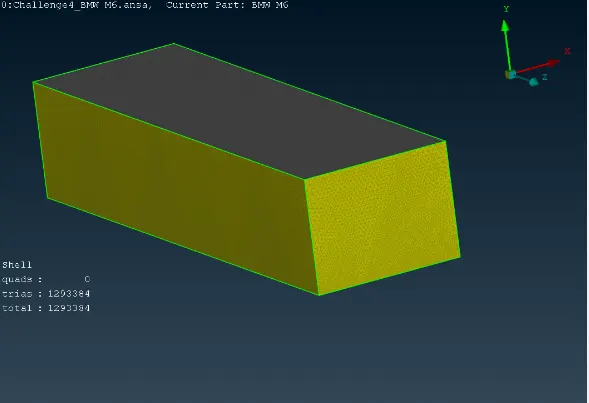
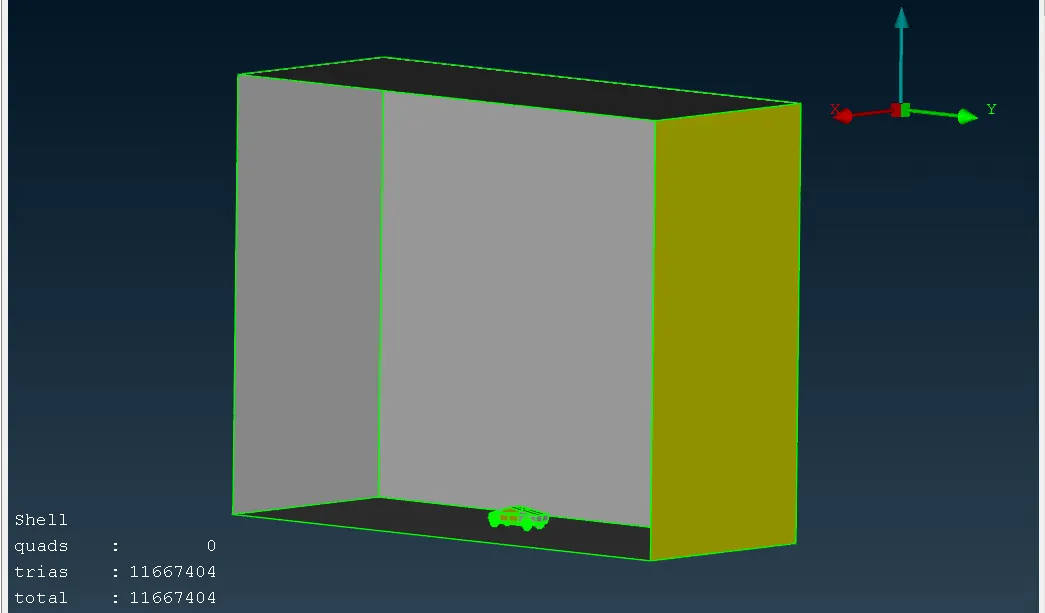
After completing of all those we started to create a wind tunnel. For creating wind tunnel, we need some point then we go for topo mode in there option called relative. in that option we created some point's after that with the help of point again we created some curves. after that in that curve we create surface the bottom surface. we started to create top surface then we did offset surface then we got bottom surface with the help of bottom and top surface we create side surface and also front and rear surface . after that we asigned the pid . then we started for surface meshing. for bottom surface we given the mesh parameter target length 20mm and mesh type tria.then we given quality criteria min length 15mm and max length 25 mm. then in mesh we given length perimeters 20mm and macros 20mm then we did spot mesh visible after that we got fine meshed. Again for top surfacewe given the mesh parameter target length 100mm and mesh type tria.then we given quality criteria min length 80 mm and max length120 mm. then in mesh we given length perimeters 100mm and macros 100mm then we did spot mesh visible after that we got fine meshed.after that we can for side wall mesh and rear and front. for that first we given option called in that one biasing type geometry , factor given 1.1, Dstart given 20 and Dlimit given 100 after that we did apply. then we given mesh parameters target length local after that we did meshed one by one side surface and front and rear surface.after completing we go for volumetric mesh , in that one option called define after that we have to select whole db then we got volume box in that one we need full body with wind tunnel for volumetric mesh remaining which one no need we have check manually and delete after that we started for volumetric mesh.