Week 5 Challenge : Surface wrap on Automotive Assembly
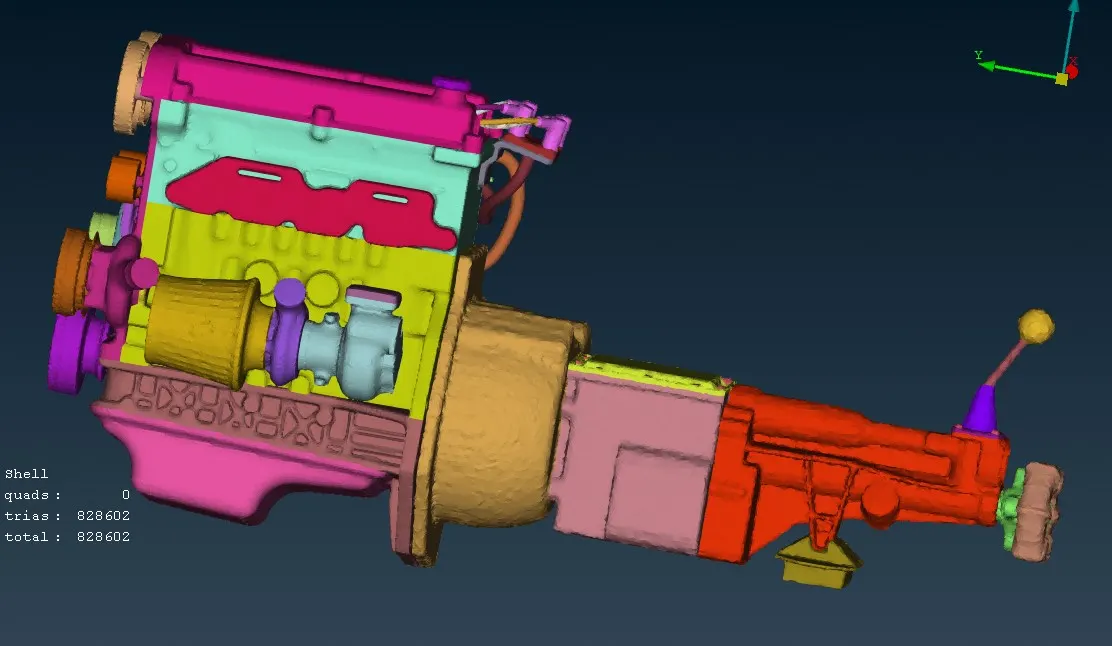
In this challenge we got three models, first we start with engine model.we started with engine, when i opened i seen so many extra surfaces and circular type pipes are there and also so many circle type surfaces are there. after that we started the clean up one one first i delete some extra surfaces and some surfaces are over lapping on the other surfaces then we deleted that extra surfaces. after we completed that all we started with hide which one we need that surface after hiding we seen so many circle type surfaces and also extra surfaces inside then we deleted one by one beacause that surfaces we don't need. so that we deleted that all. after that we seen some unchecked surfaces are there , then we did show only and we seen that all are also not usefull so that i deleted that all also.after that we seen some collapsed cone also there , then we did show only and we checked which one is necessary we did fixed and whose are not needed we deleted one by one. after completing that all we seen so my big circuler shape hole is there then we did one by one fill up.in this model we did fixed only outsider of the surfaces.after completing that all we gone for next model.
.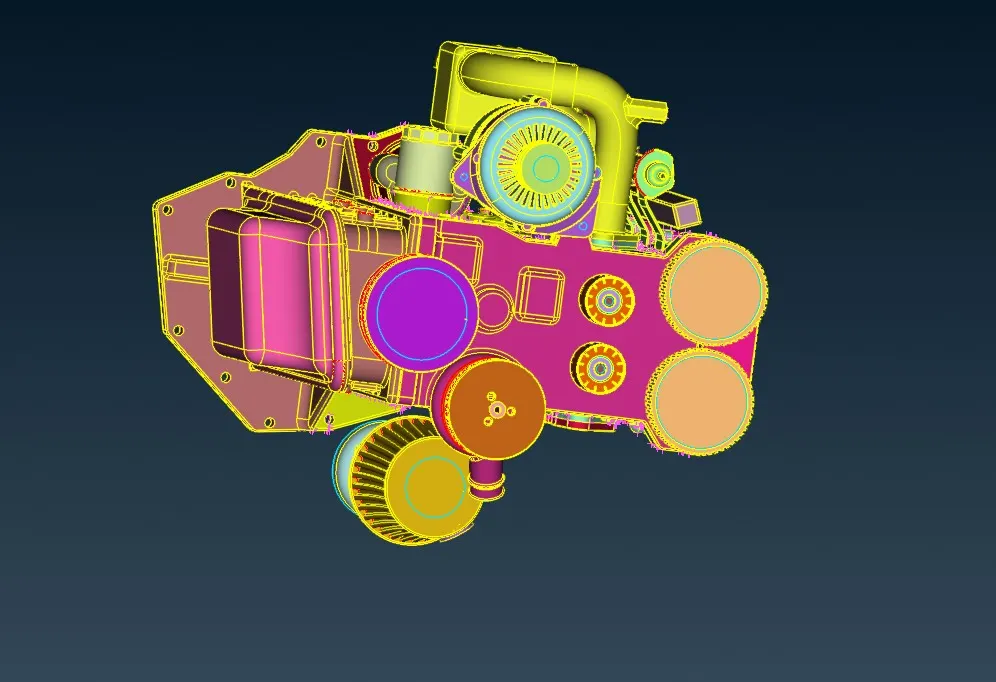
After completing of engine, we started with gearbox. after opening the model we seen some circuler type surfaces are there and also some extra surfaces also there. then we started the deleting one by one which one we no need.after that we seen uncheked surfaces are there we fixed that one also then we seen some collapsed cones also. we did fixed that all. after completing that all we gone for next model.
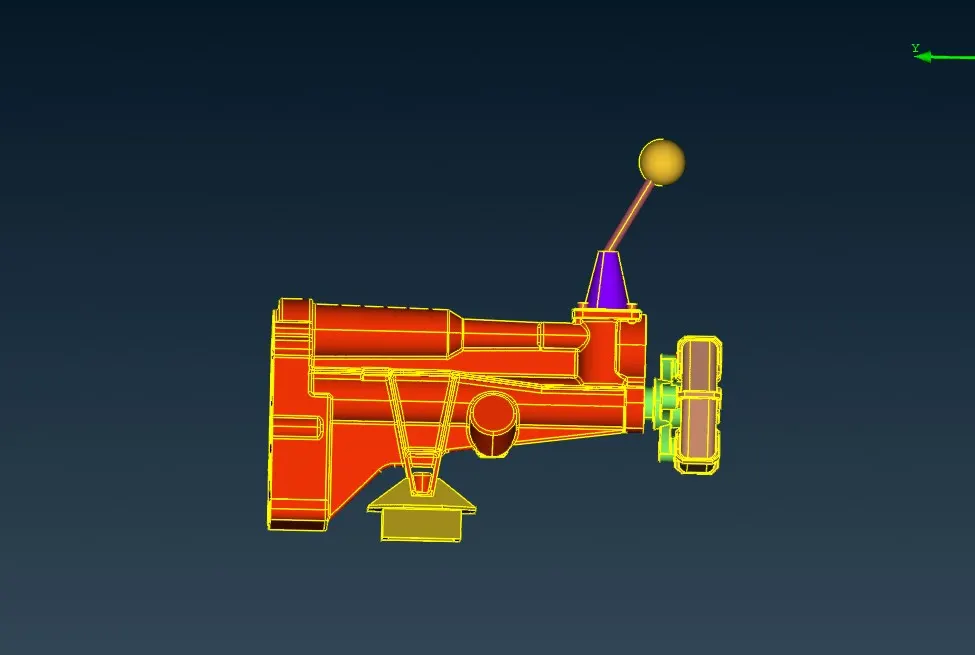
After completing of gear box we started with Transmission. then we opened the model we seen some circuler type surfaces are there we did fixed and we fixed also collapsed cones. after that we seen some over lapping surfaces are there then we deleted that one also.Then we seen some big big hole are there, we started fill that hole.after completing of that all we gone for merge.
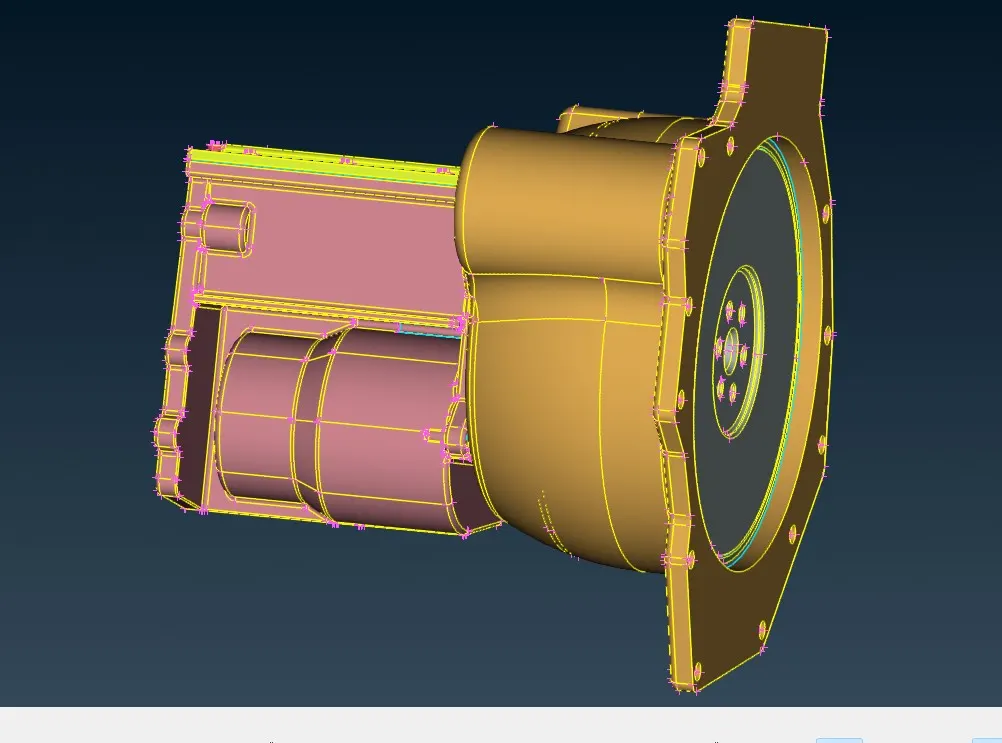
After completing of geomtry clean up and extra surfaces deleting. we started to merge three models, then we started merge one by one first we merge with engine to transmission then gear box. after merging that all we seen some hole are there that hole are mostly bigger size . so we fill that all big size hole. after completing that we can go for next wraping.
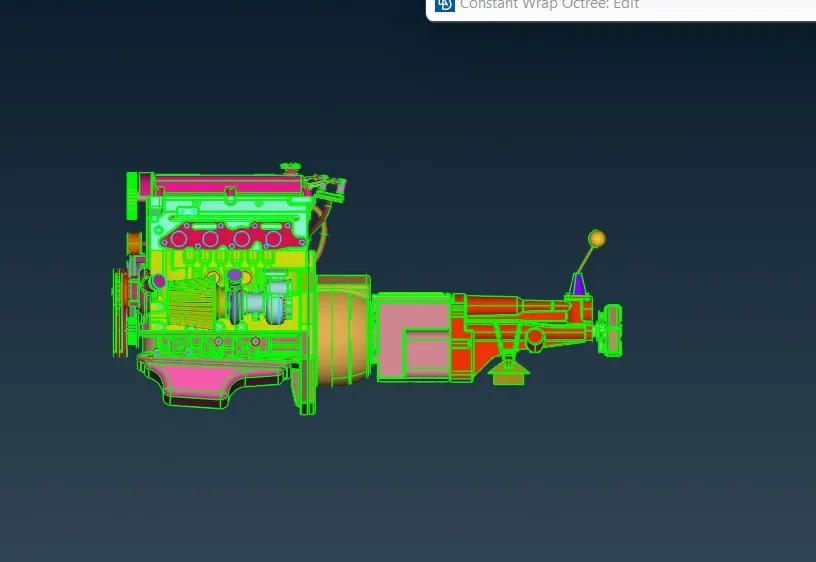
After merge three model we can go for surface wrap. then we started the surface wrap. first we go to mesh then we seen in down in element the option called wrap. we did long press above wrap then we choose there constant length, then we given in that one target length 3mm then we changed the name also after we seen so many property is there then we did comprssed after that we got some minimum number of property we choosed that property also.after that we did run then after some time we got the surface wrap of full body.