Project 1 : CFD Meshing for Tesla Cyber Truck
>>For the given model which is called Tesla Cyber Truck car. First of all we have to check geometry inside this model then we have to cut into Half part because it will take less time to complete this model and after we can Symmetry the deleted part by using Transform option. Then we have to go inside the Topo option after that we are going to do geometrically clean up and i got some Extra surface ,this extra surface we have to delete because We need only one volume of this model. We have go inside every parts like ( lights, body, tyres, window) and check where having Single cons and triple cons. Then we have to solve every single and triple cons inside this model. Once i did every correction we have to check error by using geometry check option. If there having any error we have to solve .After solving every error we have to go inside PID .Then we have to go inside every parts and we can assigned different PID inside this model like as ,
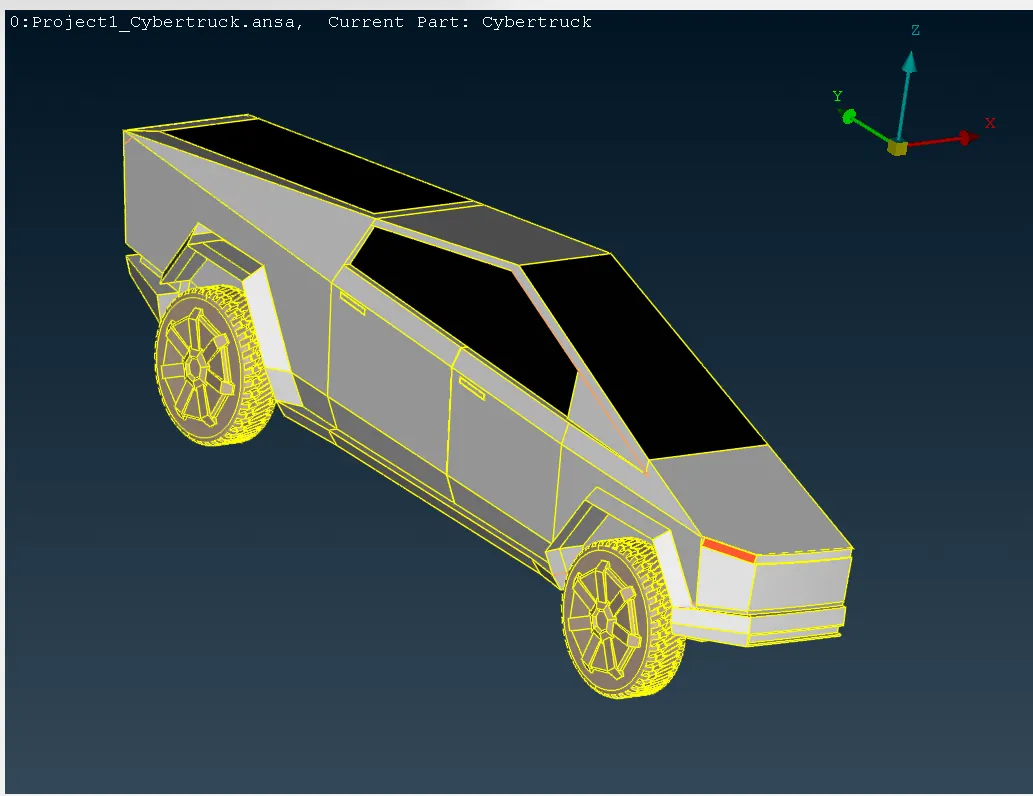
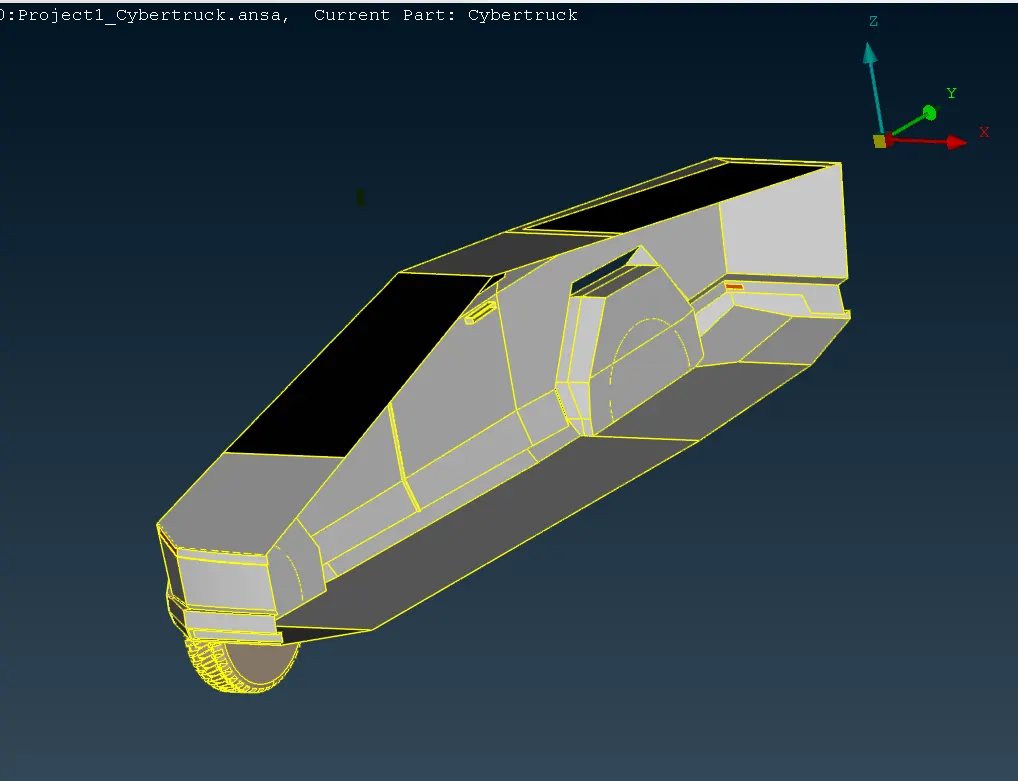
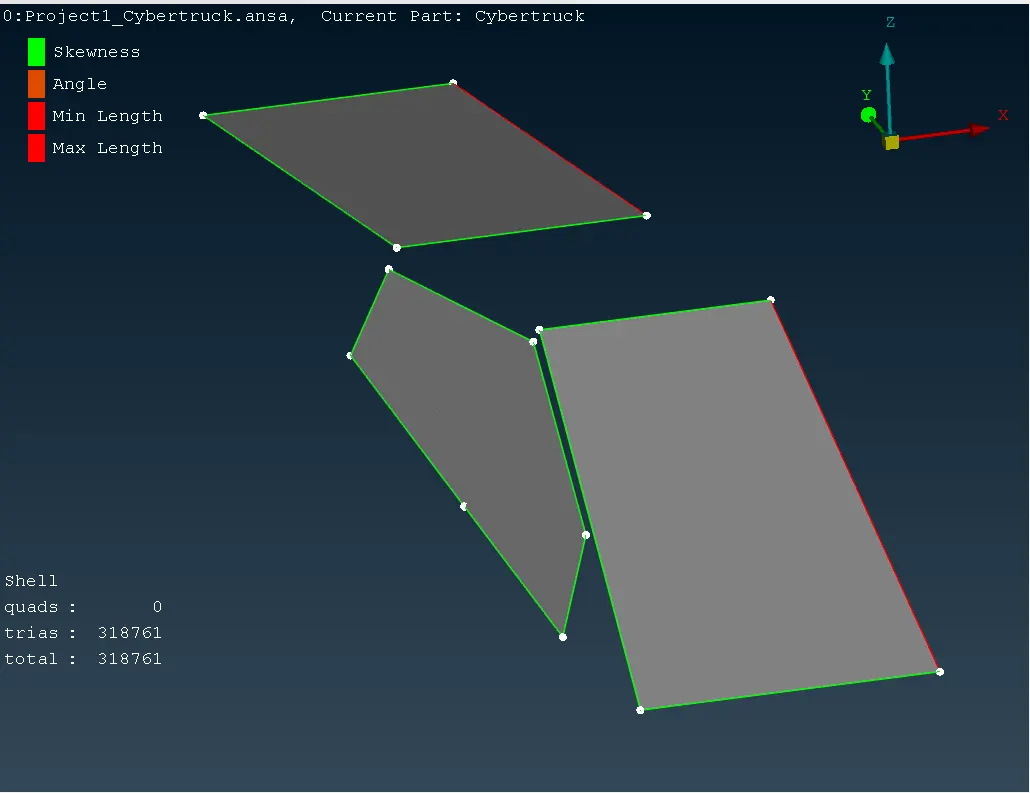
>>After PID assigned we have to go inside this model and check length by using measure tools where having less distance between lines then we have to customize it because of less distance we got some issue after meshing thats why we have customize it. According this we got minimum length and maximum length on every parts and we can put the minimum length and maximum length in quality crieteria.After that we go for meshing.
>> we have to go inside every parts like ( lights, body, tyres, window) and its having different target length . First of all we have to go inside Quality criteria and as per our requirement ,we have to give the minimun length and maximum length .Then we have to go inside Mesh parameters and In mesh perimeter ,We have to give the value of Target length, minimum length and maximum length and we have change to tria in the element type . After that we have to go inside perimeters ,In perimeter having length option and by using length option we can give the value of perimeters and macros .After given every target value then we can go inside spot mesh ,In spot mesh we can do meshing . we can follow as this target length these are : (1) Window - 5 (2) Light - 5 (3) Tyres - 1 (4) Body - 3 >> Similarly we can do meshing step by step on every part inside the BMW car by given target length. After did meshing we have to go inside Openform and then select quality crieteria ,In quality crieteria we have to edit crieteria visibility and we have to add only skewness , minimum length , maximum length, minimun angle quads , maximum angle quads, minimun angle trias and maximum angle trias and we have to save this quality crieteria and Load. Then we go for check how many off elements are there on every parts .If we got off element we have to go inside shell elements option, In shell mesh we have to click on Reconstruck option after that all off element gone ,if still having off element we have use some tools like move , swap , reshape , smooth and split etc.By using this tools we can solve all off elements.
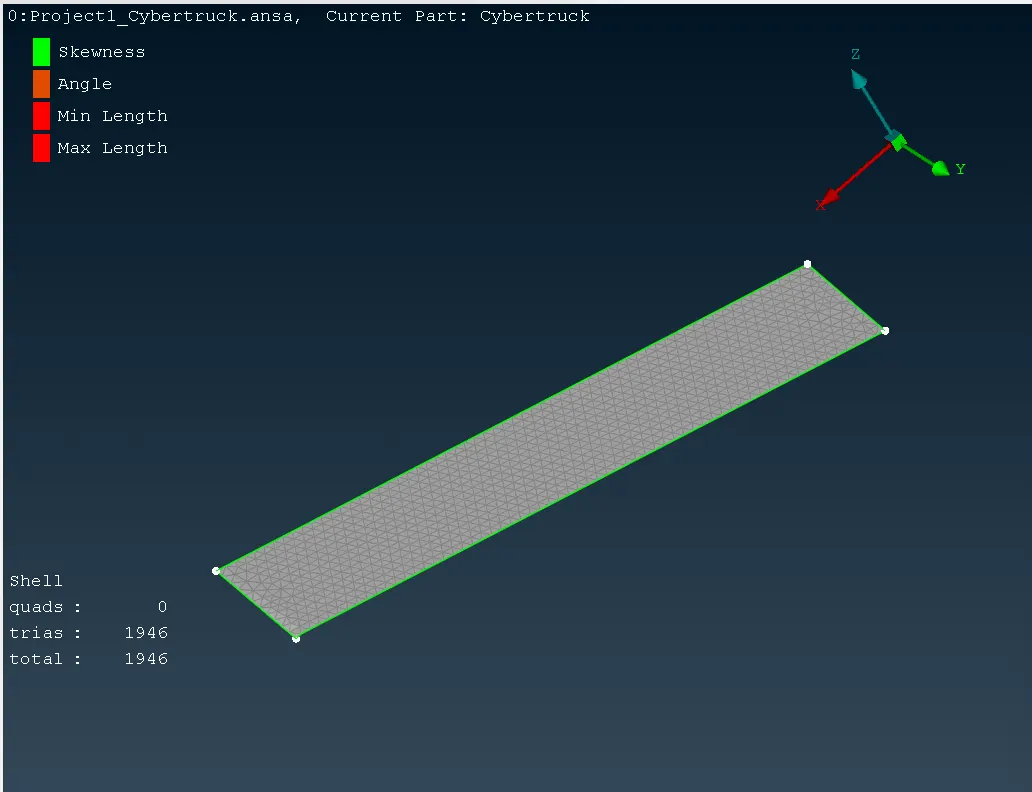
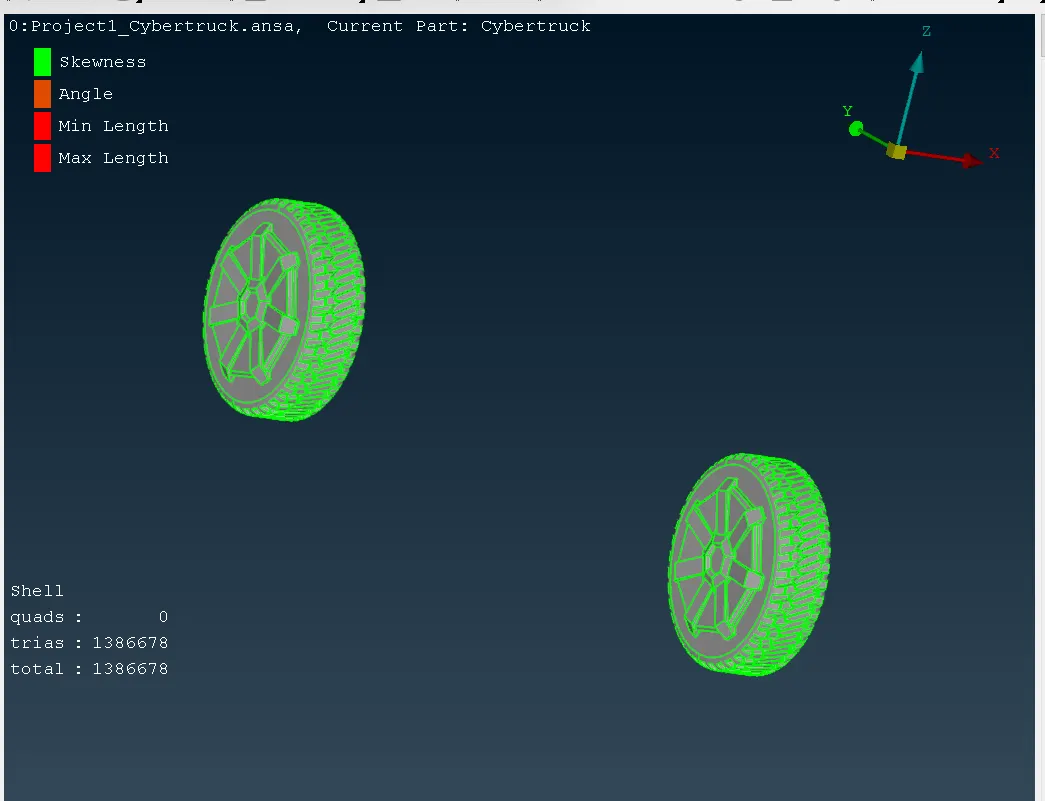
>> we have to go inside Transform option , In Transform option we have to select the copy option then we have select the entities and nodes after did this we have to go inside the symmetry ,In symmetry option we have select the Mirror 3 point planes option after this we make a full body structure.
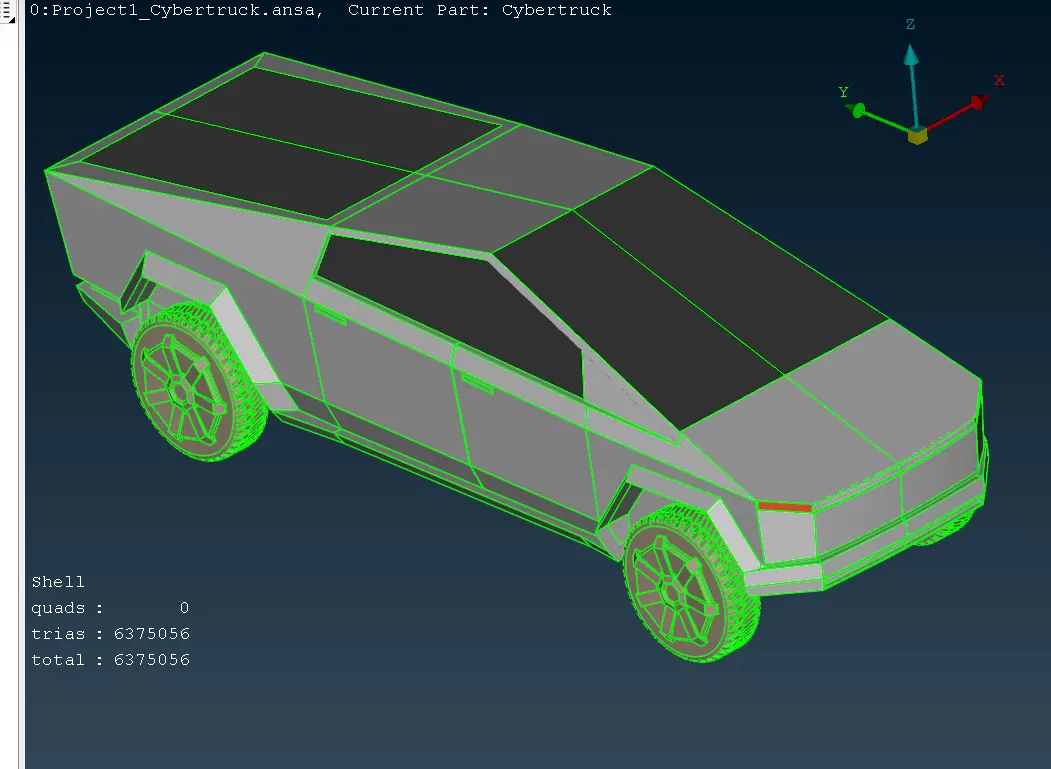
>>Now We are going for make Tunnel ,First of all we have to creat point by using Relative option and we make its some distance between from car .Then we can make lines by using create option in Curves. Then we can make its as a base surface and we can offset this surface , make it as a Top surface then we can make surface on every side . After make it Tunnel we have to assigned the different PID like (Baseside Tunnel,Topside Tunnel, Frontside Tunnrel, Backside, Leftside Tunnel,Rightside Tunnel ) inside this model . After that we going for mesh first we have nesh mesh on baseside Tunnel by given the target length 20 then we have to mesh the Topside Tunnel by given the target length 100. After that we have give the length on on every side corner by using Spacing Option in Perimeters.Then we can mesh everyside by using Spot mesh then fo better visibility we have to Reconstruck on every side in Tunnel. After that we are going to next step.
>> We have to go inside the volumetric mesh then we have to click on define option after click this i got 8 undefined unmeshed part . We have to check which one needed that one we going to keep this and remain part going to deleted. Then we are going to remesh this undefined part in Tetra CFD ,it will take more time because there having so many elements .