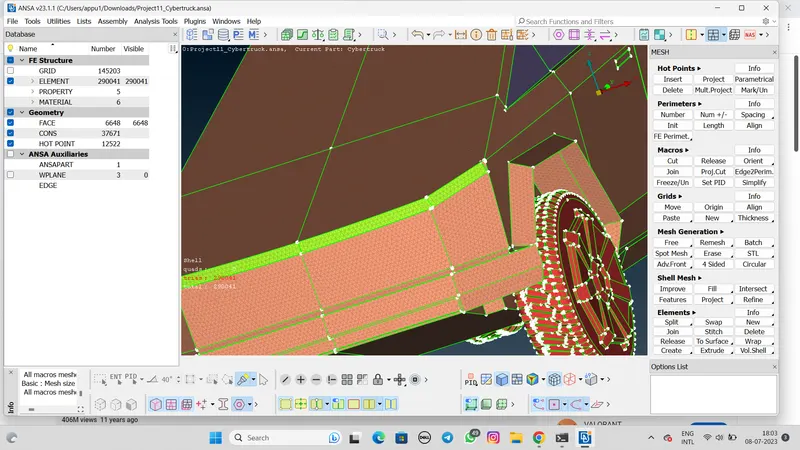
Project 1 : CFD Meshing for Tesla Cyber Truck
AIM:-
Generate a CFD meshing for the Tesla Cyber truck.
OBJECTIVE:-
To check single and triple cons and solve all geometrical error. Also assign appropriate PIDs and perform meshing with the suitable length and element quality criteria for Tesla cyber truck model.
PROCEDURE:-
- Import the geometry model to the ANSA.
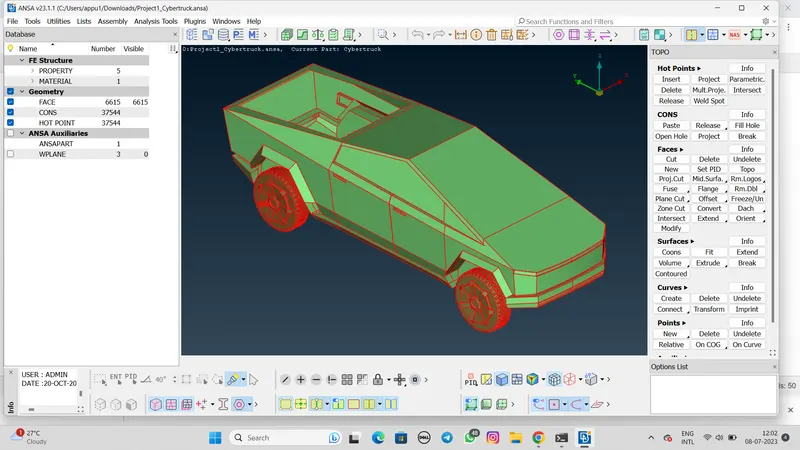
- Check the single cons.
- If there are single cons in the model use the TOPO command.
- Select the model>TOPO>Face
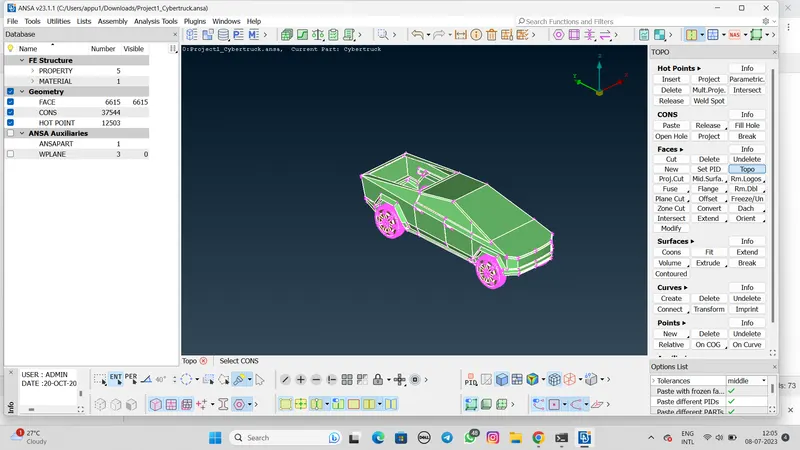
- Then Give the length to the whole model.
- Mesh>Perimeters>Length>Perimeters and Macros>Set 2mm length.
- After that cut the model between in half side.
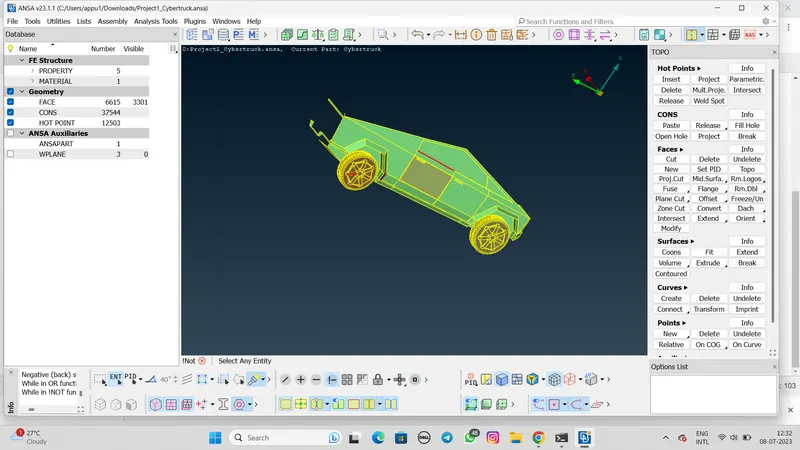
- Then fill the holes. with the help of Fill hole command and select the faces then click to fillthe hole.
- After that check the remain error in the Geometry.
- Then create a new PId. Click on Properties>New>PSHELL.
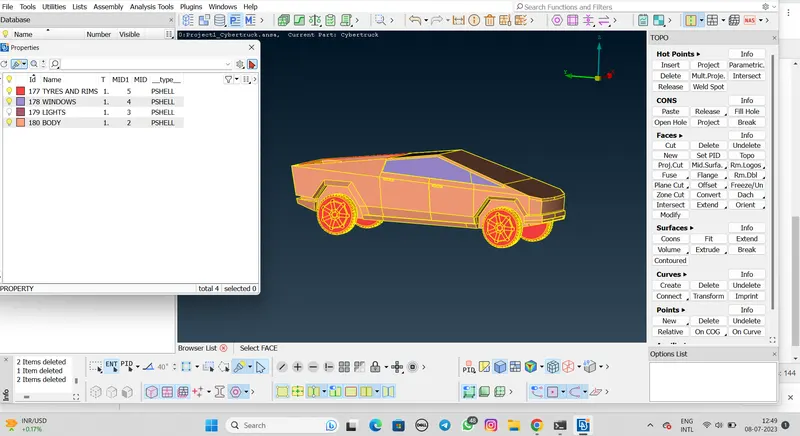
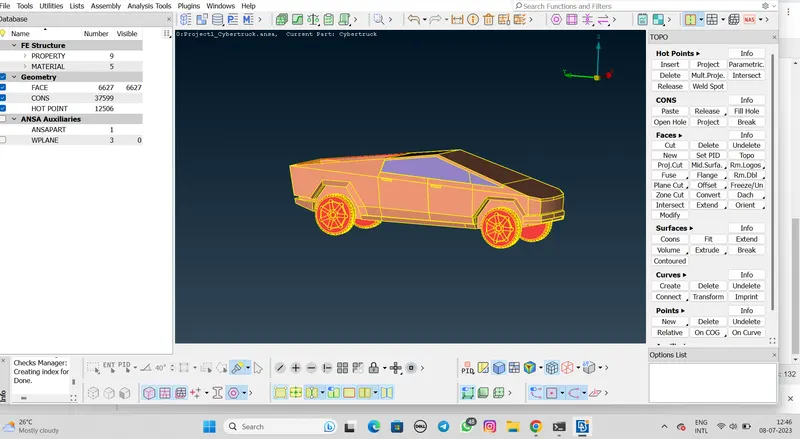
- After create the PIDs for each part. create the surface mesh the for each parts by setting and maximum length.
- Select the mesh element type is TRIA in mesh perameters.
Target length(mm) Minimum length(mm) Maximum length(mm)
WINDOWS 2 1 3
LIGHTS 2 1 3
BODY 3 1 5
TYRES 2 0.2 3
RIMS
- After the set the target length generate the spot mesh.