Project 1 : CFD Meshing for Tesla Cyber Truck
Aim:
For the given model, check and solve all geometrical errors and assign Appropriate PID's. Perfrom meshing with the suitable target length and element quality criteria.
Procedure:
- Import geometry file of Cyber truck to the ansa
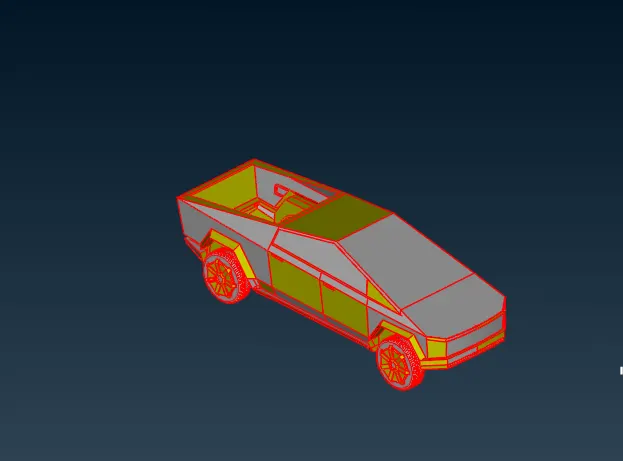
- By deselect the solid body option, we can see the single cons, double cons, triple cons in the file. For this project we need to check the single cons, by using wireframe mode
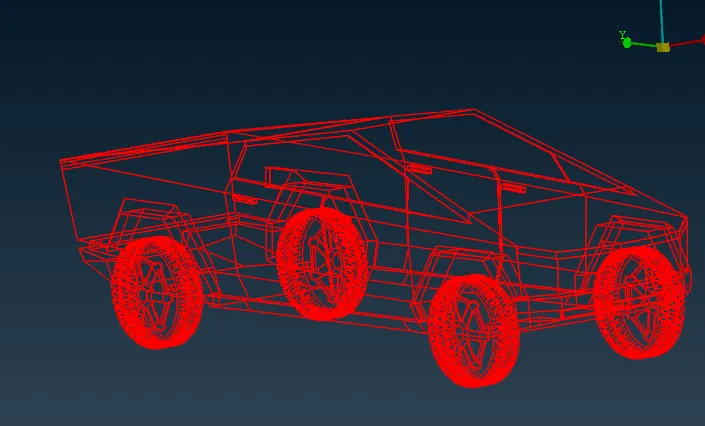
- we need to remove the single cons by selecting the option 'Topo'
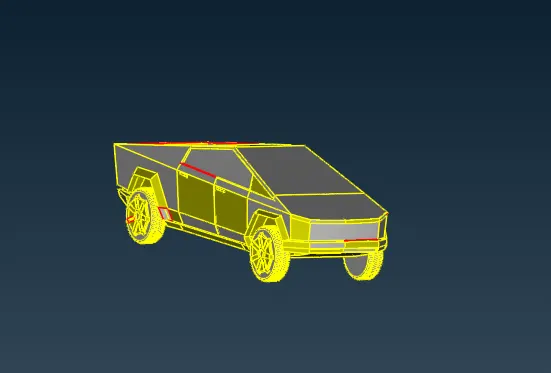
- From the above image, After performing topo, geometry file are removed from the single cons errors
- Remaining errors are checked in manually
- To remove the single cons error, we need to patch the surfaces
- By selecting 'new' option from surface and 'Fill Hole' to create new surface in the geometry file.
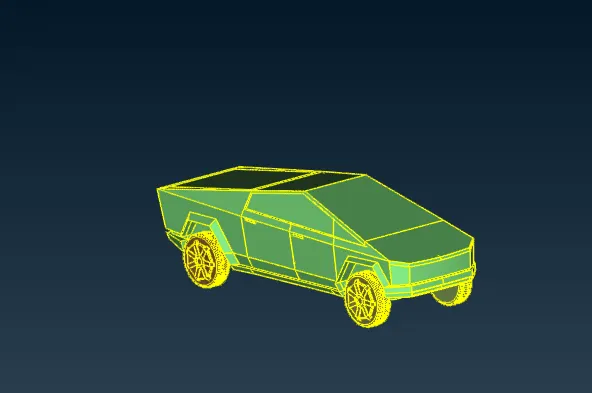
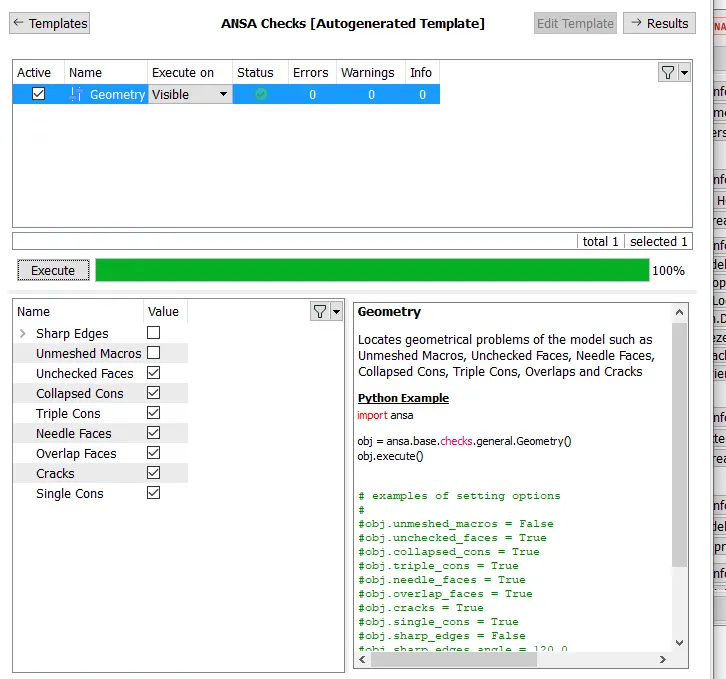
- Perform geometry checks, to identify the single cons errors with the model
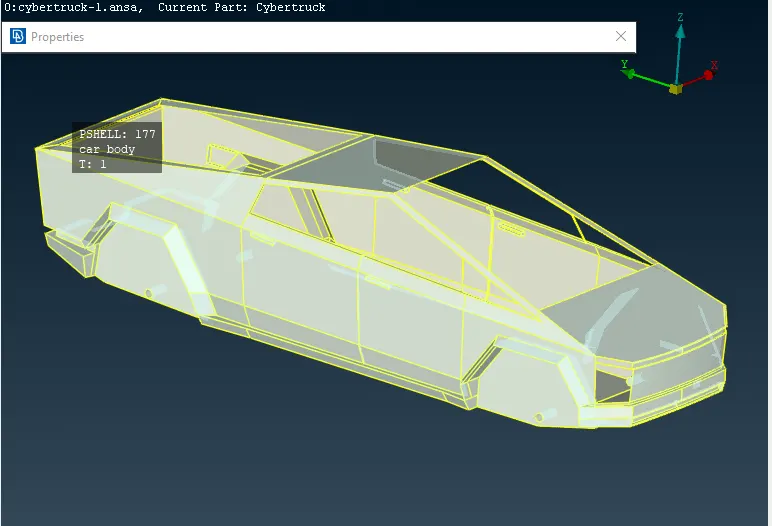
PID Assigining:
Car body:
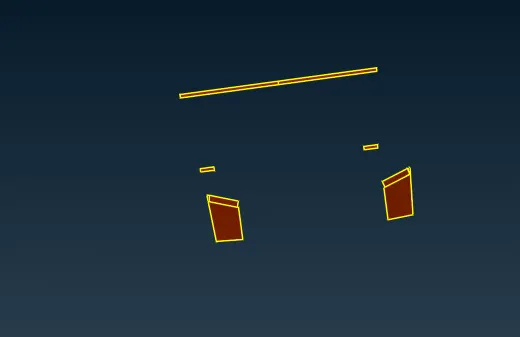
lights:
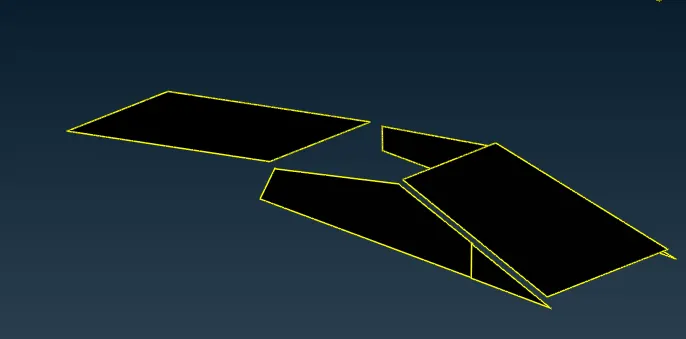
Windows:
trims and tyres:
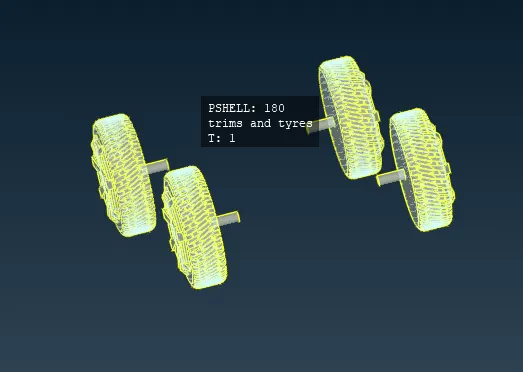
Properties:
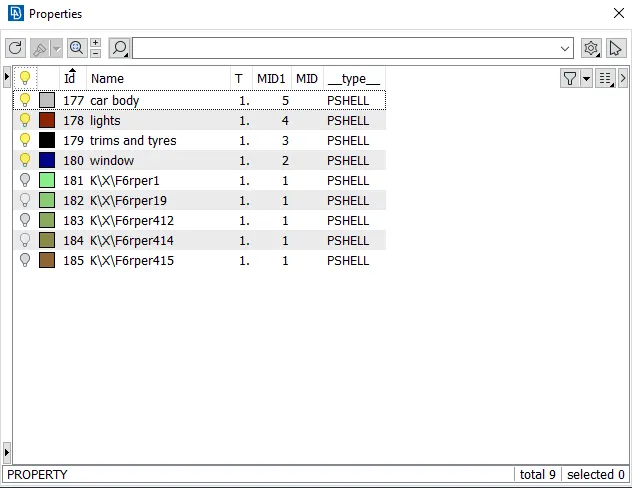
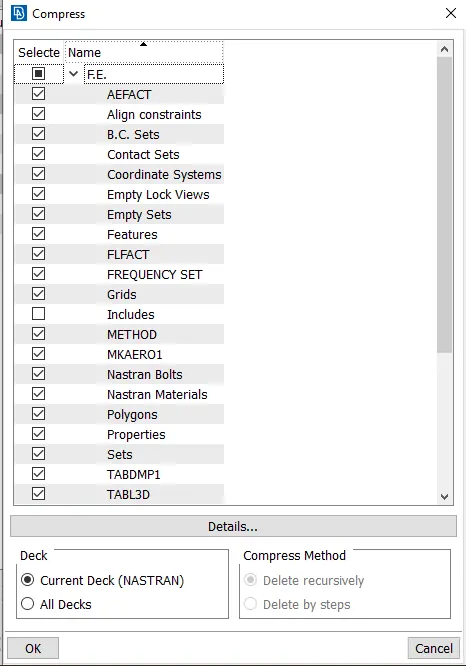
- To remove the unused PID's by using compress option and the current PID only remaining in the model
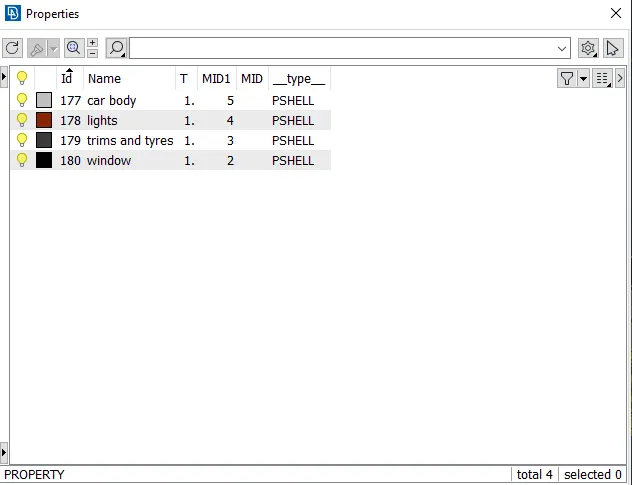
PID assigned with properties:
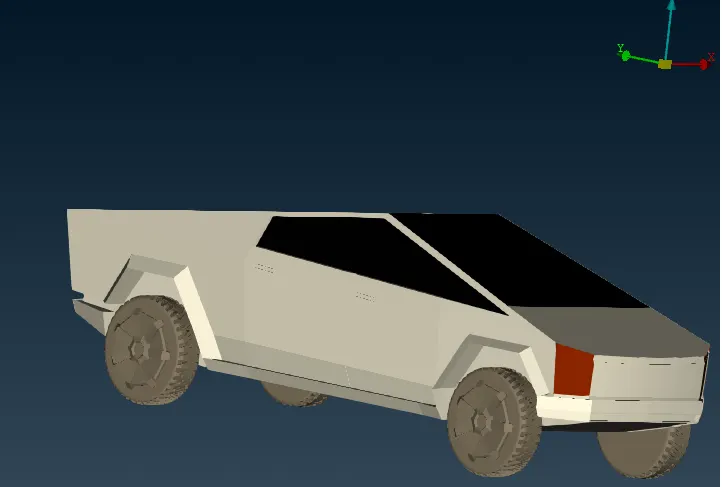
Model Image:
Mesh:
Quality criteria
| S.No | PID | Target length | Min length | Max length |
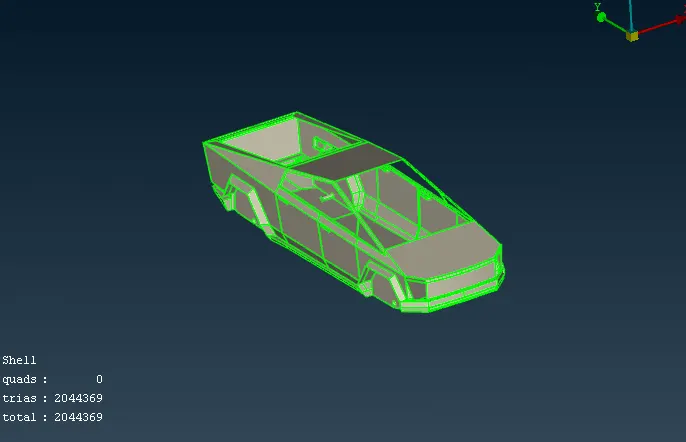
| 1. | Car body | 6 | 1 | 8 |
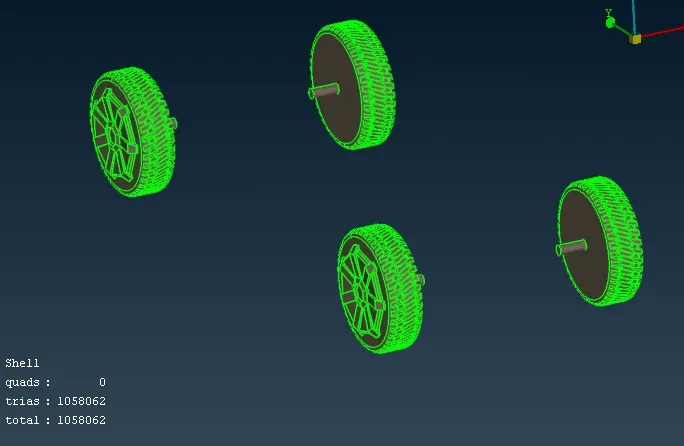
| 2. | trims and tyres | 4 | 2 | 5 |
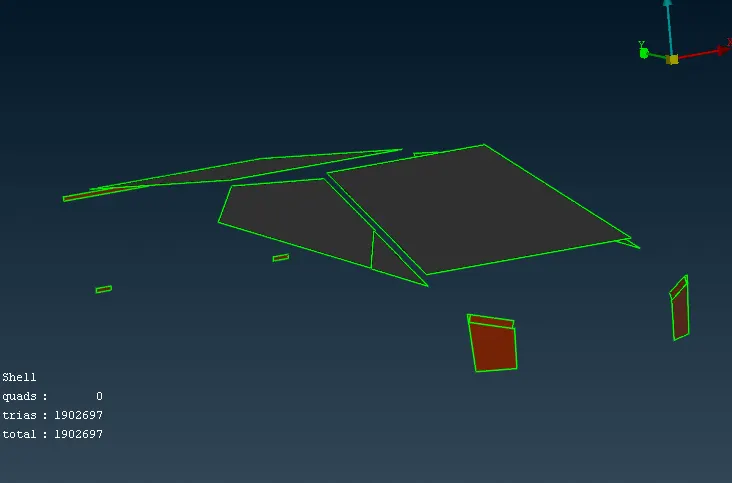
| 3. | lights | 2 | 1 | 4 |
| 4. | windows | 2 | 1 | 4 |
Car body mesh:
trims and tyres mesh:
lights and windows mesh:
- After meshing process complete in the model
- we need to create wind tunnel and placed the model within it.
- Dimensions are provided to create the wind tunnel for the model
Wind Tunnel:
Wind tunnel dimensions:
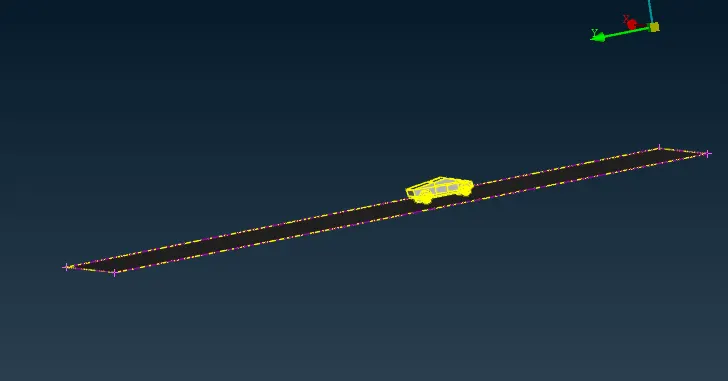
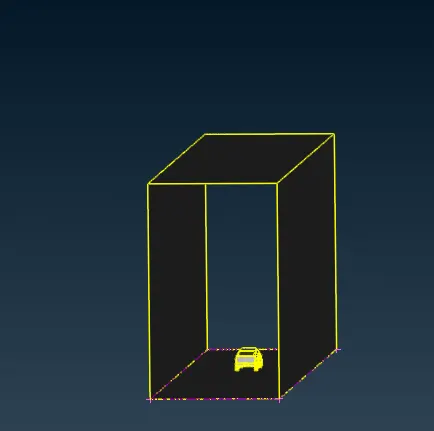
1.sides - 1* length of the car
2.Bottom - close the wheels
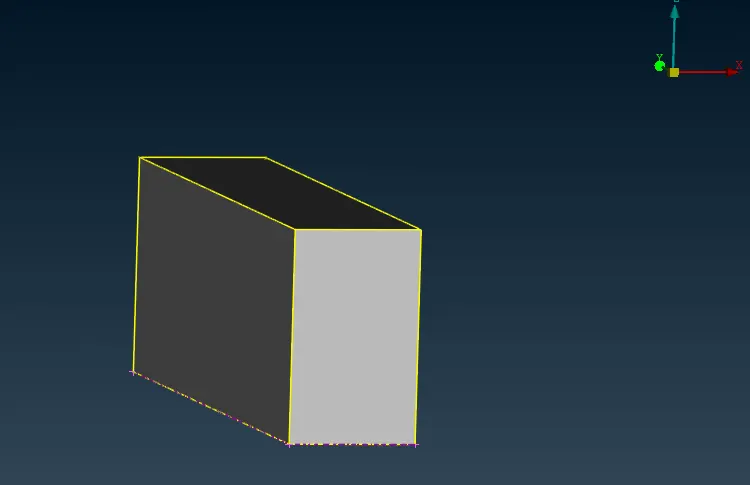
3.Front - 4 * length of the car
4.Back - 6 * length of the car
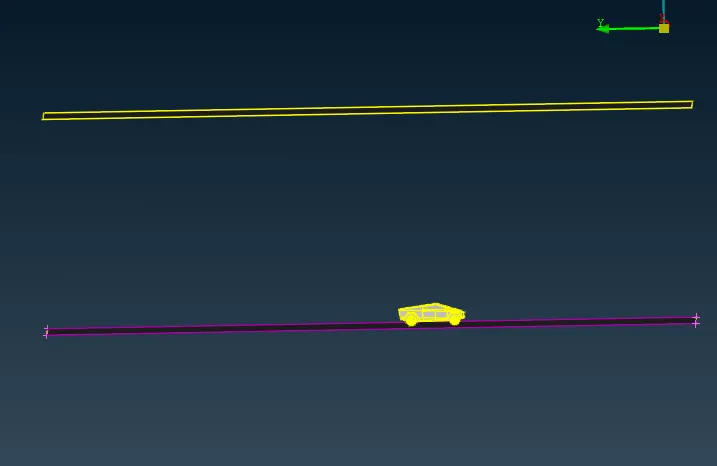
5. Top - 3* length of the car
total length of the car is 5870 mm
BaseSurface_tunnel:
Topsurface_tunnel:
- by using offset option we can create the base surface of the wind tunnel in above the model, the value are used in offset are 19541 mm
Sidesurface_tunnel:
frontsurface_tunnel:
Rearsurface_tunnel:
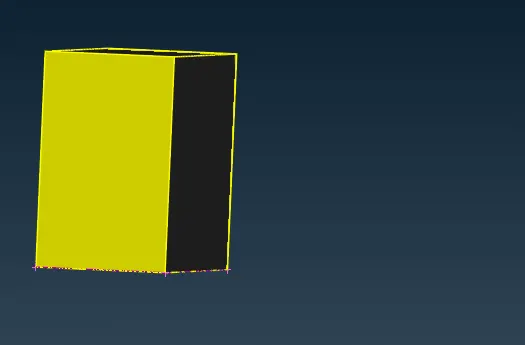
Assign PID for the wind tunnel:
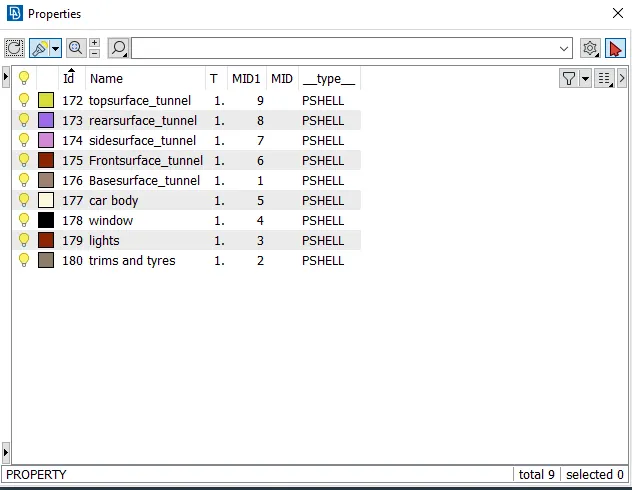
- wind tunnel after the PID Assigned
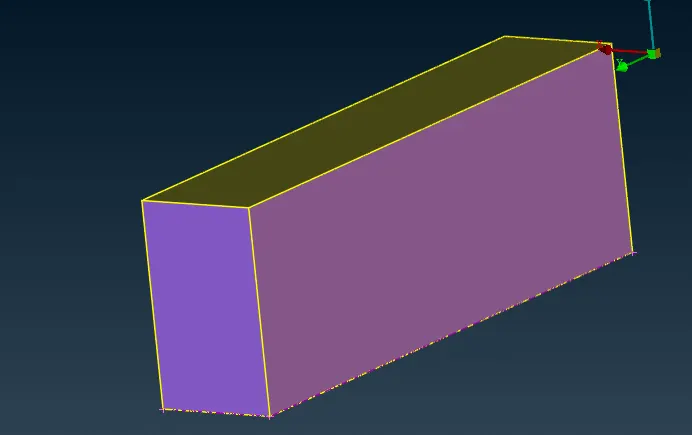
- To mesh the wind tunnel, we need to select the PID one after another
- Quality criteria is not required to mesh the wind tunnel
base mesh:
- length of the base surface is 20 mm
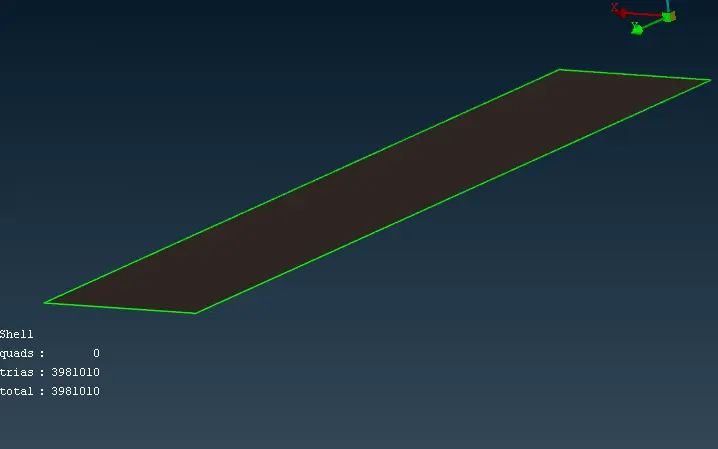
top-mesh:
- length of the top surface of the wind tunnel are 100 mm
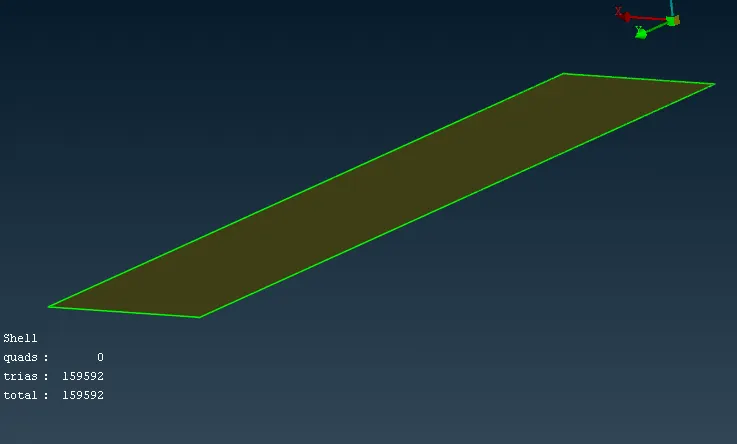
Side-mesh:
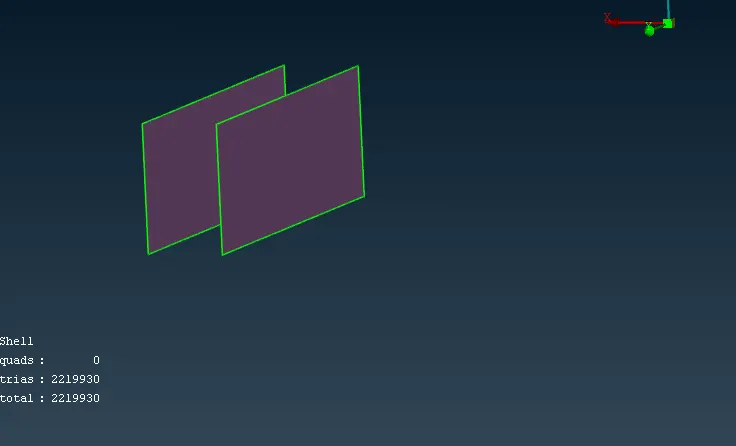
front and rear mesh:
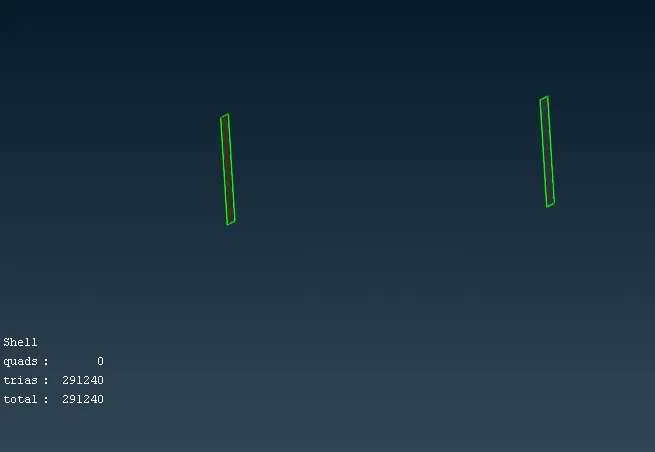
- front and rear surface of the wind tunnel not having the constant length
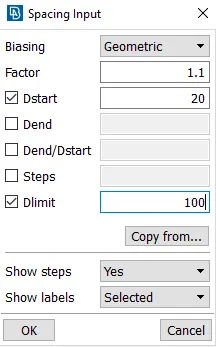
- by using spacing option we can vary the length from 20 to 100 mm
Spacing:
Results:
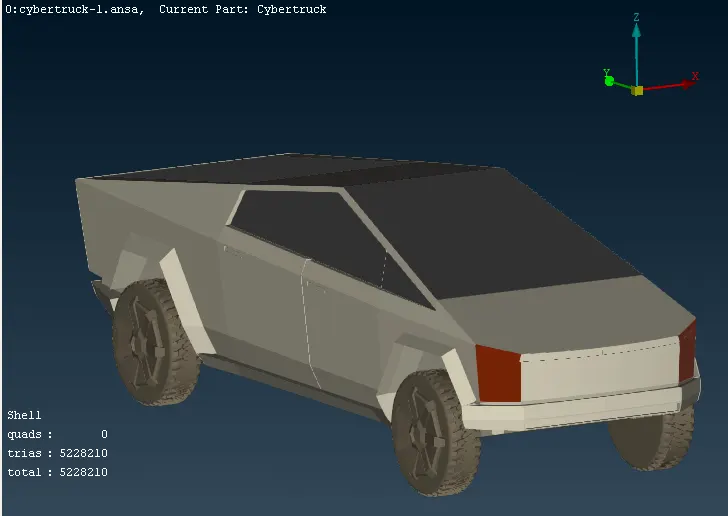
Model Mesh:
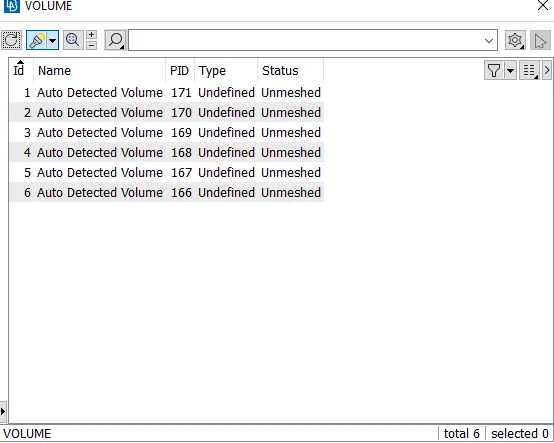
Volumes:
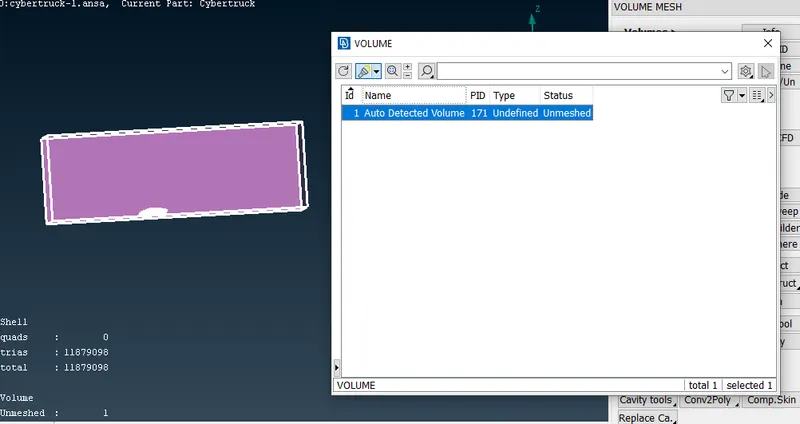
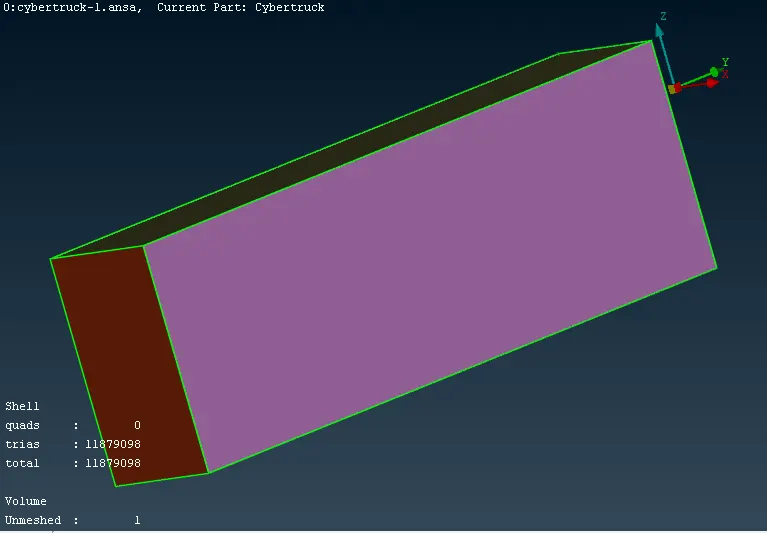
wind tunnel Mesh:
Learning Outcomes:
- Topology cleanup
- PID creation and Assigning
- Wind tunnel creation
- Offset
- Spacing
Conclusion:
- The given model of Tesla Cyber truck are checked and removed from the geometry errors and created the new surfaces to perform the meshing process in the model.
- New PID's are created and assigned to the respective surfaces in the model.
- Created the wind tunnel to analyse the external aerodynamics of the Cyber truck.