Project 1 : CFD Meshing for Tesla Cyber Truck
Aim:
To create volumetric mesh after solving geometric errors, creating PIDs and preparing surface mesh in the given geometry with the target length as per the respective geometry.
Procedure:
Surface Mesh:
- Open the given geometry.
- Check for the errors in the geometry using check->geometry, check manager window pops up, from the check box below select the desired error to check and give execute.
- Rectify all the necessory errors that include single cons and triple cons and repeat step 2 to ensure the geometry is error free.
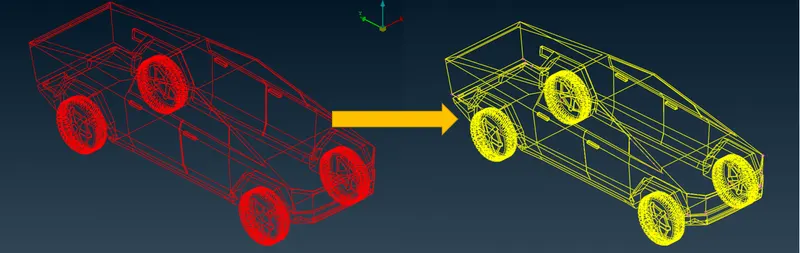
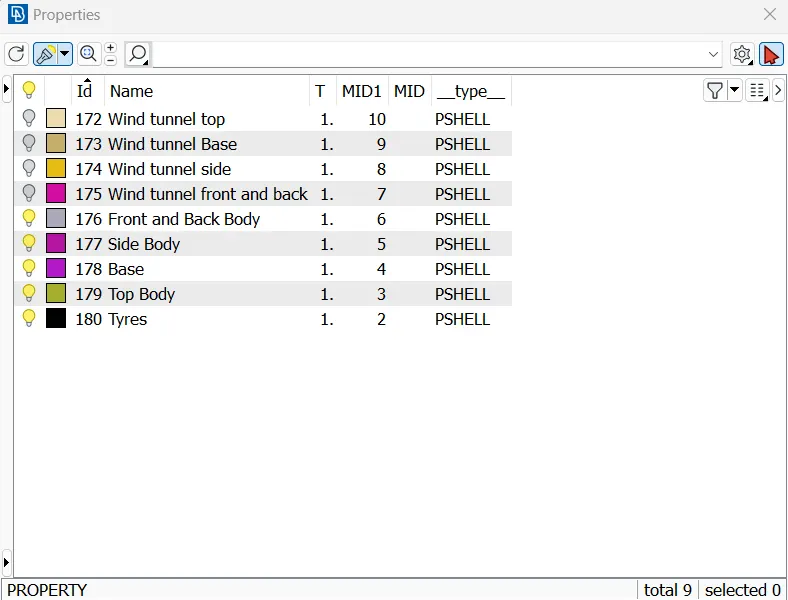
- Once the geometry error is cleaned close all the opening of the geometry if any.Open properties and assingn PID for all individual casing/structure with the apropriate name.
- Now select the body with same mesh length and give show only.
- Under perimeters select length and give required length for perimeter and macro.
- Go to mesh parameters and give target lenth and select triangular mesh from drop down list and give minimum mesh length value and give ok.
- Go to quality criteria and select check box quality criteria required, and give minimum and maximum length click ok.
- under mesh generation, select spot mesh-> visible, this will mesh all the visible object.
- Check for the 'off mesh' and give reconstruct under shell mesh to reduce the off elements.
- To reduce the off elements further, check for the geometry error, give smooth comment, move the respective grids, and adjust the minimum length and target length inside reconstruct to achieve zero off elements.
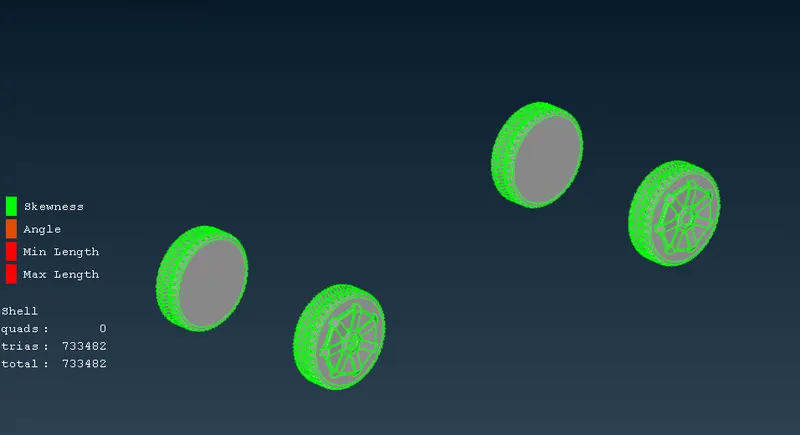
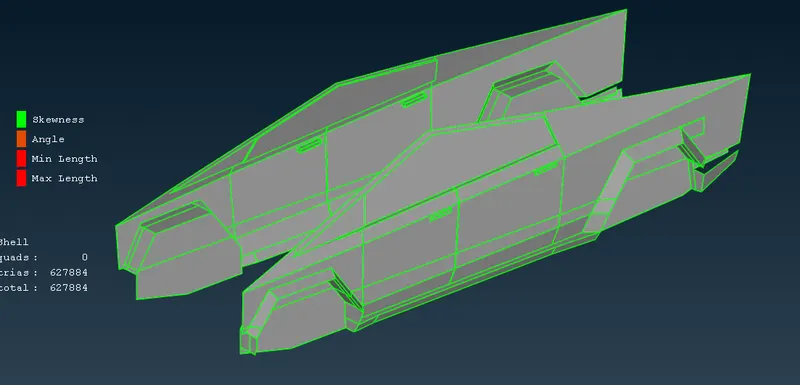
- Repeat step 6-12 for the remaining item and mesh it.
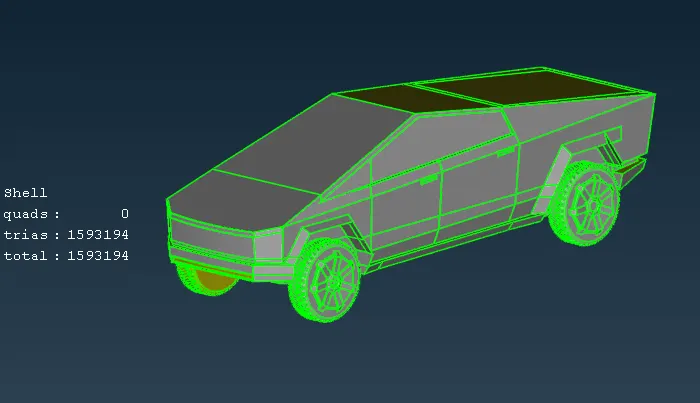
- There may be some item get unmeshed during this process of giving multiple perimeters vaule.
- during the above case, show unmeshed item and avoid giving vaule for perimeter and macro insted directly follow step 8-12 and mesh those un meshed geometry.
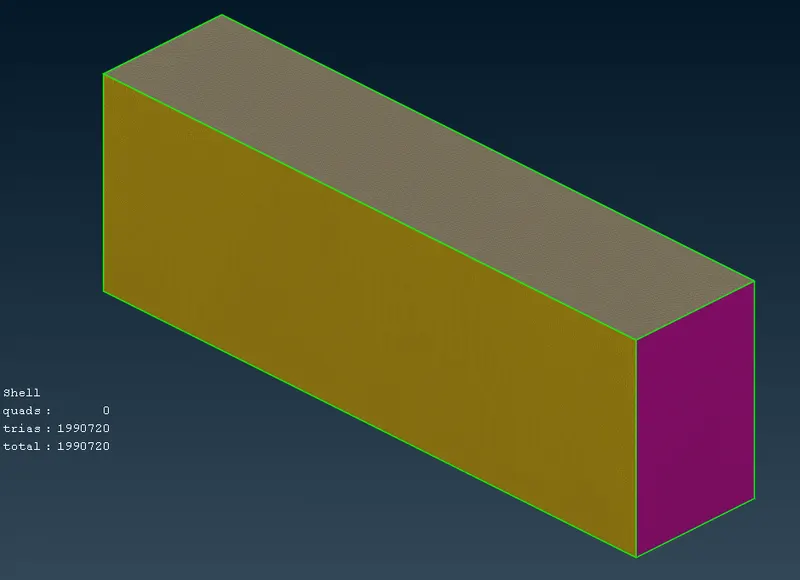
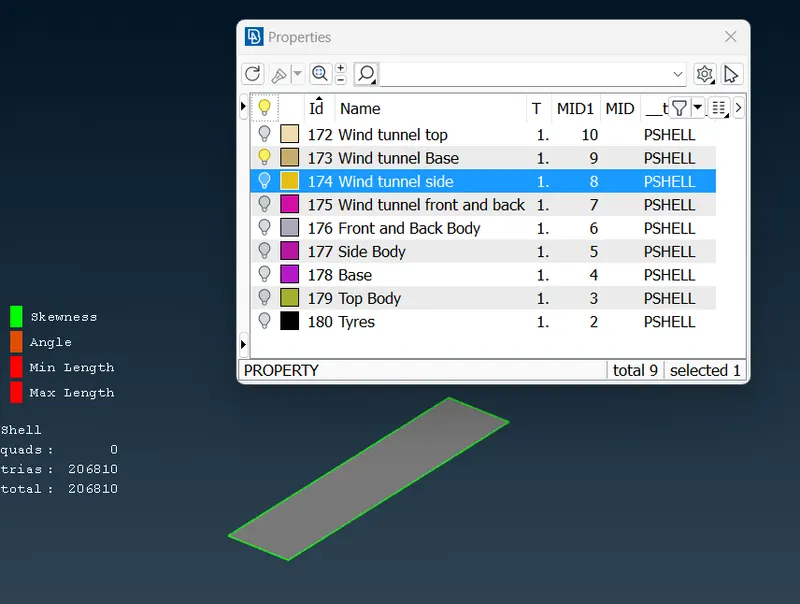
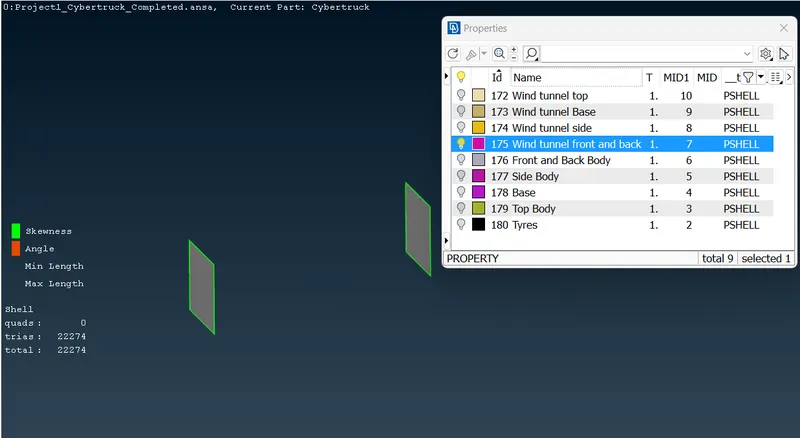
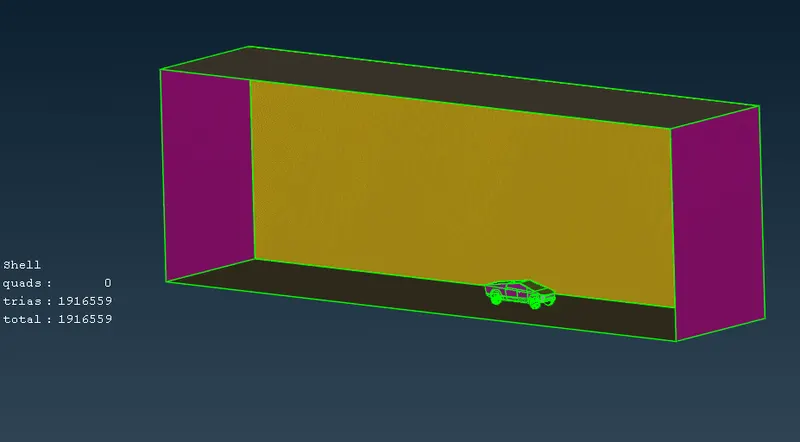
- Create the air-volume/wind tunnel outside the car with appropriate dimension creating points and mesh each faces seperately by followings step 6-12.
Volumetric mesh:
- Select V.mesh icon and under volume click define, volume detection window pops up.
- Select whole db from the drop down list for selection on and give ok.
- a list of internal volumes created will be show, wisely choose the volume required and delete the unnecessary voulmes.
- select the individual volume and right click and give edit (procedure as per version 23.1.0), and select the mesh type as Tetra CFD and click ok.
- again right click on the same volume and select mesh, this will mesh the entire volume selected.
Result:
The given geometry has been successfully meshed without any error and off elements, and the obtained mesh count for the surface mesh (shell) is 1990720, volumetric mesh hasn't performed as it required more computing resources and time.