Project 1 : CFD Meshing for Tesla Cyber Truck
https://drive.google.com/file/d/1cbm9tOhA_R5YigBRACyVw5zEMxzs2mS8/view?usp=share_link
CFD Meshing for Tesla Cyber Truck
Aim: To do the CFD meshing for the tesla cyber truck using ANSA.
Objective: the main objective is to the TOPO clean up and meshing for the PIDS and create a tunnel place the in-side tunnel to do the CFD analysis.
Procedure:
Step1:
Importing CAD model:
Go to files>open>browse the location of the CAD model>select and click on open.
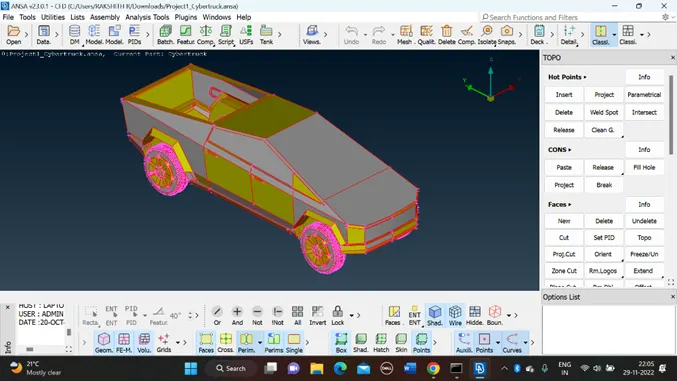
Here in the above image we can see only single cons, let us do TOPO for whole model, then we can get clear idea of model and actual single cons .In the below image you can see the model after performing TOPO.
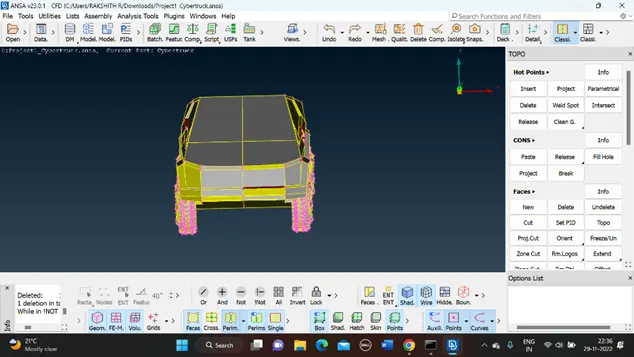
Step2:
My model looks like symmetry so, that I can delete my half model that help me to do the TOPO clean up after doing all process project may half model by copy tool.
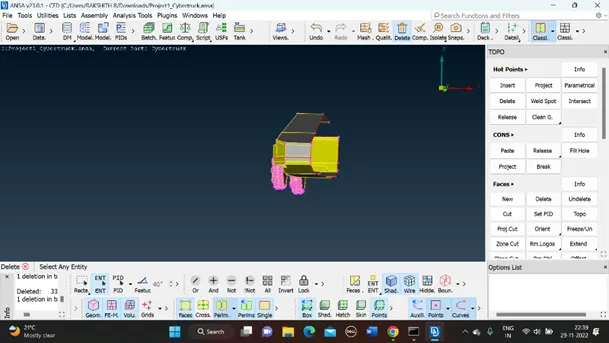
After make half start doing TOPO make surface covered no single cons and triple cons are present in the model unnecessarily.
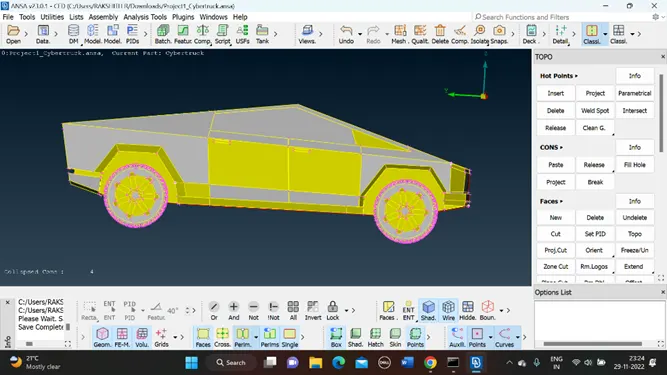
After TOPO ...! do geometry check once if any errors, triple, or single cons are present
Step3:
Assign the PID’s for the model that makes easy to mesh the model.
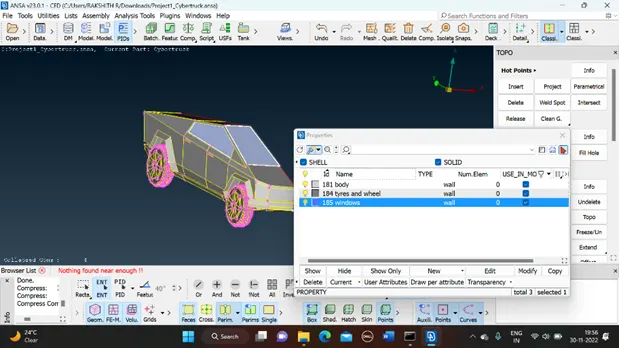
Step 4:
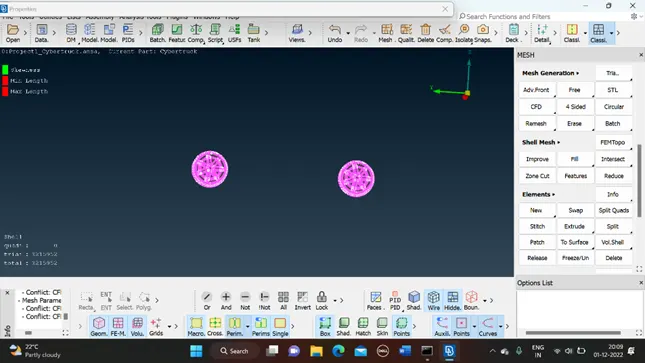
After assigning the PIDS start meshing for the model PID wise.
- Body – 3mm
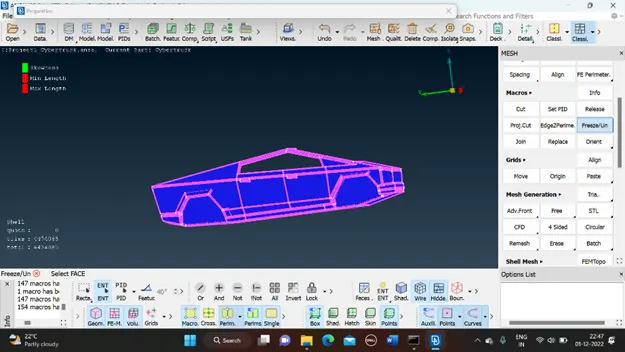
- Tyres wheels- 2mm
- Windows- 4mm
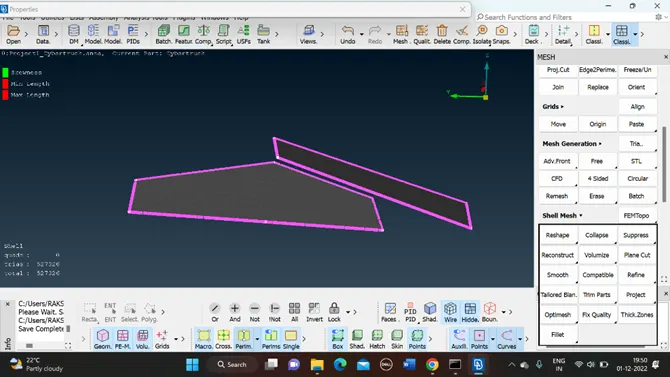
While meshing PIDs wise models in the hidden mode and all off elements must be zero the only our meshing is perfect.
While doing body meshing be careful because my other PID mesh may affect.
Step5:
Once done with mesh start projecting of half model in to other side also that gives u fully meshed tesla cyber truck.
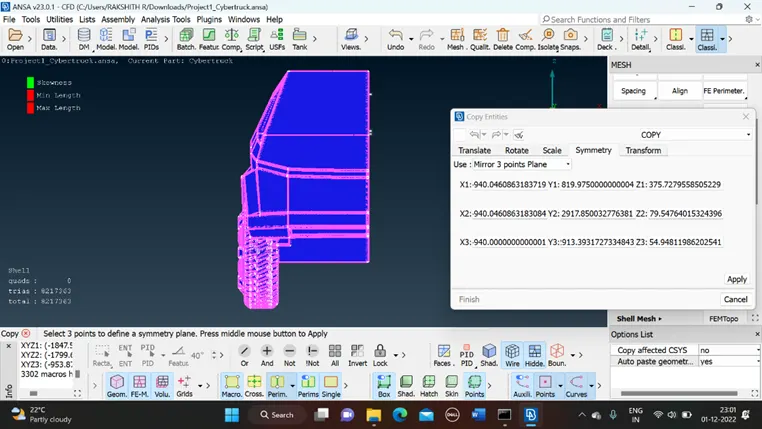
For do the symmetry: -transmission>copy>mirror 3point plan > select any 3pionts on the model > enter.
After symmetry connection between to half surface may shows single cons apply TOPO on it will turn to double cons.
After TOPO my mesh may gets damage so check once again it happened or not.
In our model there is no off elements and unmeshed surface mains you are very well go to the create tunnel to do the CFD analysis.
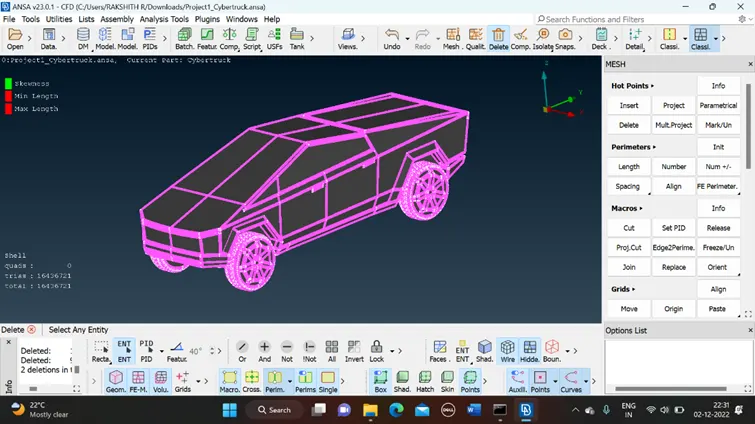
Step6:
For creating the tunnel first have to create the points at the suitable distance here 1500mm is my x distance.
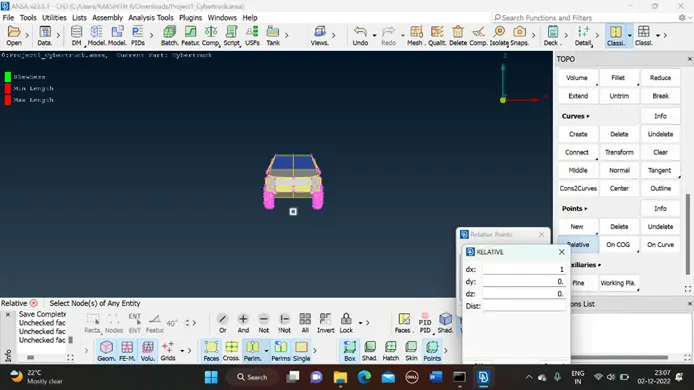
To create base surface: points > relative > select one node at the bottom surface >give distance at with the point to present (500)
- From that point 3X+Truck length that will gives one more point
- From the first point 6X distance for the black side of my tuck it gives me other point.
- Create two more point from the that two points at the both the side at 3X.
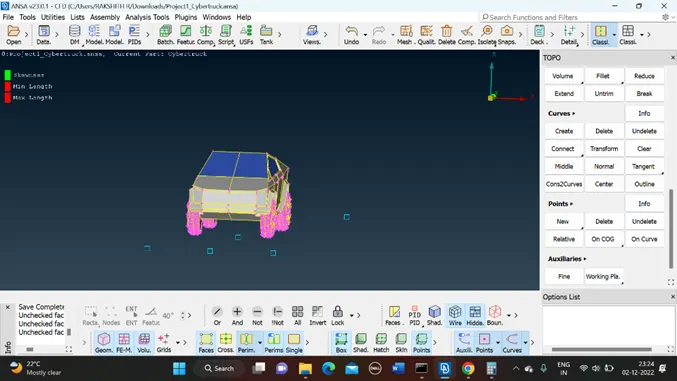
- After that connect the points and make surface over there
- For the top also same 3X distance from the top surface of the truck.
By using offset tool create the top surface.
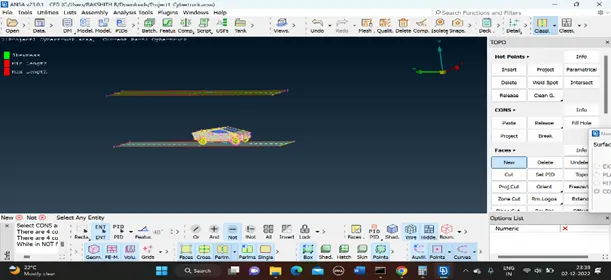
Similarly create the side surfaces and assign the PIDS for the tunnel.
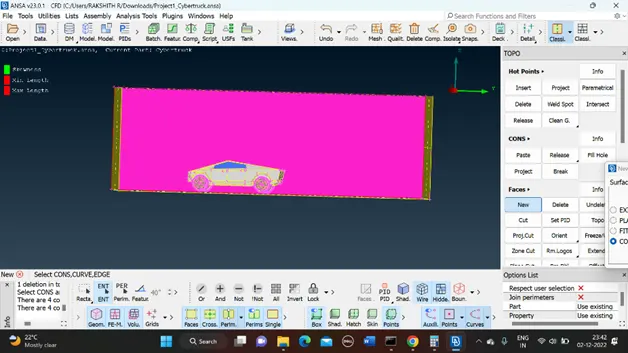
Step7:
- Start meshing for the tunnel
- Top surface -100mm
- Base – 40mm
- Sides are spacing -40 to 100
After meshing go to Open form start doing volumetric mesh.
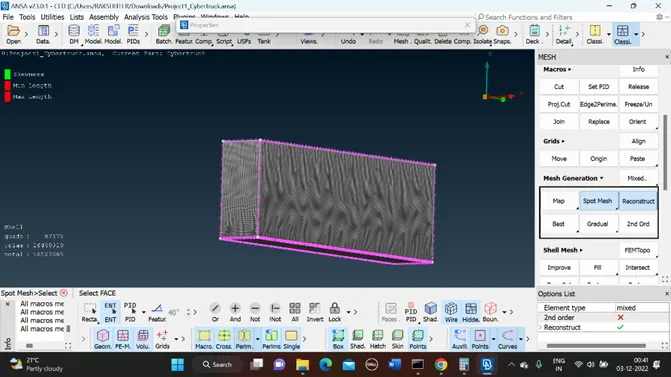
Conclusion:
The imported CAD model of Tesla cyber truck is Topologically Cleaned & Corrected all the feasible surface errors to perform external aerodynamic analysis.
Surface mesh is generated with the required element size.
Reconstructed the mesh as per the mesh quality required at Corners & at Intersection of edges.
Worked with the errors occurred in the Mesh.
Created a wind tunnel for external aerodynamic analysis.