Project 1 : CFD Meshing for Tesla Cyber Truck
Aim: To check and solve all the geometrical errors, assign relevant PIDs, and perform surface mesh on the cyber truck geometry as well as the wind tunnel surfaces.
Objective :
- To Identifying & cleanup all the topological errors in the given Tesla Cyber Truck model.
- To create a surface mesh.
- To Create a wind tunnel around Tesla Cyber Truck.
- To create a volumetric mesh to perform an external flow CFD analysis simulation.
Procedure:
- Open Ansa Software and load the given geometry.
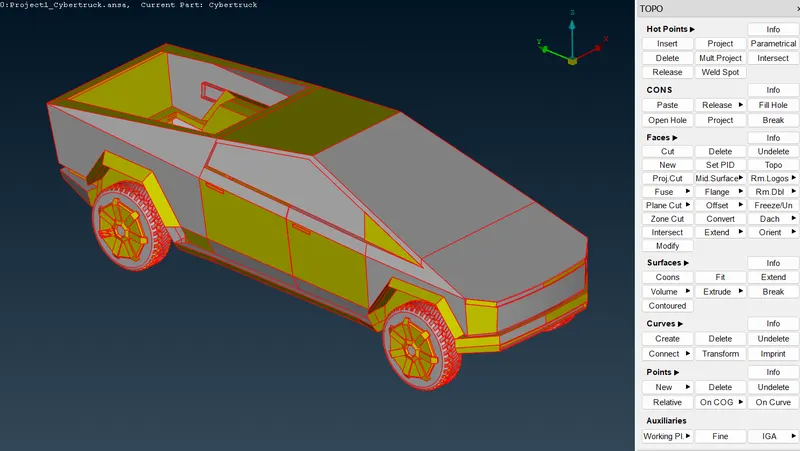
- Model in wireframe view
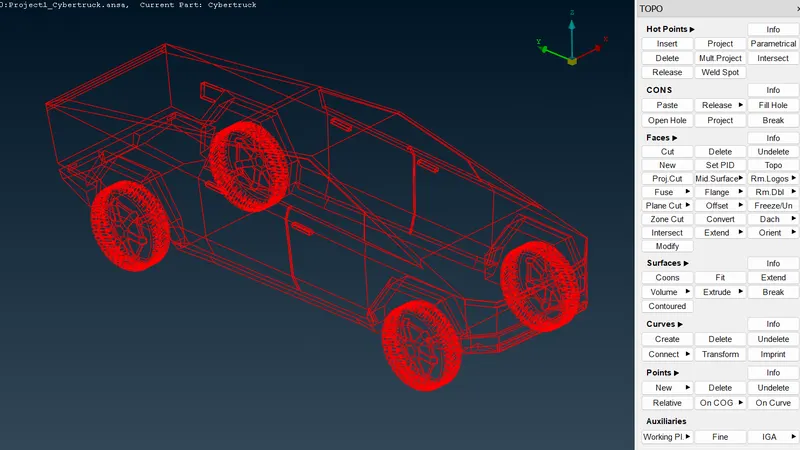
- Performing topo to joint single coons with nearby surface to check openings
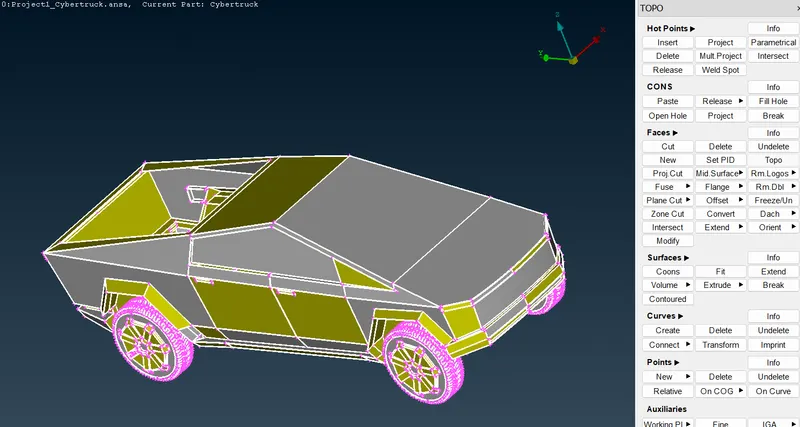
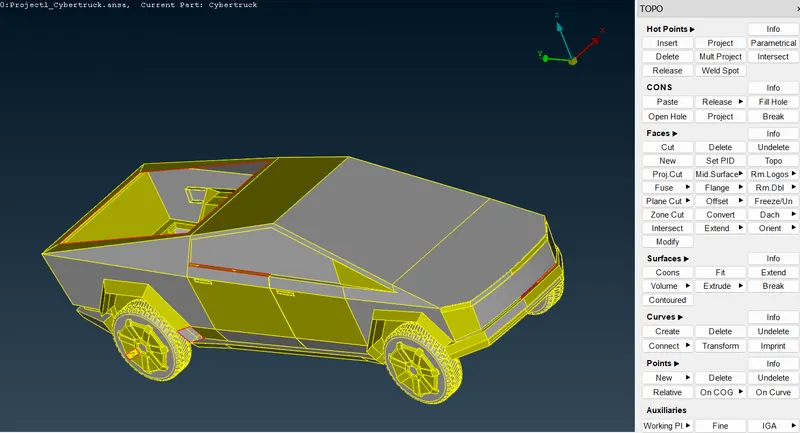
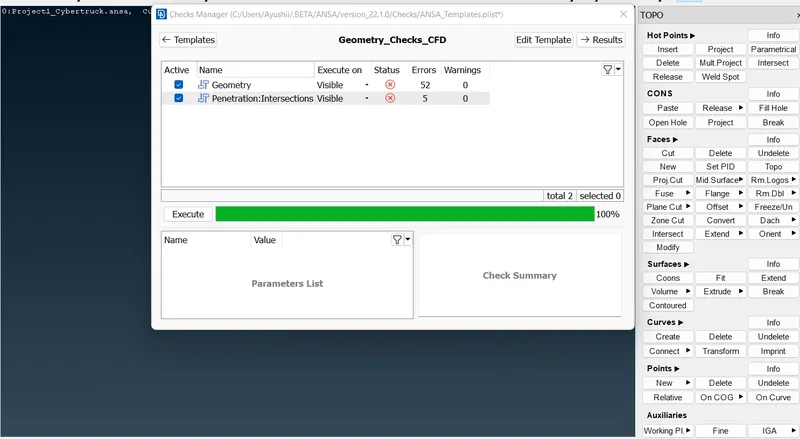
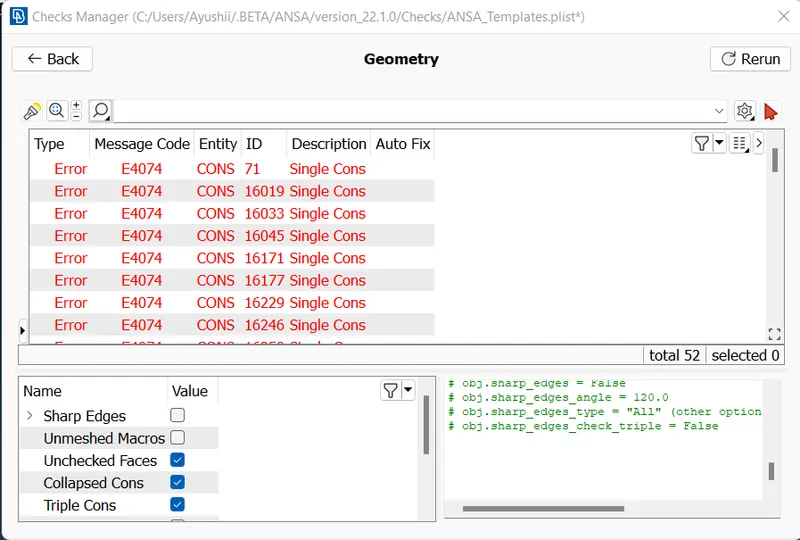
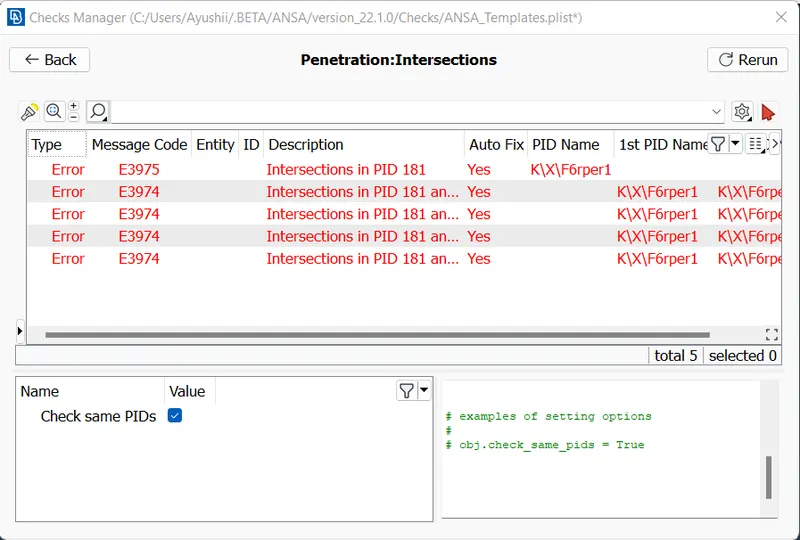
- Checking Geometry using check manager
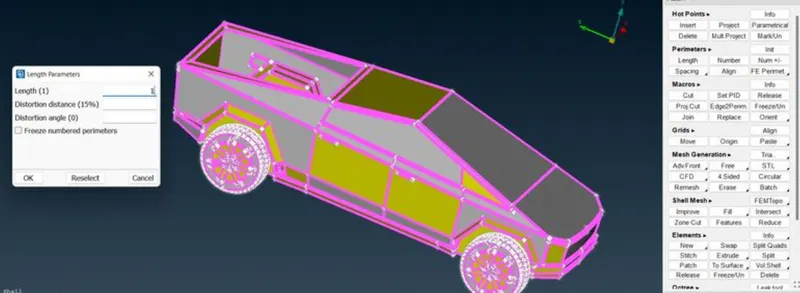
- Let's check the model by changing it's RESOLUTION to 1mm.
- It is a Axisymmetric body,If we cut the body at centre it is easy to perform the needed work and later we can mirror the body.So,I divided whole Geometry into two halves using TOPO > FACES > CUT PLANE.
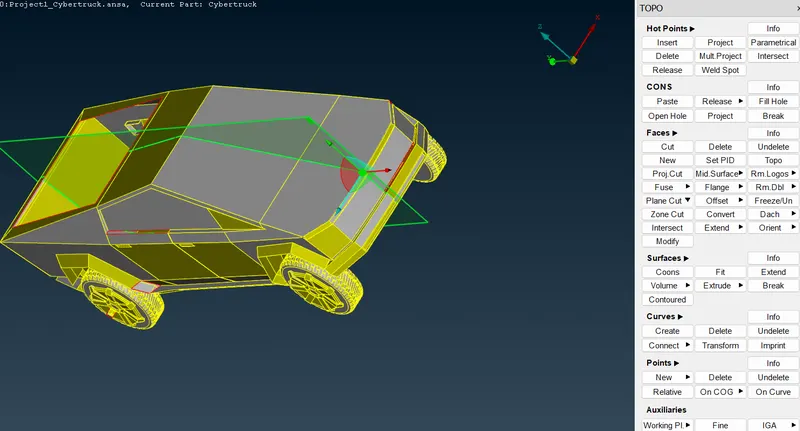
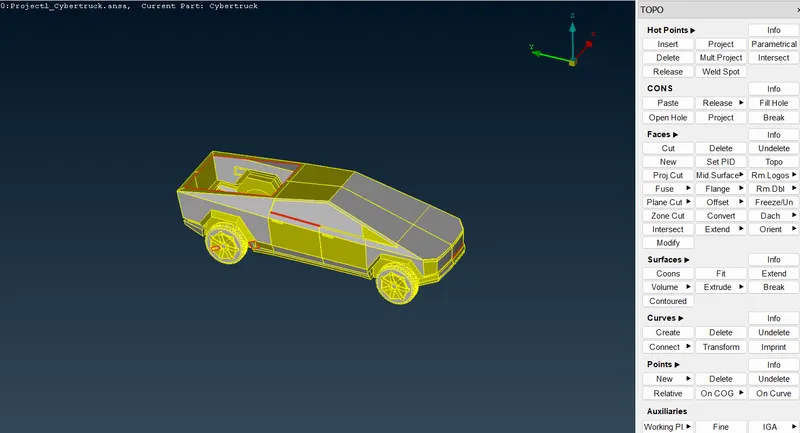
- Deleted half model,later we can mirror the body
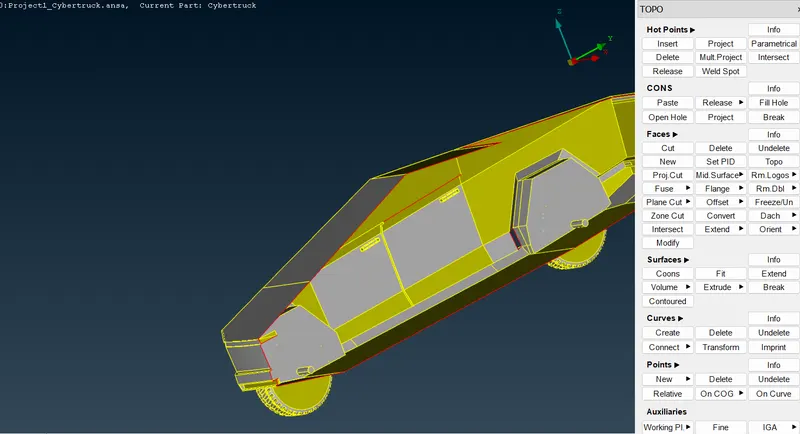
- Perform GEOMETRICAL CLEANUP using various features in TOPO tool
- we can clearly see that there is a many gap in this model,we have to fill this gap by creating the surface over there
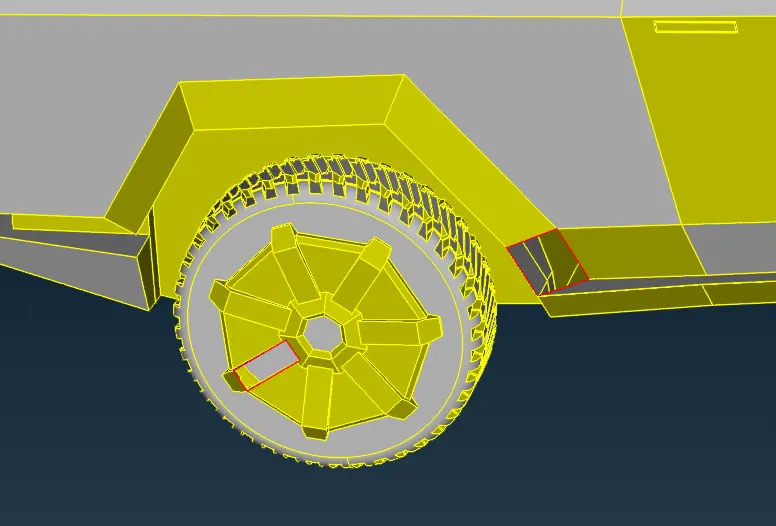
- We removed all remaing small single cons by creating a surfae over there
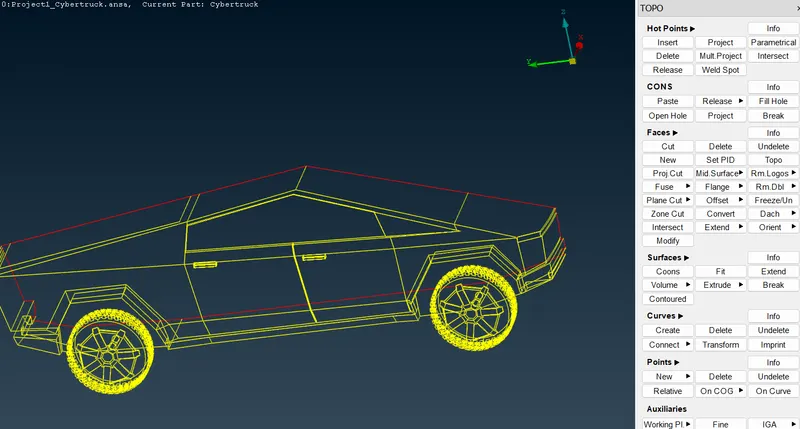
- This red con is because we deleted half body .
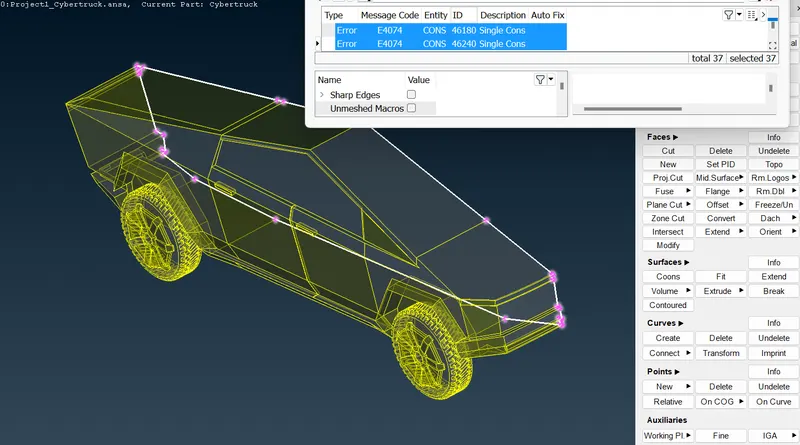
- Checking where the penetration errors are showing by selecting all penetration errors
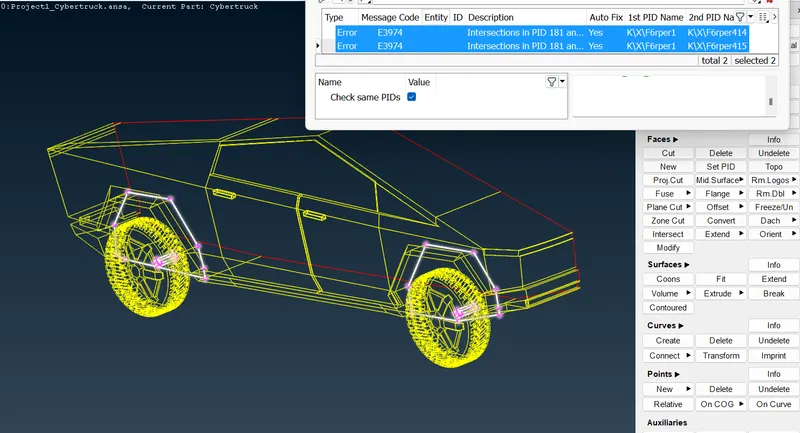
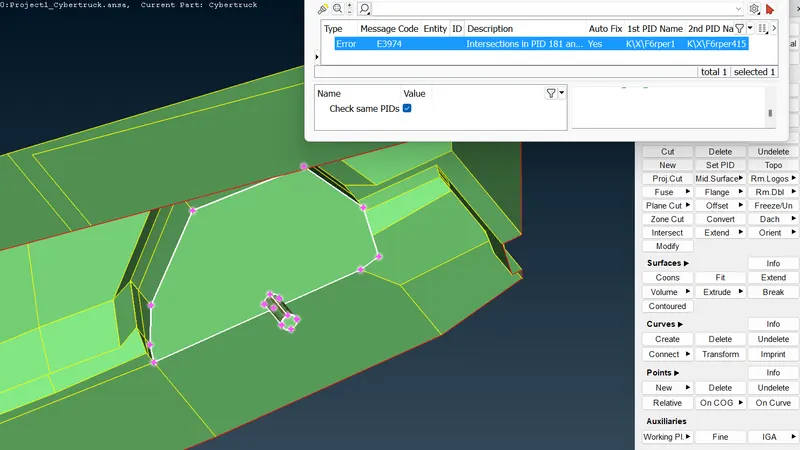
- Here we can see overlapping surfaces that is causing penetration errors let's clear that
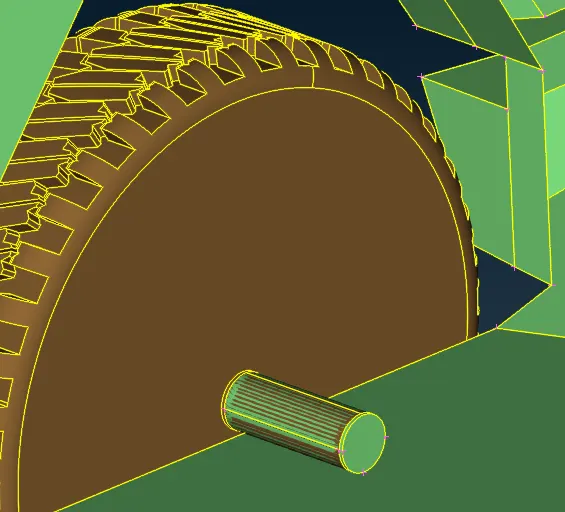
- We have removed all intersection errors as well as triple cons now perform the geometry cleanup to check the error
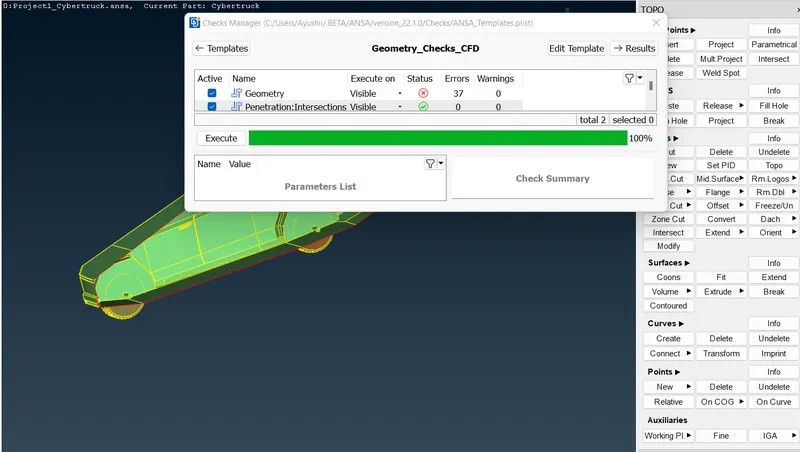
- Now geometry cleanup is done, Lets assign some PID Before this compress the PID so we can remove dummy PIDs.
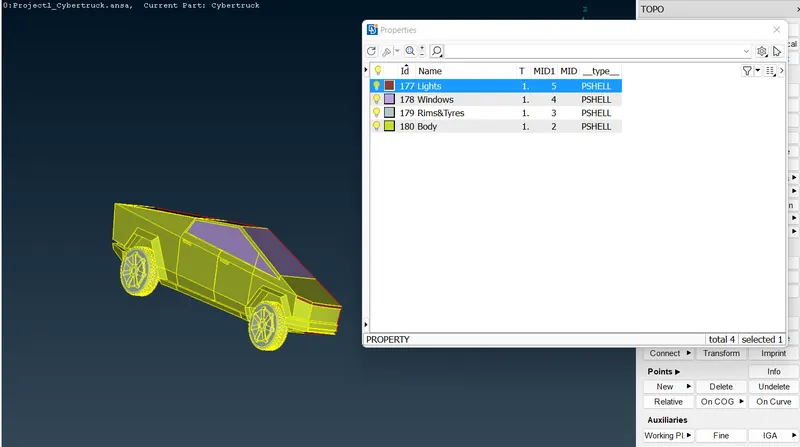
Now Geometry is clean,let's start Meshing
- Before surface meshing we will check quality criteria.
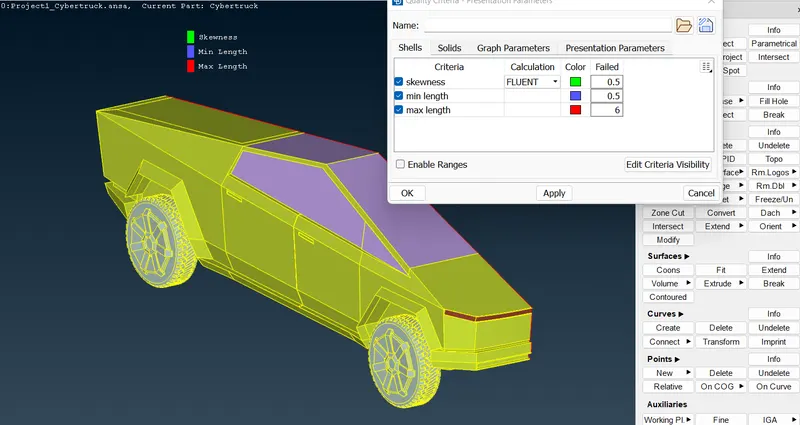
Now moving to mesh
ELEMENT TYPE= TRIA,
MESH TYPE= CFD MESH,
ORDER =1st ORDER,
TARGET LENGTHS: Body=3mm,
Windows=2mm,
Tyres and Rims=2mm,
Lights=4mm.
- Rims & Tyres ,Windows with target size of 2mm
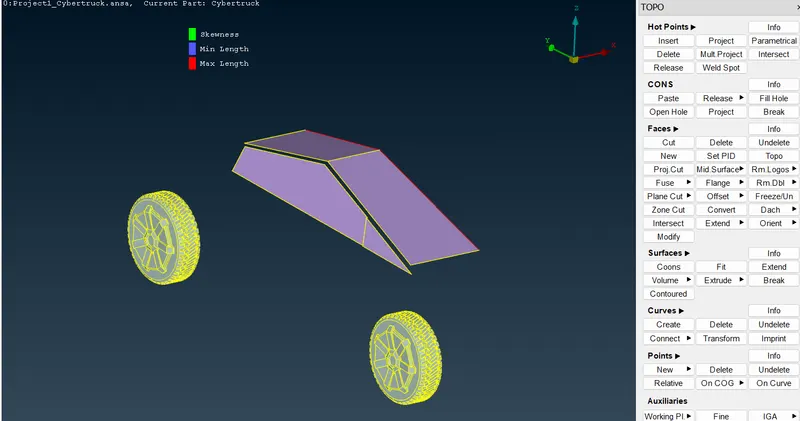
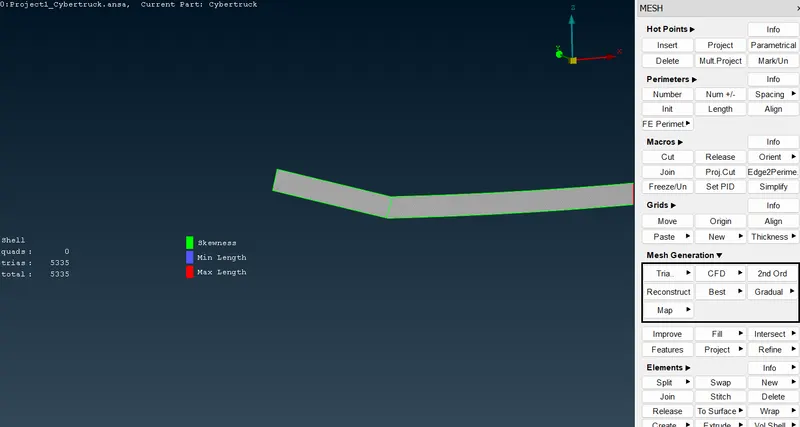
- select mesh criteria (Minimum 1 an maximum 3mm)
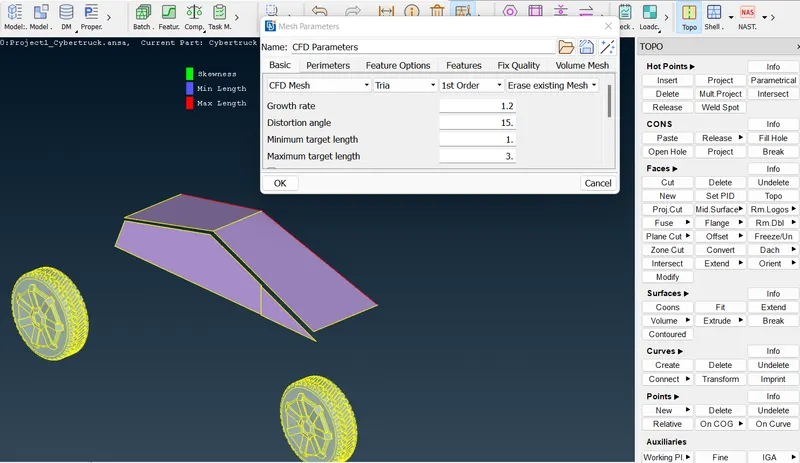
- Have to clear off elements
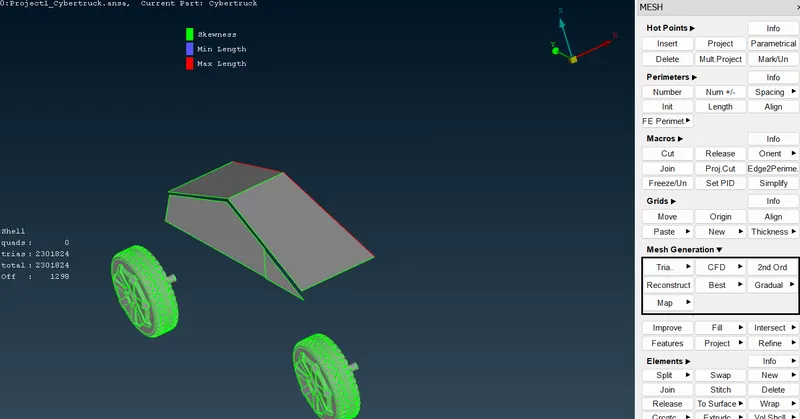
- we have our fine mesh on tyre and rim section.
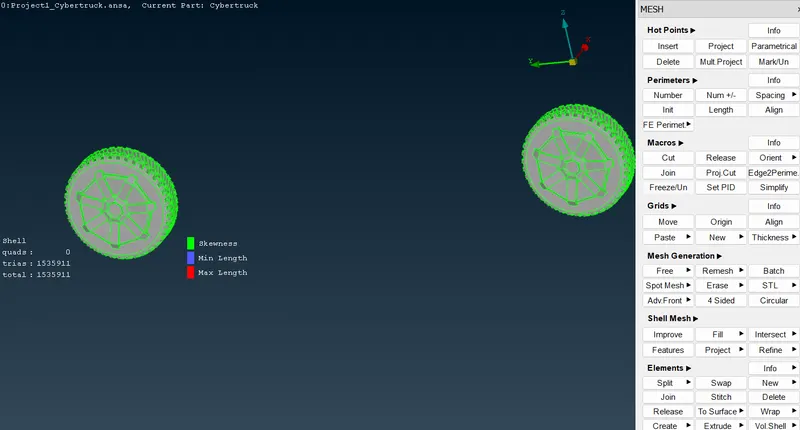
- we have our fine mesh on windows
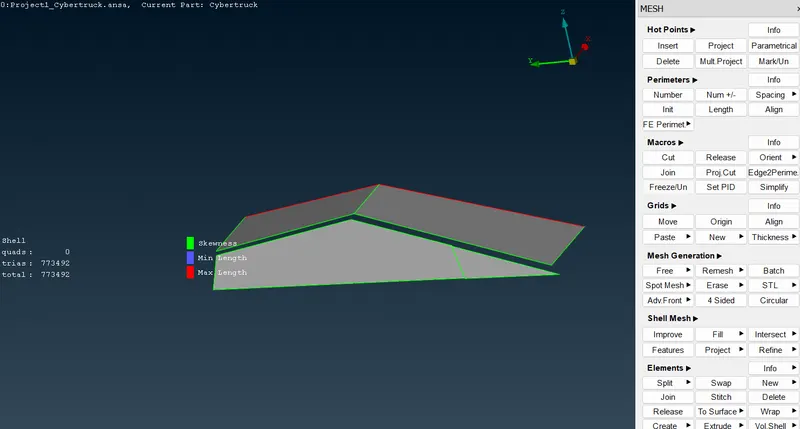
- For body target size is 3mm,select mesh criteria (Minimum 1 an maximum 5mm)
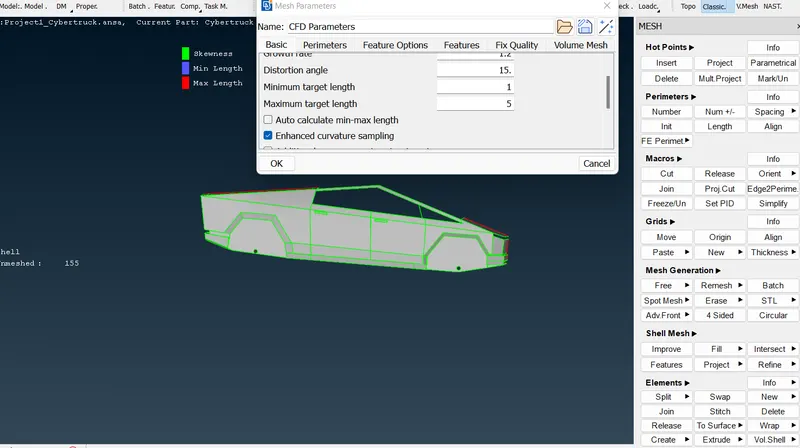
- we have our fine mesh on body
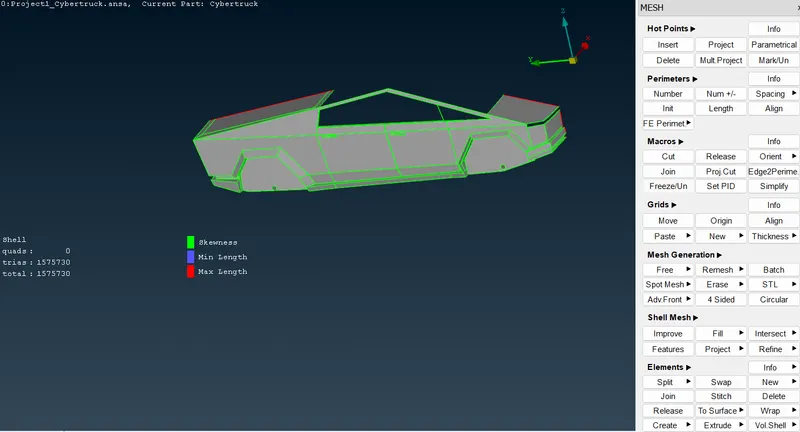
- For lights target size is 4mm,select mesh criteria (Minimum 2 an maximum 5mm)
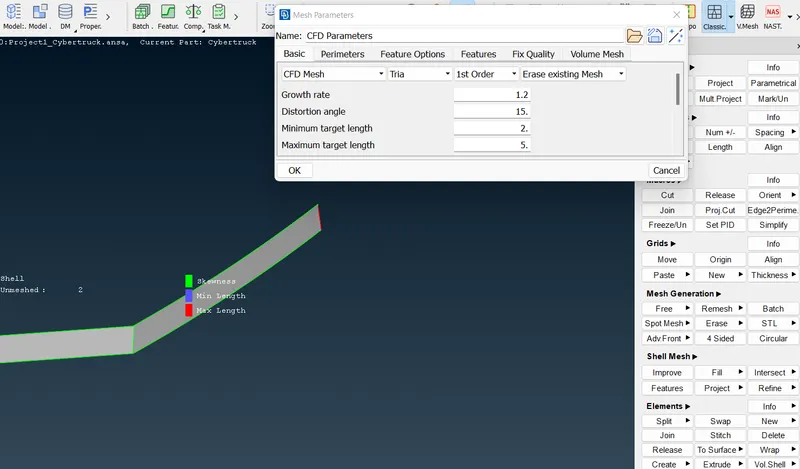
- we have our fine mesh on lights
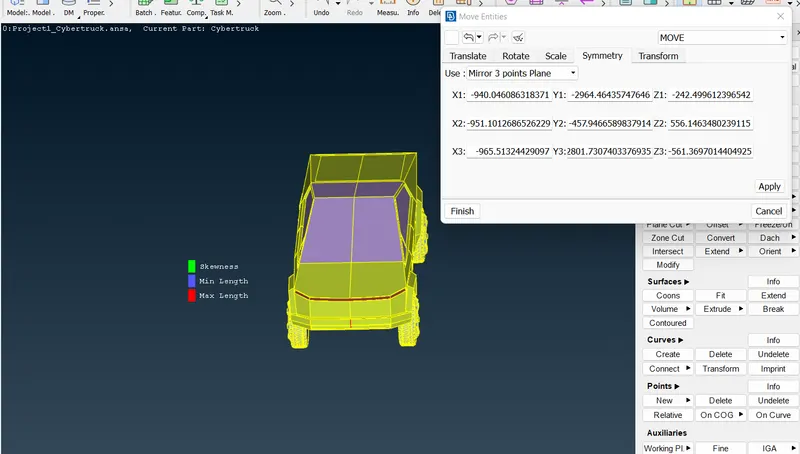
- After cleaning up the model, as it is is AXISYMMETRICAL ,let's mirror the half portion of the car using TRANSFORM feature 3-Point SYMMETRY method.
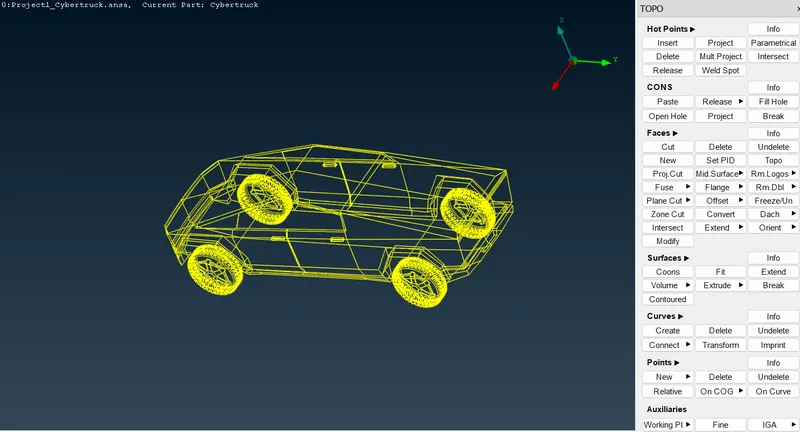
- After mirrored the model,here is wireframed model
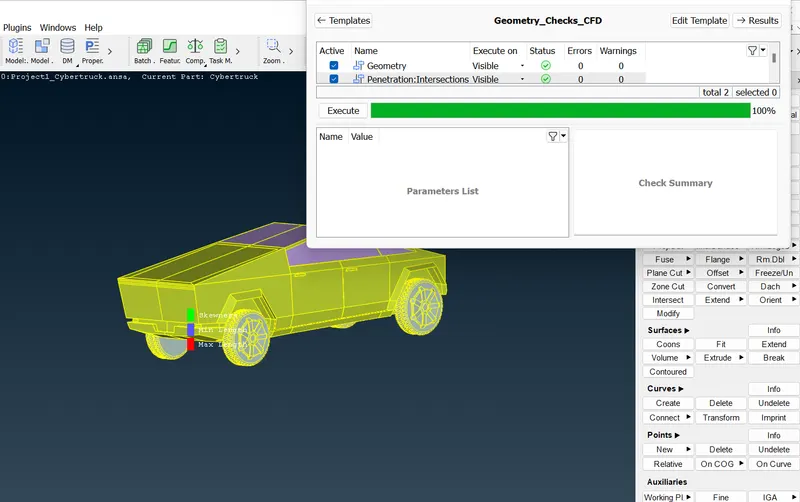
- Let's check the Geometry last time ,here is no error
- Complete Meshing On tesla cyber truck
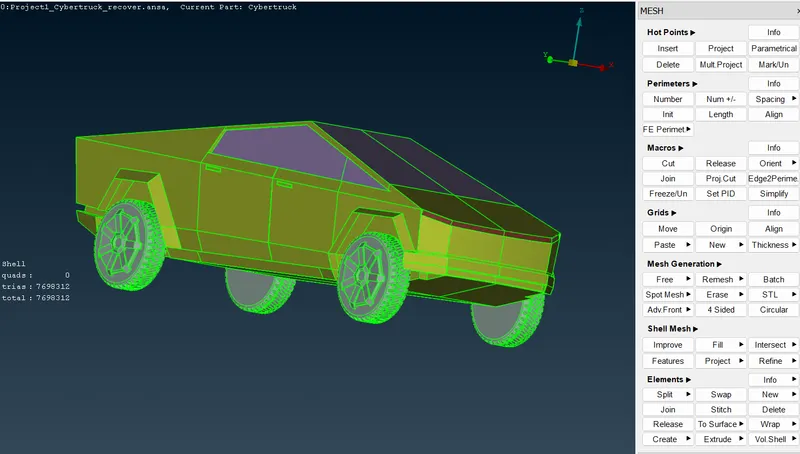
Creating Wind Tunnel
Lets create a wind tunnel (enclosure)
Before creating wind tunnel we have to measure the car size, lets measure it
Length of car is 5906 mm (apprx)
Height of car 2535 mm (apprx)
width of car 2028 mm (approx)
We can make a enclosure using relative points)
- We have created two surfaces by creating points and then joint them using curve , simiarly lets create other surfaces.
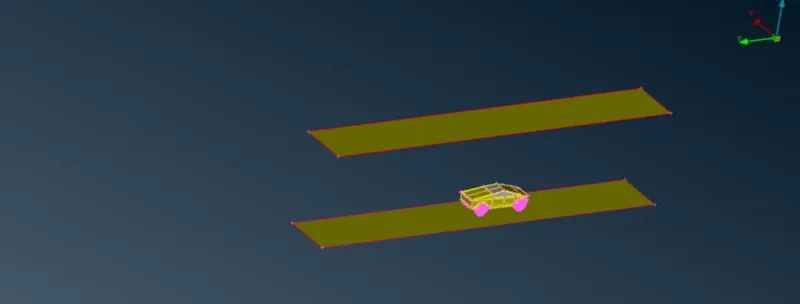
- we can use fitted option from faces here n join the surfaces
- We have our volume (tunnel).
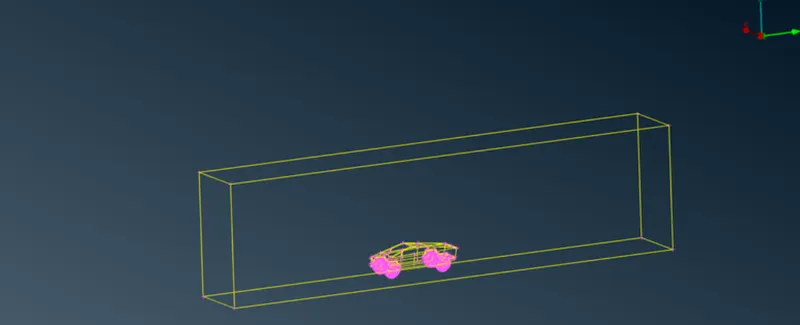
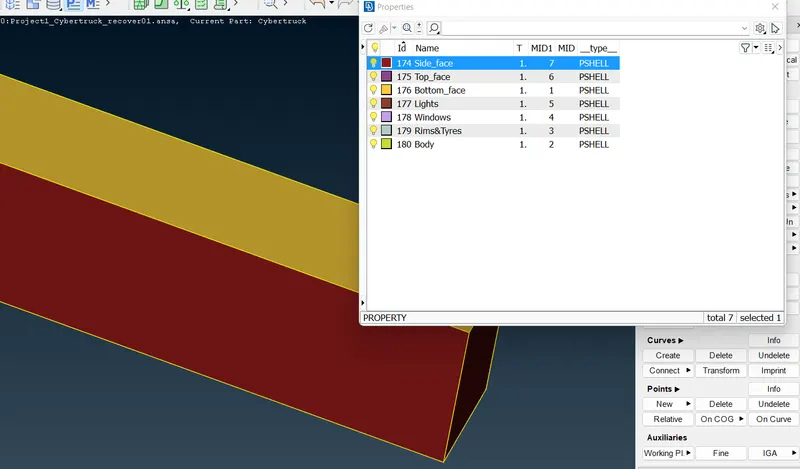
- Assigning PID to tunnel
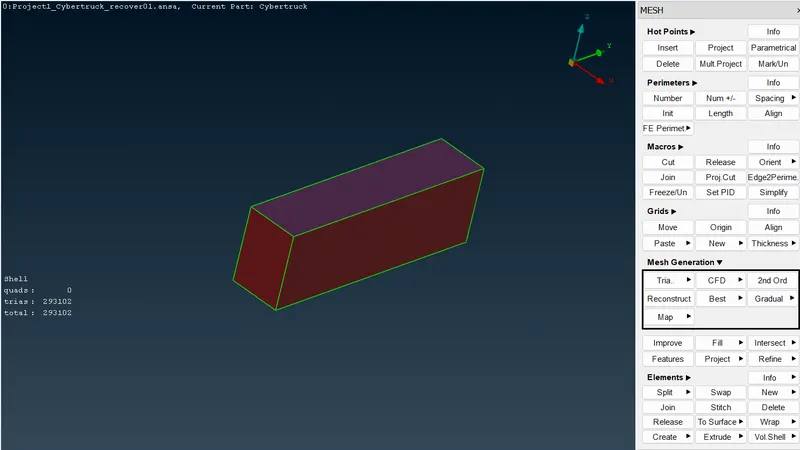
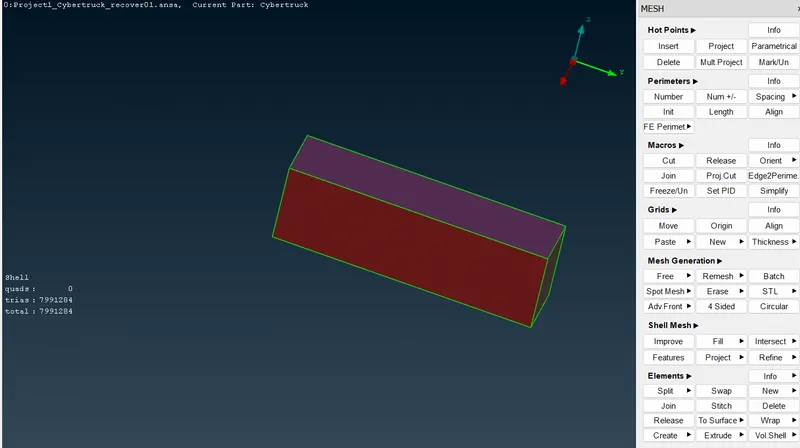
- This is meshing for tunnel
Learning outcomes
- Geomertry cleanup
- Assigning PIDs
- Removing geometry errors
- Applying cfd mesh
- Creating volume (Wind tunnel)
- Meashing on volumes
Conclusions -
- Mesh length is all depend on geometry, smaller surface required smaller mesh length
- Varying mesh can be possible
- Volumetric mesh takes more time for meshing.
Google Drive:-
https://drive.google.com/file/d/1D_v5TpXclwntbO15WJUg01J1ns2K2Caf/view?usp=share_link