Project 1 : CFD Meshing for Tesla Cyber Truck
ANSA Tool Test
Aim:
- To perform a geometry clean-up on the given geometry of the Tesla Cyber truck.
- To assign different PIDs to different components.
- To create an enclosure of the given dimensions.
Methodology
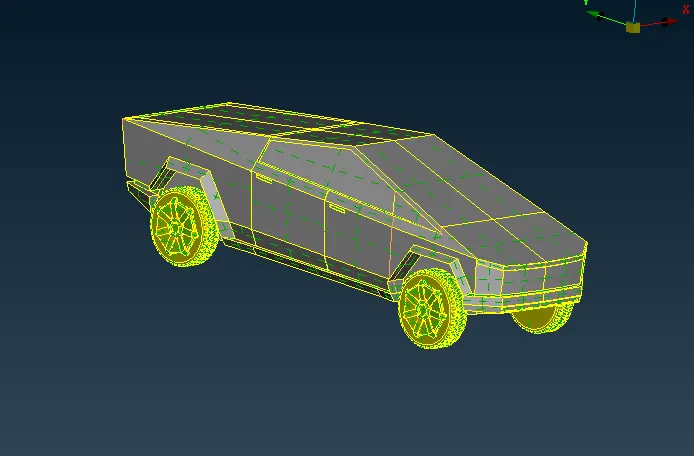
- Geometry clean up:
- The geometry was checked for single-cons and triple cones and bad surfaces
- These errors were rectified by using the following commands.
- Delete: This was used to delete any entity which cause geometrical errors such as overlapping surfaces, Single and Triple coons.
- Extend: This is used to extend single coons to another face.
- Intersect: This is to intersect between two faces.
- New: This can create new faces between coons.
- Curve: To create a curve between two hot points.
- Project: To project a hot point from one edge to another.
- Fill hole: To fill a closed hot of a specified tolerance.
- Cut: To cut a face into parts
- Creation of enclosure:
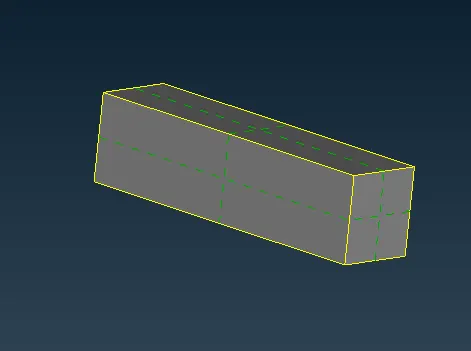
- To create an enclosure of defined dimensions around the cybertruck which defines the fluid region.
|
Length |
6000mm |
|
|
front |
5*Length |
30m |
|
rear |
15*Length |
90m |
|
Side |
5*Length |
15m |
|
top and bottom |
5*Length |
30m |
- Assigning PIDs
- Each surface was defined with the respective PIDs, different PIDs assigned are given below,
- Windshield
- Windows
- Body
- Tyres
- Top
- Bottom
- Sides
- inlet
- Outlet
- Meshing
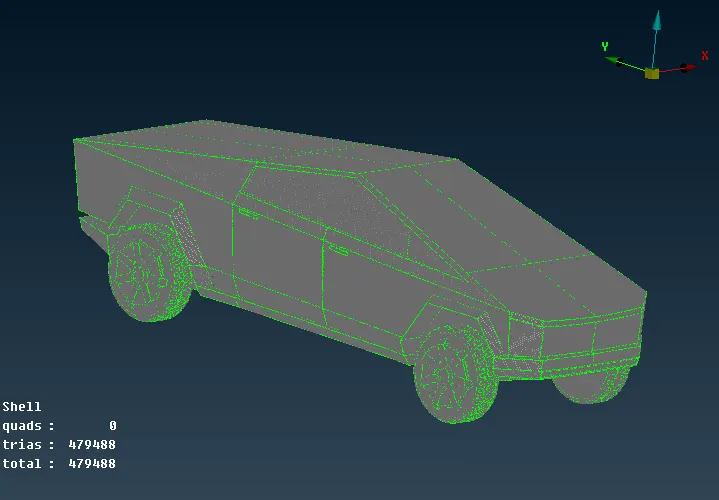
- Initially, surface meshing was performed on different PIDs on the airplane whose target lengths are shown below
- Windshield: 20mm
- Windows: 20mm
- Body: 20mm
- Tyres: 10mm
- Enclosure 500 mm
- Volume detection
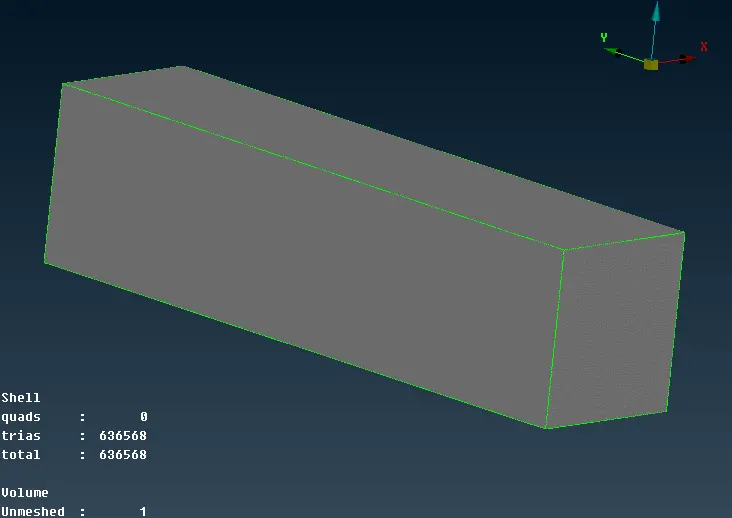
- After performing the surface mesh, the volume of the fluid surface was detected by using the ‘AUTO-DETECT’ option under the volume meshing option.
- The fluid volume was extracted
Conclusion:
The Tesla cybertruck model was meshed in ansa after cleaning up the geometry and assigning different PIDs
Link: https://drive.google.com/file/d/1UwOeW6Qm8zkSOj9yhL7QeHOjHJlebaSO/view?usp=sharing