Project 1 : CFD Meshing for Tesla Cyber Truck
Aim:
To check and solve all geometrical errors on half portion and Assign appropriate PIDs. Perform meshing with the given Target length and element Quality criteria.
Target lengths for the different parts of a model are as follow:
- Body - 3 mm
- Lights - 4 mm
- Rims and Tyres - 2 mm
- Window - 2 mm
To mesh Wind tunnel surfaces and the model should clear the quality criteria (i.e. Off elements should be zero).
Procedure:
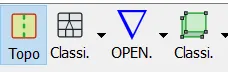
First select topo and shaded mode intially from the deck

Given geomentry model check and do topo clean up intially from face deck then change resolution in settings to 1mm perimeter length move for further step.
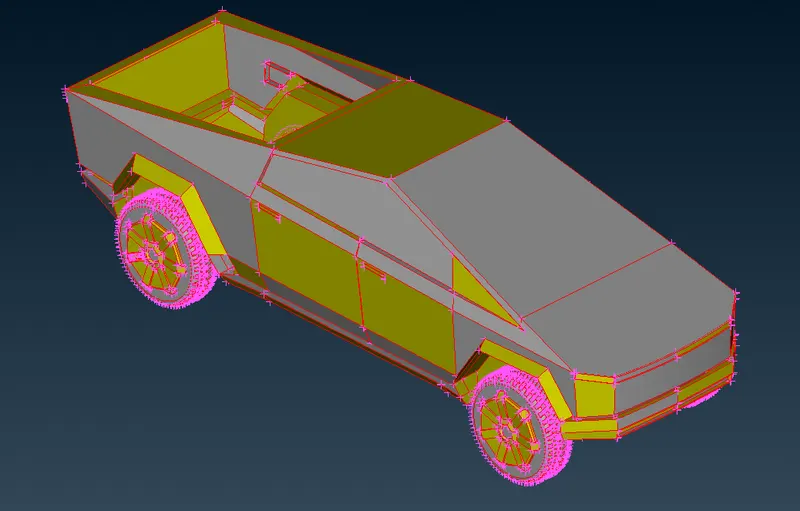
After that the model is symmetric so we can delete the half part and work on the other half then we can copy this half to other side don't delete the logo since its not symmetric.
Before working on this we need to make this as single inside volume as we work on for body and four tires as seperate volume so total it should have only Five volumes.
At first do face>topo to clear all the red cons.
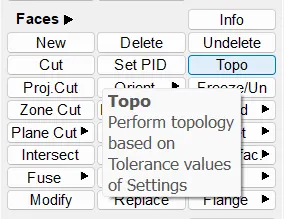
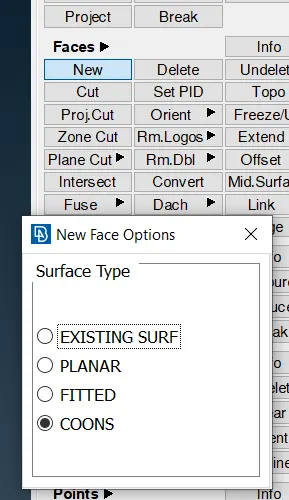
Then there will be missing faces which is to be cleared so use face>new option to create the new face.
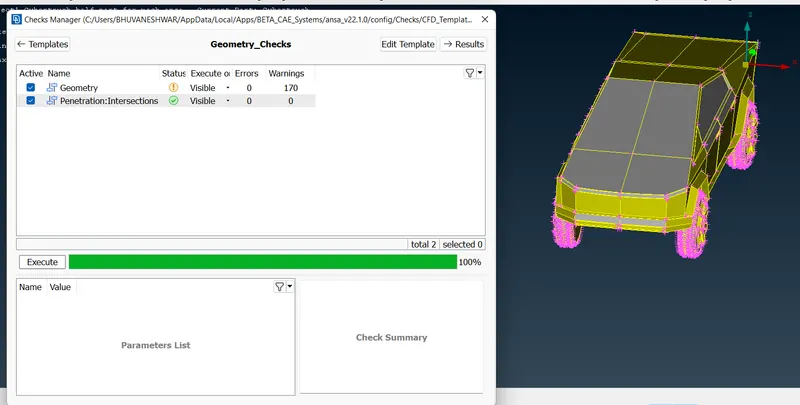
Then check for the intersection error in check manager.
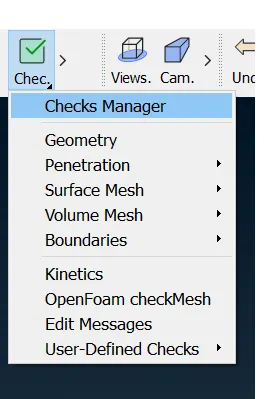
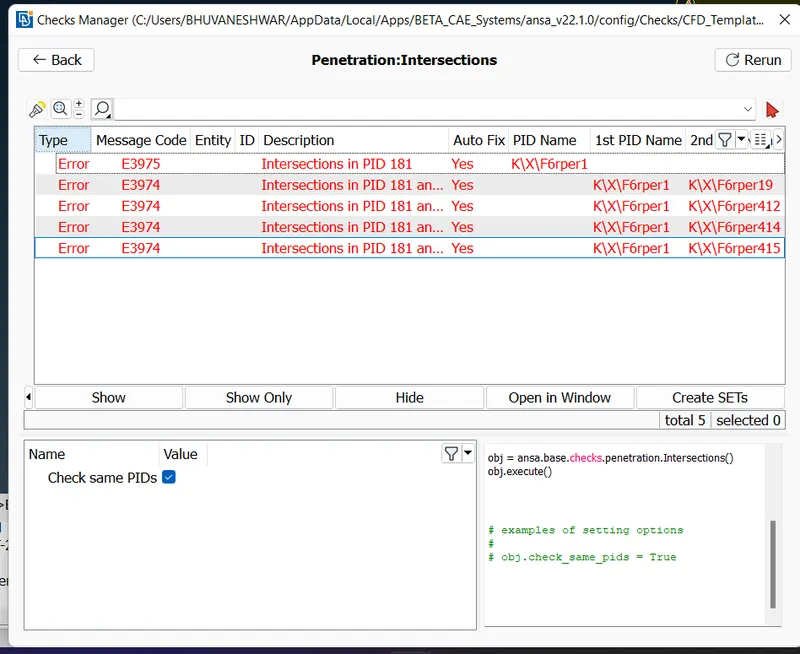
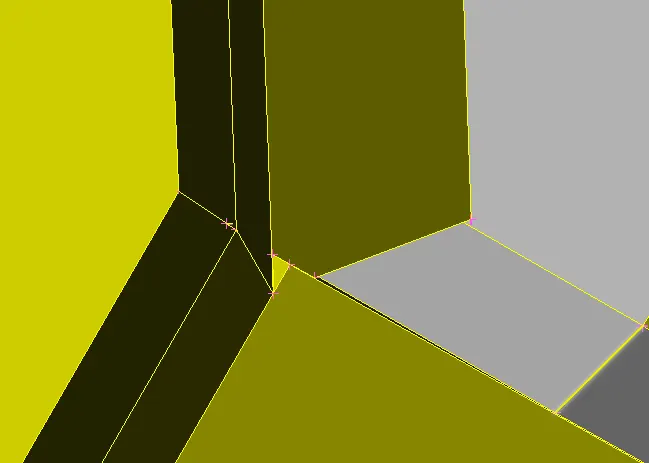
Then use this to see where the intersection error is causing and clear them one by one.
First the intersection will be in the front bumper edge corner side.
Then for four wheels its causing error due to the shaft intersecting with body then delete the shaft surface which has overlapping one and then use fill hole to close the wheels missing surface.
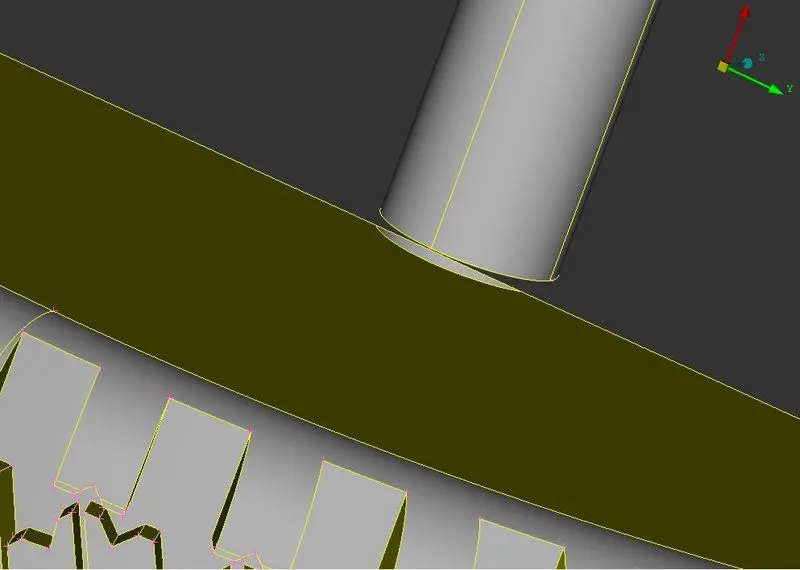
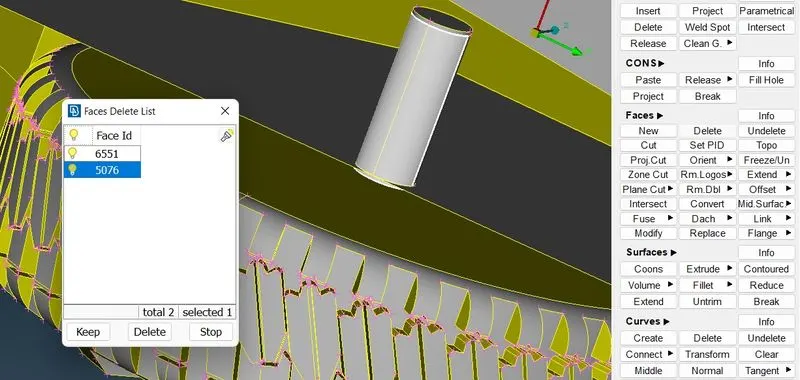
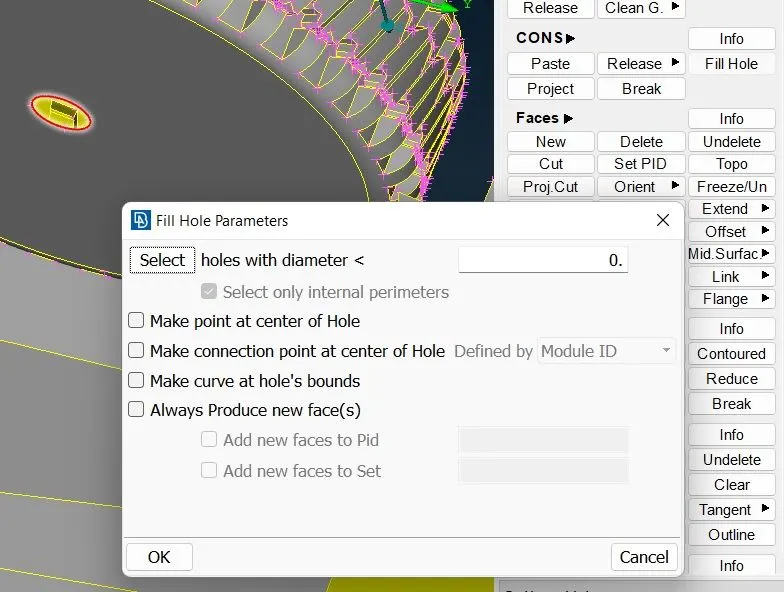
Then again check for the geometry error and intersection error.
Then go for surface mesh
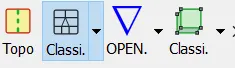
as given target length do them one by one
Target lengths for the different parts of a model are as follow:
- Body - 3 mm
- Lights - 4 mm
- Rims and Tyres - 2 mm
- Window - 2 mm
Then give the target length using perimeter option.
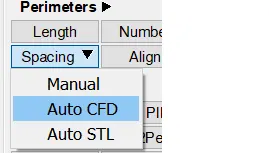
In that give target length for min and max.
Then give the quality criteria
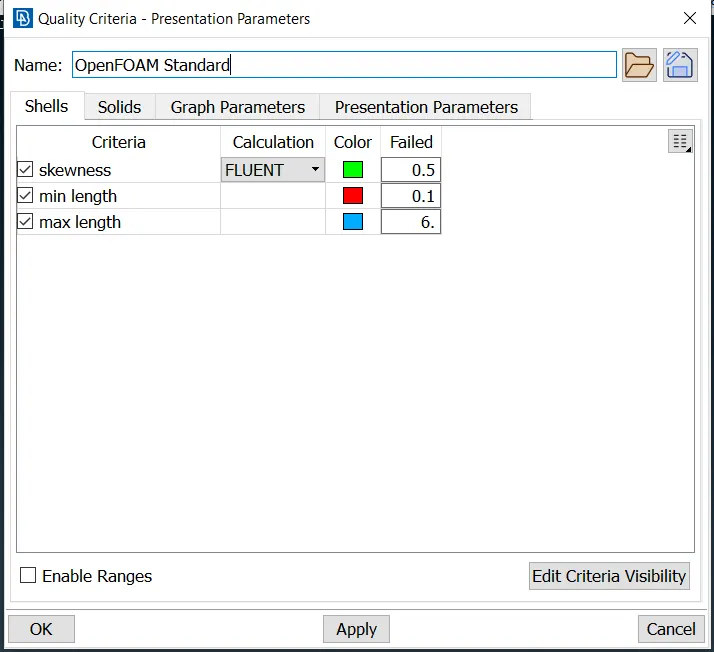
Then go for mesh deck mesh>CFD>visible.
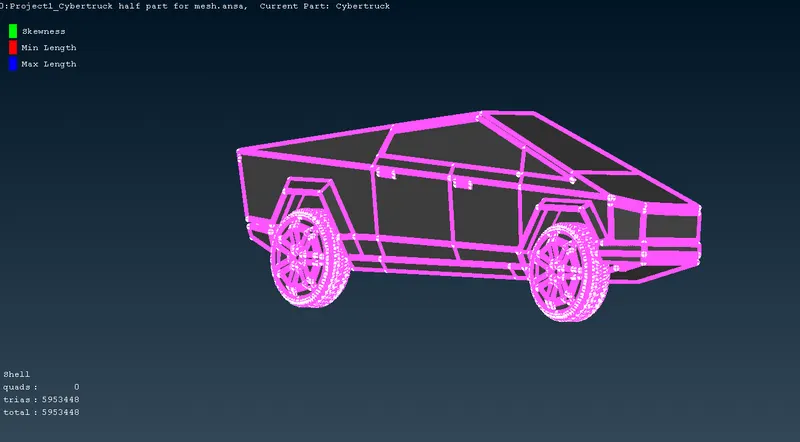
After that copy this entity to other side by going back to topo.
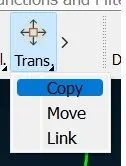
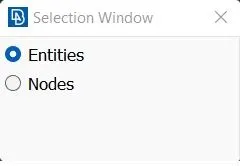
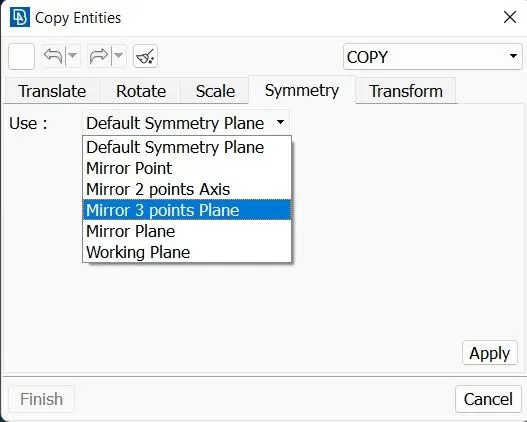
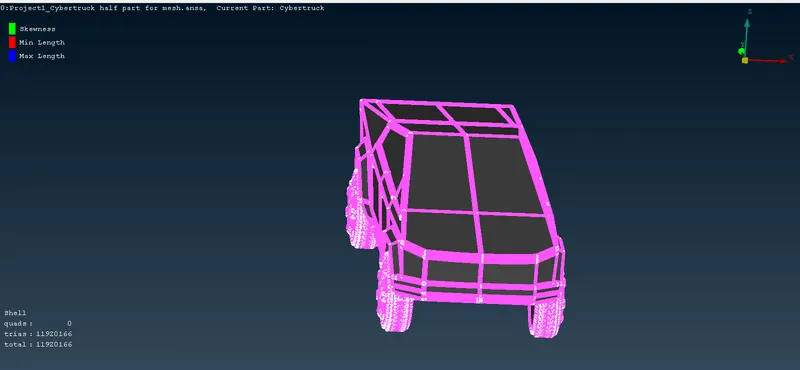
There might be some off elements because we have set quality criteria so to solve it.
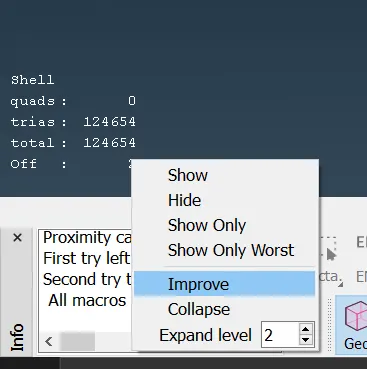
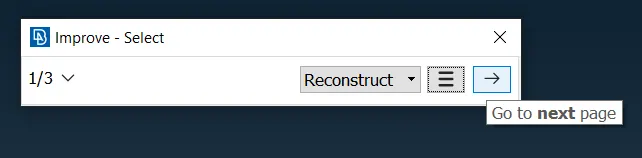
use as shown in image then either go for reconstruct or reshape if off elements reduces its ok if not stop this and move the grids manually.
Then the total work on the cybertruck is done.
Wind tunnel:
To create wind tunnel we must use following measurement.
Take bmw car reference for further measurement.
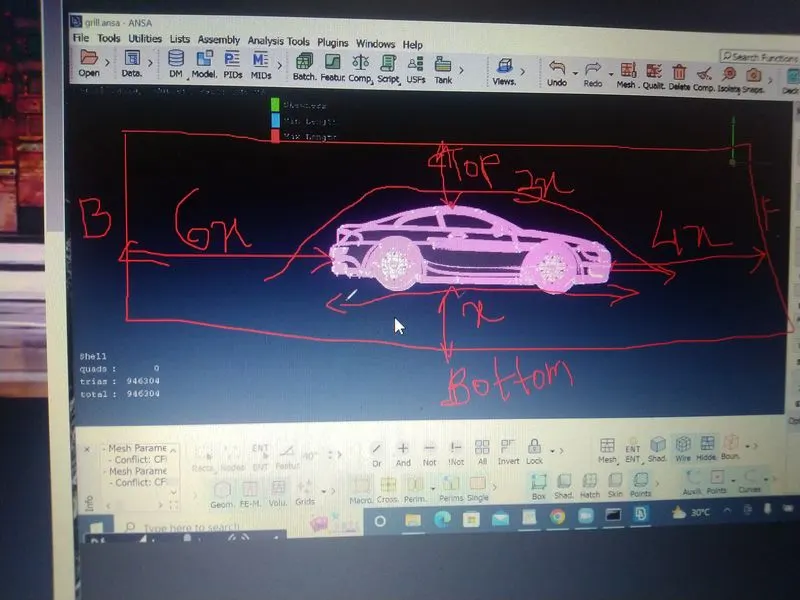
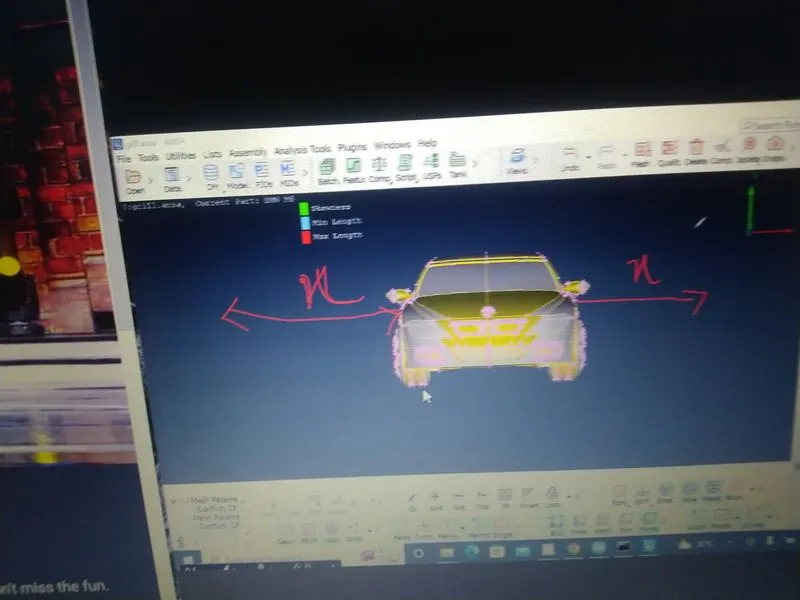
First measure the car length using measure from top deck and take that as x.
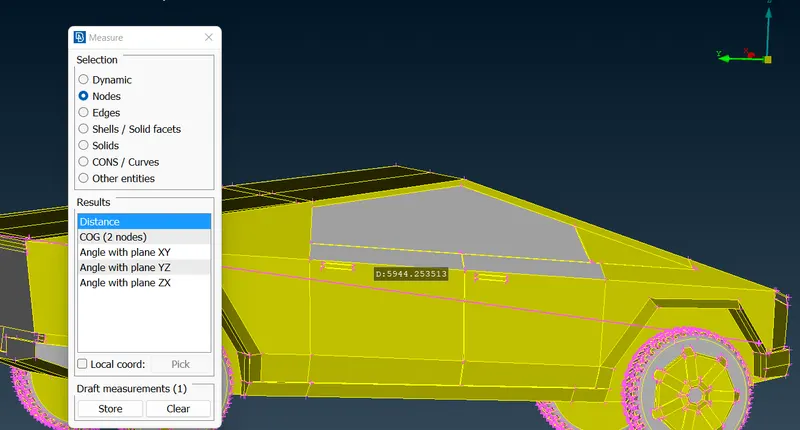
Then create points as first create center point of car then use relative option and place the points as per measurement.
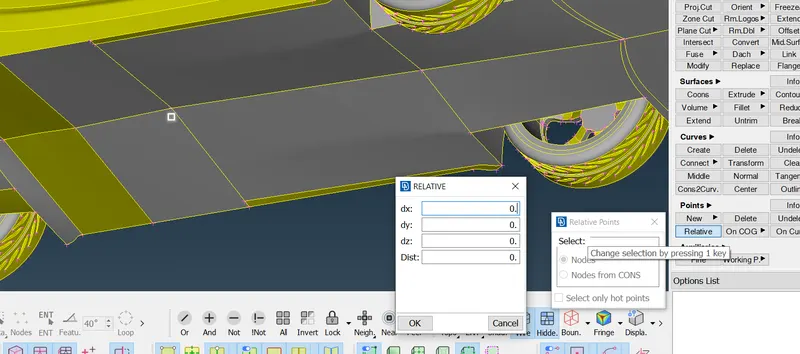
After placing four corner points in bottom draw curves then create face using face>new>cons option.
Transform the bottom surface to top and cover side surfaces.
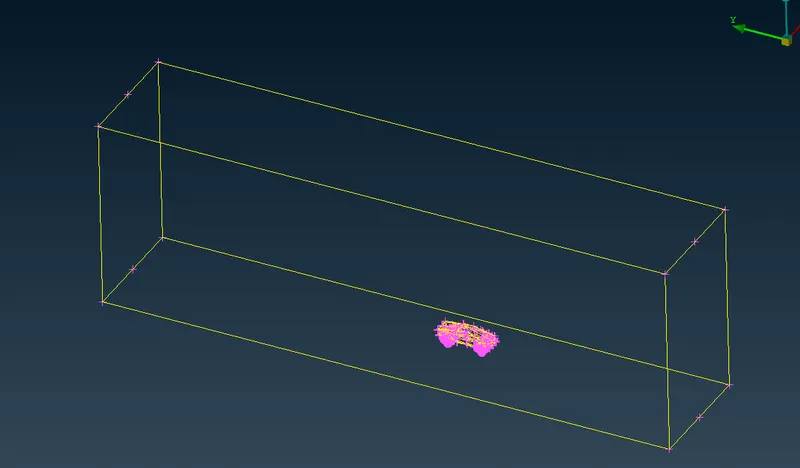
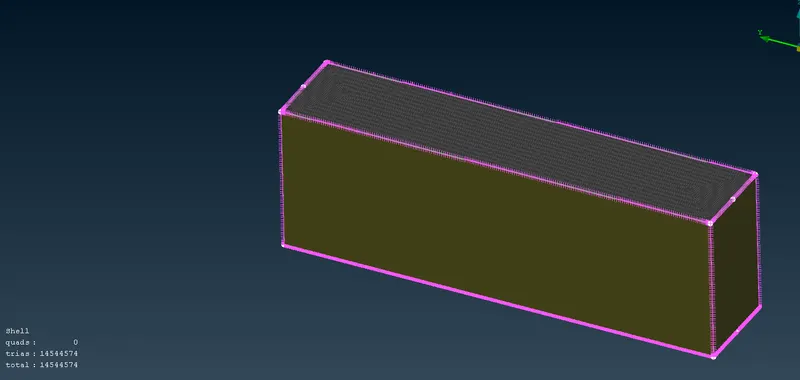
it should look like this then go for mesh for using standard target length such as
bottom - 50
top - 300
sides use growth rate by giving limits 30 - 100 and do meshing individually for meshing these it may take some time so be patient it depends on your own system specs.
Top side
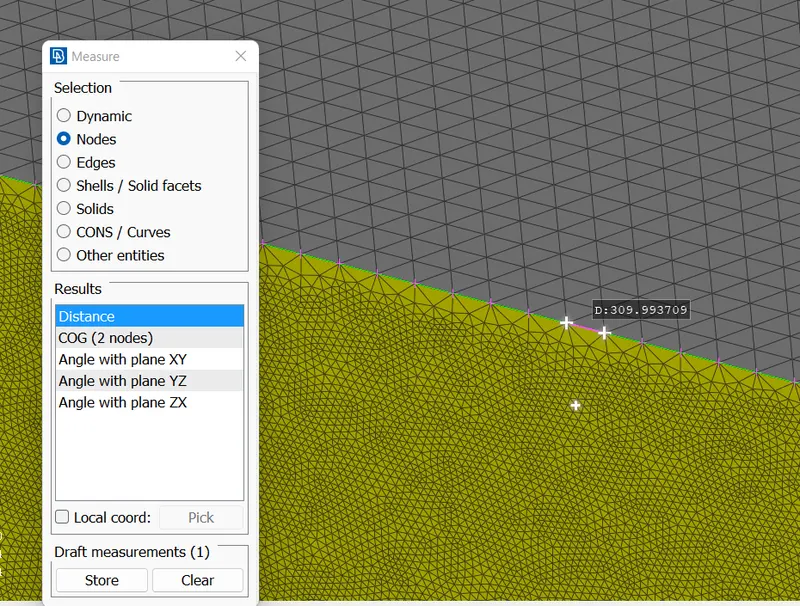
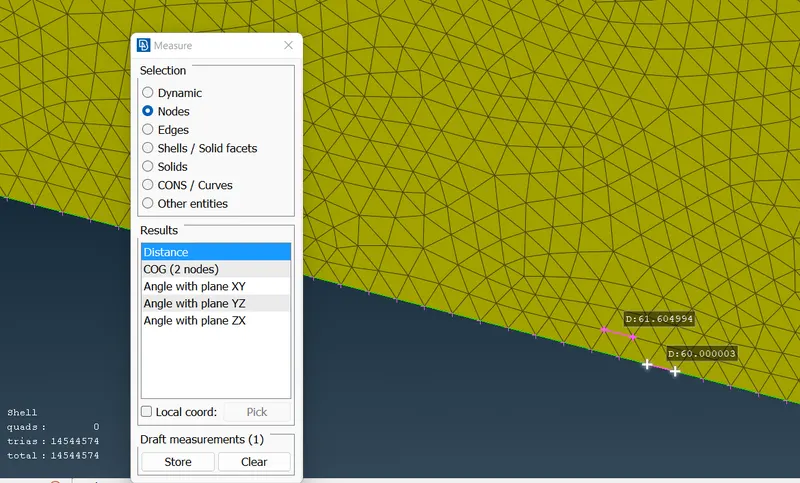
Final result:
Model link:
https://drive.google.com/file/d/1CEus743n6E3NAOkGZCX1wbSz0j-34NXH/view?usp=sharing