Project 1
Aim:
a) Check the given DashBoard for the geometrical errors.
b) Mesh the component with the given quality criteria.
Software used: ANSA v19.1.5
Quality Criteria for the given Model:
|
S.No |
Quality Criteria |
Value |
|
1 |
Target/Average length |
4 |
|
2 |
Minimum Length |
2 |
|
3 |
Maximum Length |
6 |
|
4 |
Aspect |
3 |
|
5 |
Warpage |
15 |
|
6 |
Skewness |
45 |
|
7 |
Jacobian |
0.7 |
|
8 |
Minimum Quad Angle |
45 |
|
9 |
Maximum Quad Angle |
135 |
|
10 |
Minimum Tria Angle |
30 |
|
11 |
Maximum Tria Angle |
120 |
|
12 |
Tria Percentage |
15 |
Procedure:
Geometry Cleanup
a) The given model is imported in ANSA, after which the node length is set to 1mm in terms of perimeter and macro for better refinement.
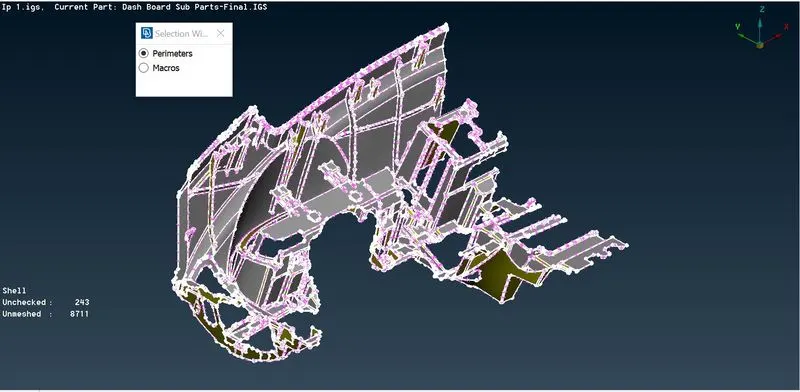
fig.1.1 setting perimeter and macro length to 1mm.
b) A 'topo' is given to the entire model for automatic stitching of parts in the model.
c) The model is then given a proper orientation using the option 'orient'.
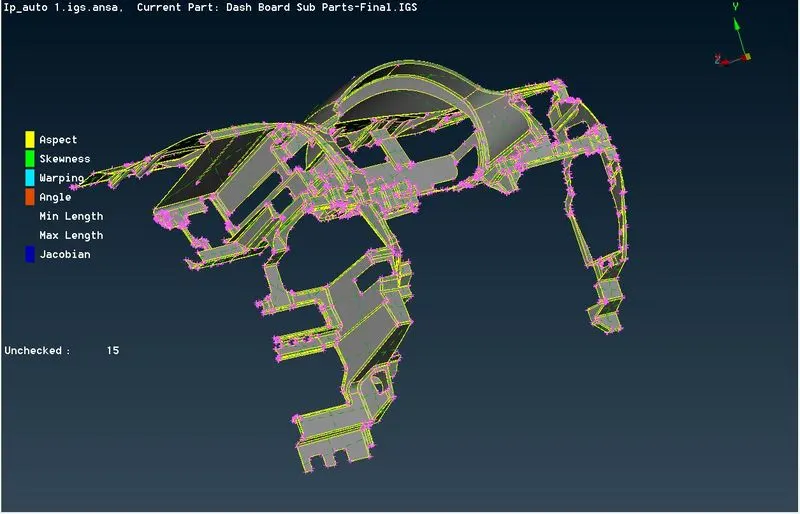
fig.1.2 Model oriented accordingly to a single colour.
d) The model is checked for geometrical errors, post which most of the errors such as unchecked faces, cracks overlaps, needle faces are fixed automatically and a few of them such as single and triple cons, unchecked faces are addressed manually.
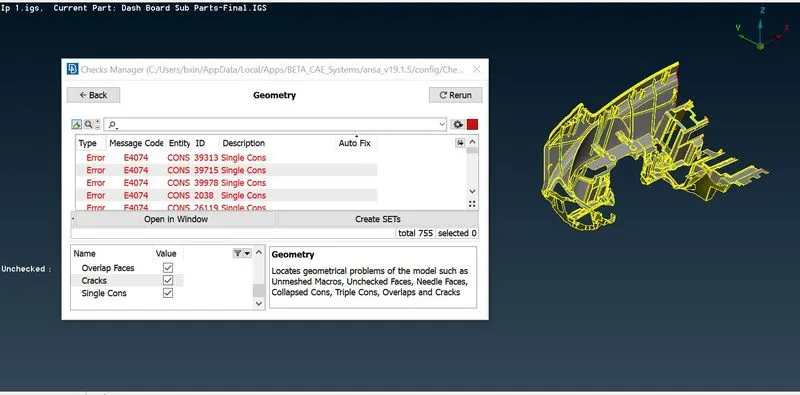
fig.1.3 Geometry checkup of the model.
e) Few of the errors such as single and triple cons, unchecked faces are addressed manually.
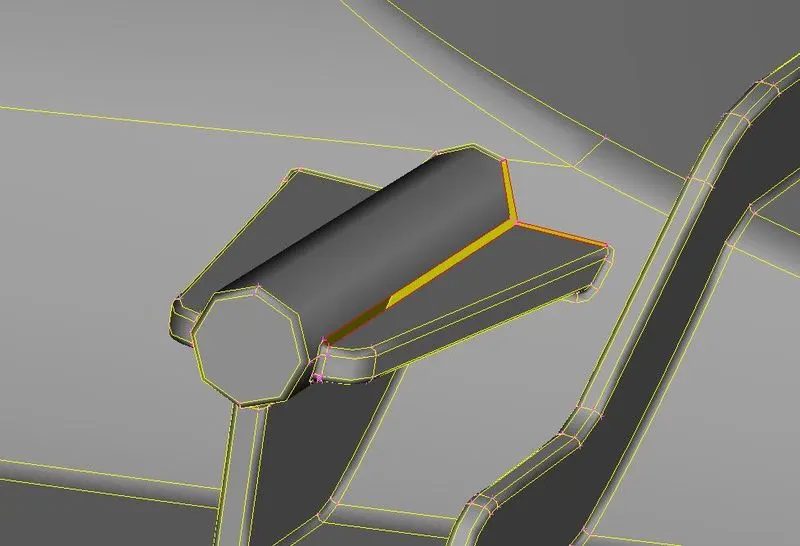
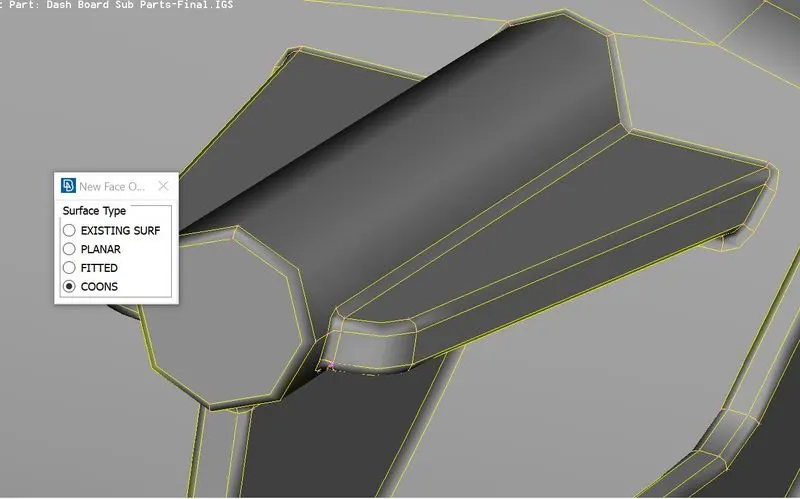
fig.1.4 Unchecked faces are replaced with New Faces>Coons.
Midsurface Generation
a) Mid surface of major portions of the model is generated by offset> faces, while a few other features in the model is subjected to Faces> middle.
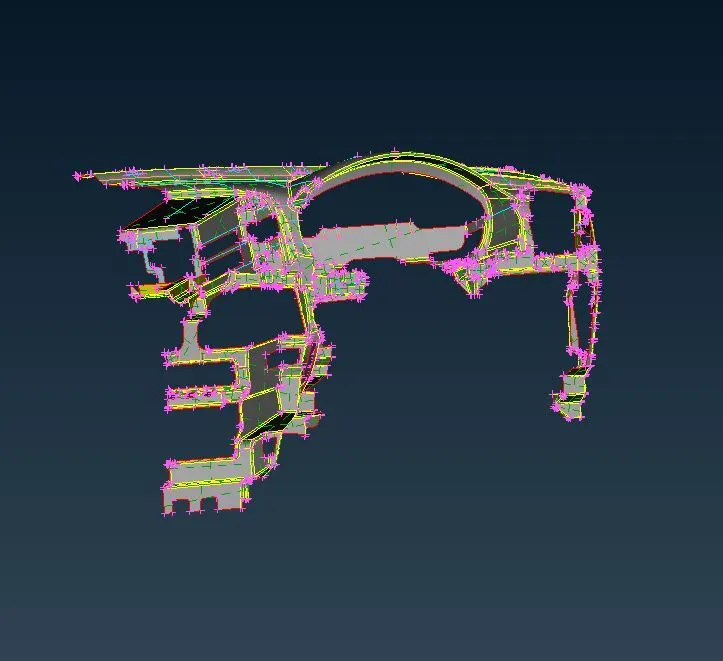
fig.2.1 Midsurface of the base surface extracted using offset
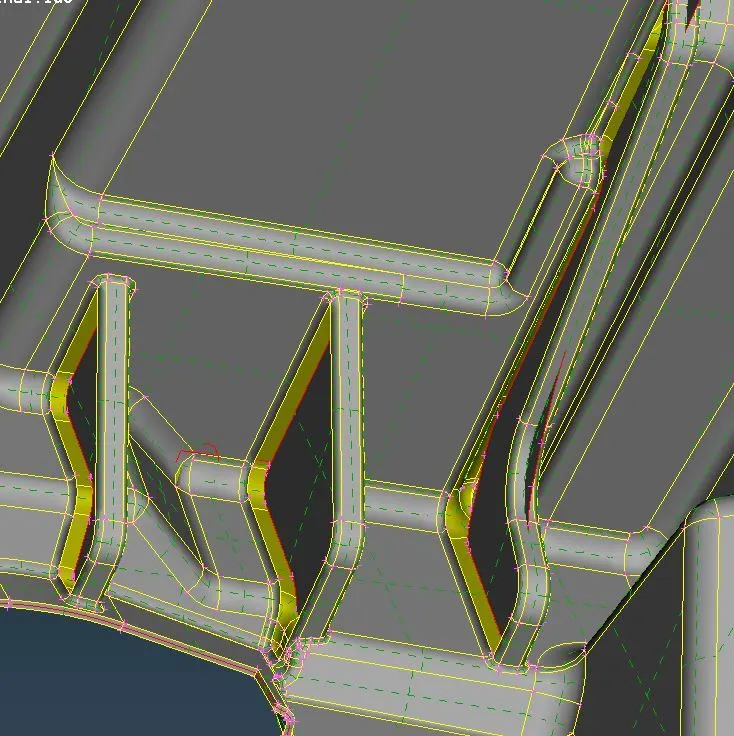
fig.2.2 Midsurface of features captured with Faces> middle.
b) The cylindrical features such as dog house which do not have any thickness cannot be captured as such, hence an offset of 0.5mm is preferred.
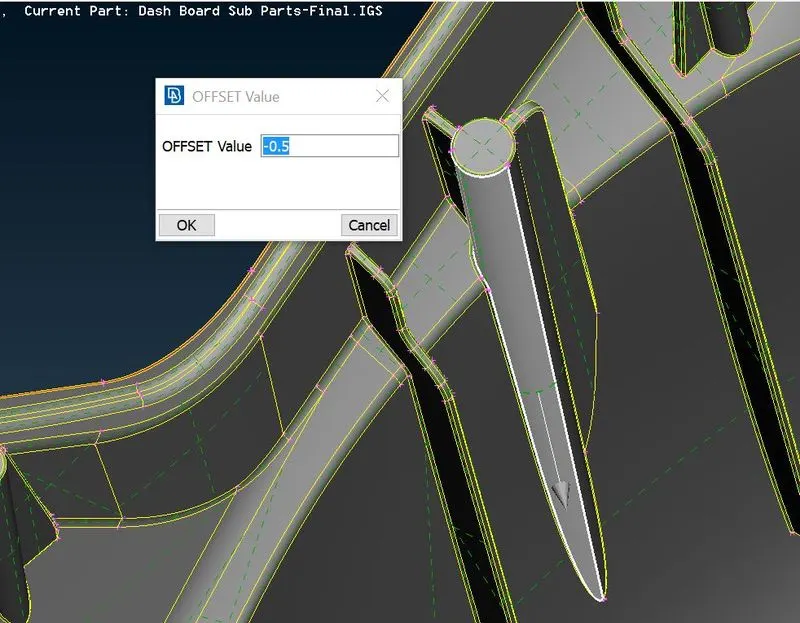
fig.2.3 Offsetting dog houses to 0.5mm
Meshing
a) The base surface of the model is meshed using batch mesh and the remaining features are done manually.
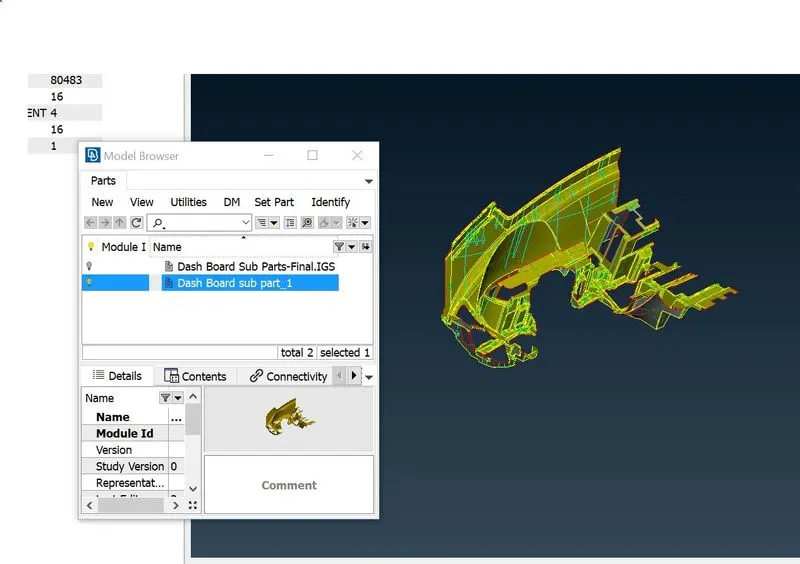
fig.3.1 Base surface is set as a new part in Model Browser before batch meshing.
b) In Batch Mesh Manager, a new meshing scenario is created, post which the newly set part is added to the meshing scenario.
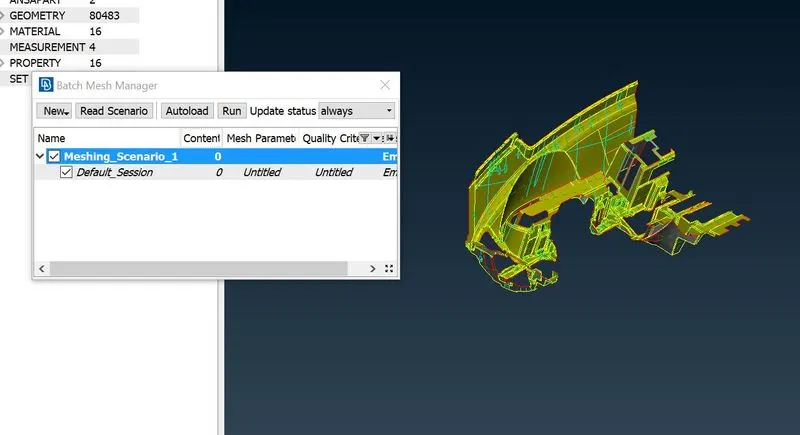
fig.3.2 New Meshing scenario created.
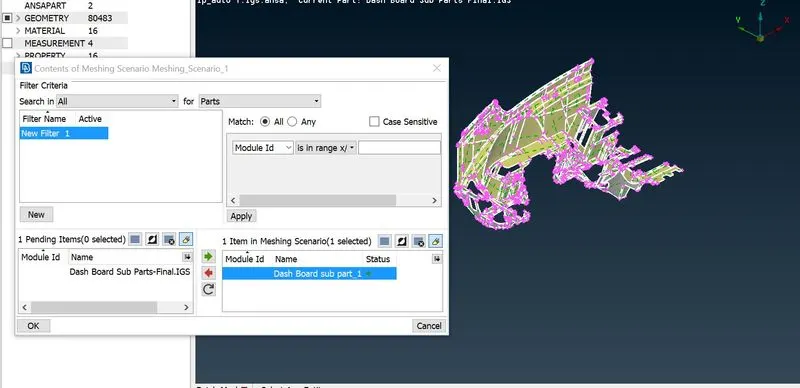
fig.3.3 New part added to meshing scenario.
c) Finally before batch meshing, the mesh parameter and quality criteria are set as per the requirement.
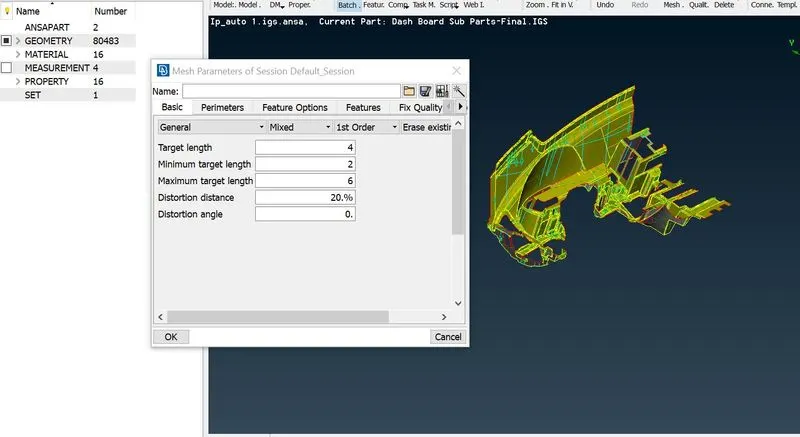
fig.3.4 Setting up the mesh parameter for batch meshing.
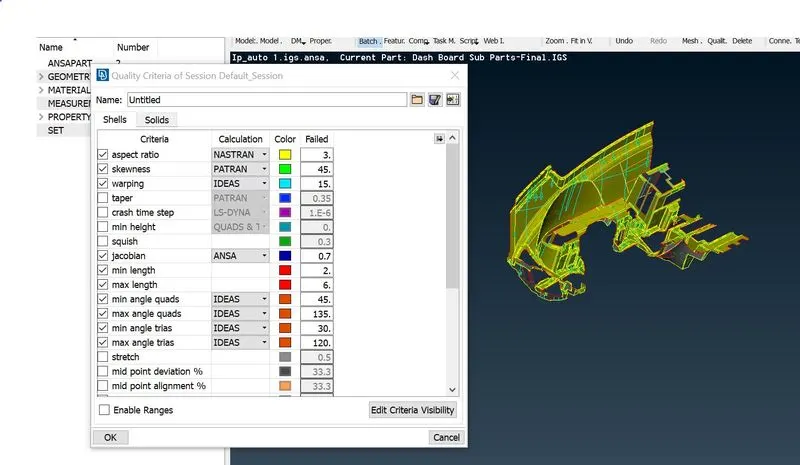
fig.3.5 Setting up the quality criteria for batch meshing
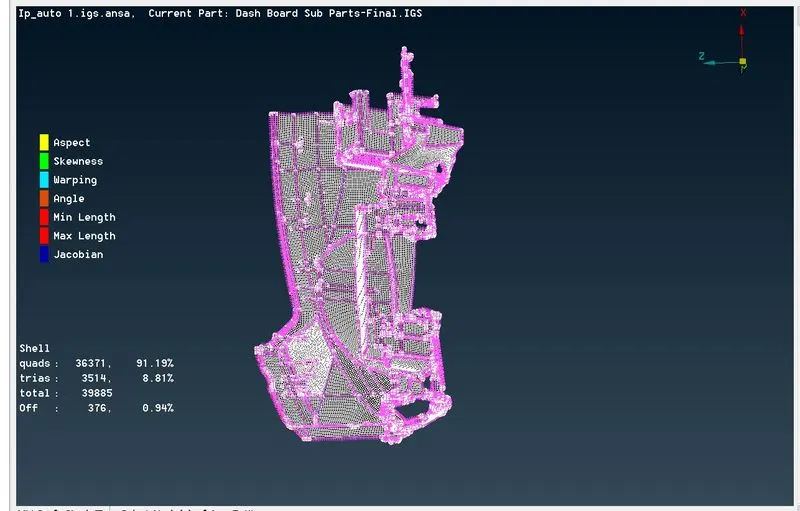
fig.3.6 Base surface after batch meshing.
d) The batch meshed surface is worked manually to remove the off elements.
e) The remaining features are meshed manually using 'spotmesh' with 'reconstruction' option enabled followed by 'mesh reconstruction' and mesh 'smooth' for better mesh flow.
f) The meshed model is reworked to reduce the tria percentage by the options 'split', 'swap', 'paste' and so on.
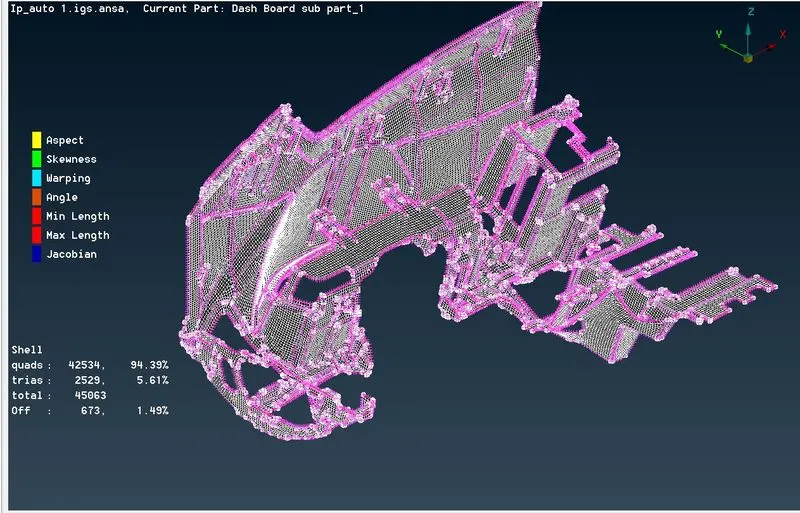
fig.3.7 Meshed dashboard model.
g) The generated mesh has many 'off' elements and are addressed manually using options such as 'move', 'align', 'reconstruct' and so on.
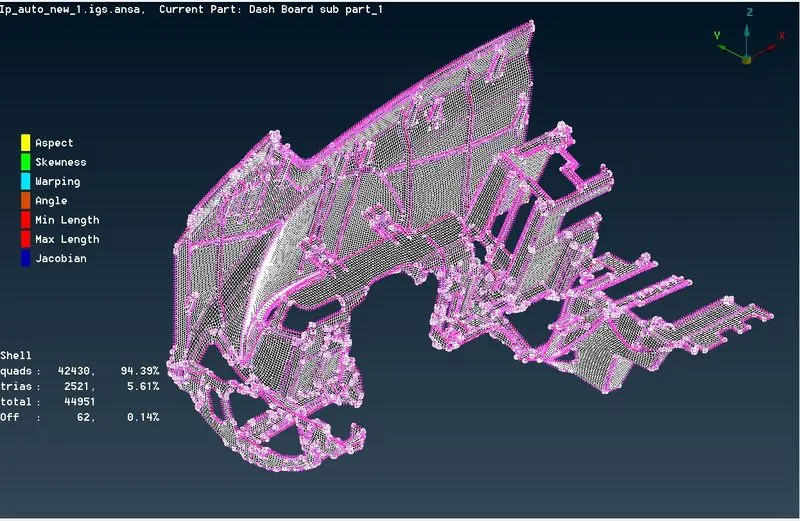
fig.3.8 'Off' elements addressed manually.
h) The 'tria' percentage of the final model is brought down closer to 5%. Similarly, the 'Off' element per cent is reduced to 0.1 as shown in the figure below.
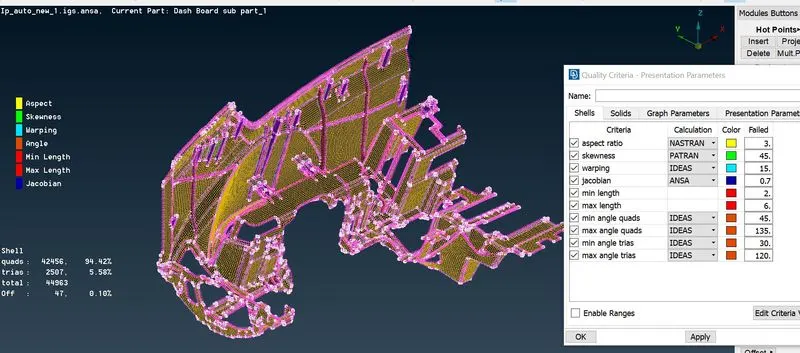
fig.3.9 final meshed model.
i) Meshed model is drawn as solid to visualize the thickness assigned to different parts.
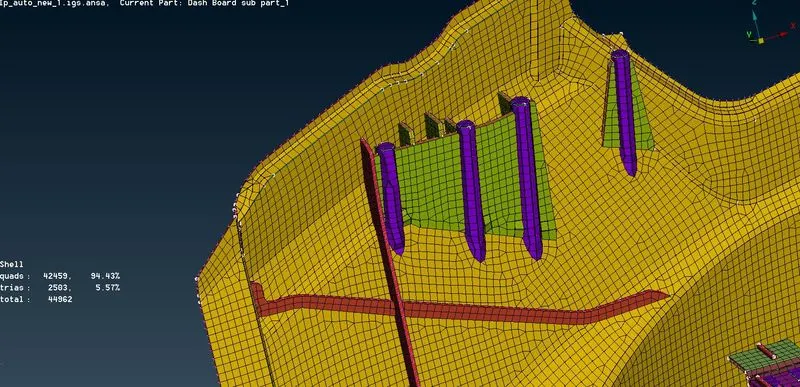
fig.3.10 Meshed model assigned with a thickness
Learning Outcomes:
a) Learned to extract the mid-surface manually using the 'offset' option, Faces>Middle option.
b) Learned to mesh and work on a complex model like the DashBoard.
c) Learned to set PID and assign thickness for different features.
d) Understood the importance of mesh parameters and mesh quality.
e) learned to generate the batch mesh.
Conclusion:
a) Geometrical errors are checked for the given model.
b) The given model is meshed according to the given quality criteria and mesh parameters.