Design of Plastic part from the given mastersection- Tool Test
DESIGN OF A PLASTIC PART USING MASTERSECTIONS
OBJECTIVE: To design the plastic part according to the given master section.
GIVEN: A-surface and Master section
SOFTWARE USED: CATIA V5
DESIGN METHODOLOGY:
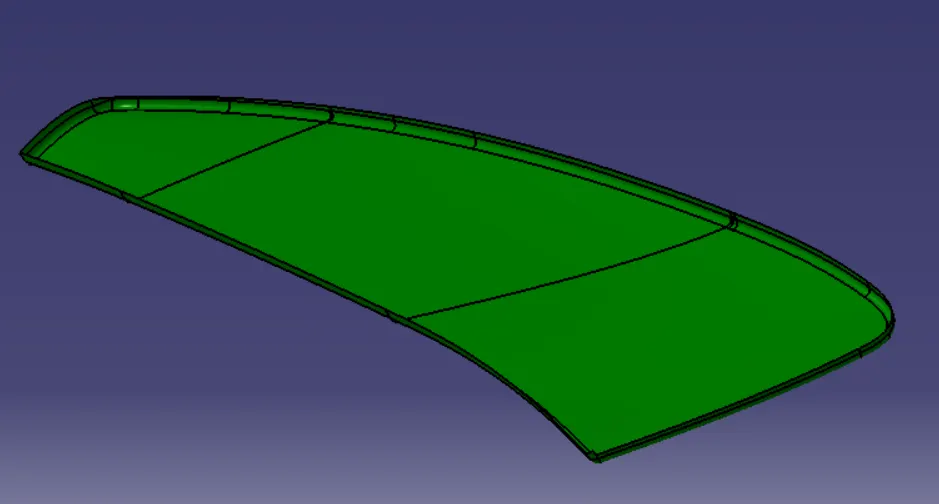
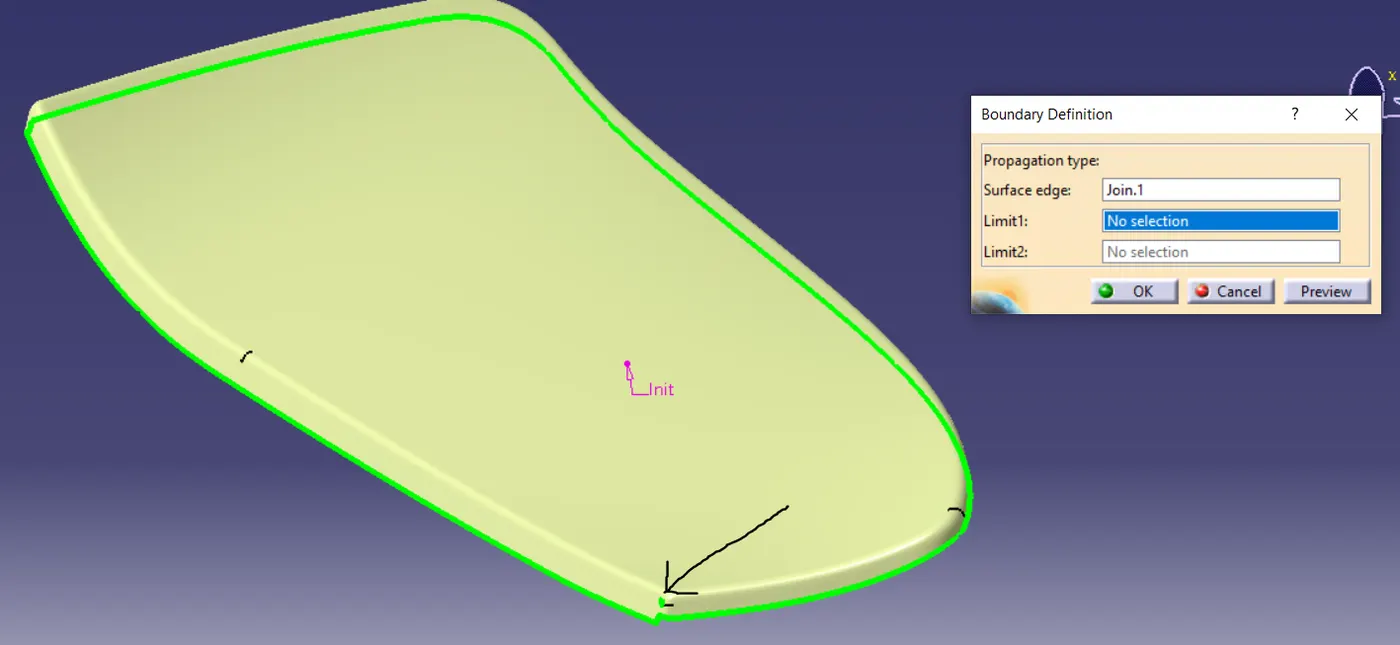
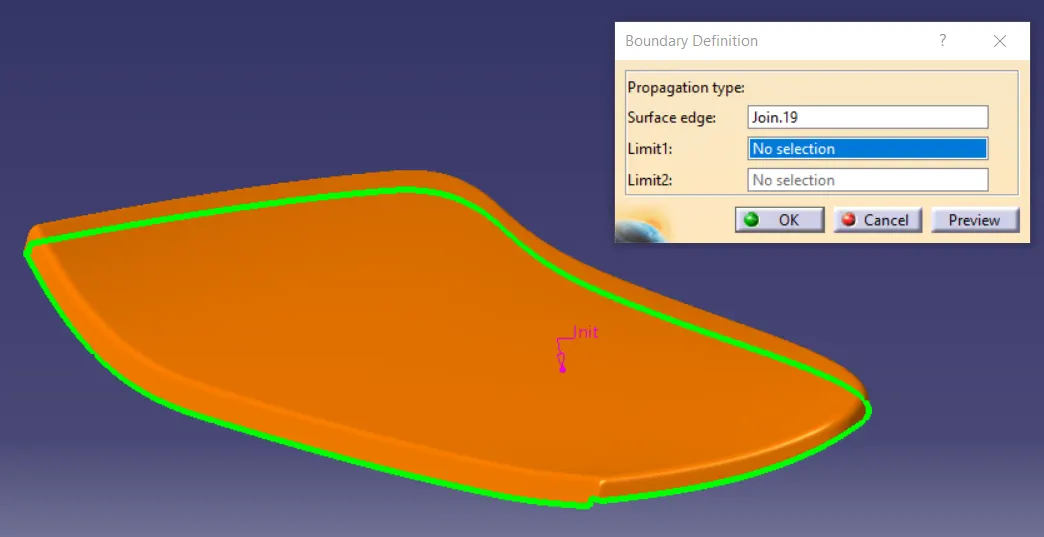
- Checking the A-surface: The given input has to be checked for any surface discontinuities. First, we need to disassemble the styling surfaces as they might be joined with a merging distance of more than 5 microns. After joining the styling surface and clicking on the view mode of SHADING WITH EDGES WITHOUT SMOOTH EDGES we can visually see the problematic surfaces. Using the boundary command we can see that the surface has an unwanted opening.
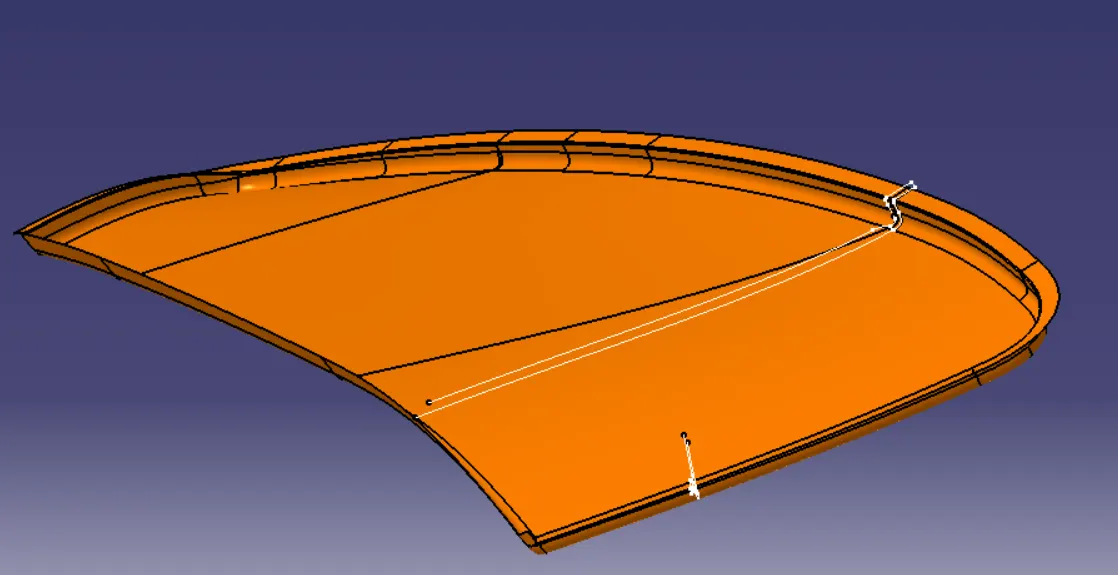
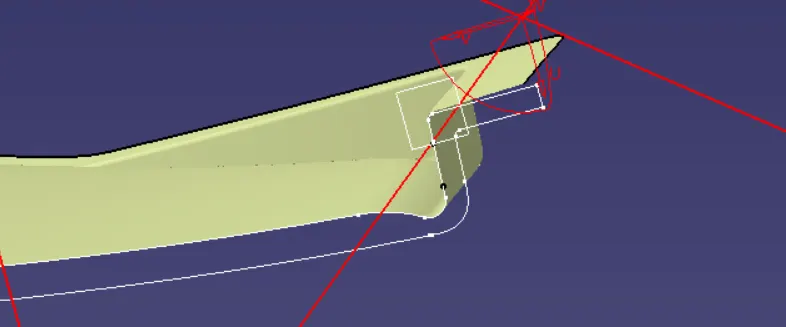
- Flange Creation: Now we are set with A-surface, we have to follow the master-section to create the flange with proper fillet radius.
- B-surface creation:
Here we need to be careful while creating the B-surface as it is different from the given A-surface. Instead of offsetting the whole surface, we will first offset the flat surface and then use the required fillet.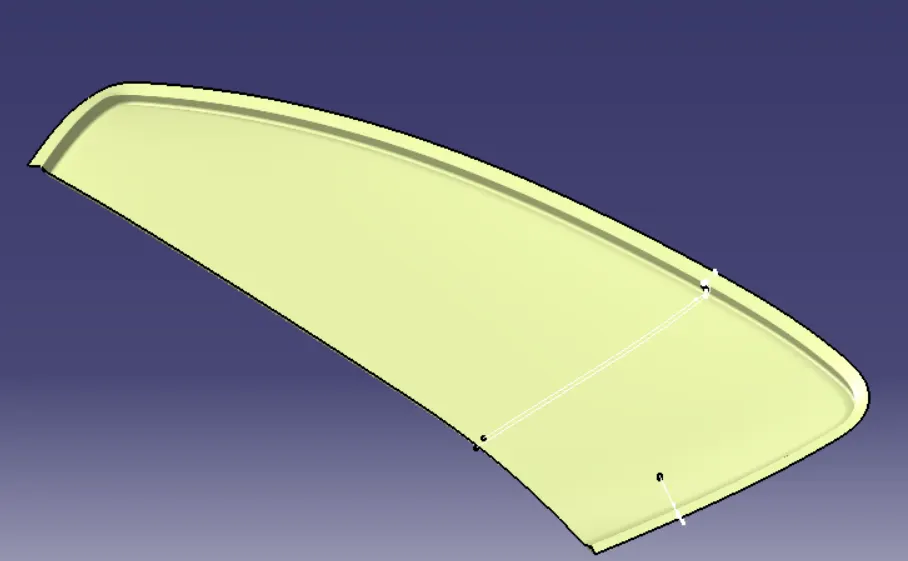
- C-surface creation:
The closing surface will be joining the A-surface and B-surface here we need to ensure that there are no open boundaries or sharp edges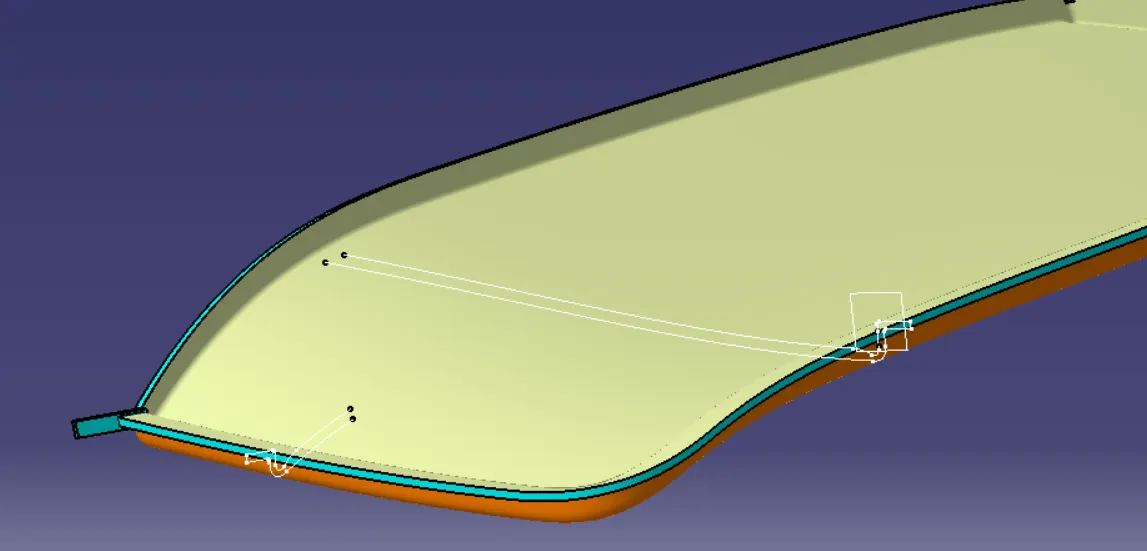
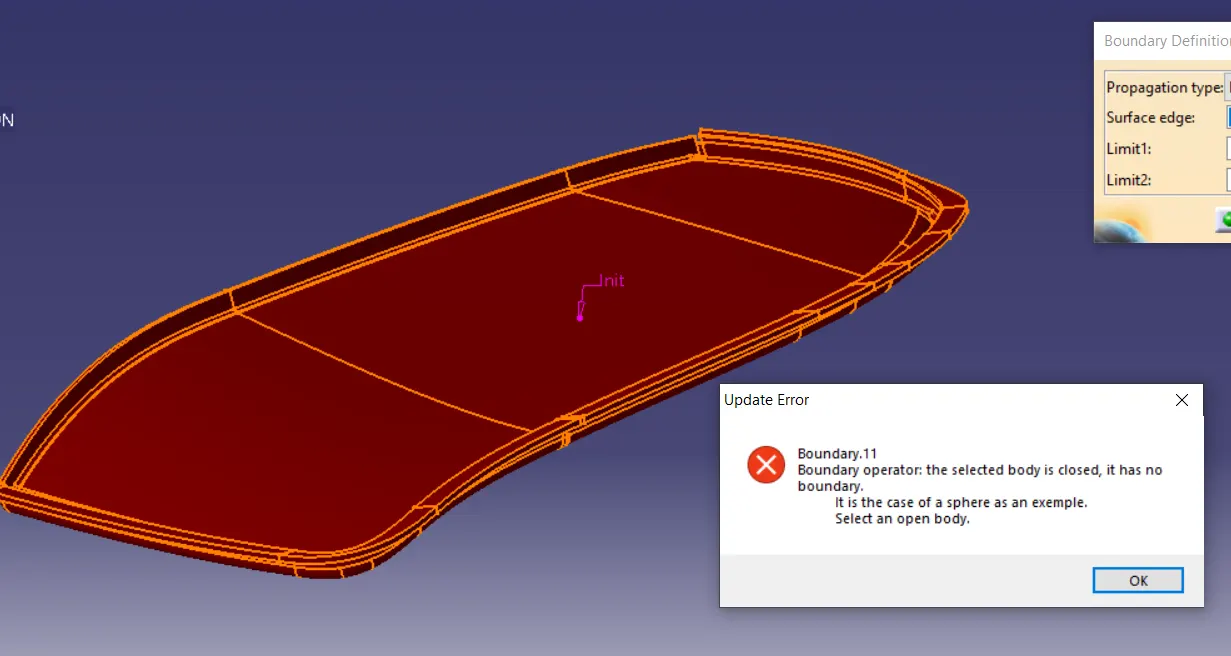
- Closed Body
- Specification tree maintenance:
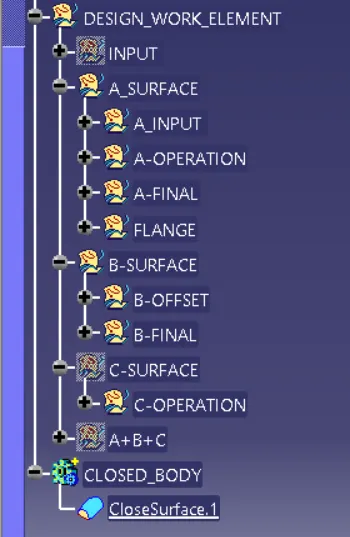
- Conclusion: Closed body was created from the given A-surface and master-sections.