Modelling of an Automotive IP Trim component by using ANSA
Objective:
- To extract the mid surfaces of the given geometry.
- To assign the thickness
- To mesh them according to the given quality criteria.
Procedure:
- Import the geometry.
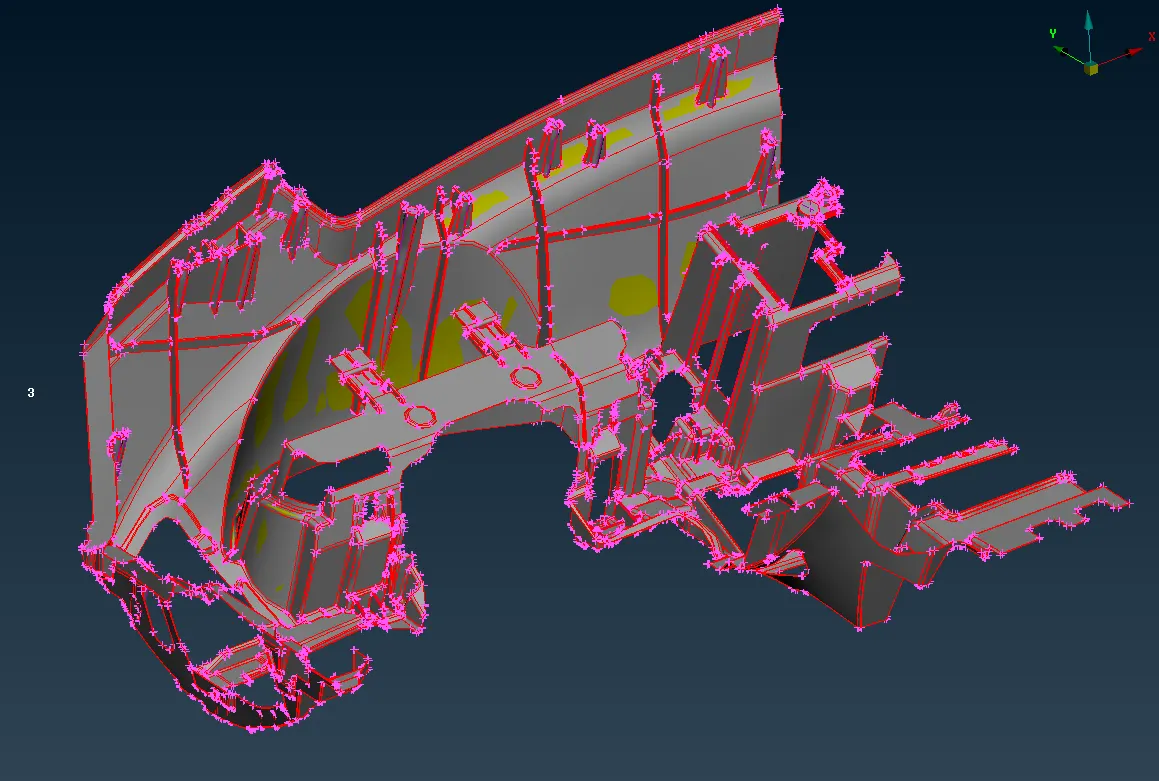
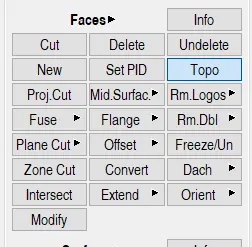
- Perform topo for the given geometry to stitch the surfaces each other.
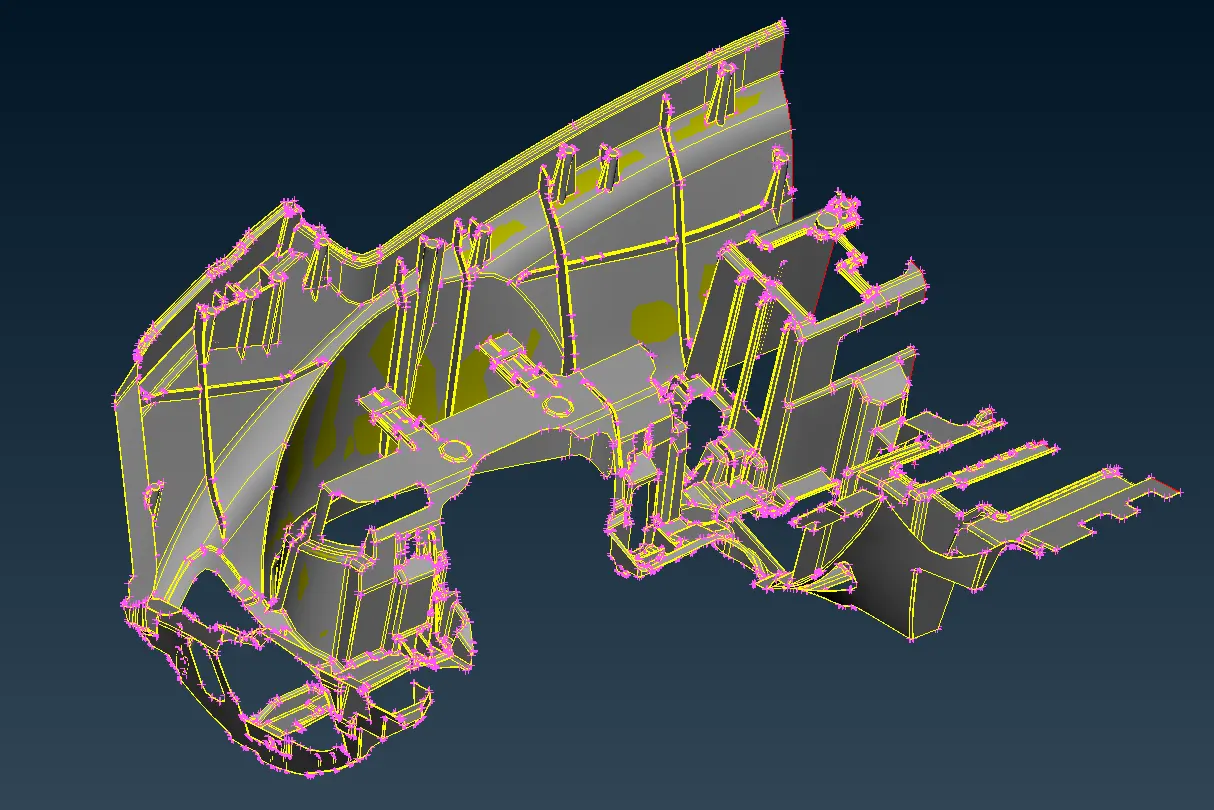
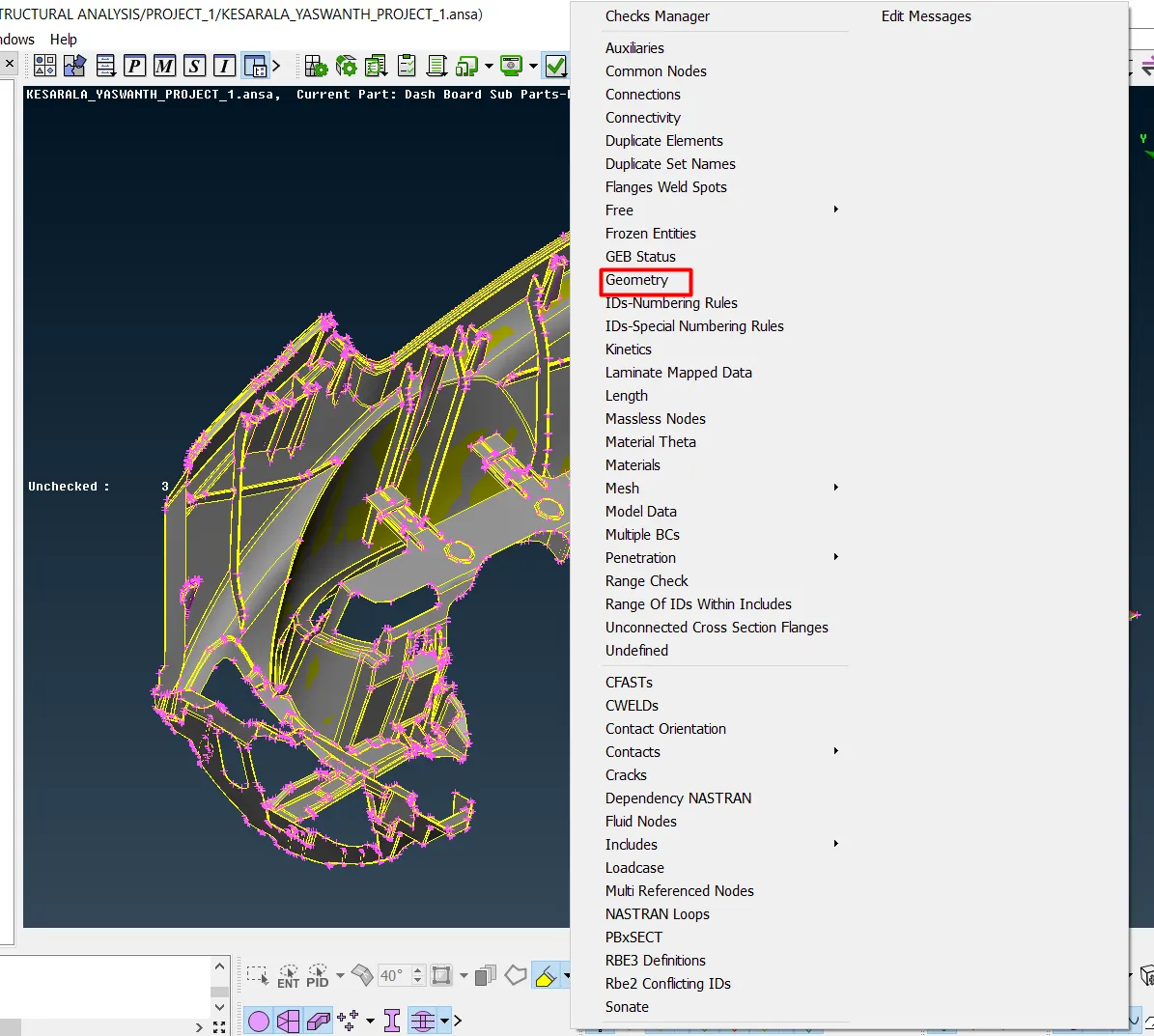
- Perform geometry check using check manager.

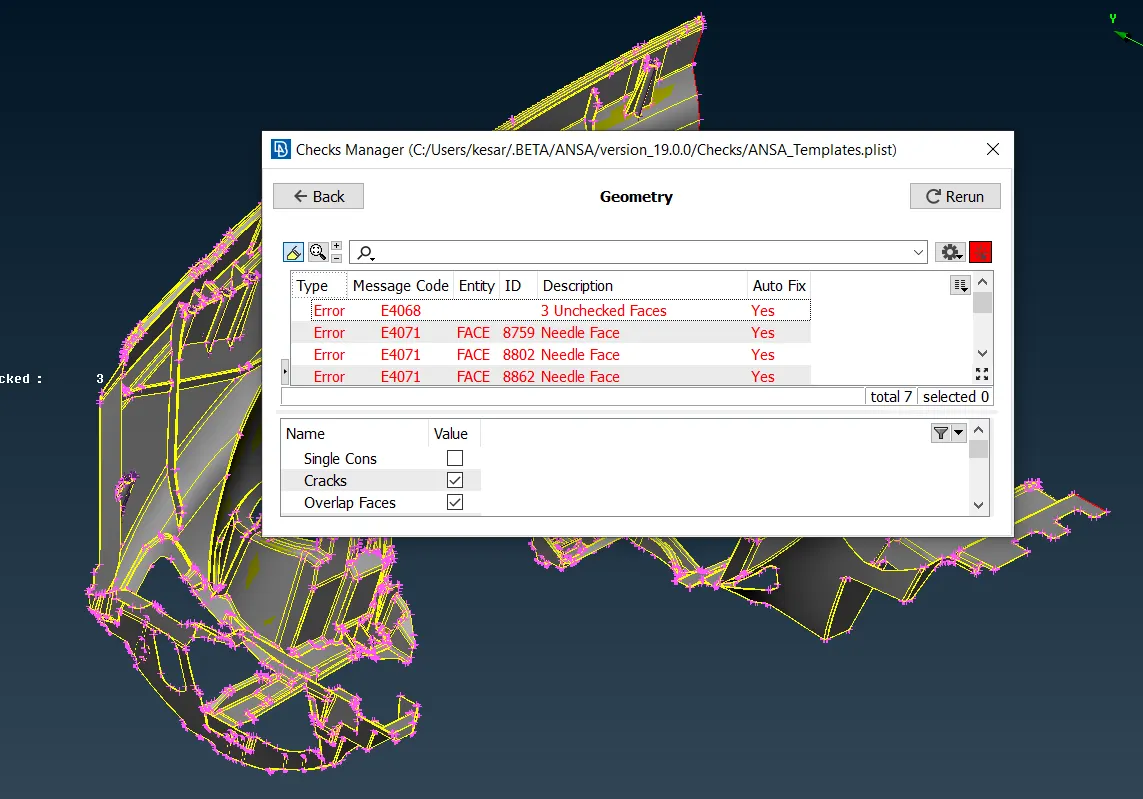
- Using auto fix and manual fixing clear all the geometric errors and again check the geometry.
- After clearing all the geometric errors extract the mid for the parent geometry by measuring the thickness of the component.
- Extract the mid of the parent geometry using faces offset option.
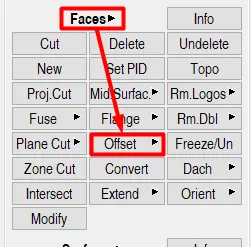
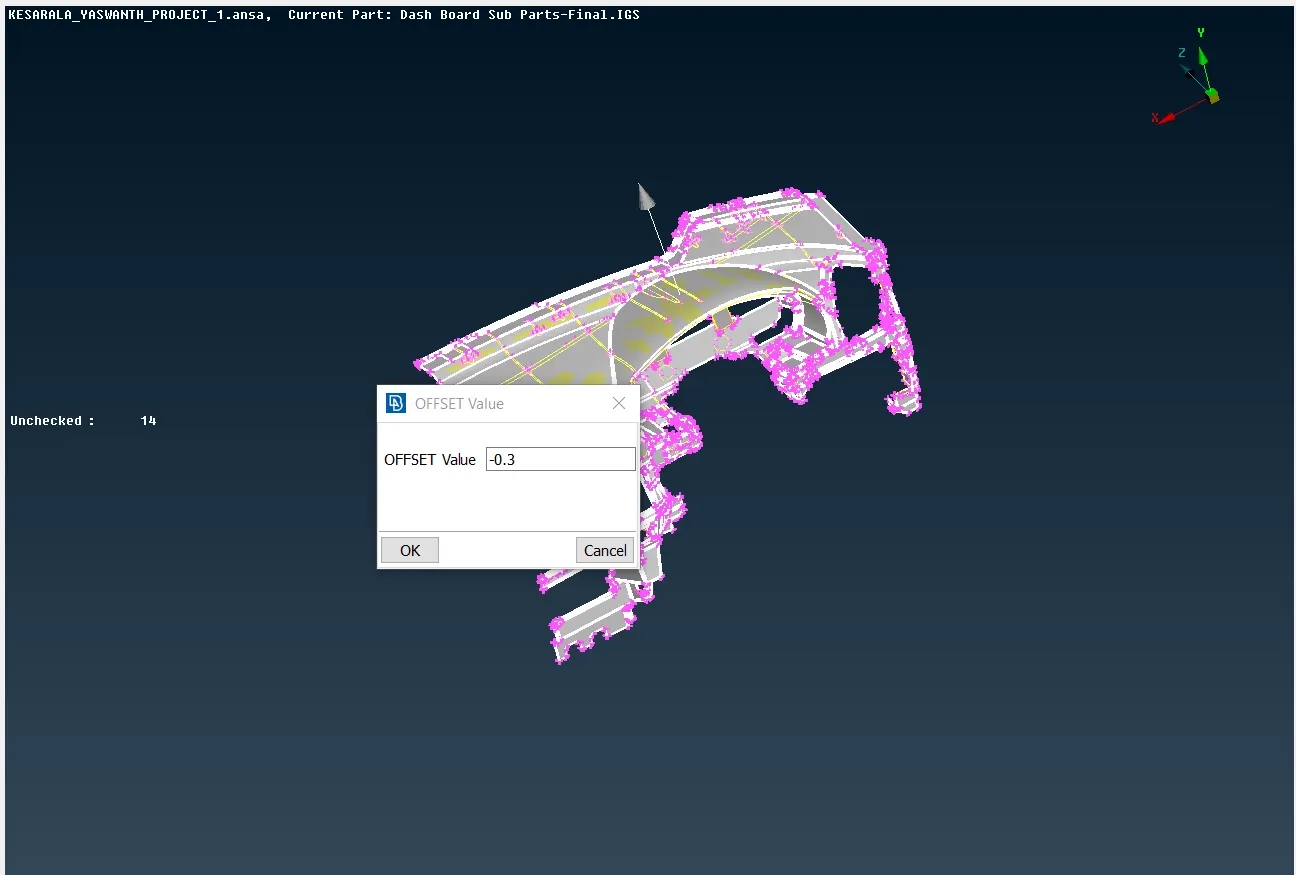
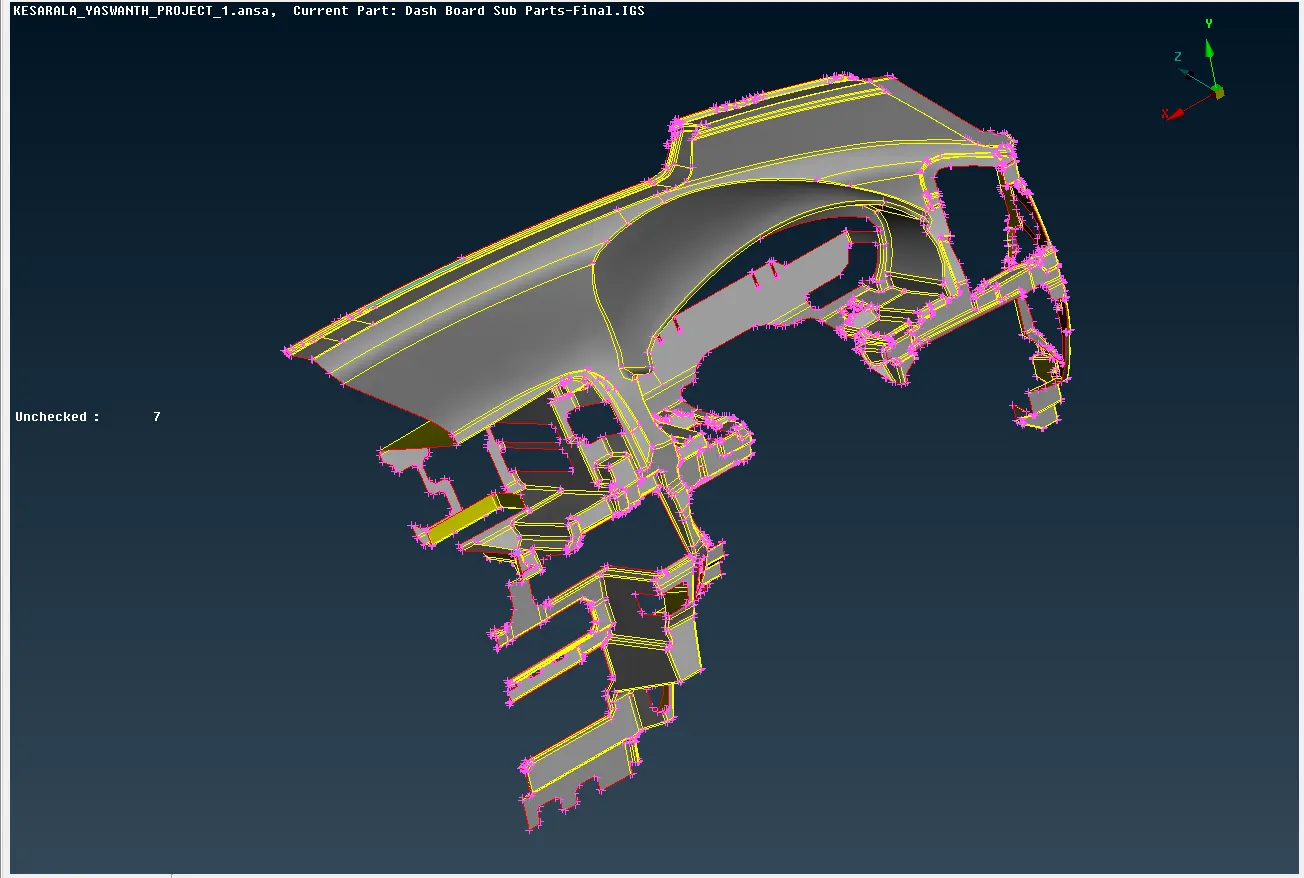
- After extracting the mid of parent geometry check for the unfilled surfaces as shown below and fill the holes with new existing surface.
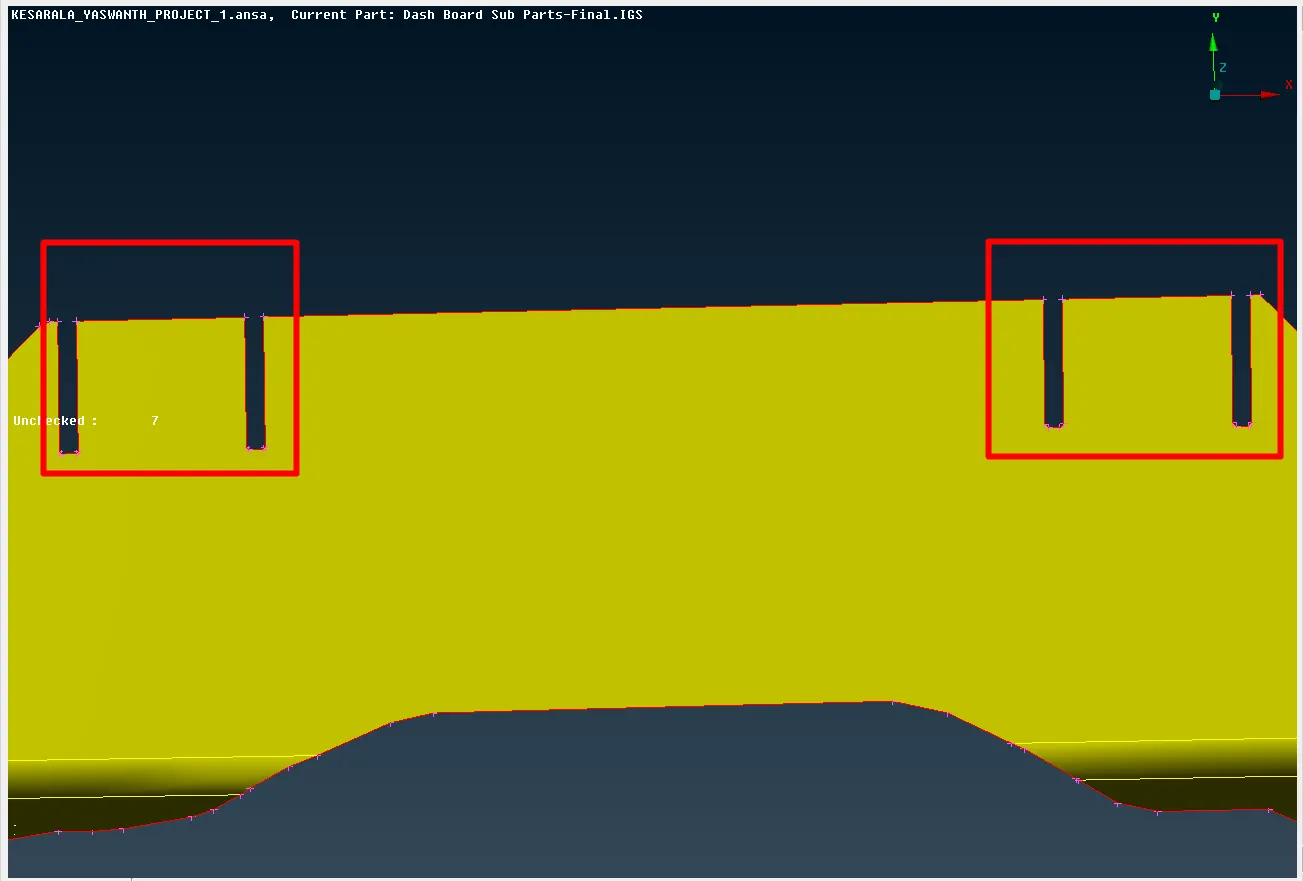
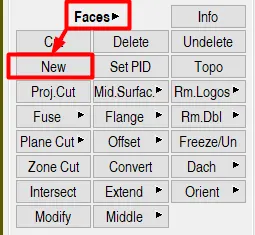
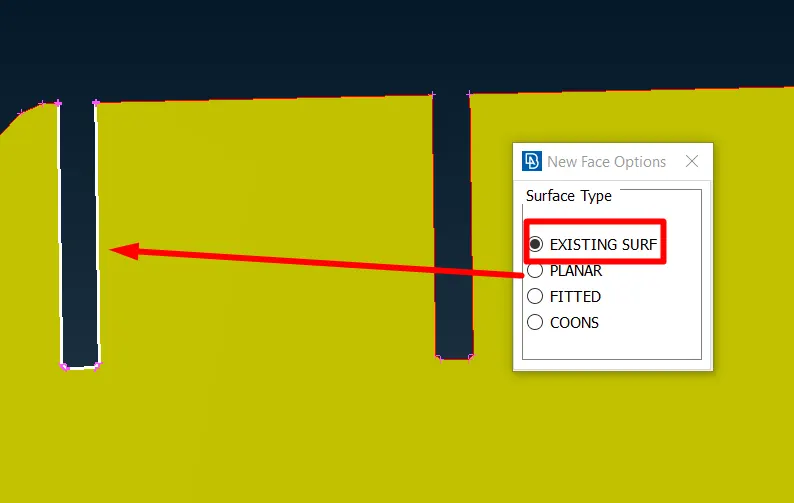
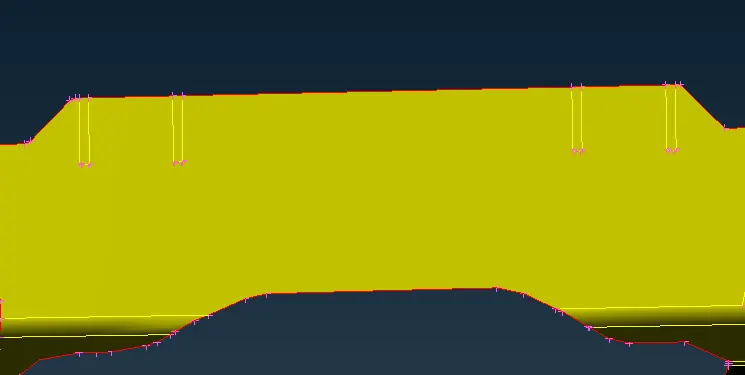
- After filling the holes and unfilled surfaces use hybrid cut option and join the surfaces and make them as single surface as below.
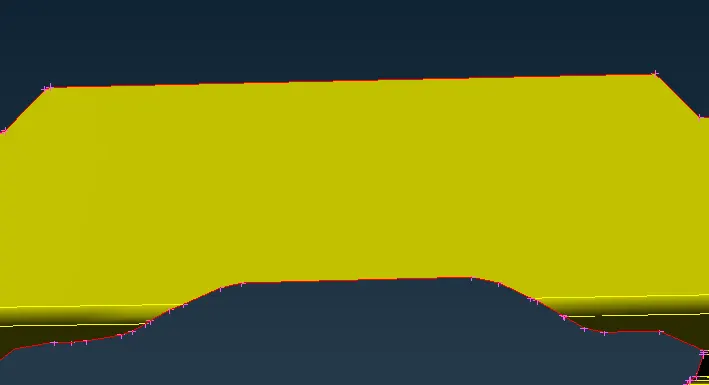
- After filling and clearing all the geometric errors in the parent mid, Extract mid for all the ribs and dog houses.
- The mid for the ribs are extracted by creating a middle curve using curve middle option under curves and by using that curve create a new surface and extend it to the parent geometry as shown below.
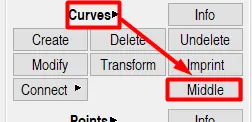
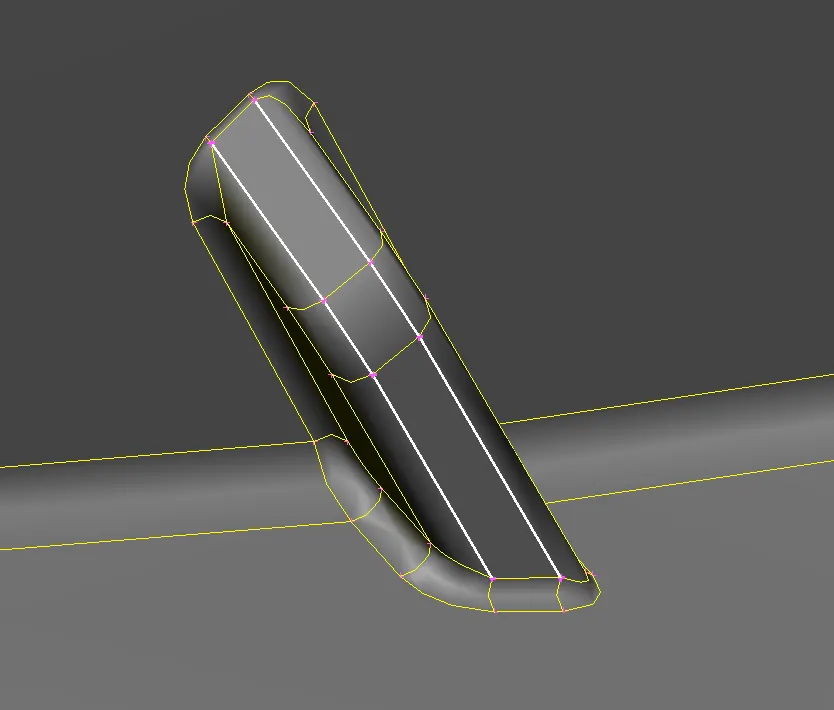
- By selecting the curves around the rib extract the middle curve.
- By using the middle curve create the surface as below.
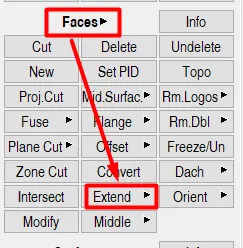
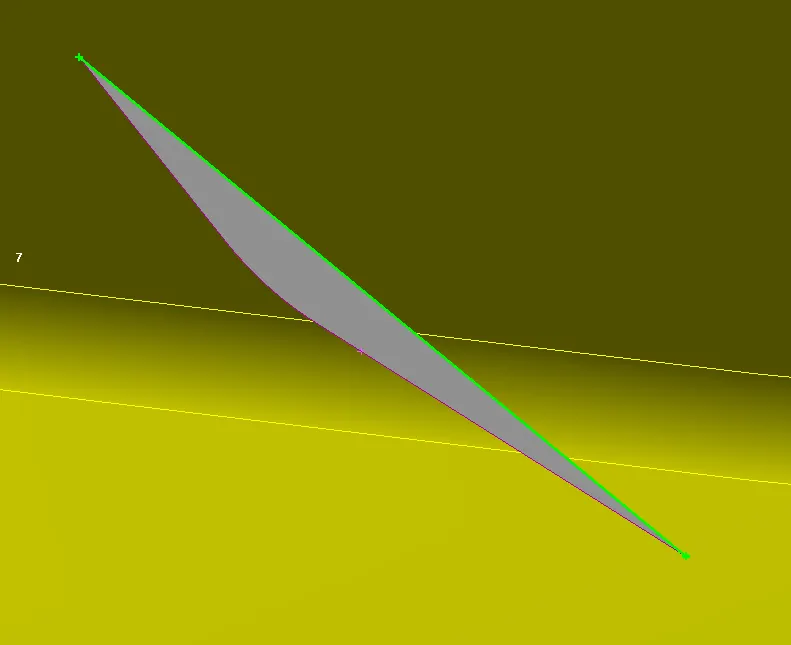
- Using the faces extend option extend the green line highlighted in the above picture to the parent geometry as shown below.
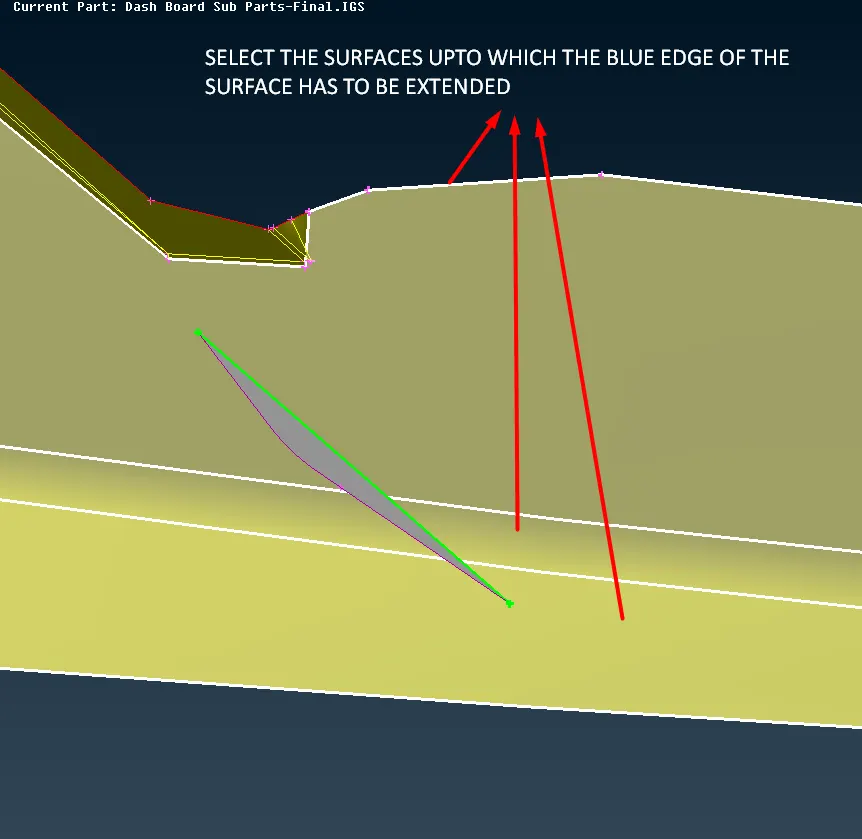
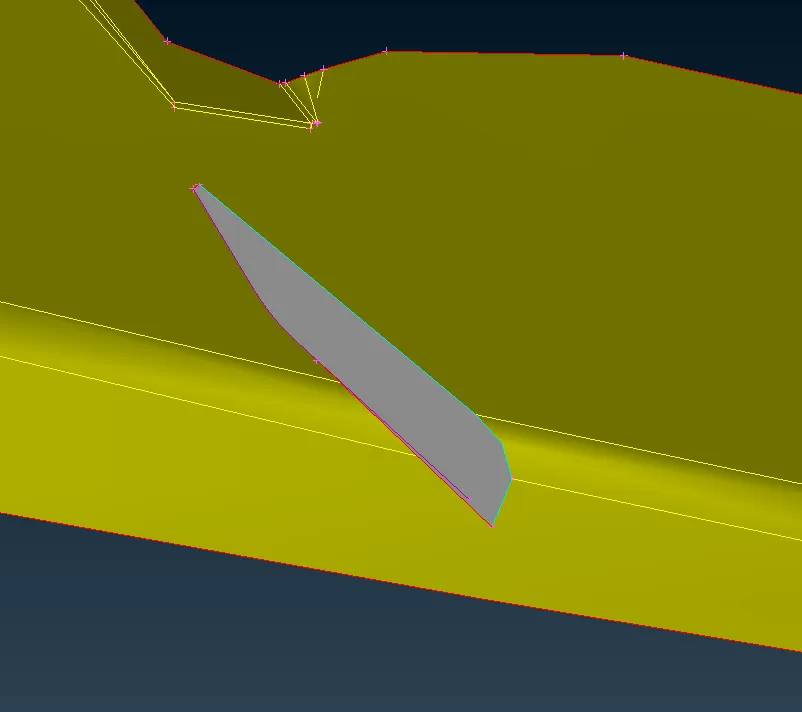
- Repeat the same procedure for all the ribs.
- Some of the ribs are extracted using faces middle option.
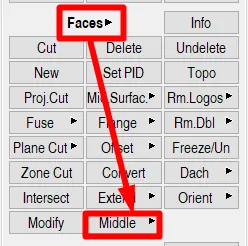
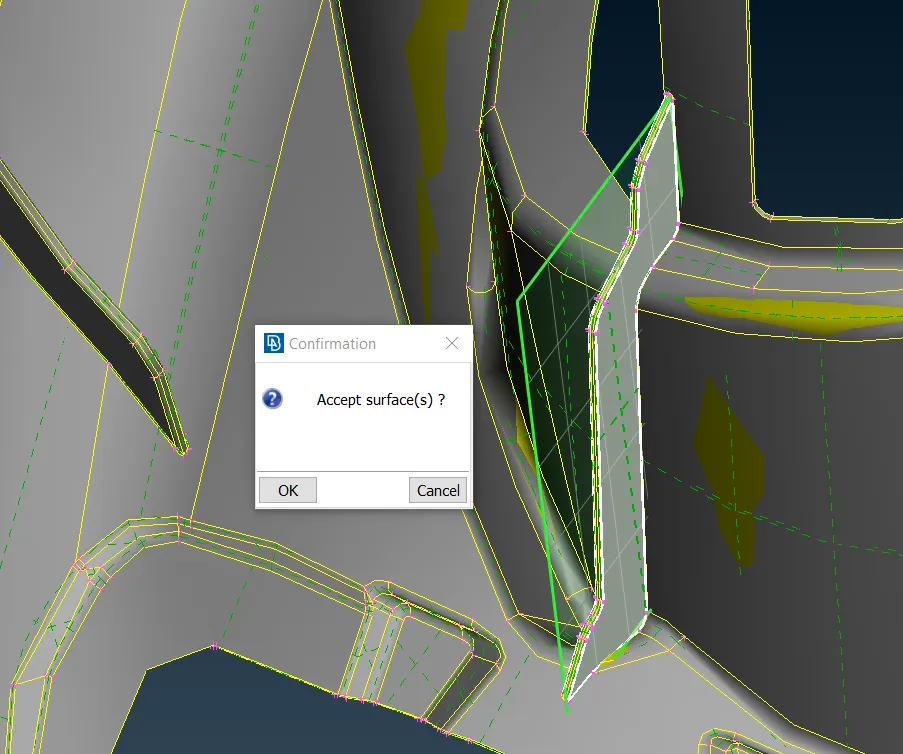
- The mid surface of the rib is to be extended to the parent geometry.
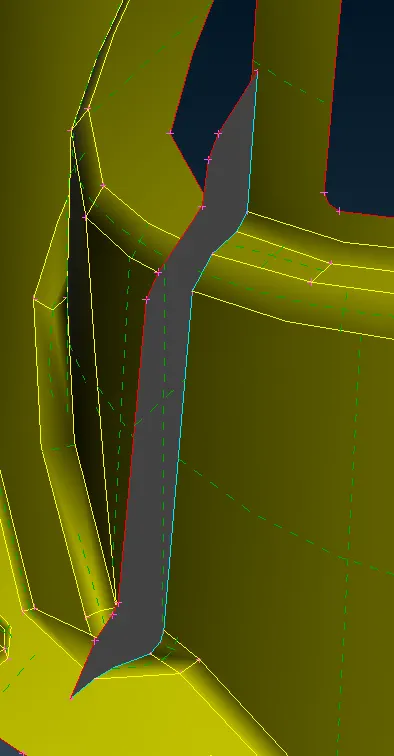
- Repeat the procedure and create mid for all the ribs and assign the PID for all the ribs.
- After extracting mid for the ribs extract dog houses.
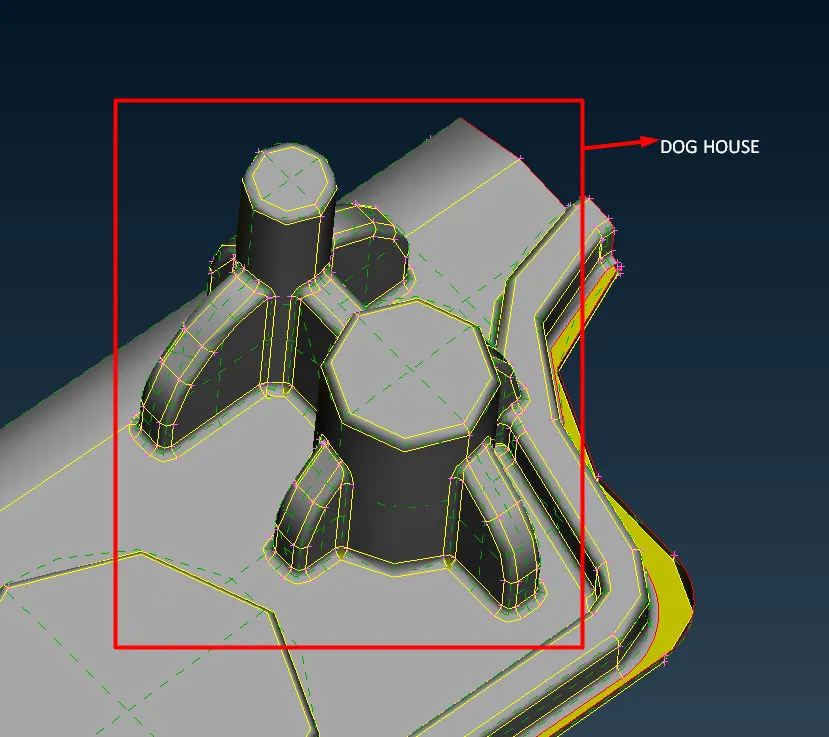
- Dog houses are modeled as below.
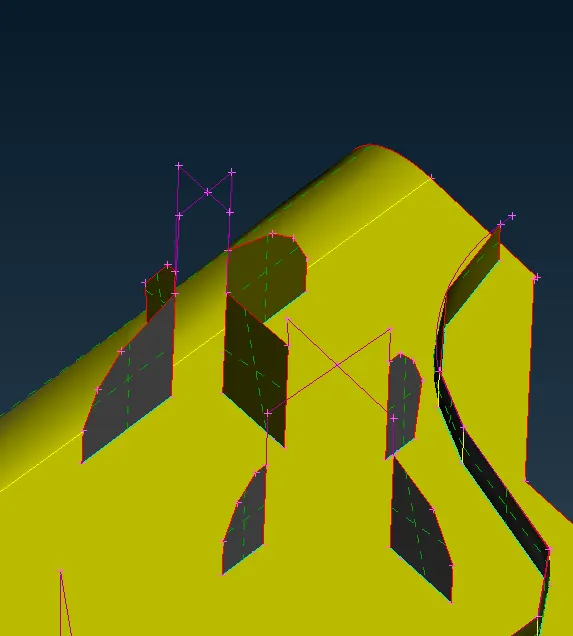
- Extract the middle curves of dog houses as above.
- Create a new surface from the extracted curves as below.
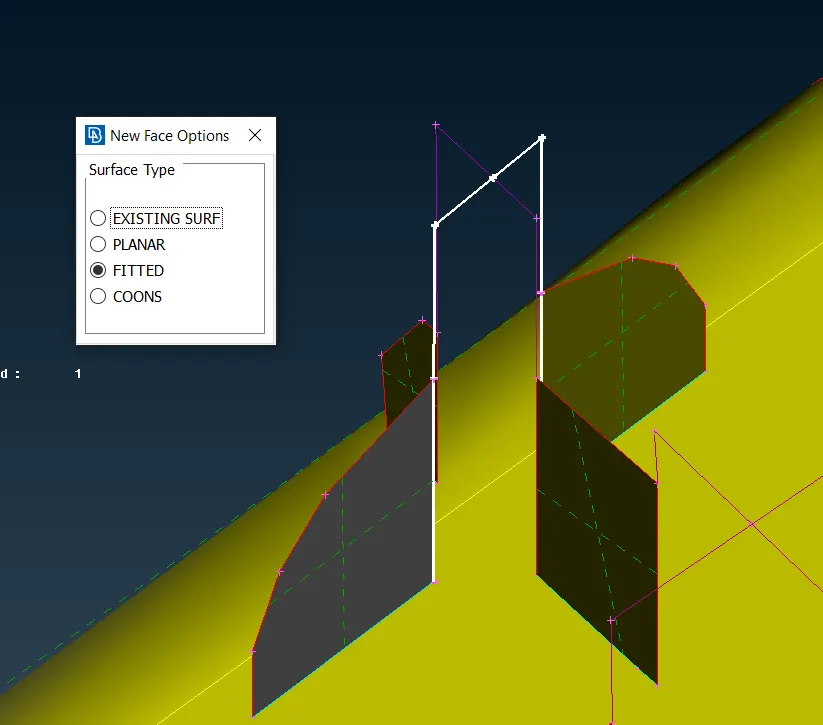
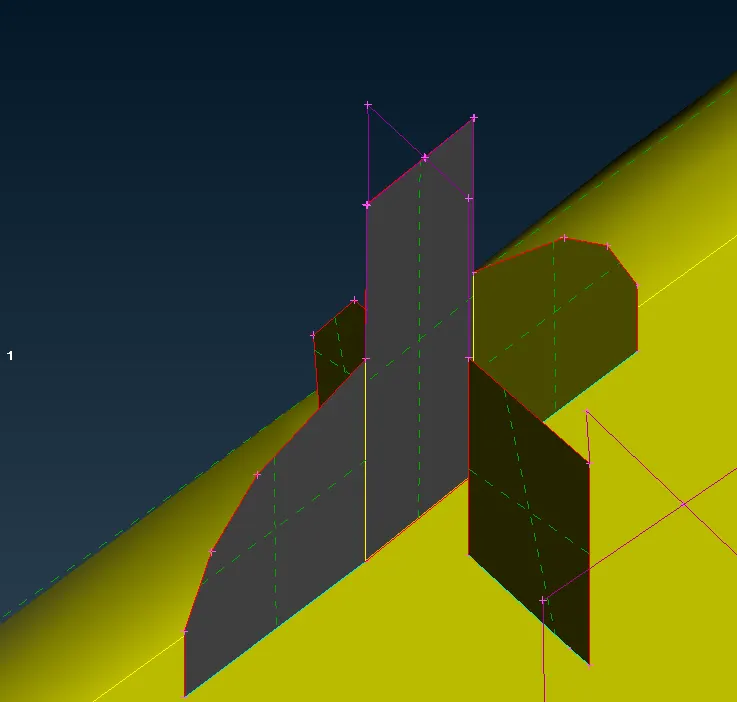
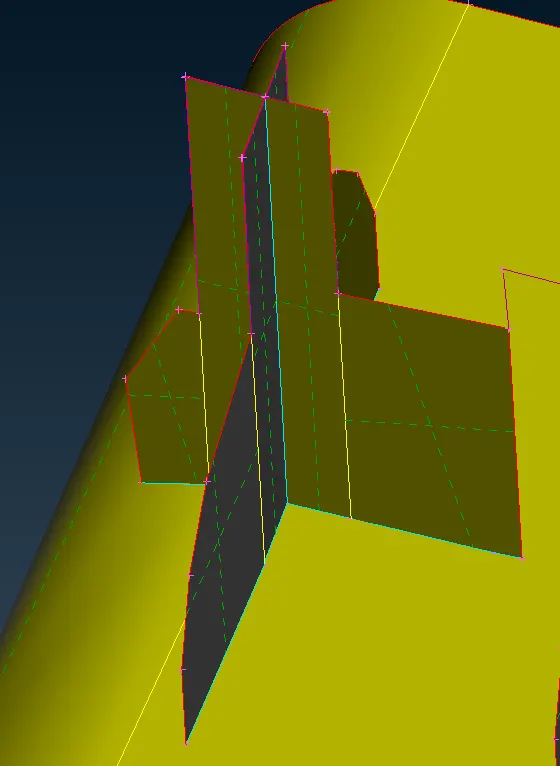
- Repeat the same steps to model all the doghouse and assign PID for those.
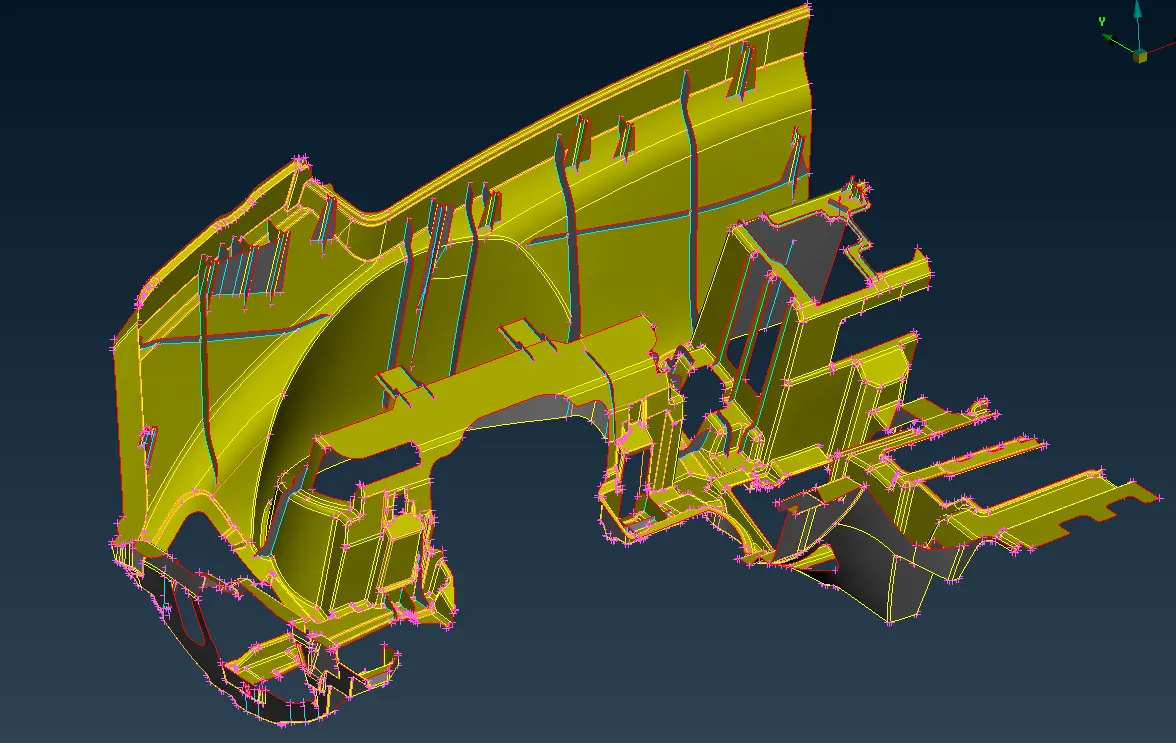
- After extracting mid again check for geometric errors and clear all the errors.
- Now set the model for target element length.
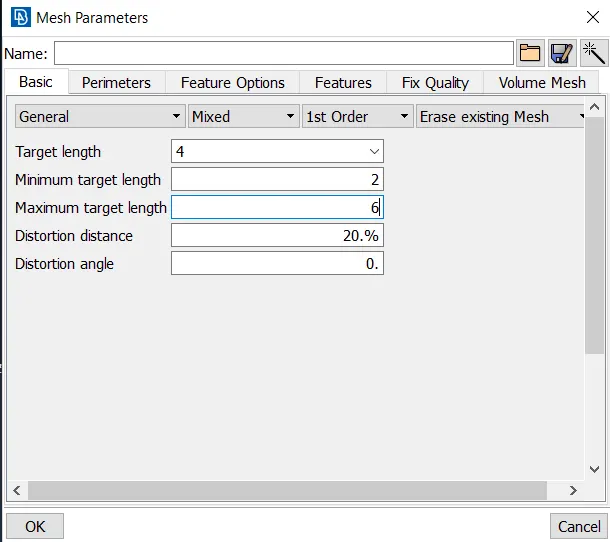
- After extracting the mid surface for the entire component set the component for target element length i.e., 4mm.
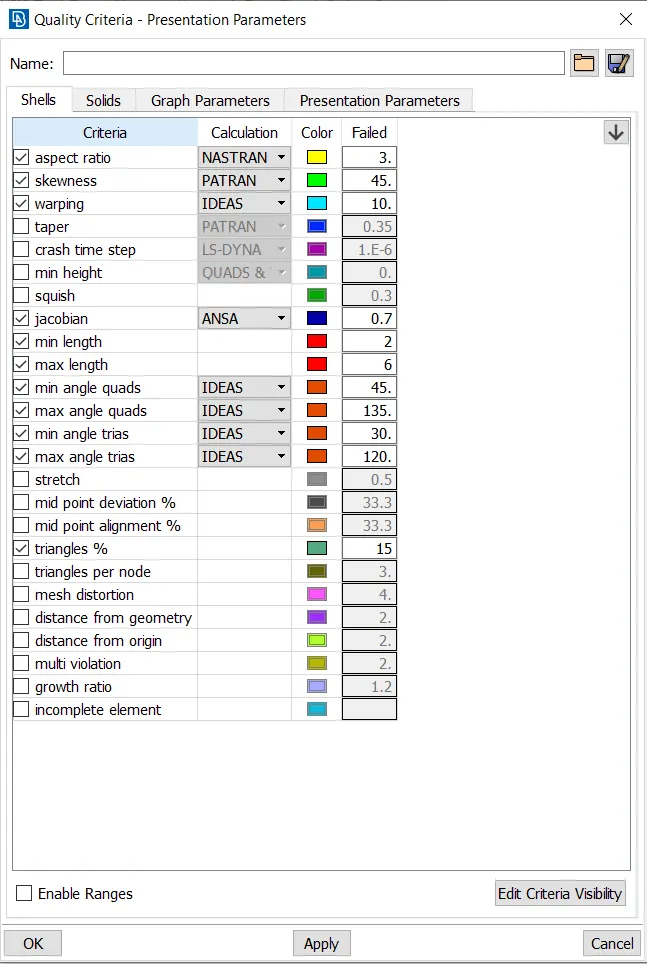
- Insert the mesh parameters and quality criteria.
- Insert mesh parameters.
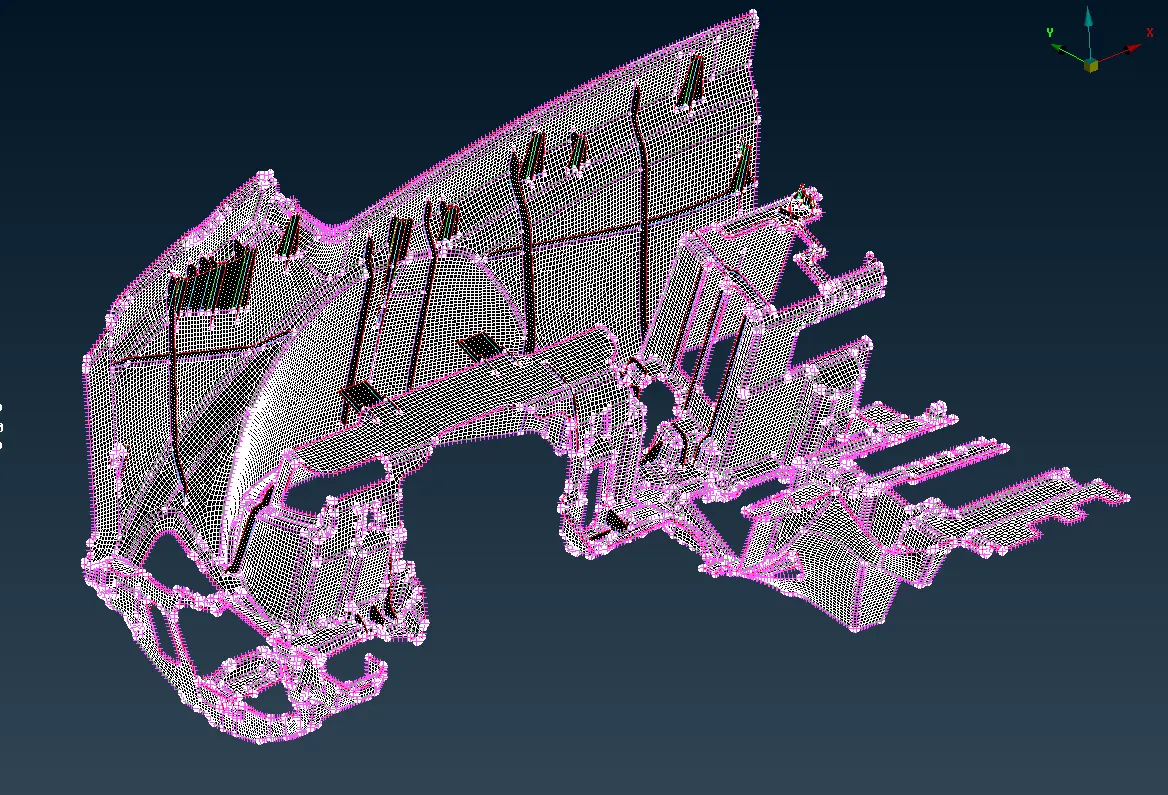
- Mesh the component by surface by surface to get proper mesh flow.
- Try to remove all the quality errors from the mesh.
- Draw the shell elements as solids.
Outcomes:
- Different methods of extracting mid are understood.
- FE modelling of the component is understood.
Results and conclusion:
- The mid surface for the given plastic components is extracted successfully.
- All the components have meshed according to the given quality criteria.
- The thickness is assigned for the given plastic component successfully.