Project 1 - 2D meshing on the instrumental Panel
Geometry check was done and erroneous features fixed
Mid Surface Casting was done and midsurface was extracted successfully
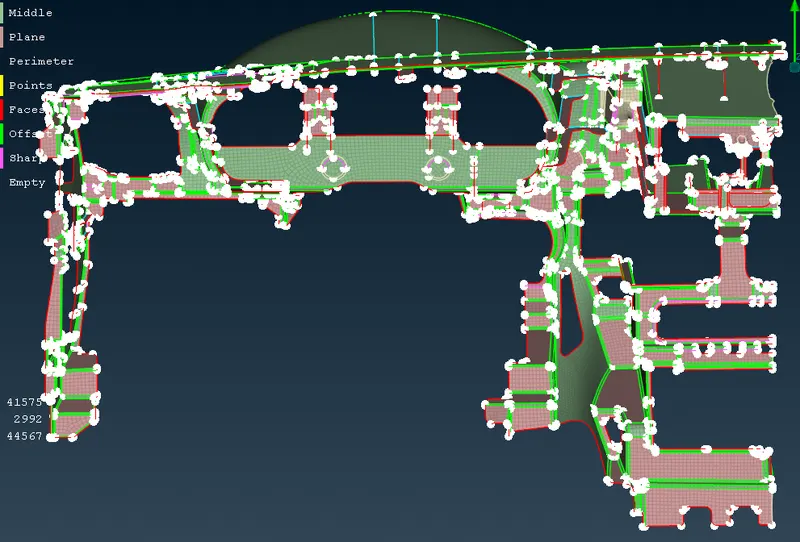
Two approaches were used.
1. Areas - New Middle, Edit and Add To Neighbouring Surfaces
2. Perimeters - New Points
Mostly the bottom region was corrected first and then the top surface using perimeters which were alligned.
Bottom region was corrected using NEW MIDDLE and highlighting surface pairs or using Edit or Add to
One more method was Select the Macro surface whch was out of plane and ticked stretched option and then used Allign on the top right corner to allign elements
Cut option and Join option were used wherever necessary and were used extensively
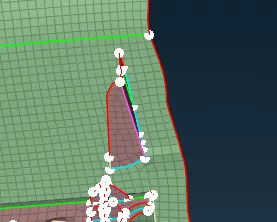
Allign Manager was used to clear midsurface mesh at the doghouse as shown above
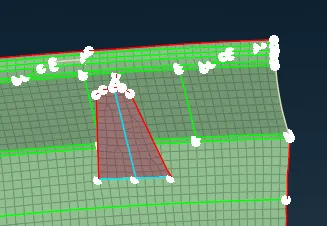
Allign Manager was used to work on 2nd doghouse and the midsurface mesh around it were cleared
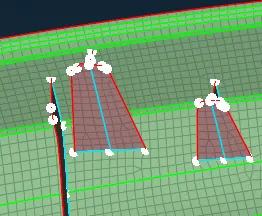
Similarly Allign Manager was used to work on above mentioned features and the midsurface mesh was cleared
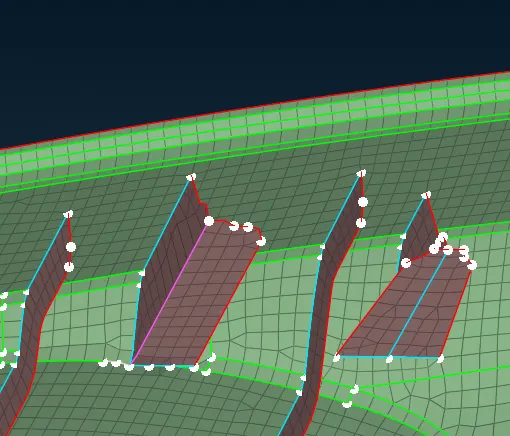
Allign Manager was used to clear midsurface mesh in this region
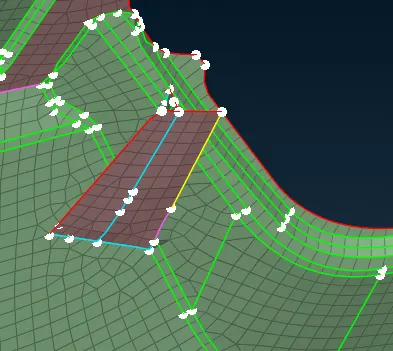
Allign Manager was used to clear midsurface mesh in the above region
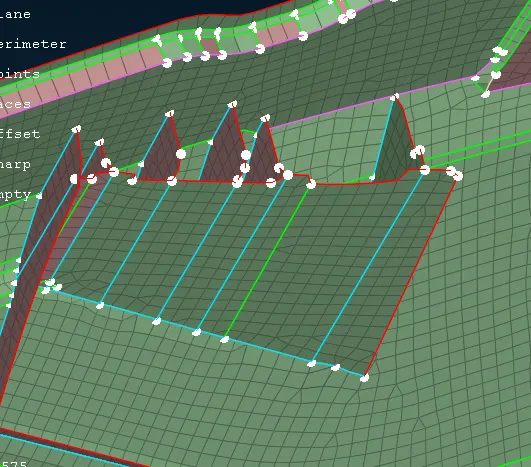
Allign Manager was used to clear midsurface mesh in the above region