Project 1 - 2D meshing on the instrumental Panel
Aim:
For the given instrumental panel to check for geometrical errors and mesh with given element quality criteria and thickness has to be assigned.
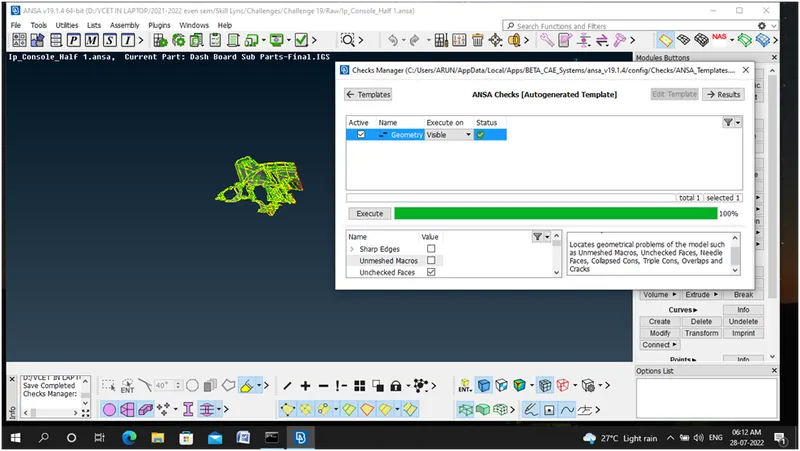
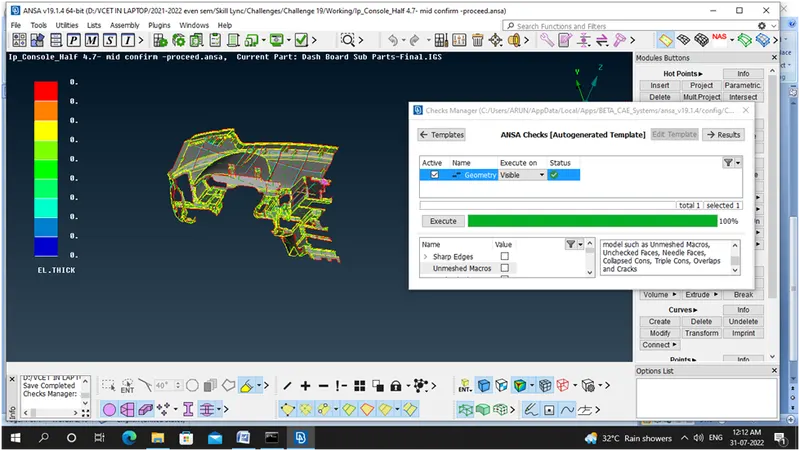
Step 1: Geometry Check –Errors done for parent geometry
Step 2: Mid Surface of the Component taken Successfully and I adopted by Manual Method because good mesh flow achieved in this while compared to casting or skin method.
Different PIDS fetched for different components
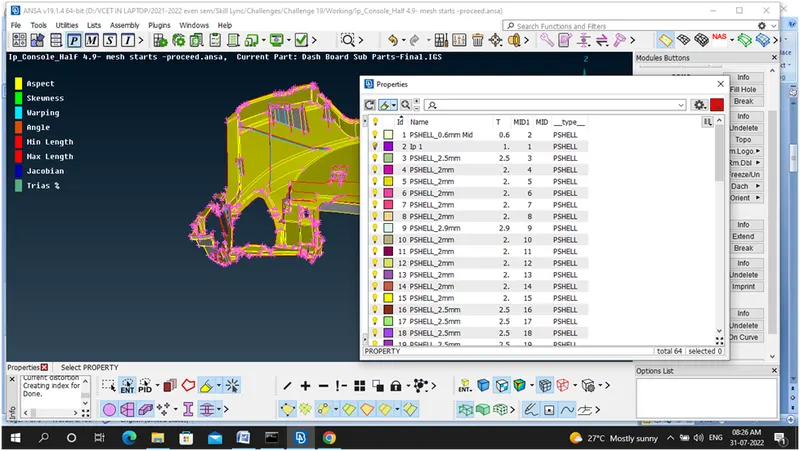
Dog houses are captured like this
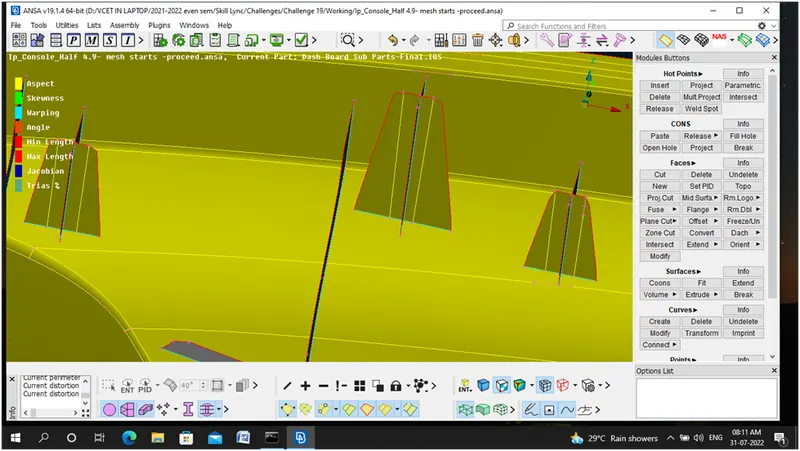
Ribs are captured like this
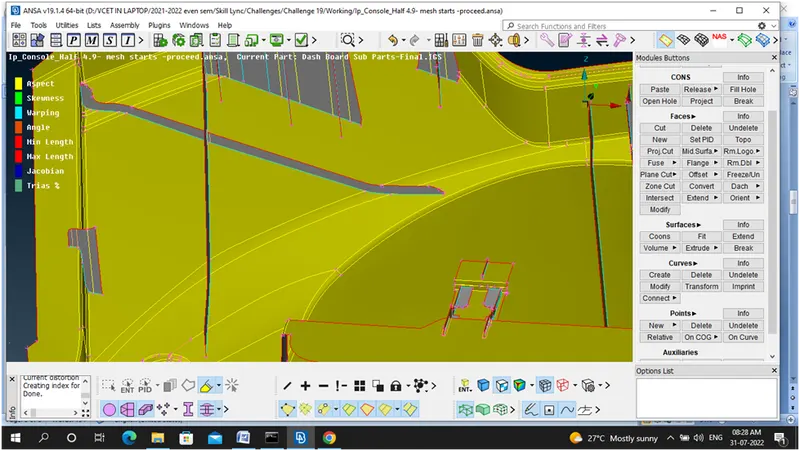
Mid Surface of the given IP model
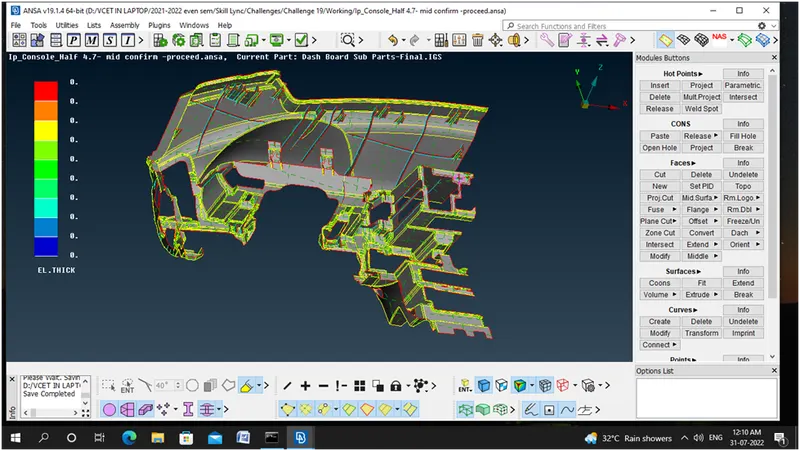
Step 3: Geometry Check for Mid surface – All issues Fixed
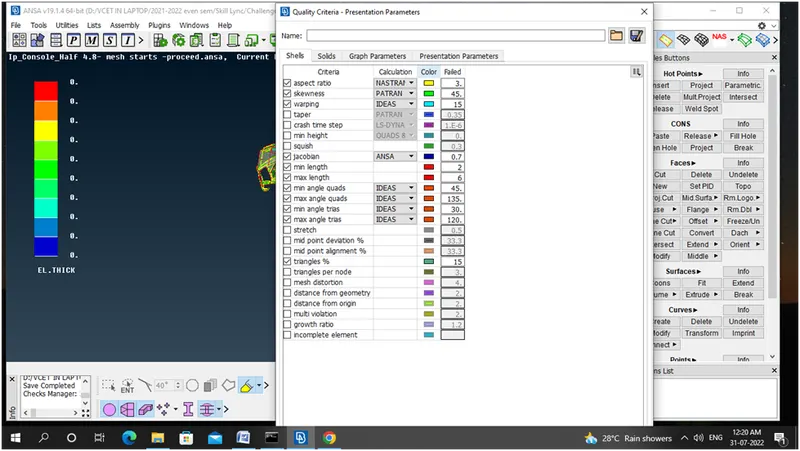
Step 4: Setting quality criteria
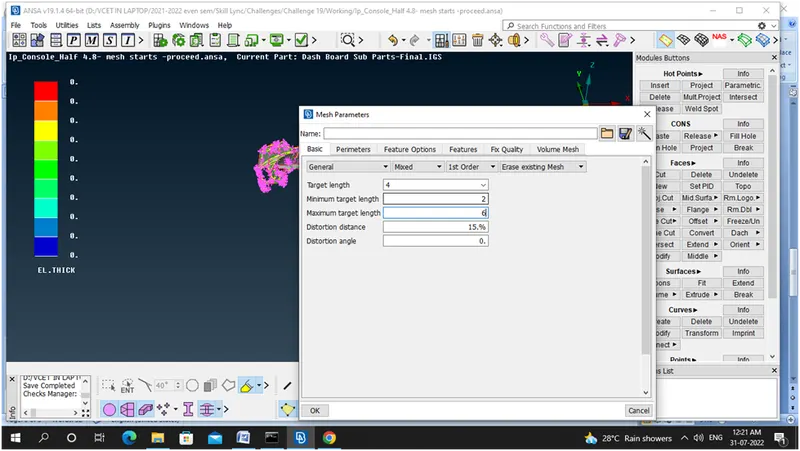
Step 5: Setting Mesh parametres
Step 6: Mesh Generation –Best Mesh Preferred area by area
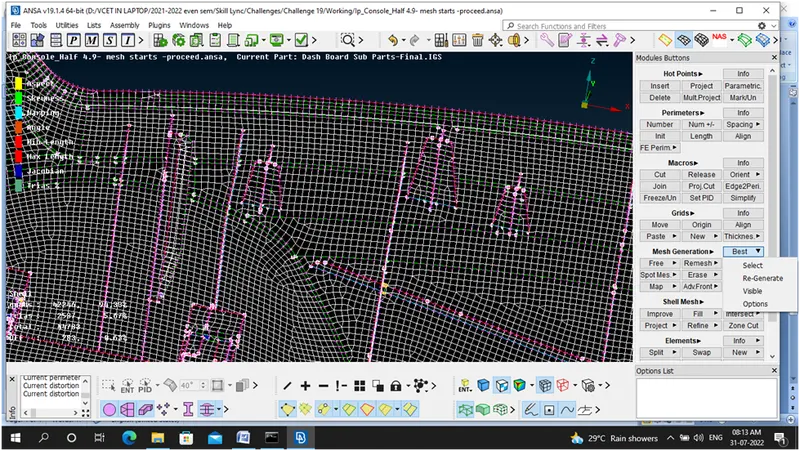
Step 7: Clearing the quality Criteria with the help of
Grids - Move free command,
Shell Mesh -Reconstruction Command, Reshape Command, Smooth Operation
Elements – Split, Swap and New
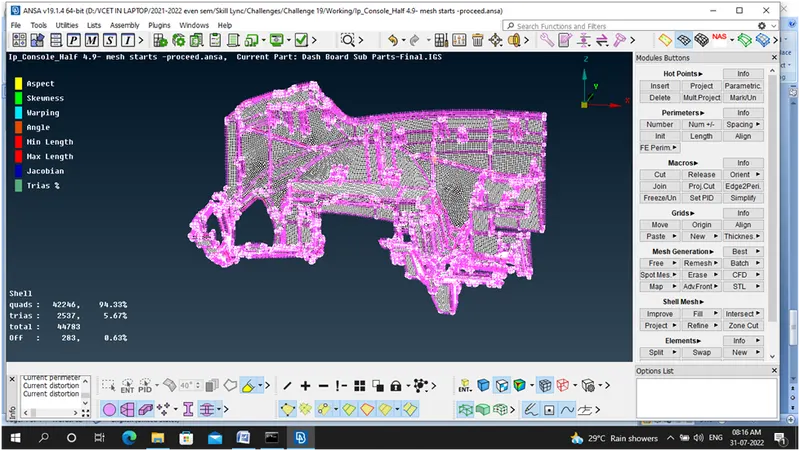
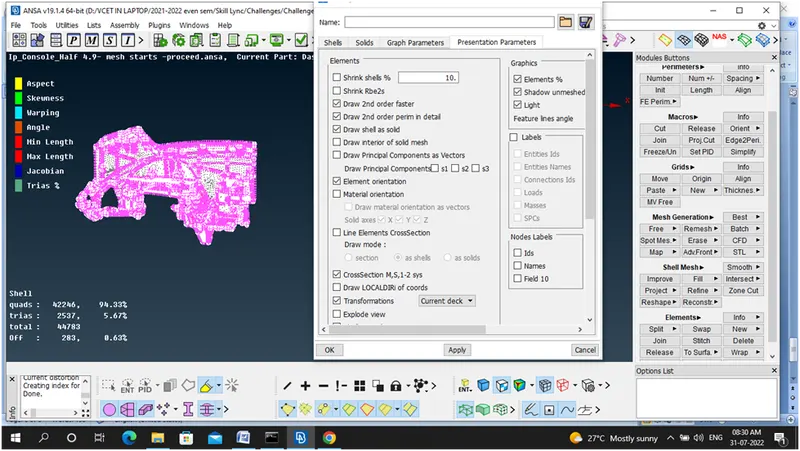
Step 8: Thickness assigned – Draw shell as solid
Learning outcomes:
How to utilize Geometry –Check command
How to utilize Manual mid generation method
How to set different PIDS
How to set quality criteria and mesh parametres
How to set use Mesh generation – Best method
How to clear the quality issues
How to assign thickness for the component
Conclusion:
For the given instrumental panel geometrical errors and mesh with given element quality criteria and thickness has to be assigned successfully.