Project 1 - 2D meshing on the instrumental Panel
Aim
For the given component:
a) Check for the geometrical errors
b) Make a 2D mesh with the given quality criteria
c) Assign the thickness according to the given CAD data.
Procedure
1. Imparting the Model
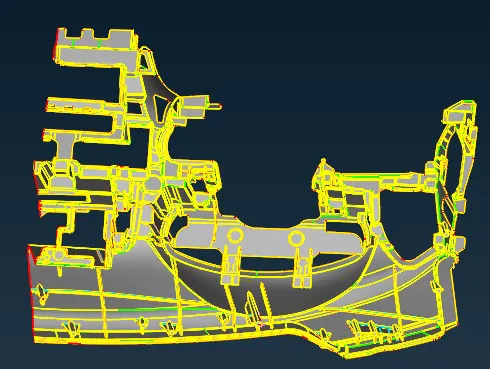
First of all, model was imparted in ANSA and after that TOPO was given initially to get proper stitching og the entities.
2. Geometry cleanup
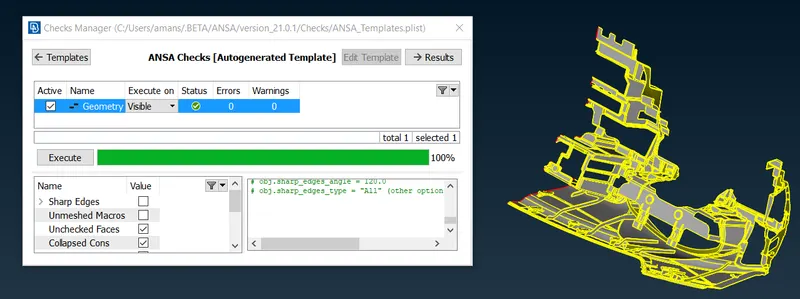
Geometry was checked using the check option and after that a number of errors were found as unchecked faces, triple cons, niddle faces and cracks etc. Most of these errors were diminished by fix option and remaining errors were vanished manually.
3. Midsurfacing
Midsurface was extracted using faces offset option. Most of the connections between the faces were achieved by extend, new surface generation option. After doing these operations, midsurface achieved is given below:
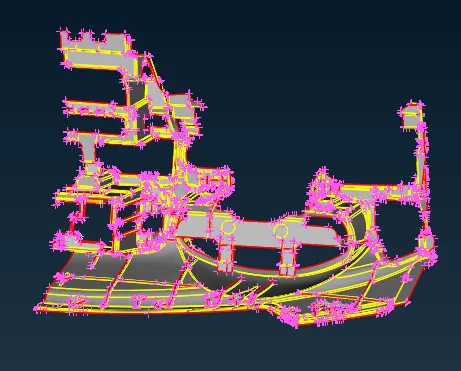
Offset distance was 0.3 for the parent surface and it was variable for rest of the features as per CAD data.
4. Meshing
After opening the midsurface in the mesh module, first the length of 4 mm was given to perimeter and macros to refine the midsurface. The quality criteria for mesh is given as:
|
S.No |
Quality Criteria |
Value |
|
1 |
Target/Average length |
4 |
|
2 |
Minimum Length |
2 |
|
3 |
Maximum Length |
6 |
|
4 |
Aspect |
3 |
|
5 |
Warpage |
15 |
|
6 |
Skewness |
45 |
|
7 |
Jacobian |
0.7 |
|
8 |
Minimum Quad Angle |
45 |
|
9 |
Maximum Quad Angle |
135 |
|
10 |
Minimum Tria Angle |
30 |
|
11 |
Maximum Tria Angle |
120 |
|
10 |
Tria Percentage |
15 |
Most of the mesh quality was achieved using reconstruct and smooth option from shell mesh toolbar. The sopt mesh method was used to achieve a good quality mesh.
5. Releasing of FE
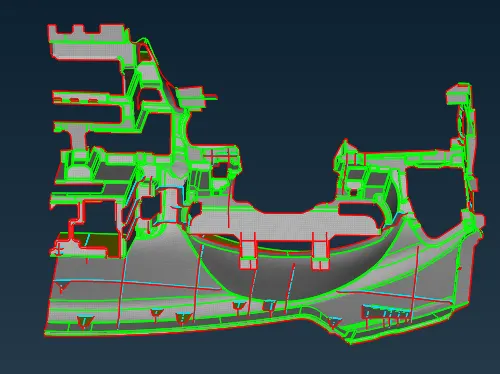
After completing the meshing of given model, FE was released using FE release option. A seperate PID was given to the FE. Released FE is given below:
6. Thickness Assignment
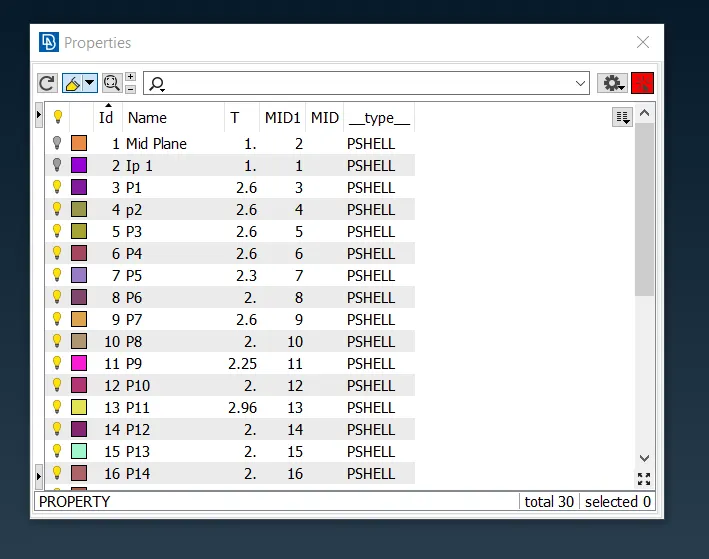
After releasing the FE, thickness was assigned to the different features using different PID's. There are various special kind of features present in the given model such as dog houses, ribs etc. The PID and thickness data for the given model is as per given below:
Results
a) Geometry was cleaned up successfully for the model.
b) Midsurface was extracted and orientation was properly monitored.
c) 2D Mesh was deployed as per given quality criteria
d) Thickness values were assigned as per given data using different PID's.
Conlusions
a) Learnt to deal with complex geometry cleanup.
b) To deal with midsurface extraction in case of complex features.
c) To create a good quality 2D mesh in case of complex and closed features.
File Google Drive Link
https://drive.google.com/file/d/1_uD1Ax8j97rg2kyspRMA9D2HgOH5mp7O/view?usp=sharing