Project 1 - 2D meshing on the instrumental Panel
Aim:
The Aim of this Challenge is to Model the IP_console using Shell Elements. This Geometry has Constant thickness Features & Features with different thickness.
Procedure:
The steps followed in Creating the FE-Model for IP Console is given below,
- Topology or Geometry Clean up
- Extraction of Mid Surface
- Assigning Thickness to Mid surface.
- Meshing of FE Model
TOPLOGY/GEOMETRY CLEANUP:
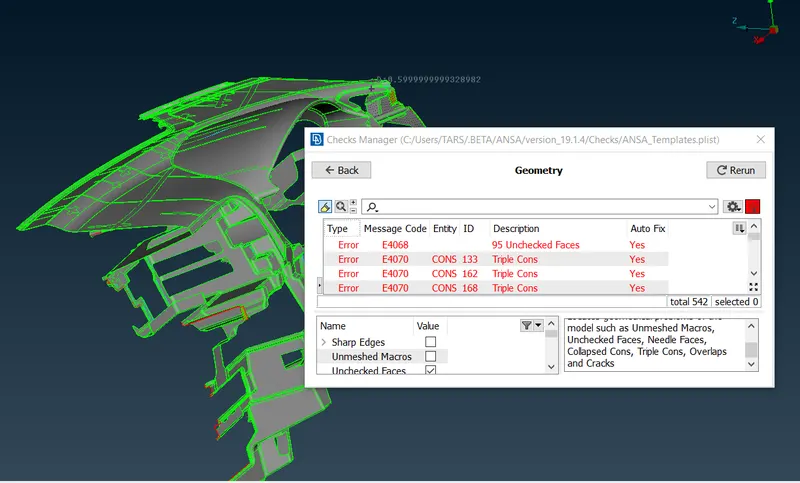
This is the First step in creating the FE-model. The Geometric errors has to be removed, before extracting the midsurface. Below Screenshot shows the Error present in the Geometry before geometry cleanup. The Given Geometry has lot of Errors as indicated in the Screenshot.
These Geometric errors is removed and the Geometry is Very Clean before extraction of the Midsurface. The
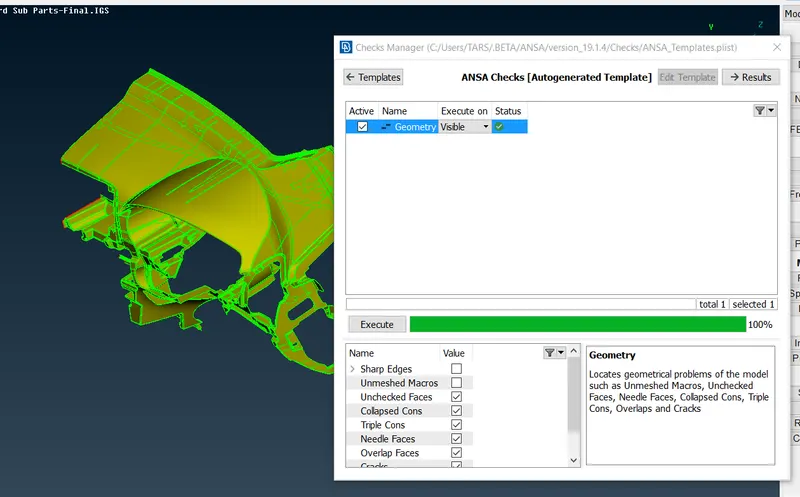
The Geometry is checked for Collapsed Cons, Triple Cons, Overlap Faces & Needle Faces etc., this Geometry it self has single Cons hence single cons are not taken into consideration.
EXTRACTION OF MID-SURFACE:
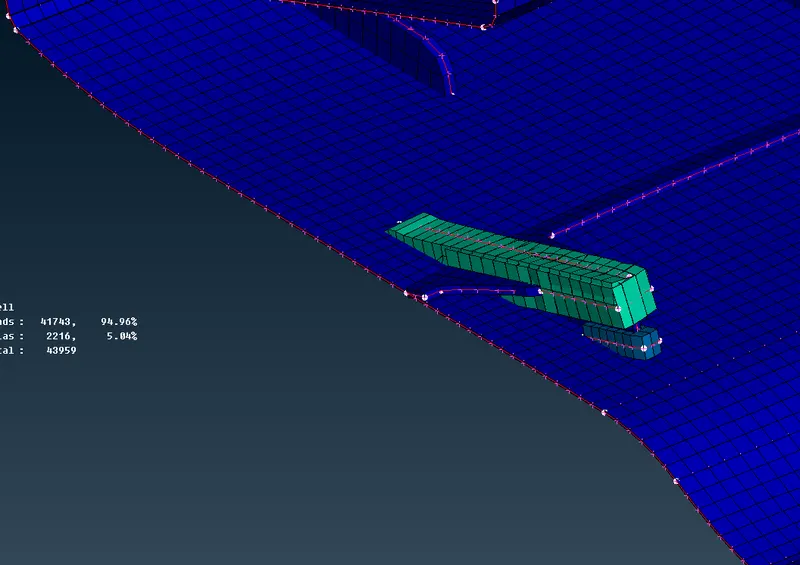
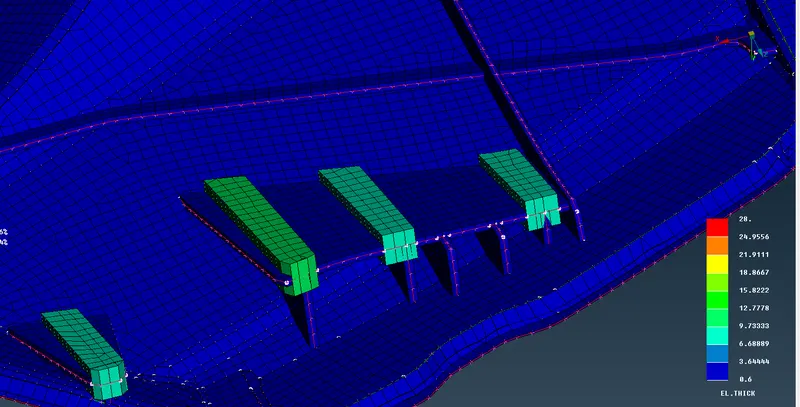
The Midsurface is done manually using the Offset Command for Features having Constant thickness. Most of the Features in the given geometry has the Constant thickness of 0.6mm. The Ribs has different Thickness such as 2.5 and 2mm., The Midsurface of the Ribs are obtained using the Faces_middle Option. The Midsurface Extracted for some of the Critical Features are shown below,
Mid Surface Extraction of Ribs:
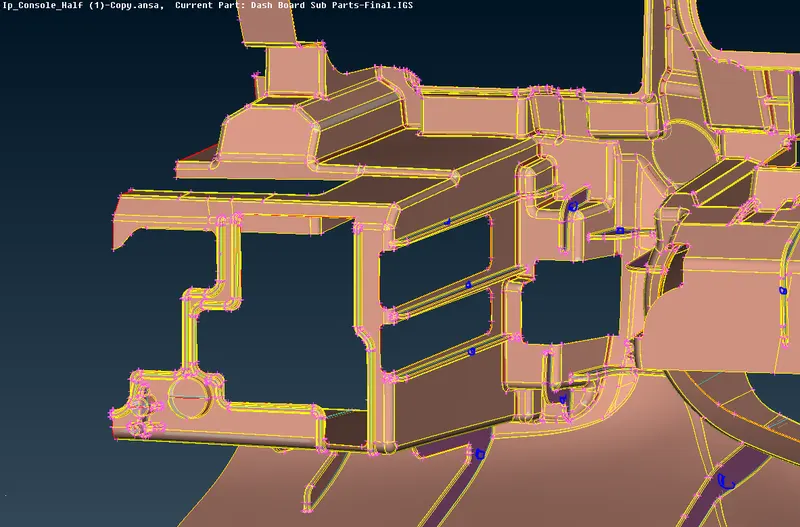
Mid Surface Extraction of Dog houses + Ribs
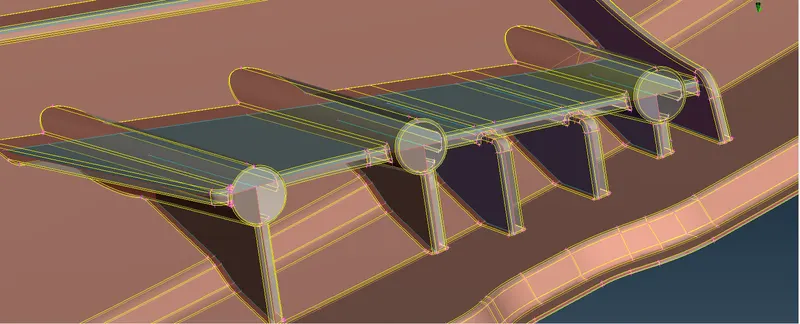
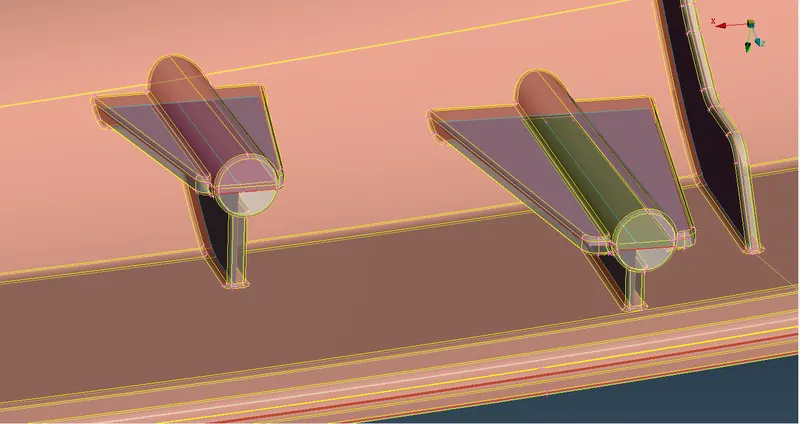
Mid Surface Extraction of Dog Houses-2
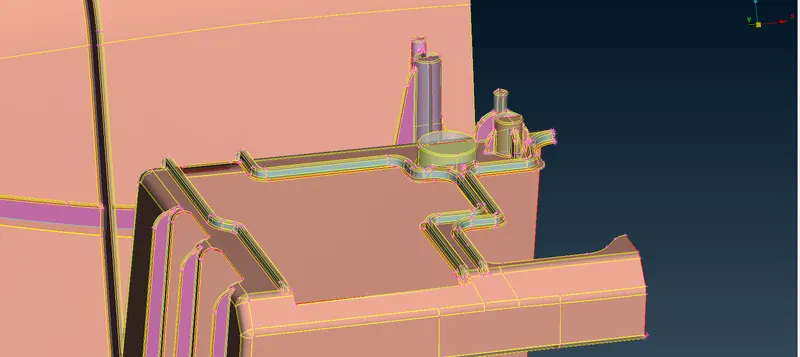
Once the Midsurface Extraction is completed for Dog-houses and Ribs they are connected to the Midsurface of Main body with constant thickness of 0.6mm. These Connections Forms a triple Con.Assigning Thickness to Mid surface.
ASSIGNING THICKNESS TO MIDSURFACE:
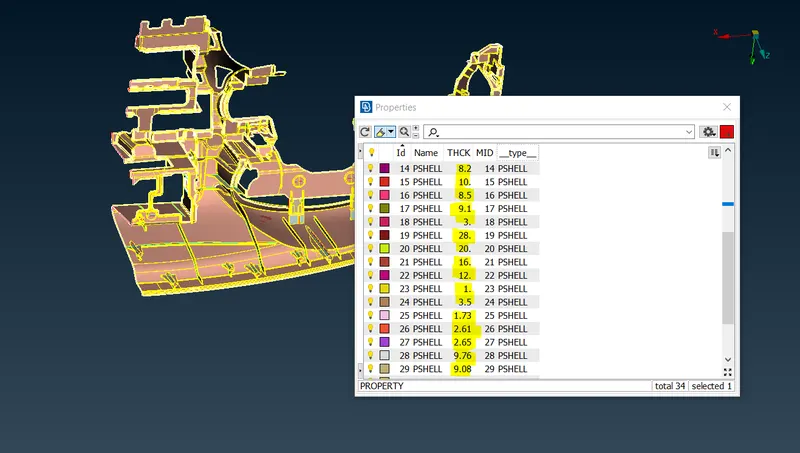
The Geometry has Features of Varying thickness, hence it is necessary to assign a relevant thickness to doghouses and Ribs inorder to capture the Features correctly. Hence different Property IDs are created
DEFEATURING OF MIDSURFACE:
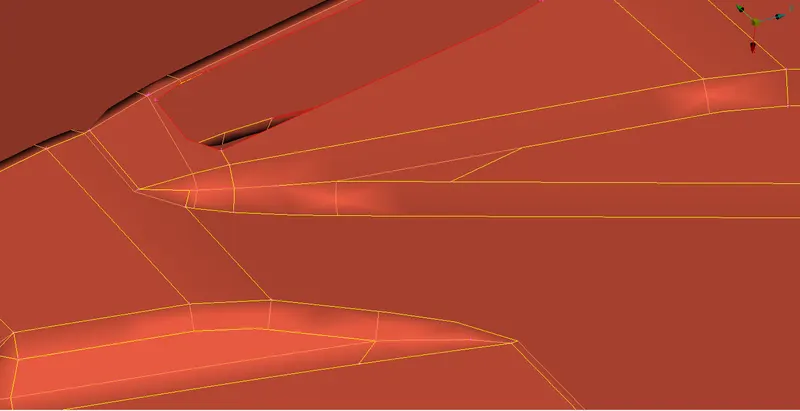
Before Meshing the Geometry, the Defeaturing is done at certain areas to avoid Quality Erors due to maximum & Minumum Length Criteria,
MESHING OF THE MIDSURFACE:
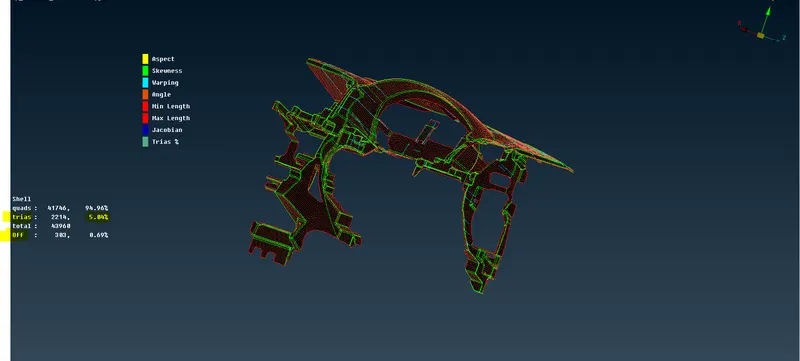
The Model is meshed using the Batch & Best Mesh Options. When Using Batch Mesh option, ANSA does abrubt defeaturing Hence it is not used in features (Dog Houses + Ribs) with Varying Thickness where we need to asign different thickness for different macros. The Mesh Parameters are set with Target length of 4mm with Minimum Length as 2mm and Maximum length as 6mm. The Quality Crieteia such as Aspect Ratio, Skewness, Warping, Quad ANgles, Minimum Length, Maximum Length, jacobian and Trias are given Input and Checked. Due to the Presece of Triple Cons, certain Off elements are Present, since the Triple Cons cannot be supressed. These elements are left as it is because it is not possible to solve for Quality.
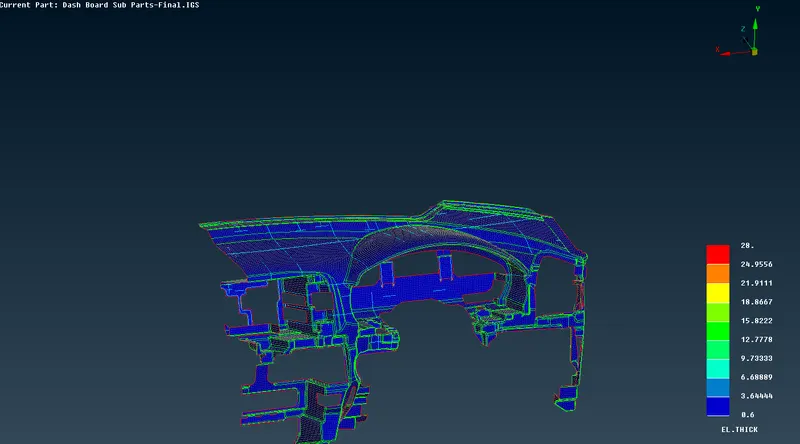
Mesh After enabling Element thickness is shown below, you can see from below figure that the Different thickness are assigned according to the Features thickness.
Meshed Geometry is Compared with Original Geometry using the Option " Draw shell as Solid". The Meshed model is found to be the good approximation of original Geometry.
Conclusion:
The FE-Model is done for Given geometry (Ip_Console).