Project 1 - 2D meshing on the instrumental Panel
AIM: To mesh the given model as per the mesh parameter and quality criteria.
PROCEDURE:
Step1: Import the give model in ansa format.
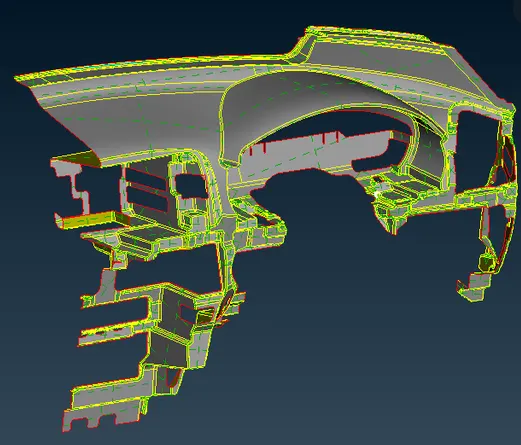
Step2: Fixing the Geometrical issues.
- Runing the Check Geometric to know the geometrical imperfections.
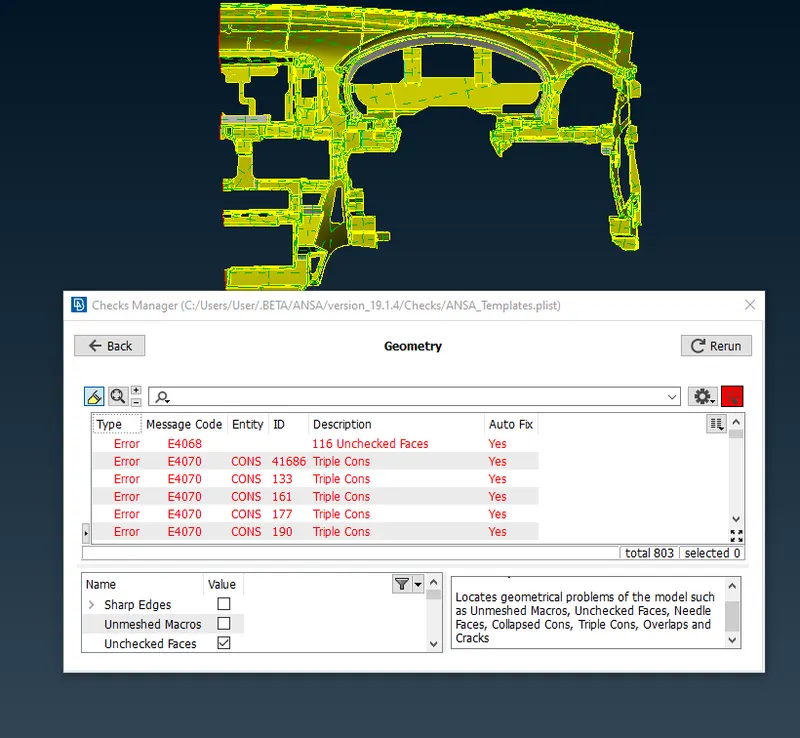
- Using Auto fix to fix some of the errors.
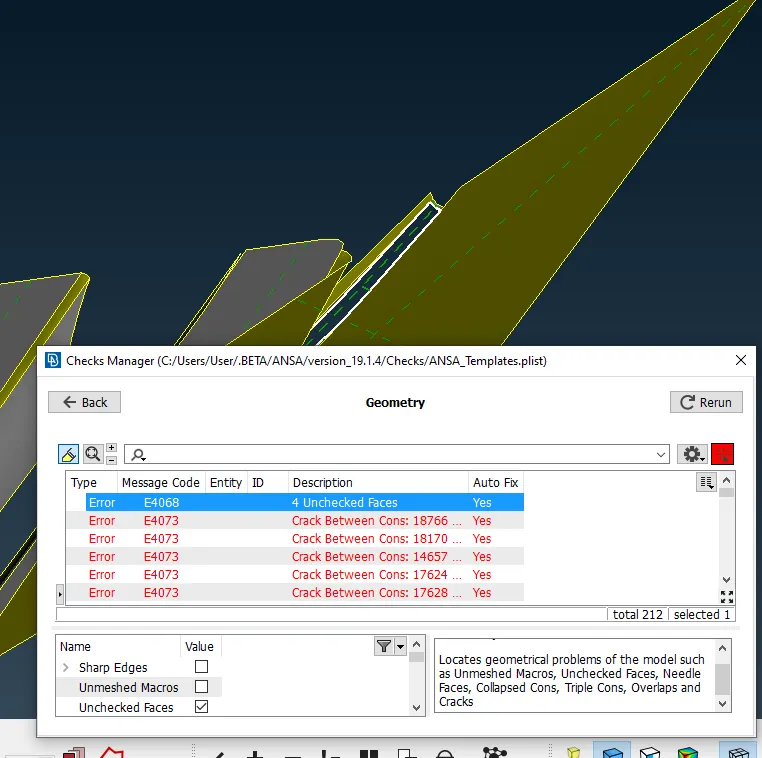
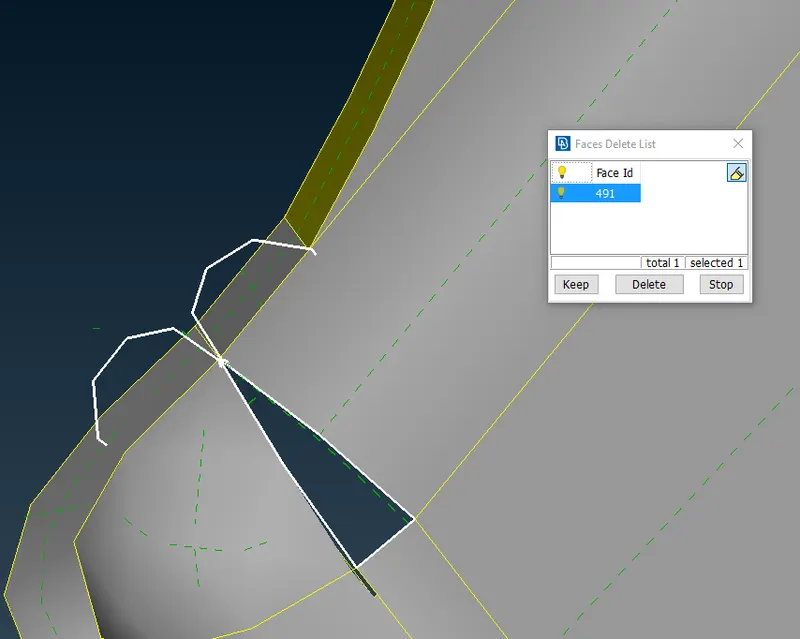
- Fixing the unchecked faces By deleting the macro ang creating the new macro or faceses using Faces>new>coons and cleared all the geometry.
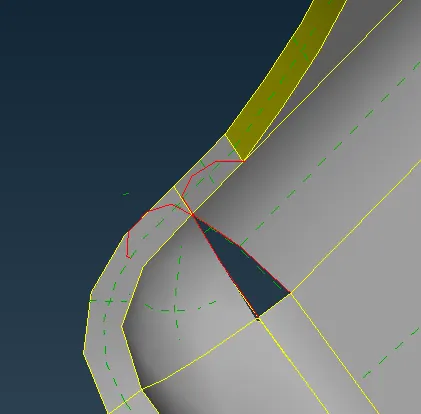
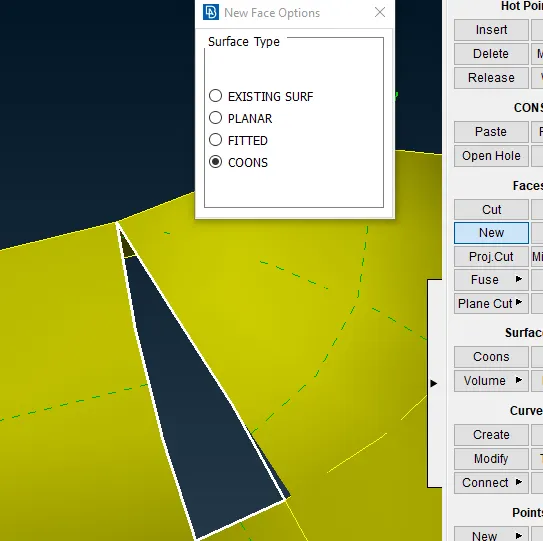
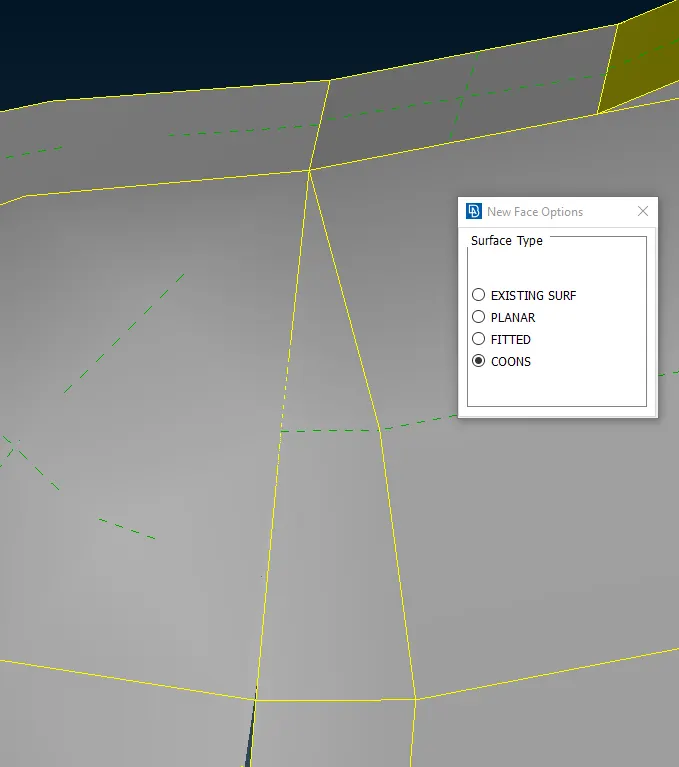
Step3: Using oriant command to oriant the surface and also measuring the surface to create the mid surface.
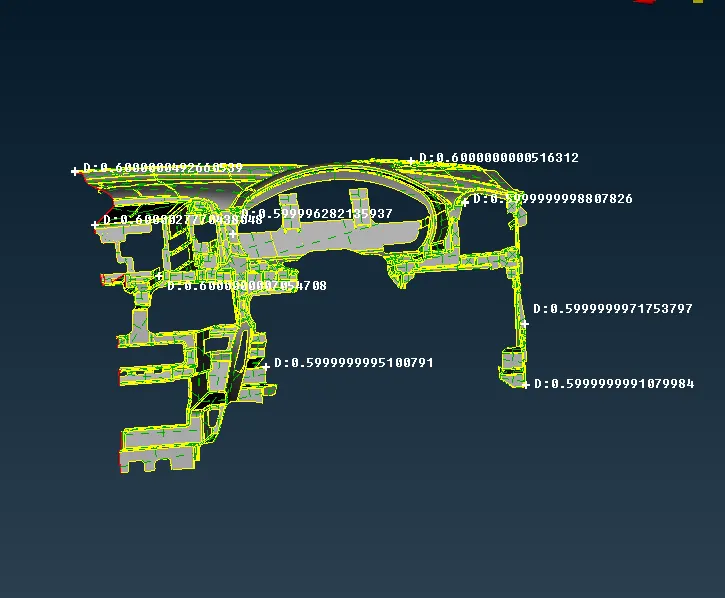
Step4: Using offset command to take the Mid surface .
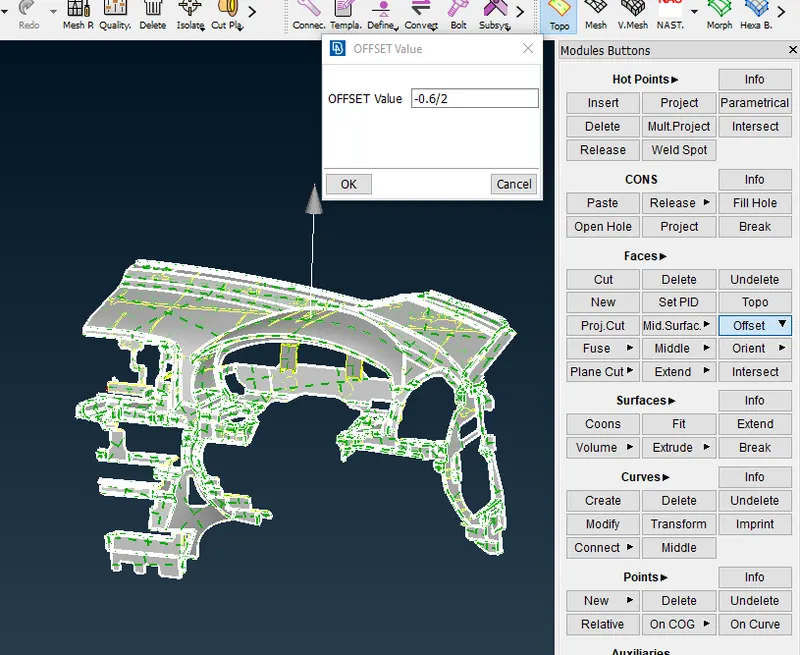
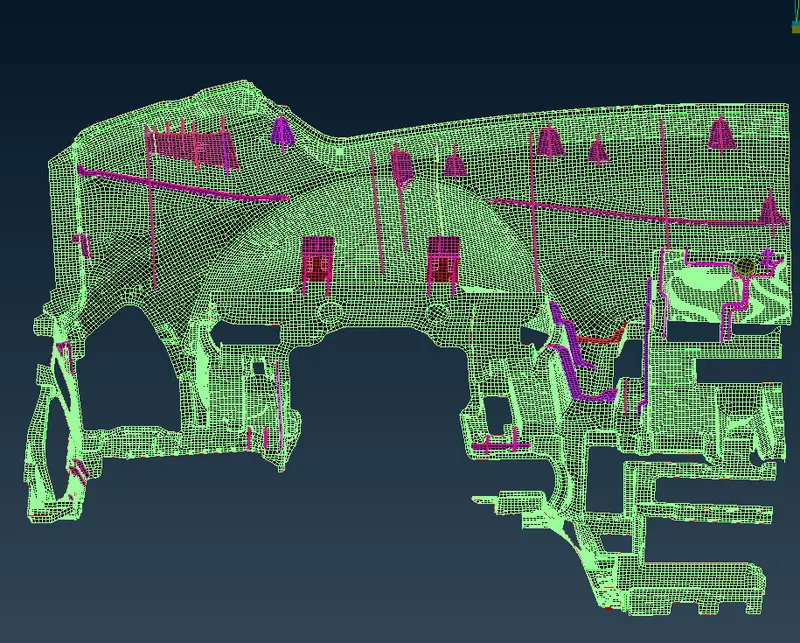
- Creating the midsurface for ribs using faceses> middle option and Offset option, Following the same procedure for the rest of the ribs.
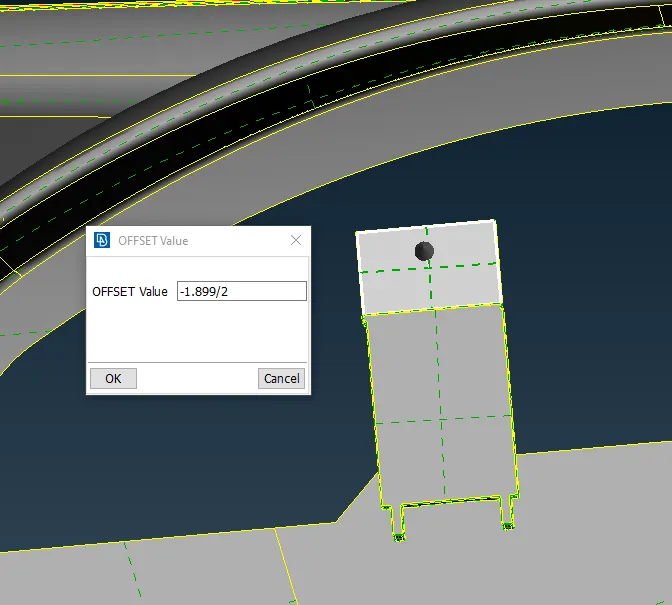
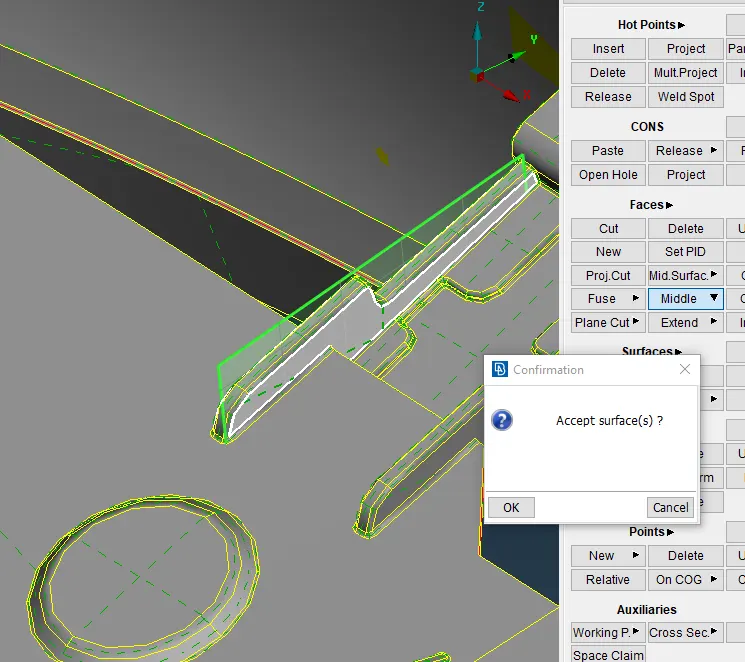
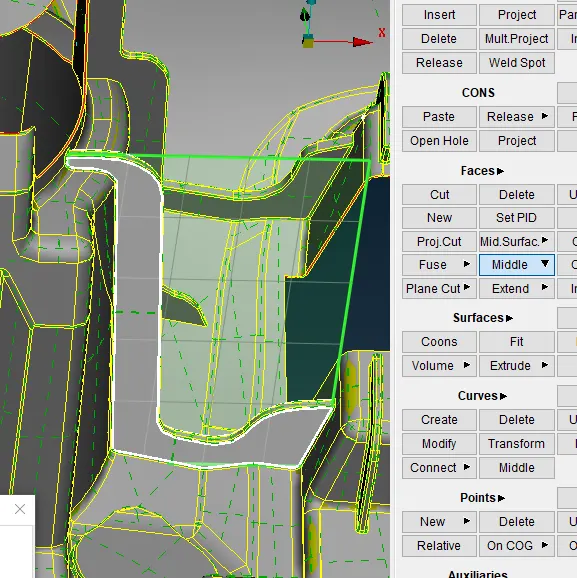
- Creating the midsurface to capture the dog house , using Curves >cons to curve option in order to create the surface and using faces>middle option to create the ribs
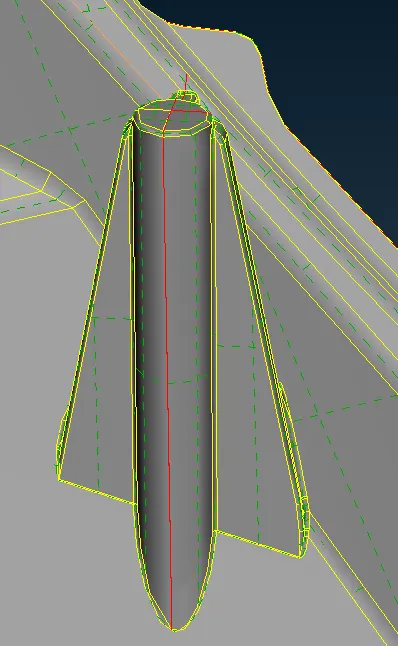
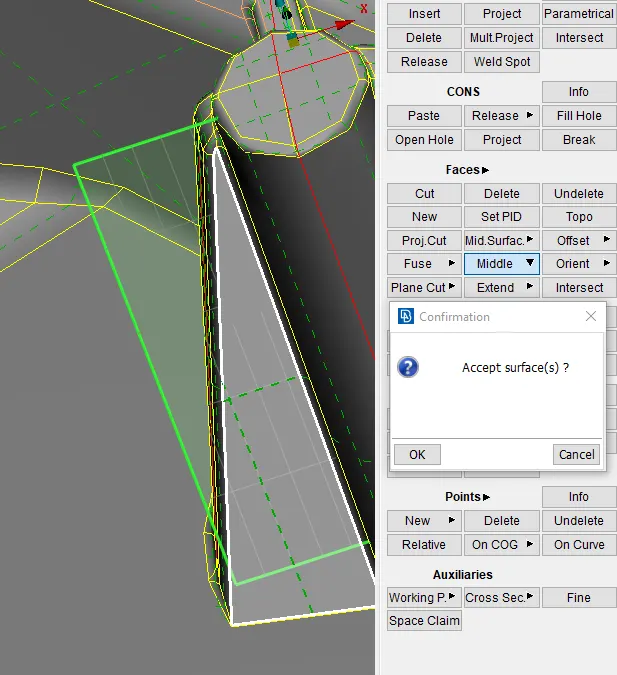
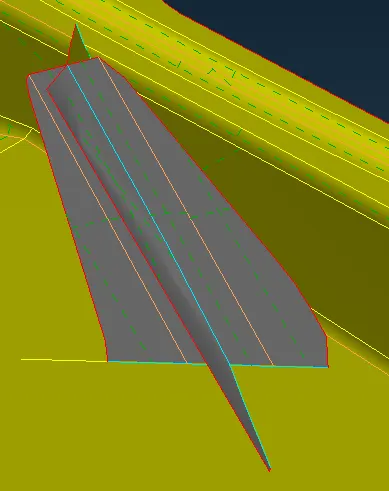
- Capturing the below feature by using faces>offest dist 0.5 in order to get the midsurface of the feature.
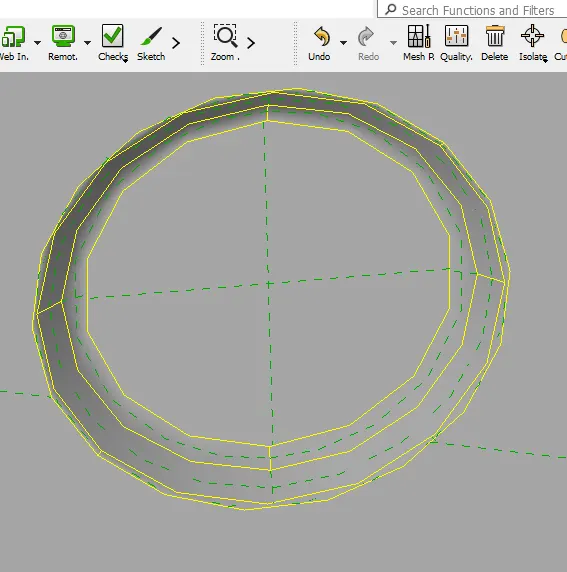
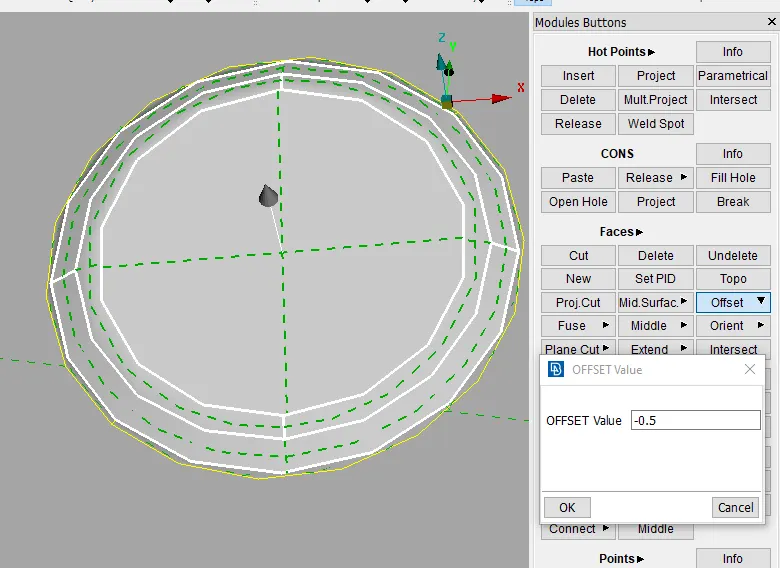
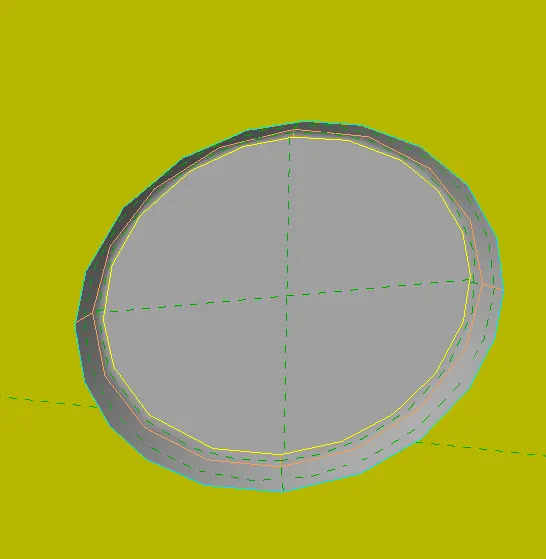
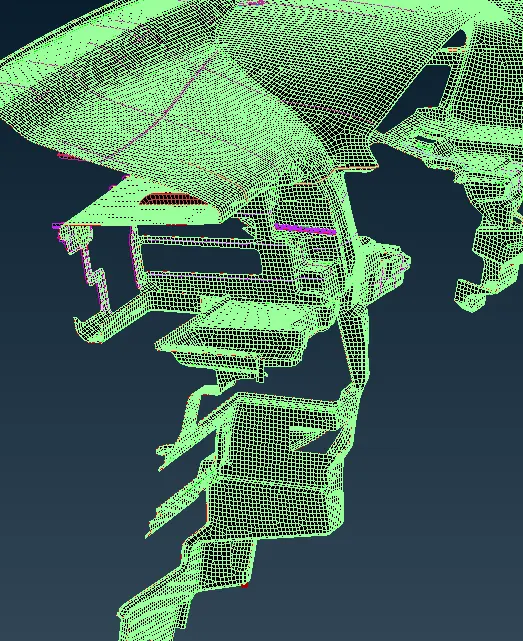
Step5: Meshing the Mid surface using the given mesh parameter.
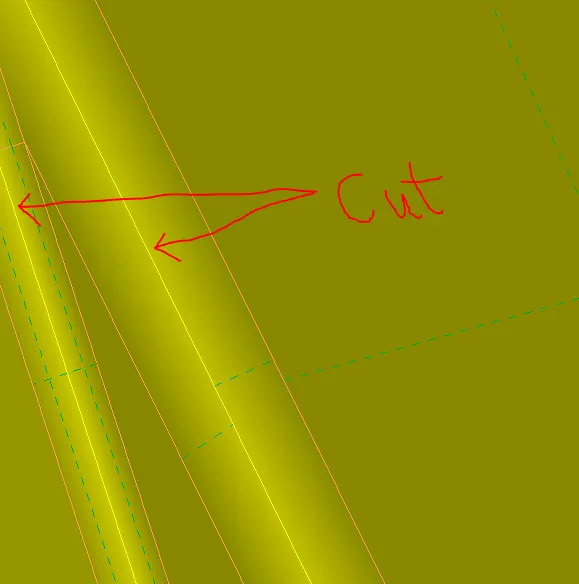
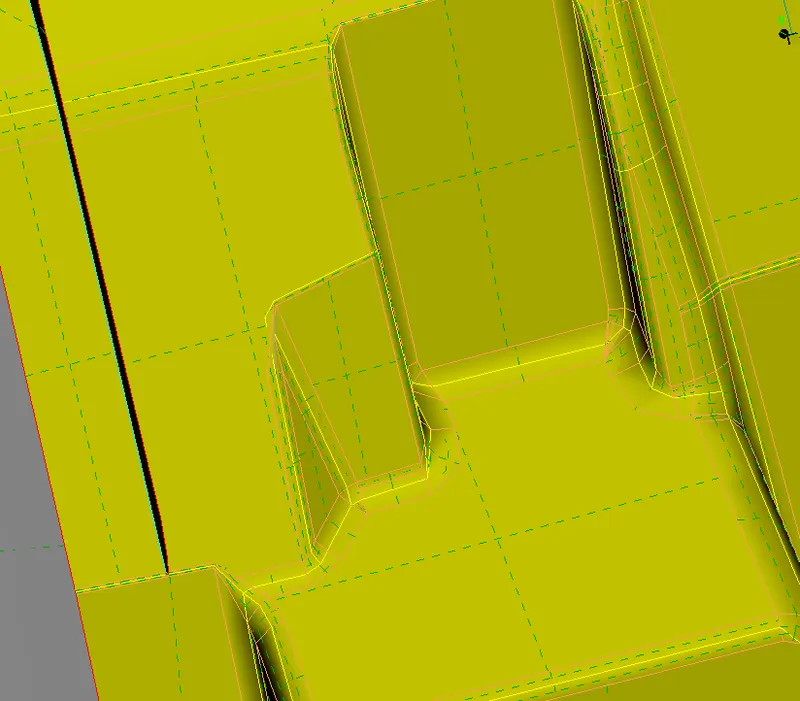
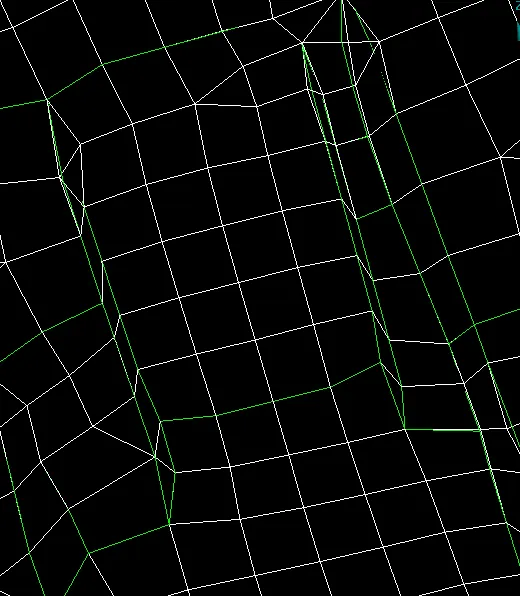
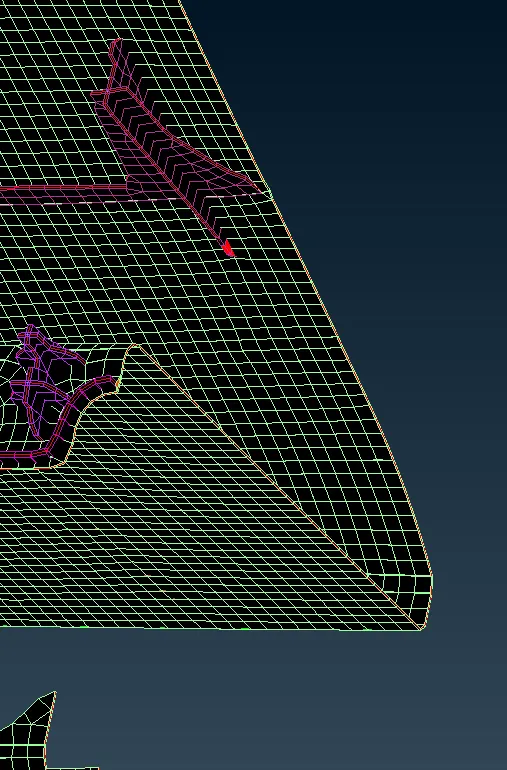
- The fillet radius is less then 2mm which was failing for minimum length, by creating the cut in the middle to capture the fillet peak as well as removing the off elements.
Step6: Without enabling thickness.
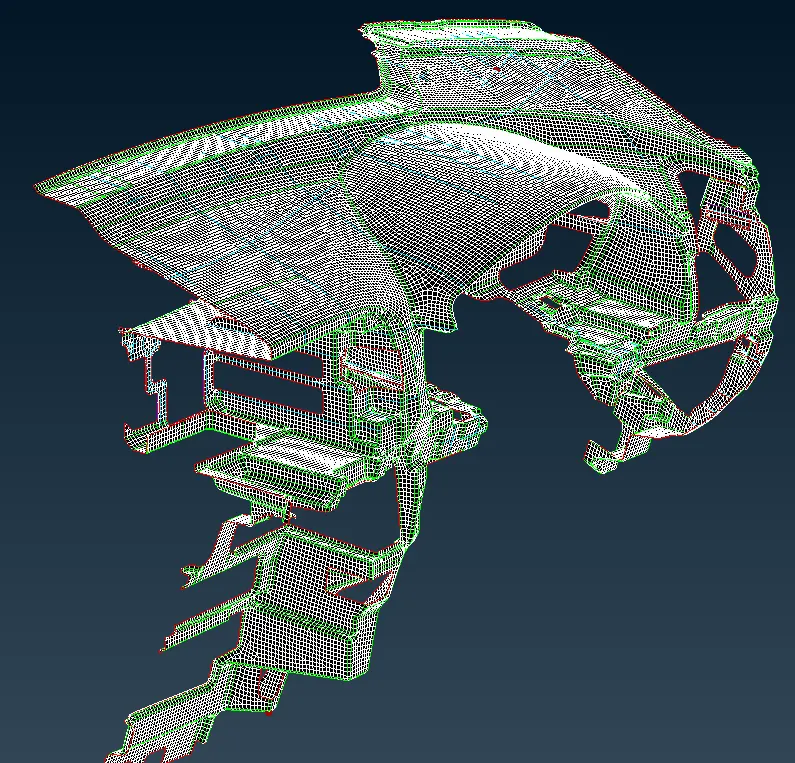
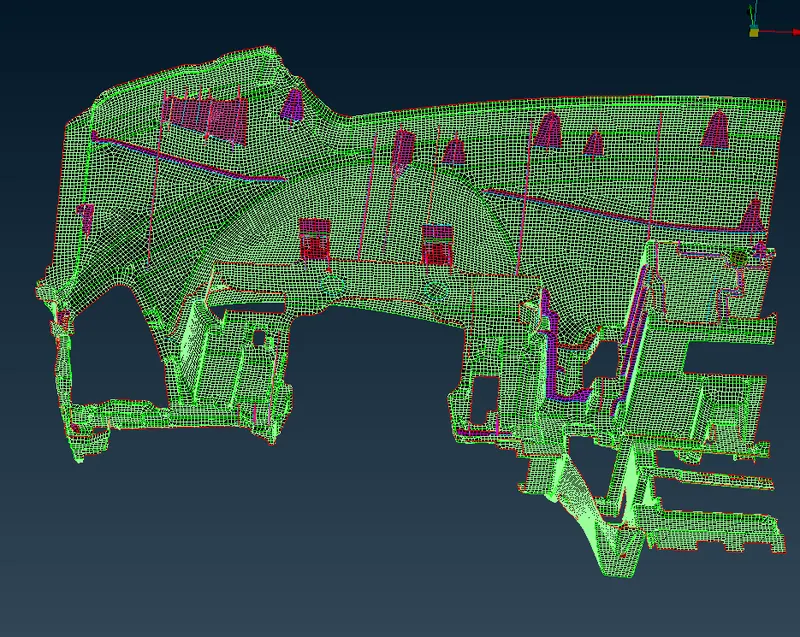
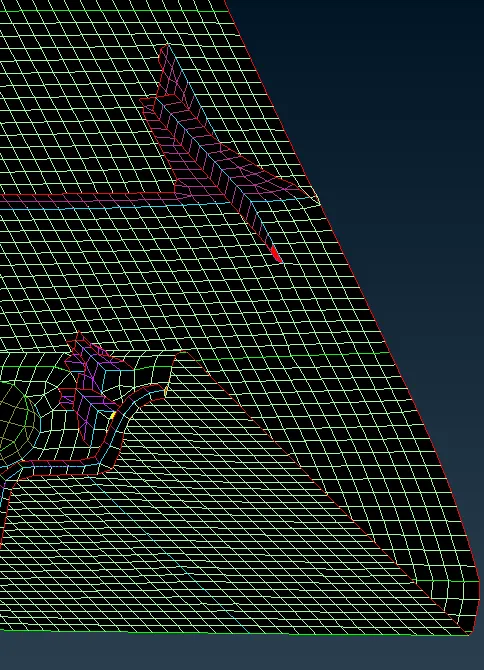
- Enabling thickness Quality criteria>reprensentation >check draw shell as solid.
LEARING OUTCOMES:
- Learned to caputure midsurface of dog house and different feature.
- Learned to caputure ribs using middle option
- Learned to caputure fillets elements.
- Learned how to defeature and remove the off elements
- learned to move the the elemtes using move option to remove off elements
CONCLUSIONS:
Created the midsurface and meshed the the given model by adhering to the quality criteria and mesh parameter.