Project 1
1)
ANS:-
AIM:- To perform Form-Finding of a Hyper form using RFEM software.
PROCEDURE:-
- First open the RFEM software and select new file and a new dialogue box is appeared as shown below.
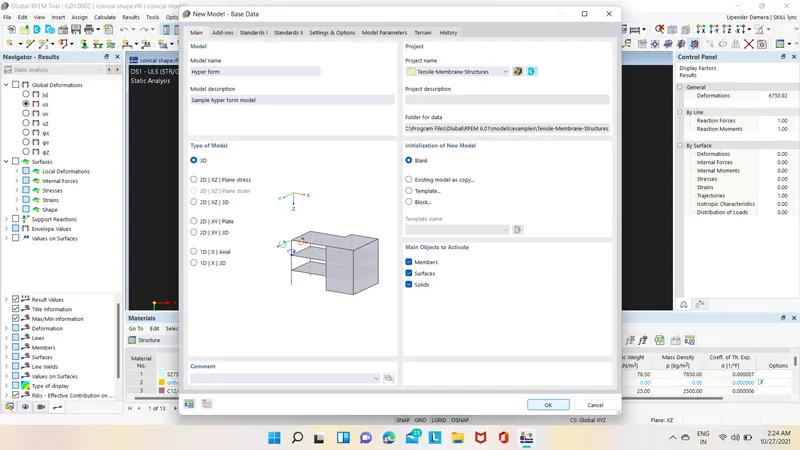
- In that box give the name and discreption about the model as shown below.
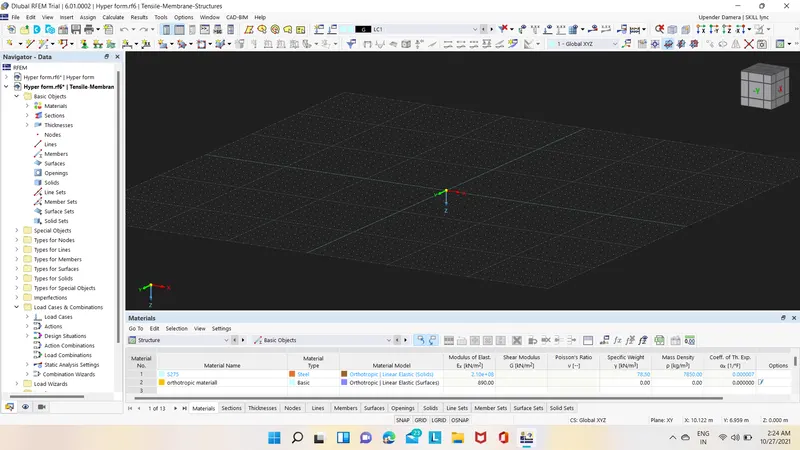
- After that select node option and create nodes as shown below.
- Next draw the lines using the line command in the ribbon tab as shown below.
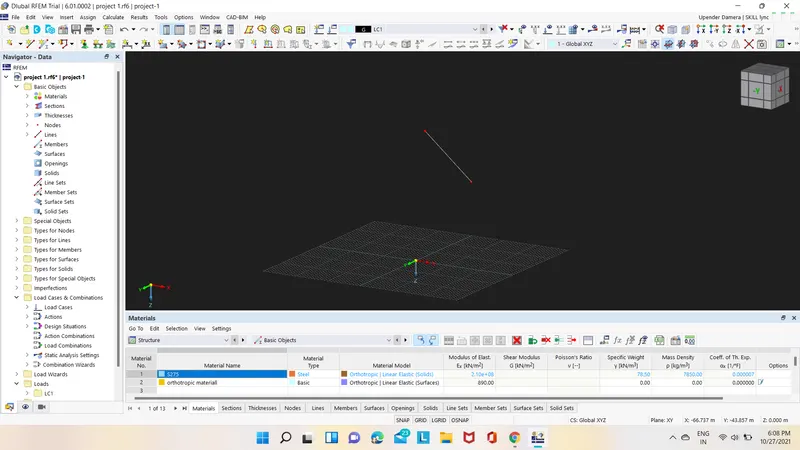
- Then select that line and double click on it and select surface as Quardrangle and click ok then the conical form is formed as shown below.
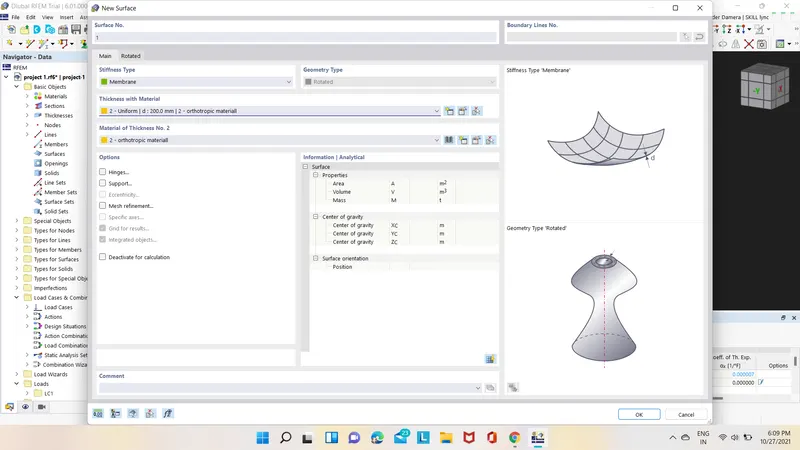
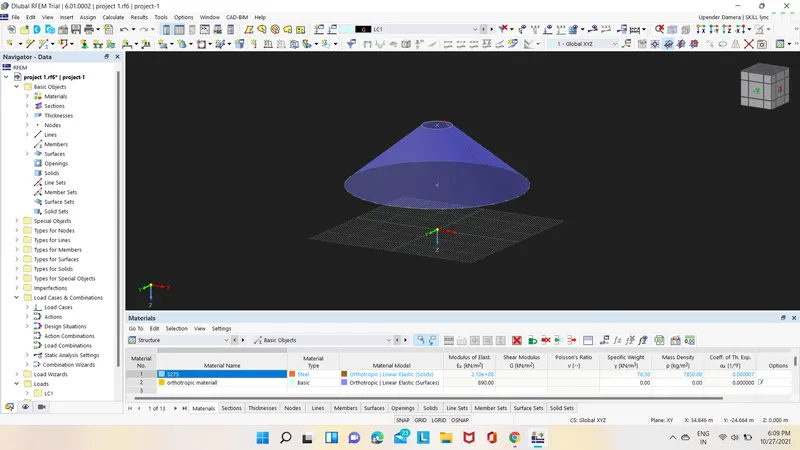
- Next we have to select the entire form and select copy/move option in that click on copy object and give rotate angle as 40 as shown below.
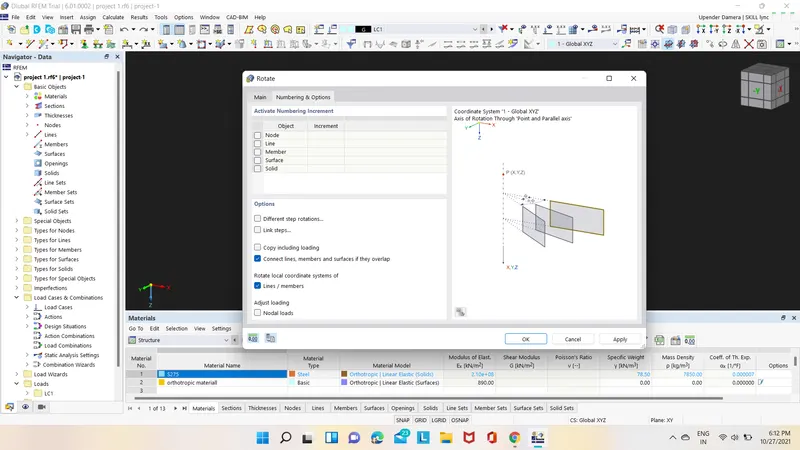
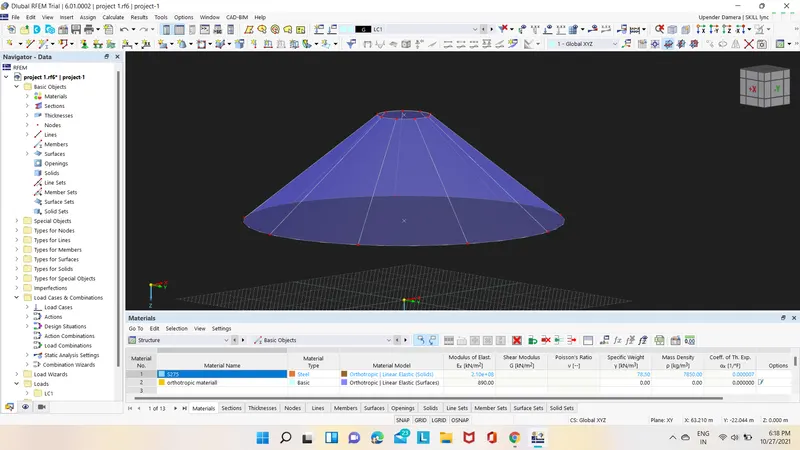
- Now select the entire model again and select the mirror options and click ok then the different form of conical shapes are shown as below.
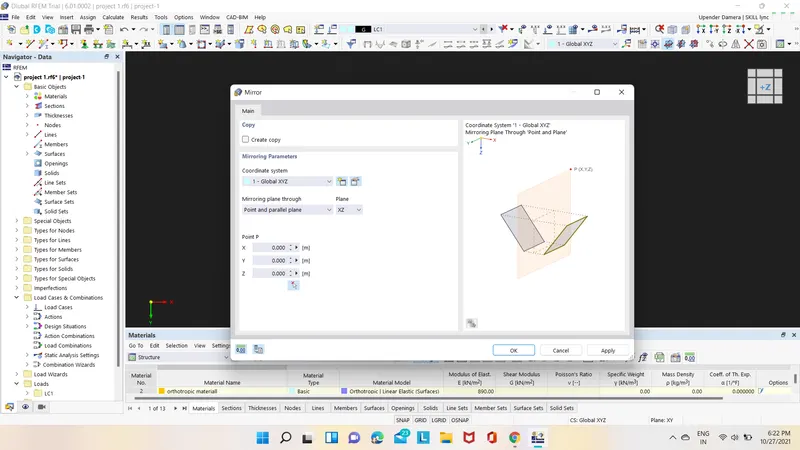
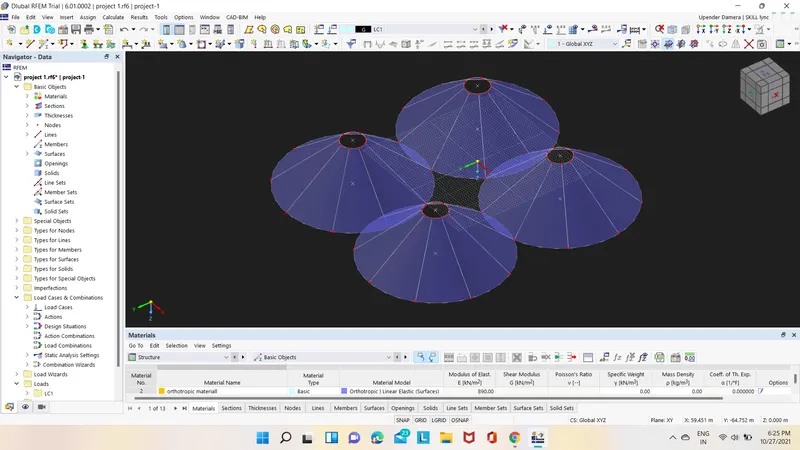
- After that select the below and above circle and assign cable members to them as shown below.
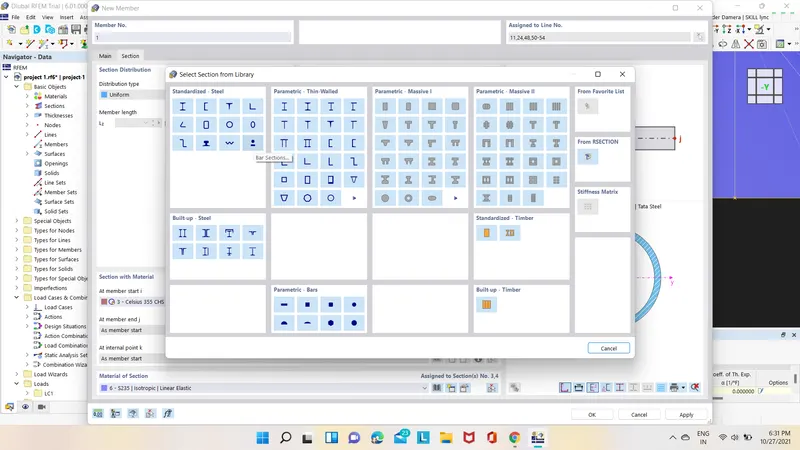
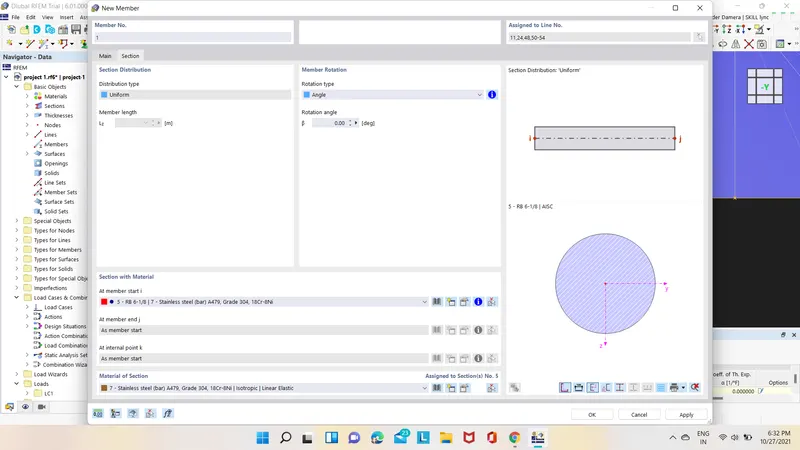
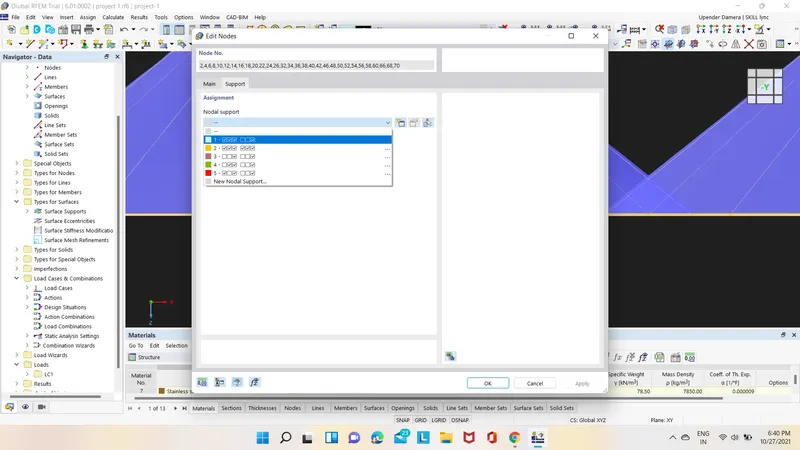
- After that select all the nodes and double click on them then a new dialogue box will appear and in that select support option and give supports to the nodes as shown below.
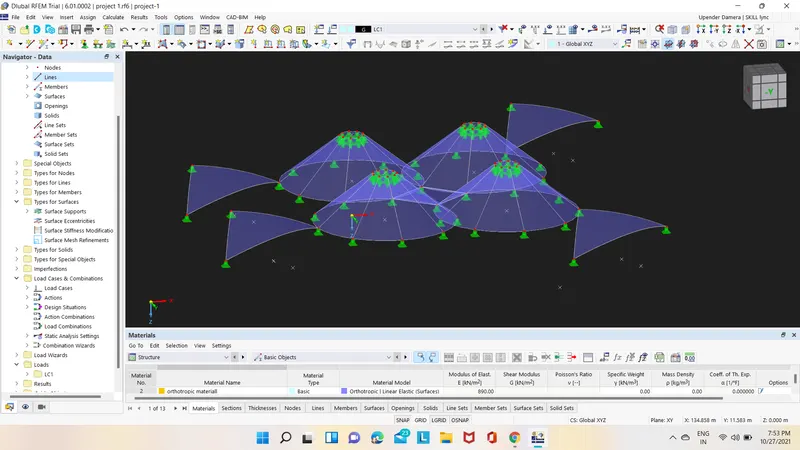
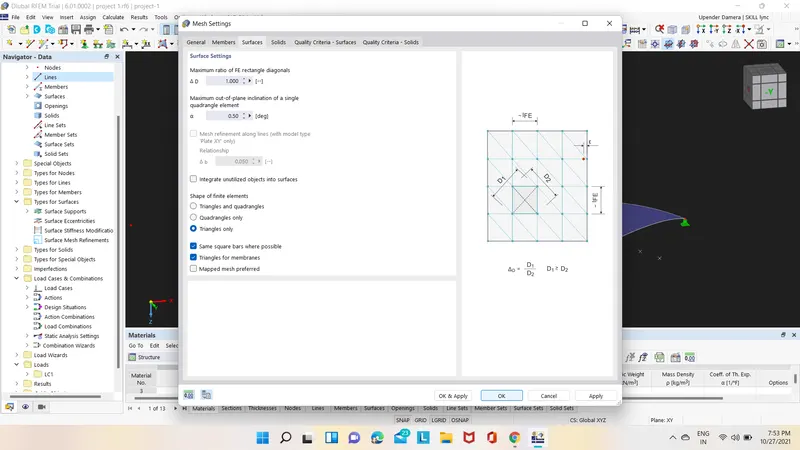
- After creating surface select calculation option in that select mesh settings in mesh settings click on triangular only and click on ok & Apply as shown below.
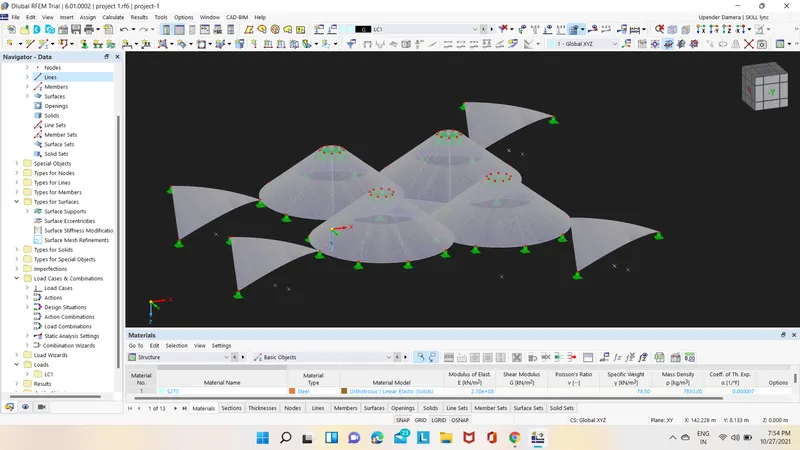
- Next created different load cases as self weight, wind load and prestress in that presterss load select form-finging option and in that select method as Projection method as shown below.
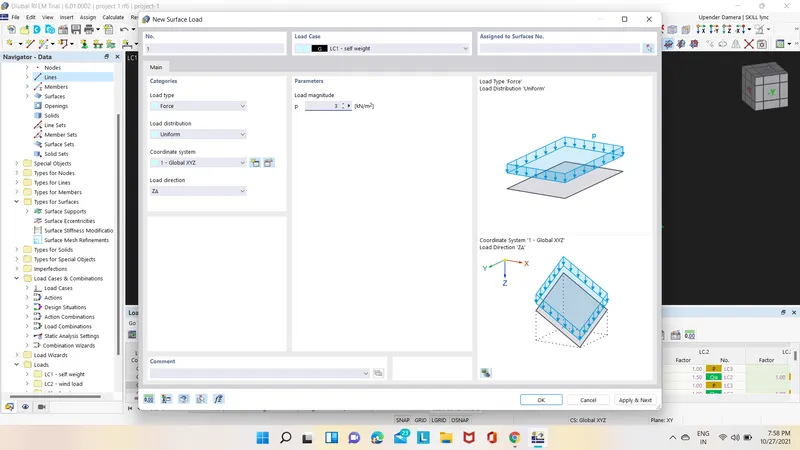


- After that select calculate option and in that select calculate all then the analysis is started as shown below.
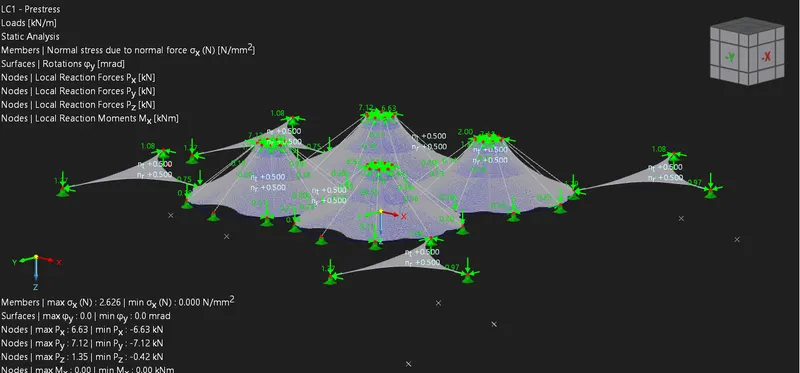
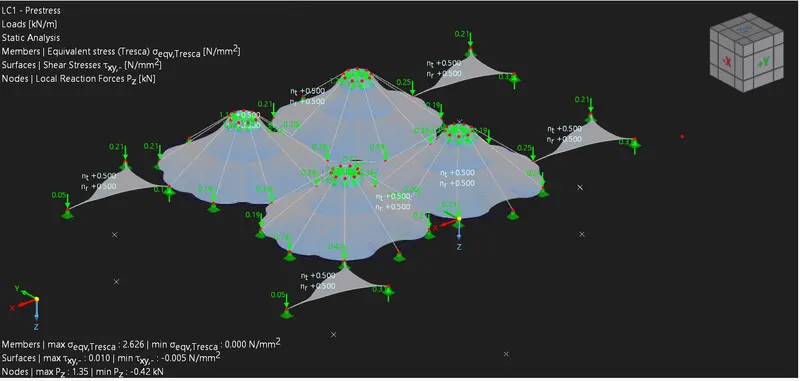
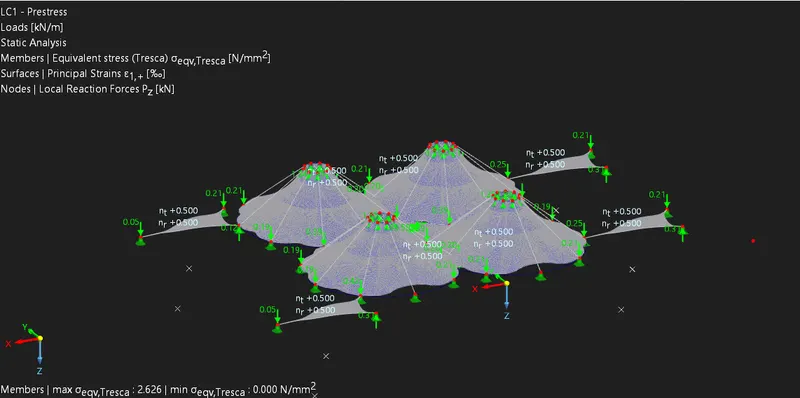
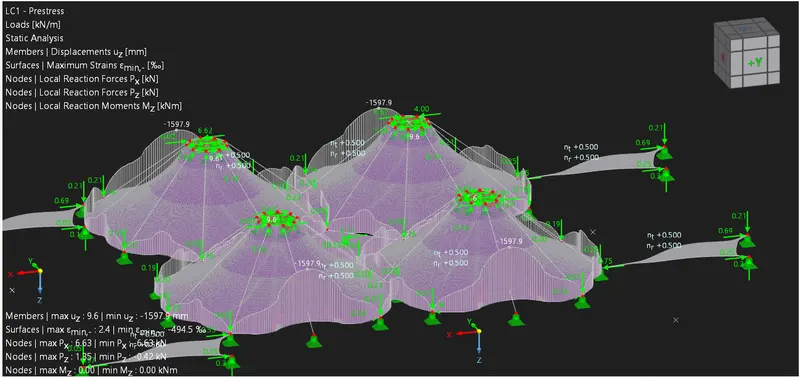
- The deformed shapes with internal stresses and forces are shown below.
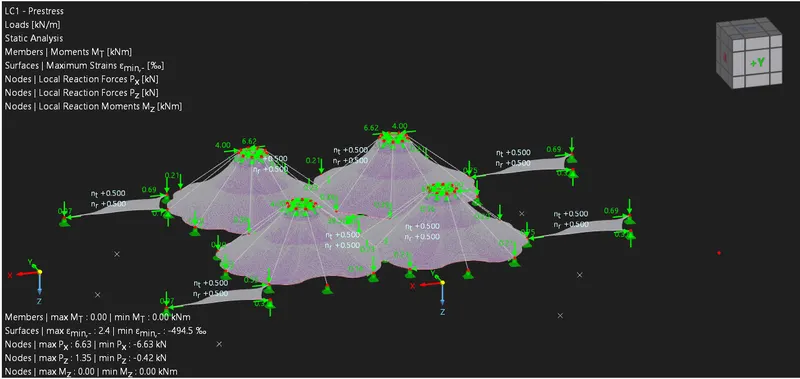
RESULT:-
Therefore Form-finding and structural analysis structure of multiple masts has been successfully performed using RFEM software.