Project 1
TASK
Routing for side door panel
1.Download the requriment connector , base model and supports .
2.Define it Electrical in mode of Electrical Part Design.
3.Assemble it in base as per the requriment in mode of Assembly design.
4.Branching are done in mode of Electrical Harness Installation work bench.
5.Cable protection covering are given in the mode of Electrical Harness Installation work bench.
6.Flattening are done in the mode of Electrical Harnness Flattening.
7.Drawing of the harnness is done in the mode of Drawing.
1.Download the requriment connector , base model and supports .
The Base model , Guide Channel Are download.
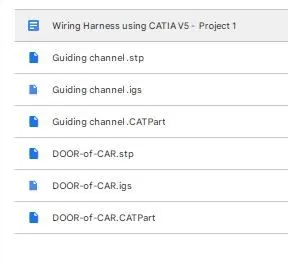
Then the Connectors are downloaded from the www.te.com
2.Define it Electrical in mode of Electrical Part Design.
Then downloaded connectors and supports are define as Electrical in mode of Electrical part Design
Connector are defined in the following process
- In mode of Part design add the point for bundle and connector /cavity point.
- In mode of Part design the Axis points are added respected to the point.
- In mode of Electrical part Design The 3D model are define as the connector with its number of terminal .
- Then bundle connection point and cavity / connector connection point is defined.
- Then added to the the catalouge
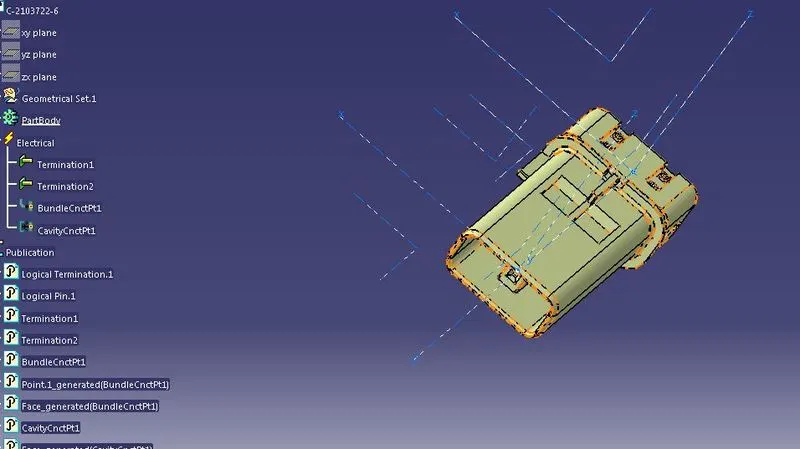
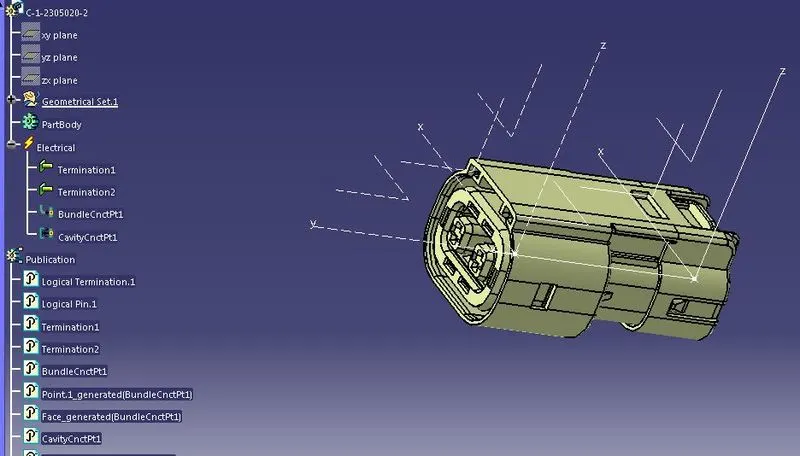
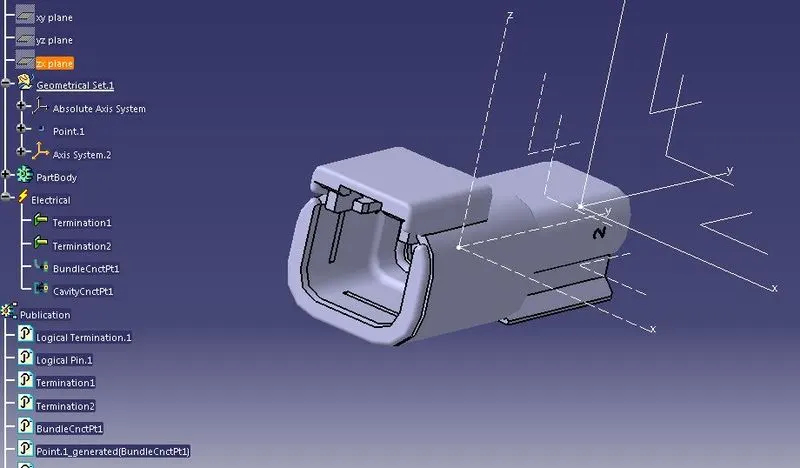
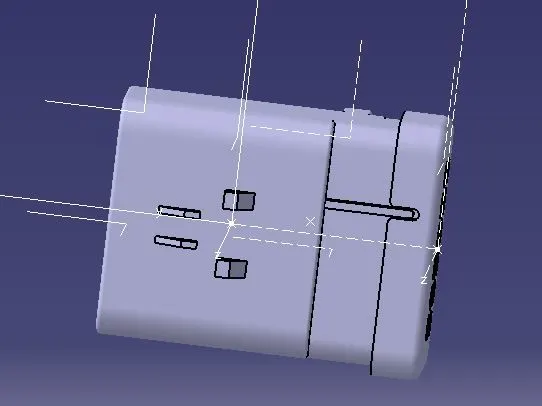
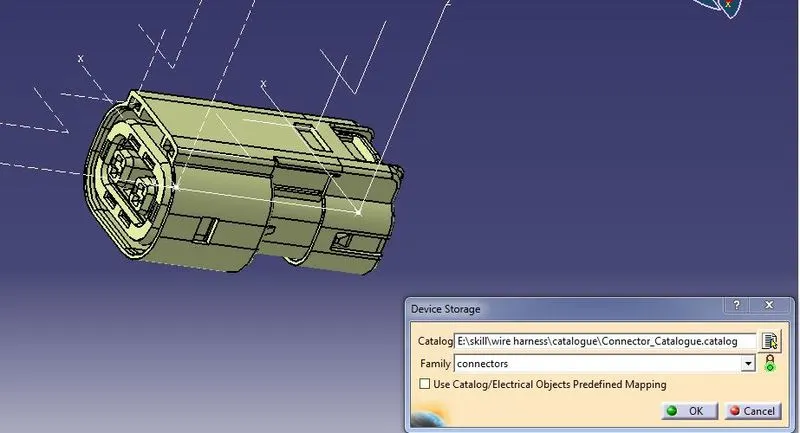
Supports and guide channel enrty and exit point or plane are defined in the mode of Electric PArt Design.
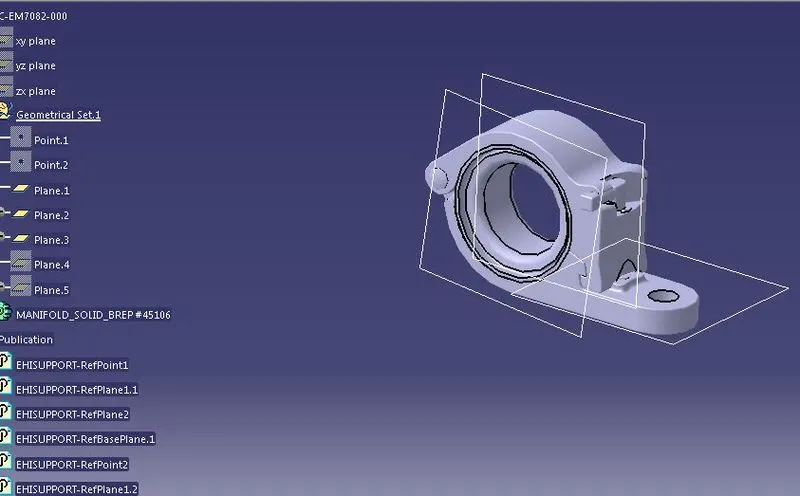
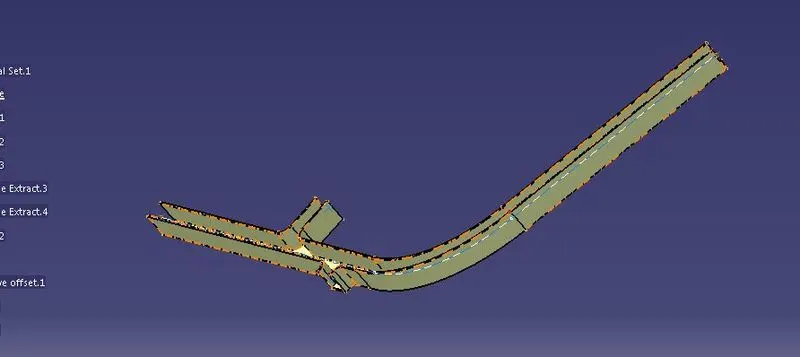
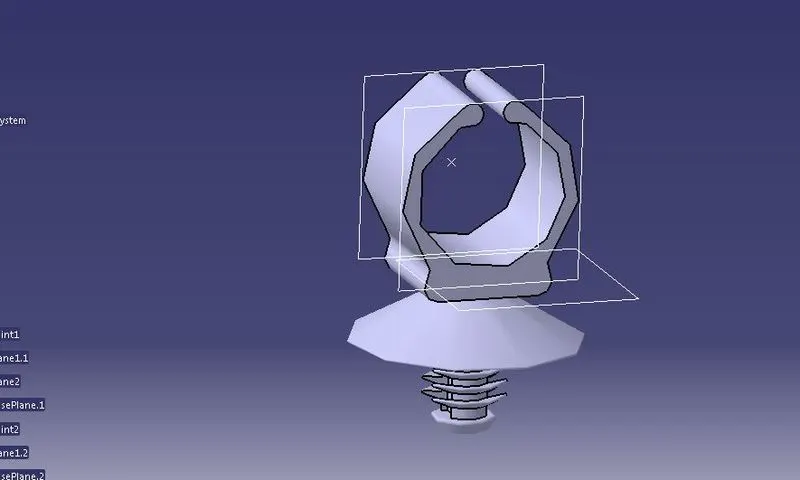
3.Assemble it in base as per the requriment in mode of Assembly design.
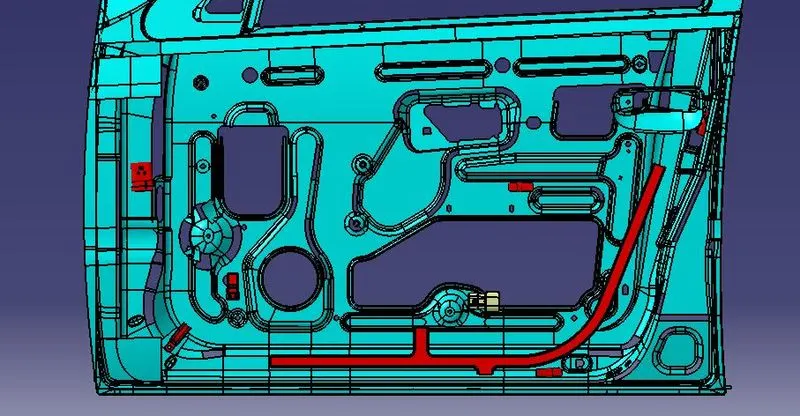
In Mode of Assembly Design using Manuplaction Parameters and smart moves the arrrangements are done.
I am requesting the Door design team make hole for clip in blew mention area for the clip placments.
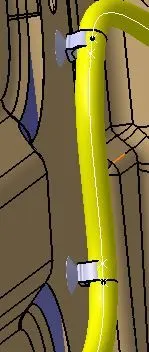
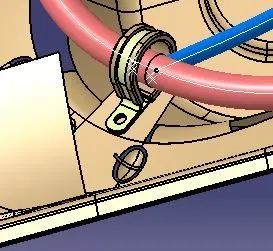
4.Branching are done in mode of Electrical Harness Installation work bench.
- Define the model as the Electrify Geometric bundle
- Then select the connector to support or the guide channel and the branche routing done.
- Then the branching points are added at the requriment areas and harness routing are done.
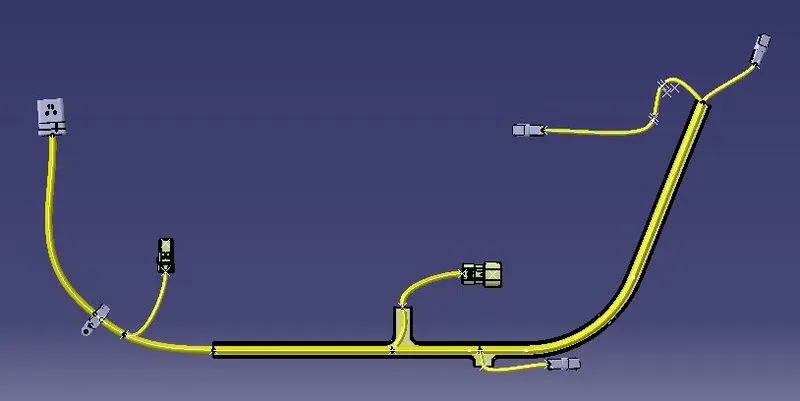
5.Cable protection covering are given in the mode of Electrical Harness Installation work bench.
- After the branching routing the cable protection covering are added to the cable in there requriment areas from the COT tubes Cataloguge.
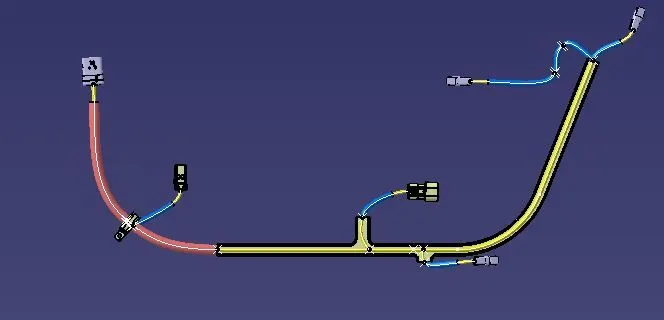
AS the branche of cable are inside the door , no need of the covering .
6.Flattening are done in the mode of Electrical Harnness Flattening.
- In Electerical harnness Flattening select the Harness Flattening Parameters and slect the requriment parmeters needed.
- Extract the 3D harness option select the file to Extract.
- Using the Sychnorizes Flattening View check the continoutiy of the branches

- Then using the Electerical harnness Flattening options as per the reuriment the branches flattening are done.
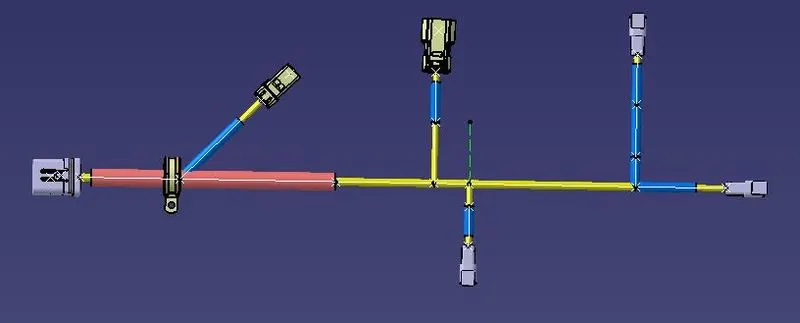
7.Drawing of the harnness is done in the mode of Drawing.
In Drawing work bench the insert the requriment part for the diagram and insert the requriment data for identifications.
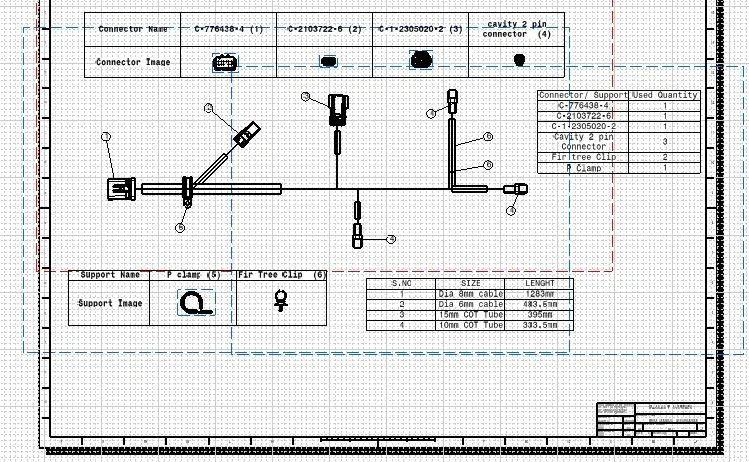
RESULT
As per the given Task, The Task is completed.