Project 1
Aim :-
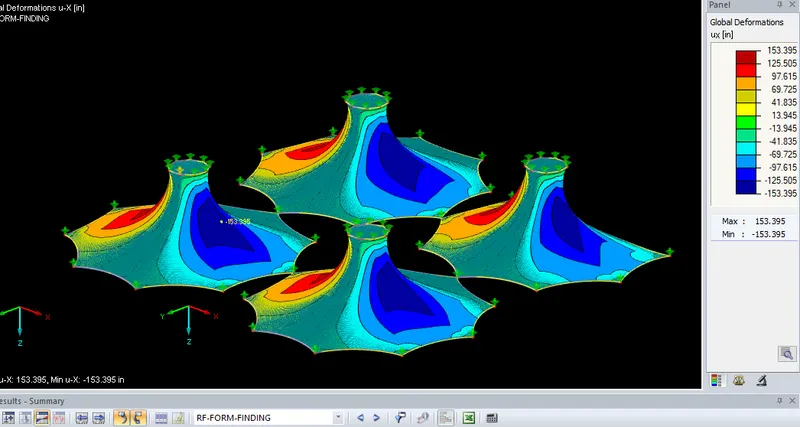
Perform Form-finding and structural analysis structure of multiple masts.
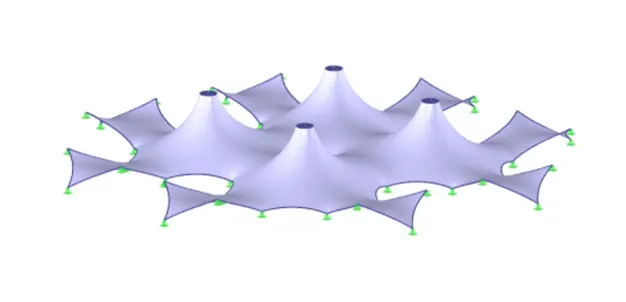
Procedure :-
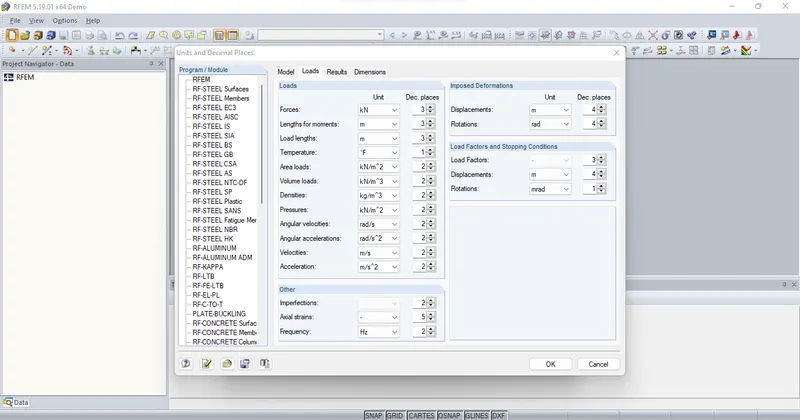
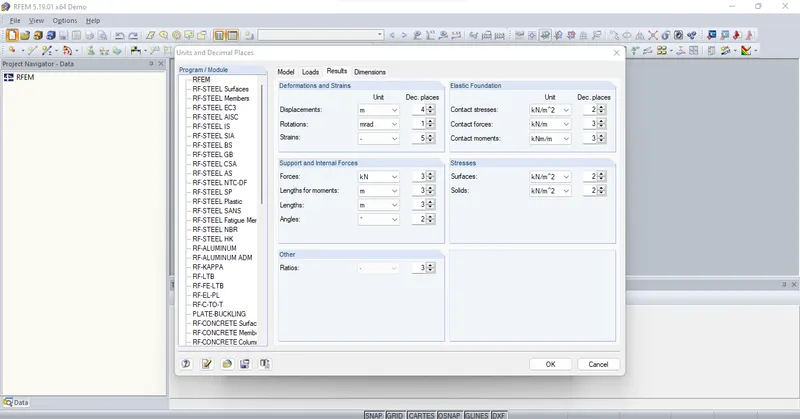
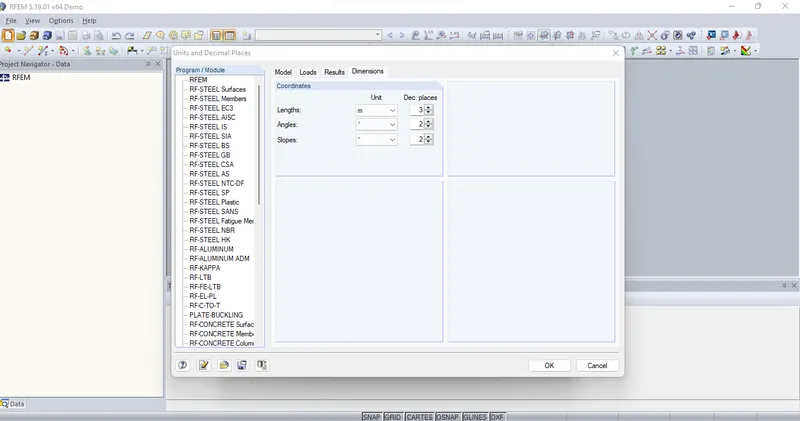
* Open RFEM Software
* Create new file
* Edit the name of the new model and click ok
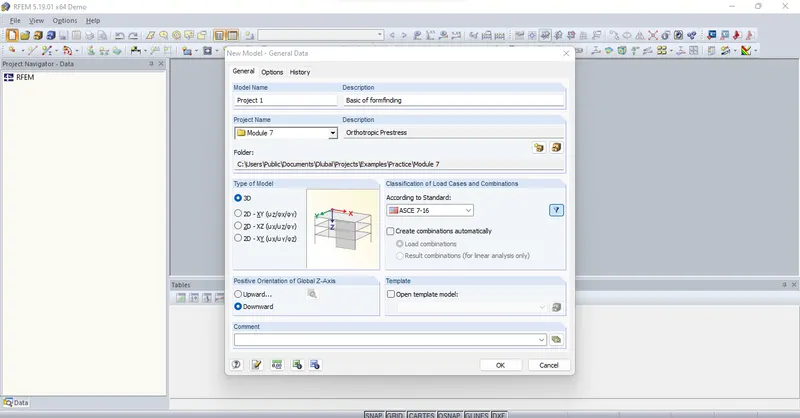
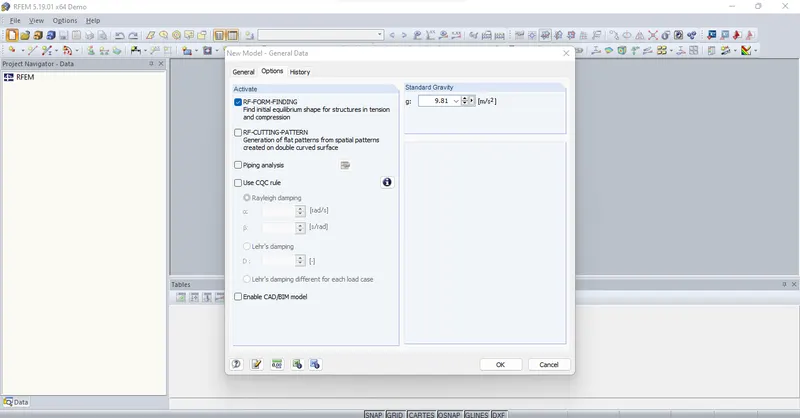
* Click tick mark for form finding option
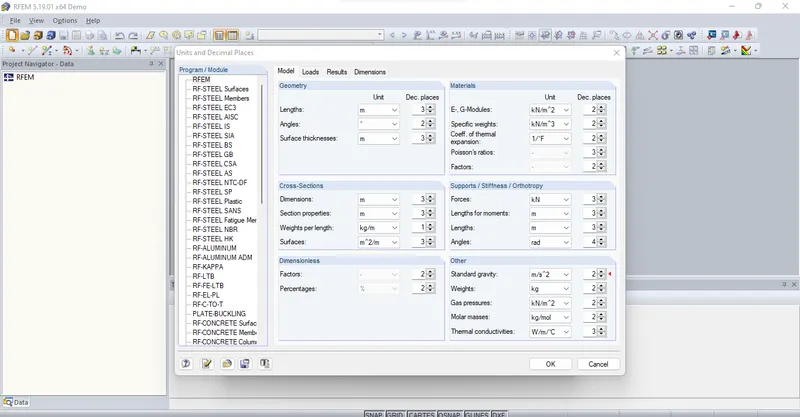
* Create a new line
* Set the node
* Click ok
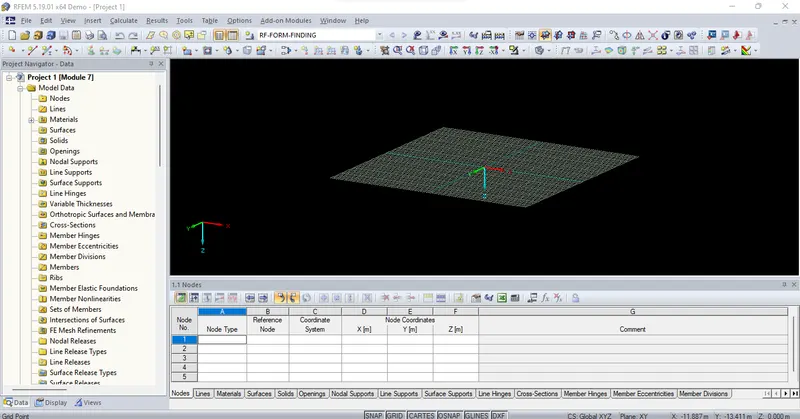
* Select the created line
* Click rotate option
* Click setting option and tick mark the lines between nodes option
* Edit the rotation angle as 40
* Also edit the no.of copies as 9
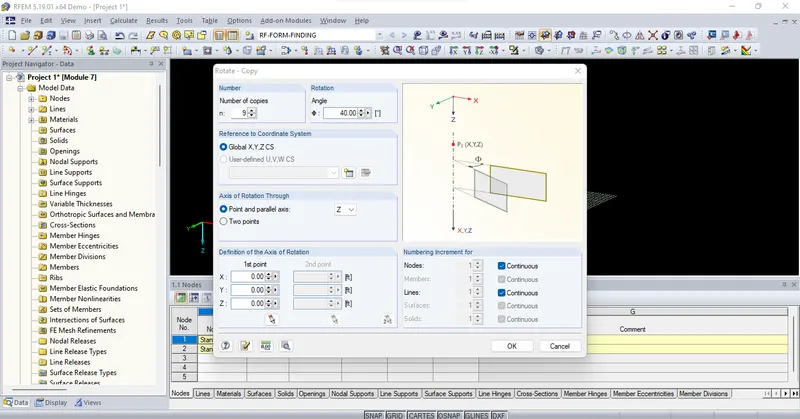
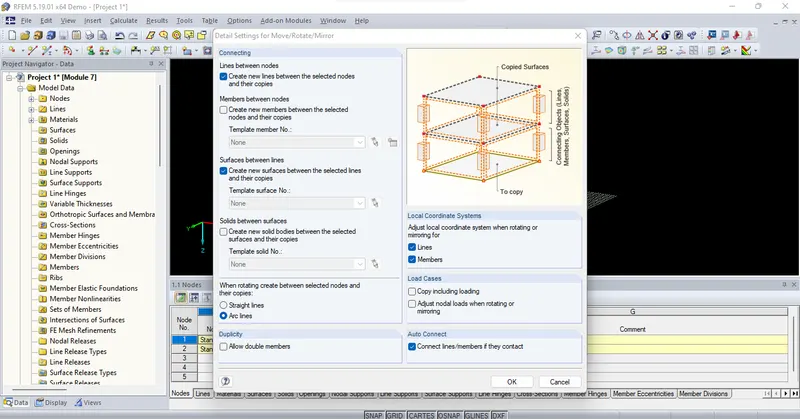
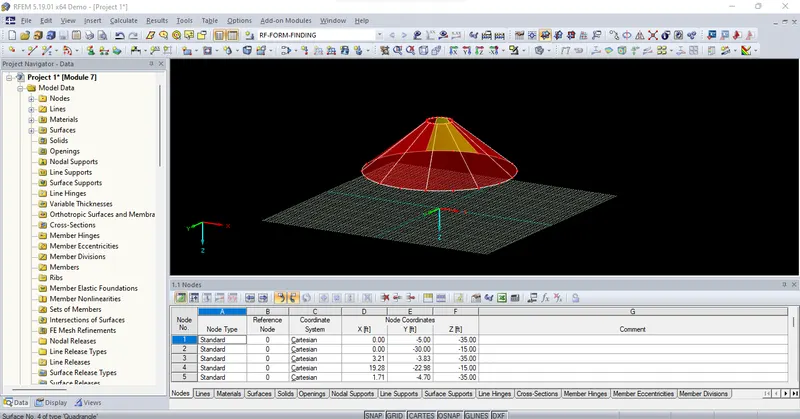
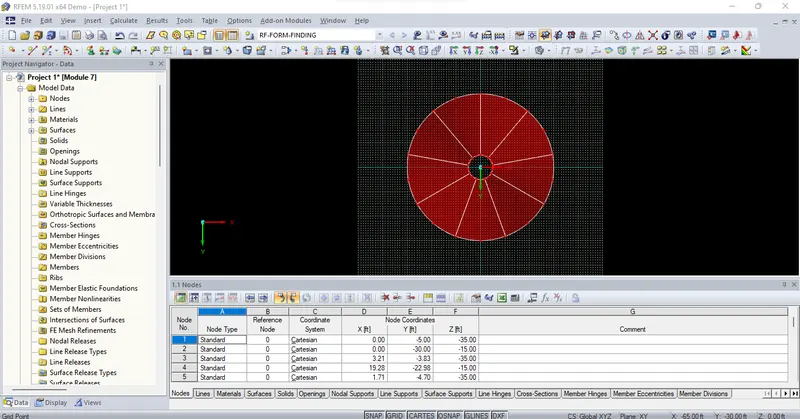
* Convert all the arc line into polyline
* Click ok
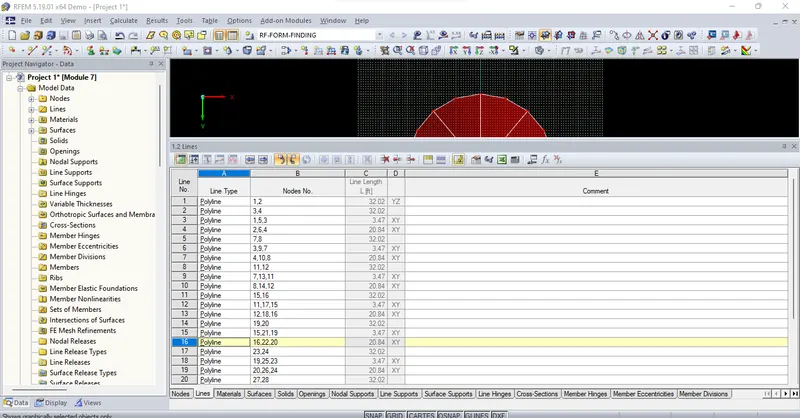
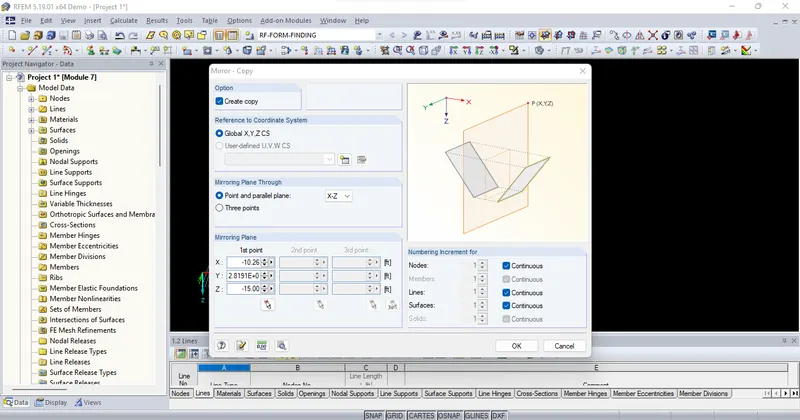
* Select the member and mirror
* Edit the axis as XZ
* Click tick mark on create copy option
* Click ok
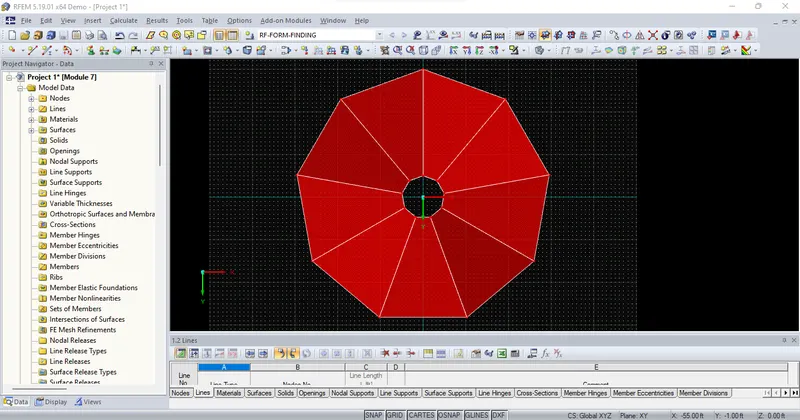
* Delete all the nodes of the center point
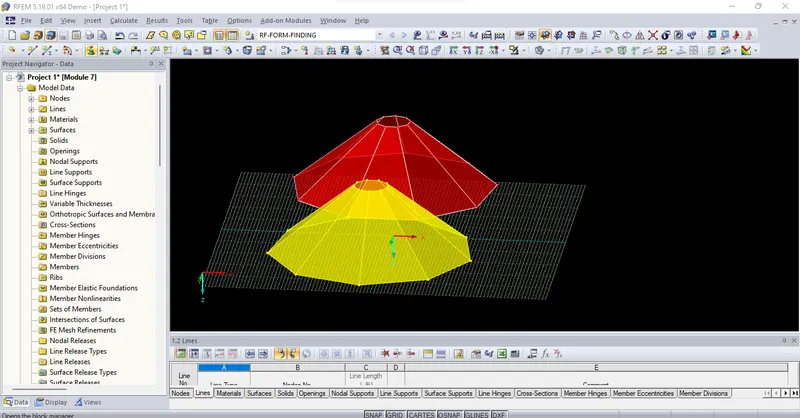
* Select the two objects and click mirror
* Mirror the objects by choosing the plane as Y-Z
* Click ok
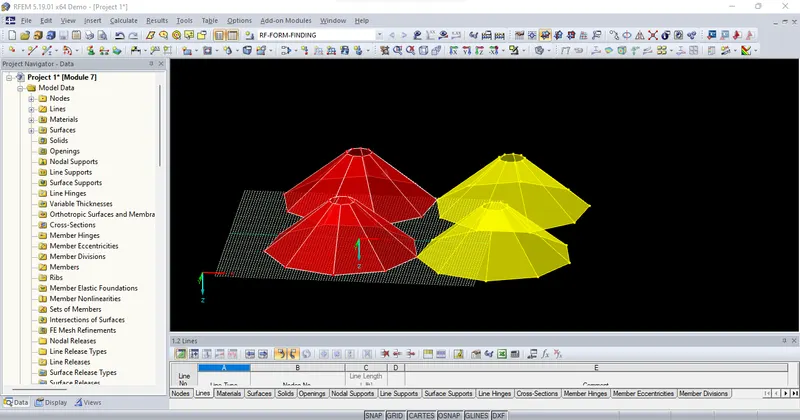
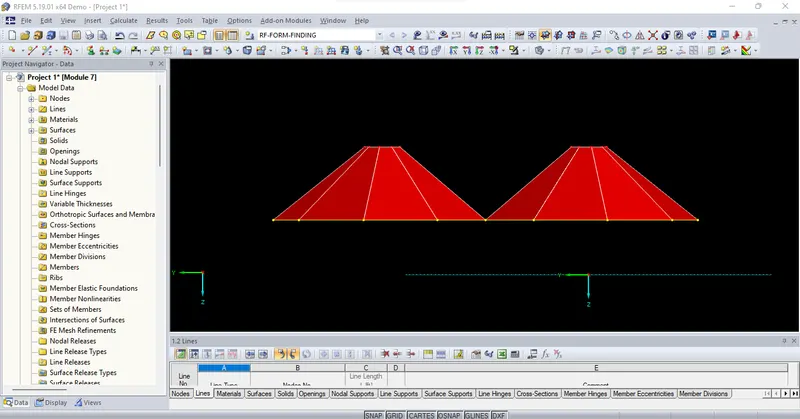
Assigning of Members:
* Choose the Y axis view
* Select all the bottom node of the object and double click it
* Click members and choose the members as cable
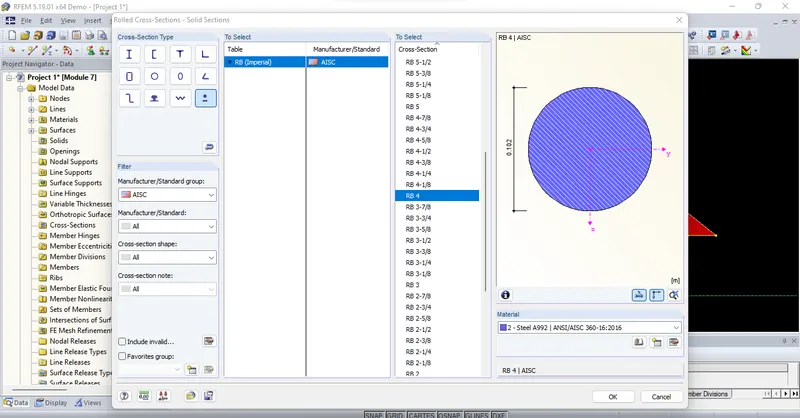
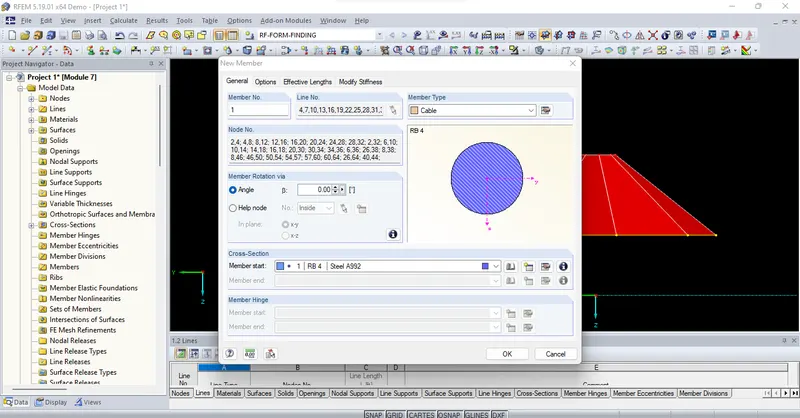
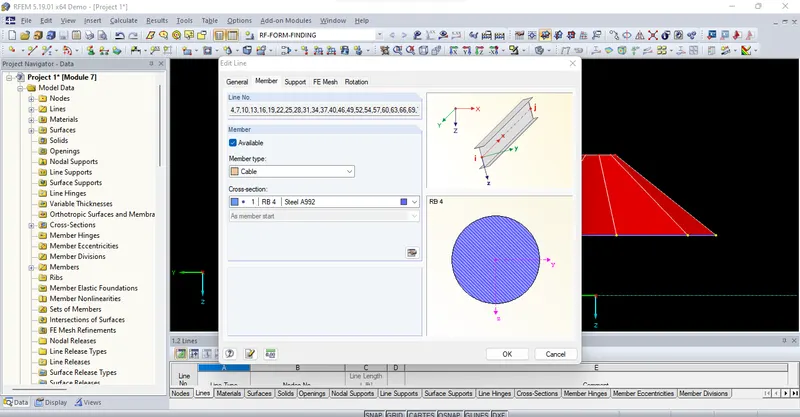
* Set the 10% of relative sag from the parameters
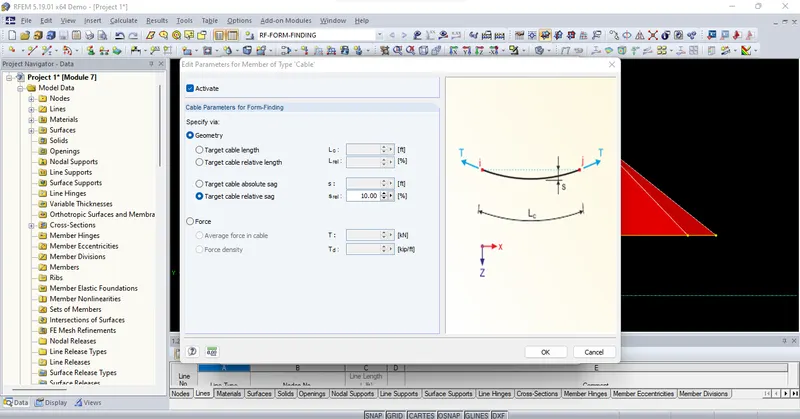
* Select the top nodes and double click
* Apply the material as previous one
* Change the relative sag to 1%
* Click ok
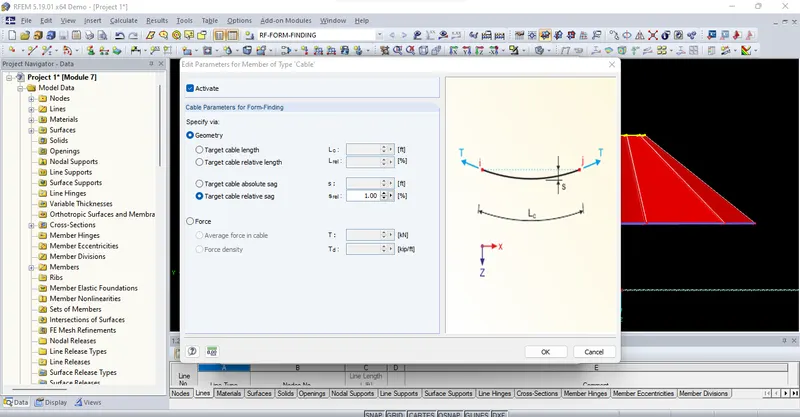
* Select all the object and double click it
* Edit the new material
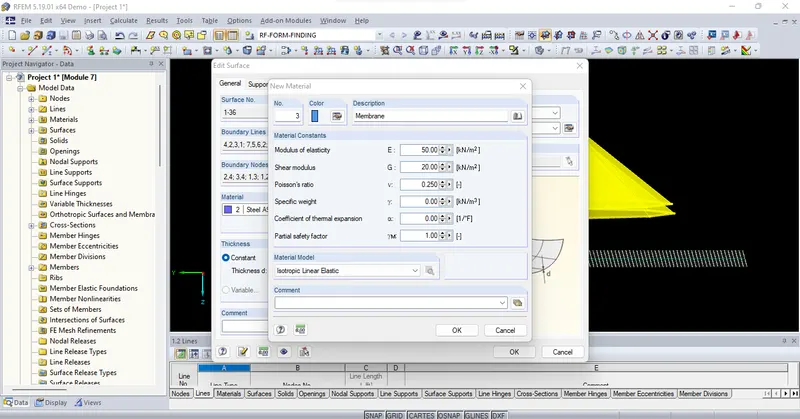
* Check the form finding
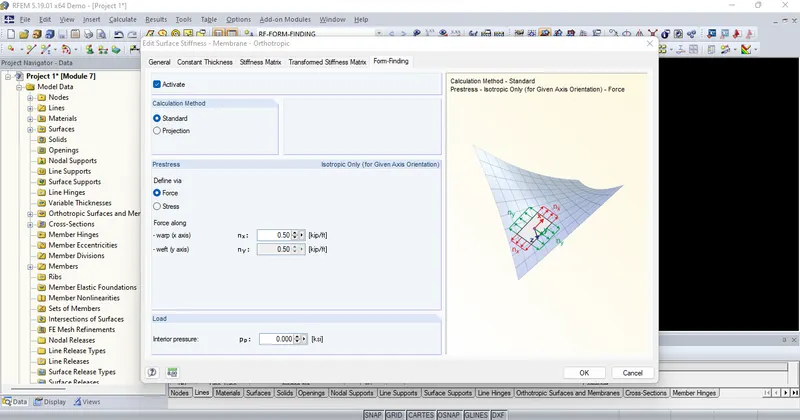
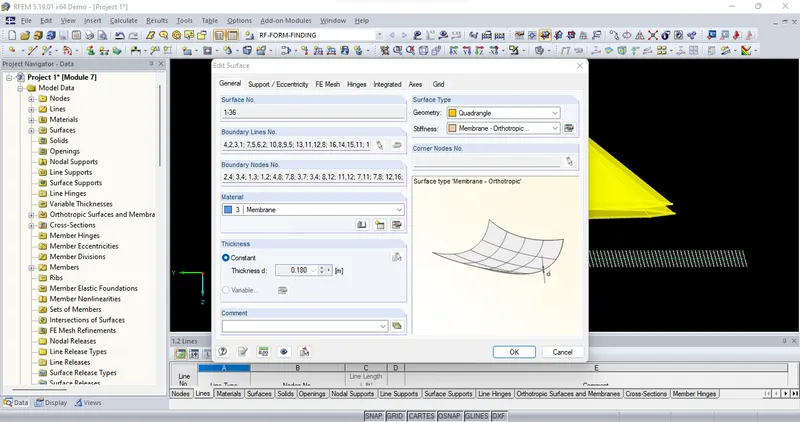
* Now surface has been applied sucessfully
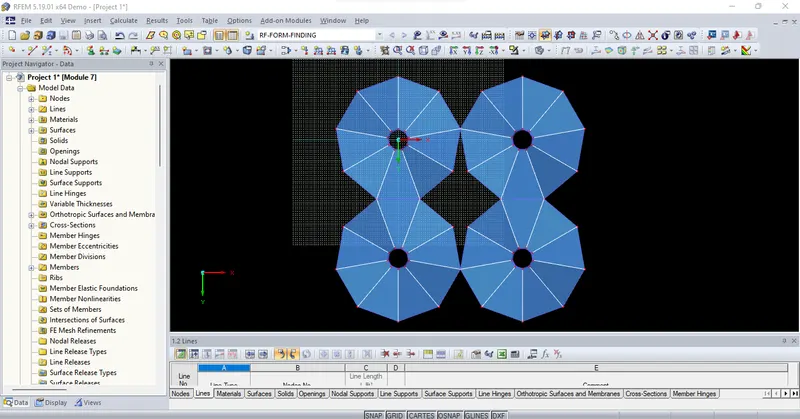
Assign the support:
* Select bottom of the node
* Assign the hinged support
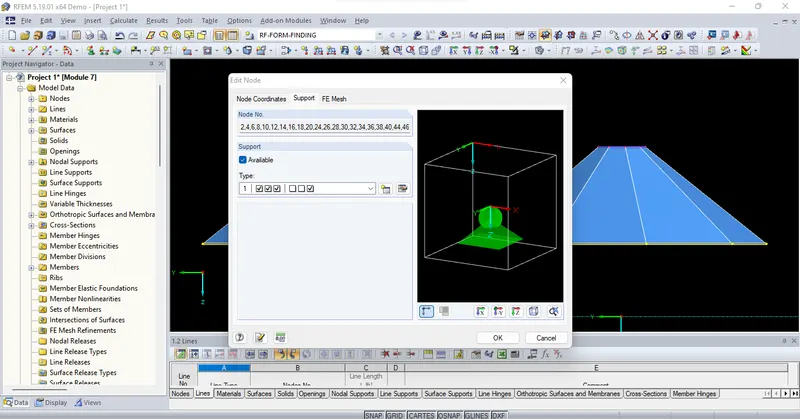
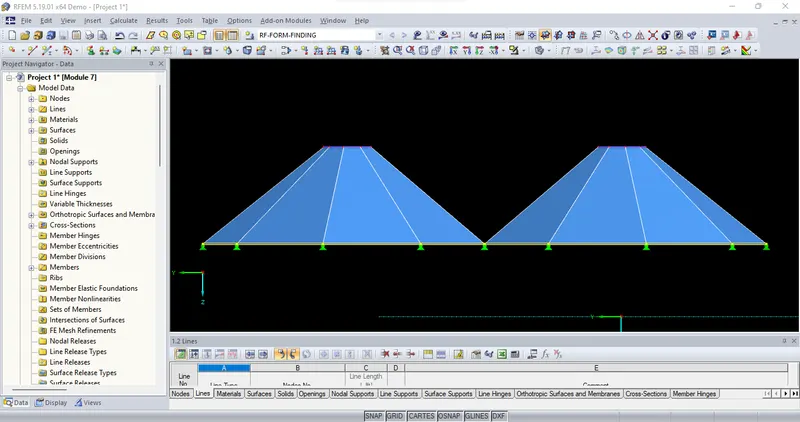
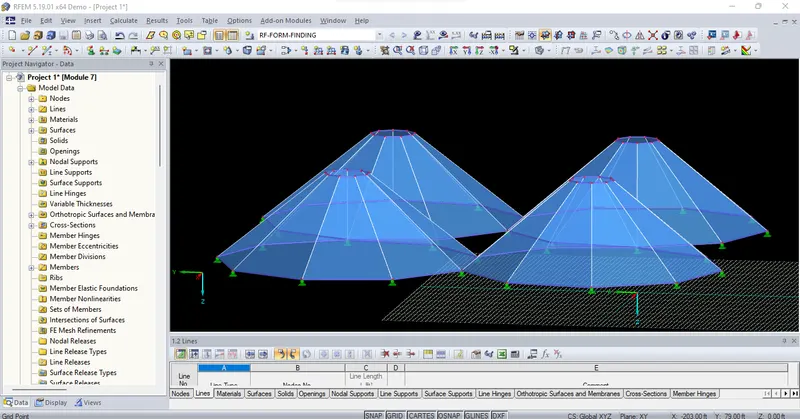
* Do the above procedure for top nodes also
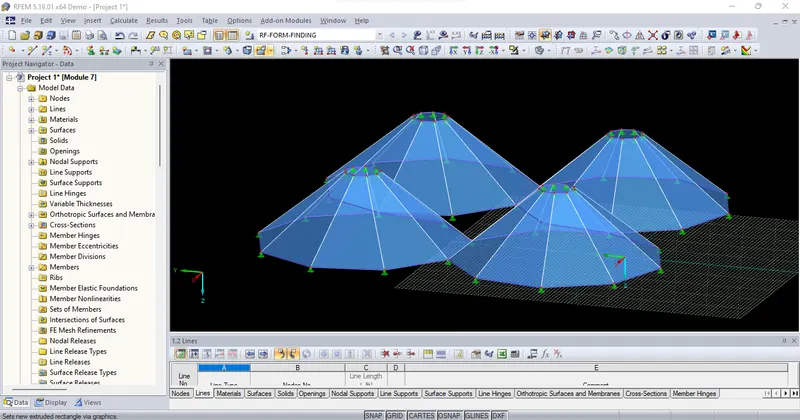
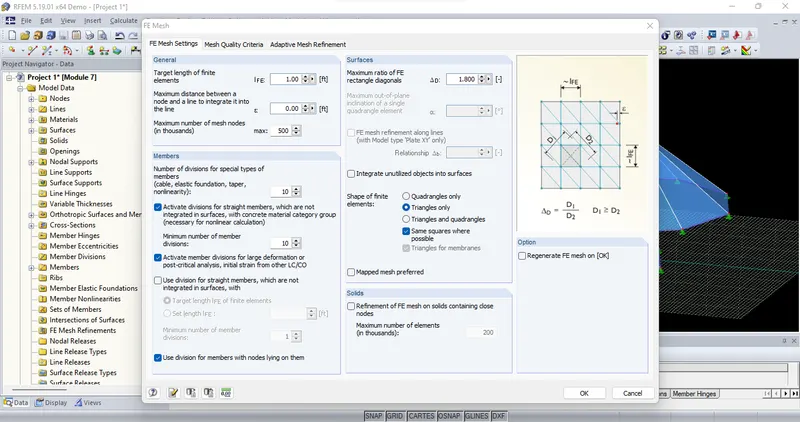
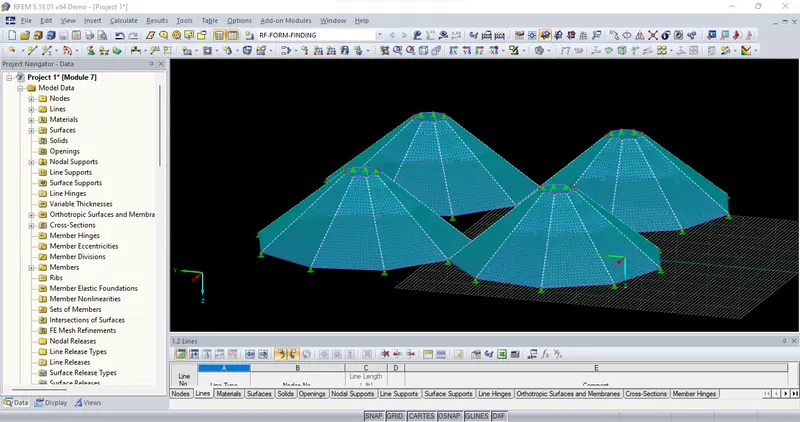
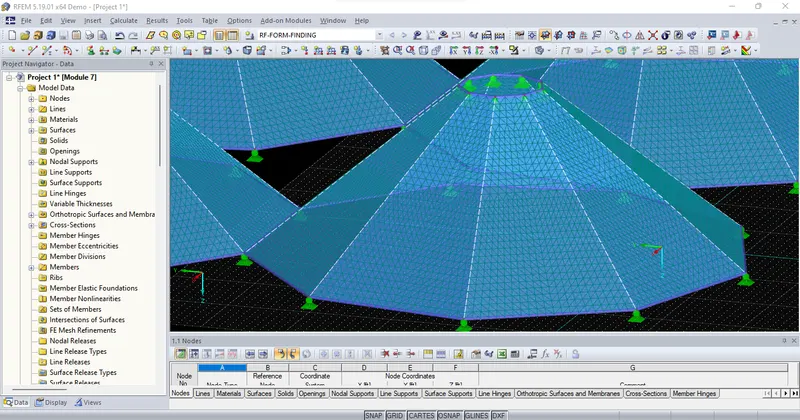
* Set the mesh settings
 \
\
* Generate mesh
 \
\
Result :-
Successfully complete to perform Form-finding and structural analysis structure of multiple masts.