Photo Realistic Rendering
Google Drive link: https://drive.google.com/file/d/1DliDl_lpEW_UFSRV-i_9EIl0D4GqOl6L/view?usp=sharing
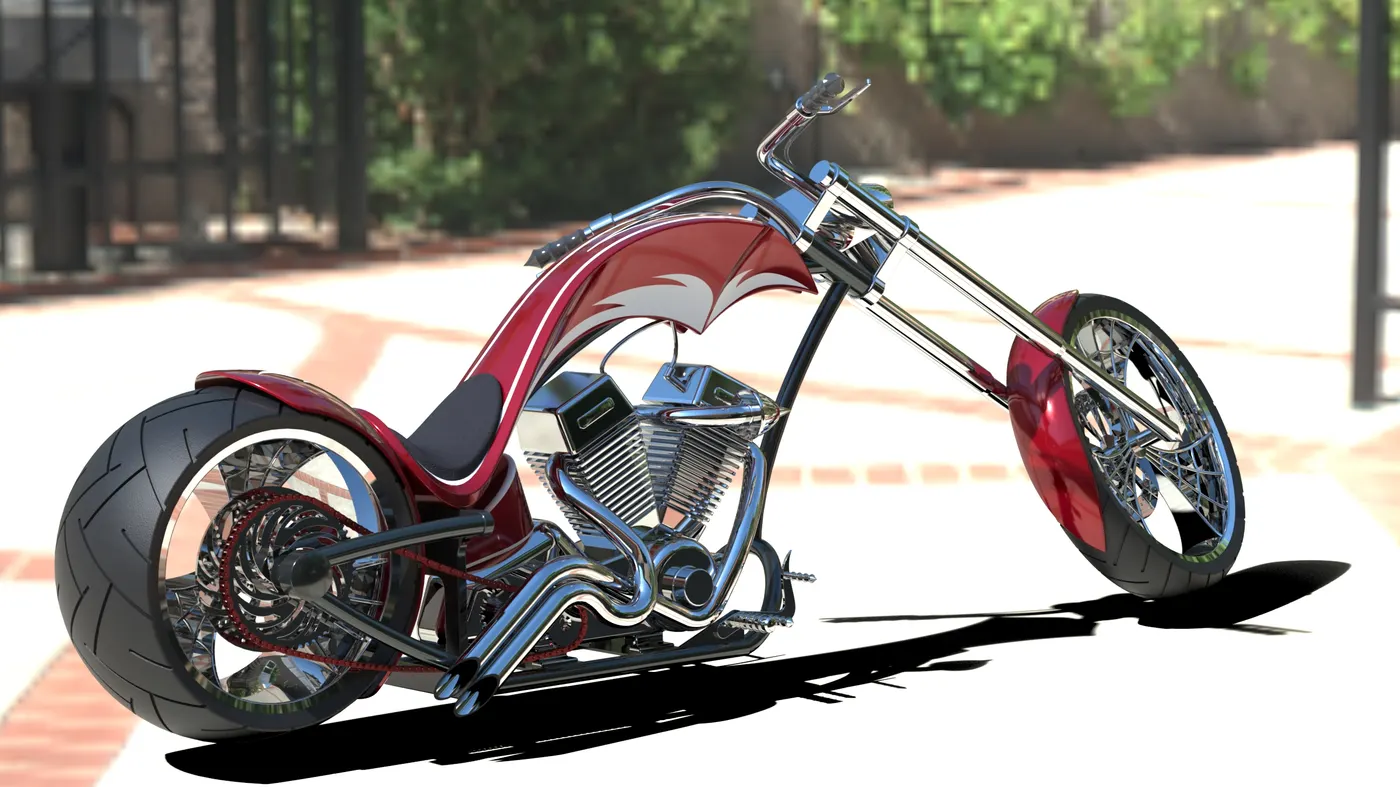
Photorealistic Rendering of an American Chopper using SolidWorks
Objective:
The objective of this project is to design and model each component required to assemble an American Chopper in SolidWorks, and finally create a photorealistic rendering of the complete assembly.
Introduction:
This project involves the design of an American Chopper using SolidWorks, from sketching the parts and modelling them to the final rendering of the assembly to give a photo-realistic view. American Chopper bikes are motor bicycles built by Orange County Choppers for a specific corporate or celebrity customer.
Design Methodology:
The design methodology involves several steps, starting with part modelling of components of the Chopper, assembly of designed components, adding scenes and decals, and finally, photorealistic rendering. The design starts with the modelling of engine components like the transmission belt and then components which are attached to the body frame like fenders, kickstand, etc.
Flow Chart:
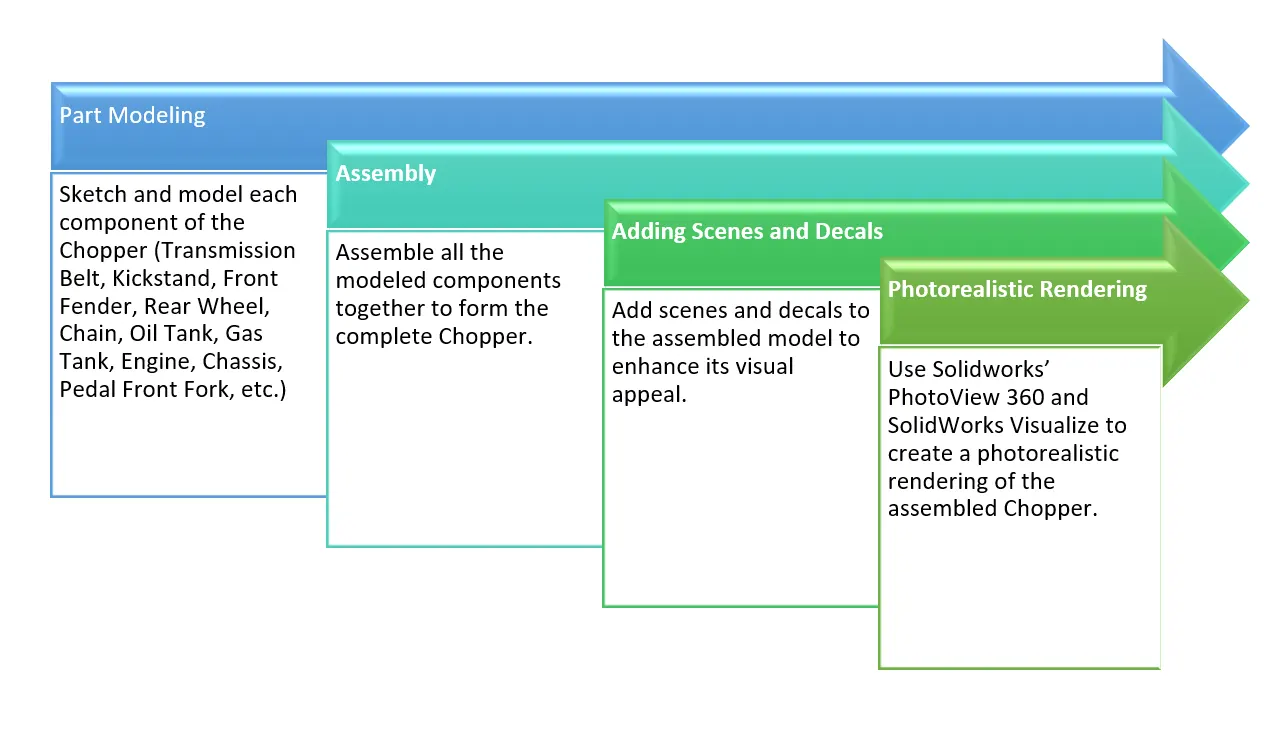
Description:
Several features and tools were used in the design process, including Line, Circle, Arc, Rectangle, Spline, Curve Projection, Split, Projected Curve, Trim, Extend, Extrude Boss, Extrude Cut, Swept Boss, Mirror, and Revolve. Each of these features plays a crucial role in SolidWorks modelling, helping to create different shapes, cuts on surfaces, and solid bodies.
Photorealistic Rendering Using SolidWorks’ PhotoView 360 and SolidWorks Visualize:
PhotoView 360:
PhotoView 360 is an add-in available with SolidWorks Professional or SolidWorks Premium that produces photo-realistic renderings of SolidWorks models. The rendered image incorporates the appearances, lighting, scene, and decals included with the model. It allows us to take our 3D designs and quickly turn them into a photo-realistic image. This allows us to show how good our products are to existing and potential customers, all directly within our SolidWorks package. However, it’s important to note that PhotoView 360 is being retired after version 2023 SP5.
SolidWorks Visualize:
SolidWorks Visualize is a tool that lets you create photo-quality images, animations, and VR content from your 3D CAD data. It is one of the easiest and quickest ways to produce photorealistic renderings of SolidWorks CAD models. Some of the top features of SolidWorks Visualize include Hybrid render mode, Denoiser, Advanced Materials with DSPBR, and multiple Render Engines. It can leverage CUDA core technology from Nvidia or render cores from AMD ProRender to render your images in no time.
In this project, both these tools were used to create a photorealistic rendering of the American Chopper. The individual components were designed and modelled using SolidWorks, and then assembled. The complete assembly was then rendered using PhotoView 360 and SolidWorks Visualize to create a photorealistic image of the American Chopper. This process allowed for a high level of detail and realism in the final image, showcasing the capabilities of SolidWorks and its rendering tools.
Detailed Rendering Images of parts:
1. Chassis:
Feature Tool: - Split, Plane, Fillet, Extruded Boss/Base, Dome, Extruded Cut, Revolved Cut, Composite Curves, Projected Curves, Swept Boss/Base, Revolve Boss/Base, Chamfer, Mirror, and Combine.
Sketch Tool: - Spline, Circle,3-Point Arc, Convert Entities, Offset Entities, and Line.
Appearance: - Painted Siena.
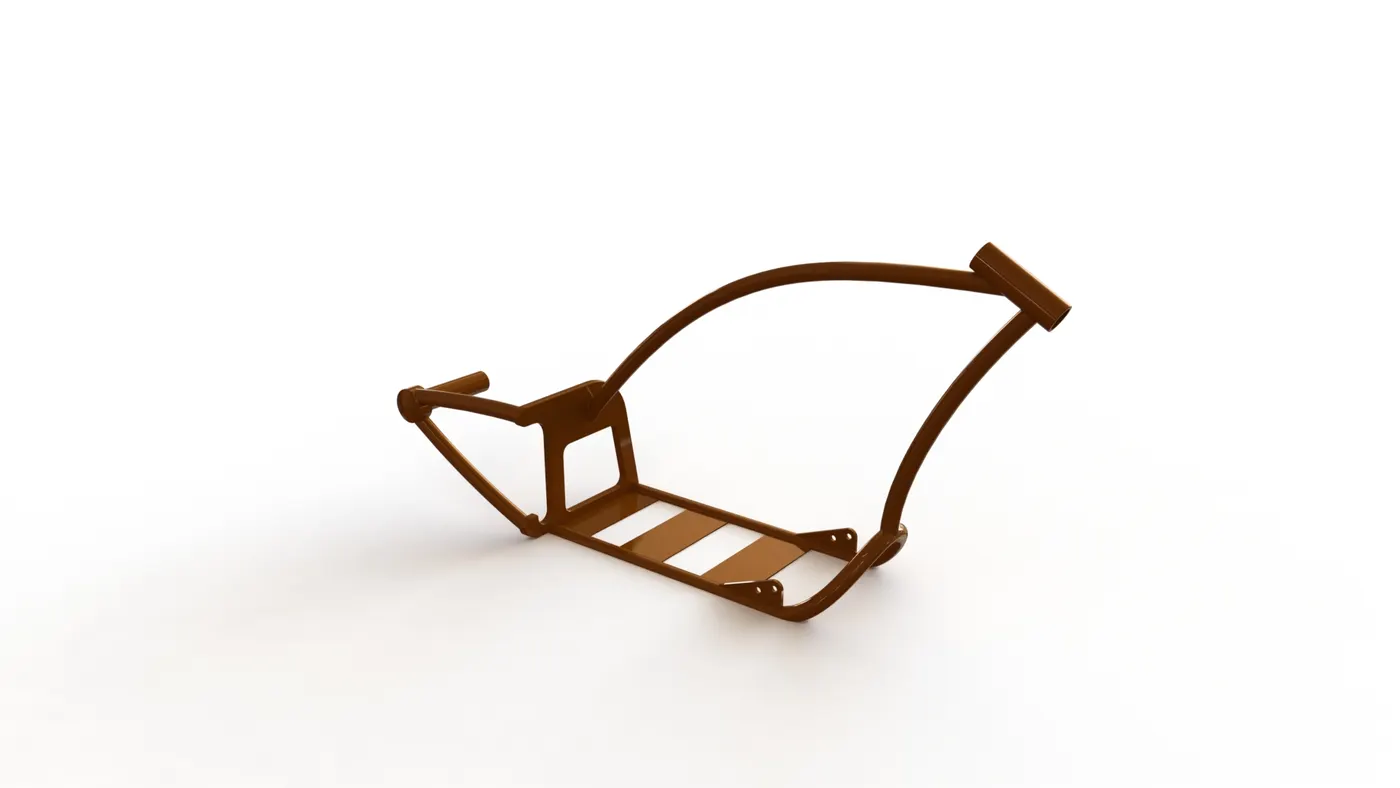
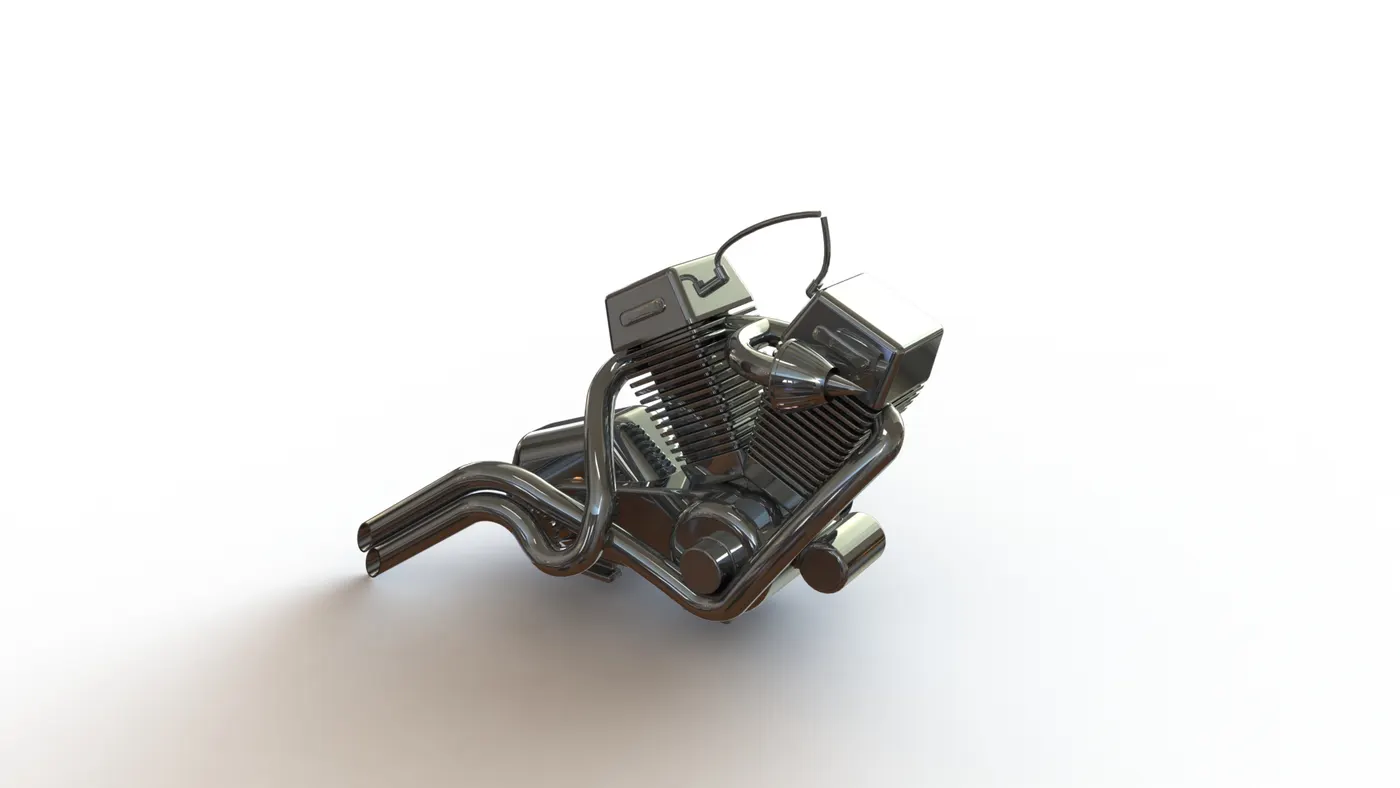
2. Engine:
Feature Tool: - Fillet, Extruded Boss/Base, Dome, Extruded Cut, Revolved Cut, Composite Curves, Projected Curves, Swept Boss/Base, Revolve Boss/Base, Chamfer, Mirror, and Combine.
Sketch Tool: - Spline, Circle,3-Point Arc, Convert Entities, Offset Entities, and Line.
Appearance: - Chrome Plate.
3. Pedal:
Feature Tool: - Fillet, Revolve Boss/Base, Extruded Boss/Base, Dome, Linear Pattern, and Chamfer.
Sketch Tool: - Spline, Circle, and Line.
Appearance: - Chrome Plate.
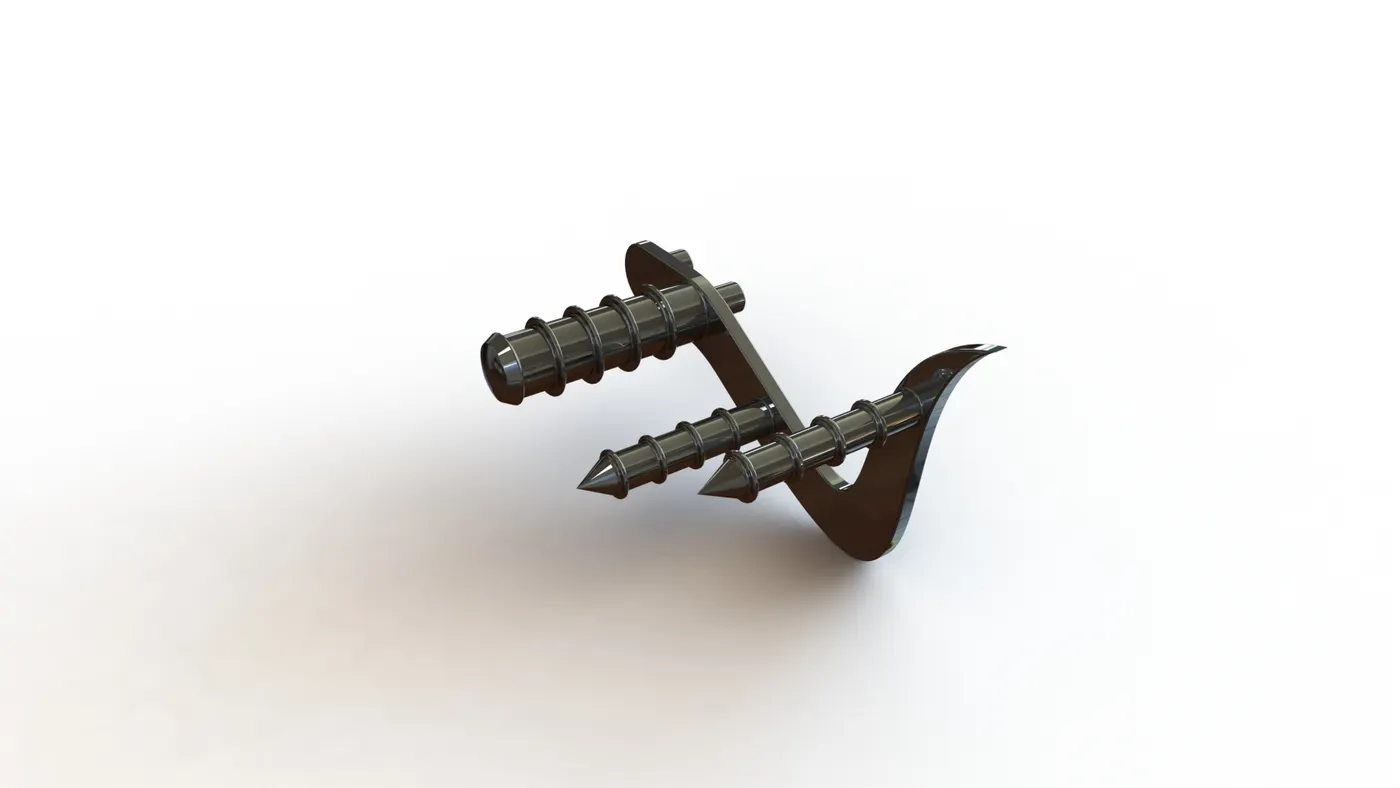
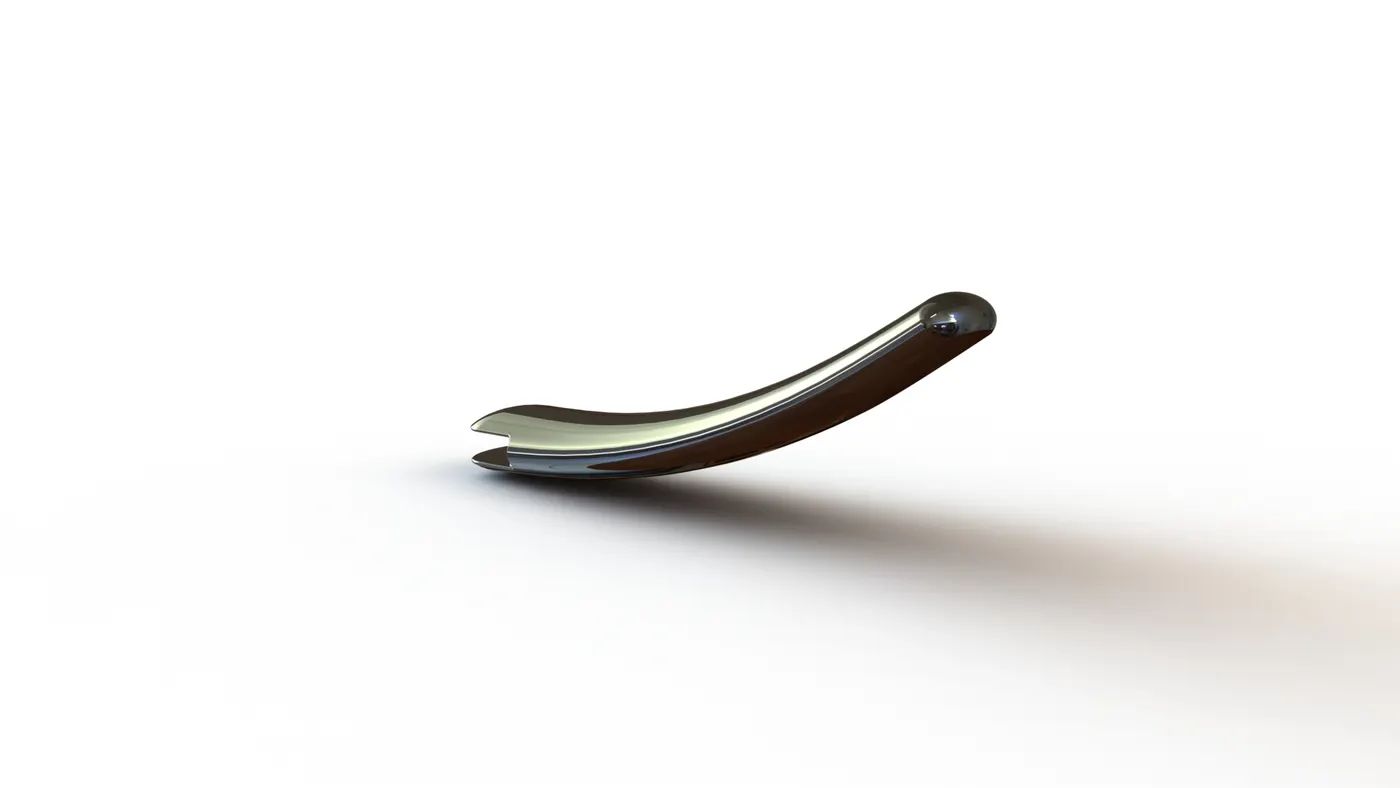
4. Kickstand:
Feature Tool: - Extruded boss/base, Loft Boss/Base, Extruded Cut, and Pierce
Sketch Tool: - Rectangle, Circle, Spline, and Ellipse.
Appearance: - Chrome Steel.
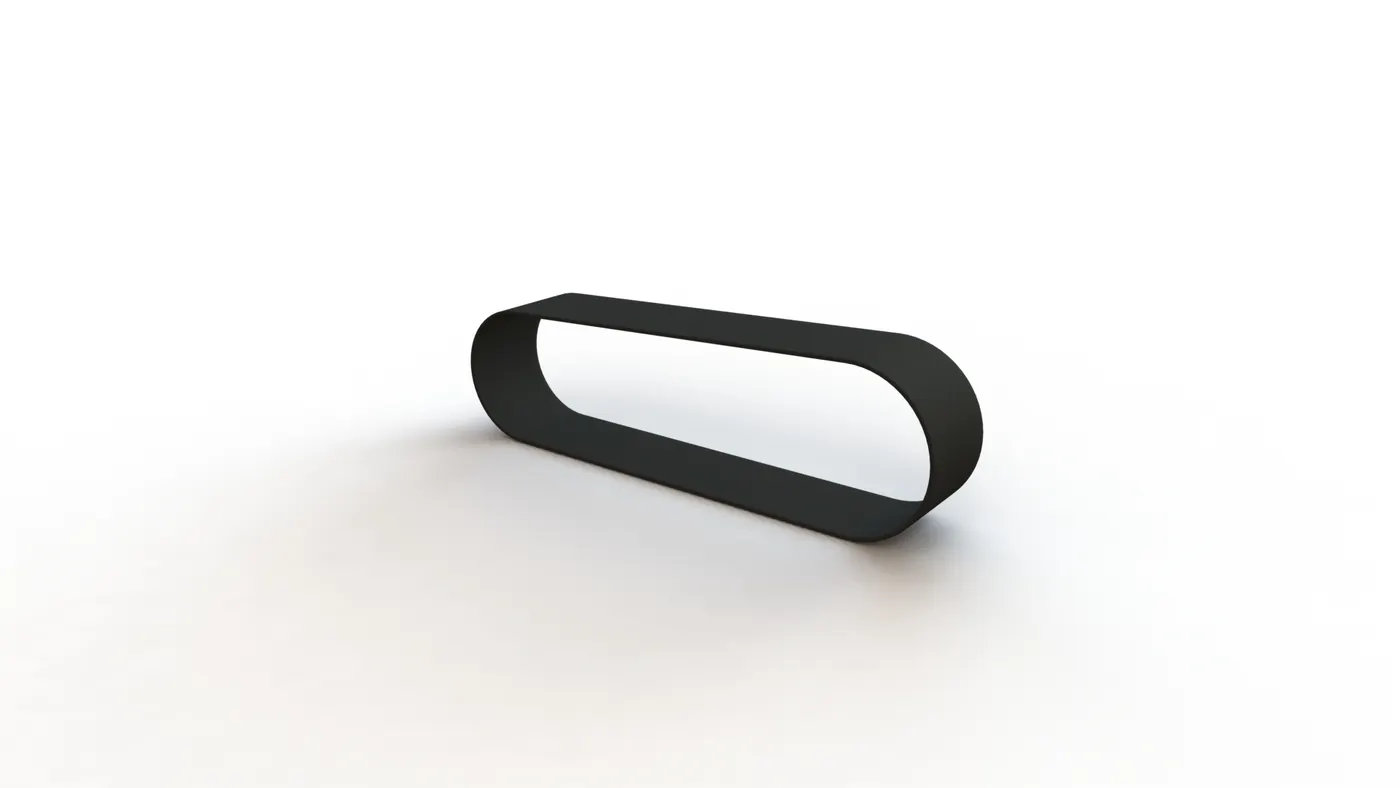
5. Transmission Belt:
Feature Tool: - Extruded boss/base and fillet
Sketch Tool: - Line, arc, and offset entities.
Appearance: - Matte Rubber.
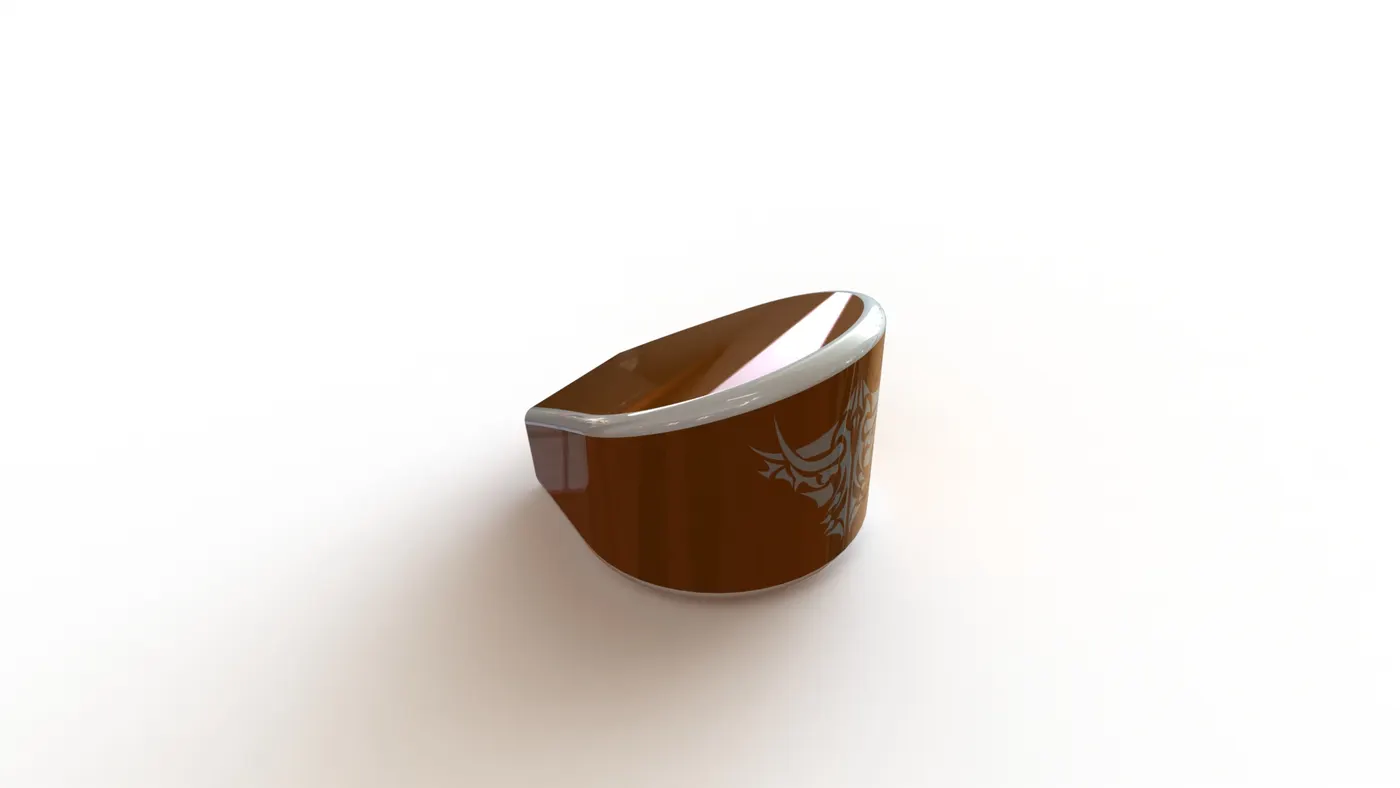
6. Oil Tank: -
Feature Tool: - Fillet, Shell, Combine, and Extruded Boss/Base.
Sketch Tool: - Spline, Circle, and Line.
Appearance: - Painted Siena.
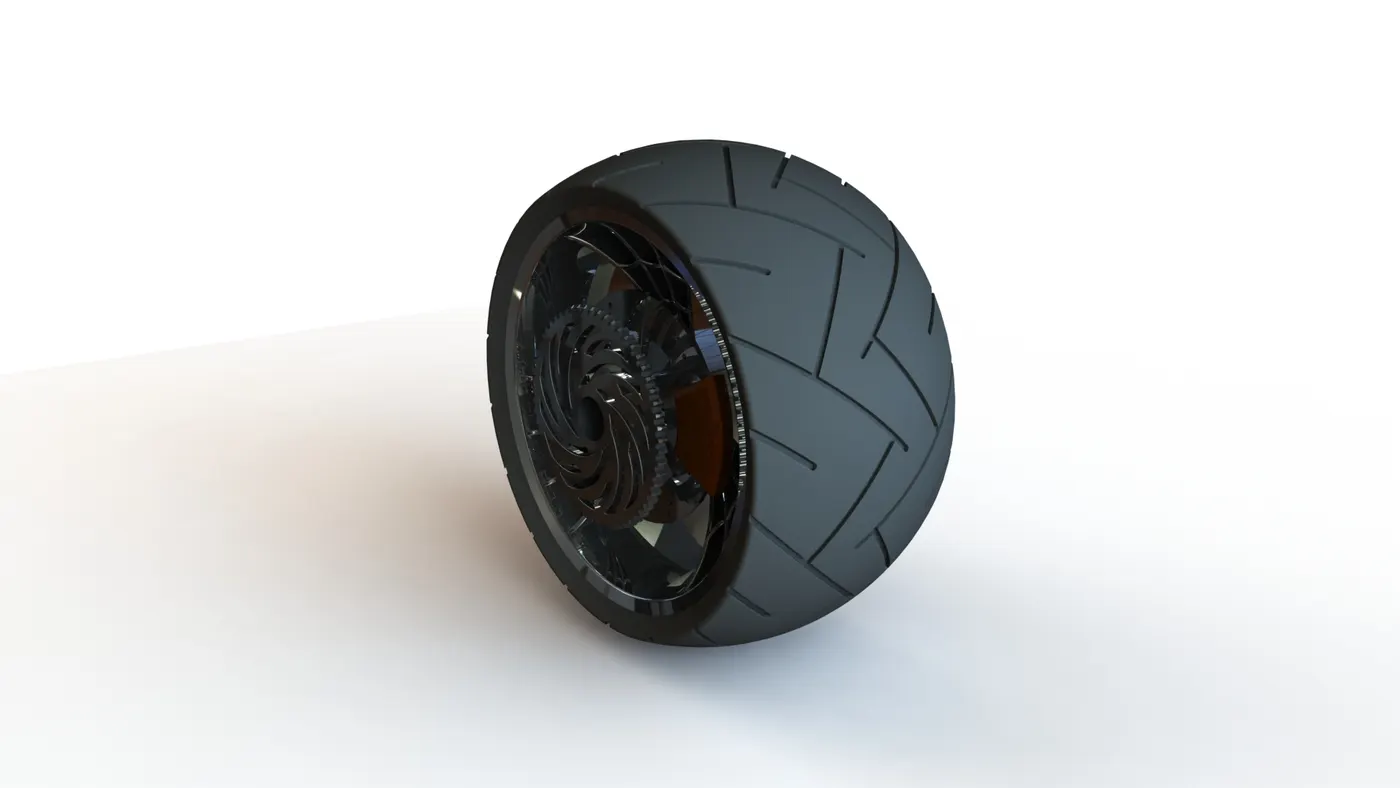
7. Rear Wheel:
Feature Tool: - Fillet, Revolve Boss/Base, Chamfer, Extruded Boss/Base, Revolve Cut, Circular Pattern, Linear Pattern, and Mirror.
Sketch Tool: - Spline, Three-point arc, Line, Rectangle, Convert Entities, Offset Entities, Trim Entities, and Circle.
Appearance: - Painted Siena for Calliper, Chrome Steel for Rim, Matte Rubber for Tire.
8. Rear Fender: -
Feature Tool: - Fillet, Revolve Boss/Base, Shell, and Split.
Sketch Tool: - Spline, Three-point arc, Offset Entities, and Line.
Appearance: - Painted Siena.
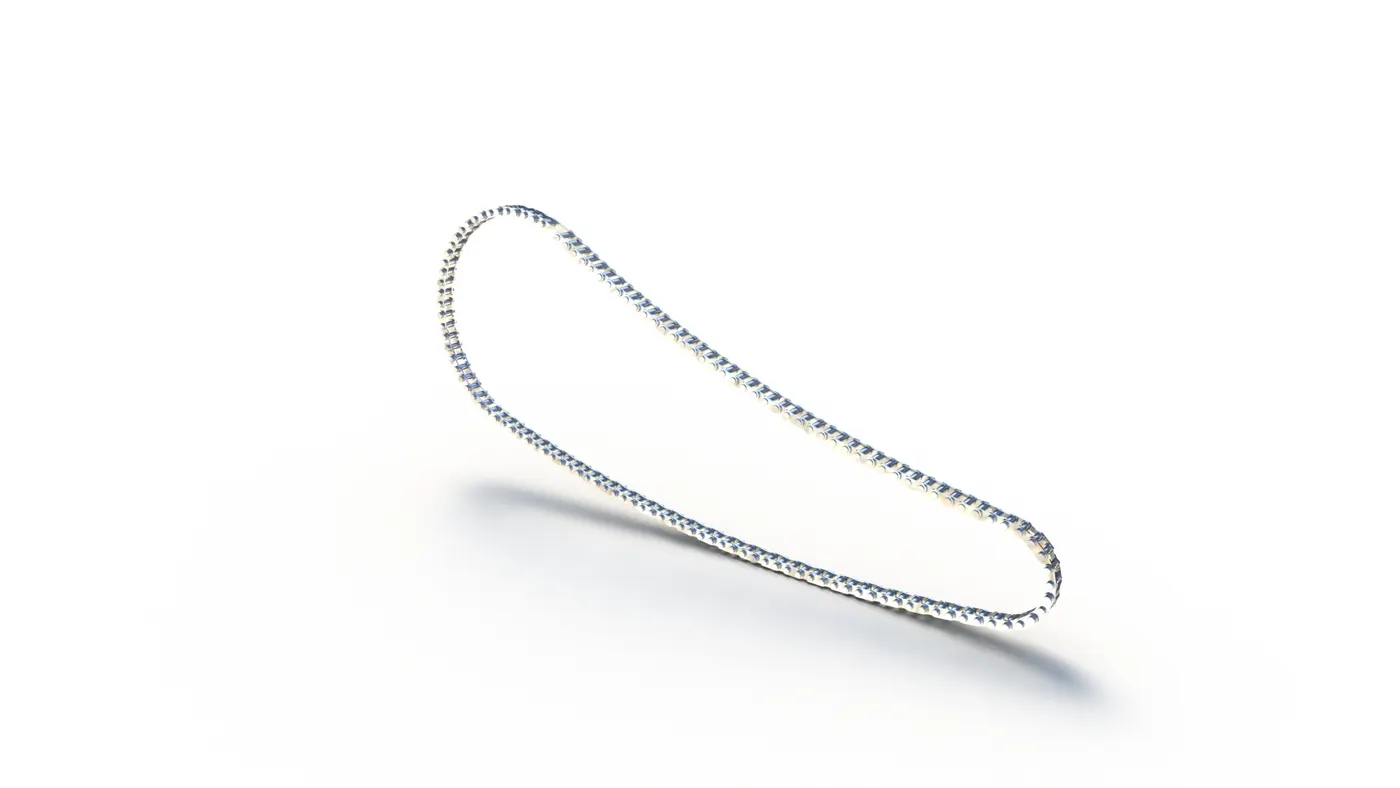
9. Chain
Feature Tool: - Fillet, Extruded Boss/Base, Mirror, Block, Delete/Keep Body, and Curve Driven Pattern.
Sketch Tool: - Straight Slots, Three-point arc, Circle, and Line.
Appearance: - Chrome Steel.
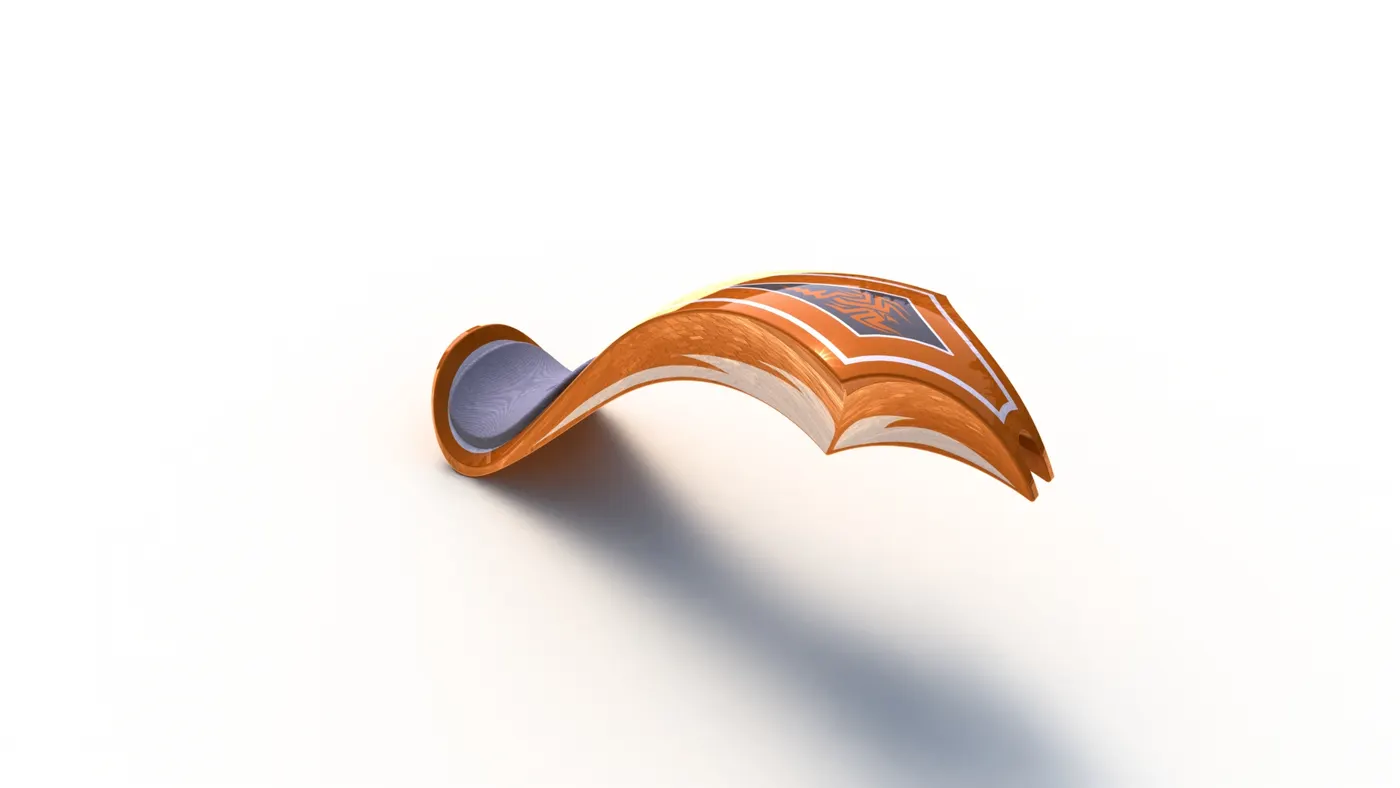
10. Gas Tank:
Feature Tool: - Fillet, Swept Surface, Combine, Projected Curve, Mirror, Surface Knit, Swept Cut, Shell, and Boundary Surface.
Sketch Tool: - Spline, Circle, Convert Entities, Offset Entities, and Line.
Appearance: - Painted Siena for Gas Tank and Fabric for Driver Seat.
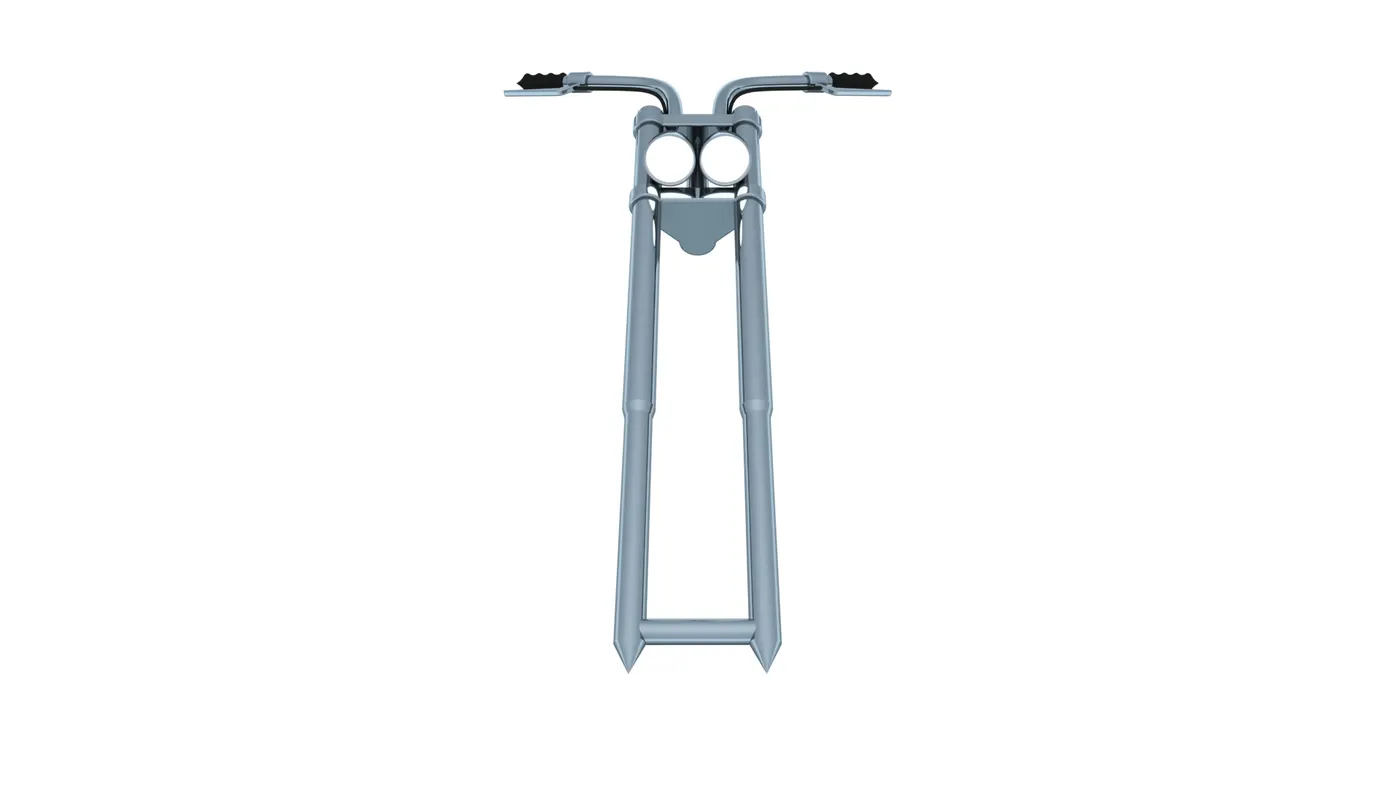
11. FRONT FORK:
Feature Tool: - Plane, Fillet, Extruded Boss/Base, Extruded Cut, Revolved Cut, Composite Curves, Projected Curves, Swept Boss/Base, Revolve Boss/Base, Chamfer, Mirror, and Combine.
Sketch Tool: - Spline, Circle,3-Point Arc, Convert Entities, Offset Entities, and Line.
Appearance: - Chrome Plate for Fork, Matte Rubber for handle and Brake Wire, and for Arial Light for Lamp.
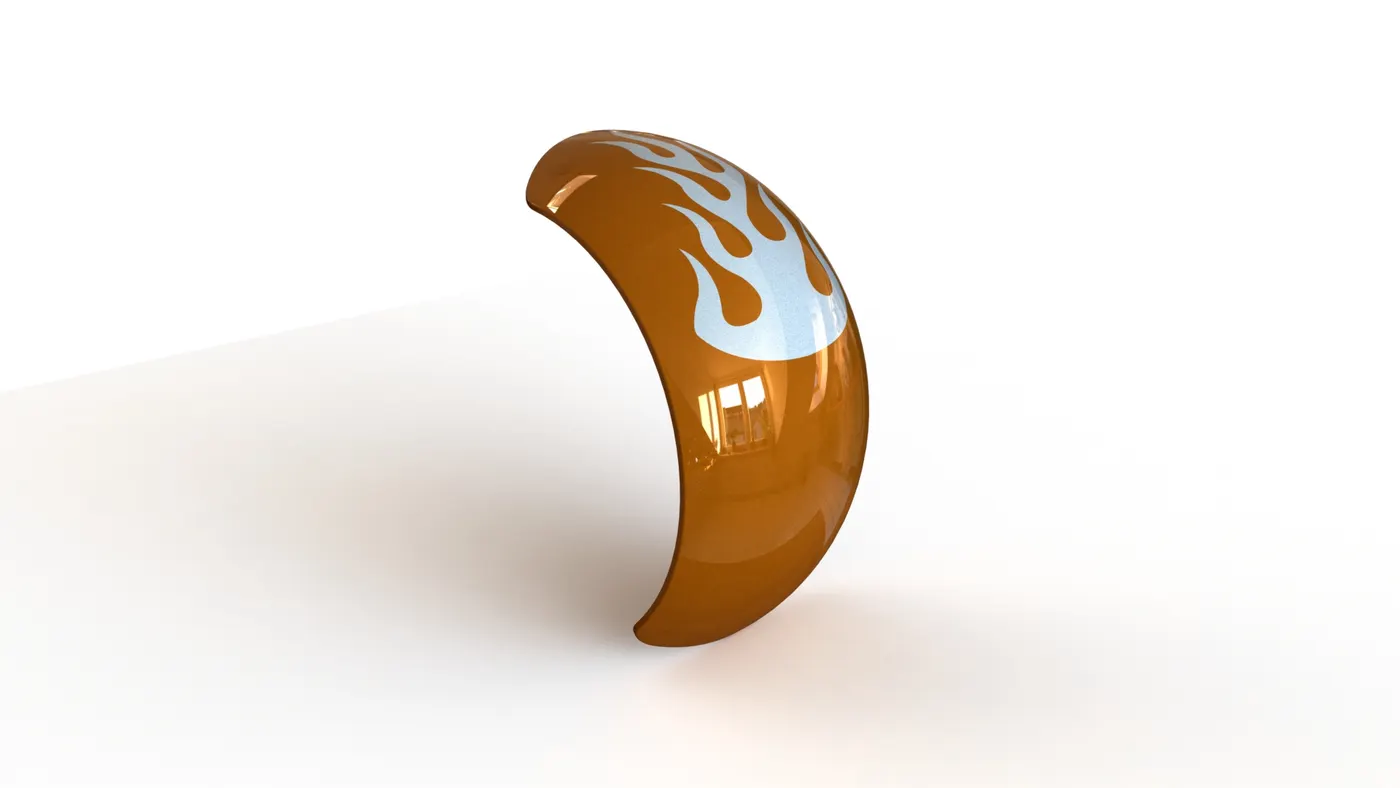
12. Front Fender:
Feature Tool: - Fillet, Revolve Boss/Base, and Split.
Sketch Tool: - Spline, Three-point arc, and Line.
Appearance: - Painted Siena
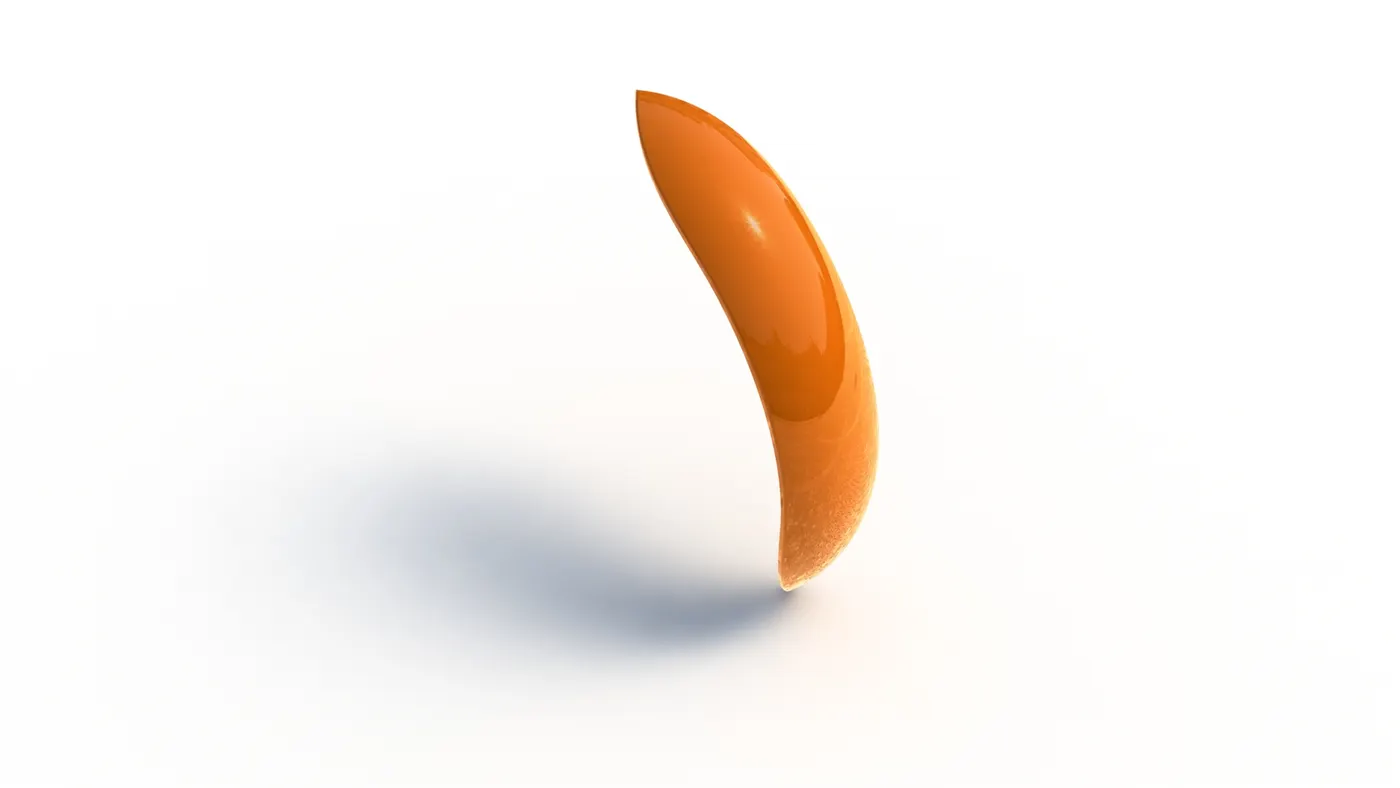
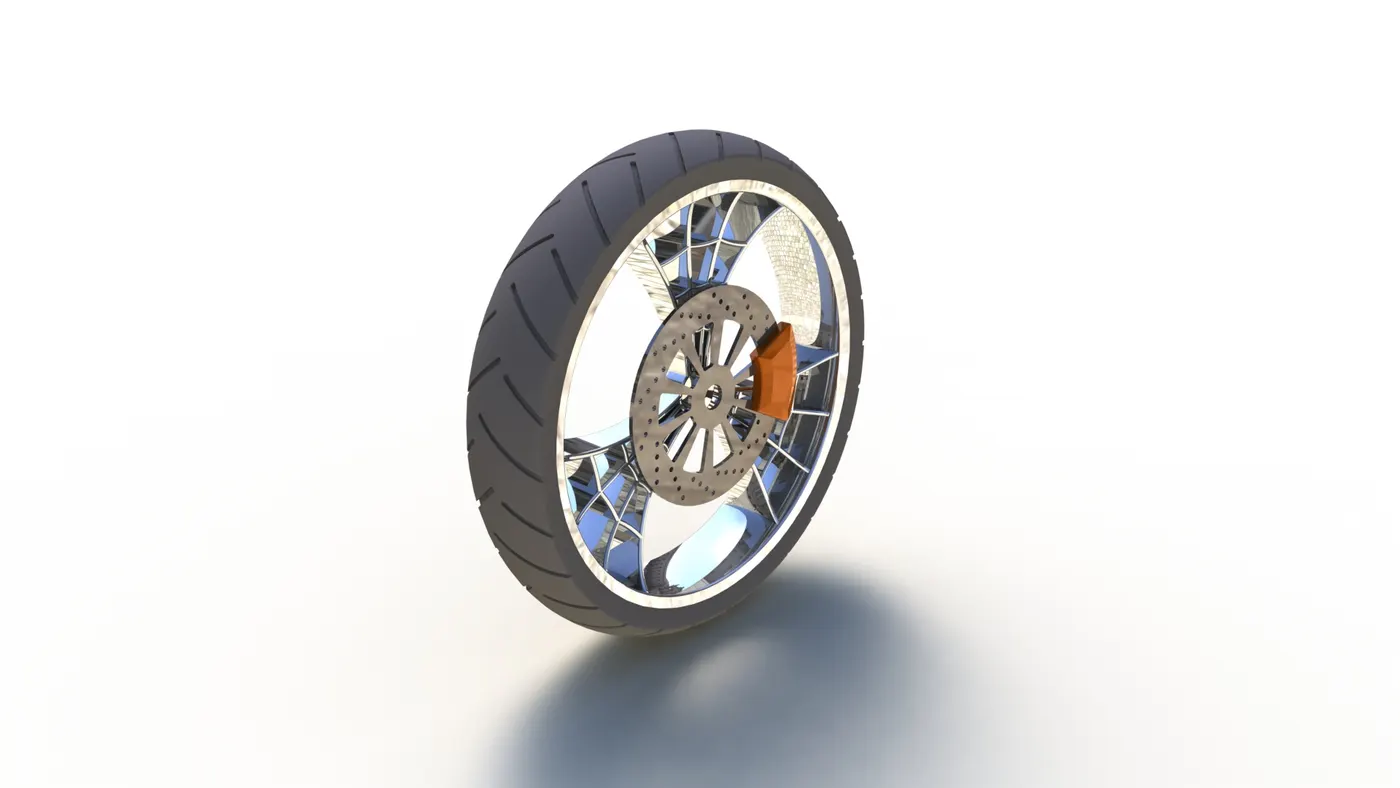
13. Front Wheel: -
Feature Tool: - Fillet, Revolve Boss/Base, Chamfer, Extruded Boss/Base, Revolve Cut, Circular Pattern, Linear Pattern, and Mirror.
Sketch Tool: - Spline, Three-point arc, Line, Rectangle, Convert Entities, Offset Entities, Trim Entities, and Circle.
Appearance: - Painted Siena for Calliper, Chrome Steel for Rim, Matte Rubber for Tire.
Detailed Rendering Images of Assembly:
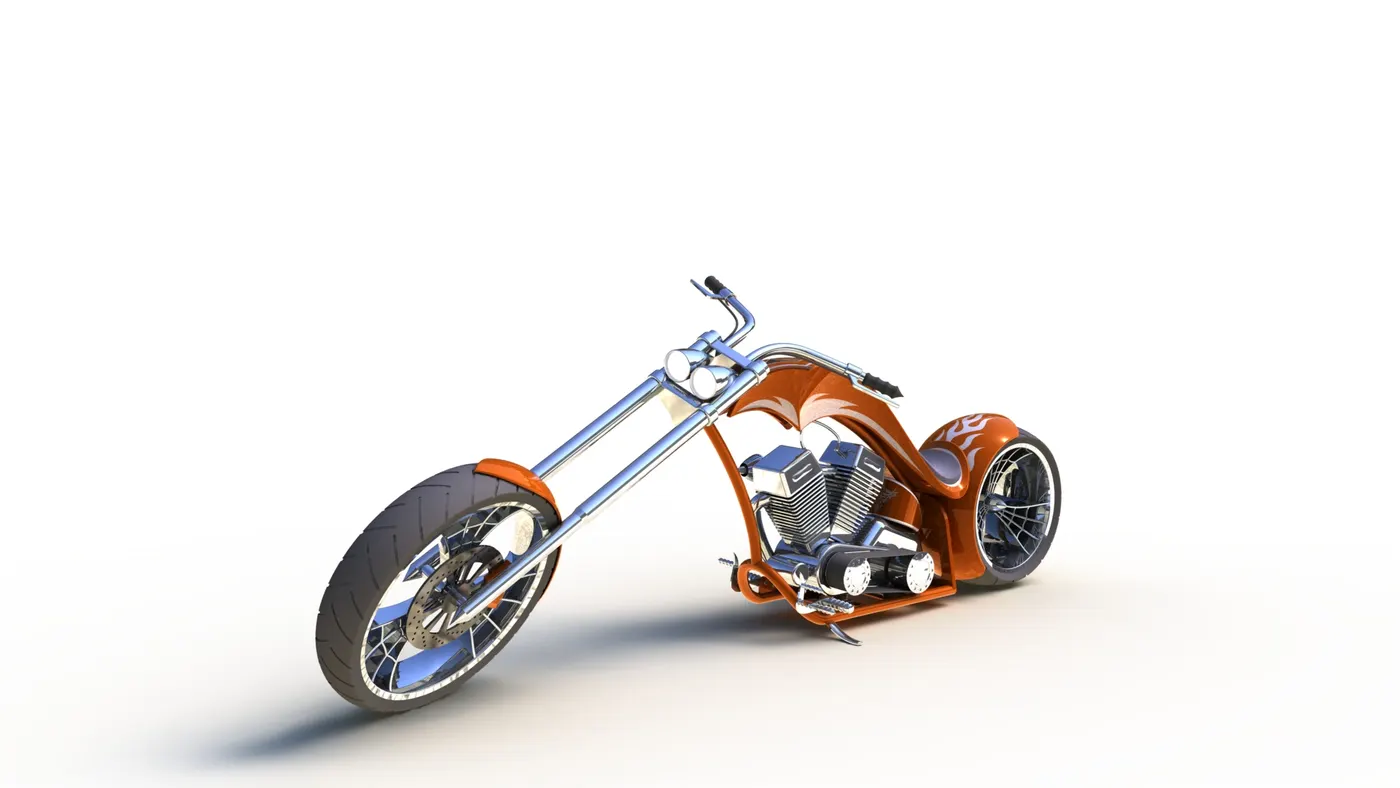
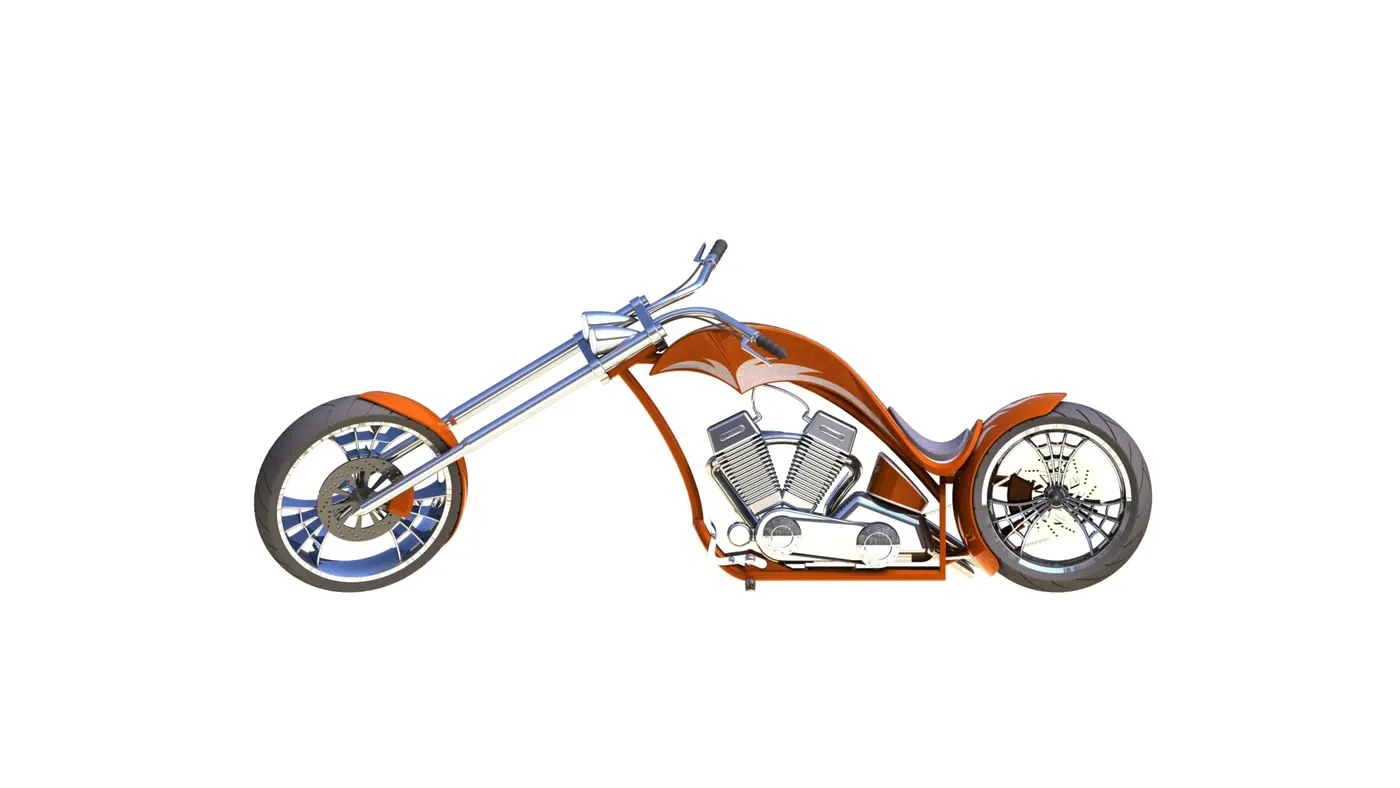
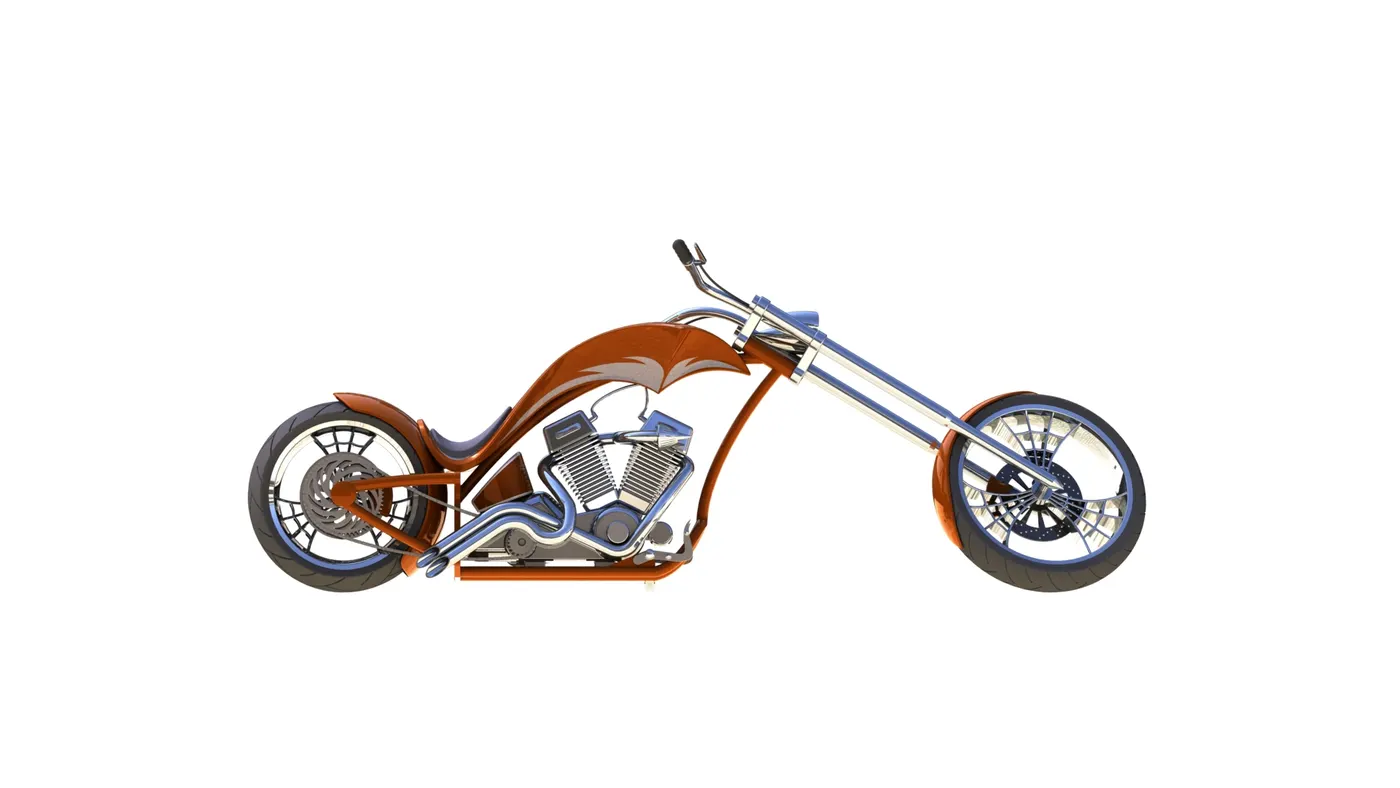
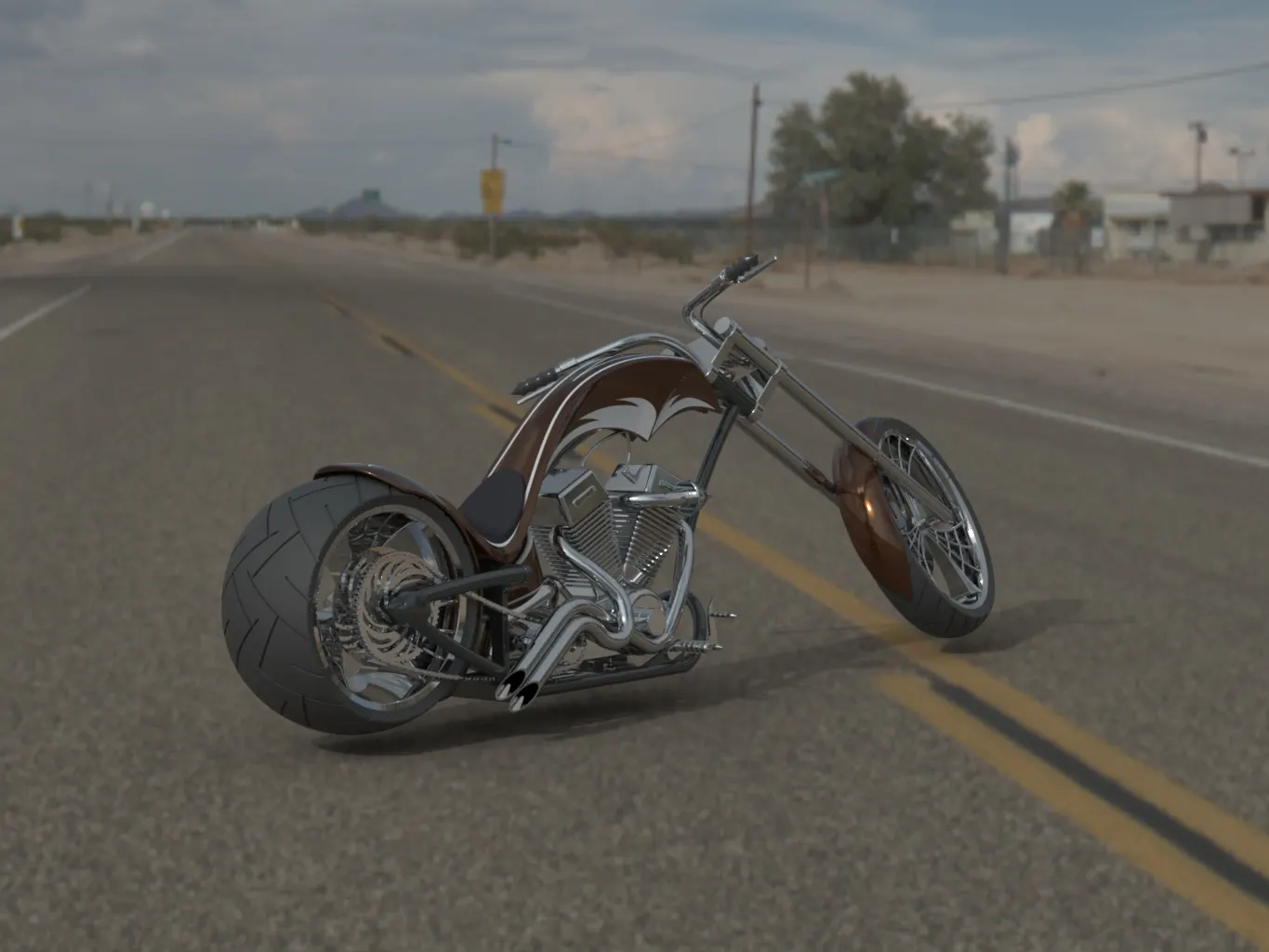
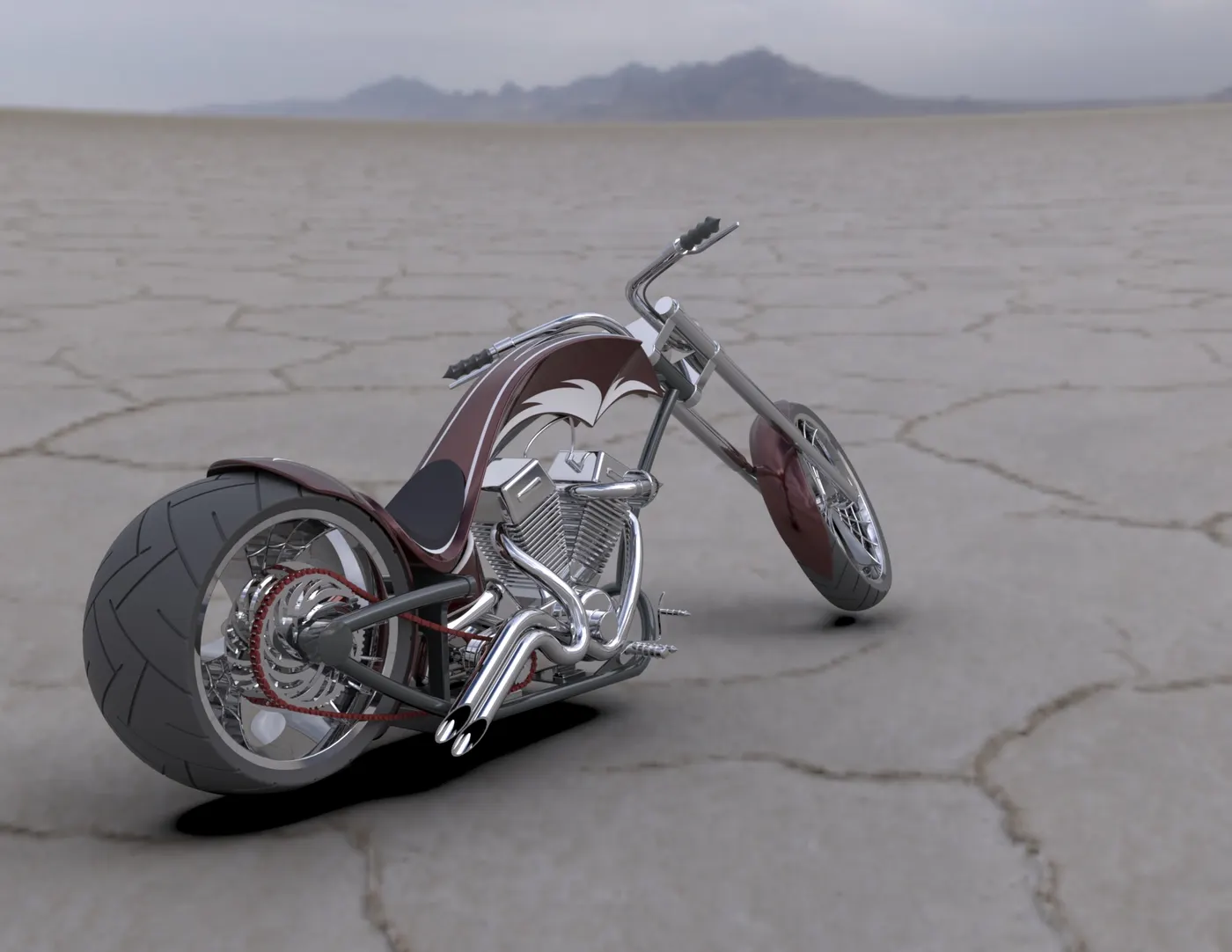
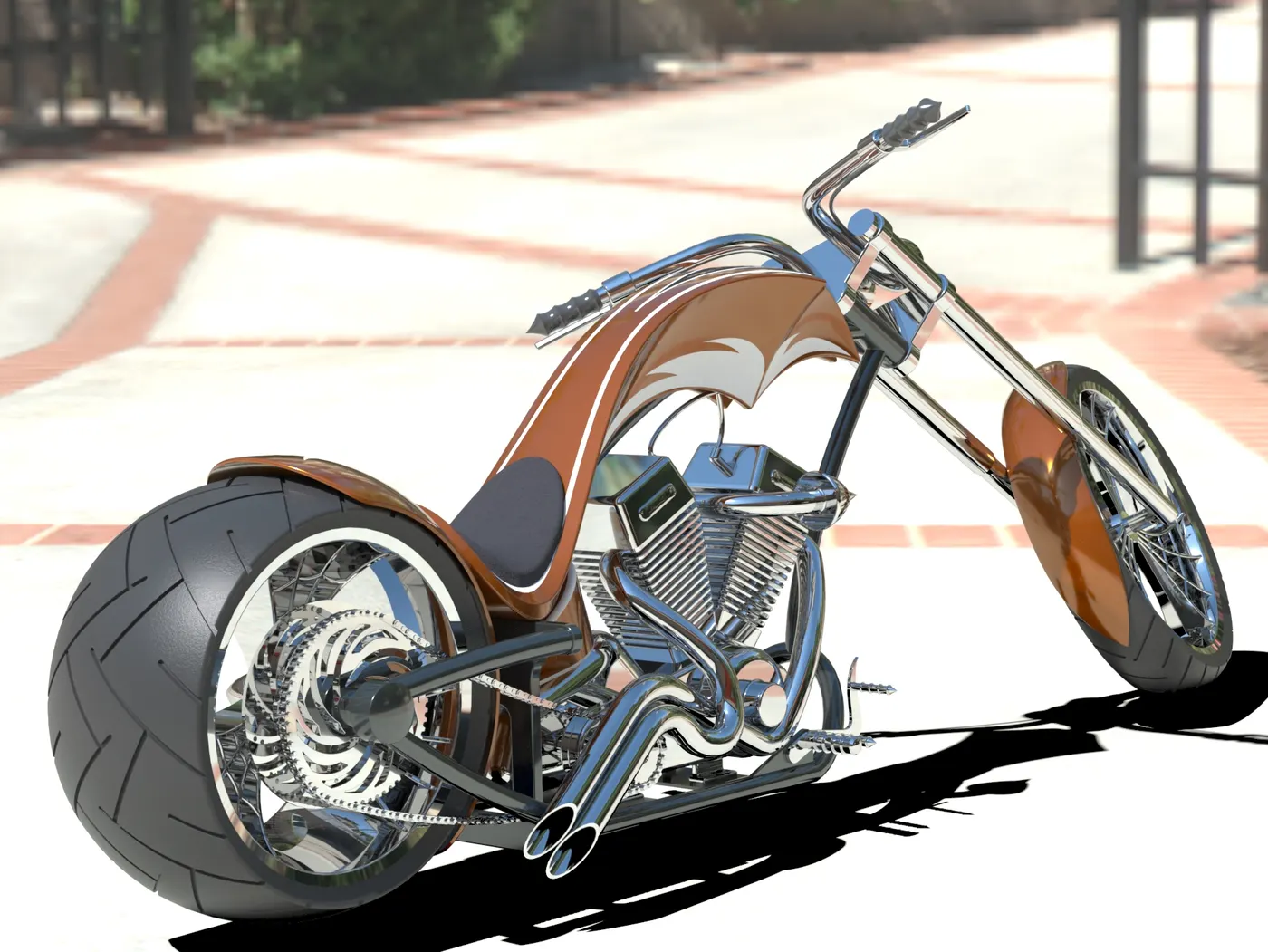
The final step in the project was to render the Chopper model by adding appearances, decals, lights, cameras, and a background scene. This process resulted in a realistic and natural view of the Chopper.
Rendering using PhotoView 360:
Rendering using SolidWorks Visualize:
Conclusion:
The project provided valuable insights into the design, modelling, and rendering processes in SolidWorks. The final result was a photorealistic rendering of an American Chopper, demonstrating the capabilities of SolidWorks and SolidWorks Visualize.