Modelling of 25 storey building with the specified properties using ETABS
PROCEDURE TO BE FOLLOWED:
- Open the ETABS software
- click the file menu and choose to create a new modal option
- after choosing a new model a dialogue box will appear
- choose the built in setting option and select the display unit
- after the modal is intialized select the grid and storey inputs from the new modal quick templates
- in this dialogue choose the custom grid spacing and custom storey dara which is used to provide the inputs specified
- Enter X grid data at a distance of 4 metre and Y grid data as 4m at distance
- Now edit the stories by using the user defined storey input by assigning plinth as 1.5m and all othe floors as 3m
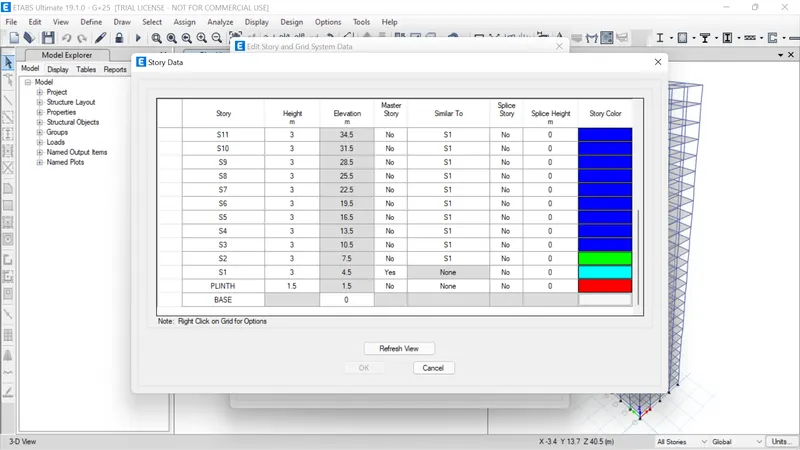
- select material properties
- define the material of concrete as m30 and for longitudinal rebars as fe500 and for shear rebars as fe415
- Select section property under define
- click the frame section and creat a new property as beam with depth 400 and width 300
- define column as 800*800
- click the shell section and add a new property for slab of thickness 150mm
- now draw the beam column and slabs with the help of quick draw tool
- select assign and click on pin joint support for the base
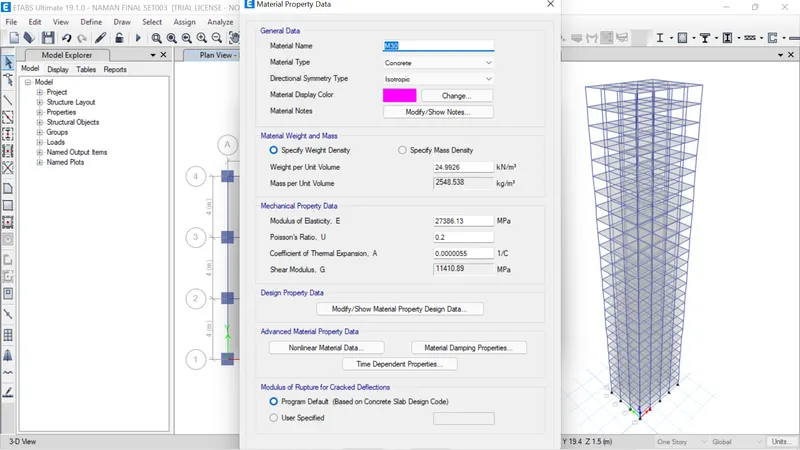
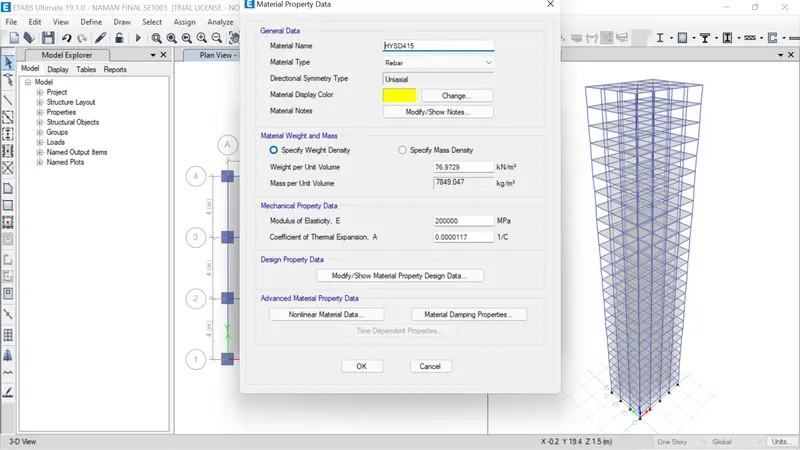
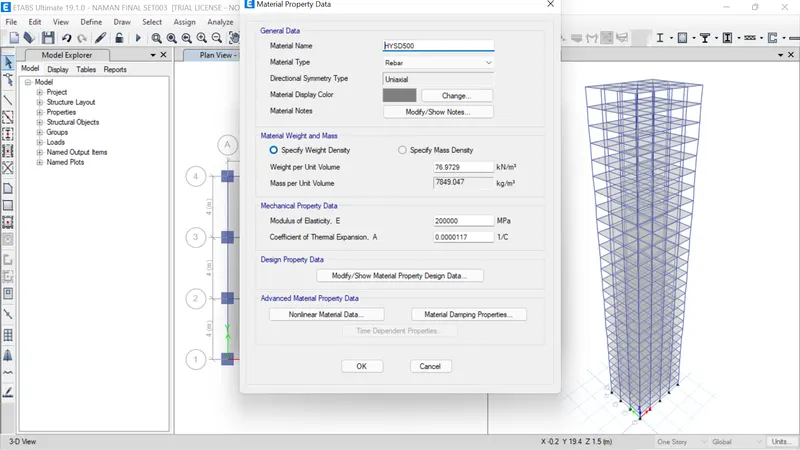
- now define the load patterns:\
- Go to define, select load patterns, define dead load,live load, brick load, earthquake load at X axis and Y axis at +ve and -ve direction
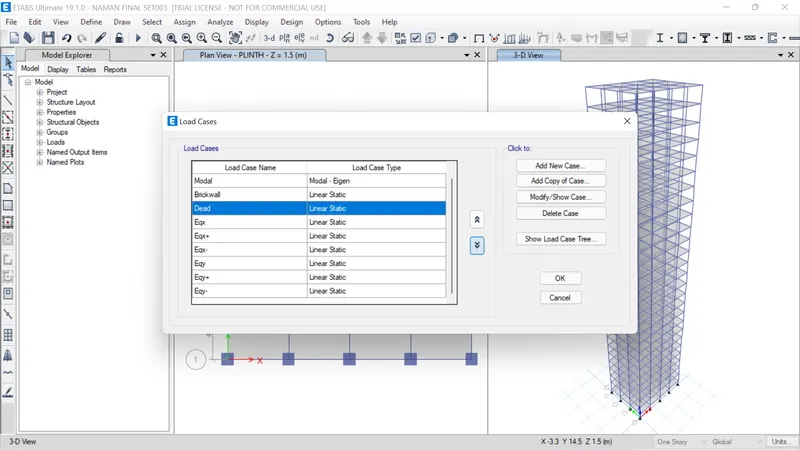
- click on shell load under the assign tab
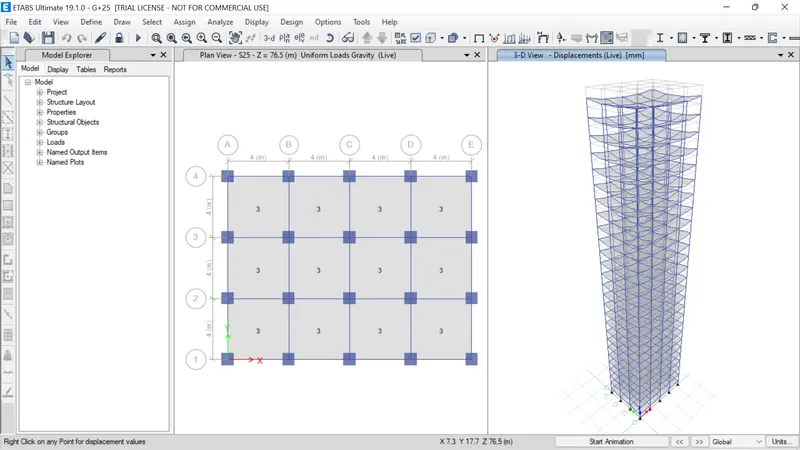
- click on live load and give value as 3kn/m2
- click on apply
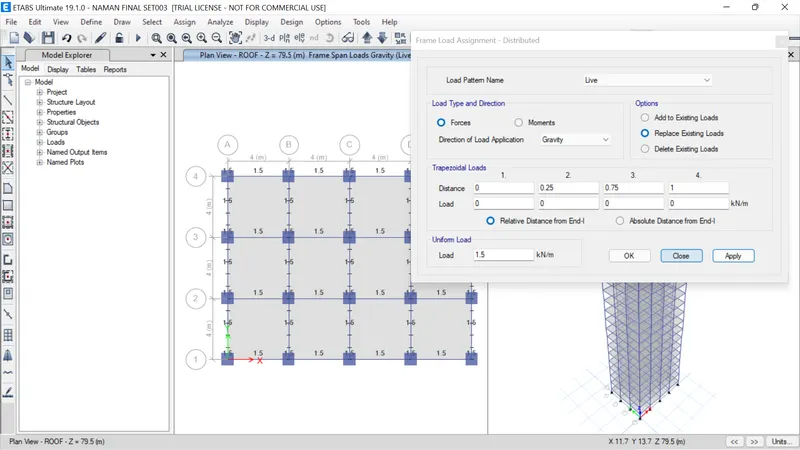
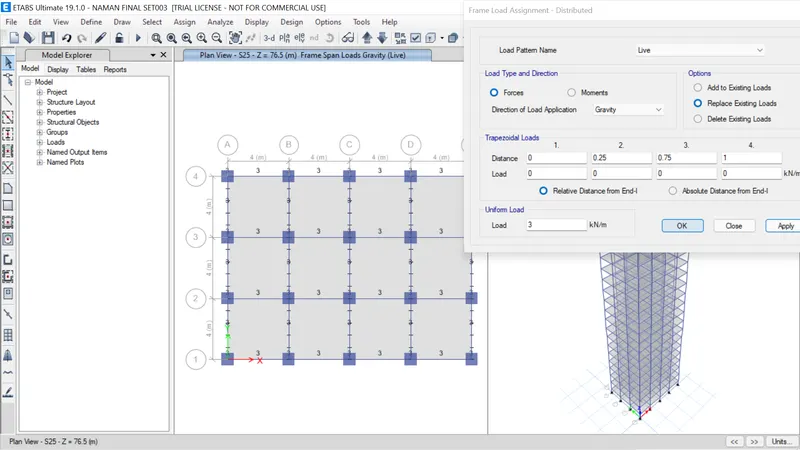
- similarly add live load of 10kn/m2 on all the beam
- for that select all the beams from select object type beams
- goto the frame load and click on the distributed load and enter the value as 10kn/m2
- now go to mass source from the define tab
- modify the mass source and select the reuired load
- add load patterns and assign to the model
- Go to define load combinations and add default design combo
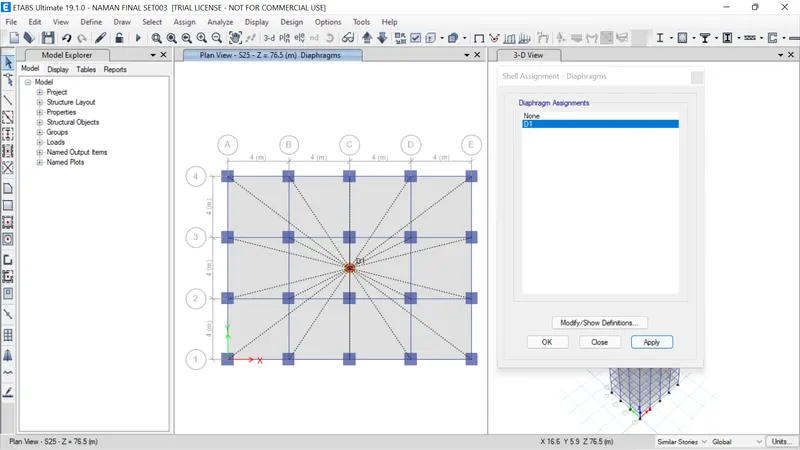
- Now go to assign tab then shell and select diaphragms, then click ok
- Analyse the model using analyze option then click on check model
- run analyse the model is analysed and deflected
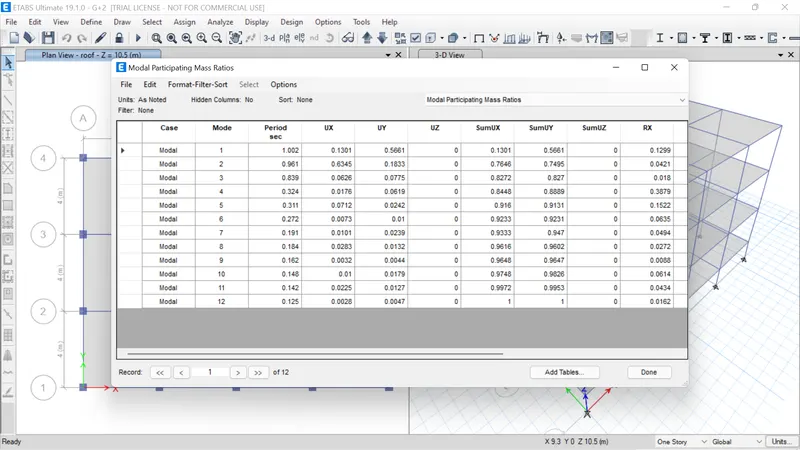
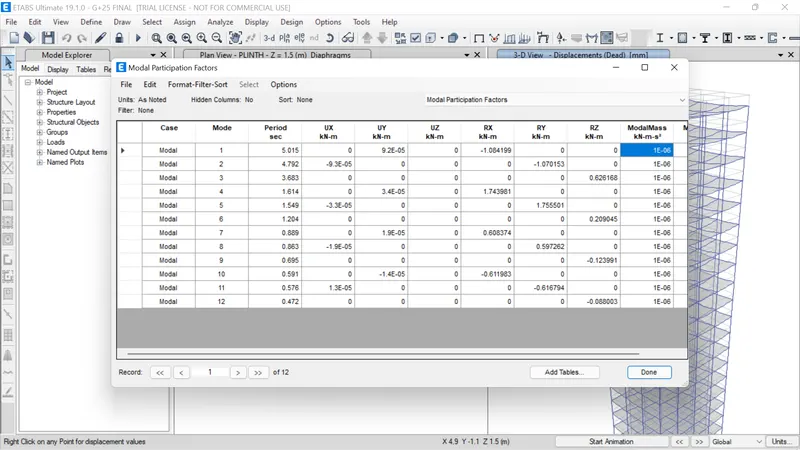
- Now click on display>show tables> analysis results> structure output> modal information> modal periods and frequencies
- we get the result for time period at x-axis and y-axis and all
The modelling is completed and analysed.