Introduction to REVIT concepts
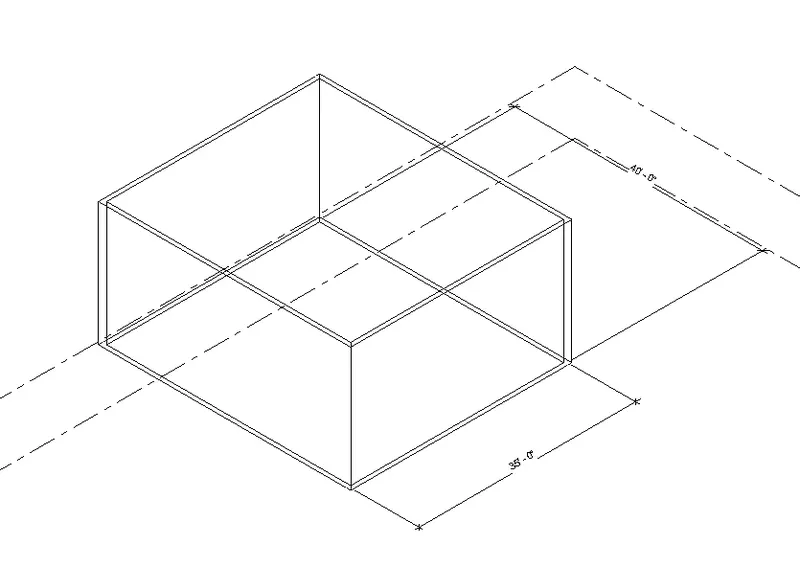
3D MODEL VIEW
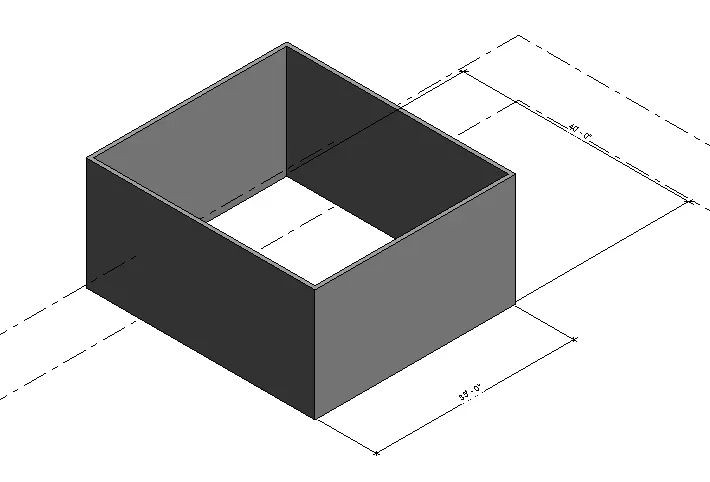
3D SHADED VIEW
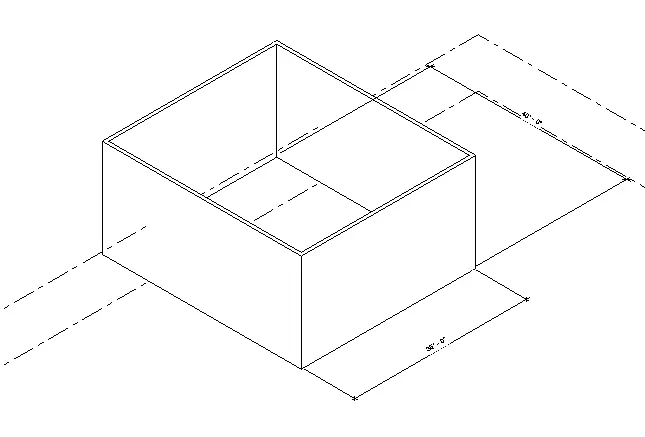
3D HIDDEN VIEW
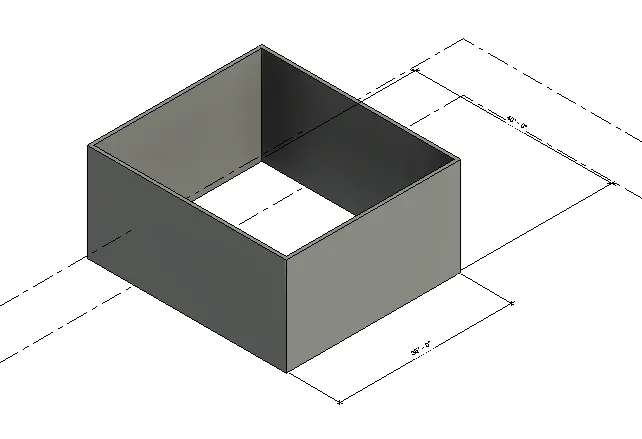
3D REALISTIC VIEW
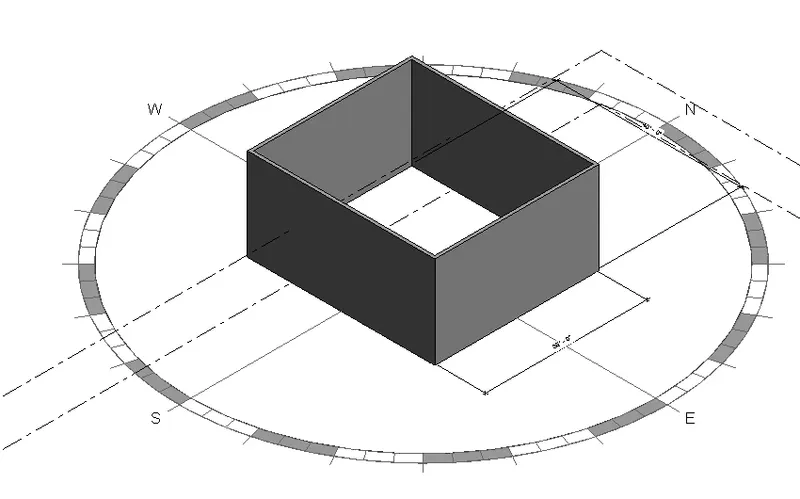
3D SHADED VIEW WITH SUN PATH ON
AIM:To creat the 3D wall by using REVIT.
PROCEDURE:
- First open the revite software and go to file menu and creat a project and name project appropriatly and save it.
- After that open the saved project by using icons from file toolbar.
- Next go to Architecture toolbar in that select wall and the wall as per the drawing requirements.
- Then give the dimensions to the wall by using annotate toolbar in that select aligned dimesions and give dimensions to the walls .
- Next go to view toolbar in that select 3d model view and save the view by giving some name to it.
- After that use the visibility options below and in that select shaded,realistic and hidden line options.
- Next turn the sun path on and off to view shadings in the created layout.
- Then use the manage toolbar in that select project information in that give name and issue date of the project to the created project.
THE TOOLBARS USED FOR THE ABOVE DRAWINGS ARE:
- file toolbar
- Architect toolbar
- manage toolbar
- Annotate toolbar
- View toolbar.
2) ANALYSE TOOLBAR:-Analse toolbar is the tool which helps to combine the different loads in the stucture,load combination,boundry conditions,etc.it is used to analyze the structure with all the different loads applied in the object with gives the analysis report as the result.
3) The links that revit supports to be linked to the model are:
- Link revit
- Link IFC
- Link CAD
- Link TOPOGHRAPHY
4) Collaboration for revit is a cloud-based service that allows any revit users inside or outside a network to collaborate on a revit model
Collaborating tab in Revit which supports modeling and its efficiency . we can link multiple revit models together allowing team members to work in context through worksharing ,users on the same local area network can work together in the same Revit model.