Hood design-Week 2
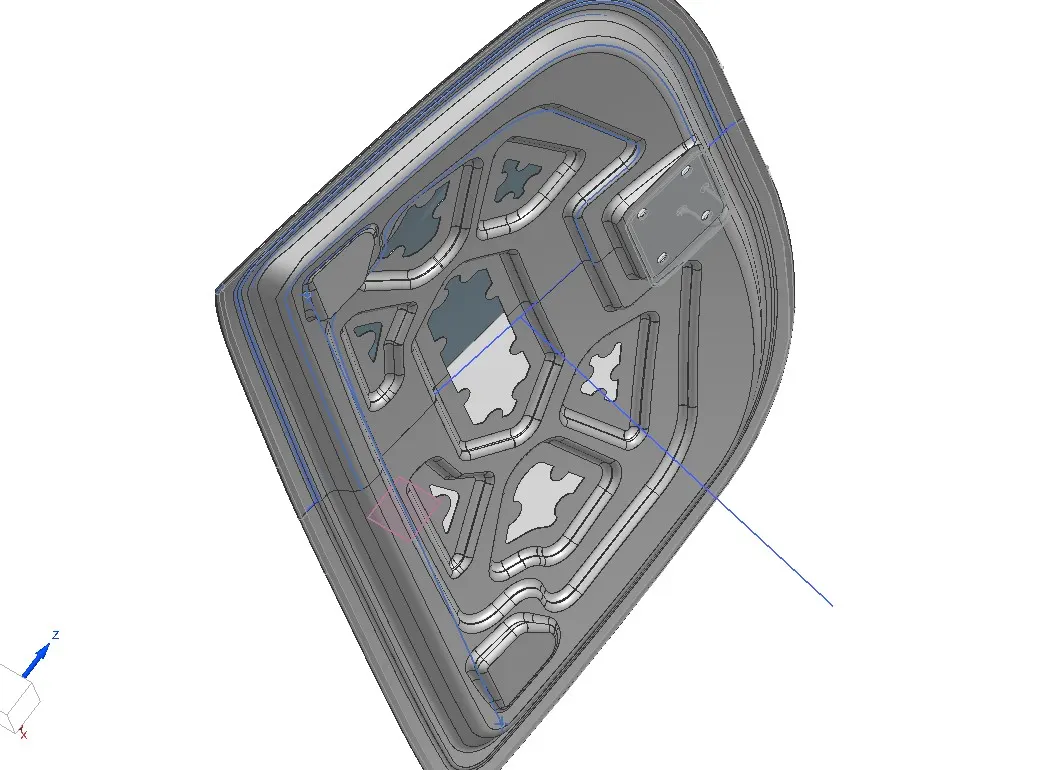
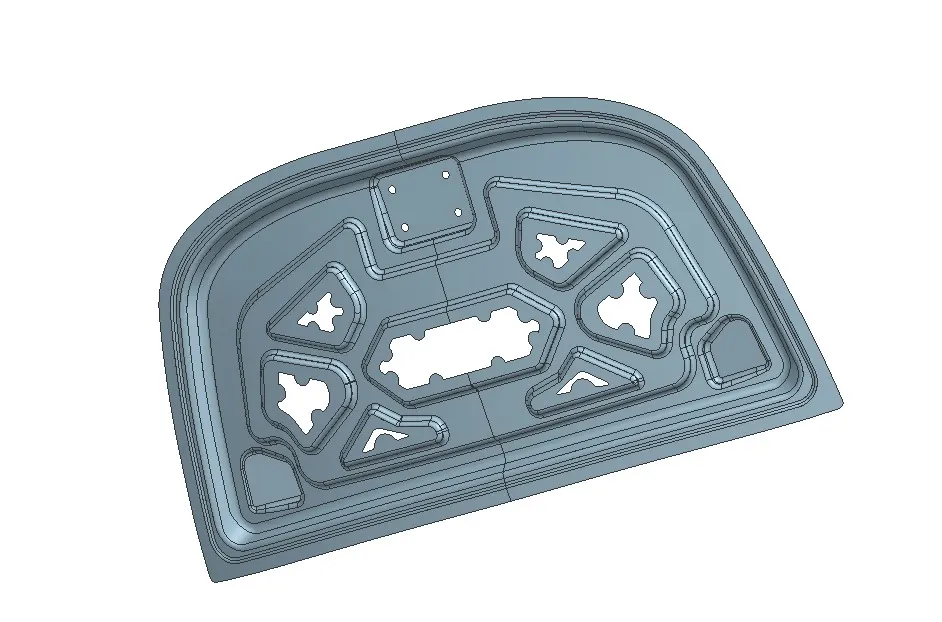
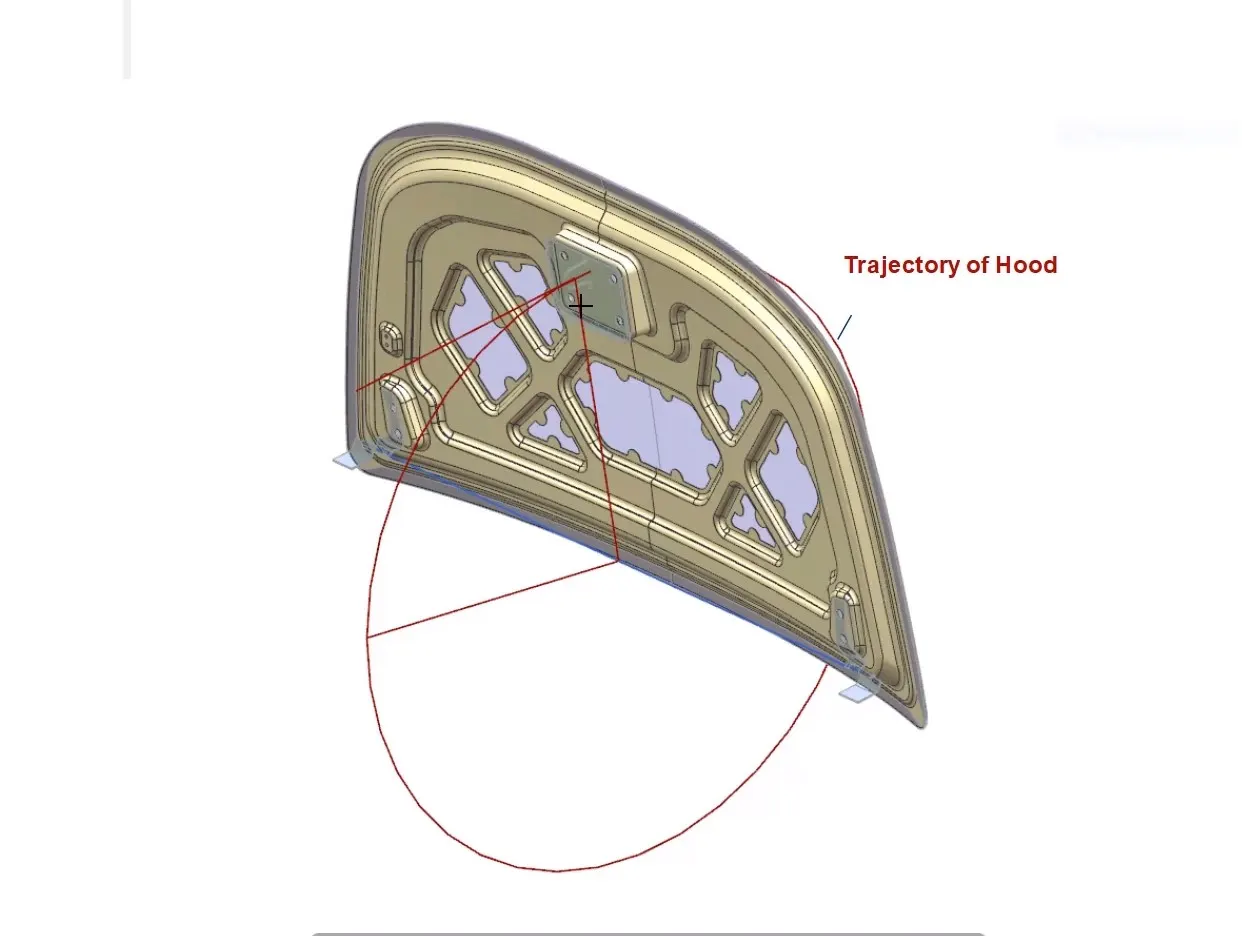
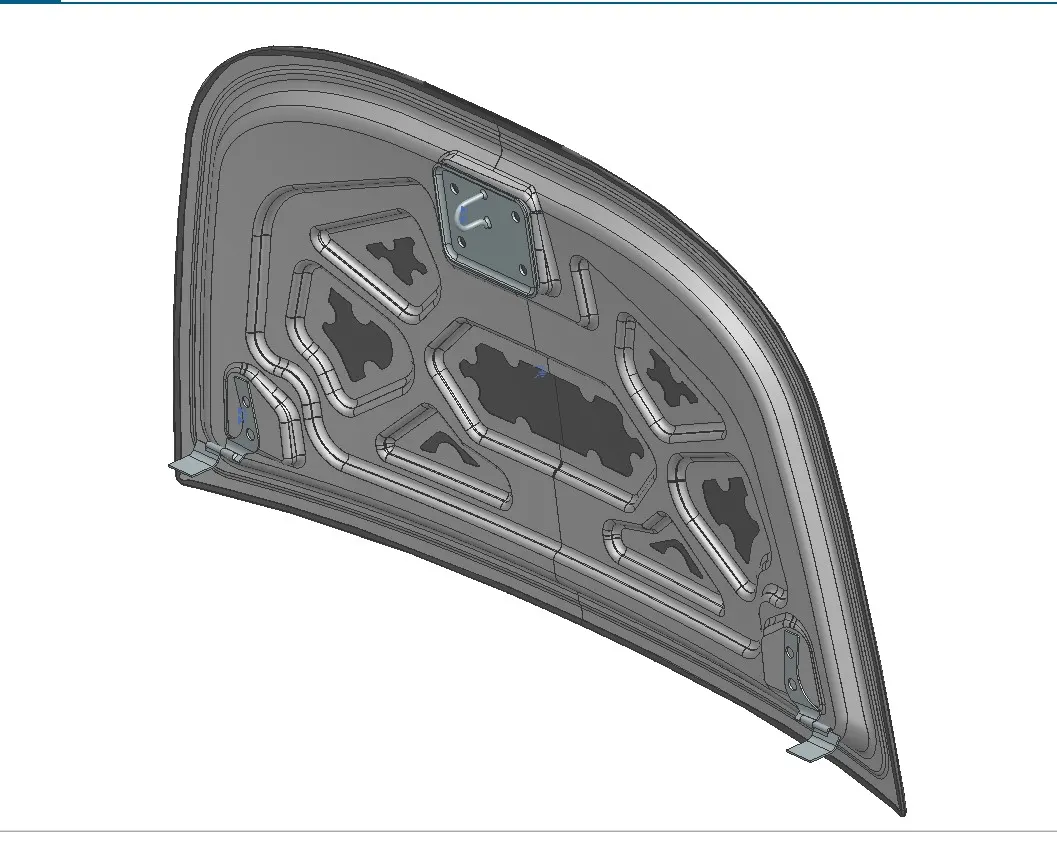
Aim - Design Hood Outer Panel, Inner Panel and the necessary reinforcements by following the Master Section mentioned with the Design parameters
Inputs - Mastersection, Hood Outer Class A Surface, Striker panel and hinge assy
Hood Thickness Information
- Outer Panel Thickness = 0.75mm
- Inner Panel Thickness = 0.75mm
- Reinforcement Thickness = 1.5mm
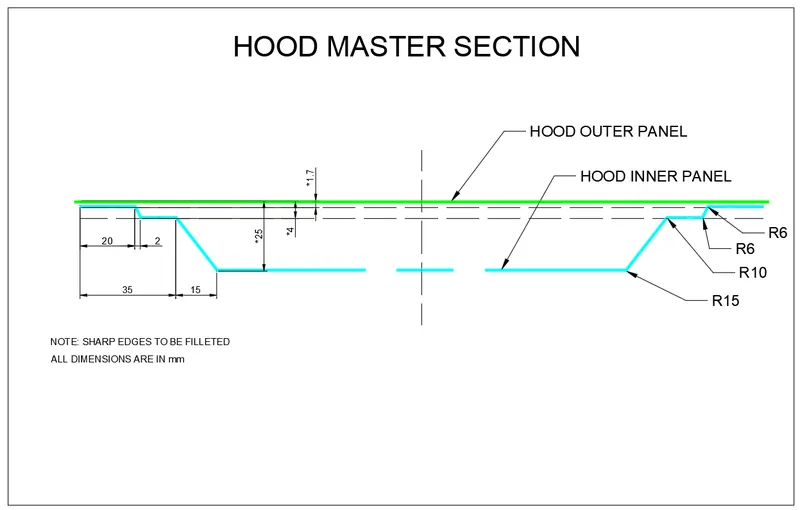
Master Section
Hemming Data
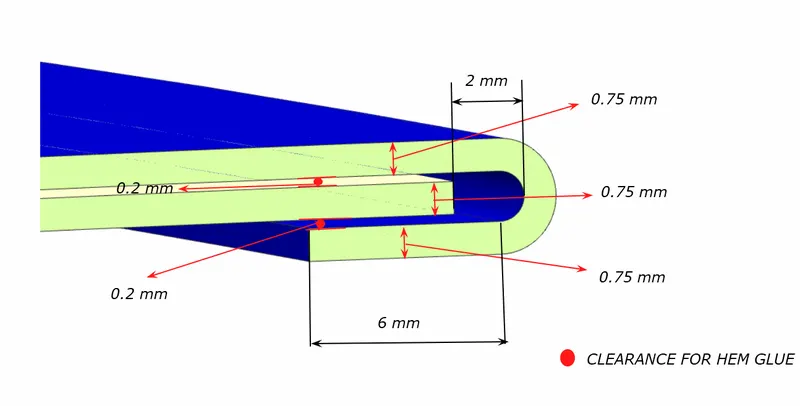
Hemming: The hemming procedure entails connecting the outer and inner panels of the hood by folding the curved corners to a 180-degree angle. Additionally, slight relief is applied to the sheet's corners to ensure proper alignment for the rollers responsible for the hemming operation in the designated region. Hemming is a prevalent sheet metal technique in the automotive industry, especially for styling components, as traditional welding or joining methods could potentially compromise the vehicle's visual appeal.
Reliefs: At the front and side sections of the panel, reliefs are incorporated to facilitate a seamless rolling process. This design feature prevents any tearing of the sheet as the roller moves through these specific areas
Tools Description:
-
Offset Surface: The offset surface tool duplicates a selected surface at a specified distance and direction.
-
Emboss: The embossing tool generates a raised surface based on a chosen closed contour. The punch for the embossing is created from a selected surface that contains the contour. A draft can be applied to the punch from either the end cap or the base surface.
-
Trim Sheet: The trim sheet tool divides the target surface along the intersecting curve of the target surface and the tool surface. The sections of the surface on either side of the intersection can be retained or removed as needed.
-
Through Curves: This tool creates a surface between two different surface sections, allowing for shape variations in between.
-
Law Extensions: Law Extensions creates an extended surface based on an open-chain or closed-chain contour on the selected target surface. Draft can be applied during extension.
-
Face Blend: Face blend generates a curved blend or fillet between two selected surfaces in a specified directional vector. Adjustments can be made to the blend curve's dimensions, width, and continuity.
-
Extend Sheet: This tool extends a selected sheet up to a specified distance.
-
Offset on Face: Creates an offset in the frontal or edge direction on the target face, up to a given distance.
-
Bridge Curve: Bridge curve creates a curved connection between two intersecting or non-intersecting curves. The curvature's start and end points can be modified by providing a distance value.
-
Projected Curve: Projected curve creates a projection of a curved profile onto a target surface, which can be linear or curved. The projection direction can be adjusted using a defined vector.
-
Sew: The sew tool combines sheet bodies by connecting shared edges or solid bodies by joining faces. Gaps between surfaces can be closed as well.
-
Mirror Geometry: This tool mirrors geometry along a selected face.
-
Curve on Surface: Curve on Surface tool creates a surface spline feature directly on a chosen face.
-
Thicken: Thicken generates a solid body using the specified thickness.
-
Extracted Body: Extracted Body tool creates a body from selected geometry. The feature can be edited by modifying the parent feature and updating the extracted feature.
CAD