Geometry simplification of an Electronic enclosure assembly with PCB
Aim : Create a workflow in ansys workbench and import the CAD model of power board assembly into spaceclaim. In Spaceclaim convert provided geometrical parts into ICEPAK components for further simulation.
Introduction: In Present Project the given CAD model of electronic enclosure assembly is imported in Spaceclaim & identify the importance of Bodies:
1. Focus Bodies : Are of greatest interest
2. Necessary Bodies : Affect focus bodies
3. Peripheral Bodies : Influence on focus bodies is uncertain
4. Dispensable Bodies : No effect on Focus bodies
Step1: Create work flow in Ansys workbench
Ansys Workbench is a project management tool. Workbench ensures passing of data between ANSYS Geometry/Mesh/Solver/Postprocessing tools. This will establish a Project Management for Simulation driven design activity. workflow of Ansys workbench easies file handeling and tracking of files used for simulation. Also one can get an quick visuial understanding on "how a project has been built" and Simualtion modules used.
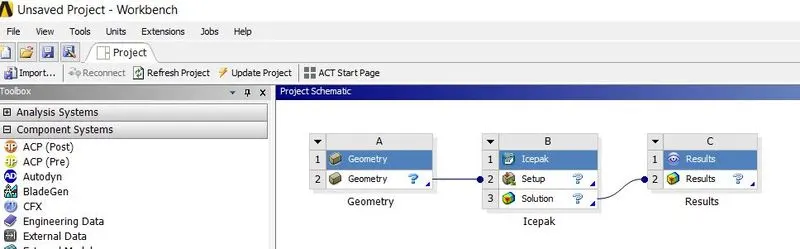
For this Project will be working only on Geometry Cleanup and Converting geometry parts into Icepak parts.
Step 2: Import CAD file into Spaceclaim
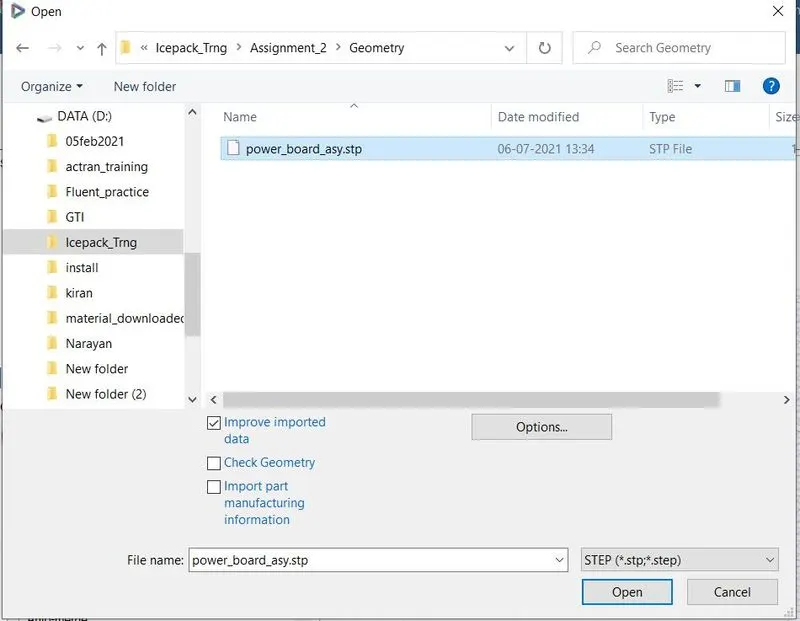
In Spaceclaim, parametric files or neutral files (*.stp, *.iges) can be imported.
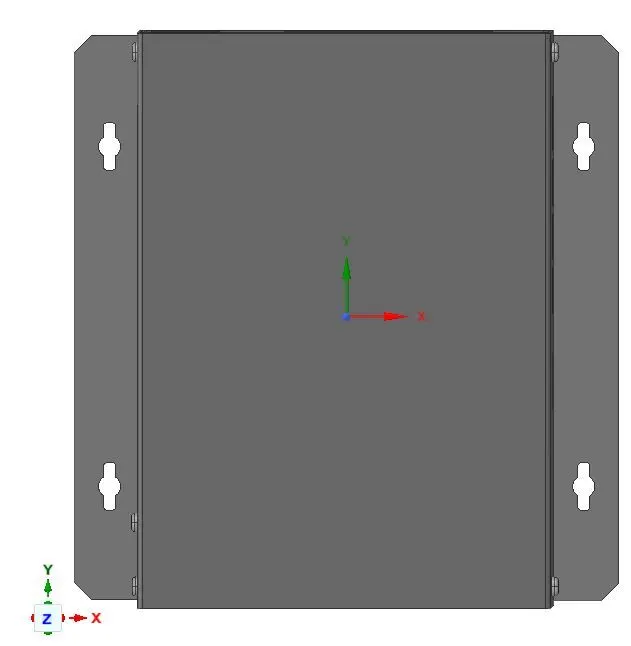
CAD file of electronic enclosure system
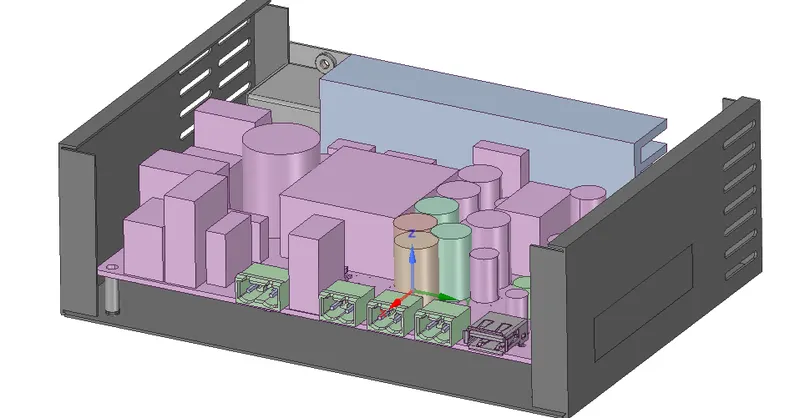
Internal Components of electronic enclosure system. Upper side of PCB Board.
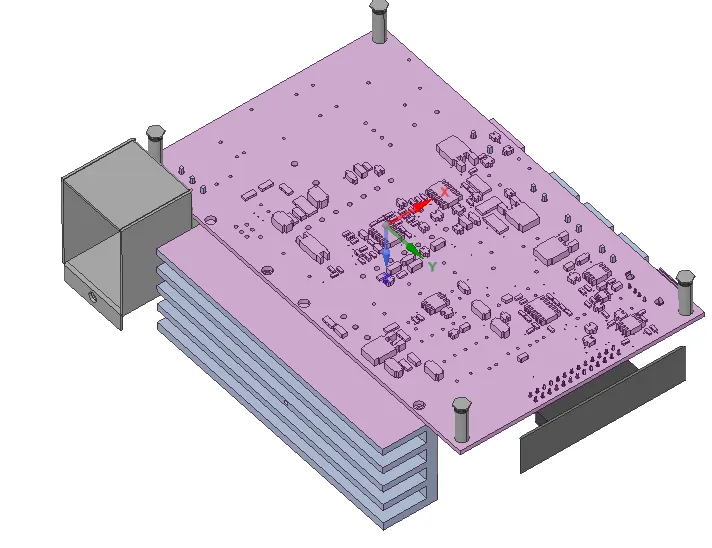
Internal Components of electronic enclosure system. Lower side of PCB Board.
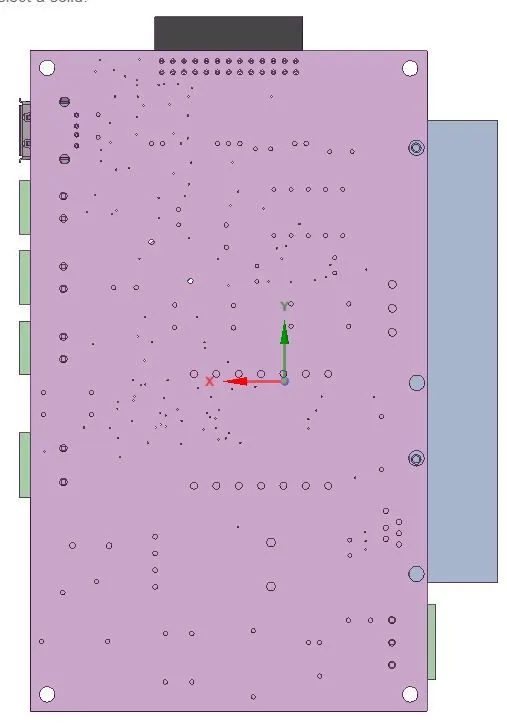
Deleted small components which were not Focus bodies & might not contribute in terms of heat generation for thermal failures.
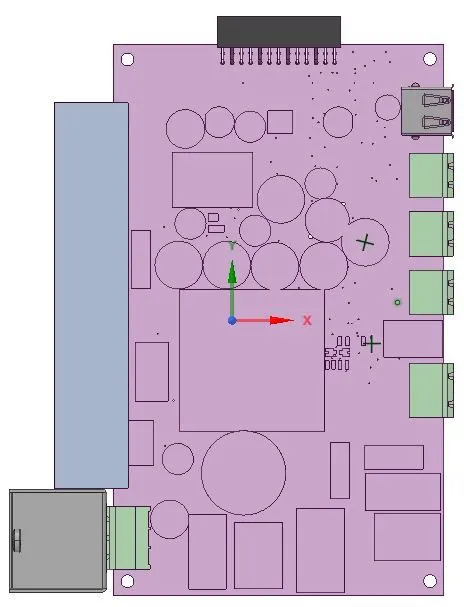
Smaller components of upper part of PCB are not considered for Simulation.
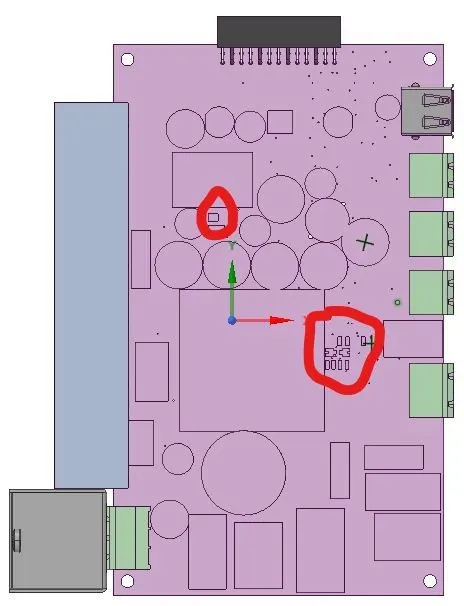
In above image, components circled with red color are not considered for simulation.
Geometry parts are converted into Icepak parts by two methods
Method-1: Workbench-> Indentify Objects -> ok
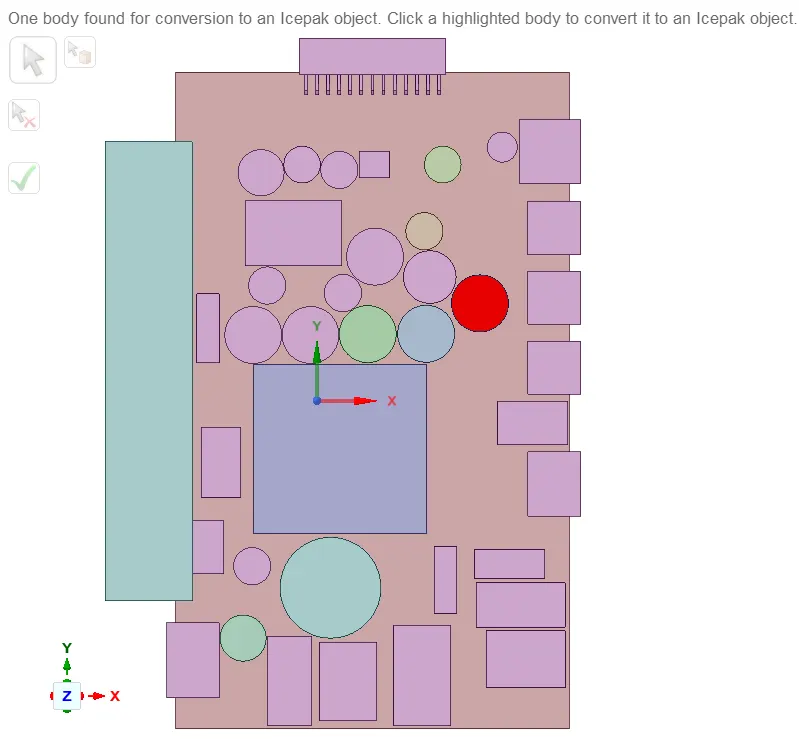
Method-2: Workbench-> Icepak simplify.
In provided geometry, Power plug components are converted into Icepack parts with Simplfy option.
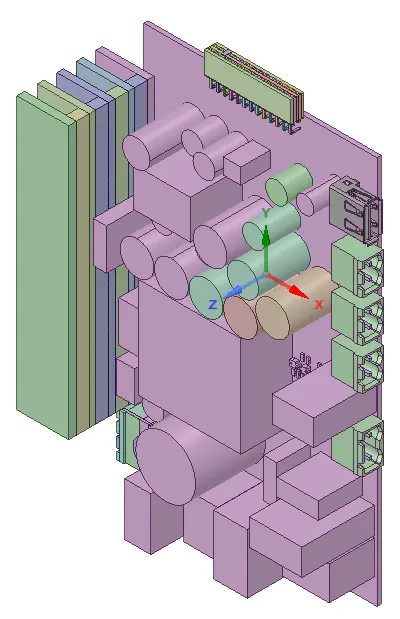
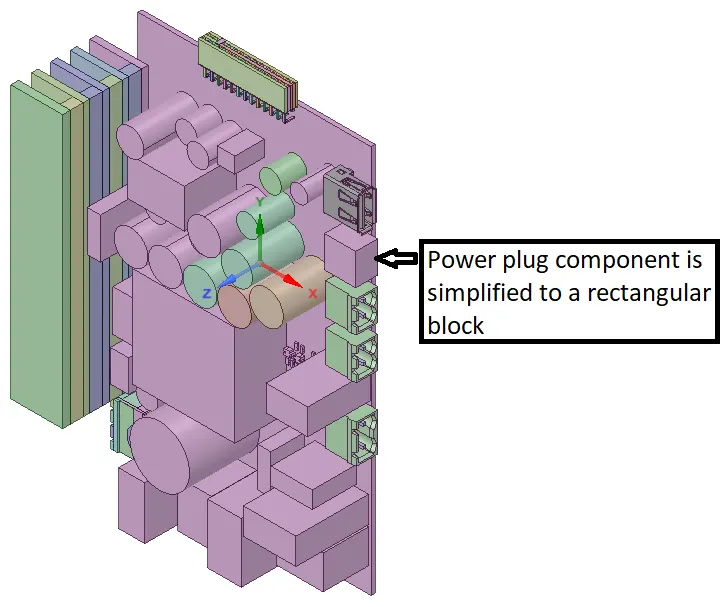
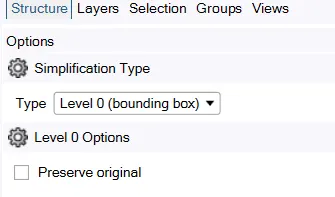
Power plug component is simplified into a rectangular component with Level-0 option as shown in above figure.
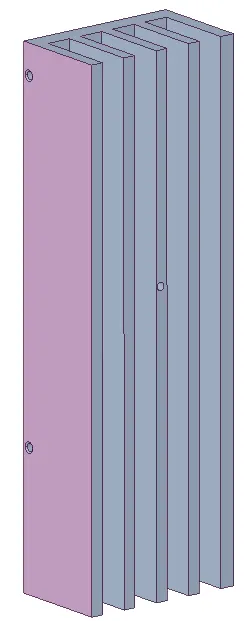
Fin component is simplified using Level 0 with Split option switched on.
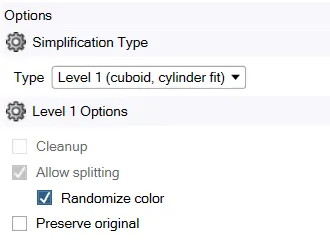
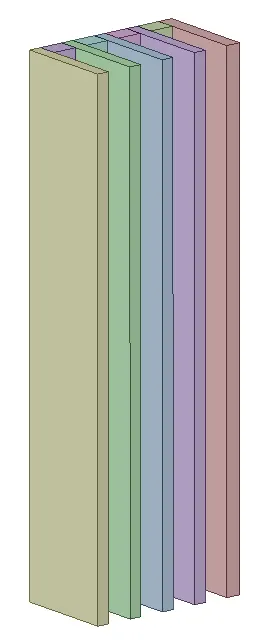
File is exported as an Icepak file in Spaceclaim.
From Ansys workbench open Icepak. File is automatically opened.
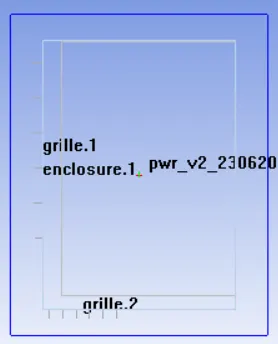
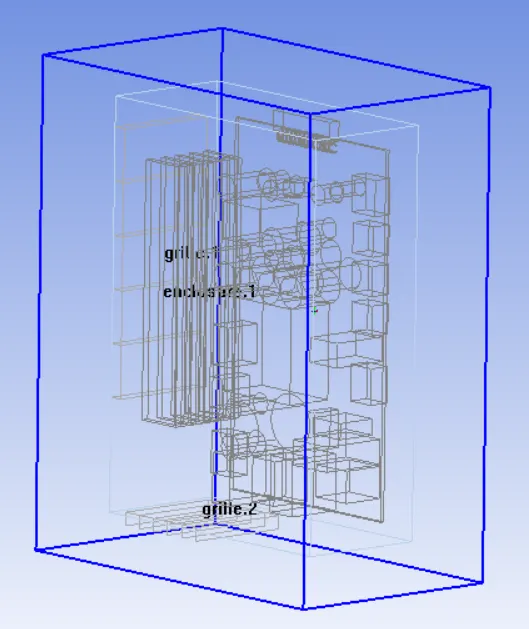
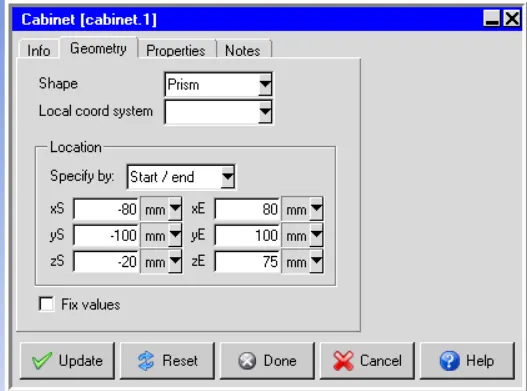
Resize Cabinet (blue color box) to fit in complete geometry
Enclosure for PCB board is created in Icepak.
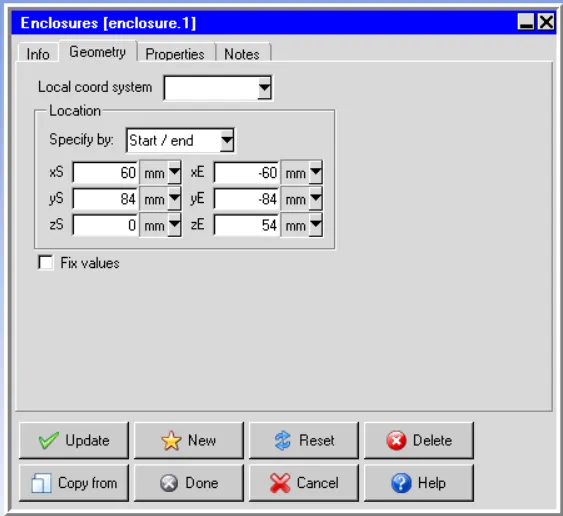
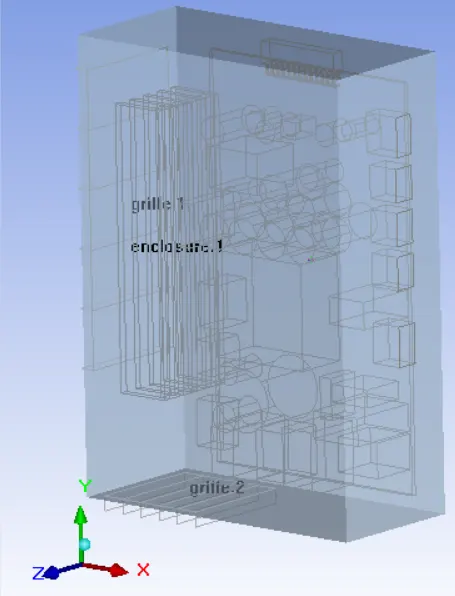
Once Enclosure is created, then grills are created.
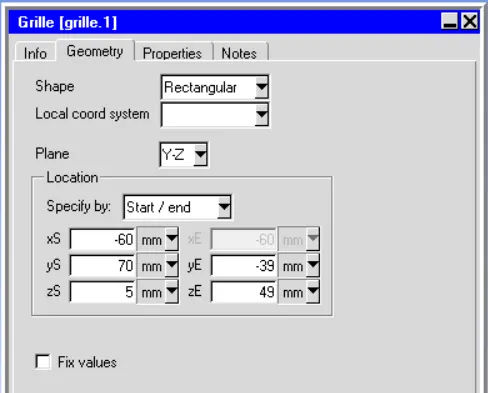
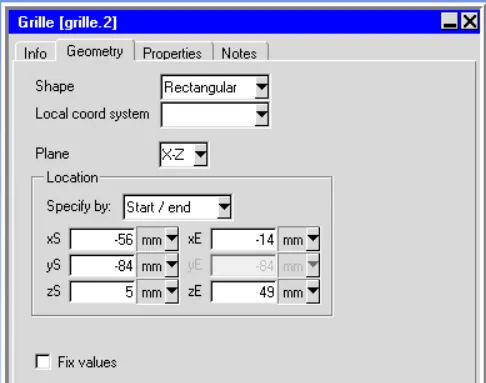
Icepak model is placed at below location.
https://drive.google.com/drive/folders/11SwJnH9_kr687Zr8OwiIETTnizFiIin7
In next step need to carry out meshing, setup boundary condition, simulate and Post process.