Fender Design
Fender Design
- Check for any surface deformation
- First offset the line about 5 mm
- Using curve on surface command sketch the required shape sketch on the surface which does not had sharp edge .
- Trim the body according to the master section
Drip Area:
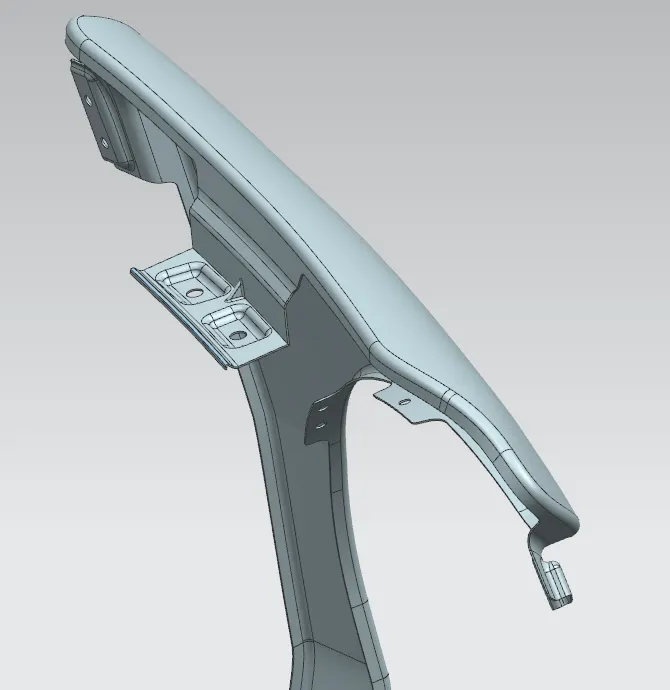
Drip Area:
- First create plane on the curve according to master section dimension
- And intersection line is crated using the plane
- Trim the body and create flange
- Using the low extension command create the shape according to master section.
- On the 25 mm law extended surface create the emboss of 4mm .
- And I created 5mm hole in that surface this hole should have minimum of 10mm dia flat surface.
- Provide the 3mm edge blende for every edge of the emboss .
Sill Area:
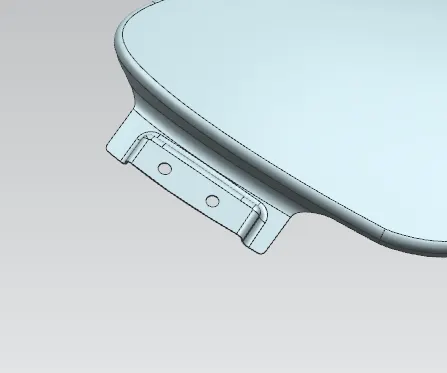
A-Pillar mount Area:
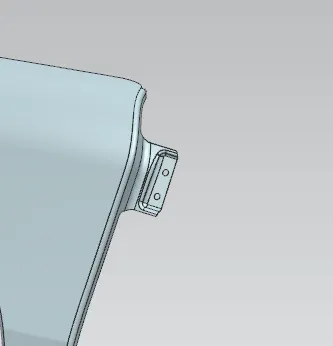
Bumper Area :
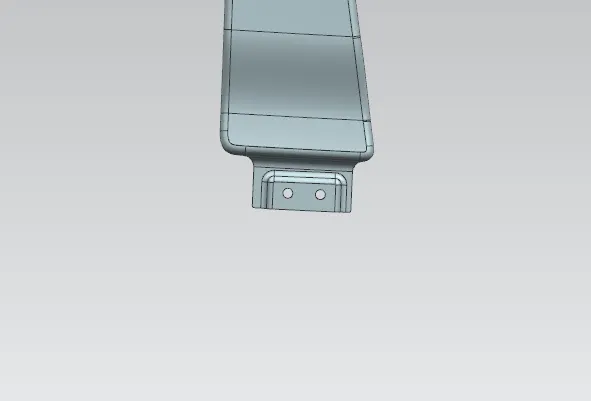
Sill, Bumper, and A-Pillar mount Area
- After creating the flange made the low extension which is perpendicular to the flange
- Crate the edge blend of 5mm between them
- I created the emboss and hole on the surface.
- Provide the 3mm edge blende for every edge of the emboss .
Baffle(Splash) Area:
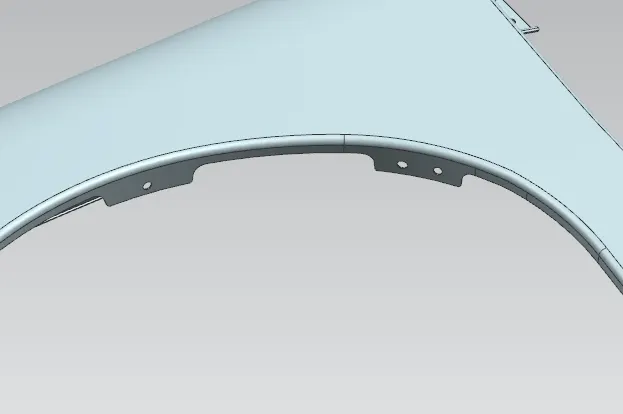
Baffle(Splash) Area
- After creating the flange simply crate the plane on that flange
- Draw the hole and using trim sheet command make the hole on the surface .
- Provide the 3mm edge blende for every edge of the emboss .
Once all mounting point design is done thicken the surface with 0.75mm thickness.