Extracting manual mid surface and meshing of the side door plastic model using hypermesh software
*model name:-
side door
*aim:-
clean up geometry,create midsurface and meshing on its as per quality criteria.
*what is a plastic component?
-we design most of two types materials:
1) sheet metal , 2) plastic
-here, we measure the thickness of every surfaces, we seen that it variation.then we understand that it is a plastic component.
-most of plastic components produce using the casting process, due to that we not produce equal thickness of all surfaces in the model.
*methodology:-
1) import a model
2) create midsurface
3) clean up geometry
4) meshing as per quality criteria
6) check for free edges:-
7)provide the thickness
1) import a model:-
-The format of the file is hm, then first of all select import solver deck command, choose import model and select file from our folder.
-After that choose import opction for import it.
-But it is not visible on our screen due to graphical issue , for that use f key and then its visible.
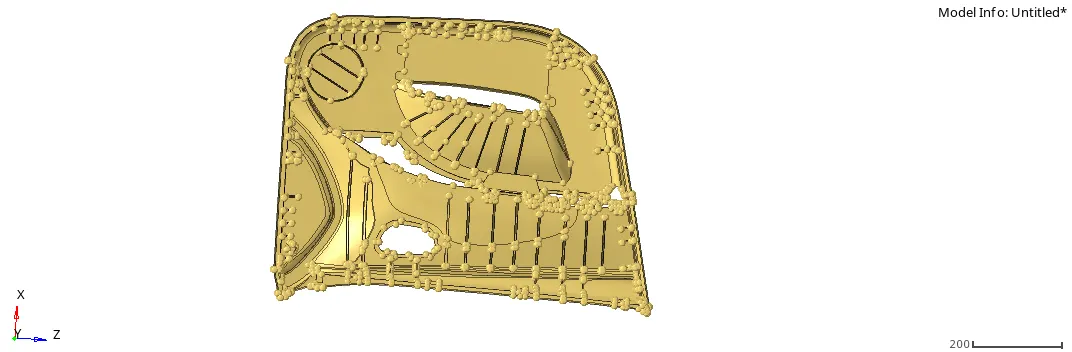
-here not seen lines perfectly, it means not seen surfaces properly, for that use topo commnd.
-after that model see like this:-
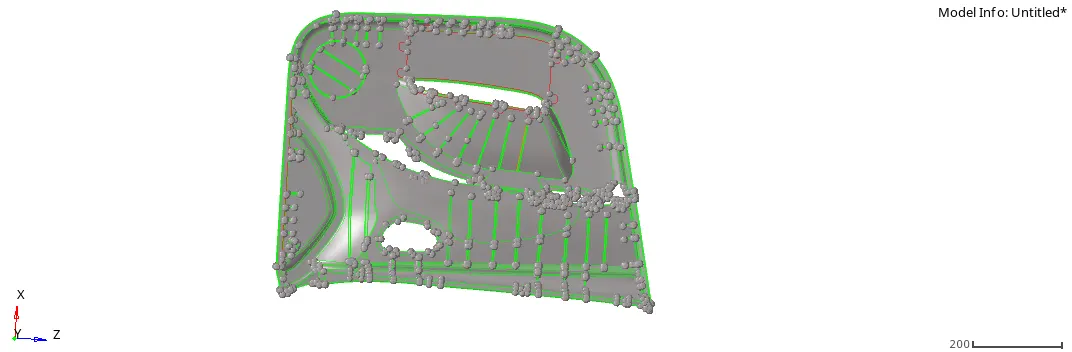
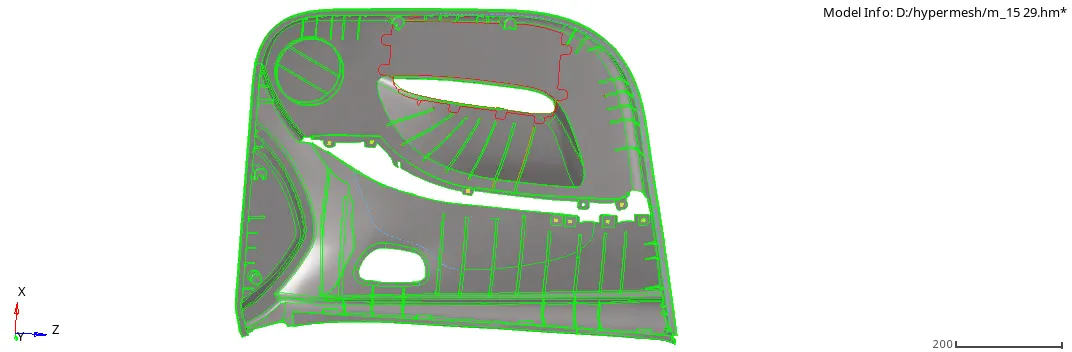
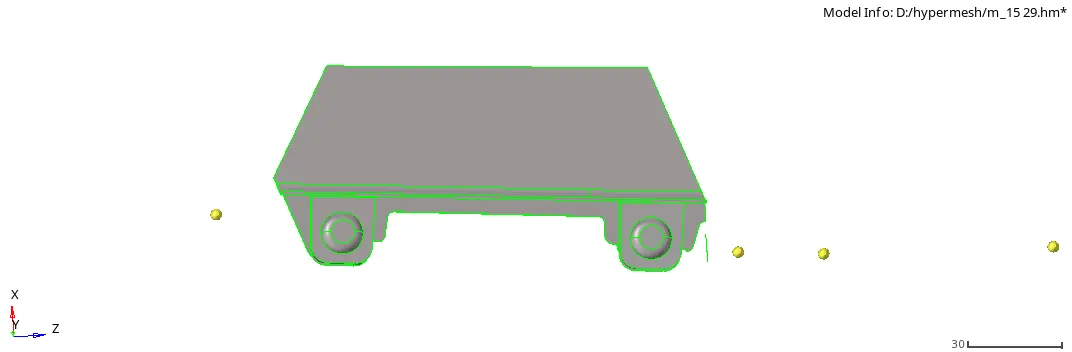
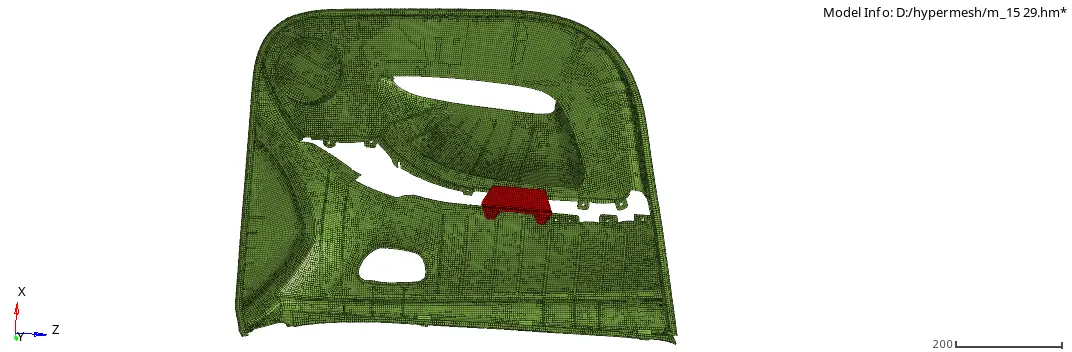
-here, we devide to model in to two different components.
-For that we use organize command.(Tool>organize)
component:-1
component:-2
2)create midsurface:-
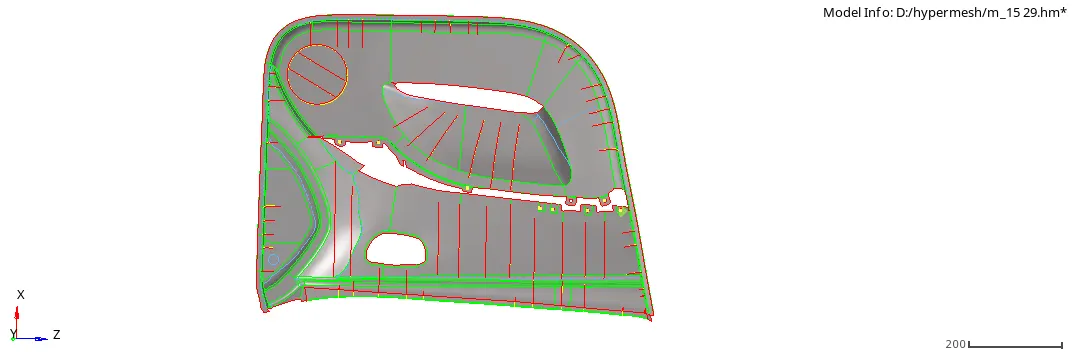
-after that next step is midsurface creation.
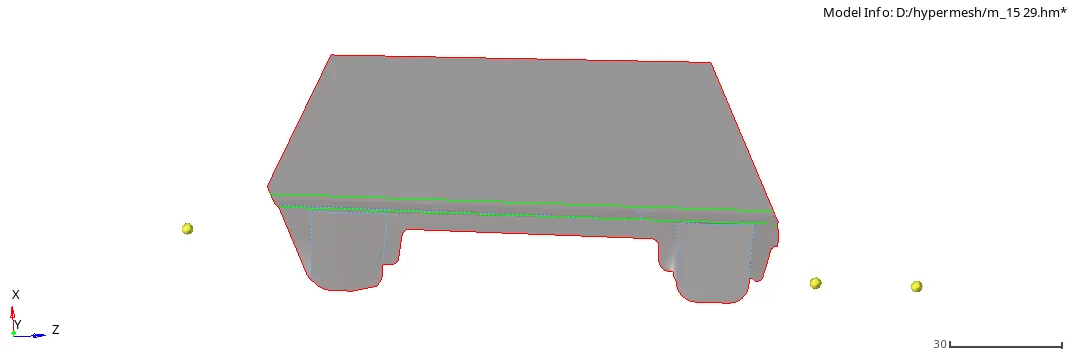
-we crate manual midsurface on all surfaces. for that use offset command.(geometry>surface edit>offset)
-here every surfaces has a various thcknesses, then we create mid surfaces surface by surface.
3) geometry cleanup:-
-after the mid surface extraction next step is geometry cleanup.
-it is required for achieve better result of mesh flow.
-if distance between two adjustance surfaces is lessthen the value of minimum size given by the designer, then its always fail for minimum size, due to that geometry cleanup are main part of any preprocessing software.
-all components after mid surface & geometry cleanup:-
4) meshing as per quality criteria:-
-now next step is meshing on all components as per given quality criteria.
-Target Element Length = 4mm
| S.N | Quality Criteria | Value |
| 1 | Aspect Ratio | 5 |
| 2 | Skewness | 45 |
| 3 | Warping | 15 |
| 4 | Taper | 0.5 |
| 5 | Min. Length | 2mm |
| 6 | Max. Length | 6mm |
| 7 | Min angle Quad | 45 |
| 8 | Max angle Quad | 135 |
| 9 | Min angle Tria | 20 |
| 10 | Max angle Tria | 120 |
| 10 | Tria % | 10 |
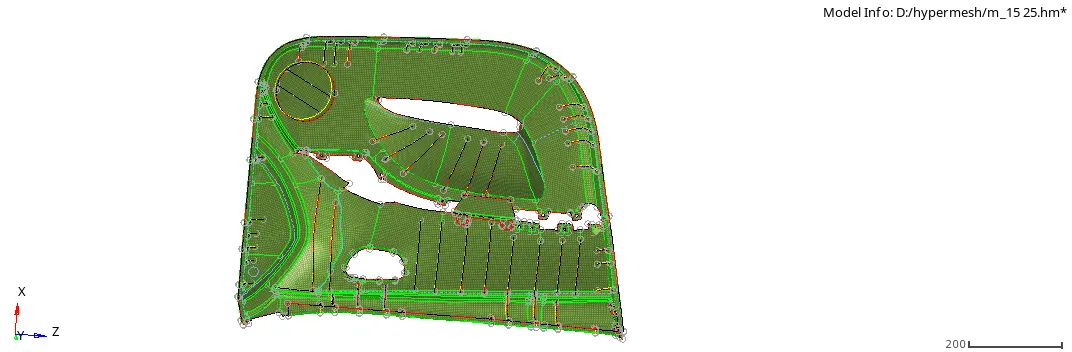
-for that we use automesh command.(2D>automesh)
-after that remesh of the component some elements by elements for best result of meshing.
-after that process:-
5) check for free edges:-
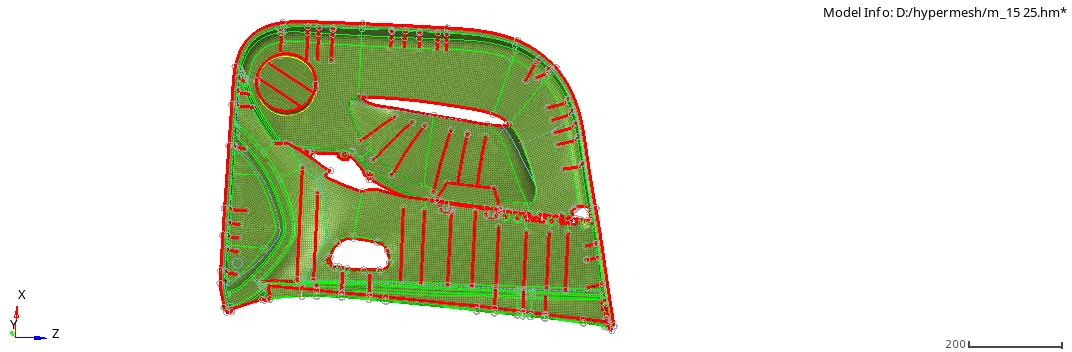
-now we check any free edges are available in a model or not.
-for that first of all go to the edges command.(Tool>edges)

but here we seen that there are no free edges are available.
6)provide the thickness:-
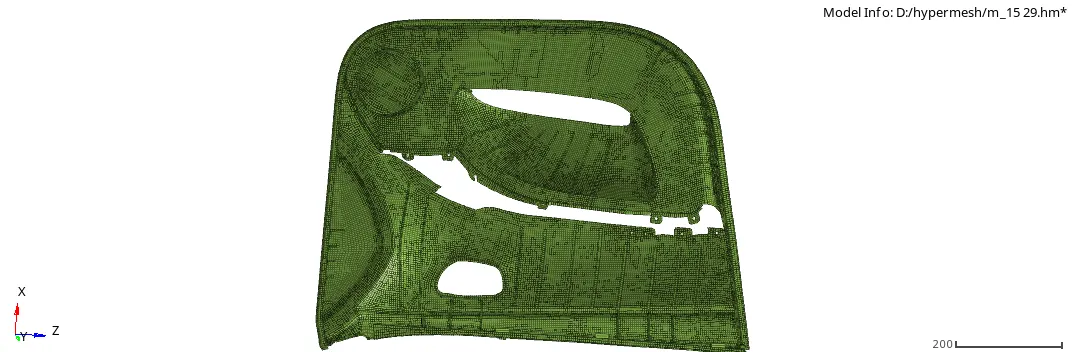
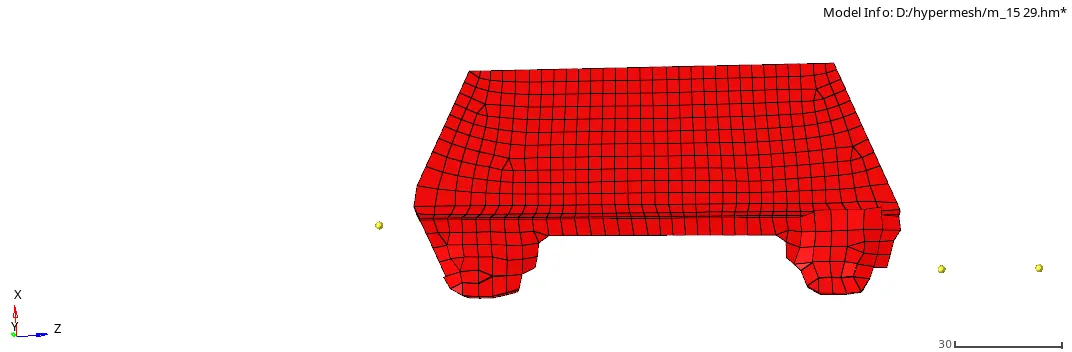
-here, we automatic provide the thickness.
-first of all choose midmesh command.(2D>midmesh)
-After that select the parrent surfaces and elements .
*conclusion:-
-the given back door geometry of car model is good as per quality criteria.