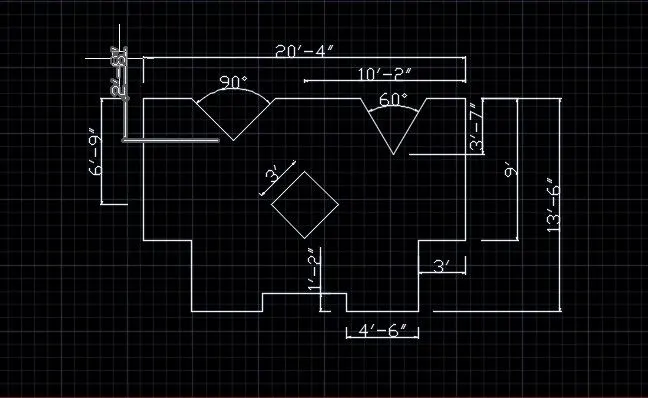
Drafting of various geometries using Chamfer, Fillet tool in AutoCad
aim & introduction
To complete the given challenges in autocad and submit with in given days.how i completed this project explain in detail below.
procedure
1
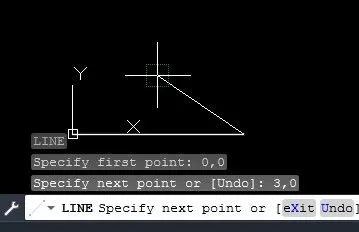
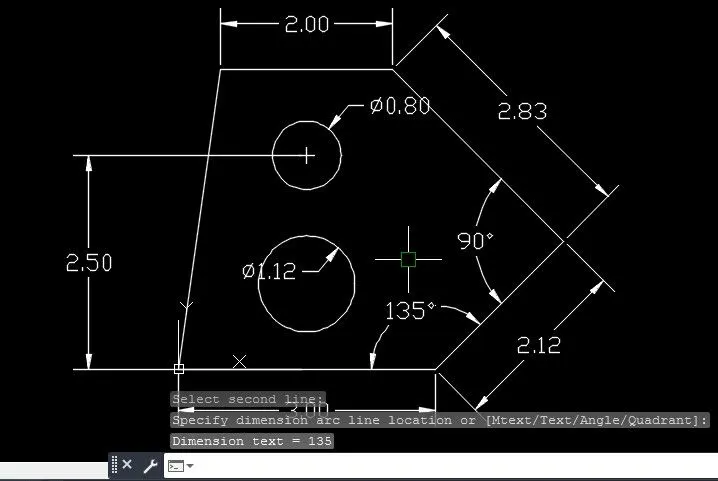
- using line command sart point 0,0 and specify next point is 3,0
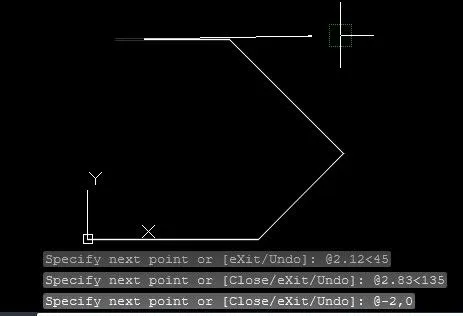
- specify next points are @2.12<45,@2.83<135,@-2,0
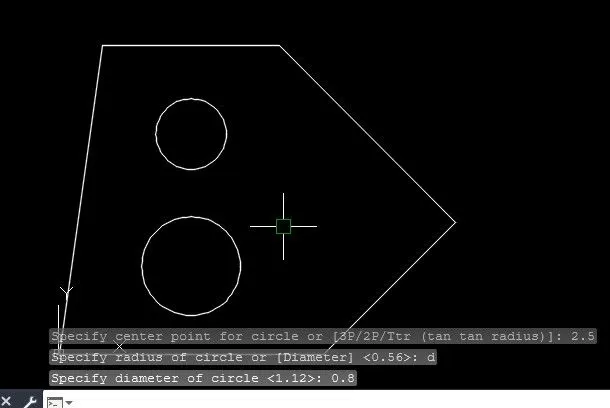
- close line and draw circle dia of 1.2 and 0.8
- using dim command to specify the dimensions
2
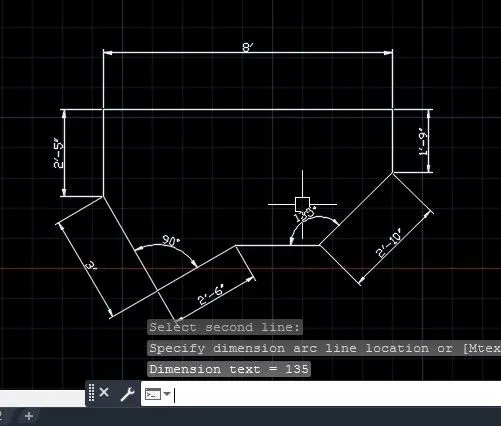
- using line command place point and specify next point@2'10"<45
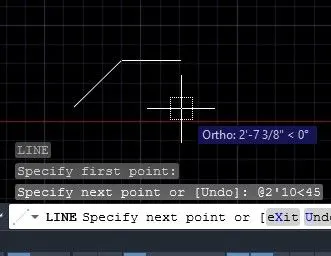
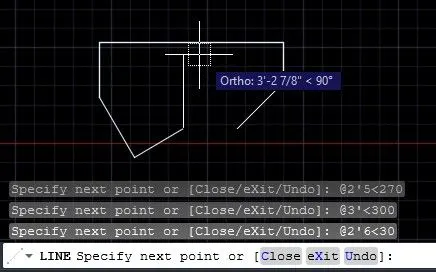
- resuming L and next point@8'<180, @2'5"<270 , @3'<300, @2'6"<30
- using dim command specify its
3
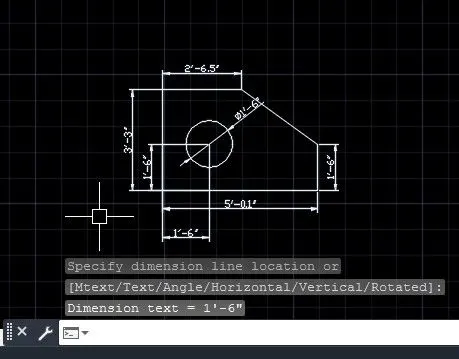
- using line place 1st point and specify the next point@0,-1'6", point@-5'0.1",0' and next [email protected]'3" ,@2'6.5",0
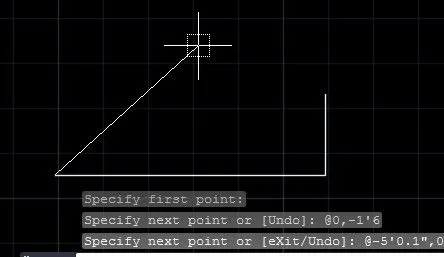
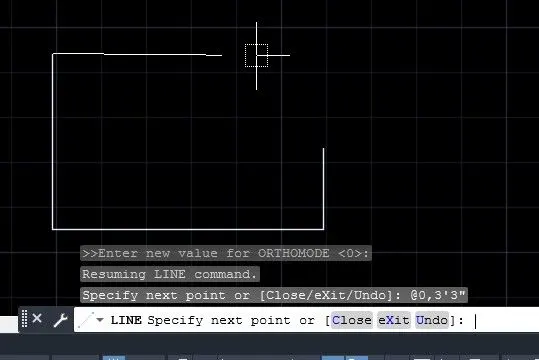
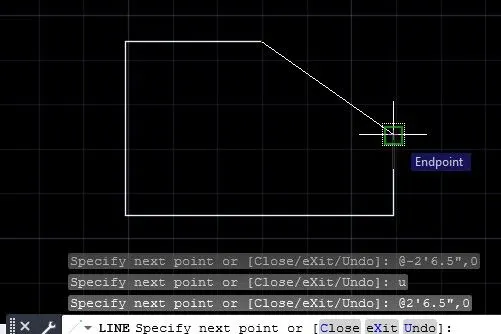
- draw circle and dimension it
4
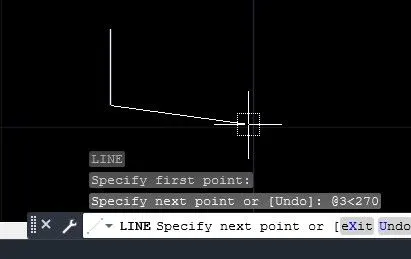
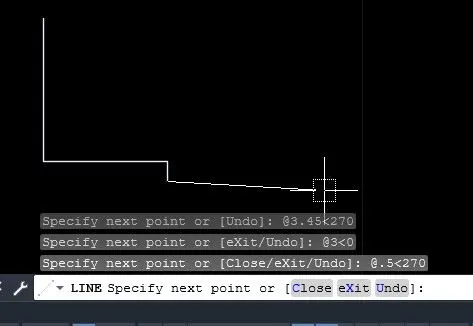
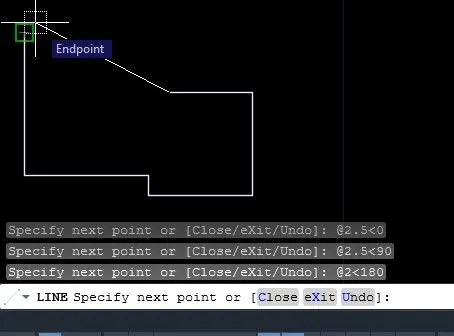
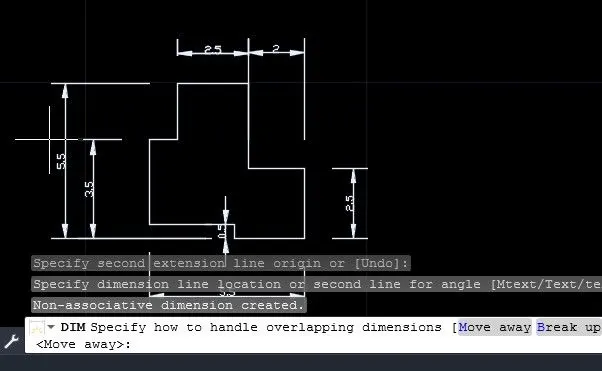
- lline command place 1st point and specify next point@3<270, @3<0,@0.5<270,@2.5<0,@2.5<90,@2<180,and close
5
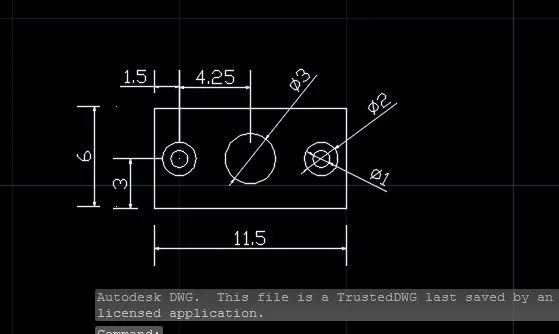
- line command place first point and next [email protected]<0,@6<90,@11.5<180 and close.next draw circle mid of rec dia 3
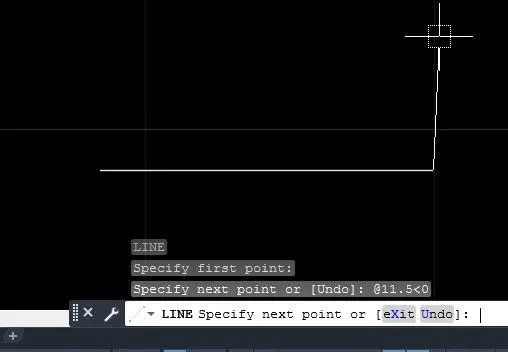
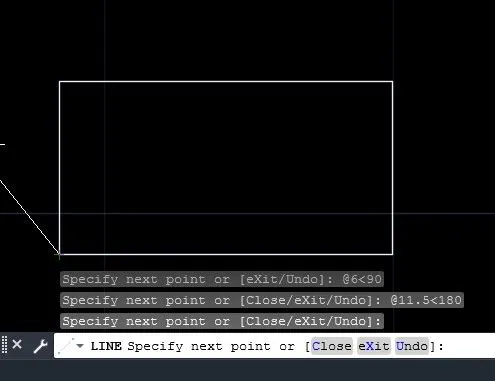
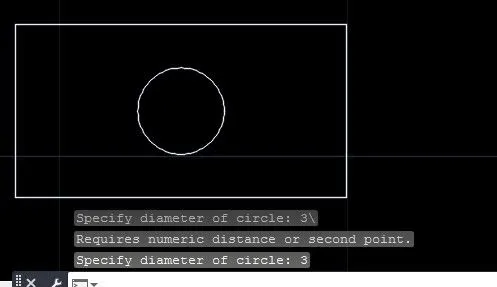
- draw circle dia of 1units and another circle 2units after these circle mirror
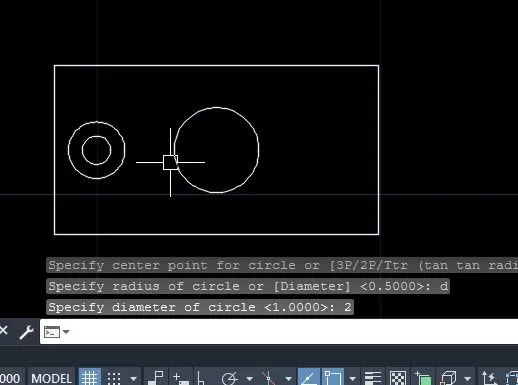
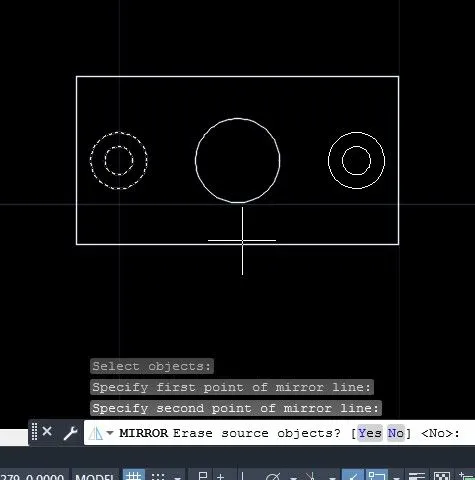
- dimensions
6
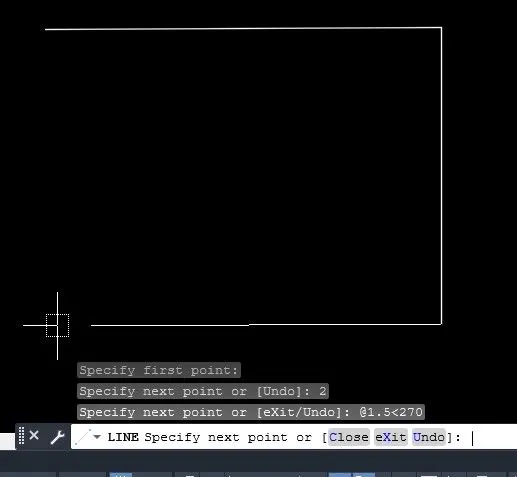
- line command place a first point and next point 2,0 ,@1.5<270,
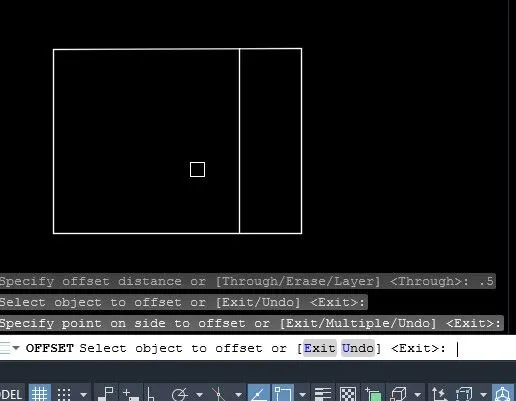
- offset 0.5 units
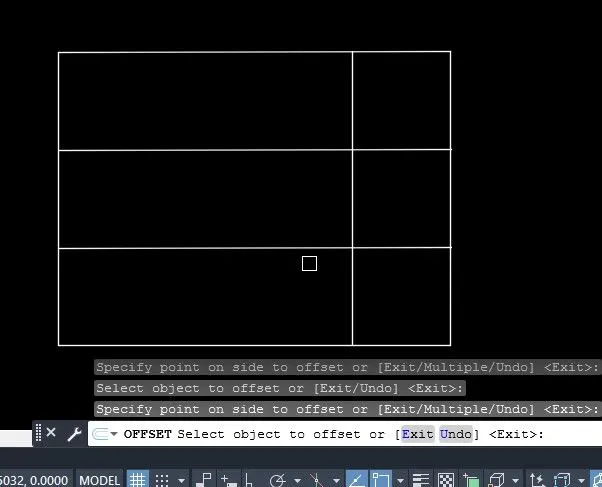
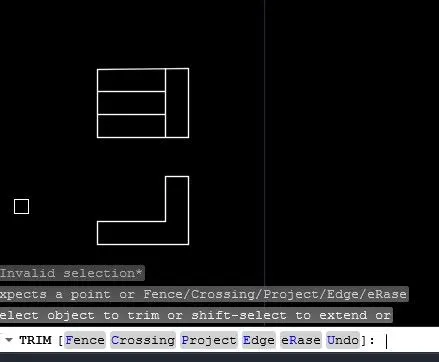
- line next point 2,0 ,@1.5<270, and dimension it
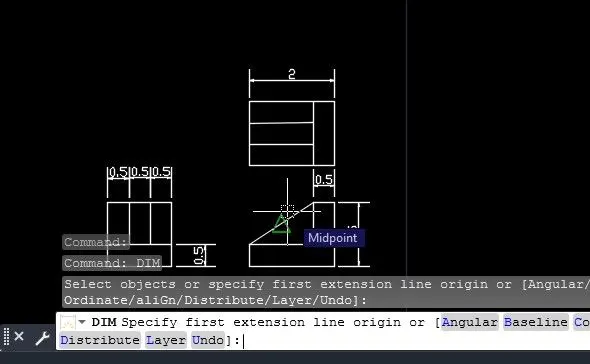
7
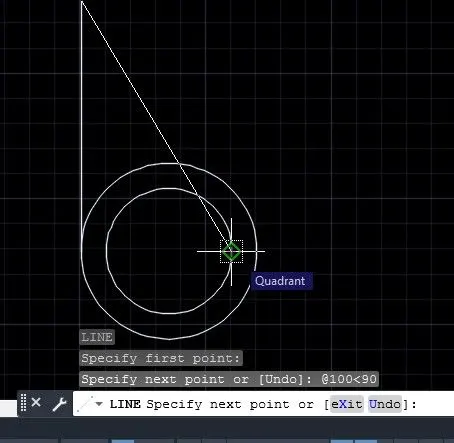
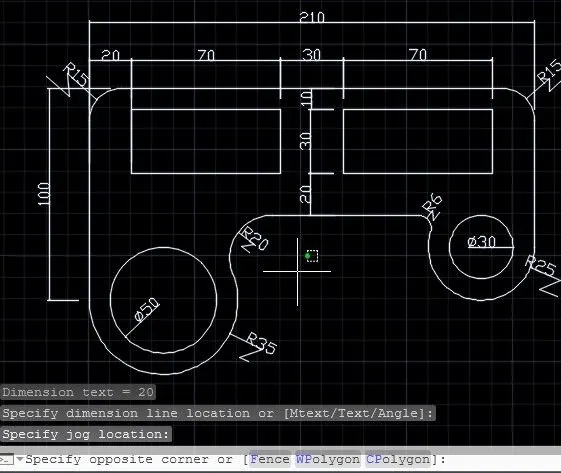
- draw circle dia of 35units and using line command the point is placed quardrant of circle and next point@100<90, @210<0,@75<270,and draw circle dia of 15,25 units
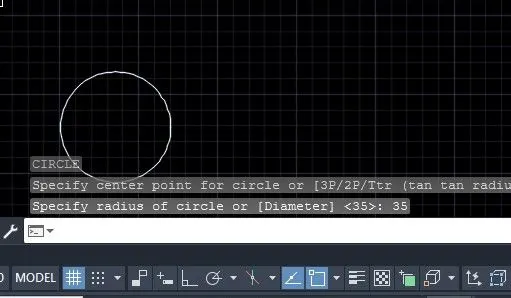
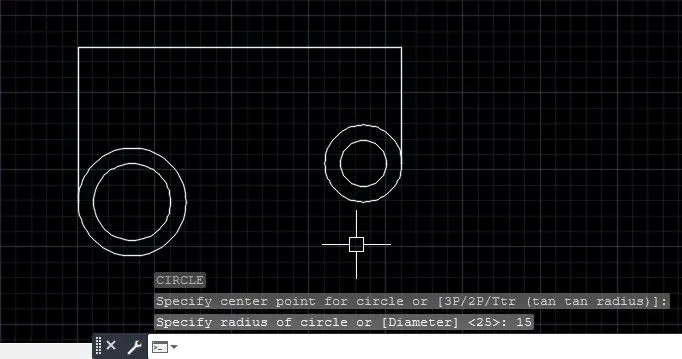
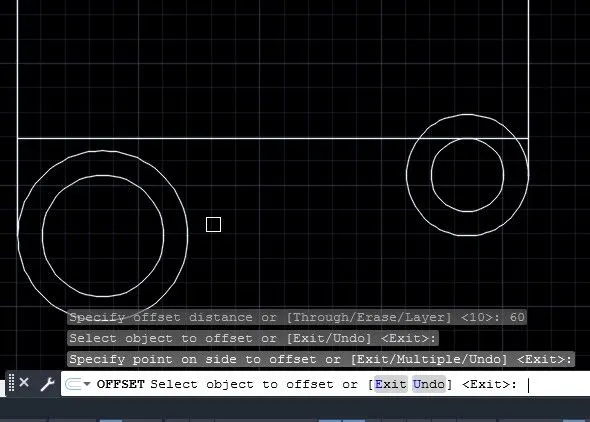
- offseting 60 units
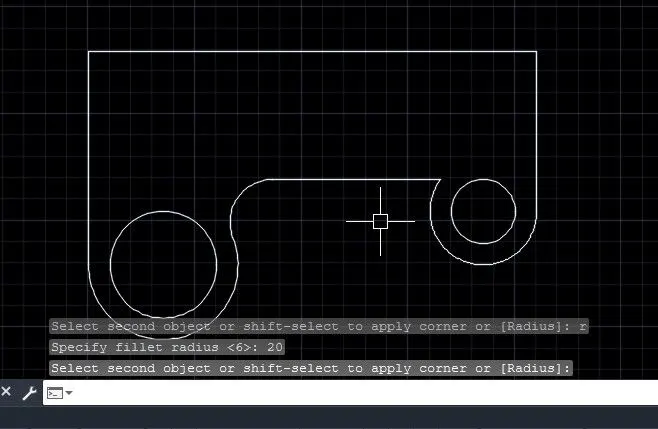
- using fillet command radius of 20 units and 6 units
- offseting from top to bottom10 unuts,30 units 20 units, and left to right 10,70,30,and 70 units
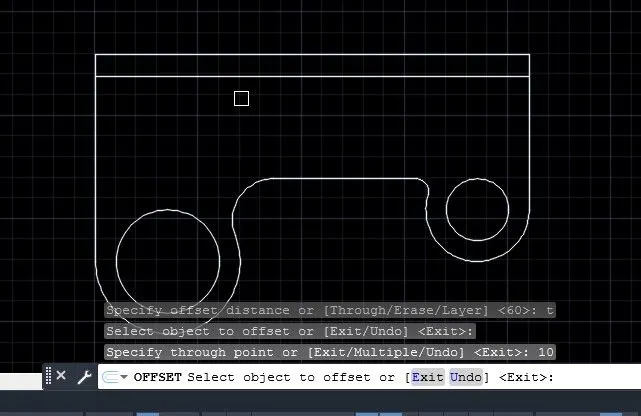
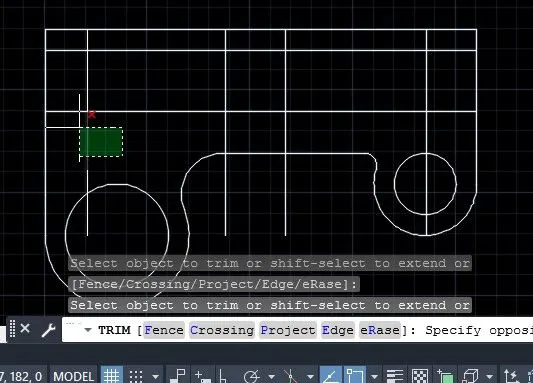
- aftter using trim command
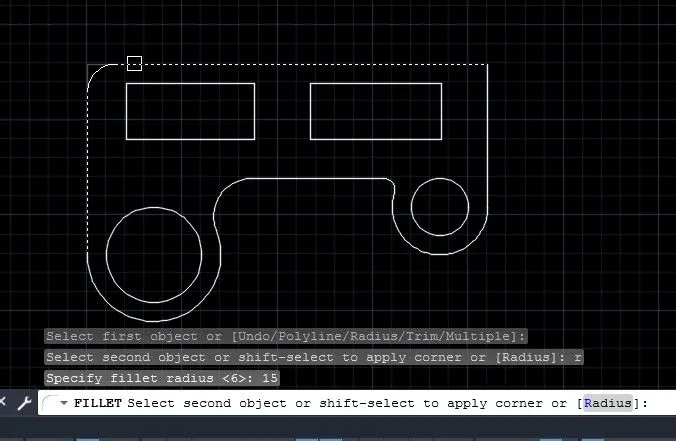
- then fillet radius of 15 and dimension it
8
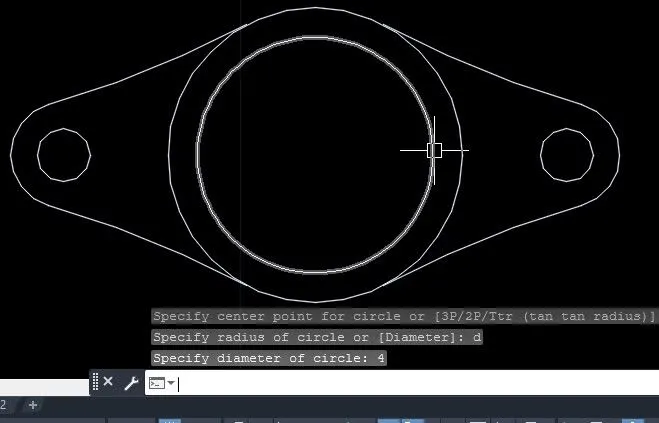
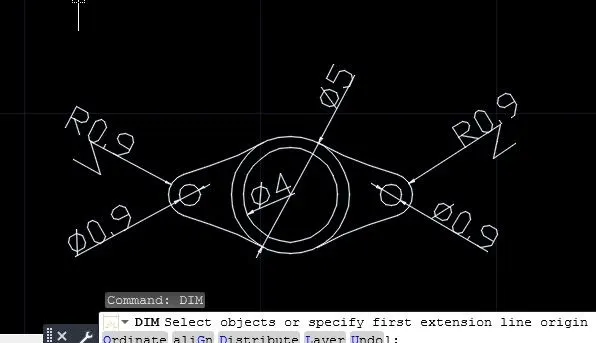
- using line command place a first point and next [email protected],0, and draw circle dia of 0.9 units and radius of 0.9 units
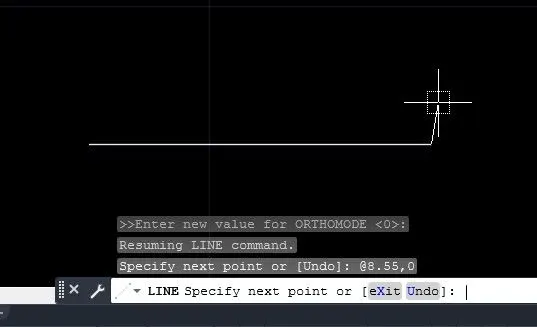
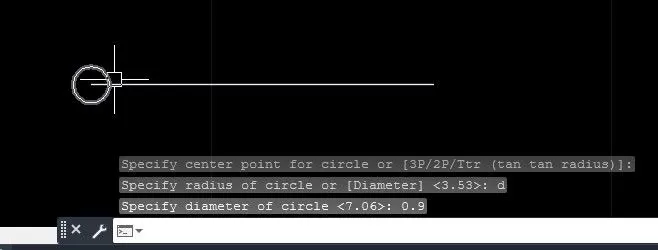 and trim
- mirror tthe circles and draw circle dia of 5 at mid of line
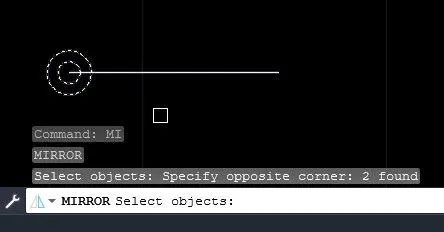
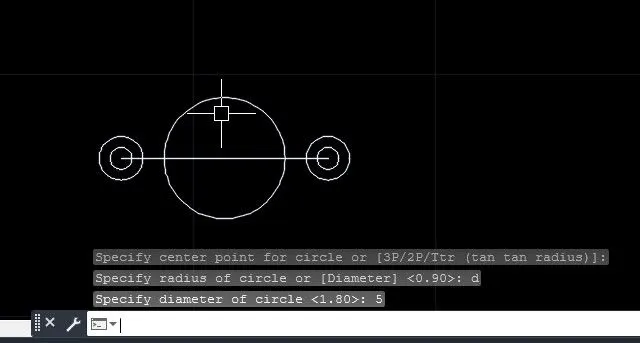
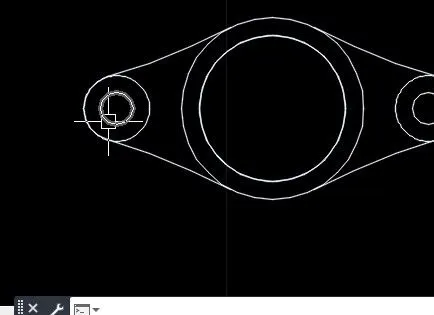
- trim and dimesion it
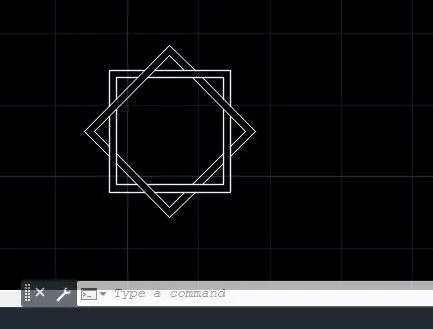
10 draw rec and copy it and rotate it and trim it
11
- using line command place a first point and next point@-2'10",0, @4'6"<180, @3'<180, @3',0,and mirror
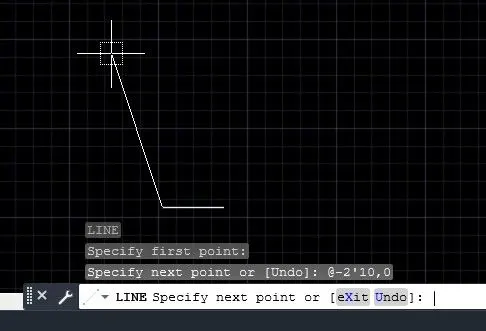
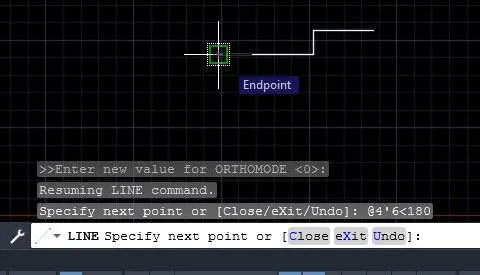
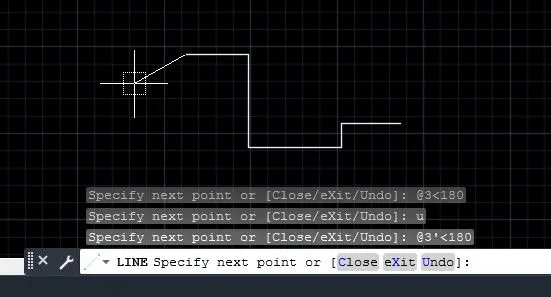
- dimension