Drafting of various geometries using Chamfer, Fillet tool in AutoCad
Aim : To Draft various geometries using Chamfer,Fillet tool in Autocad.
Introduction: Creating a 2-D geometries by using the commands like Line, trim, offset ,chamfer and fillet etc by using this common commamands we can draw a number of geometries by using the command chamfer and fillet tools in Autocad.
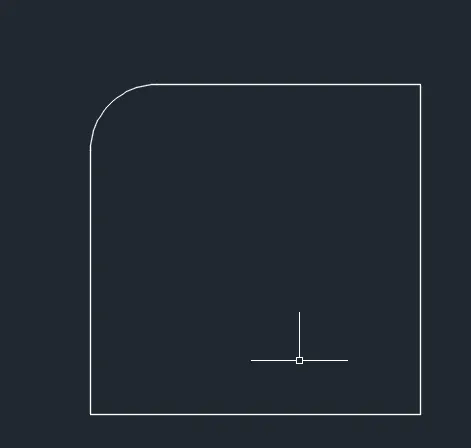
FILLET: A fillet connects two object with a tangent arc or round in 2-D.
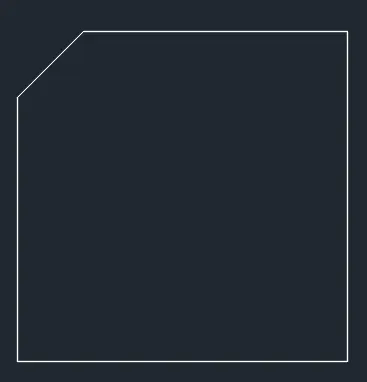
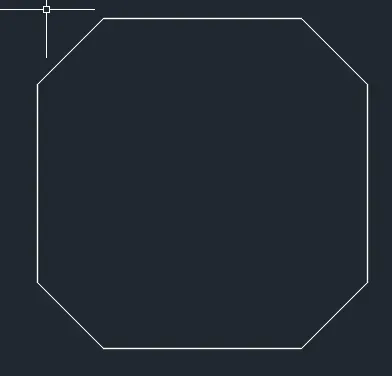
CHAMFER:A chamfer which cuts the corners of two adjacent sides of any 2-D shape at any distance value provided by us.
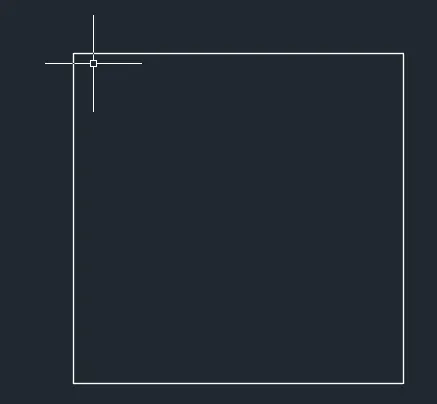
procedure: Open a autocad software then open a new file, select default setting as imperial then select units as inches in engineering.then create a small rectangle of size 10'x10'
i] For drawing rectangle command rec enter click on the screen and give @10',10'
ii]after drawing a rectangle select the fillet command from the ribbon panel or type the command F.
III]After that click on the first object which you want to do fillet
iv]then type R for radius and enter then give the required radius 1' for filleting.
v]Atlast select the second object for fillet and at the end there will be in a curve.

Procedure for chamfer:
i]Draw a rectangle of size 10'x10'
ii]After drawing rectangle type chamfer and click on the first side then give the distance of slanted edge required and then the another direction slanted distance to be provided and click on the second line .
iii]or type chamfer on the command line , press enter.
iv] Type M or Multiple and press enter.
v] then enter distance give x-distance then y-distance .
v] Follow the same on all the sides of the rectangle
vi] atlast we see all the rectangle has slanted edges.