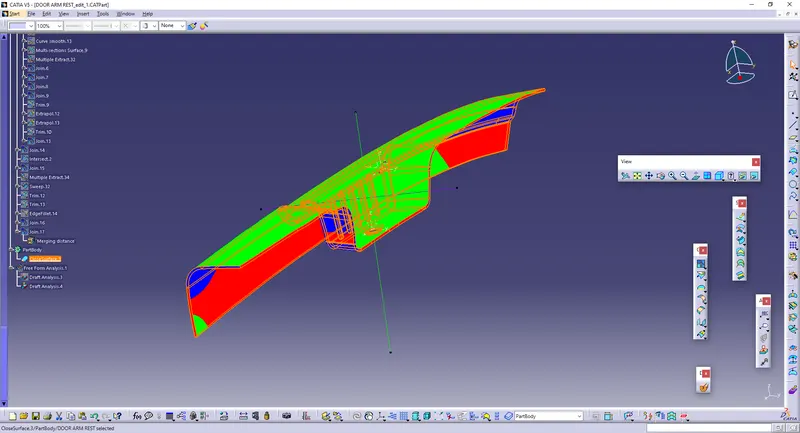
Door Arm Rest Week 8 Challenge
Aim:
To Create the Door Arm rest and add thickness of 2.5 mm to it.
Procedure:
* Download the Arm rest CAT part.
* The CAT part will be downloaded.
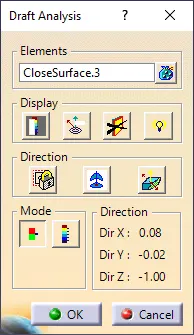
* The Draft analysis is to be performed.
* In Orfer to create the tooling axis, We have to create the circle with 3 points.
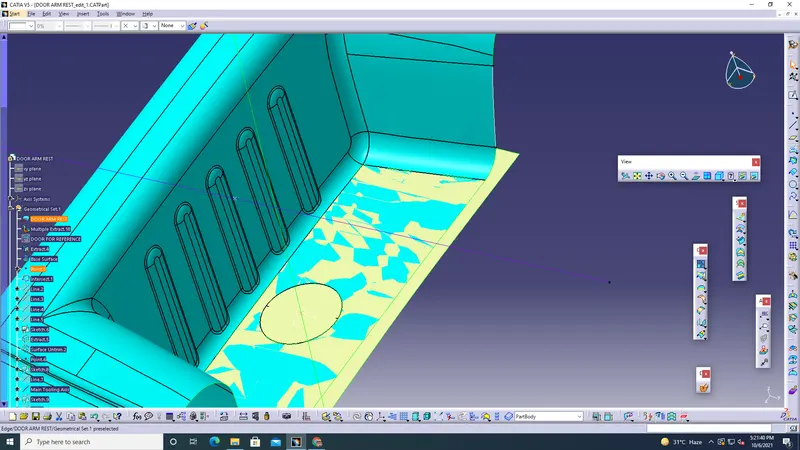
* Like that In order to create the Side core, Give the PROJECTION in 3D elements.
* And Create the Point and create the line Perpendicular to the side Walls, and Give Bisect to the Projection elements and Main tooling axis.
* Create a new Geometric set and Use extract to extract the non-filleted regions.
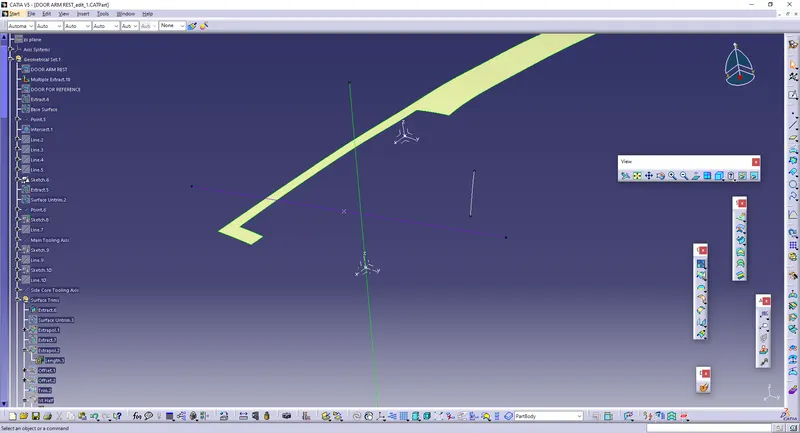
* Untrim the extracted parts and extrapolate them.
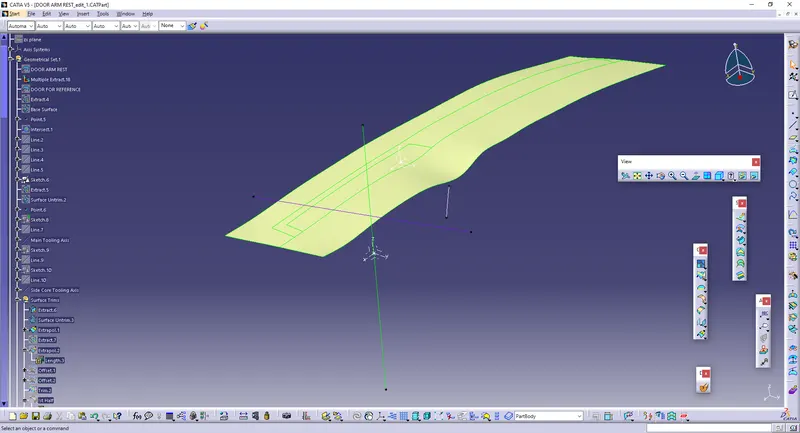
* Then, Offset the Extracted surface to 2.5 mm.
* Do the same process as it is done in previous component, such as EXTRACT, UNTRIM, EXTRAPOLATE and OFFSET.
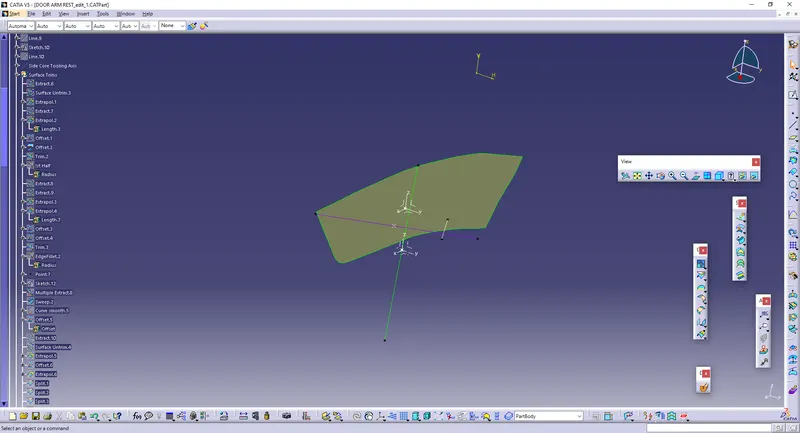
* Trim these elements to make into a single component, and perform the EDGE FILLET. Make sure that it should be the sum of the radius and the thickness.
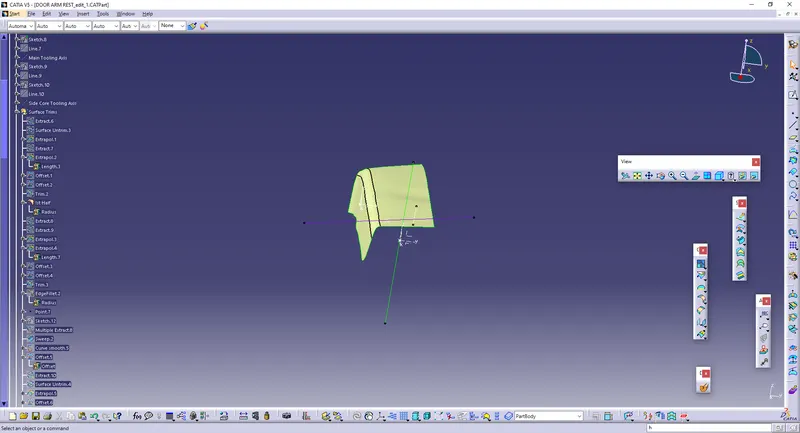
* Create the geometrical set to create the second half of the component.
* Extract the second half of the element and extrapolate the elements, trim them.
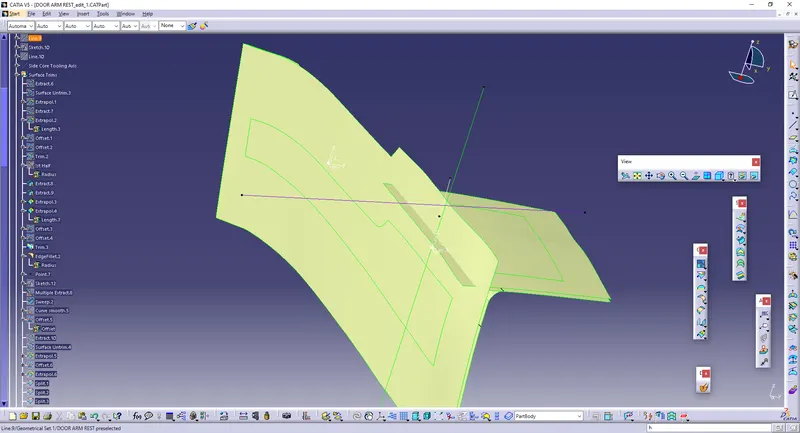
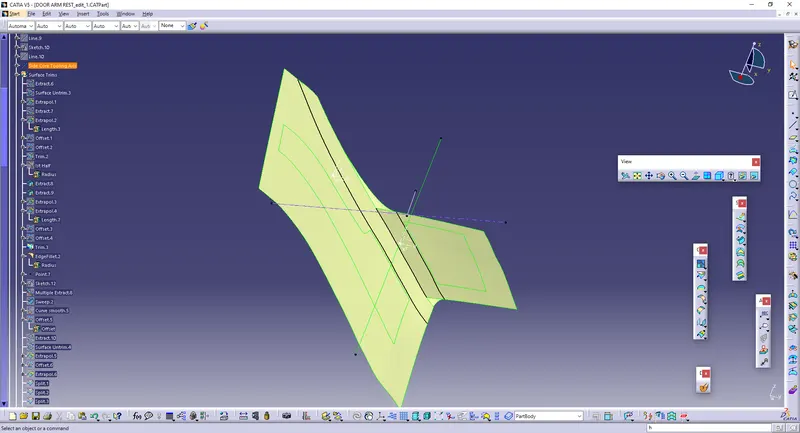
* Take the Edge Fillet to obtain the final part of the second half of the element.
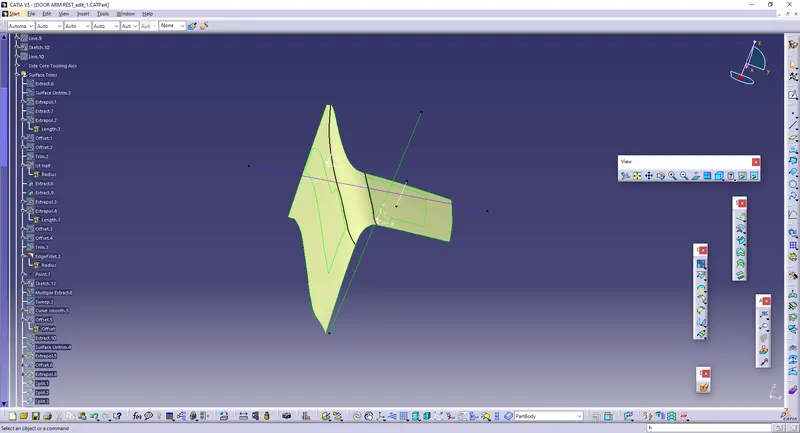
* Create the axis part in the surface, which is being filleted on both up and downs, and so it will be easier to create the line, and create the Multiple extract.
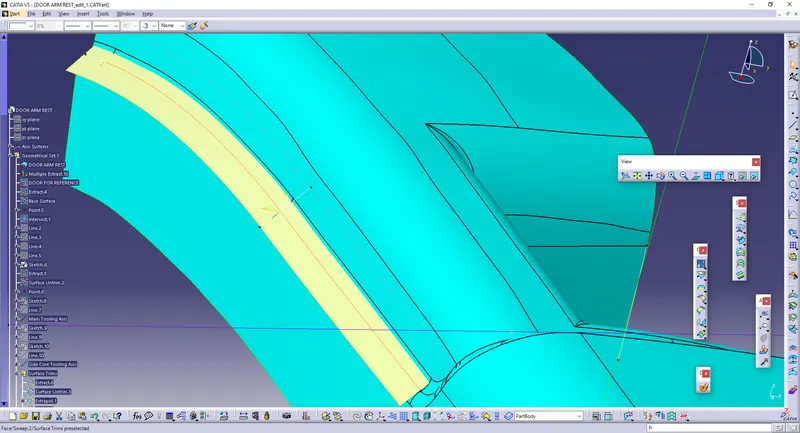
* After Creating the Line, Give SWEEP to make the surface.
* Offset the Surface to 2.5mm.
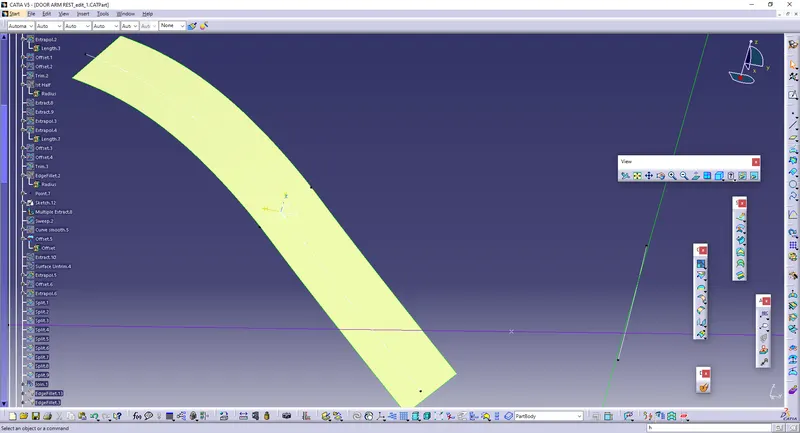
* Extract the Top Surface, Unbtrim and Extrapolate it and offset to 2.5 mm thickness.
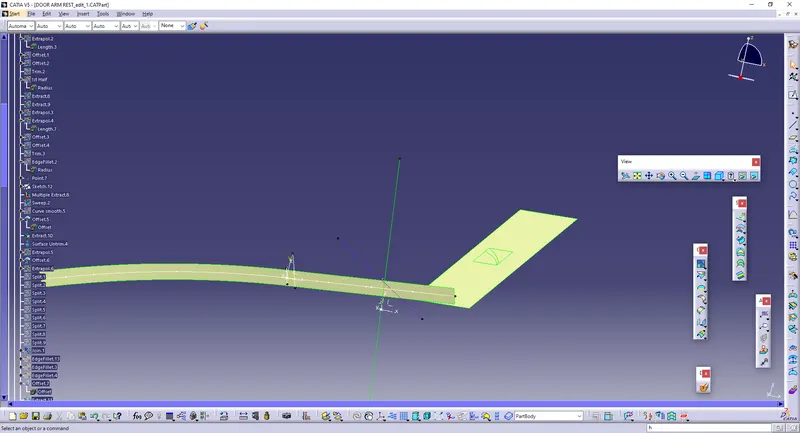
* Split the parts with reference to the side surface, so that the first half and second half will be split in proper way.
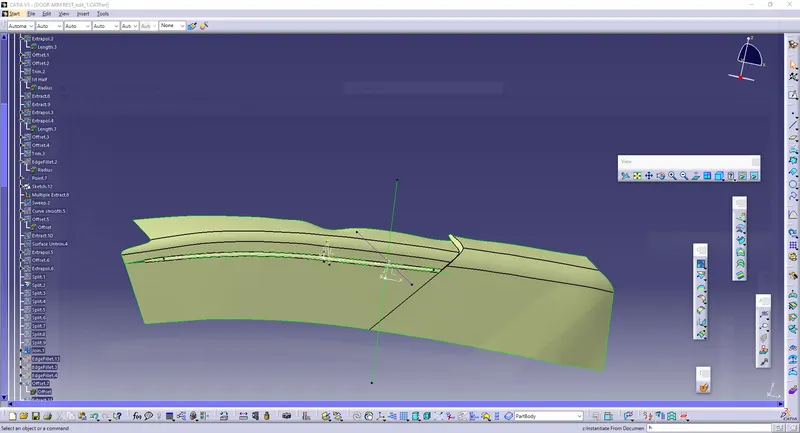
* Hence we can obtain the filleted surface. And Join them together This is the Obtained B-surface.
* Give EDGE FILLET to bring the Curve edges.
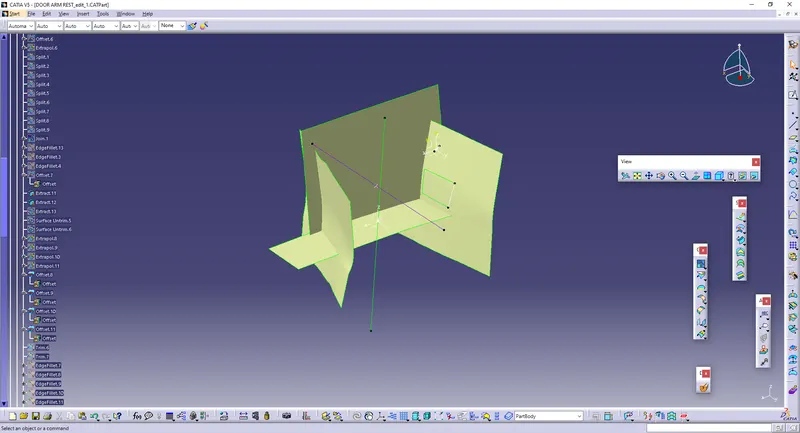
* Repeat the same process in order to create the hollow surface.
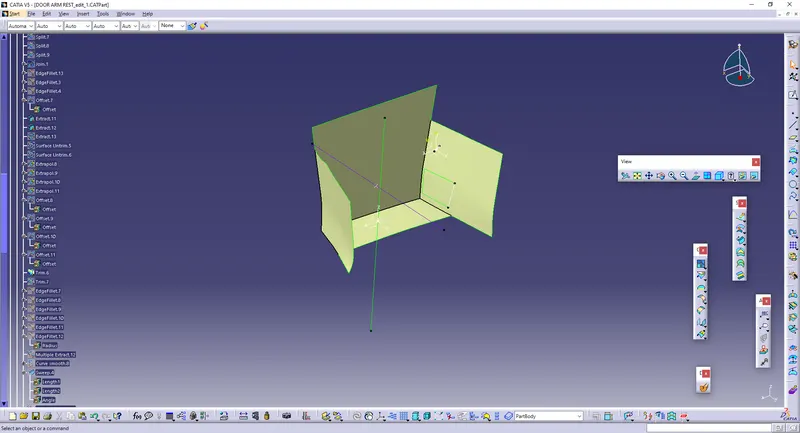
* Then, Give Multiple extract to the surface edges, to create the C surface.
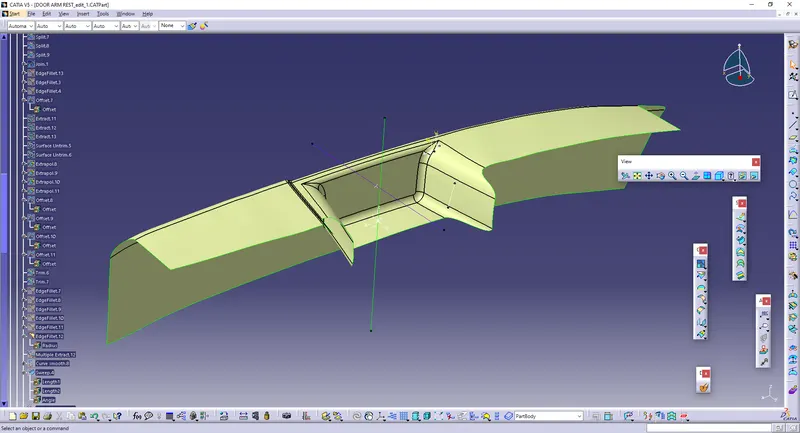
* After Extracting the surfaces, Give SWEEP and select the reference surface for reference.
* Hence, the Swept surface is obtained. Join the Class A and Class C Surface.
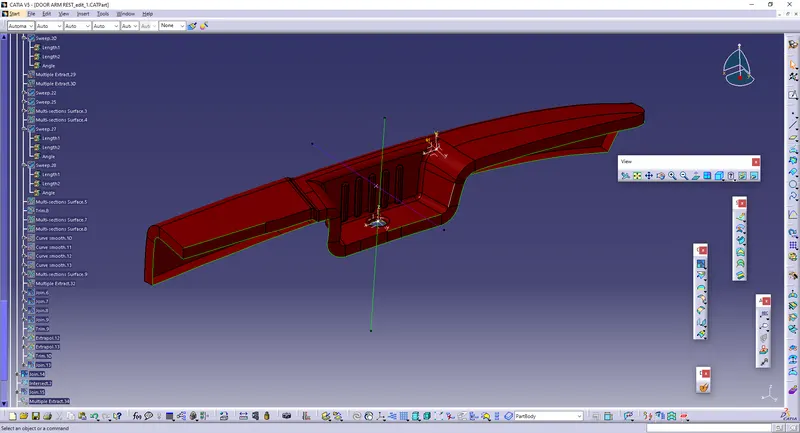
* After Joining, Unhide the Class-B surface and Trim the excess parts, and so the Thickened surface is Obtained.
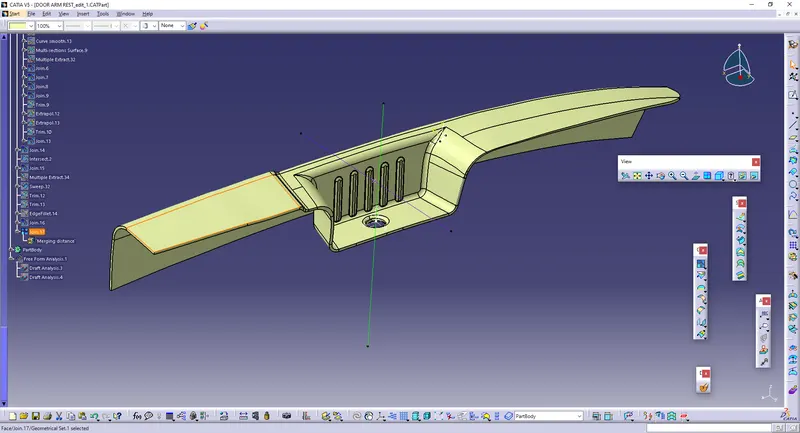
* Make sure that there should be no boundary, so that it will be converted into part body.
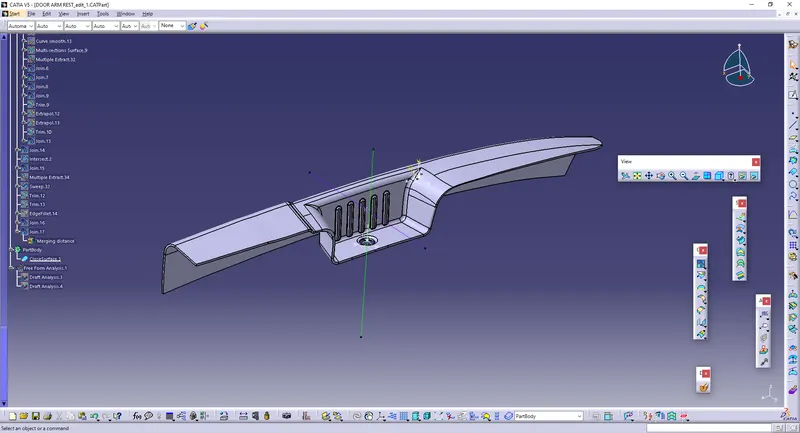
* After Converted into Part Body, The Draft analysis is performed.