Menu

Executive Programs

Workshops

Projects

Blogs

Careers

Student Reviews


More

Academic Training

Informative Articles

Find Jobs

We are Hiring!


All Courses

Choose a category

Loading...

All Courses

All Courses

logo

Creation of Multiple viewports, Scaling the drawing and setting in Template in AutoCad

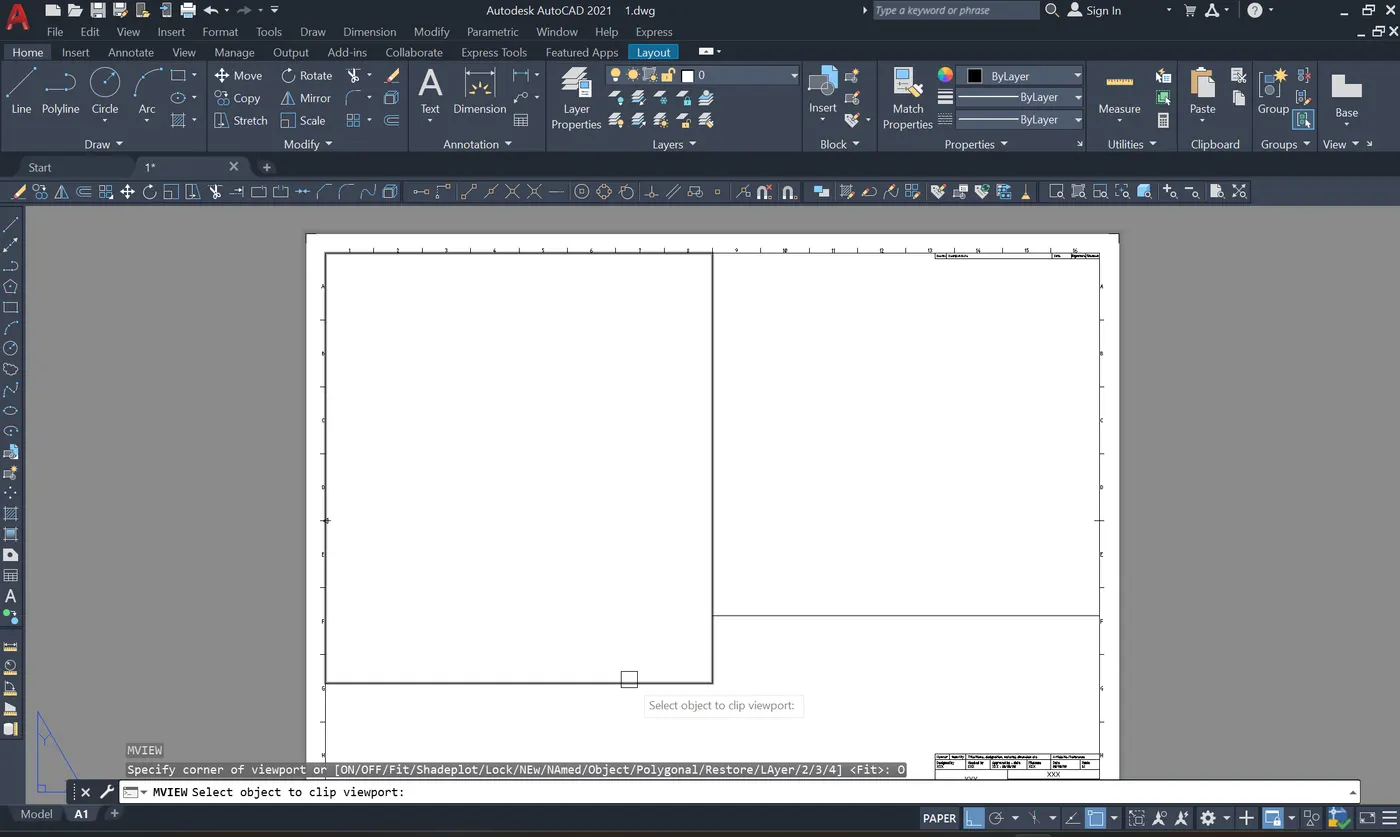
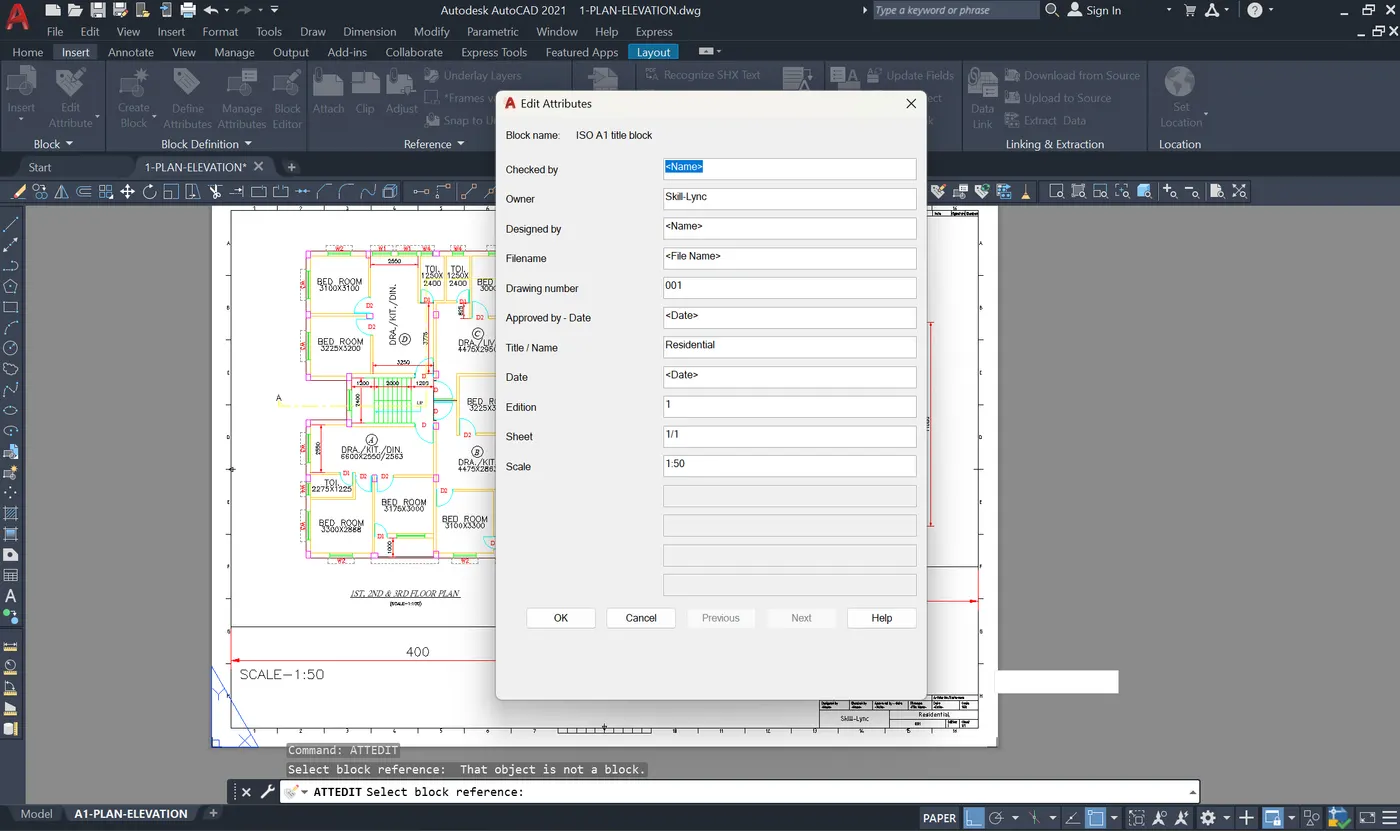
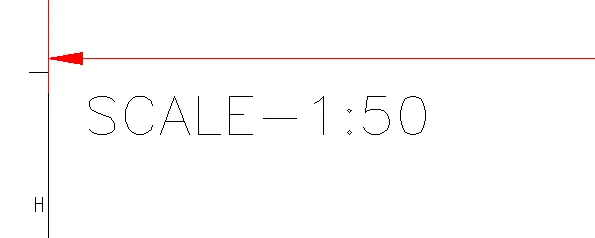
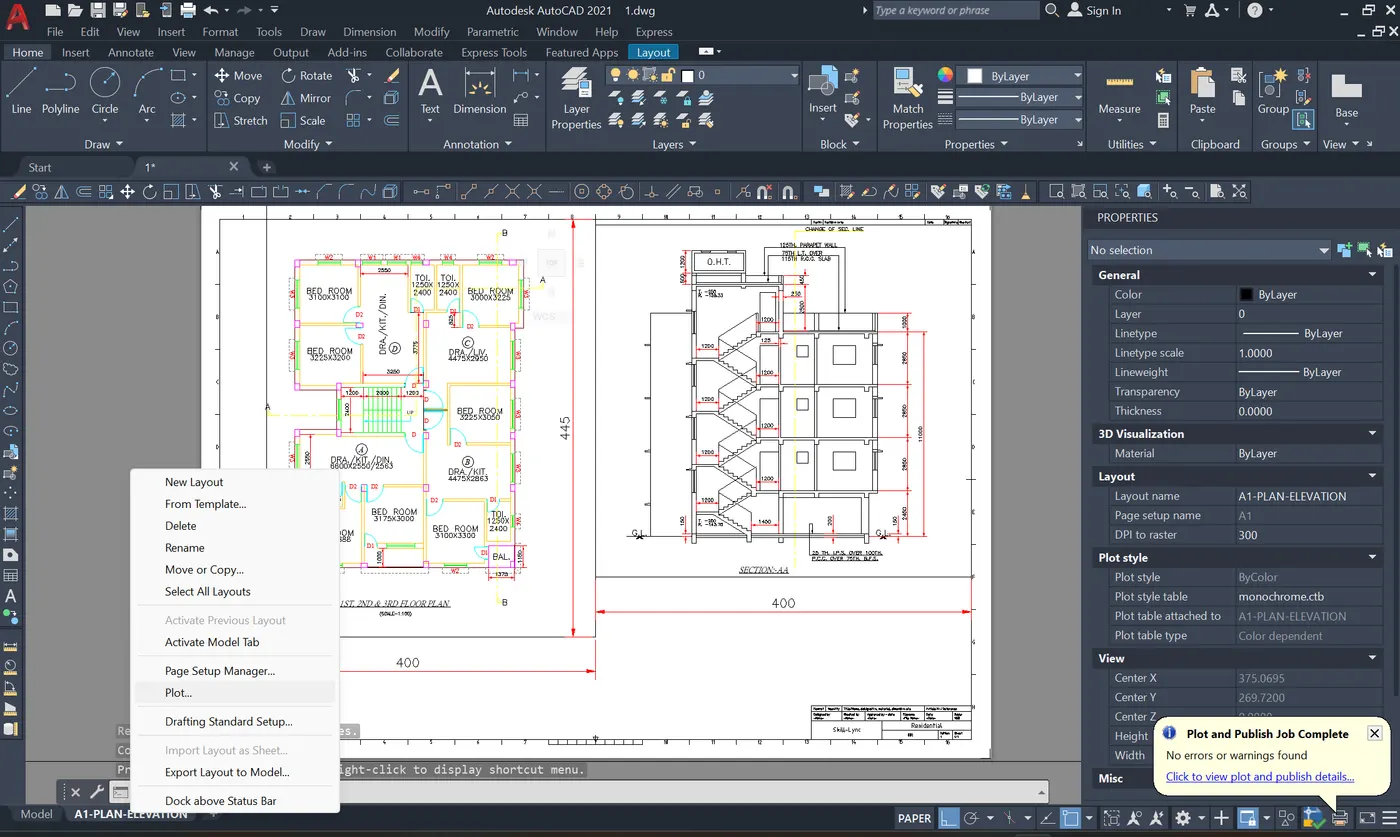
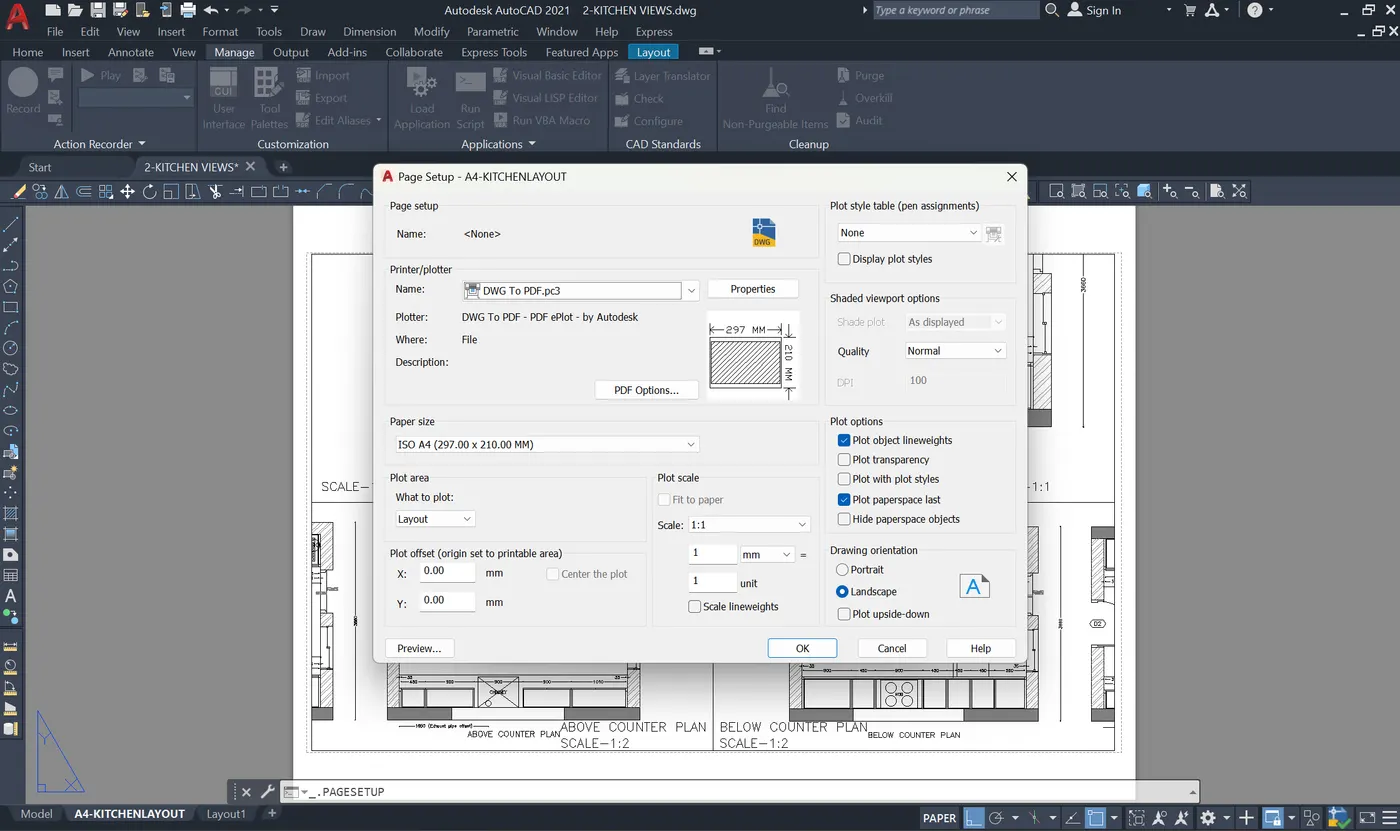
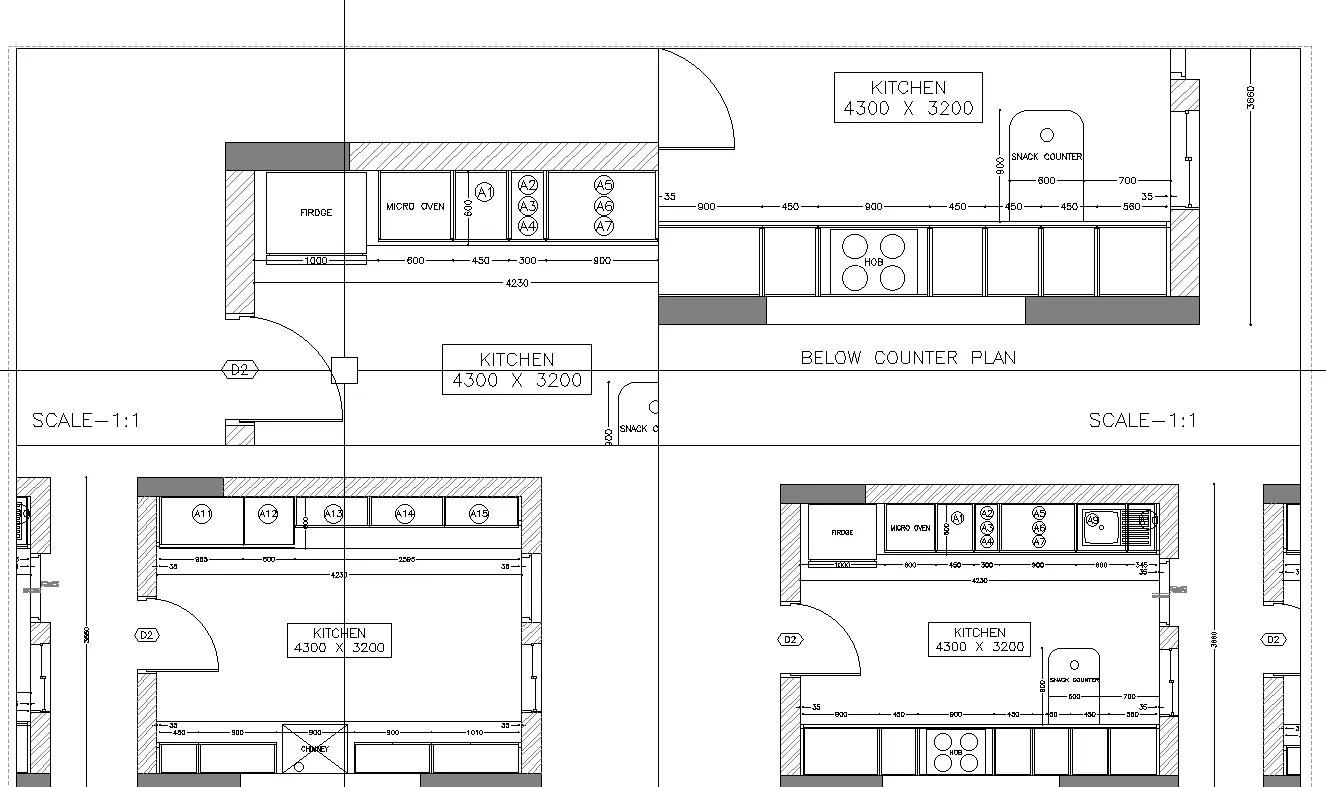
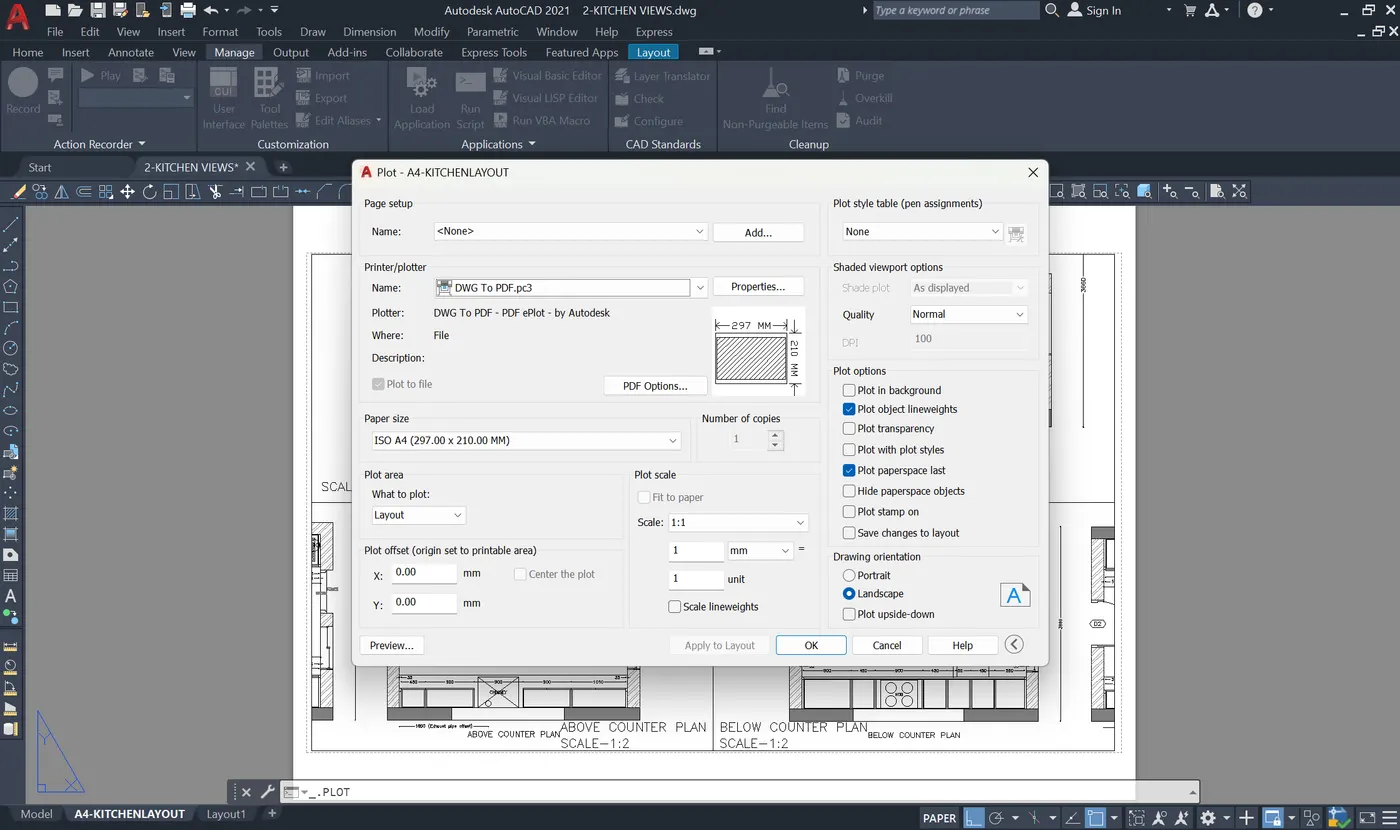
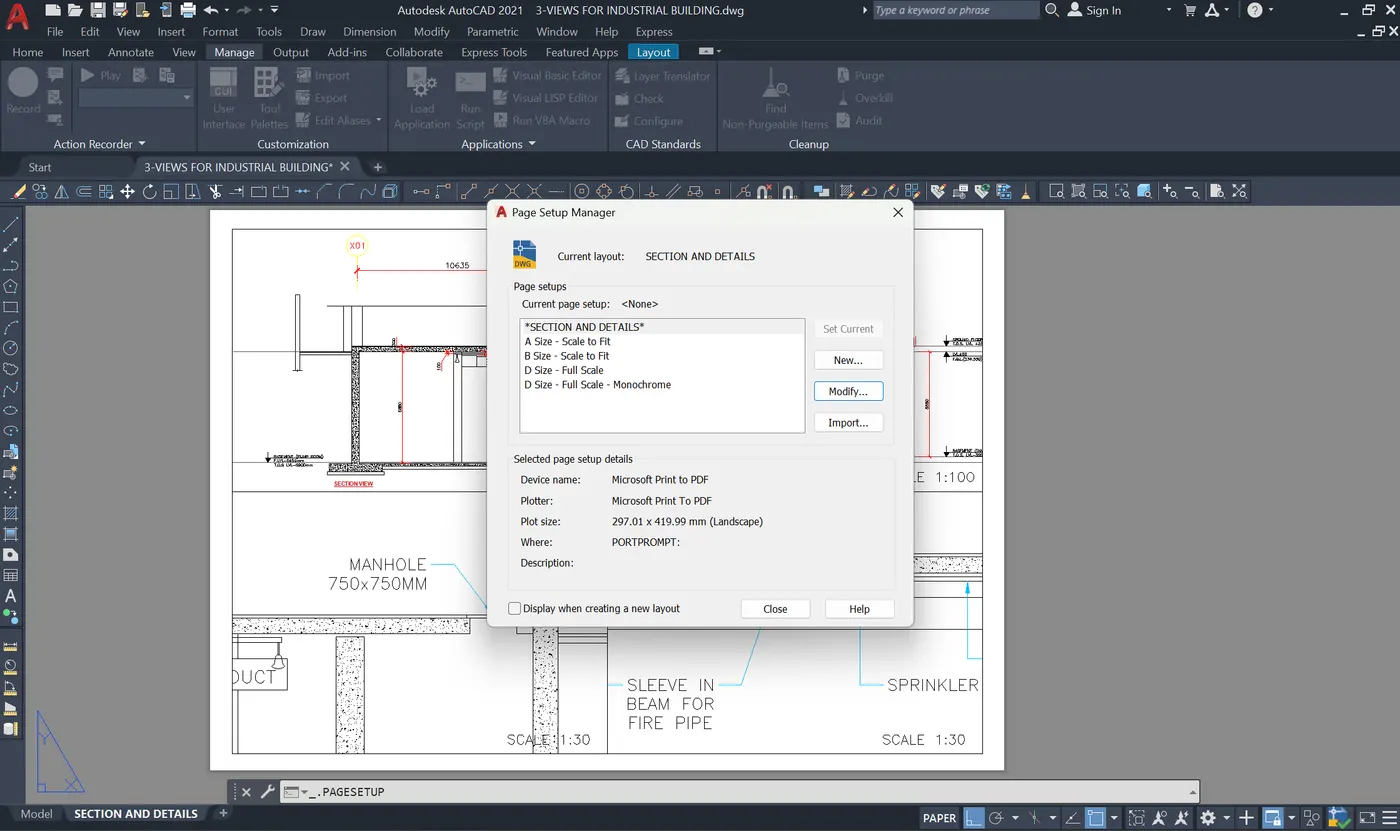
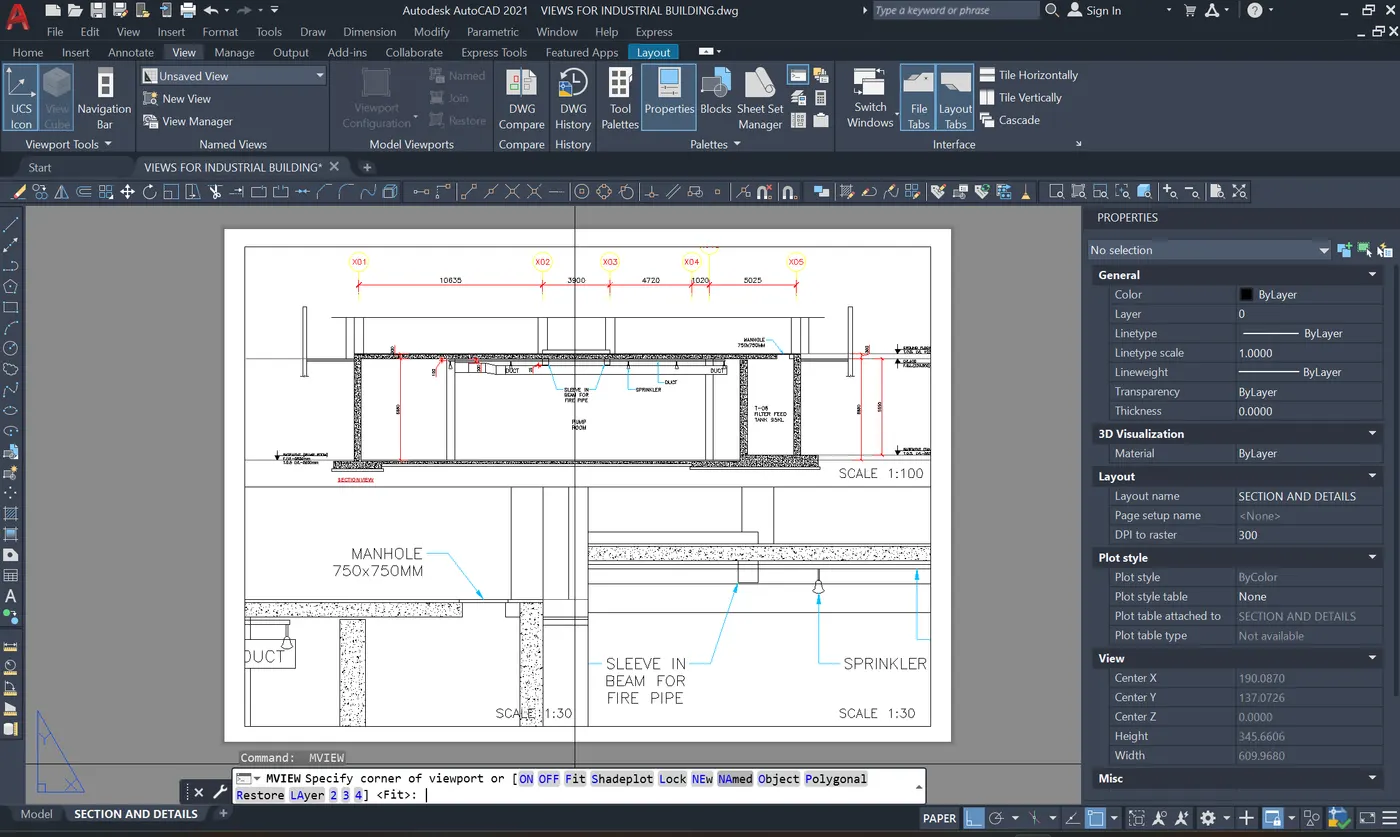
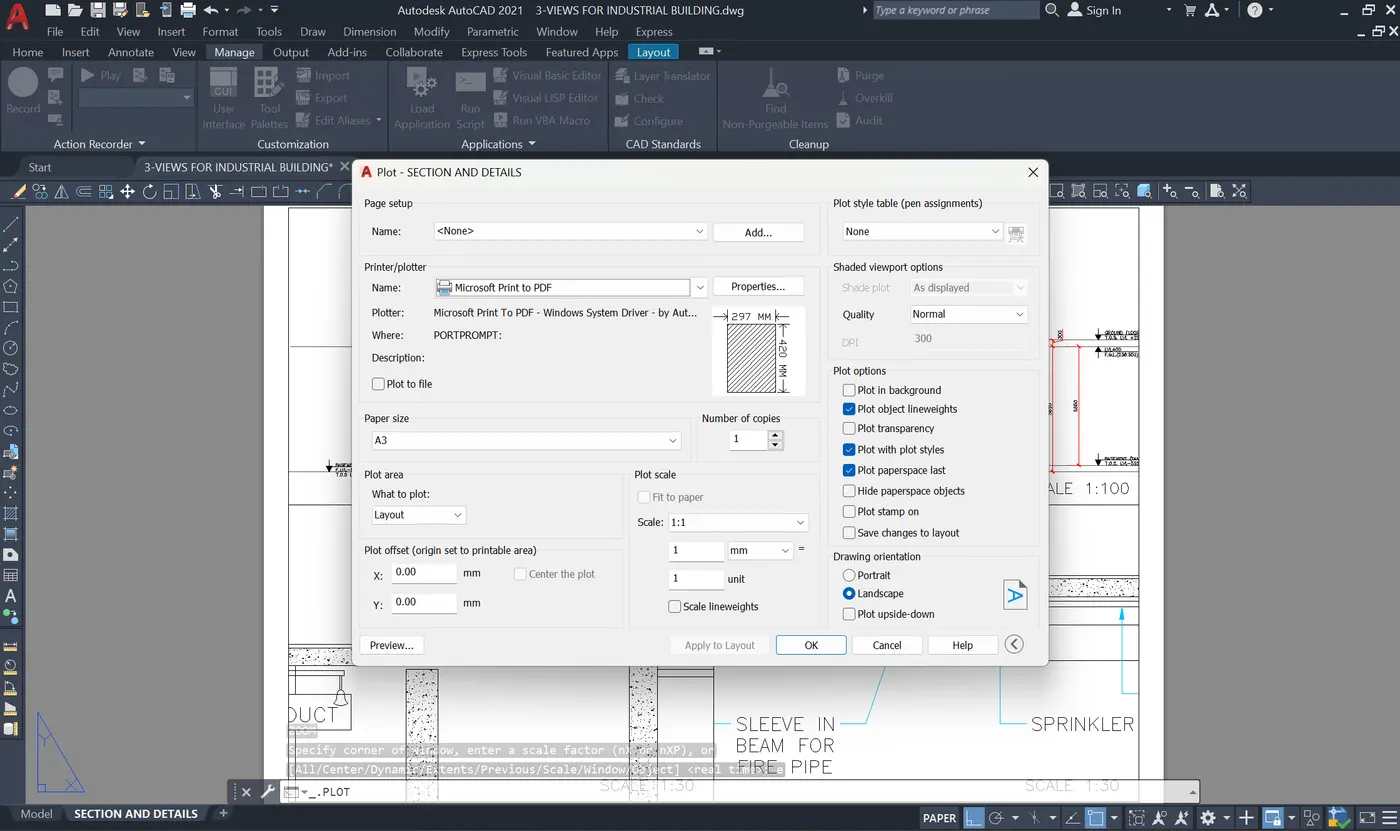
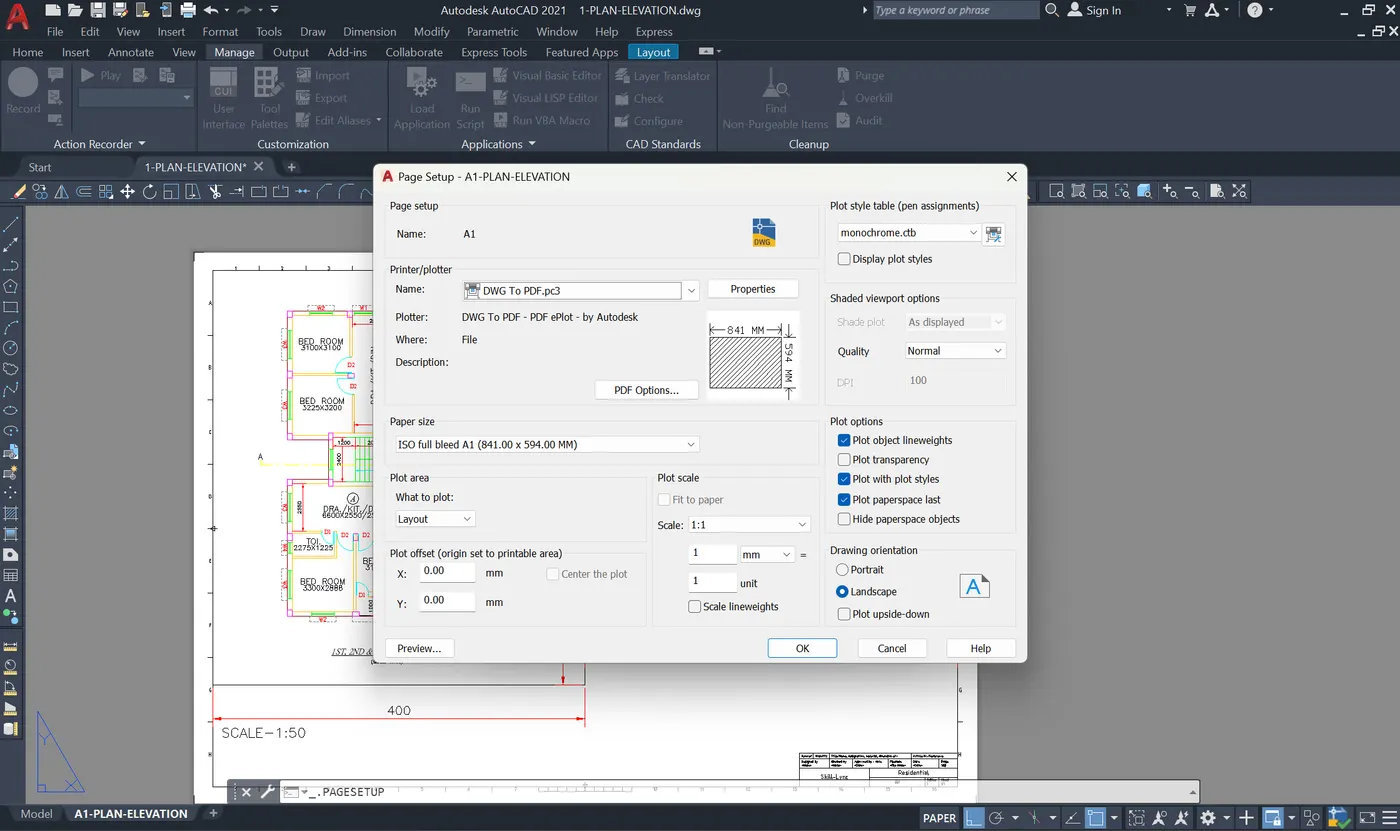
    1. PLAN AND ELEVATION OF BUILDING   COMMANDS USED PAGES SETUP MANAGER (PAGESETUP):   To change the plot preferences such as the paper type and paper size such as A4, A1, etc. as per the plot size required. This drawing needs the paper size of A1 and hence the changes were made. MULTIPLE VIEWPORTS (MVIEW): Viewports…
    Project Details

    Loading...

    Leave a comment

    Thanks for choosing to leave a comment. Please keep in mind that all the comments are moderated as per our comment policy, and your email will not be published for privacy reasons. Please leave a personal & meaningful conversation.

    Please  login to add a comment

    Other comments...

    No comments yet!
    Be the first to add a comment

    Read more Projects by Pranav Anil Shirsath (10)

    3D Creation of Ceiling, Roof, Architectural plan, Structural plan, Sectional view, Elevation view and Camera specific view for a house plan using REVIT

    Objective:

    1. CEILING:Tools used: ROOFMethod: Architecture tab - roof - roof by footprint - pick lines - finish edit mode.Roof by foot print:Pick lines -2. Roof slope:Tools used: Adjusting toolbarMethod: Properties - slope - 10 degreesChange in slopeSlope in 3-D:3. Architectural and Structural plansa. Architectural…

    calendar

    18 Sep 2024 10:40 PM IST

      Read more

      Project 2_Creating a 3D rendered model for a Residential Building in AutoCad

      Objective:

      3 DIMENSIIONAL MODEL OF A RESIDENSIAL BUILDING: PLAN: ELEVATION: COMMANDS USED REGION: To create an area which is to be extruded of a surface to create a solid. EXTRUDE: Used to create different solid elements such as walls, windows, floors and doors. UNION: Used to combine different elements of the building such as walls,…

      calendar

      27 Sep 2023 09:10 PM IST

        Read more

        Creating 3D Isometric view of various structural elements in AutoCAD

        Objective:

        1. ROOM PLAN AND ELEVATION COMMANDS USED POLYLINE: To get the area of the floor plan that should or is to be developed. REGION:  Used to get the polyline marked into an area that can be extruded. EXTRUDE: Used to elavate floor and the walls from the ground. SUBTRACT: Used to get the windows into the building for the cutout…

        calendar

        24 Sep 2023 04:13 PM IST

          Read more

          Creating various 3D Models like Furniture, Footing, Girder, Column drop with panel and Gable Wall in AutoCad

          Objective:

          1. 3D Furniture element: COMMANDS USED BOX:BOX COMMAND for drawing the furniture with respect to the dimensions given. DIMLIN: Dimensions were drawn with the help of the UCS command for using the plane used for denoting the dimensions.   2. 3d Model of an Isolated footing: COMMANDS USED BOX: BOX COMMAND for drawing the…

          calendar

          21 Sep 2023 07:15 PM IST

            Read more

            Creation of Multiple viewports, Scaling the drawing and setting in Template in AutoCad

            Objective:

                1. PLAN AND ELEVATION OF BUILDING   COMMANDS USED PAGES SETUP MANAGER (PAGESETUP):   To change the plot preferences such as the paper type and paper size such as A4, A1, etc. as per the plot size required. This drawing needs the paper size of A1 and hence the changes were made. MULTIPLE VIEWPORTS (MVIEW): Viewports…

            calendar

            08 Sep 2023 01:34 PM IST

              Read more

              Creating Kitchen layout, Hatching of Architectural elements and sectional view of an Industrial Building in AutoCad

              Objective:

              1. LAYOUT OF KITCHEN: Tools used Blocks: Blocks for appliances mentiones is used Command used: Block Blocks used for Doors and appliances. Attributes: Attribute are given with respect to appliances used to be changed as per requirement. Command used: Define Attributes Attributes used for doors and appliance names. Hatch:…

              calendar

              28 Aug 2023 07:39 PM IST

                Read more

                Creating Bar Bending schedule, Different Door types, and Creation of standard drawing templates using AutoCad

                Objective:

                1) Title block 1 one was created with the help of line tool and the text used was taken with respect to the drawings pdf provided. Title block 2 was also created like Title block 1. Then they were made into block to be used. 2) Door 1 and Door 2: They were made by taking dimensions respective to the industrial standards…

                calendar

                21 Aug 2023 06:03 PM IST

                  Read more

                  Project 1 _Creating an Architectural plan for the provided plot size and develop relevant basic structural drawings

                  Objective:

                  The Layout plan was drafted with taking consideration of the measurements provided in the Aim of the drawing. The measurements taken were 18.3mx6m. The building was drafted facing East direction.   External Wall: 250 thick Internal wall: 150 thick Living room: 5mx5.5m Kitchen: 3.425mx5.5m Staircase: 2.4mx4.4m Passage:…

                  calendar

                  08 Jun 2023 07:37 PM IST

                    Read more

                    Sketch a G+1 residential plan according to Vaastu Shastra and Calculation of Loads as per IS code

                    Objective:

                    1) G+1 floor residential plan 2) List of structural drawings required to be provided to the site for construction. Centre line drawing Footing and Column layout Column Schedule with reinforcement details Plinth beam layout with reinforcement details Ground floor beam layout with reinforcement details First floor beam layout…

                    calendar

                    25 Nov 2022 07:17 PM IST

                      Read more

                      Project on Concrete Mix Design for various grades of Concrete

                      Objective:

                      1) M35 GADE CONCRETE WITH FLY ASH. Size of Aggregate = 20 mm Specific gravity of cement = 3.15 Specific gravity of Coarse and Fine Aggregate = 2.74 Specific gravity of Fly Ash = 2.2 Target mean strength f'ck = fck + 1.65 * S fck = characteristic compressive strength at 28 days S = standard deviation (IS 10262:2019, Table…

                      calendar

                      10 Jun 2022 07:33 PM IST

                        Read more
                        Showing 1 of 10 projects