Creation of Multiple viewports, Scaling the drawing and setting in Template in AutoCad
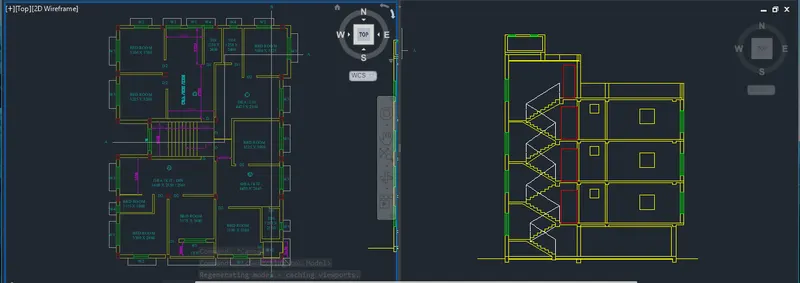
- set the units

- go to view and click on new view
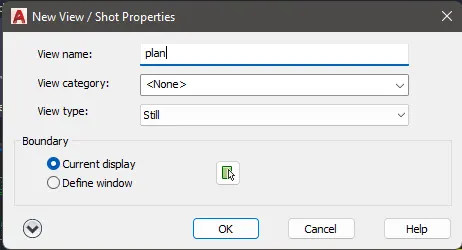
- Give a Name of the view and click ok
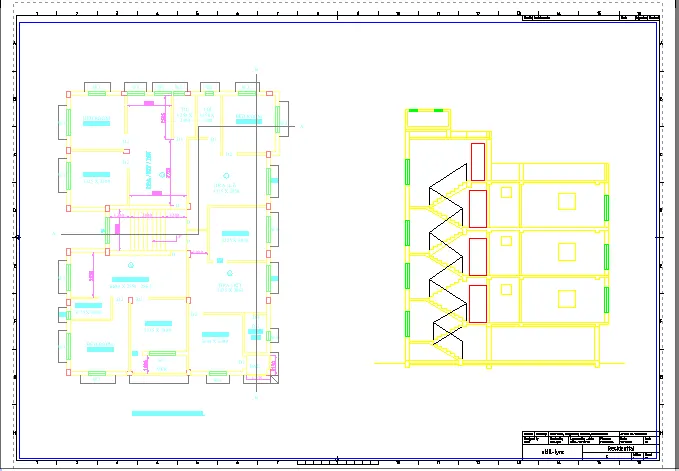
- Now go to Layout
- Using MV, PS and MS set the page
- Use the Templates A3 Size
_____________________________________________________________________________________________________________________________________________________
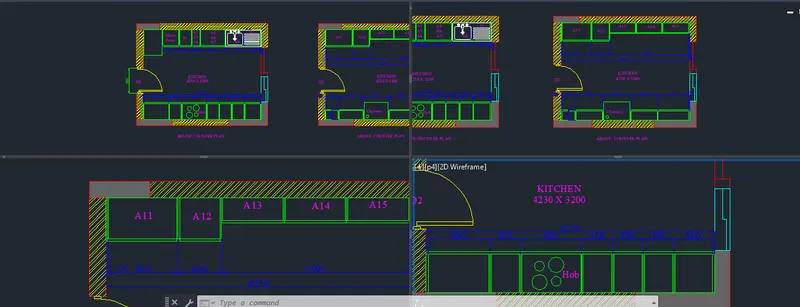
- same as above drawing follow the steps
- Here create 4 parts of view
- And go to Layout
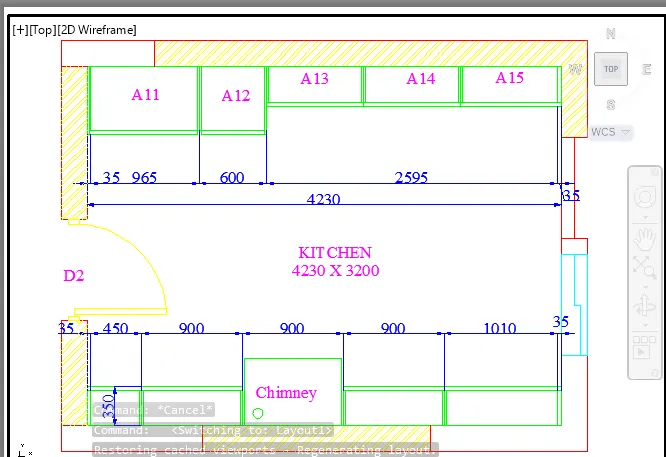
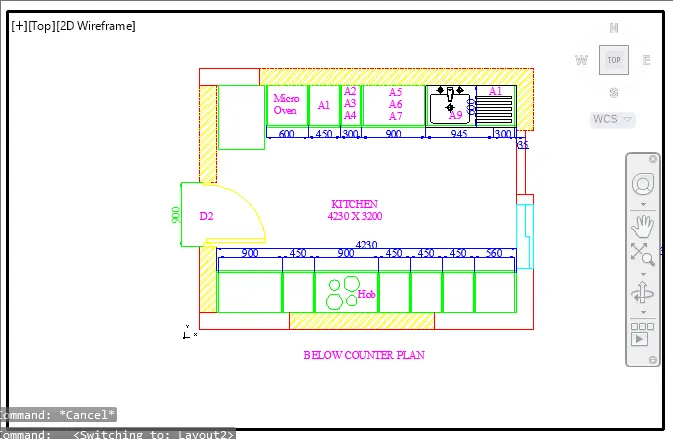
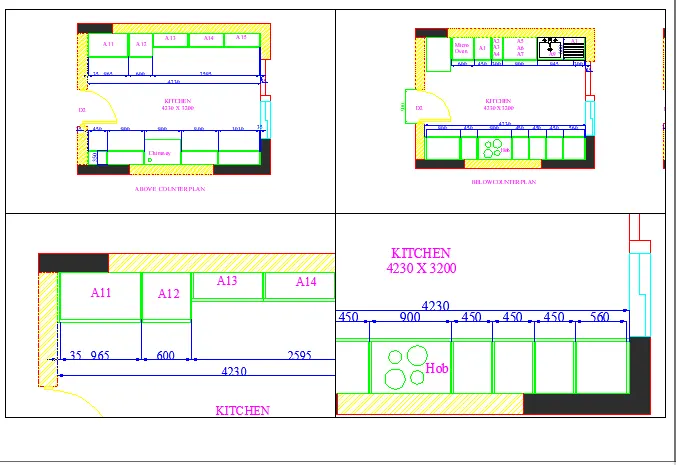
- using MV, PS and MS set the view
_____________________________________________________________________________________________________________________________________________________
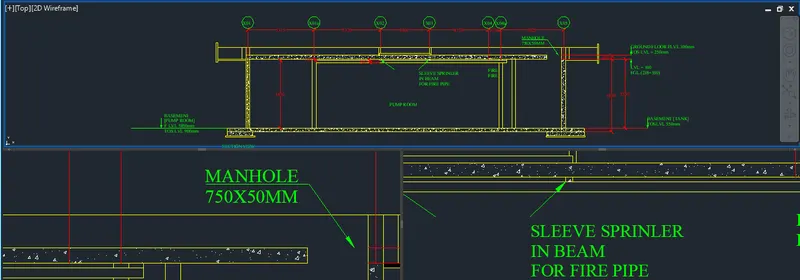
- create 3 view
- follow the steps as previous drawing
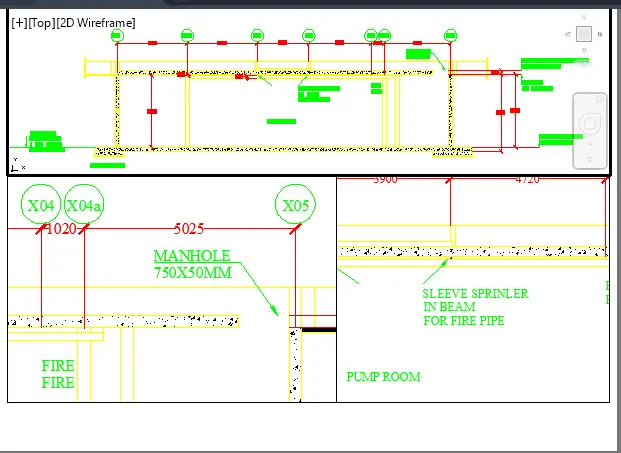
- using MV, PS and MS set the view
- set the page in A4 size