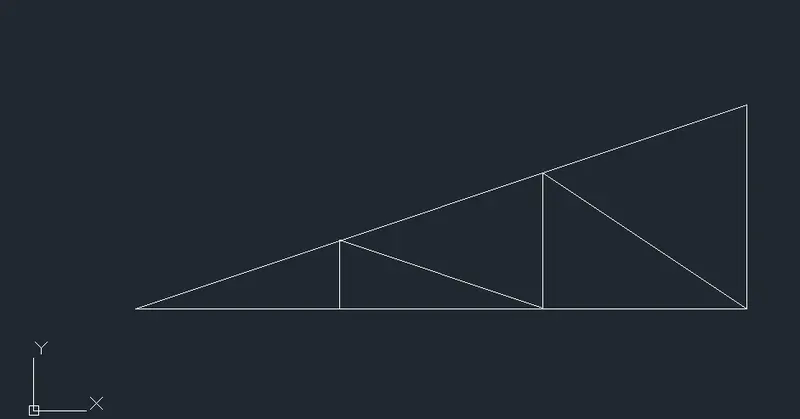
Creation of geometries by Coordinate system methods using AutoCad
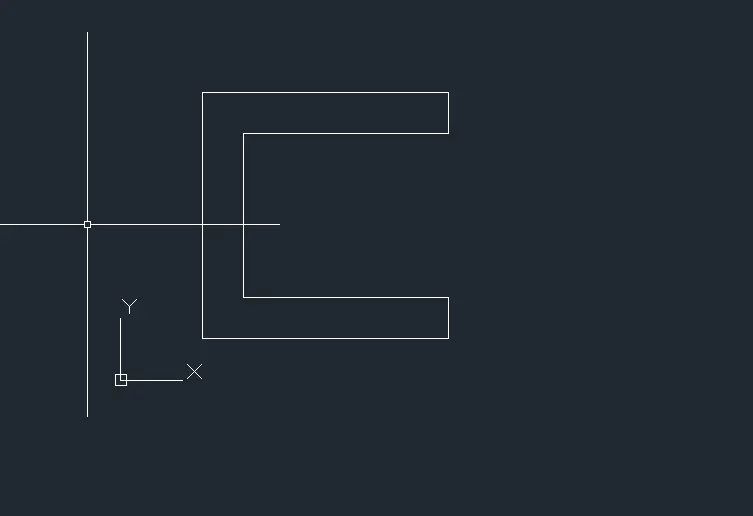
P1:- Methods to draw Geometry are given below below:-
1. Absolute co-ordinate method:-
:- First of all choose the LINE tool
:- Specify the first point : (2,1), Start point.
:- Specify the next point: (8,1) second point.
:- Specify the third point; (8,2).
:- Specify the fourth point: (3,2).
:- Specify the fifth point: (3,6).
:- Specify the 6th point: (8,6).
:- Specify the 7th point: (8,7).
:-Specify the 8th point: (2,7).
:-Specify the next point or (Close/Undo): (2,1).
2. Relative Rectangular Co-ordinate system:-
:- Select the LINE tool.
:- Specify the first point: (2,1).
:-Specify the Next point or Undo : (@6,0), Dx=6, Dy=0.
:- Specify the Next point or undo : (@0,1), DX=0, DY=1.
:- Specify the Next point or undo: (@-5,0), Dx=-5, Dy=0.
:- Specify the next point or undo: (@0,4), Dx=0, Dy=4.
:-Specify the next point or undo: (@5,0). Dx=5, Dy= 0.
:- Specify the next point or undo: (@0,1), Dx=0, Dy=1.
:- Specifyt the next point or undo: (@-6, 0), DX=-6, Dy= 0.
:-Specify the next point of close: (@0,-6), Dx=0, Dy= -6.
3. Relative polar co-ordinate system:-
:- First choose the LINE toll.
:- Specify the first point: (2,1).
:- Specify the Nest point or (Undo):- @6<0.
:- Specify the Nest point : @1<90.
:- Specify th next point: @5<180.
:- Specify the next point: @4<90.
:- Specify the next point: @5<0.
:- Specify the next point: @1<90.
: Specify the next point; @6<180.
:- Specify the next point or close: @ 6<270.
4. Direct Distance method:-
:- Choose the line tool
:- Specify the first point: (2,1)
:- Specify the next point : position the cursor along positive x-axis and then enter distance 6 unit.
:- Specifyt he next point :- position the cursor along = Y axis and enter distance of 1 unit.
:- position the cursor towards -ve X- axis and enter 5 unit.
:- Position the cursor along +ve Y-axis and enter 4 unit.
:- Position the cursor along +bve X-axis and enter the distance of 5 unit.
:- Position tjhe cursor along +ve Y-axis and enter the distance of 1 unit.
:- Position the cursor along -ve X-axis and enter the distance of 6 unit.
:- Position the cursor along -ve Y-axis and enter the distance of 6 unit or CLOSE.
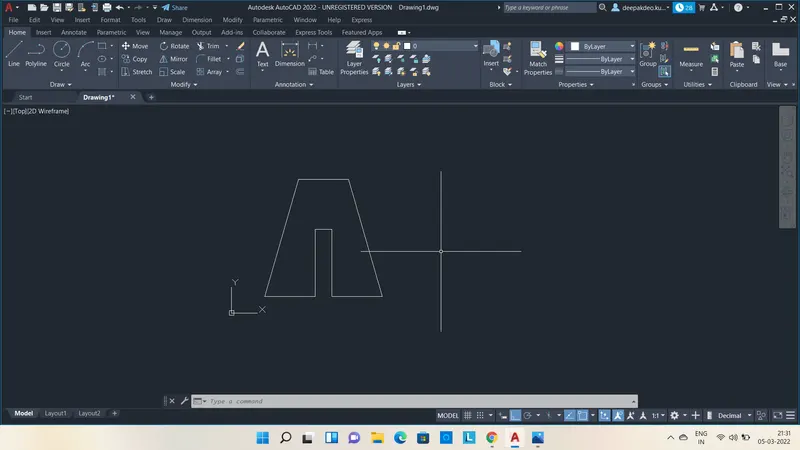
P2- Method to draw Geometry are given below:-
1. Absolute co-ordinate method:-
:- First of all choose the LINE tool
:- Specify the first point : (2,1), Start point.
:- Specify the next point: (5,1) second point.
:- Specify the third point; (5,5).
:- Specify the fourth point: (6,5).
:- Specify the fifth point: (6,1).
:- Specify the 6th point: (9,1).
:- Specify the 7th point: (7,8).
:-Specify the 8th point: (4,8).
:-Specify the next point or (Close/Undo): (2,1)
2. Relative Rectangular Co-ordinate system:-
:- Select the LINE tool.
:- Specify the first point: (2,1).
:-Specify the Next point or Undo : (@3,0), Dx=3, Dy=0.
:- Specify the Next point or undo : (@0,4), DX=0, DY=4.
:- Specify the Next point or undo: (@1,0), Dx=1, Dy=0.
:- Specify the next point or undo: (@0,-4), Dx=0, Dy=-4.
:-Specify the next point or undo: (@3,0). Dx=3, Dy= 0.
:- Specify the next point or undo: (@-2,7), Dx=-2, Dy=7.
:- Specifyt the next point or undo: (@-3, 0), DX=-3, Dy= 0.
:-Specify the next point of close: (@-2,-7), Dx=-2, Dy= -7.
3. Relative polar co-ordinate system:-
:- First choose the LINE toll.
:- Specify the first point: (2,1).
:- Specify the Nest point or (Undo):- @3<0.
:- Specify the Nest point : @4<90.
:- Specify th next point: @1<0.
:- Specify the next point: @4<270.
:- Specify the next point: @3<0.
:- Specify the next point: @7<164.054.
: Specify the next point; @3<180.
:- Specify the next point or close: @ 7<74.054.
4. Direct Distance method:-
:- Choose the line tool
:- Specify the first point: (2,1)
:- Specify the next point : position the cursor along positive x-axis and then enter distance 3 unit.
:- Specifyt he next point :- position the cursor along + Y axis and enter distance of 4 unit.
:- position the cursor towards +ve X- axis and enter 1 unit.
:- Position the cursor along -ve Y-axis and enter 4 unit.
:- Position the cursor along +ve X-axis and enter the distance of 3 unit.
:- Position the cursor along +ve Y-axis and enter the distance of 7.280 at an angle 74.054 degre.
:- Position the cursor along -ve X-axis and enter the distance of 3 unit.
:- Position the cursor along -ve Y-axis and enter the distance of 7.280 unit at an angle of 15.946 degree or CLOSE.
Problem P4

Problem P5
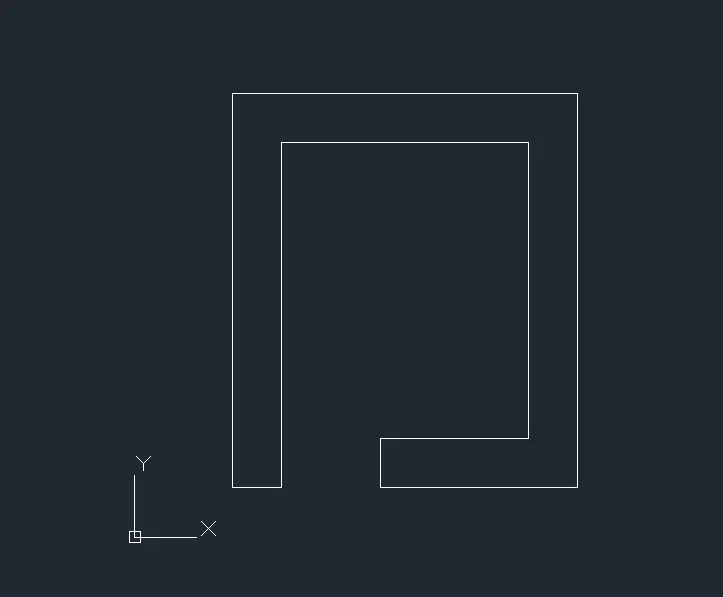
Problem P7
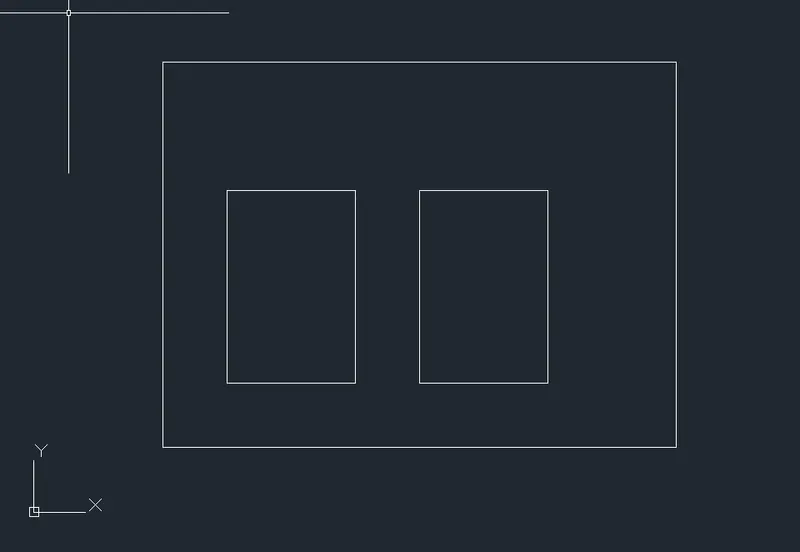
Problem P8
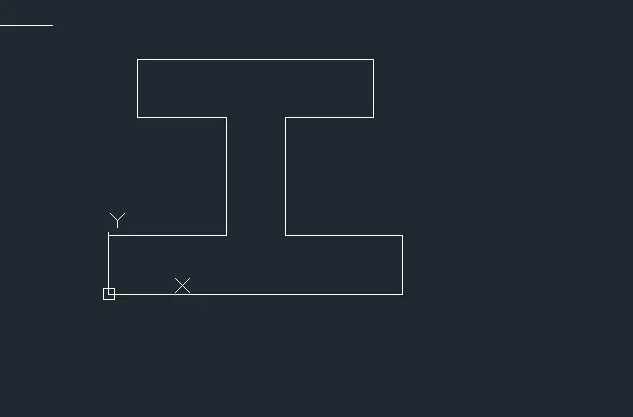
Problem P9
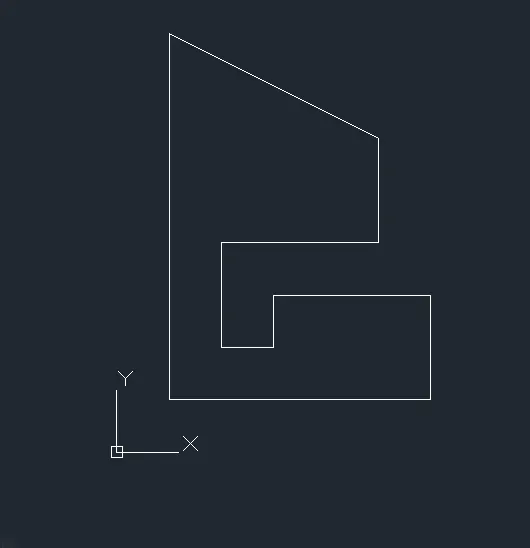
Problem P10
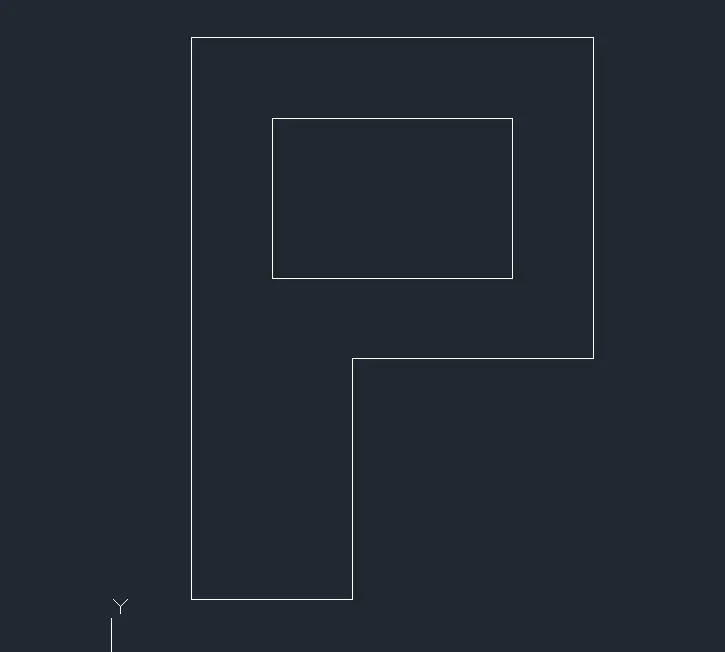
Profile Wood
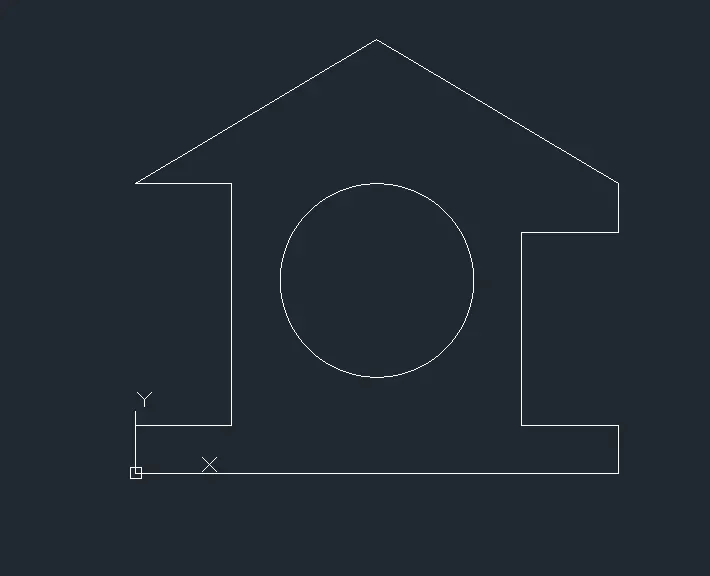
Queen Post truss
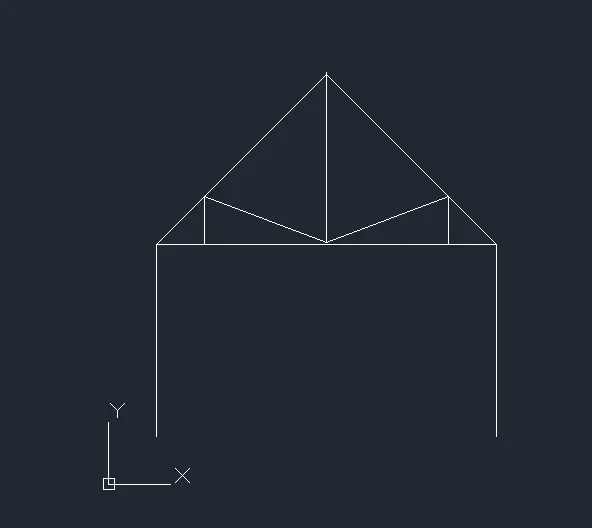
Mono Pitch