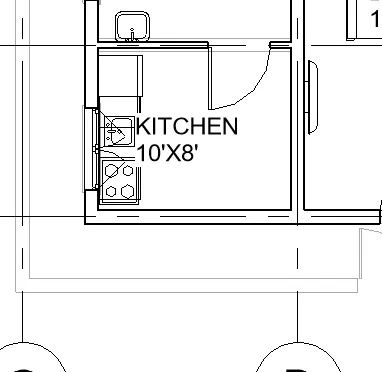
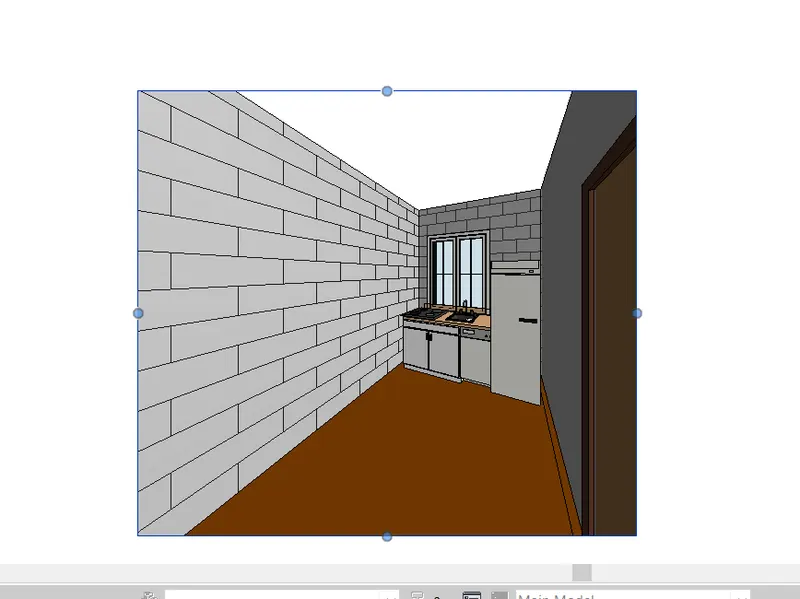
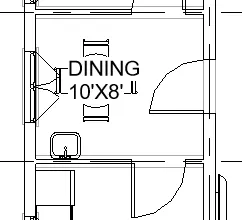
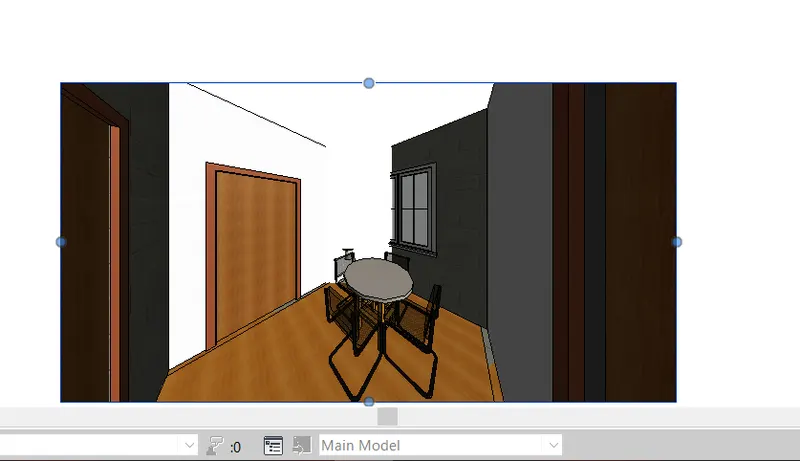
Creating Walls, Partition walls and Floors for a residential layout using REVIT
1) Use the project file created from Week 2. Use it for this assignment. Based on your layout from week 2, using floor tool under architecture tab and select the floor with appropriate material and thickness using the property browser create a layout in the Ground floor Level. Align the floor plan with grids created from week 2
Aim: select the floor and assigning material and thickness.
procedure:
step:1 click on the floor created.
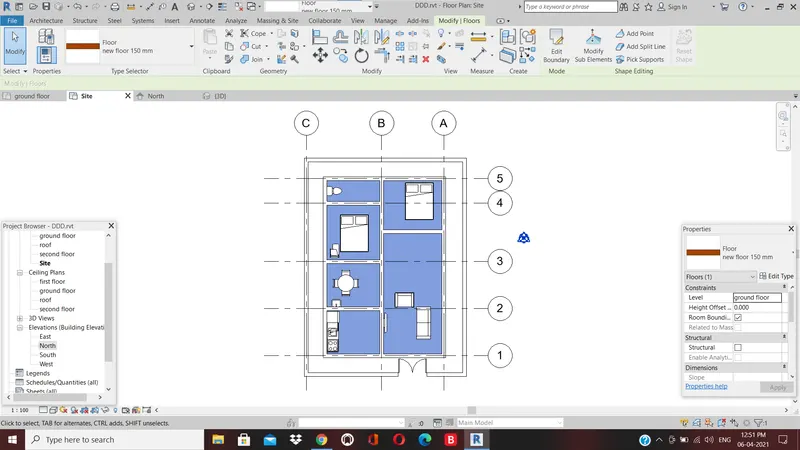
step:2 click on edit type
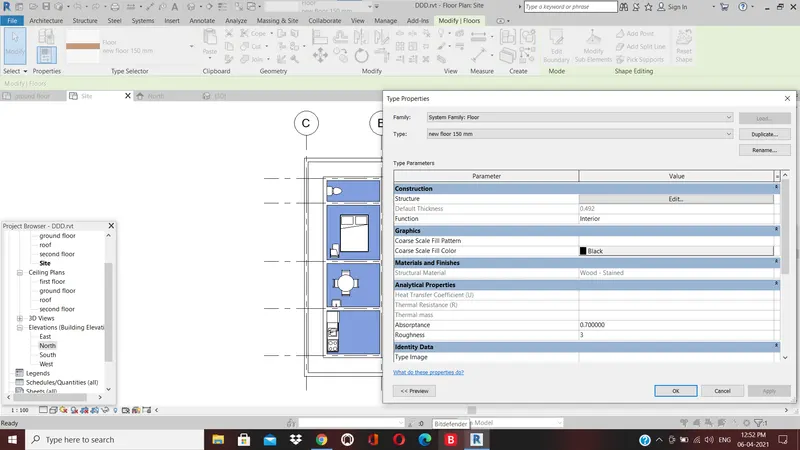
step:3 click on duplicate enter the name as new floor
step:4 type properties dialogue box appears.
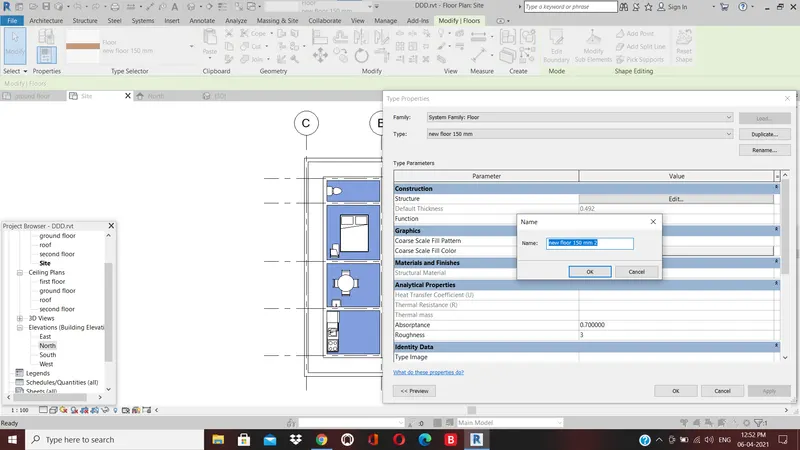
step:5 click on edit in structure. in edit assembly dialogue box.
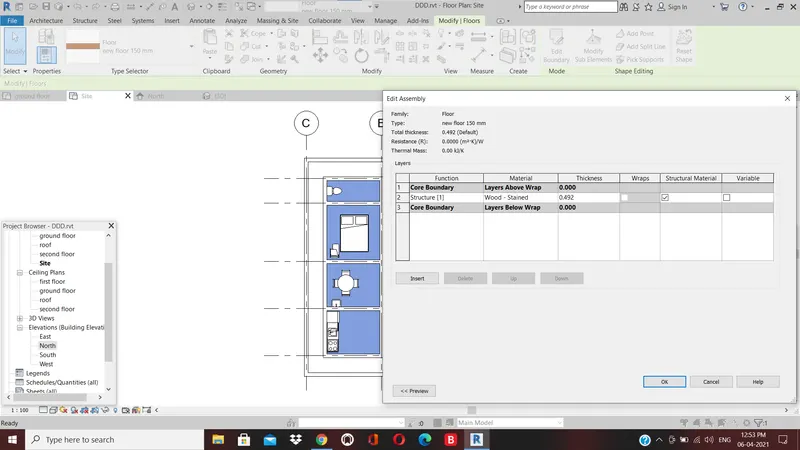
step:6 click on by category under material tab flooring from the material browser .
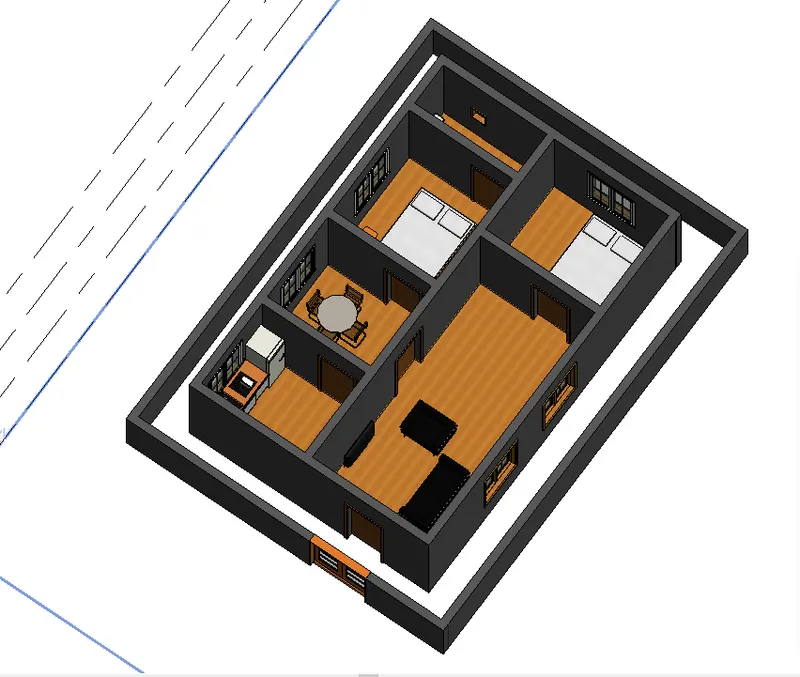
step:7 the wall is placed in aligned to grid 1
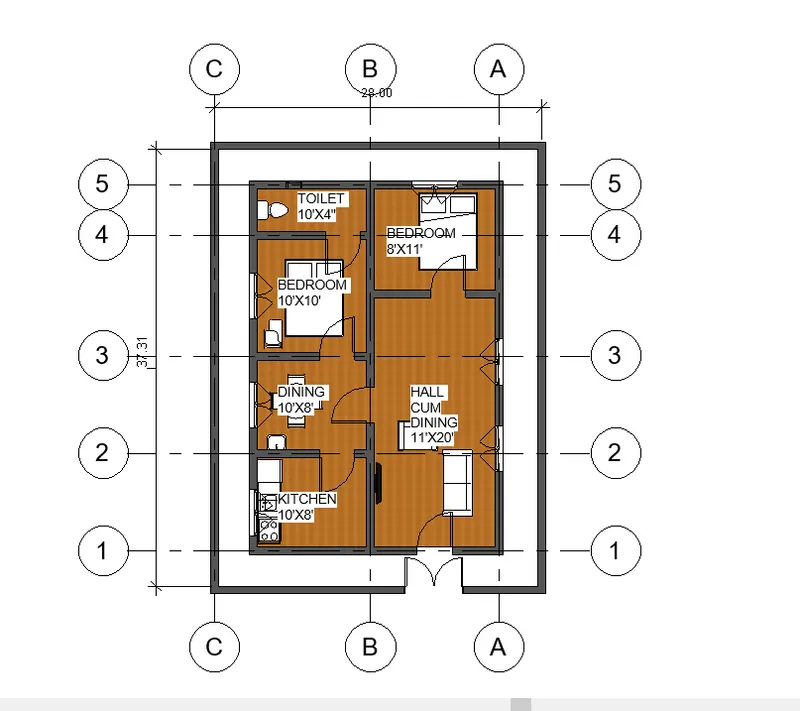
result: the floor is created and material is assigned.
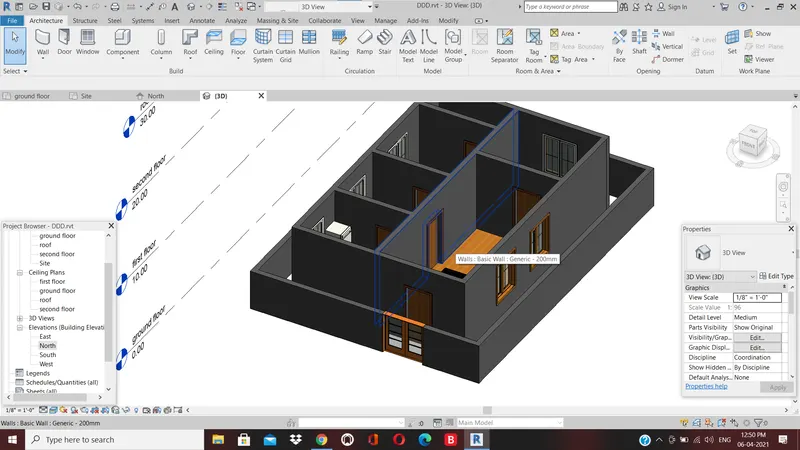
2. AIM:- To add walls
- add material of wall and thickness
procedure:
step:-1 walls are created
step 2 to change the boundaries of wall click on edit profile in modify tab
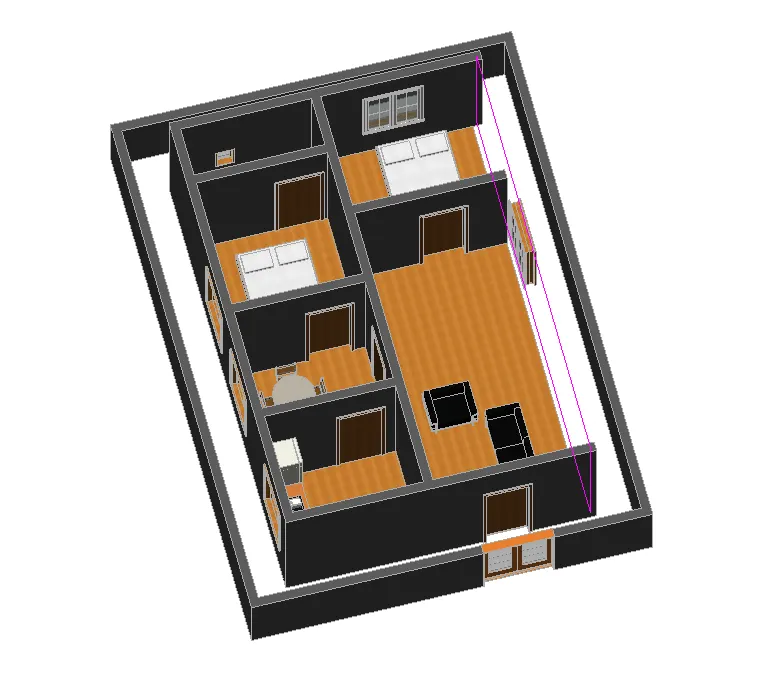
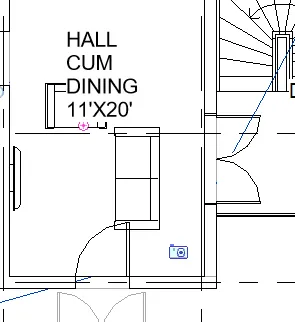
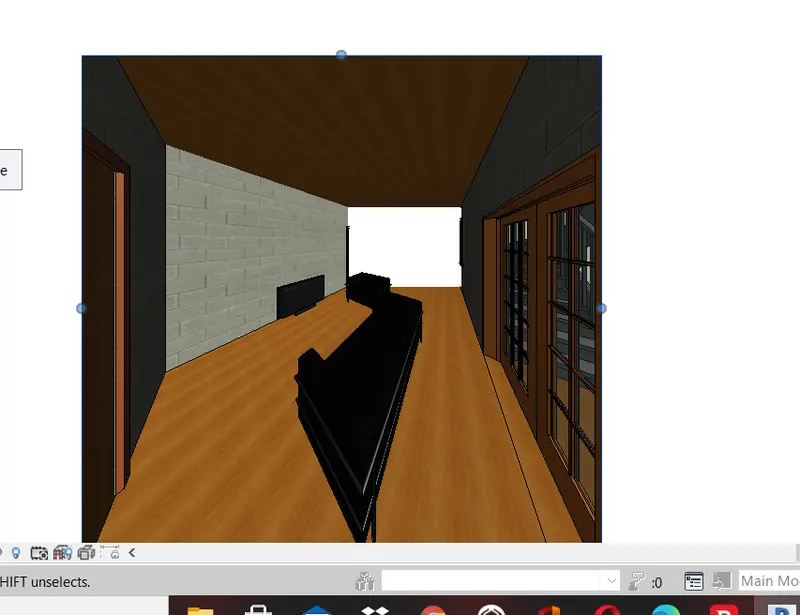
step 4 as i do not want any modification for the wall. from architecture tab in door load family and dor in the living room.
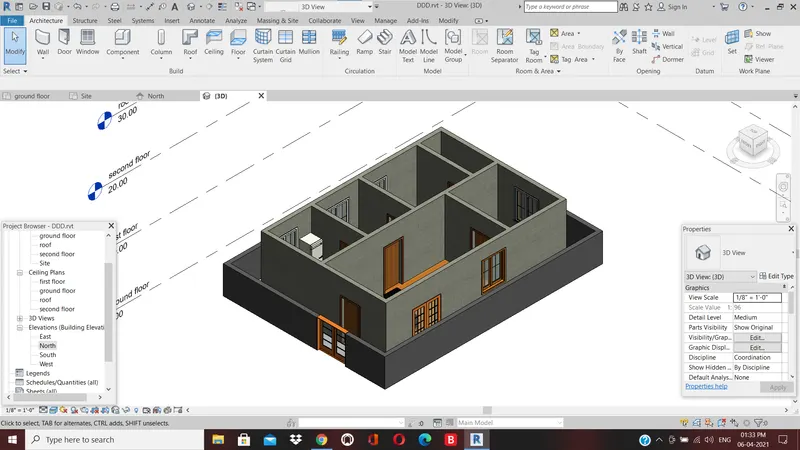
step 5 select the wall go-to property manager edit type create and the name as wall, select edit from the structure tab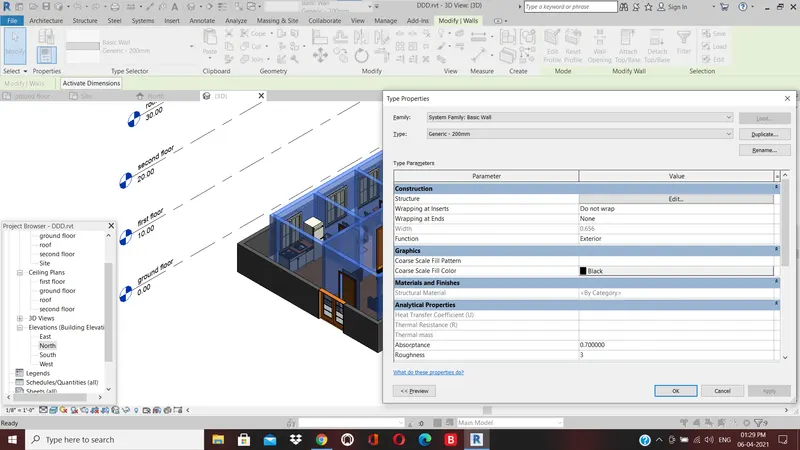
step 6
in edit assembly dialogue box click tab
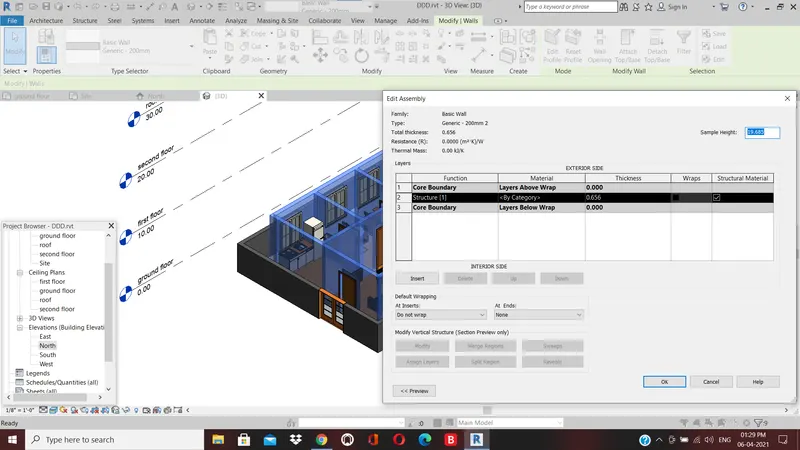
step 7 from the material browser. click ok
step 8
result
well is creted
3) Aim: use of copy and paste and aligning the plan to the other levels.
procedure
step: 1 select the model in 3d view
step:2 click on copy to clipboard. select paste and select aligned to level 2 and click ok.
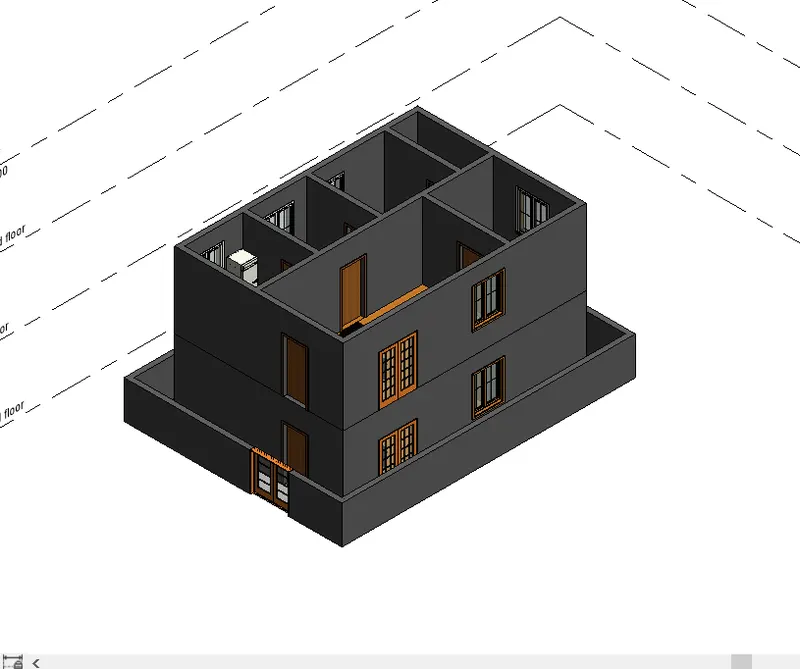
result: the ground plan is copied
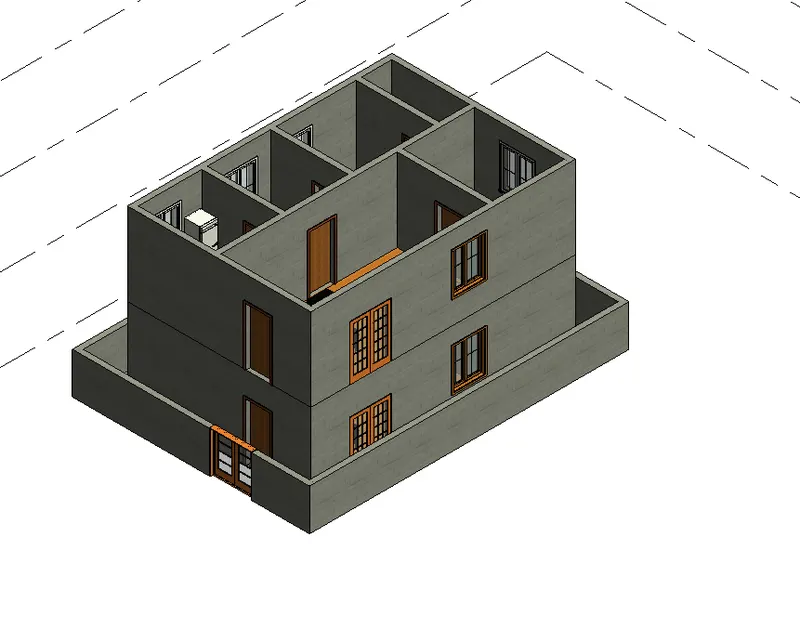
4. Aim: to use interior partition wall to separate room
procedure:
step 1: the architectural tab select wall and select interior partition wall.
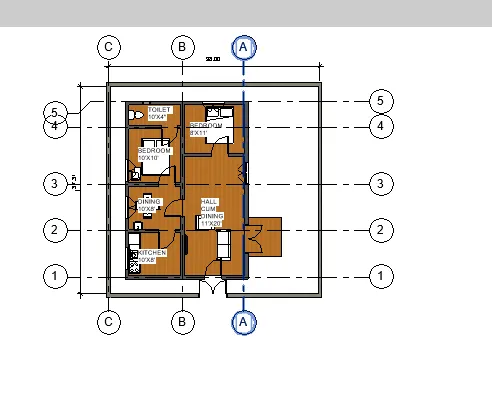
step 2; place it in plan view
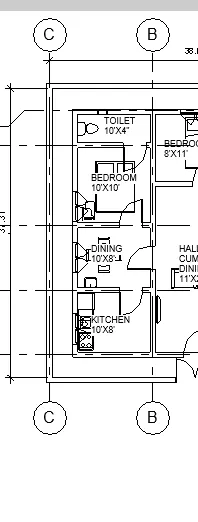
result :
the stair is created for the access to the first floor.
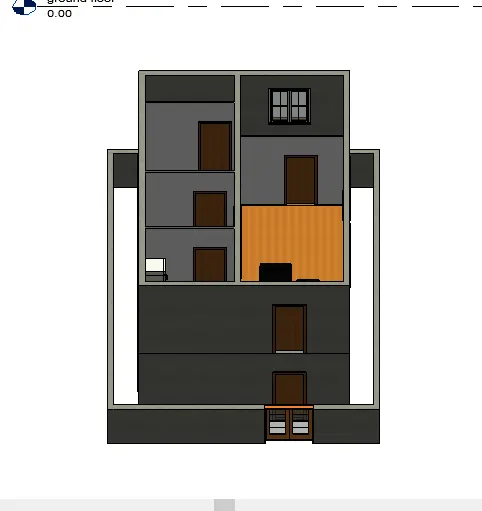
5 Aim : adding of components to the model
procedure:
the placing of doors and windows
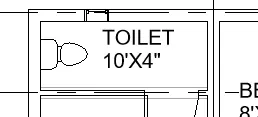
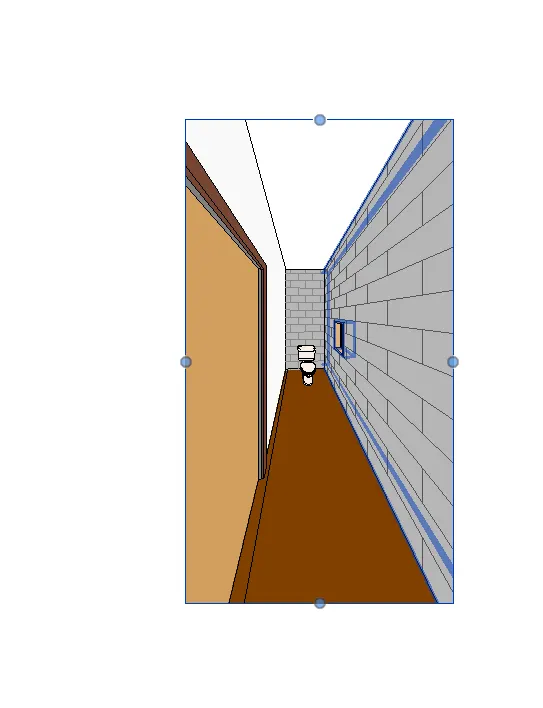
place ventilators for the toilet
result: