Creating Conceptual mass in REVIT and Creation of Sinusoidal curve and a Parametric stadium using Dynamo
Creating Conceptual mass in REVIT and Creation of Sinusoidal curve and a Parametric stadium using Dynamo
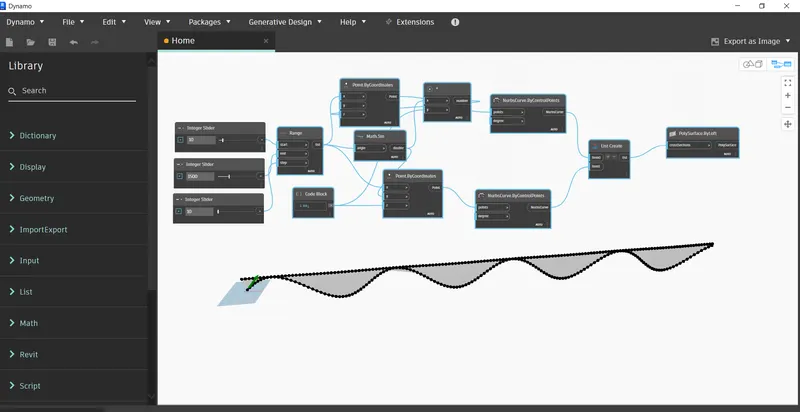
AIM Using Dynamo create a set of sinusoidal points and create a curve and create a surface out of the curve.
Procedure
- First open REVIT and go to manage tab and open Dynamo.
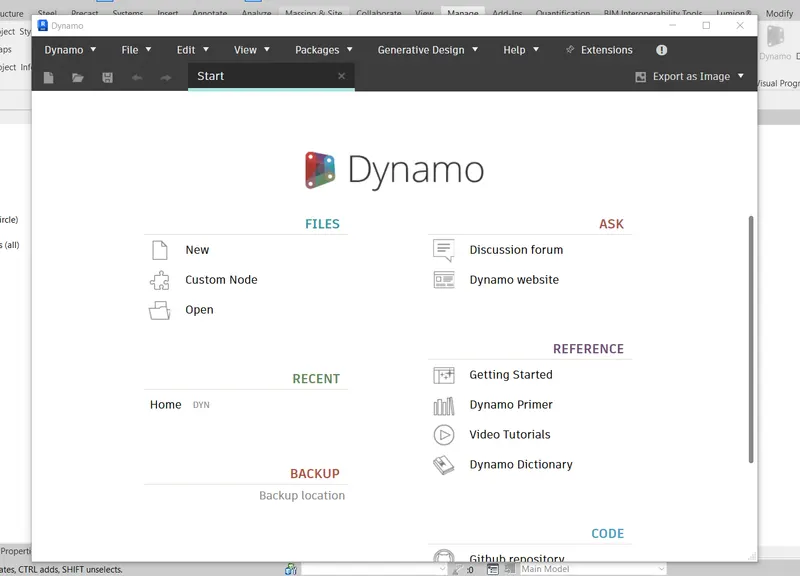
- Now select new file in Dynamo.
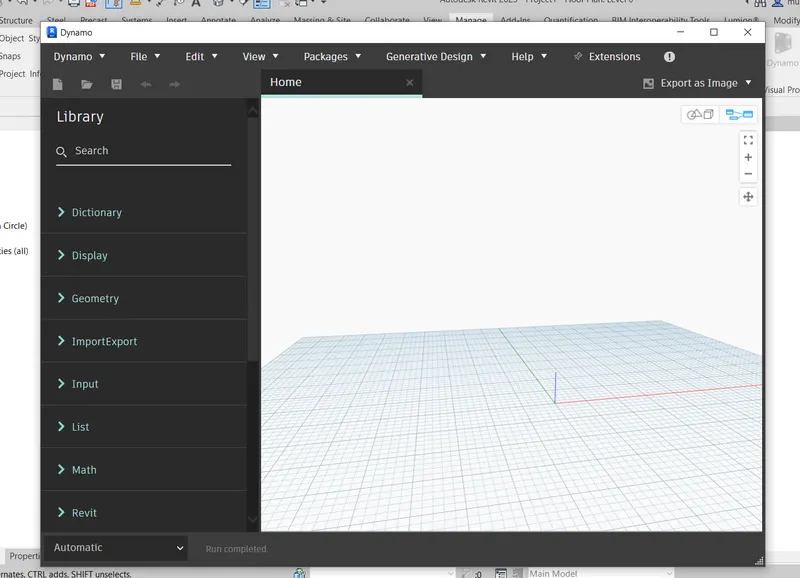
- Now add nodes, like integer sliders.
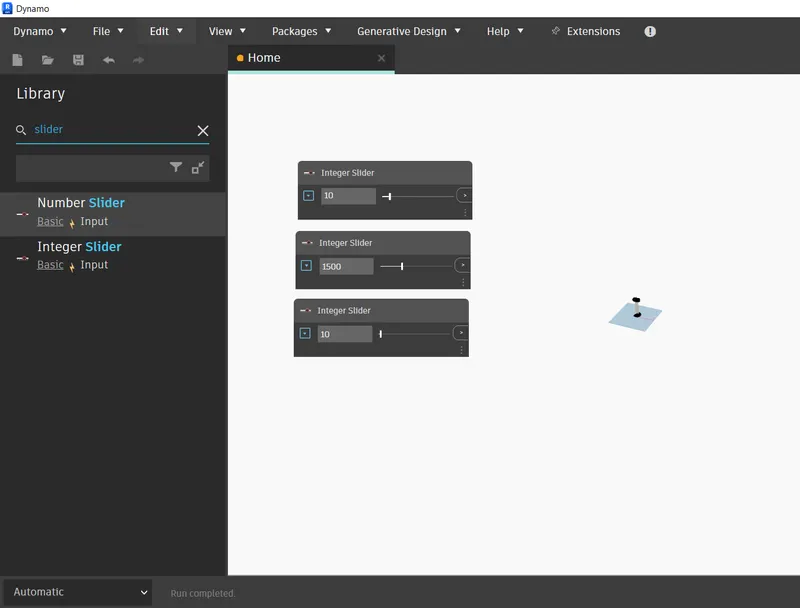
- Now add more nodes like range, math.sin, point by co-ordinate and wire them.
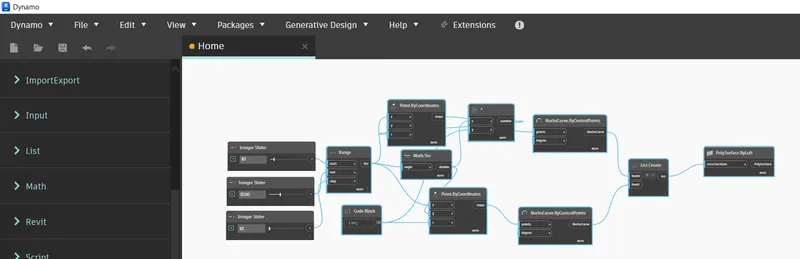
- Now add nurb.curves and list them then create surface by loft.
Result
AIM Create a conceptual layout of floor plan in dynamo . Using the tools available in dynamo link the lines to appropriate model elements in Revit by choosing the wall types and wall parameters. Make use of the sliders to slide through the height of the wall and length of the wall.
Introduction
Procedure
- Add two integer sliders, 4 points by co-ordinate.
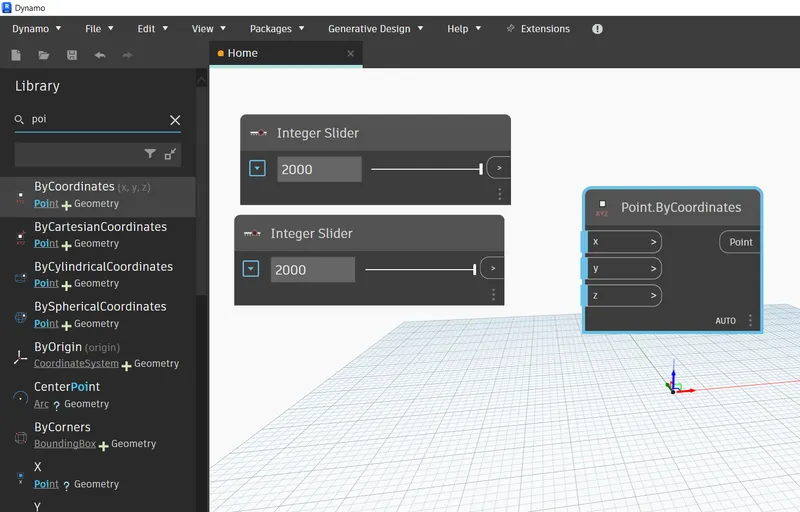
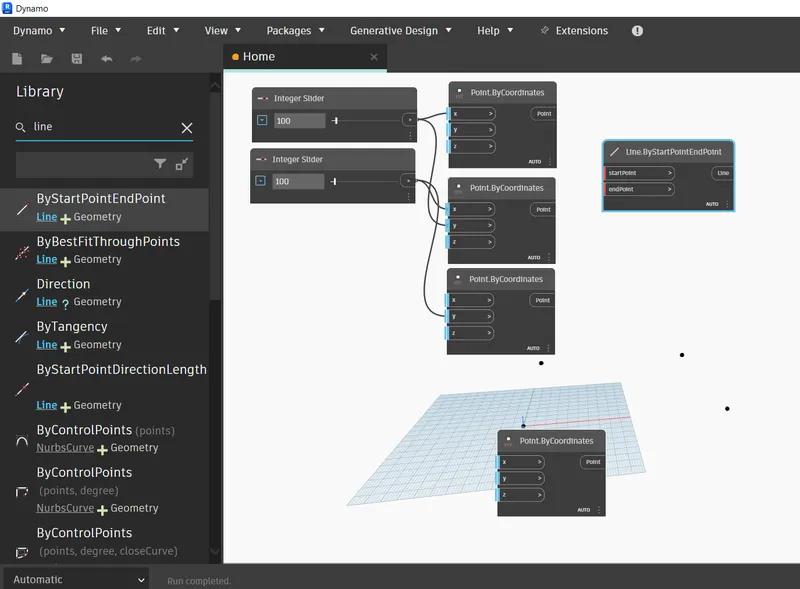
- Now chose line by startpointendpoint and make lines by wire points to nodes.
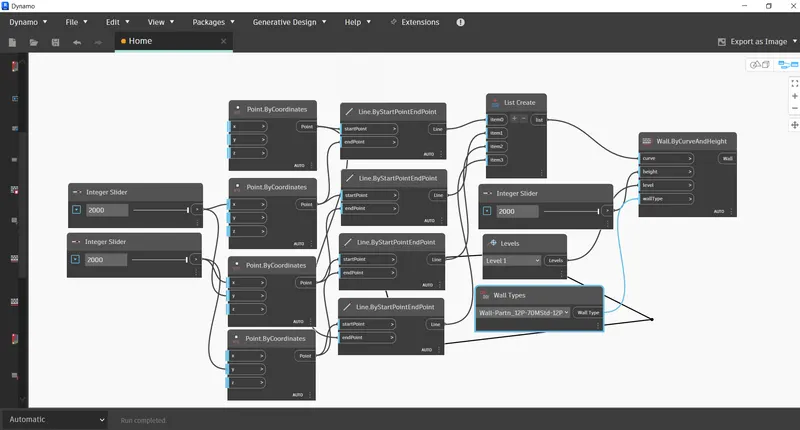
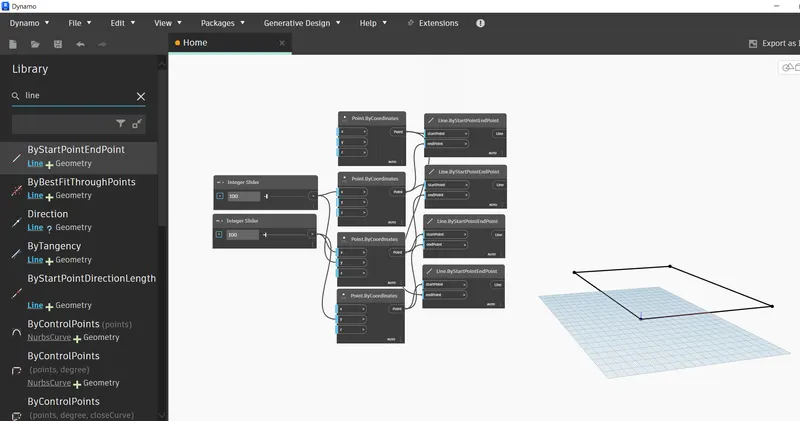
- Now add wall by curve, and also add logical modes specify in wall by curve
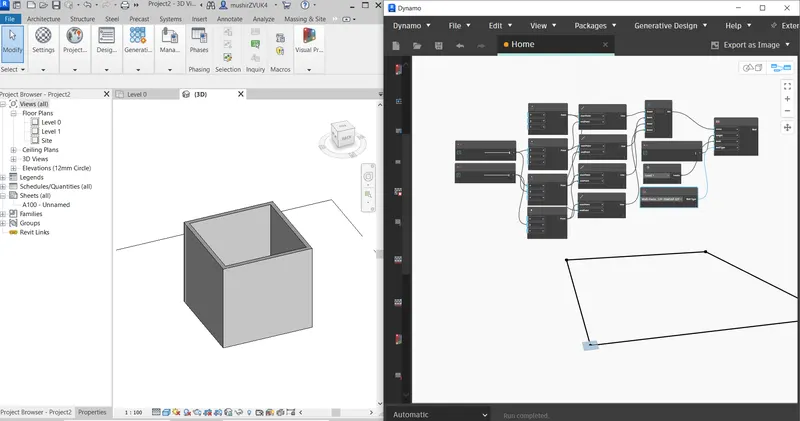
- Wire all nodes logically to obtain wall.
- Now to add floors, add node floorbycurve and give floor type.
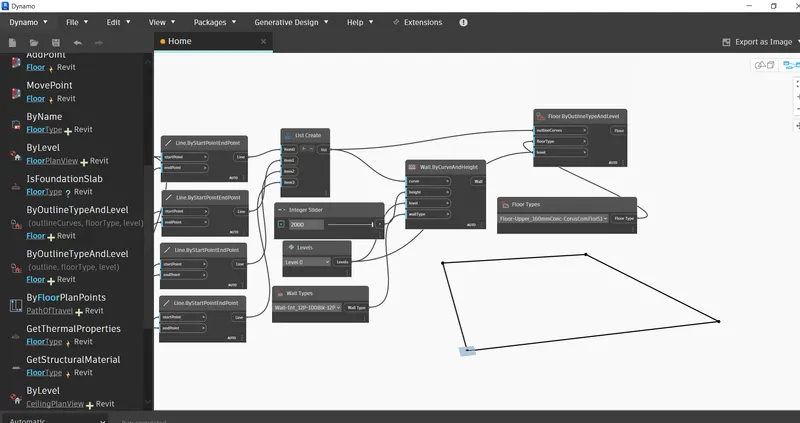
Result
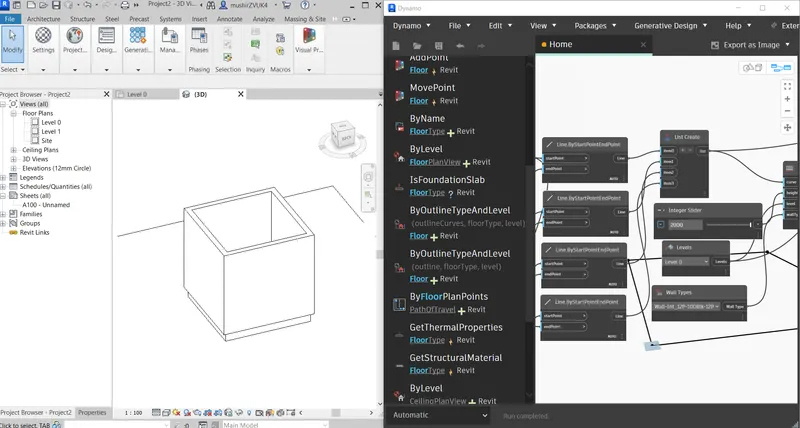
AIM Create an array of model elements in Revit. Use dynamo to vary the properties of model elements by using the slider or code block
Introduction
Procedure
- Open a REVIT file and make 4 architectural columns.
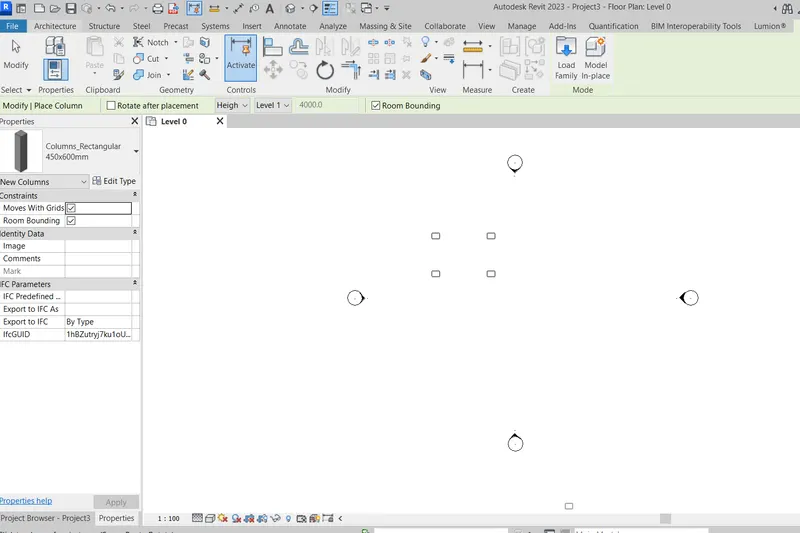
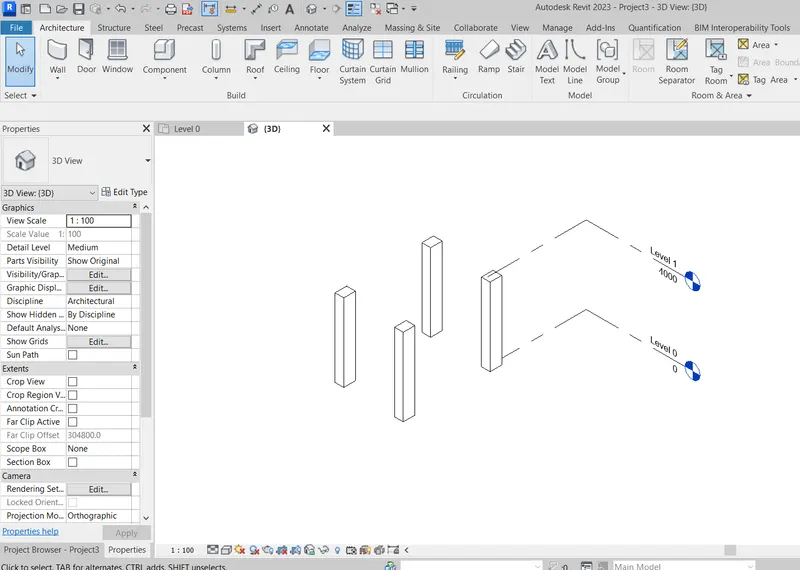
- Now open Dynamo.
- Add select model elements (multiple). And select elements in revit.
- Add slider for rotation angle.
- Add rotation node and wire them.
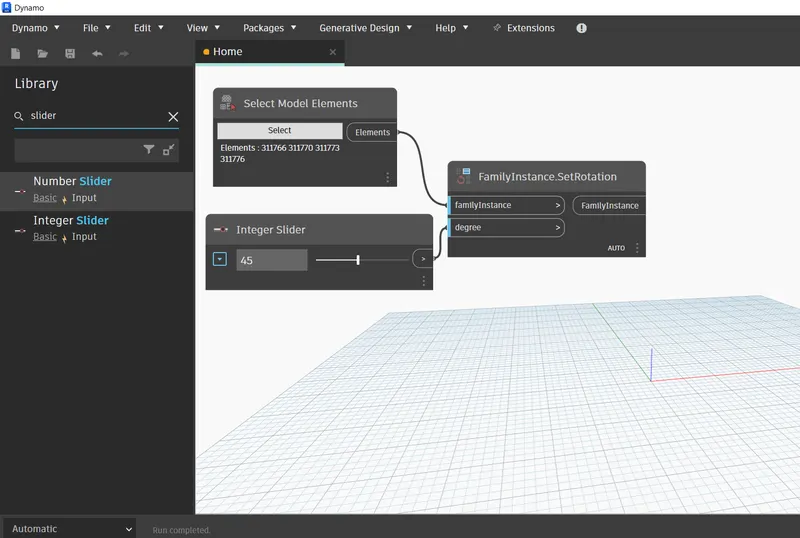
- Now manipulate rotation angle by integer slider.
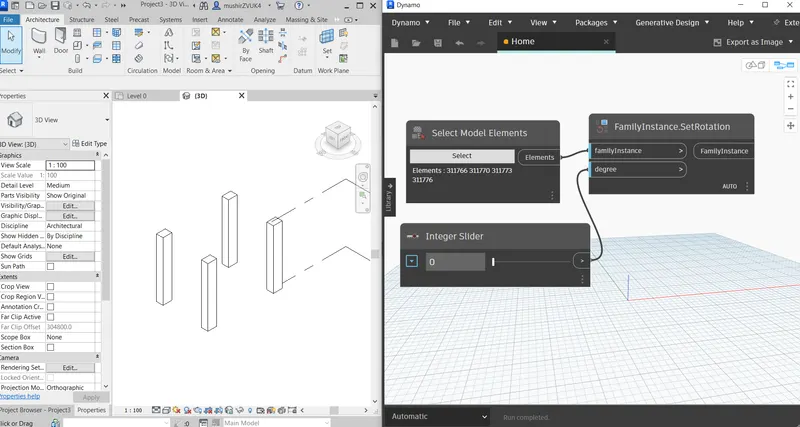
Results
- On 30°
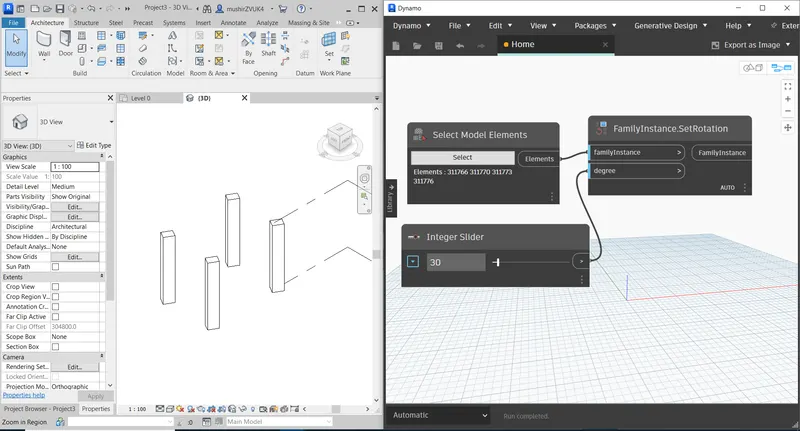
- On 70°
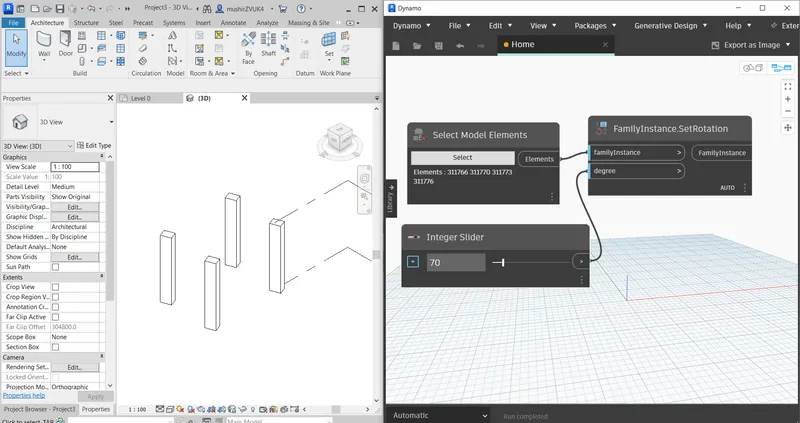
AIM Create a conceptual mass in Revit and develop a parametric column by dividing the surfaces and apply the concepts similar to used in parametric walkway modelling. Use triangular bent or square shaped panels to add finish to the parametric column
Introduction
Procedure
- Open conceptual mass file in revit.
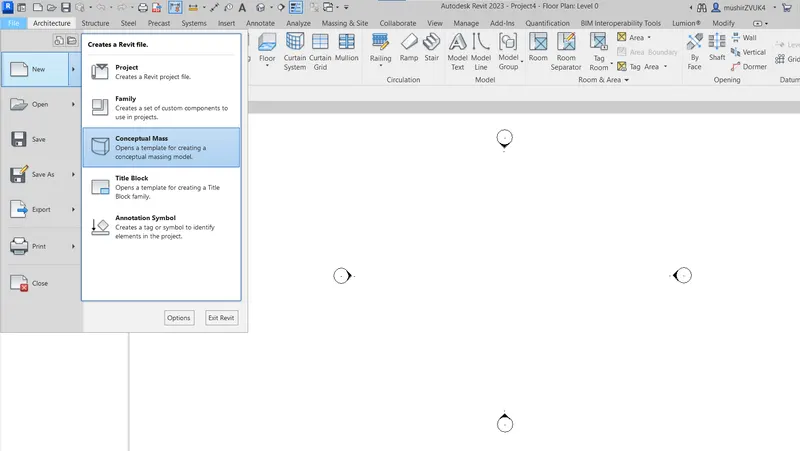
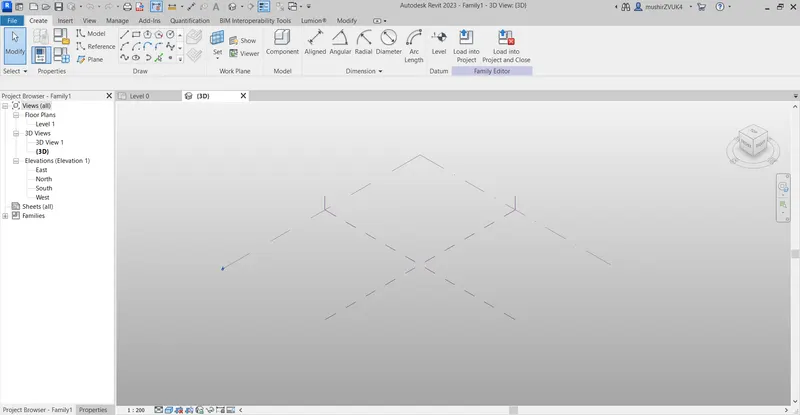
- Using Model lines create a spline geometry.
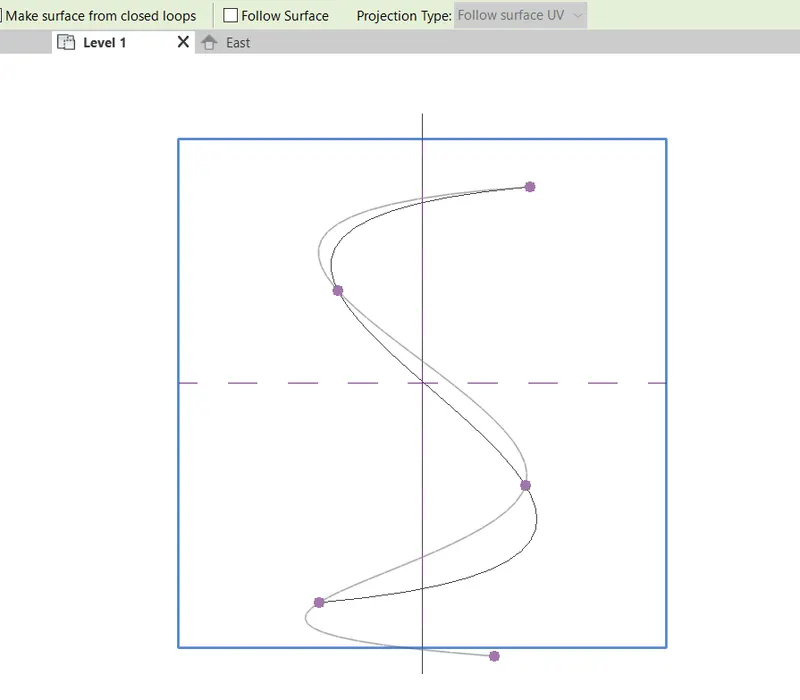
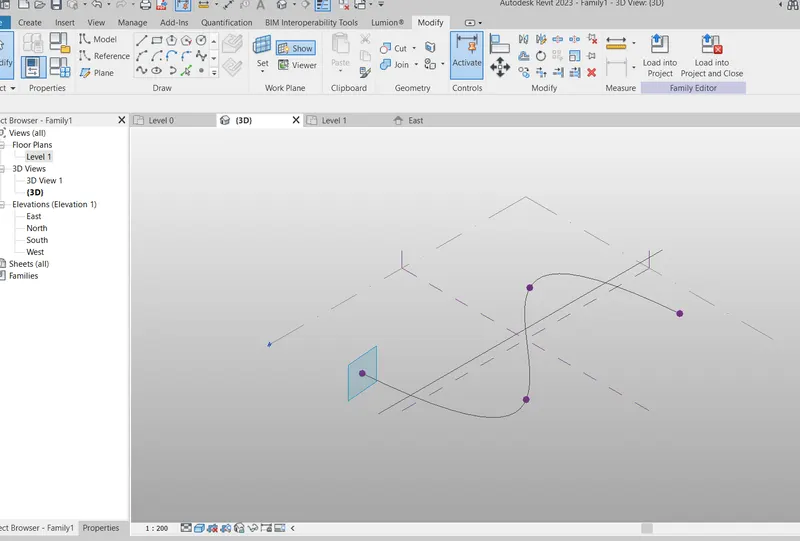
- Now set work plane on different control points.
- Now draw polygon on the control points.
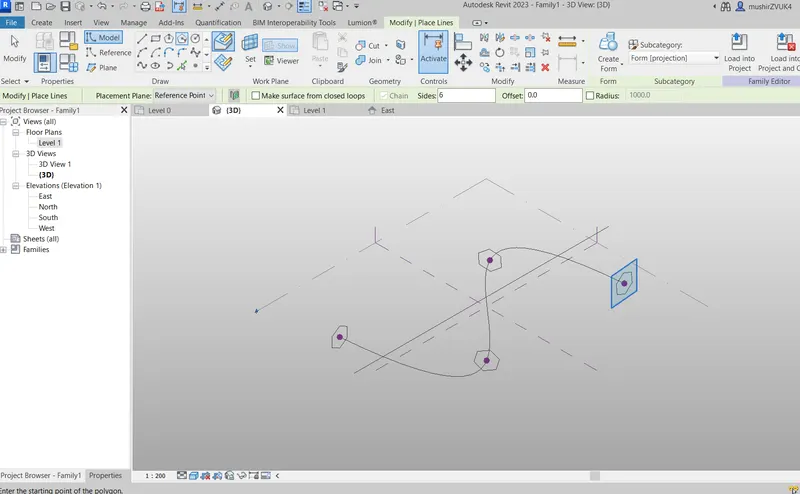
- Now select geometry and create form.
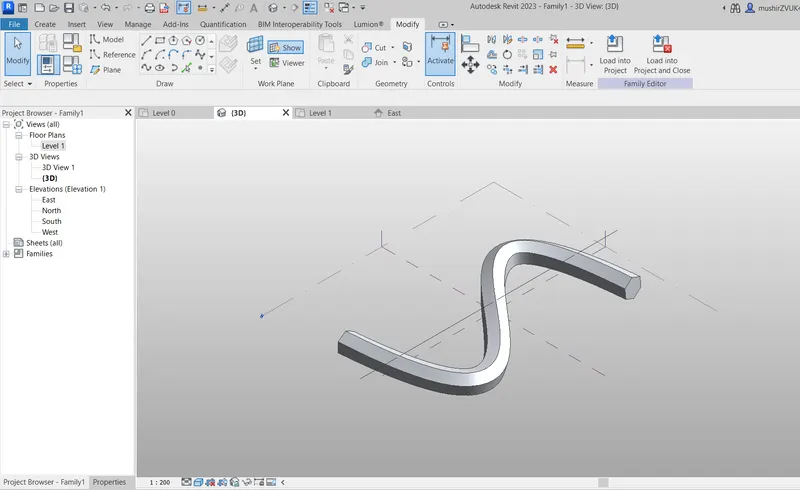
- Now divide surface and choose triangle bent pattern.
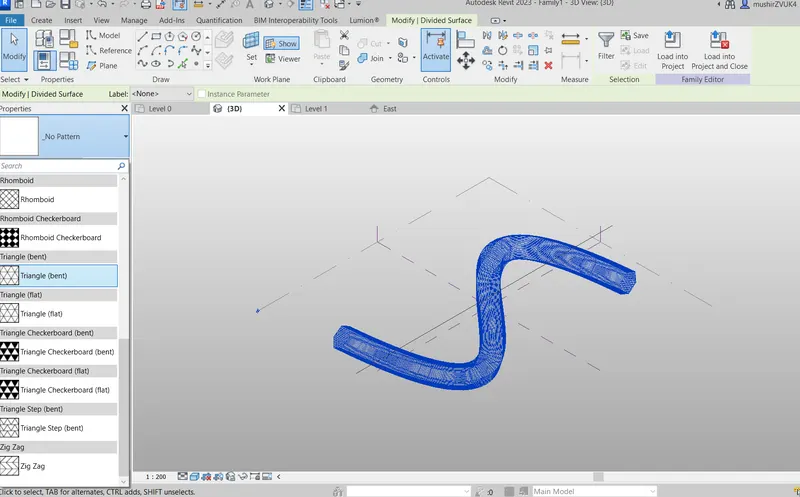
Result
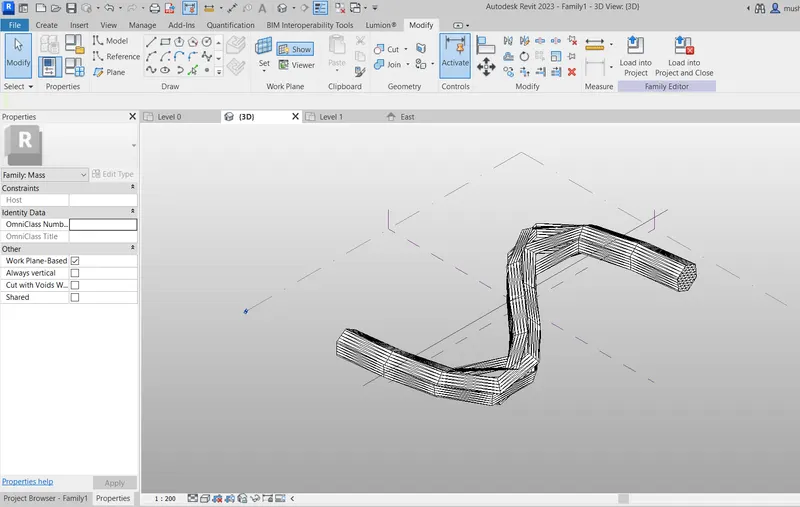
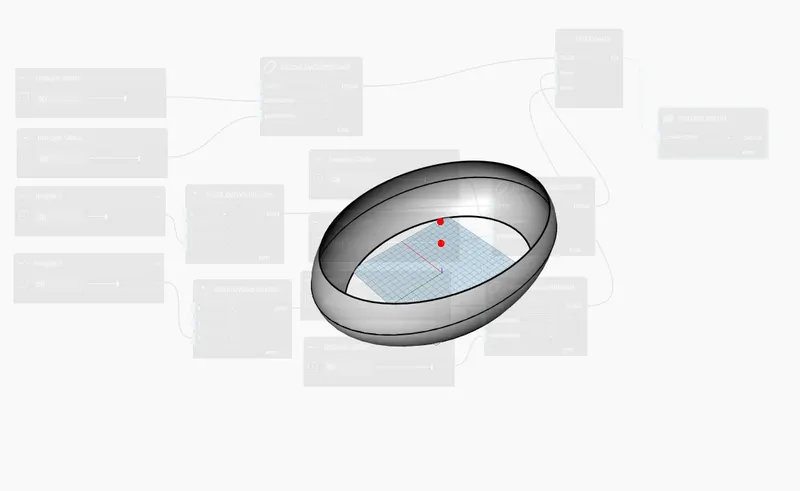
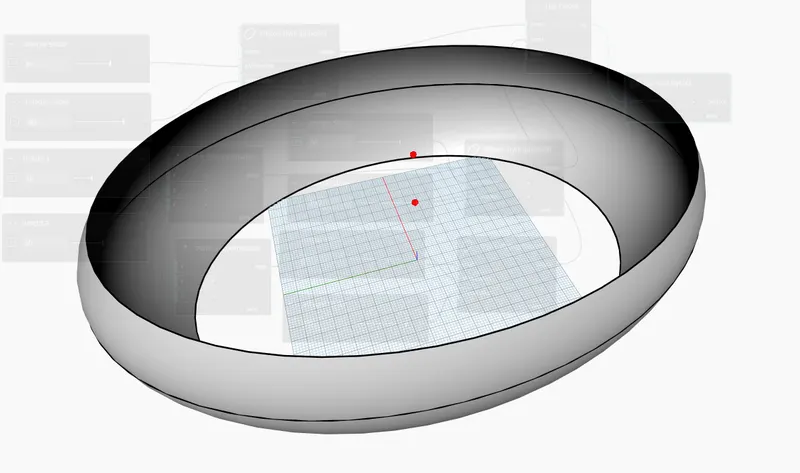
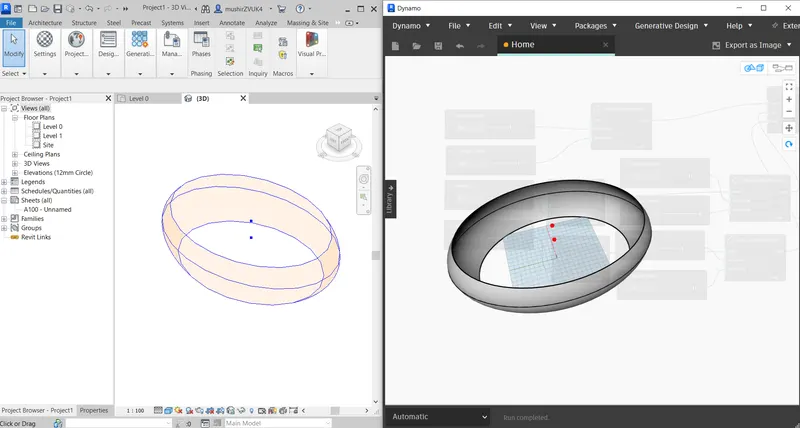
AIM Use Dynamo to work on developing a Parametric Stadium. List your parameters and use the visual programming approach to complete the modelling, You can use the concepts discussed in parametric high rise tower in class for reference.
Procedure
- Open REVIT file and then Dynamo .
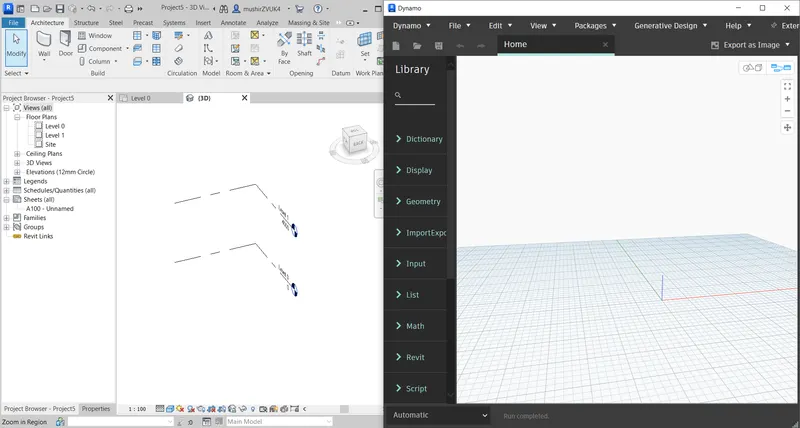
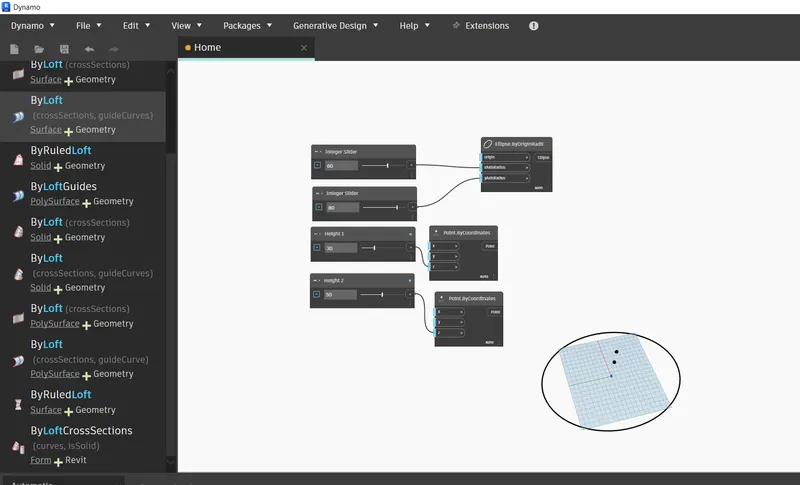
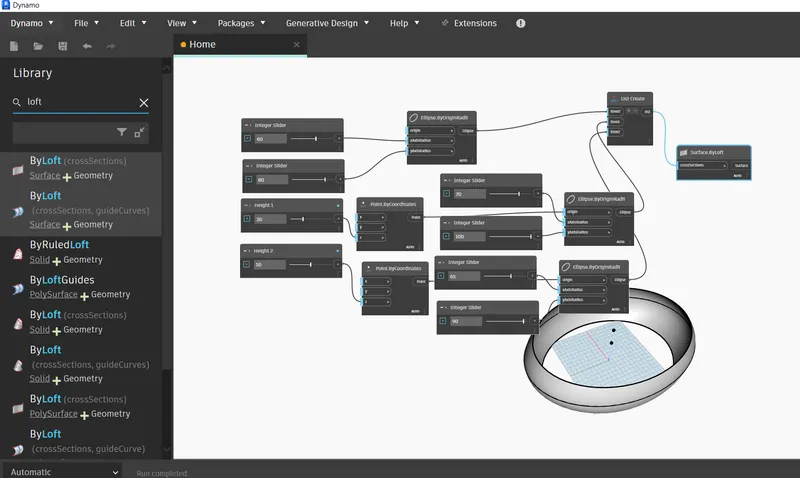
- Now make 3 ellipse using nodes with different radius and height in Z direction.
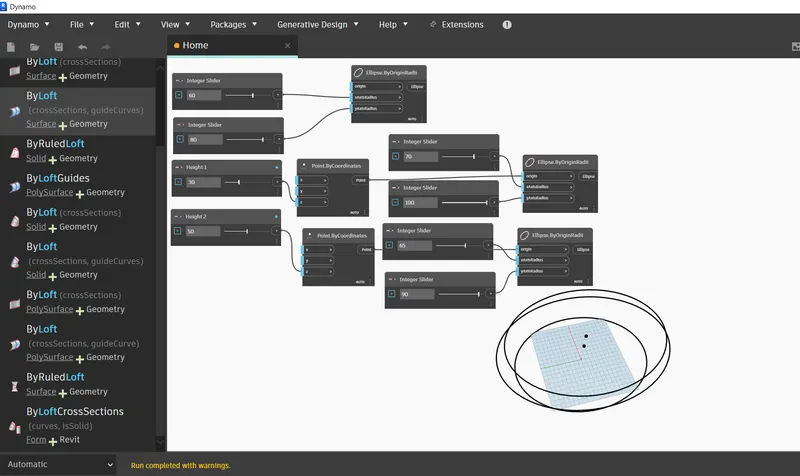
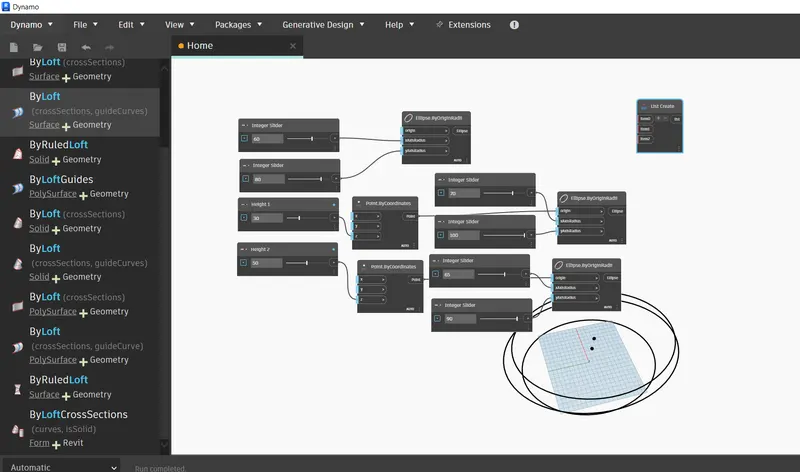
- Now create list of three ellipse and create surface by loft.
Results