Creating Conceptual mass in REVIT and Creation of Sinusoidal curve and a Parametric stadium using Dynamo
Q.1
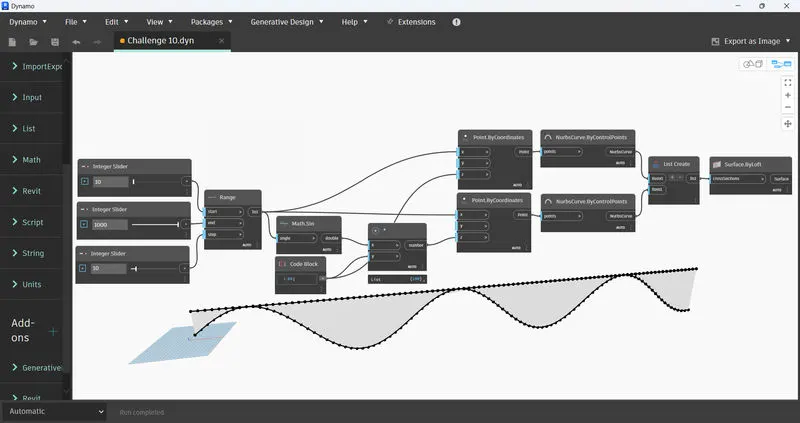
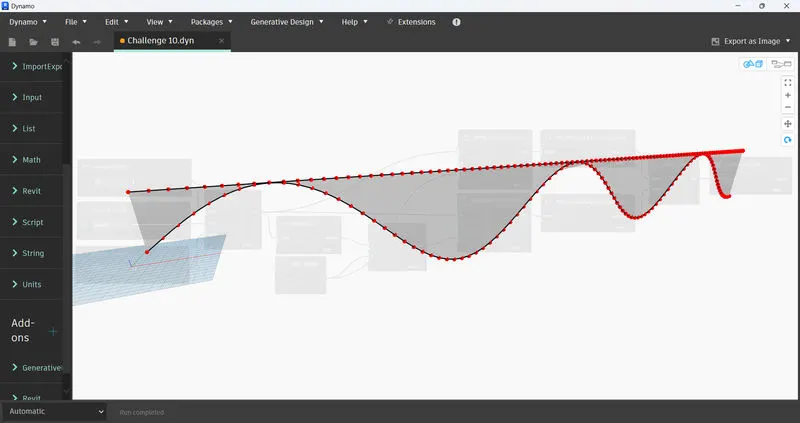
To run Dynamo --> Open new Revit Architectural Template --> Manage --> Dynamo --> New
Q.2
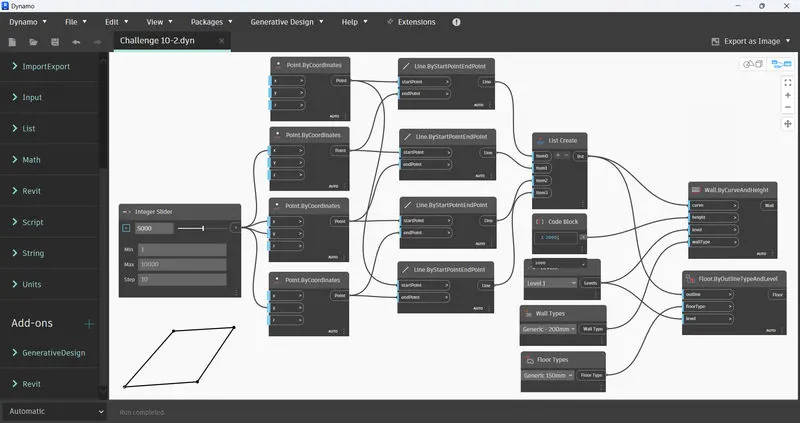
To run Dynamo --> Open new Revit Architectural Template --> Manage --> Dynamo --> New
Q.3
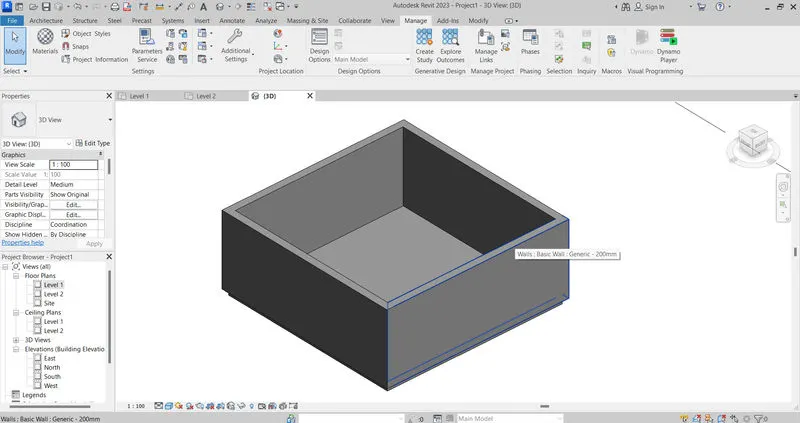
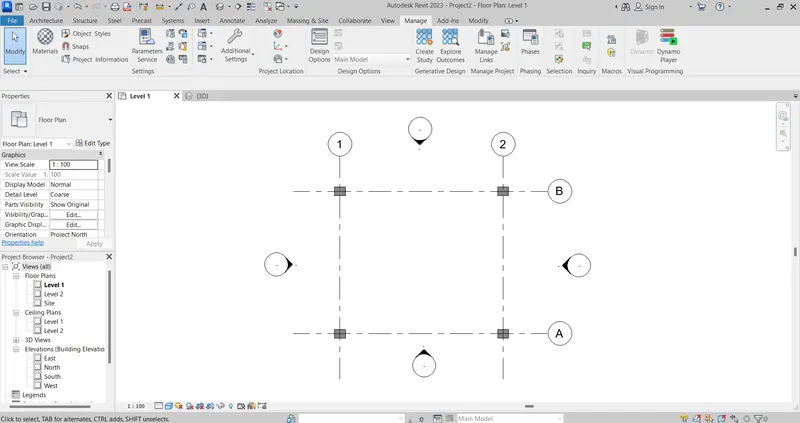
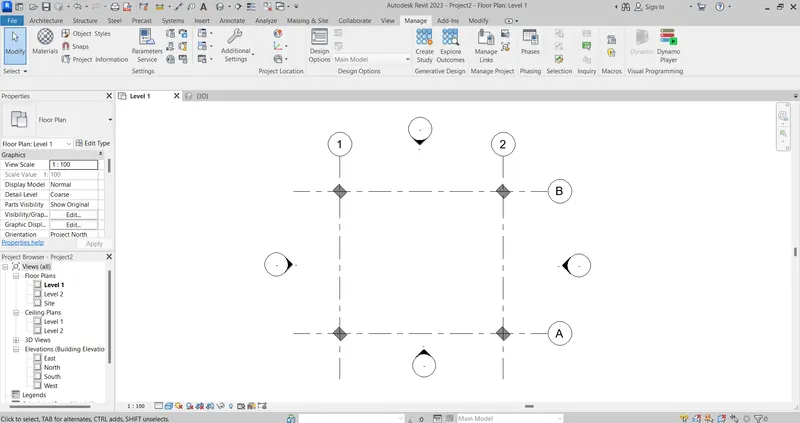
Open new Revit Architectural Template --> Architecture --> Draw 4 axes, 4 columns & 4 walls
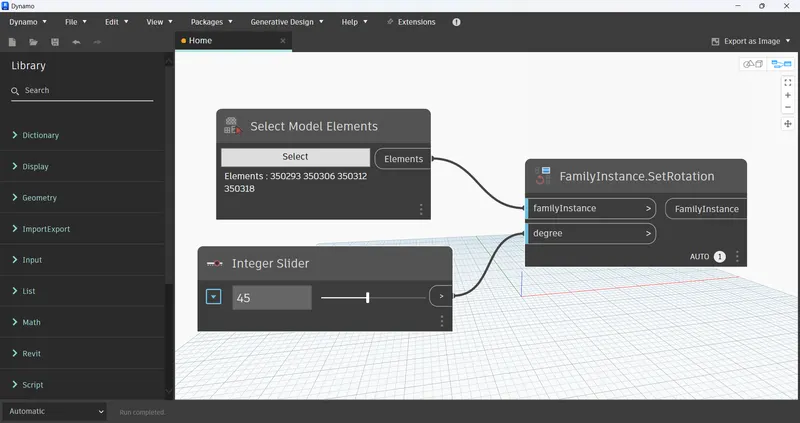
Run Dynamo --> Manage --> Dynamo --> New
Q.4
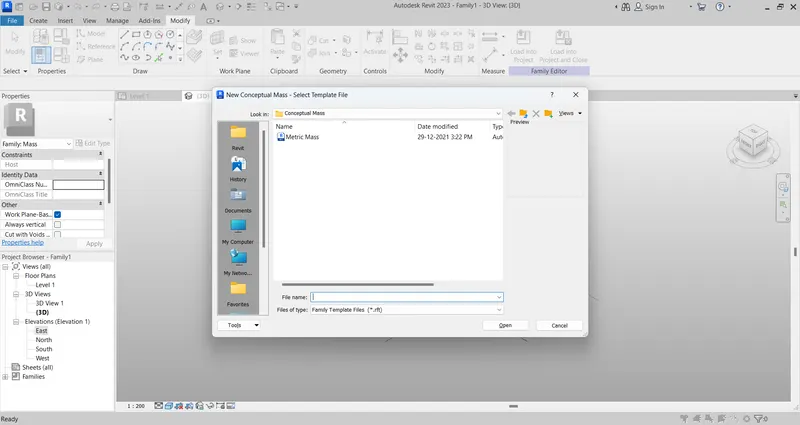
Open Revit --> New --> Conceptual Mass
Go to level 1 View --> Model line --> Spline
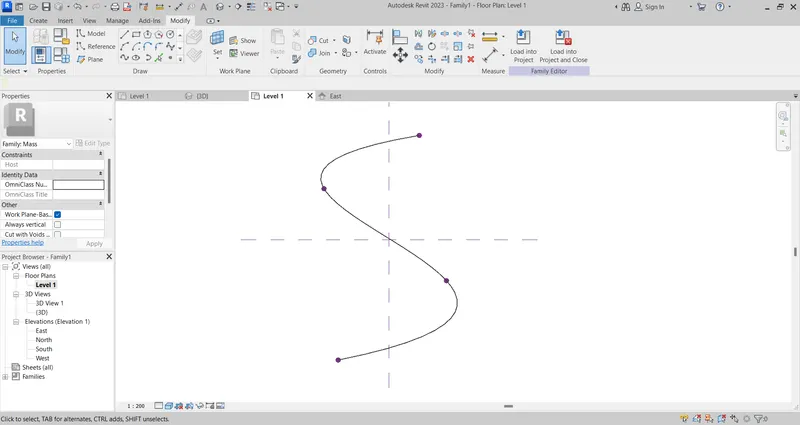
Set the working planes --> set --> select the control points of the Spline
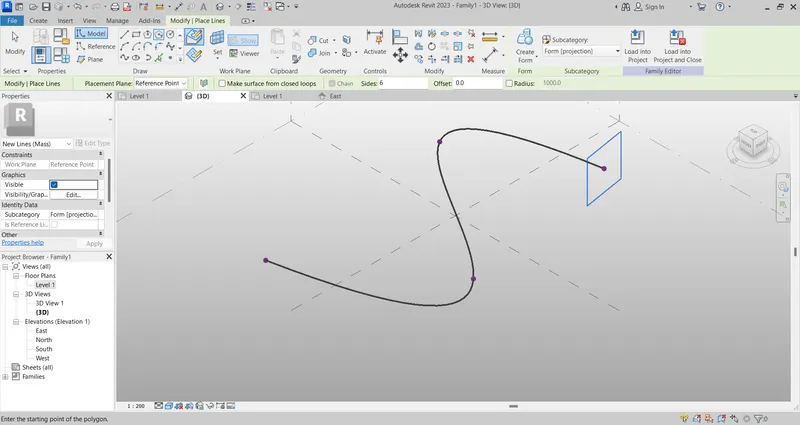
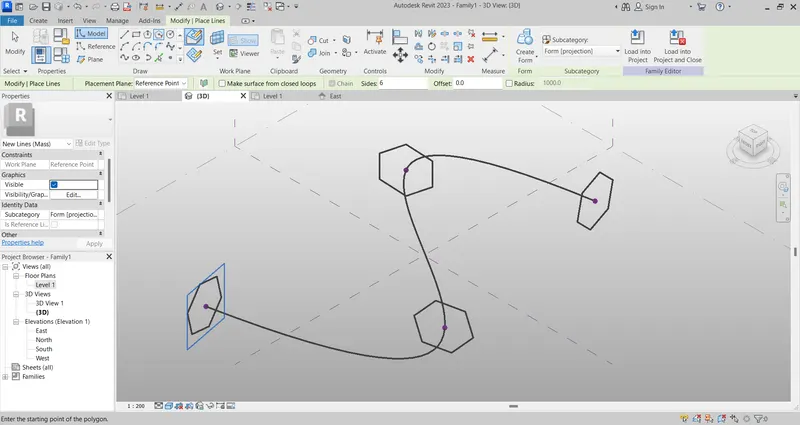
Draw circumscribed polygons with a radius of 5000 mm at each control point --> Circumscribed Polygons
Make a solid form by selecting the spline & the first polygon
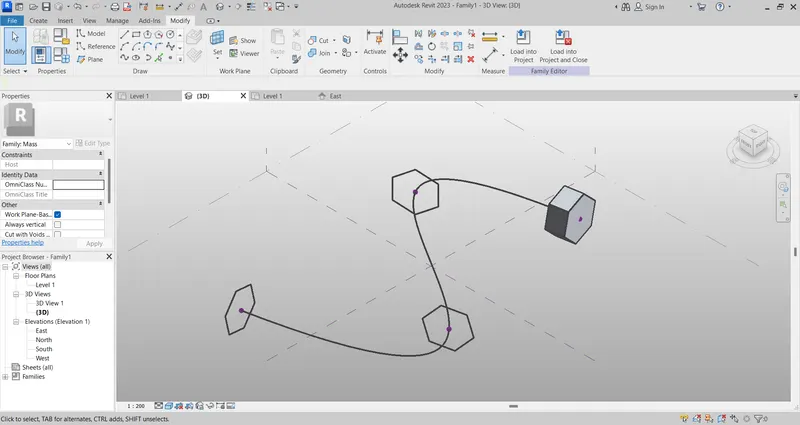
Select the solid --> Divide Surface
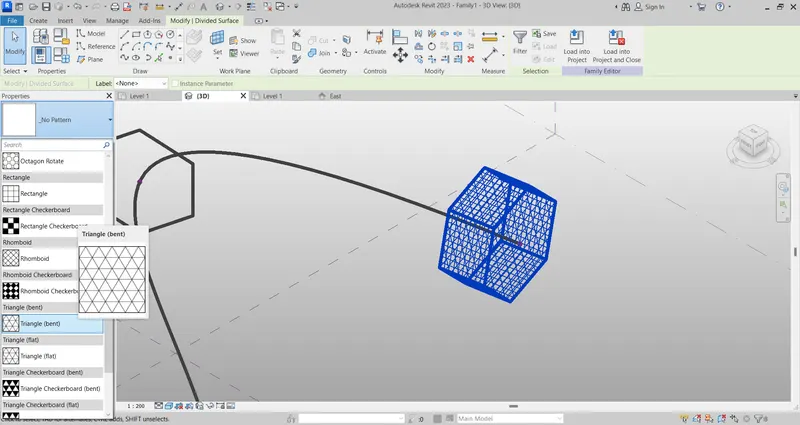
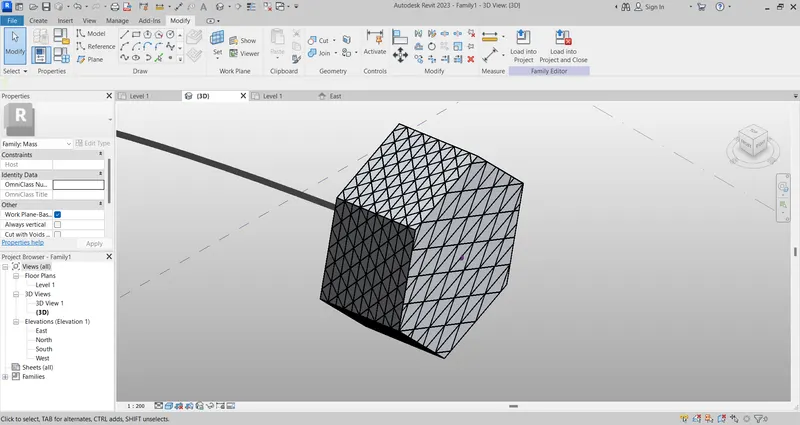
From the side menu --> Select Triangle Bent
=====================================================================