Creating Bar Bending schedule, Different Door types, and Creation of standard drawing templates using AutoCad
(1) Templates creation
Title blocks are used to provide necessary data regarding the project work, which includes, name of the project, contractor name, important dates etc., Firms can use their own customized title blocks.
- Assume that the title blocks are to be created for an A2 paper size (594 x 420)mm.
- Open a new drawing file.
- Set the units to decimal.
- Set the limits.
- Select convenient zoom option.
- Using lines, create the layout for the template.
- Use command ATTDEF to write the texts and convert those as blocks.
- Insert the texts in the layout to create the template.
- Convert the template as a block and save as "Custom1_titleblock".
Similarly, create the "Custom2_titleblock".
- Using lines, create the layout for the template.
- Use command ATTDEF to write the texts and convert those as blocks.
- Insert the texts in the layout to create the template.
- Convert the template as a block and save as "Custom2_titleblock".
RESULT:
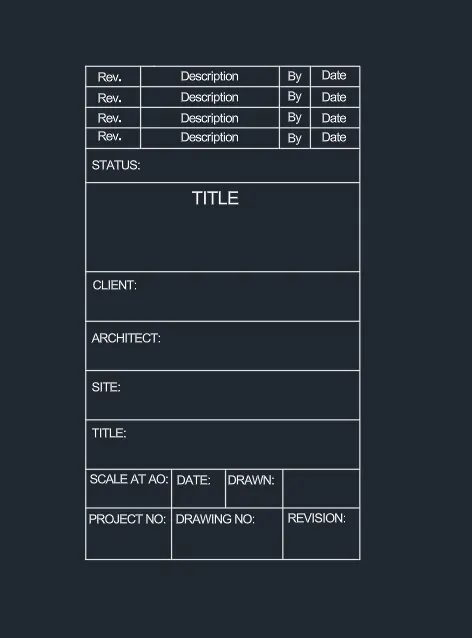
Custom1_titleblock
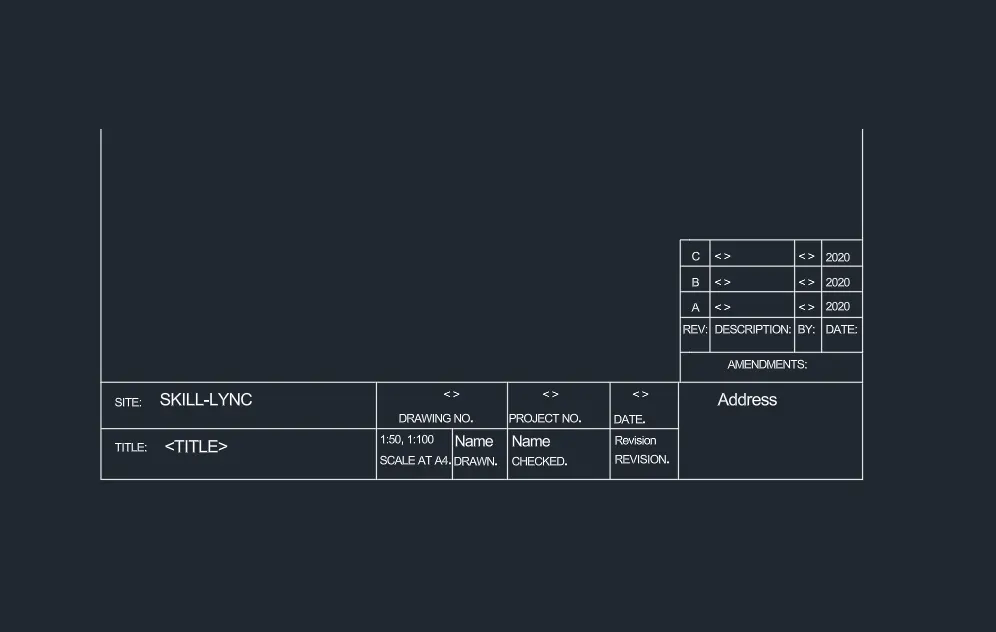
Custom2_titleblock
(2) Creation of doors
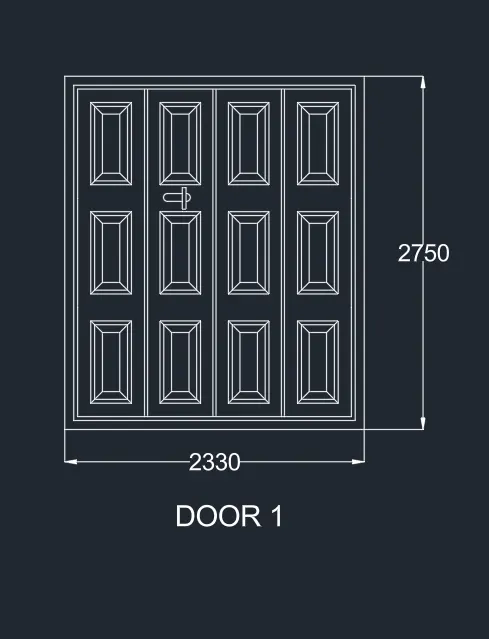
- Draw a rectangle of size (2330 x 2750 )mm using lines.
- Using command OFFSET, draw the layout for the door.
- Using command LINE and REC, draw the panels of door.
- Convert the door as a block and save it as "Door 1".
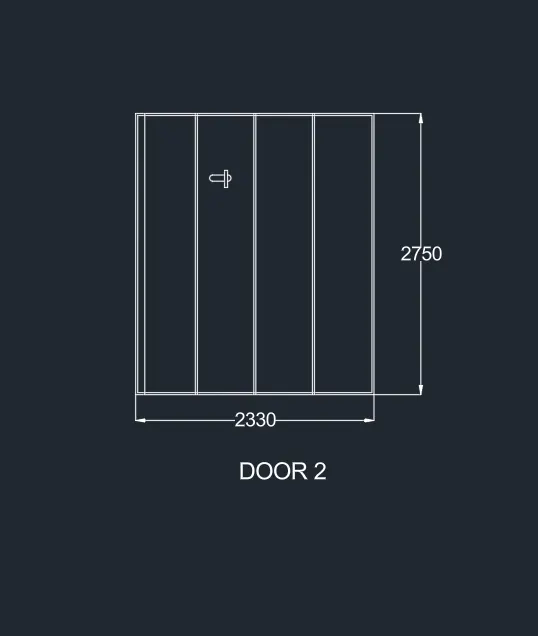
Similarly, create door 2.
- Draw a rectangle of size (2330 x 2750 )mm using lines.
- Using command OFFSET, draw the layout for the door.
- Using command LINE and REC, draw the panels of door.
- Convert the door as a block and save it as "Door 2".
RESULT:
(3) SYMBOLS LEGEND
- Open a new drawing.
- Set the units, limits and select the convenient zoom option.
- Decimal unit system is selected
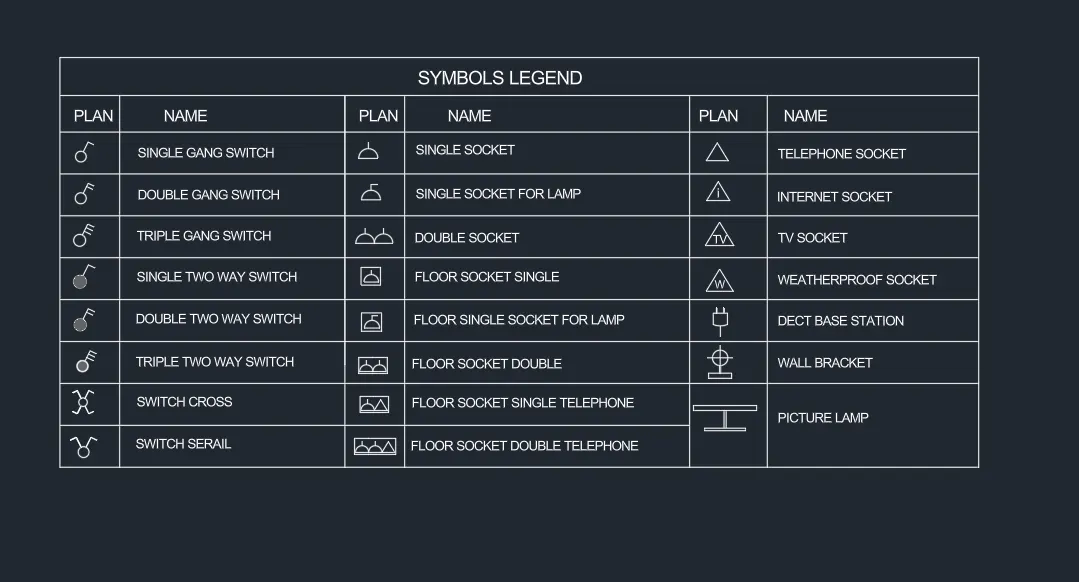
- Using circles, lines and arcs, draw the symbols.
- Convert the symbols to blocks
- Create a table using lines.
- Insert the blocks of each symbol
- Enter the field for the blocks to create the symbols legend.
RESULT:
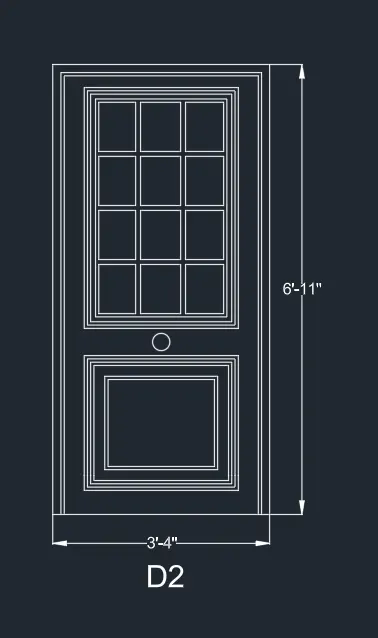
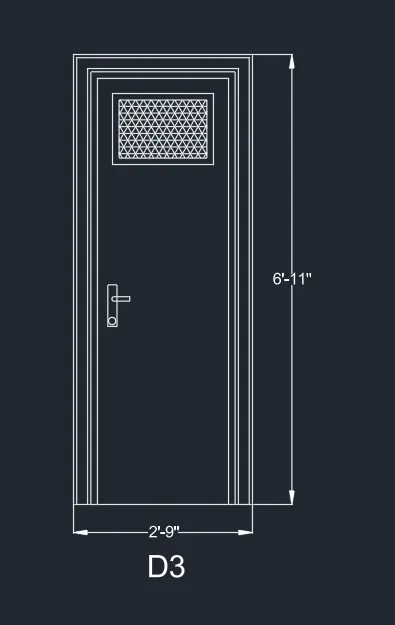
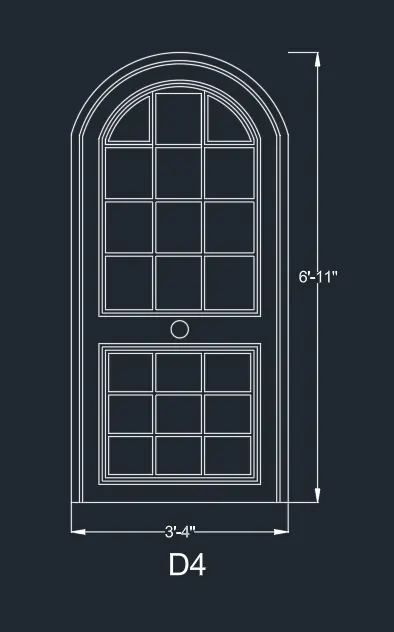
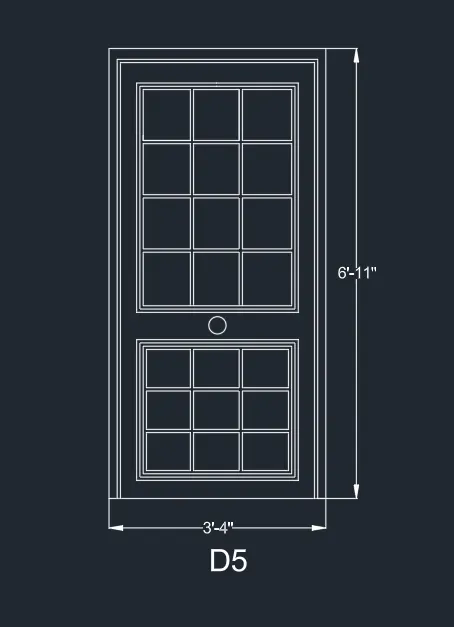
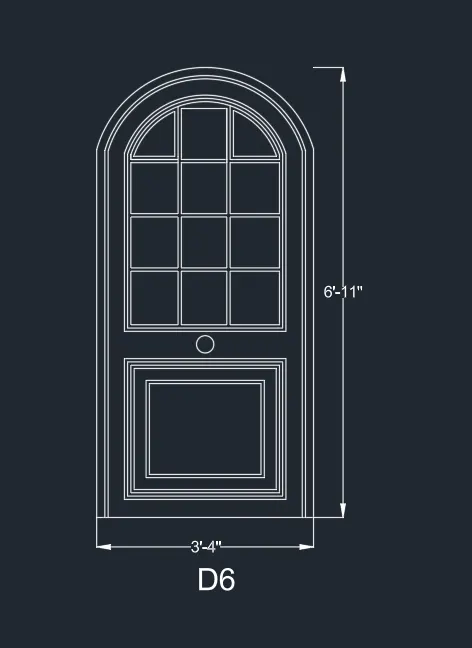
(4) RESIDENTIAL DOOR TYPES
- Open a new drawing.
- Set the units, limits and zoom option.
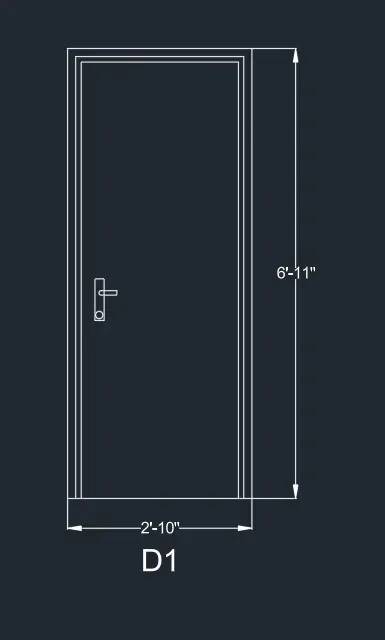
- Imperial system of units is selected to draw the doors.
- Draw each type of door using lines, rectangles and arcs.
- Convert the doors to blocks.
- Insert the blocks of doors and provide dimension and texts.
RESULT:
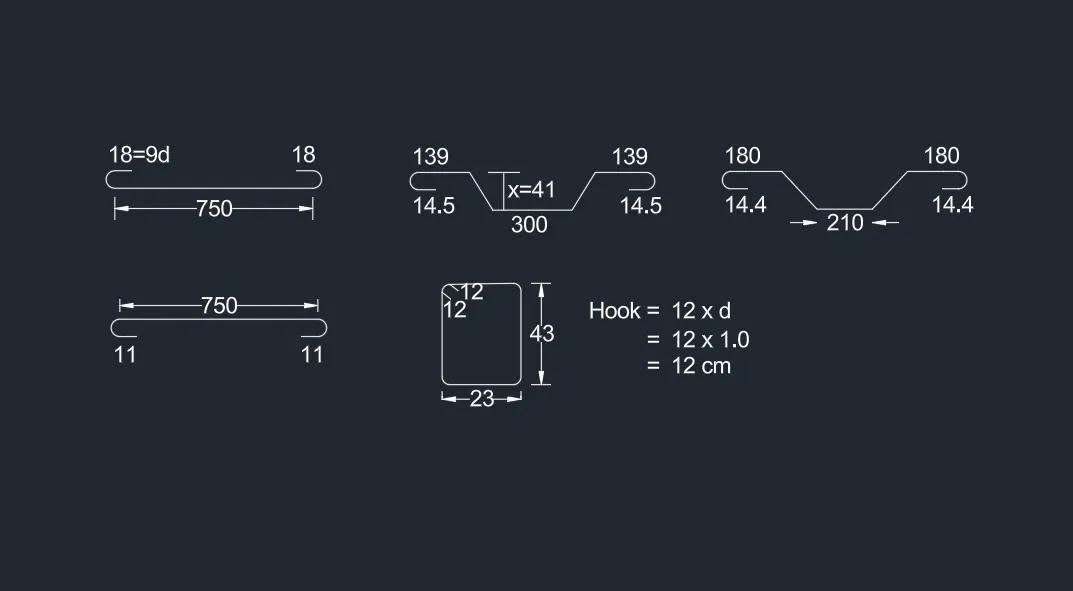
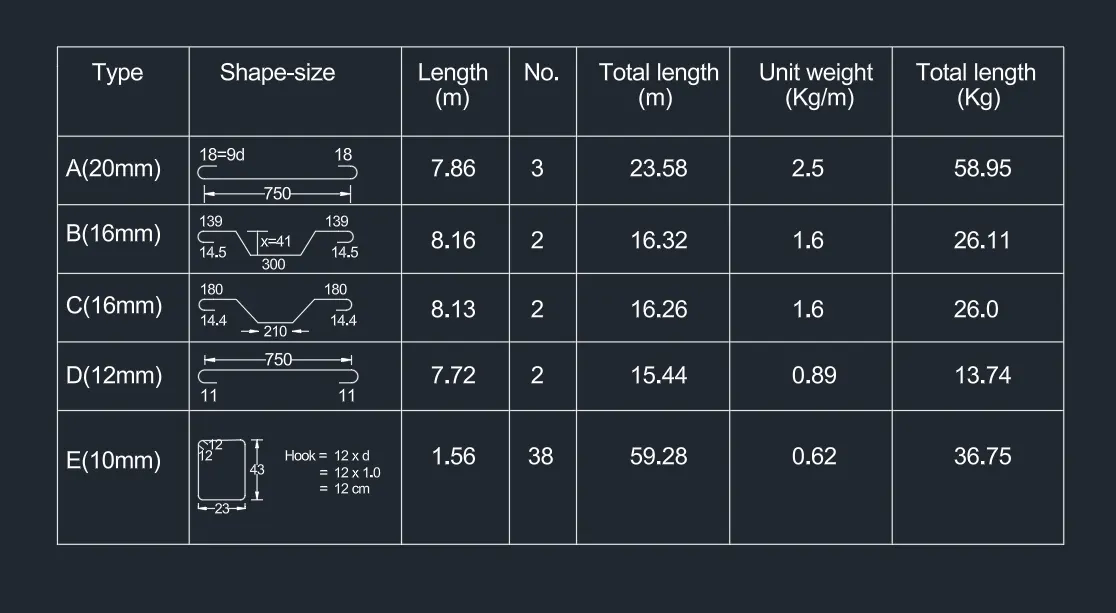
(5) BAR BENDING SCHEDULE
- Open a new drawing.
- Set the units, limits and set the zoom option.
- Unit system selected is decimal unit system.
- Save the file.
- Draw the bars using lines and offsets.
- Create blocks for the bars.
- Draw the table for the schedule using lines.
- Insert the blocks in to the table to create the schedule.
RESULT: