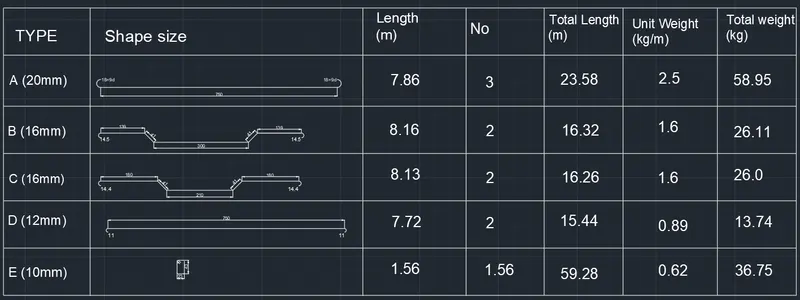
Creating Bar Bending schedule, Different Door types, and Creation of standard drawing templates using AutoCad
Q1.
Aim: Create the templates by Using text and attributes wherever required. After creating the title block saveing it as a block with names: Custom1_titleblock and Custom2_titleblock, respectively.
Result:
i) Custom1_titleblock-
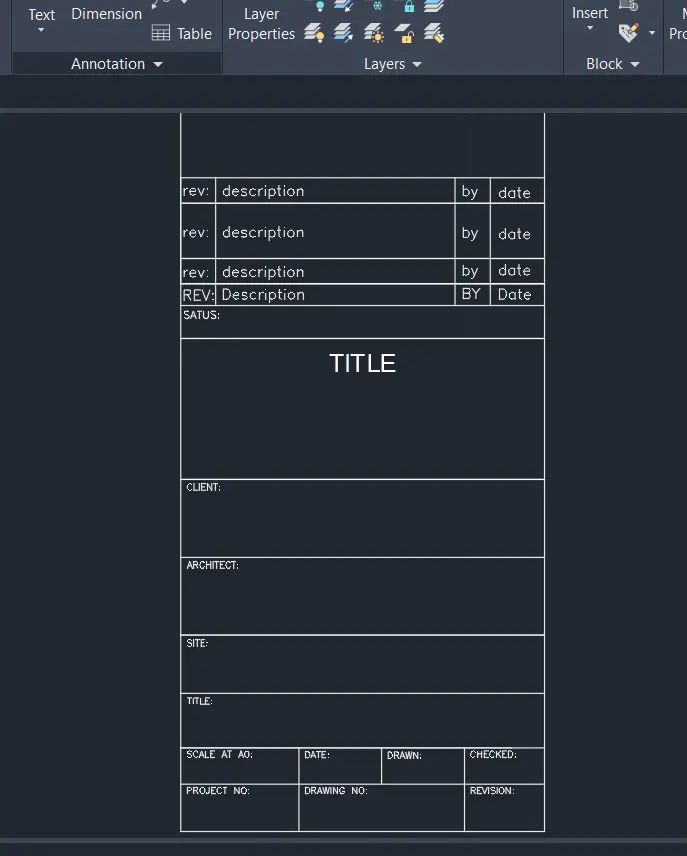
ii) Custom2_titleblock-
The attributes created are:
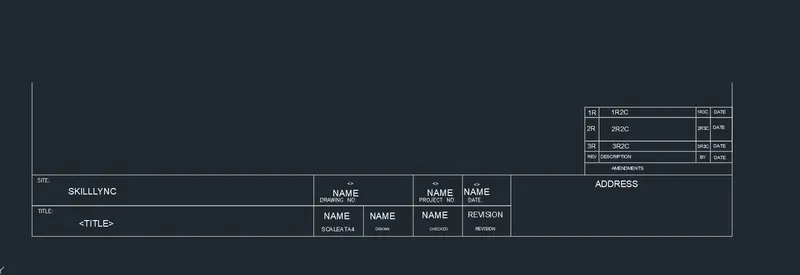
After creating it as a block we can see that all attributes will change to their default values below-
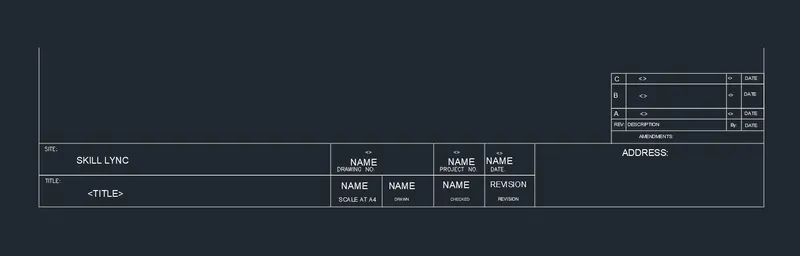
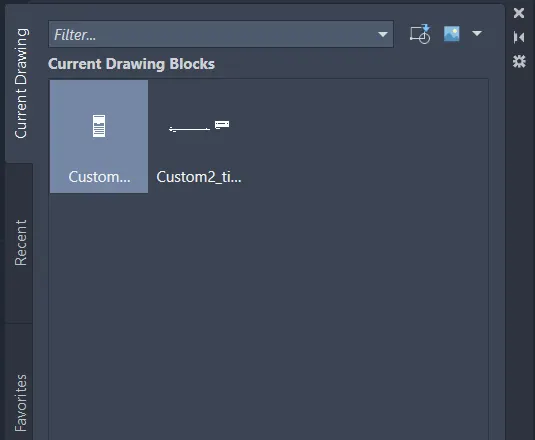
Finel Crerated Blocks:
Q2.
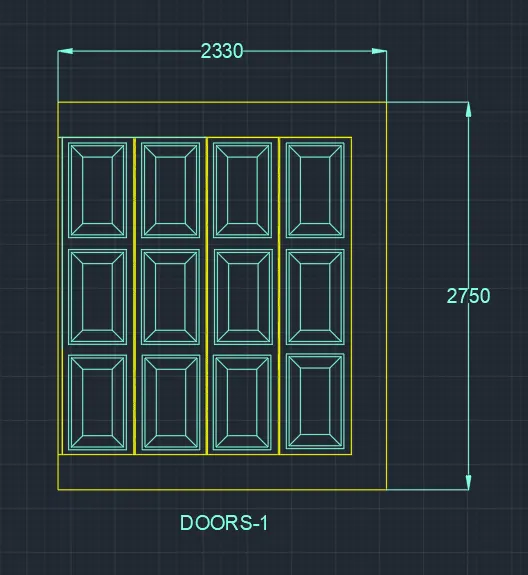
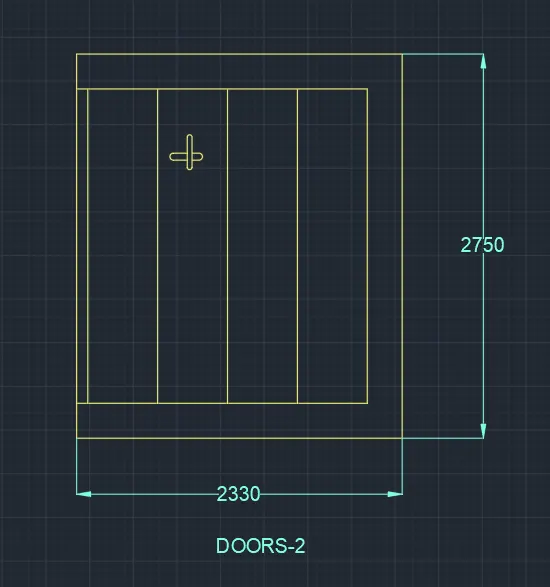
Aim: Creating the doors type for warehouse and Creating them as blocks of this door type after creating them.
DOOR 1-
DOOR 2:-
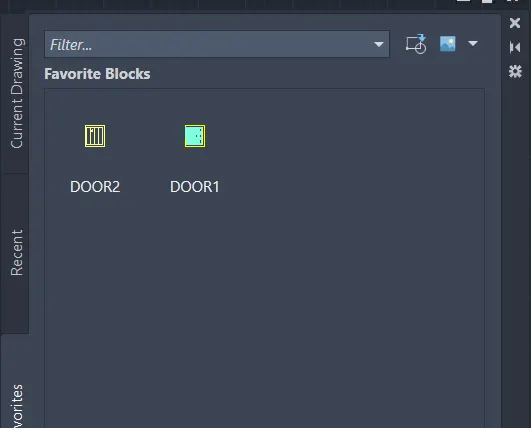
FINEL BLOCKS:
Q3:
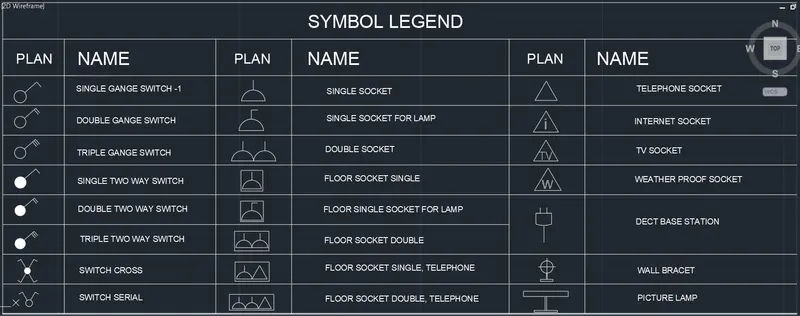
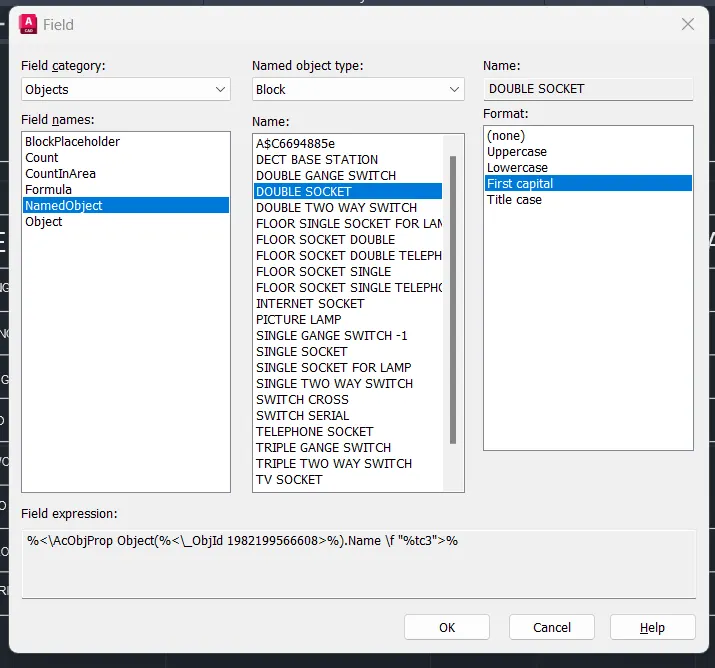
Aim: CreatING each symbol as a block with the name given in the legend. After creating the blocks arrange them in the legend.
FINEL RESULT OF SYMBOLS
FIELD:
Q4.
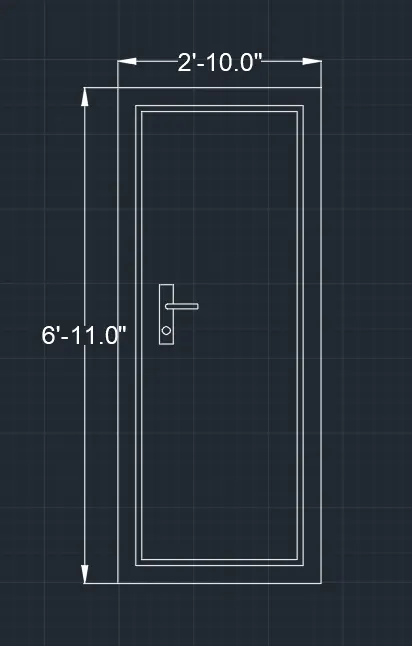
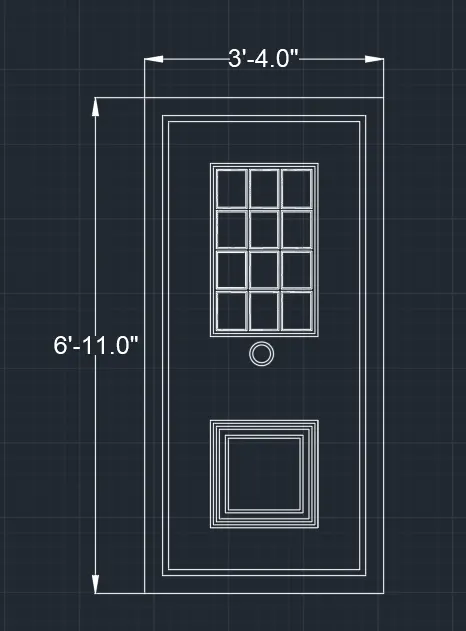
Aim: Creatind the door type for residential building as a block and saving the name of the blocks as type.
Door 1:
Door-2:
Door-3:
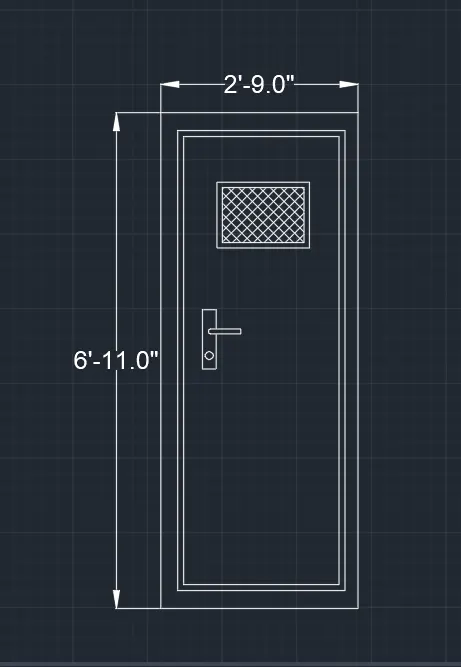
Door-4:
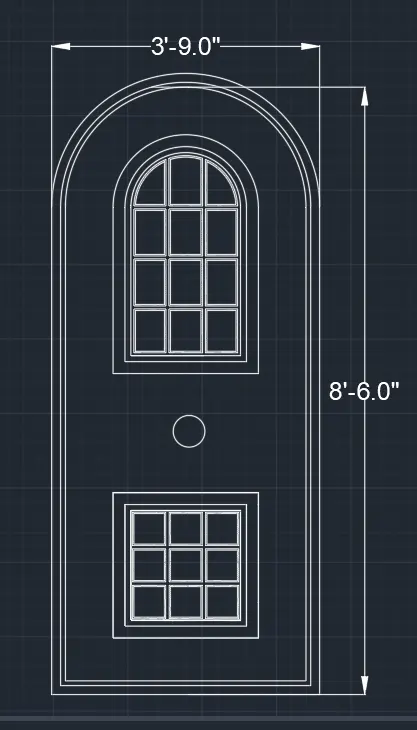
Door-5:
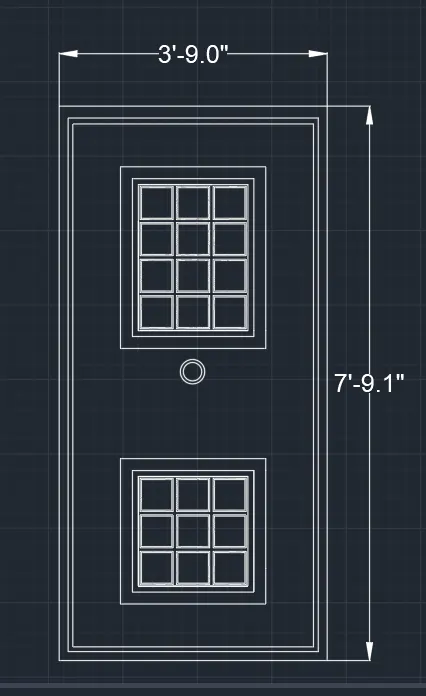
Door-6:
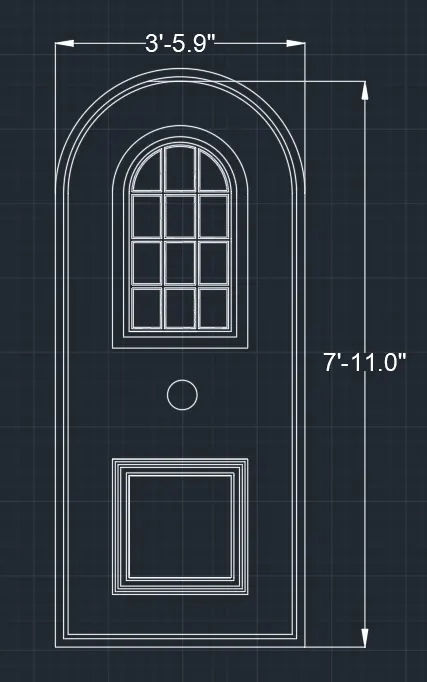
CREATED BLOCKS:
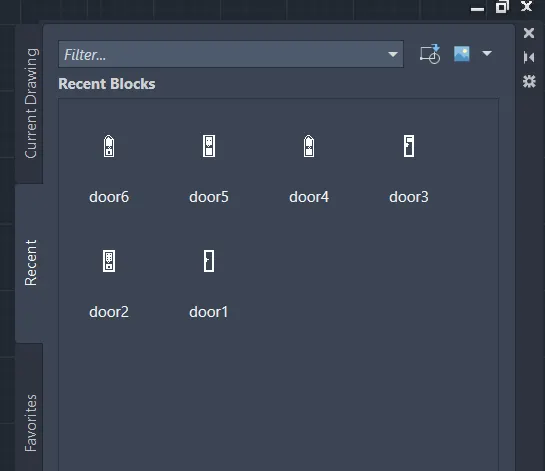
Result: The doors are created and are made into blocks.
Q5:
Aim: Creating each shape as a block.
Created as blocks
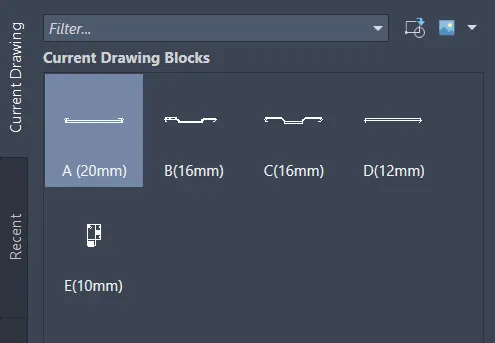
Finel result