Creating Bar Bending schedule, Different Door types, and Creation of standard drawing templates using AutoCad
1 ans:
Aim: To create the templet
- In the command prompt type Unit-decimal-mm
- In the command prompt type limits 0,0 and 100,100
- In the command bar type l to draw the desired lines
- In the command prompt type mt to give annotation and text
- In the command prompt type B to create the block
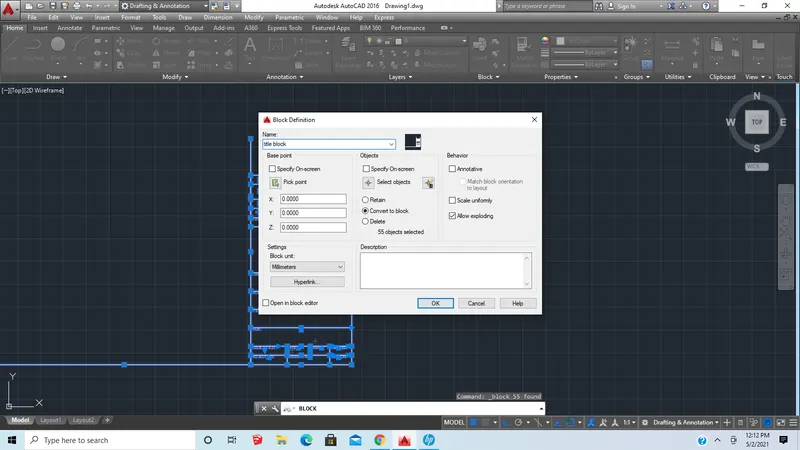
- Now select double click the image(block) and edit it to change the colour to blue
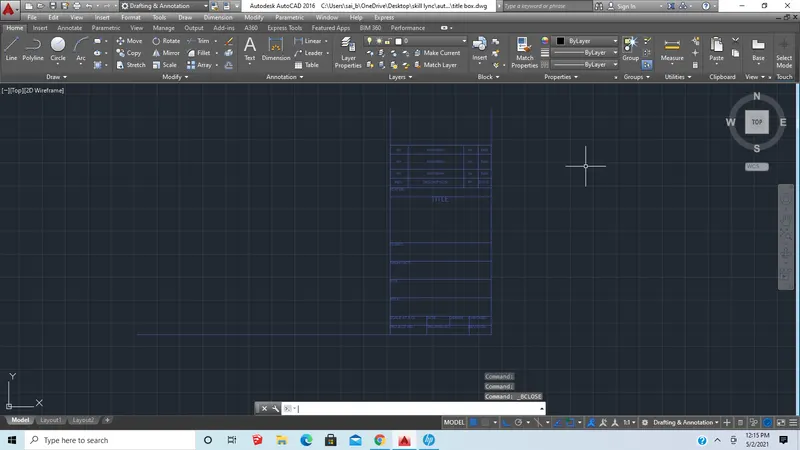
- similarly for the other templet also
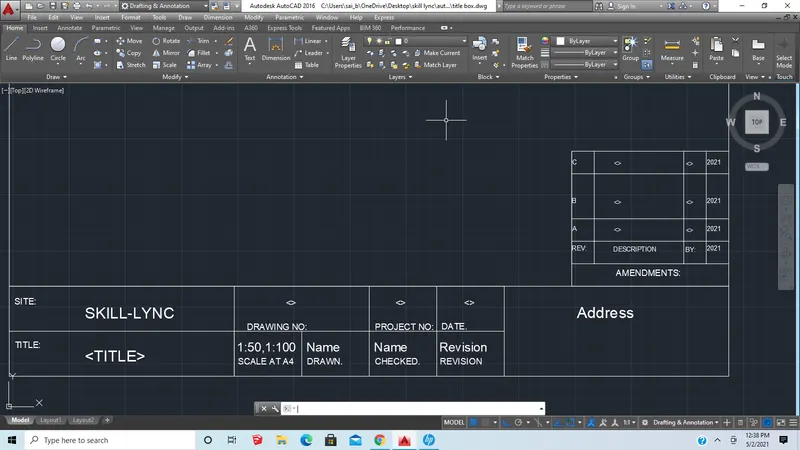
2 ans:
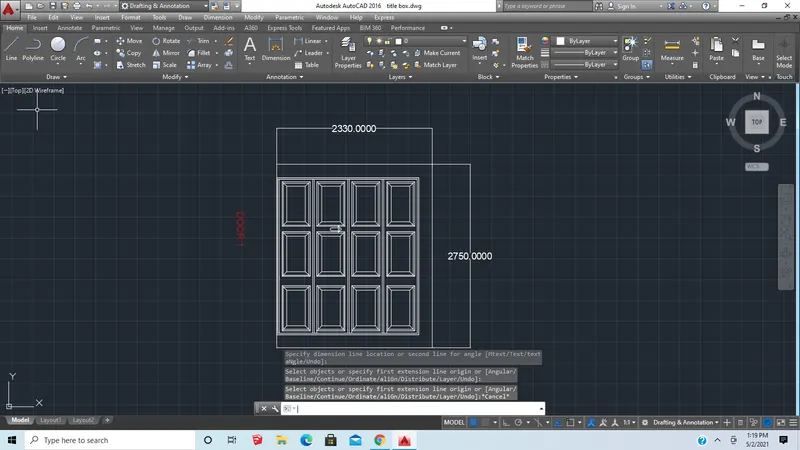
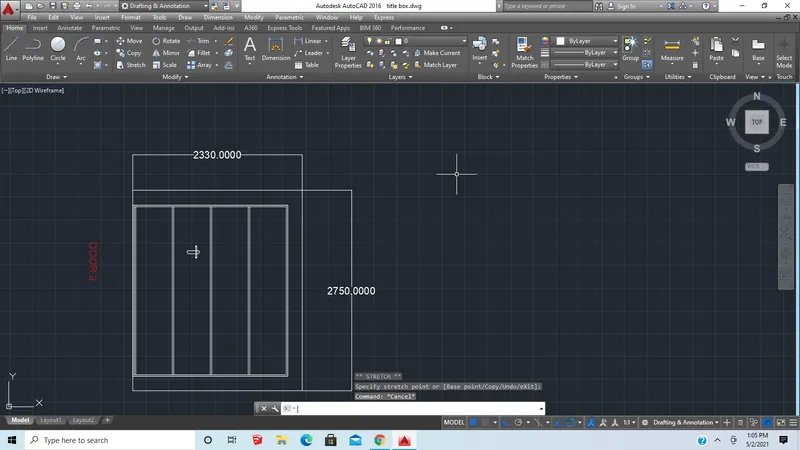
Aim: To Create the doors type for the warehouse
Procedure:
- In the command prompt type Unit-decimal-mm
- In the command prompt type limits 0,0 and 100,100
- In the command bar type l to draw the desired lines
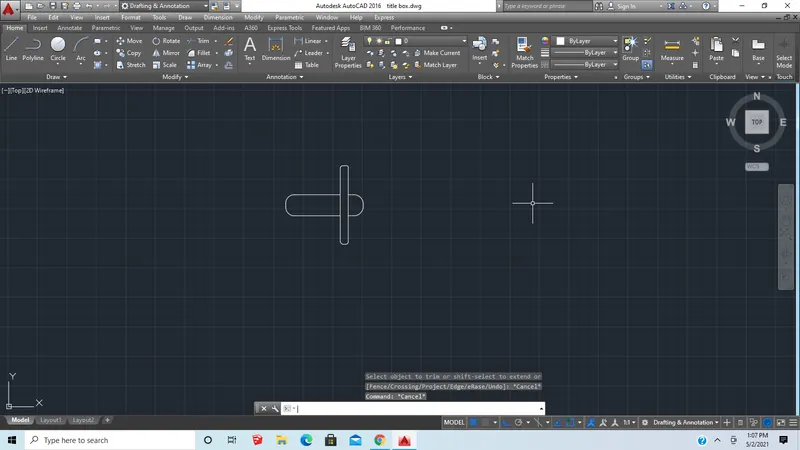
- In the command bar type rec to draw the boxes and door outline
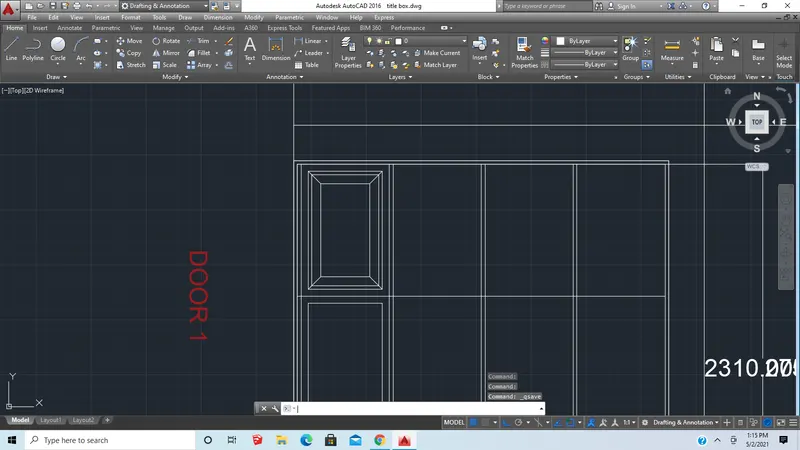
- use offset command to take offset for the door outlines and boxes
- Use fillet command to get curved edges
- In the command prompt type mt to give annotation and text
- In the command prompt type B to create the block
Result:
3 ans:
Aim:To create each symbols as a block
- In the command prompt type Unit-decimal-mm
- In the command prompt type limits 0,0 and 100,100
- In the command bar type l to draw the desired lines
- In the command prompt type pl to draw the desired arc, polylines
- In the command prompt type mt to give annotation and text
- In the command prompt type B to create the block

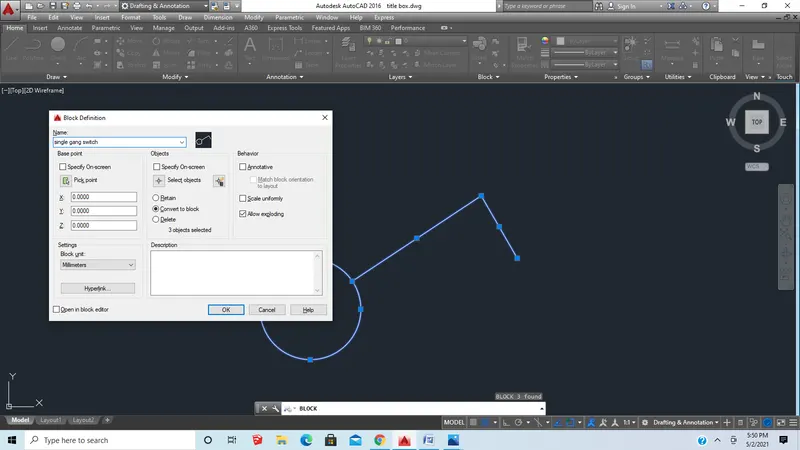
- similarly now create all the images and insert them in the table as shown
- Now insert the created blocks in the table with help of the insert command
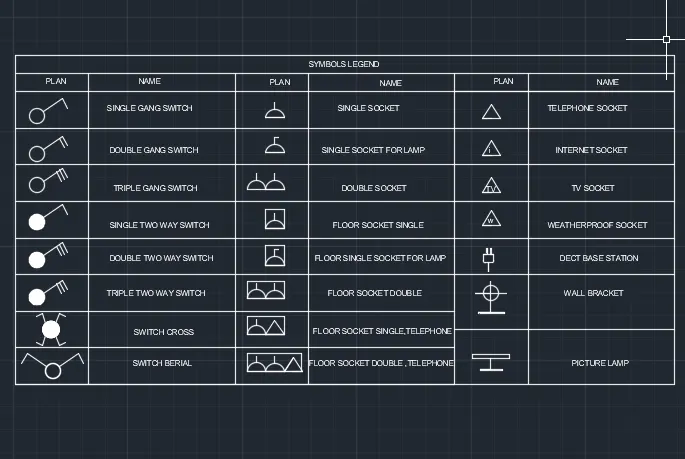
Result:
4 ans:
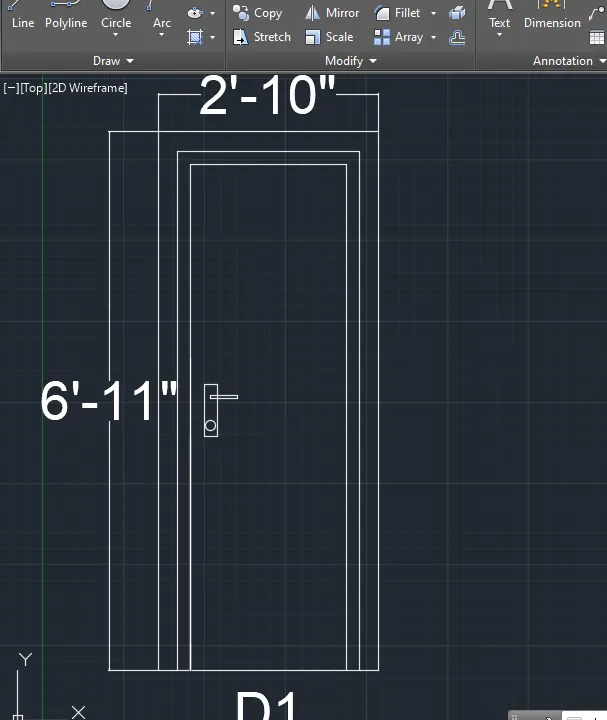
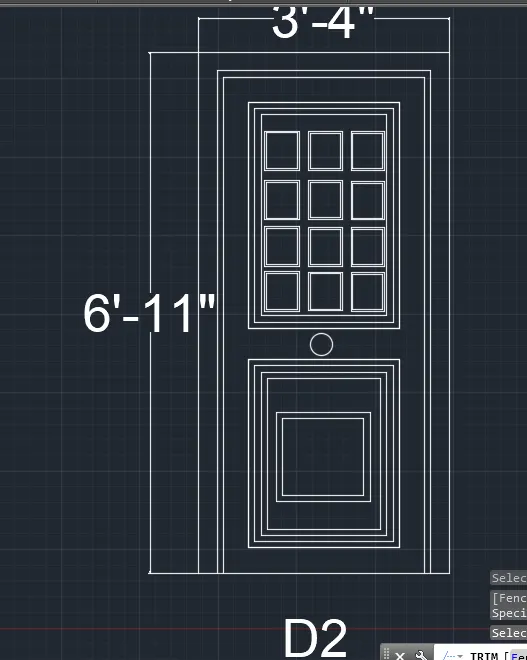
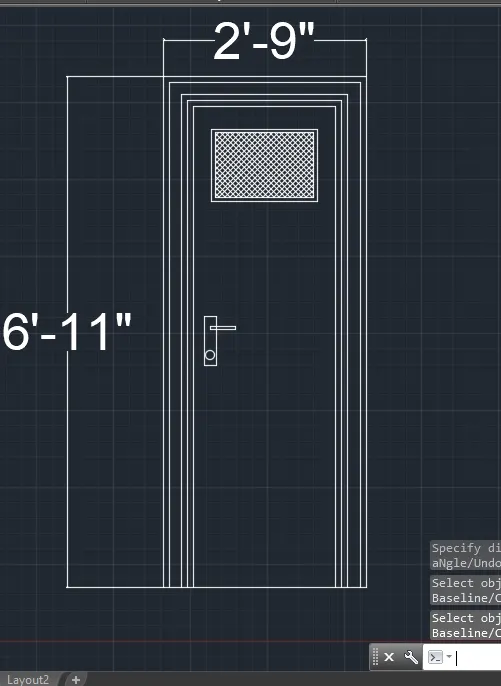
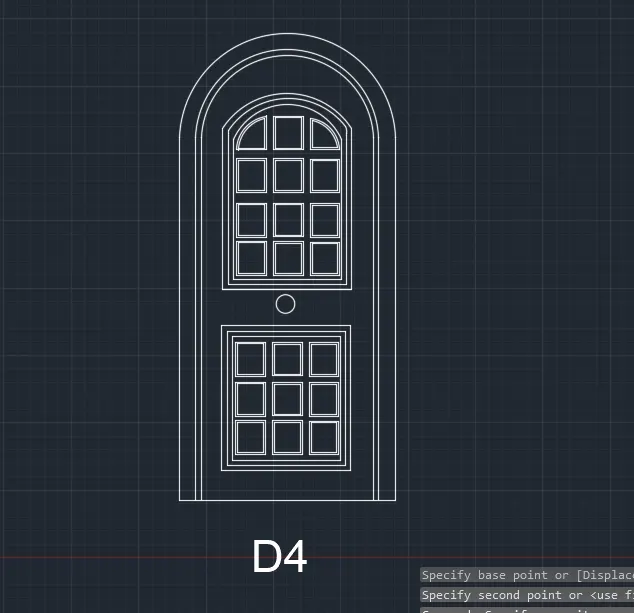
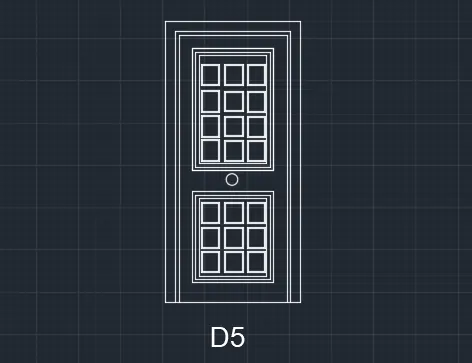
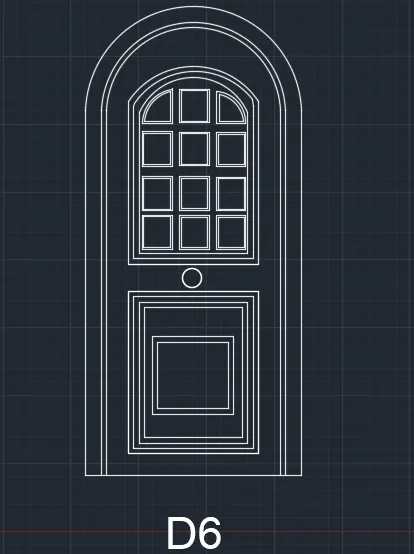
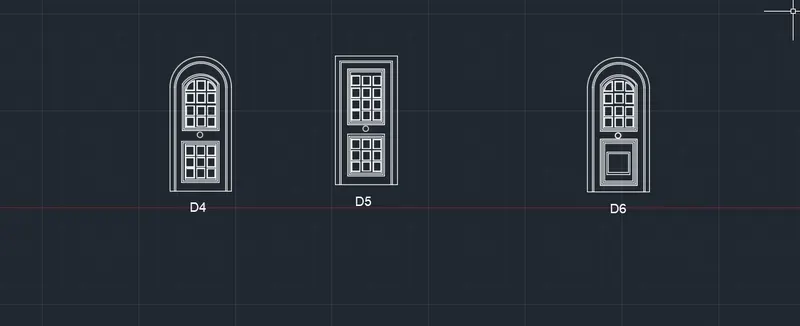
Aim: To Create the door type for residential building as a block and Save the name of the blocks as type.
Procedure:
- In the command prompt type Unit-Engineering-inches
- In the command prompt type limits 0', 0' and 100',100'
- In the command bar type l to draw the door
- And use arc and fillet command where ever required
- In the command prompt type B to create the block
- Similarly, do it for the rest of the doors
5 ans:
Aim:To Create each shape as a block
Procedure:
- In the command prompt type Unit-decimal-mm
- In the command prompt type limits 0,0 and 100,100
- In the command bar type l to draw the desired lines
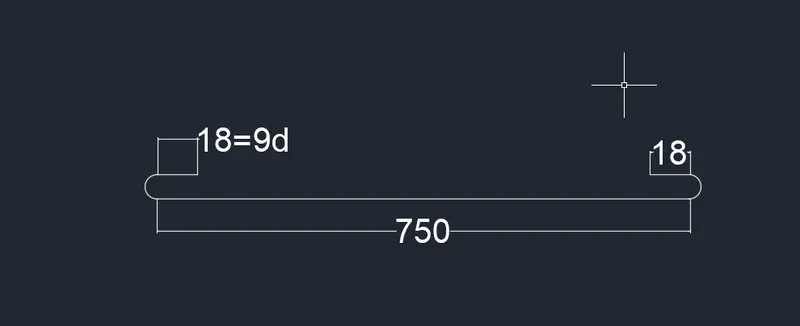
- In the command prompt type pl to draw the desired arc, polylines
- In the command prompt type mt to give annotation and text
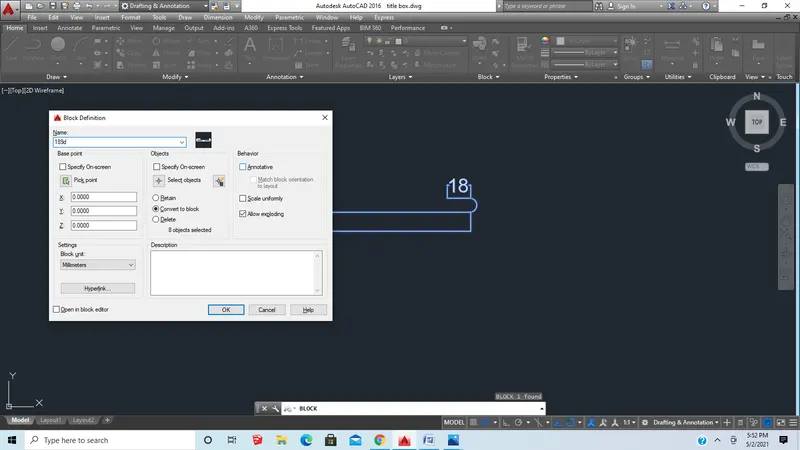
- In the command prompt type B to create the block
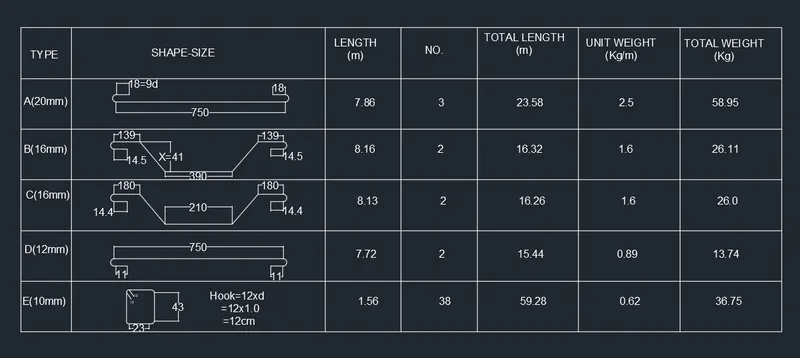
- Now use the table command to draw a table
- similarly now create all the images and insert them in the table as shown
- Now insert the created blocks in the table with help of the insert command
Result: